 photoartflight
Different Kinds Of Panoramas

Panorama basically just means wide view, but for photographers panoramas can mean many things. Most use a wide to short telephoto to make panoramas with multiple images. Often when I am out in the field, I am only carrying a 400mm lens, usually with a 1.4X Teleconverter. But quite frequently I see a shot that is too wide for the equipment I am carrying. Even if I had a wider lens, I would not have time to switch and still get the shot I wanted. So I shoot a series of shots of my subject and manually stitch them together in Photoshop. You can also try automatically stitching them in Photoshop or PT Gui. For just a few shots I use auto exposure. But if I am shooting many shots for a long or tall panorama, I switch to manual exposure so the exposure does not change, this makes it easier to combine for the final image without exposure shifts from section to section. I have used this for everything from birds, turtles, birds on top of tall trees, to dragonflies and other interesting subjects. Or if see an image that is perfect for a panorama, but I envision a longer thin crop without a lot of extra image that detracts from what I want. I do not want to crop to my panorama from my regular file because I want a large image, either for a double page spread or maybe a large print, and want to hold the detail with all the added pixels. In another scenario, I see a large bird landing with a wide wingspan, but cannot fit it all in, so a quick series at 10 fps gives me a few images to work with. Or you see a Black-crowned Night-Heron sitting in a tree and you also want to show the bird in its habitat with a lot of detail. Give it a try, it is simple to do and comes in very handy.
Blackwater NWR, Cambridge MD


Ding Darling National Wildlife Refuge, Sanibel, Florida

Closeups with 400mm f/4 DO with, 1.4X teleconverter and extensions tubes


Okefenokee National Wildlife Refuge

Bombay Hook NWR, Smyrna, DE
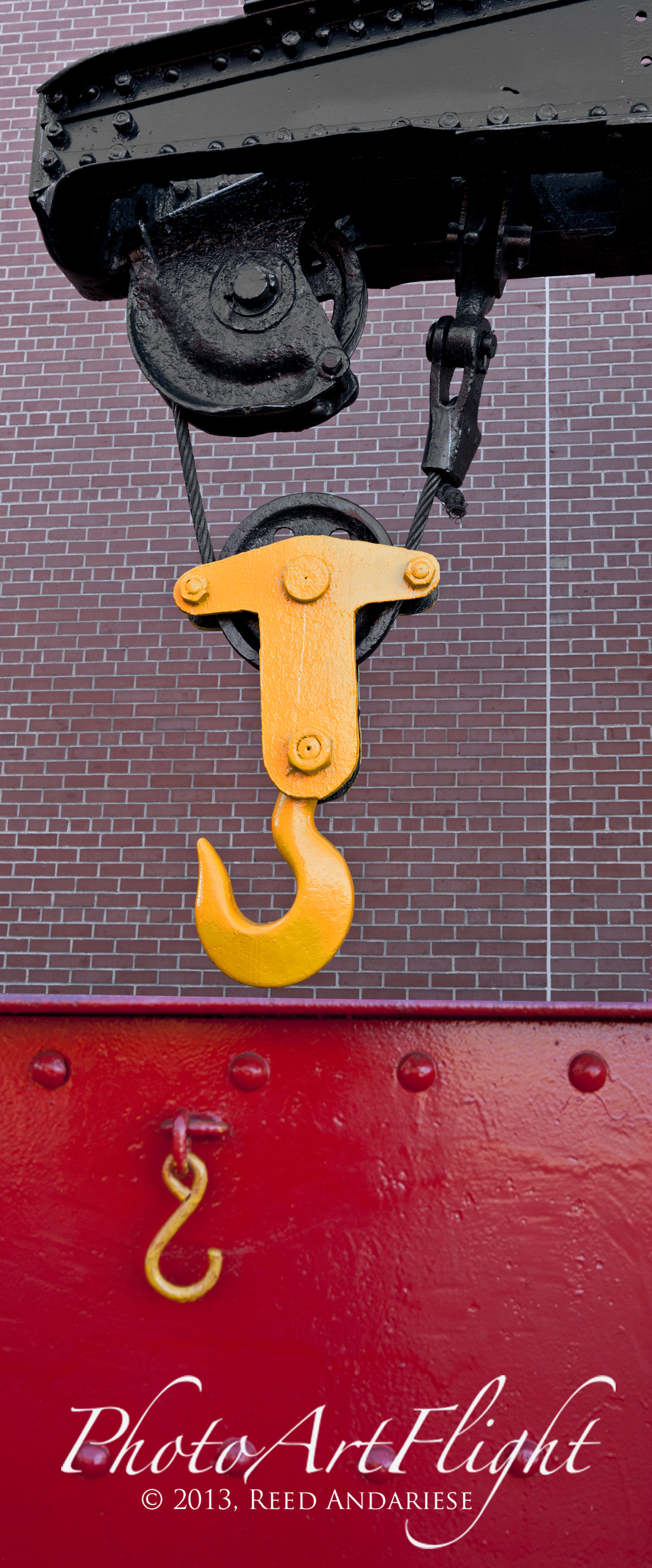
Steamtown National Historic Site, Scranton, PA
 photoartflight