 photoartflight
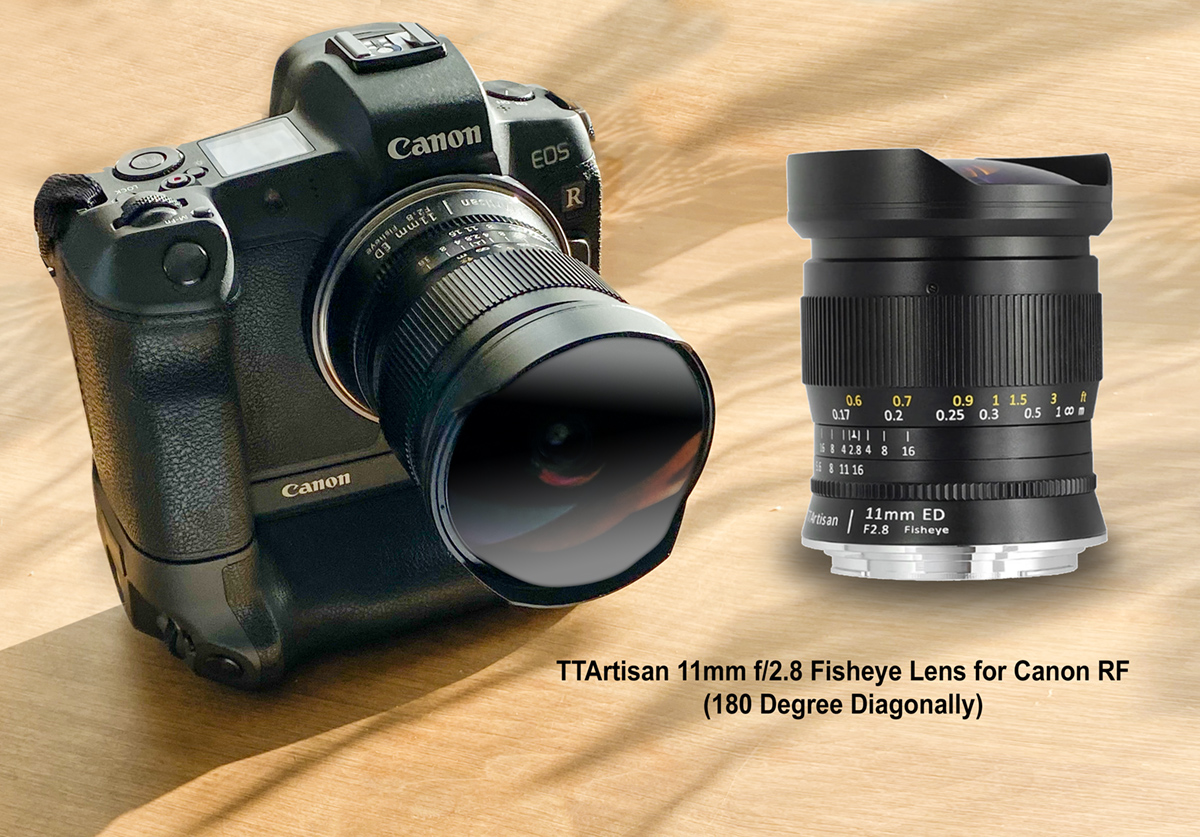
First Images With TT Artisan 11mm Fish-eye Lens For Canon RF
Posted on November 12, 2022
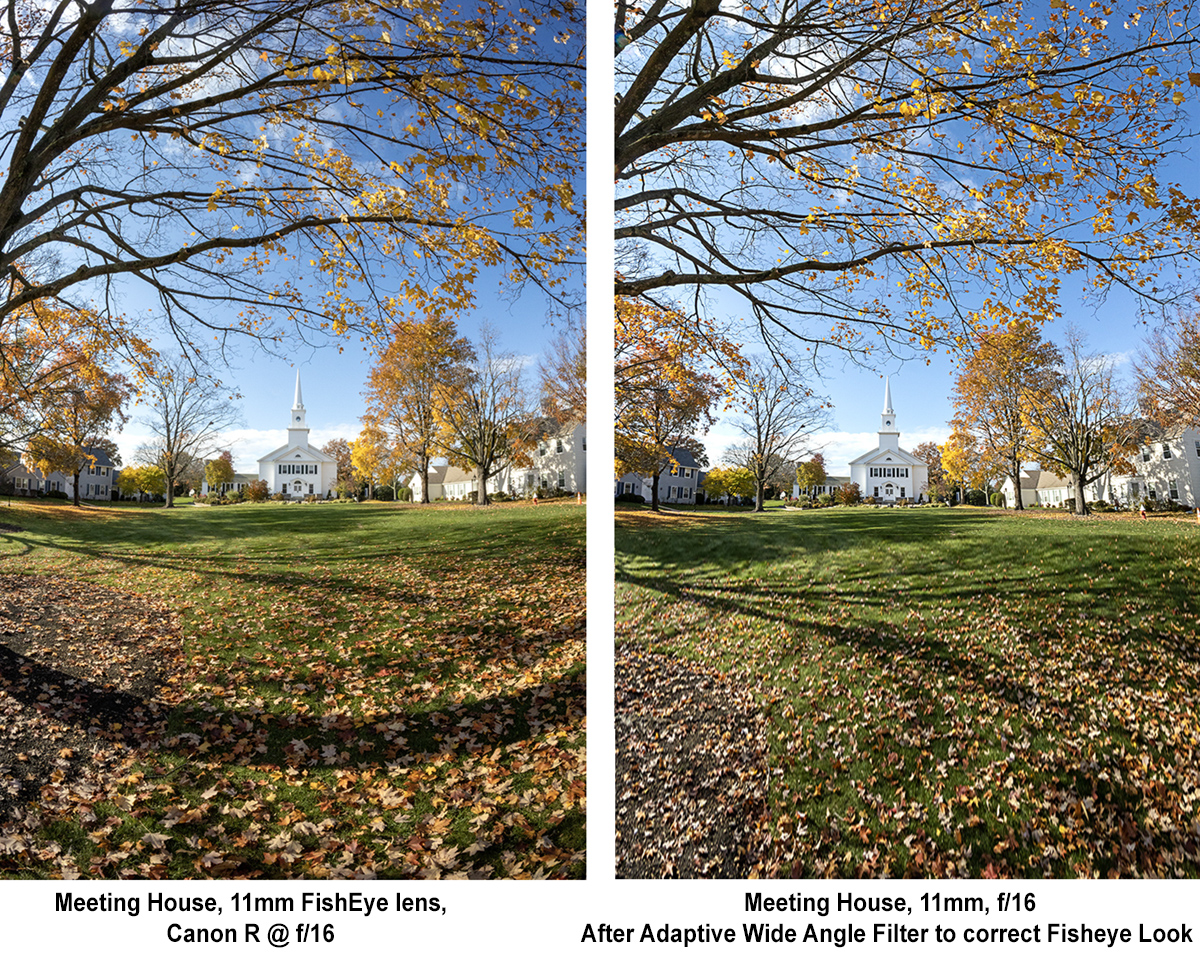
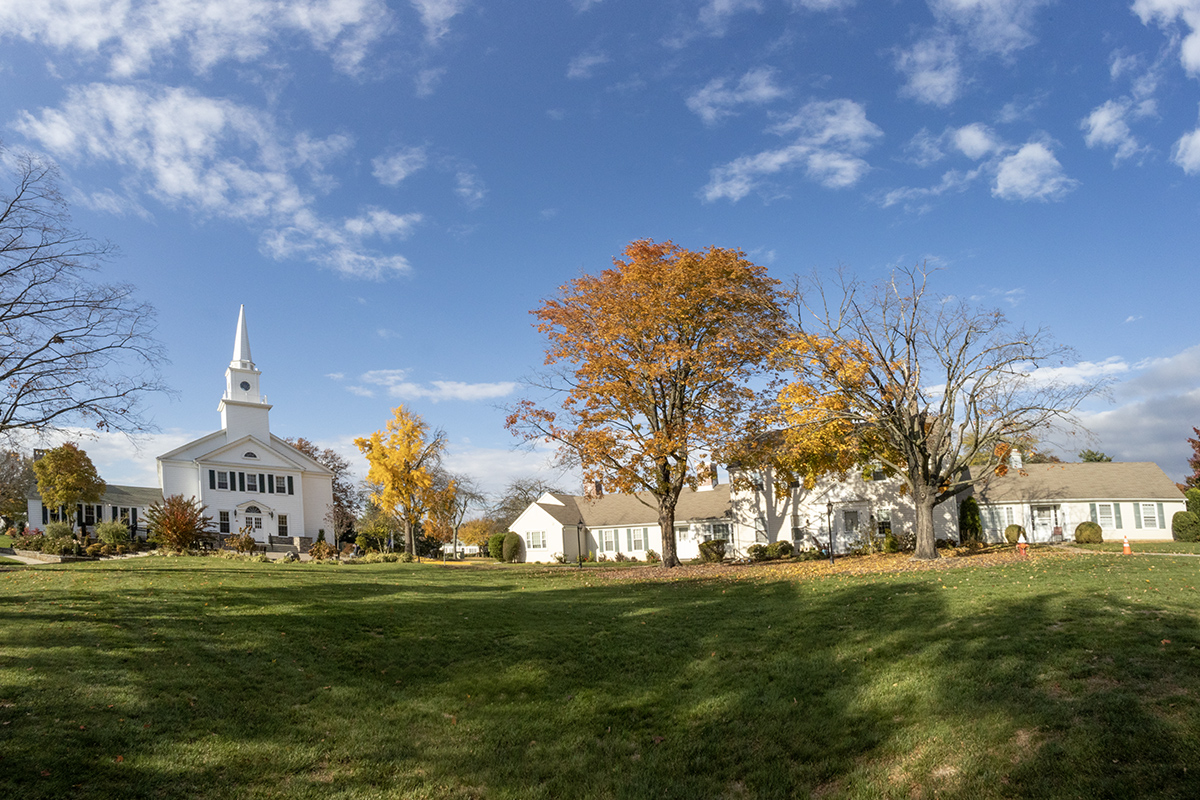
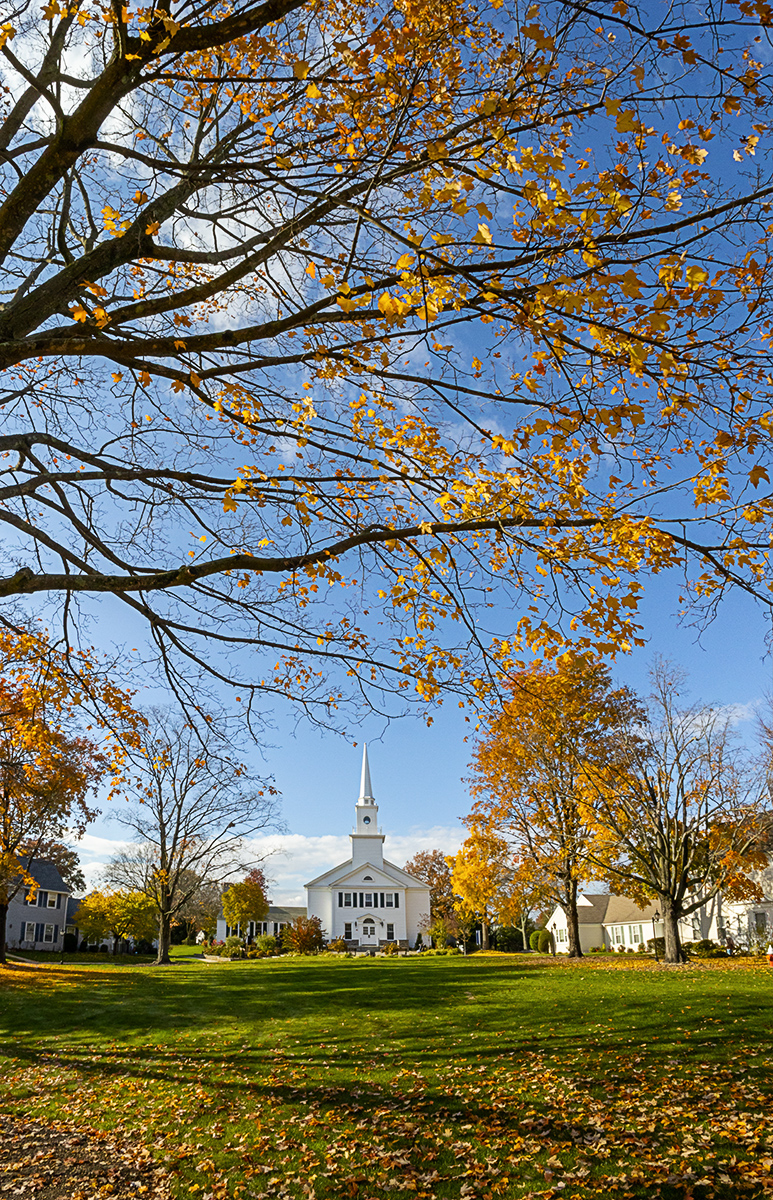
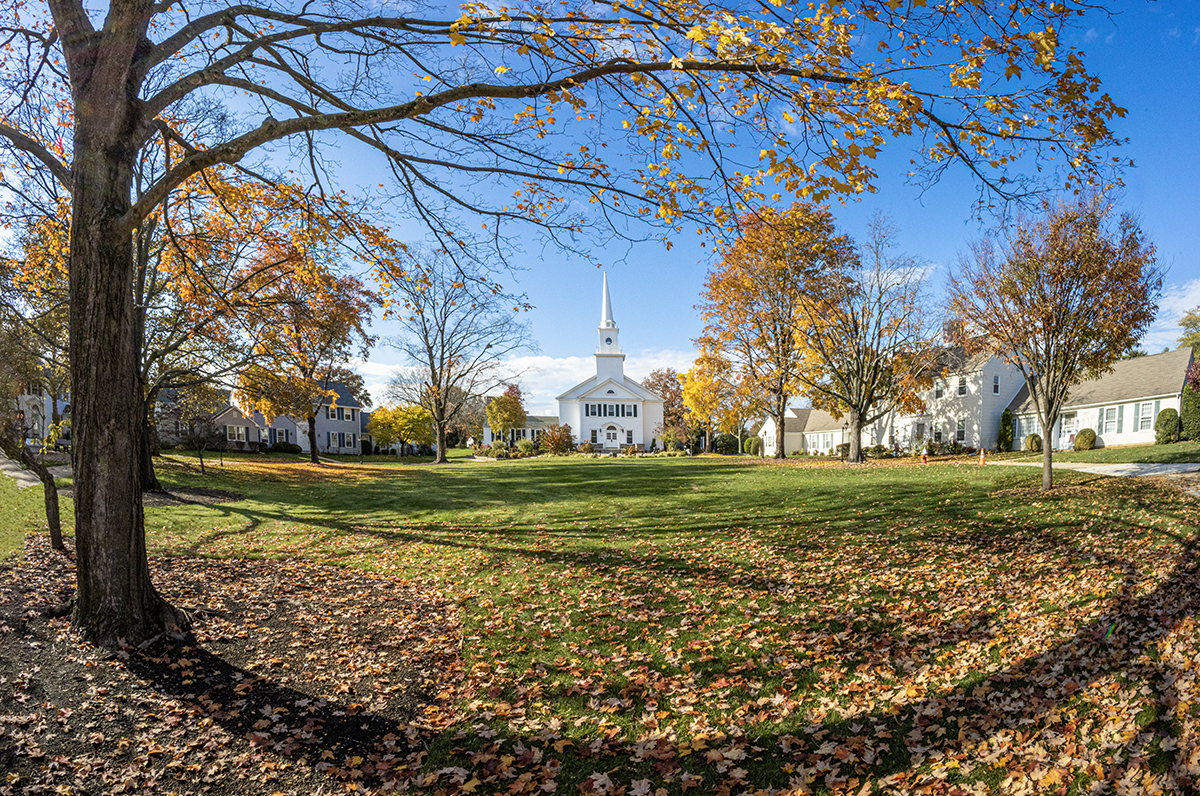
Lately I am shooting landscapes with Fisheye Lenses for a very wide angle of view with 1 image or sometimes multiple image panoramas. Fish-eye lenses give you a very wide Field of View but you have the Fish-eye Effect look or Warped looking images. But when working on the files it is easy to correct and remove the Fish-eye look. This is also useful if shooting multi-image panoramas with Fish-Eye lenses for an even wider view because the Fisheye effect makes it almost impossible to blend the images nicely. If shooting Multi-image Panoramas with Fisheye lenses before blending the images you have to remove the “Fish-eye” distortion. So I use Photoshop’s Adaptive Wide Angle filter under Filters and enter the info needed there to de-fish the images. Sometimes it takes a few tries especially with Fisheye lenses like this 11mm Fisheye lens. You can also use the Warp tool to fine tune the image distortion a little more after using the Adaptive Wide Angle filter. The Artisan TT 11mm lens does not communicate with the R camera body so you have to set the camera to shoot without a lens and manually set the f/stop you want to use on the lens. If you use f/11 or f/16 almost everything is in focus without manually focusing if you set the lens to infinity & the Camera on Aperture Priority.






 photoartflight