 photoartflight
American White Pelican Panorama
Posted on January 10, 2018
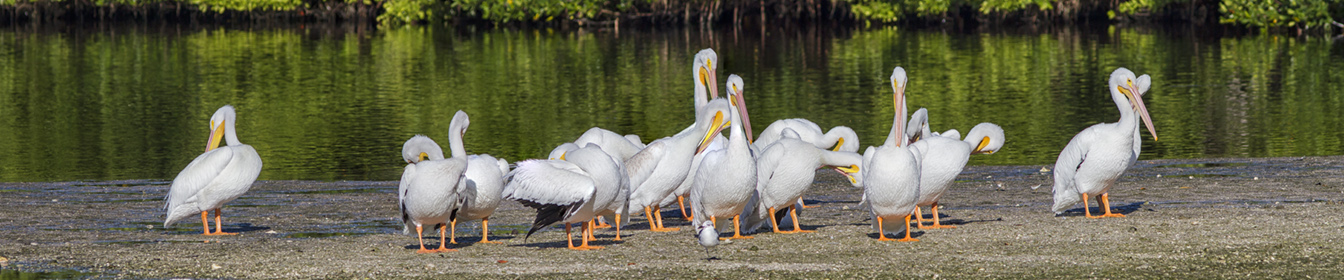
Another Group of American White Pelicans photographed along the Wildlife Drive at the J.N. Ding Darling NWR in Sanibel Florida. This was a 5 image panorama, handheld, shot with a 300mm f/4 lens, with a 1.4X teleconverter. When doing a pano like this, do not use auto exposure, especially with white subjects, because the exposures can vary, giving you different exposures which are harder to blend together. You then have to try to balance all the exposures before assembling the pano. Most people use a tripod for doing Panos, but I tend to do more handheld. The Pelicans are still moving, even slightly, so I still have to go in to the layered Photoshop file and erase some of the moving overlaps before the final “blending. The auto features usually works fairly well for the final “flattening” of the layers in your file. The hardest part is choosing which “mode” of auto align to use in Photoshop for the initial lining up of the layers. You might have to try a few of the choices and see which one works best for your subjects. It has a lot to do on the angle you are to your subject and also the focal length of the lens you are using. In Photoshop, under EDIT, go to auto-align. Then you have a few choices. It is a trial and error to see which method works best for your image. Auto align usually works fairly well, but sometimes “Cylindrical” works well for what I shoot also. It really depends on the focal length of the lens you are using and the angle you are to your subjects. Then go to Auto Blend to “blend” them together. The other choice here is “Stack” which is used for combing a set of images you shot for more depth of field, for a sharper image across a wider area, in simple terms. Under Auto Blend also check on the Box – content aware fill transparent areas of your merged files. This fills in empty areas with what Photoshop thinks is missing, and works fairly well. This happens more with wider angle lenses because of the changing angle of horizons, skies and foregrounds have different perspectives as you are shooting from left to right. This comes in handy especially if you are hand holding your camera or shooting with a wide angle lens. Also Once you flatten your image, I sometimes crop from the top and bottom to make a better “composed” image. Sometimes shooting panos, you are shooting “Taller or Wider” than you want your final image. So cropping in helps the composition. The above is just a simple overview of shooting panoramas, you can find lots of info online.
American White Pelicans @ Ding Darling NWR
Posted on January 9, 2018
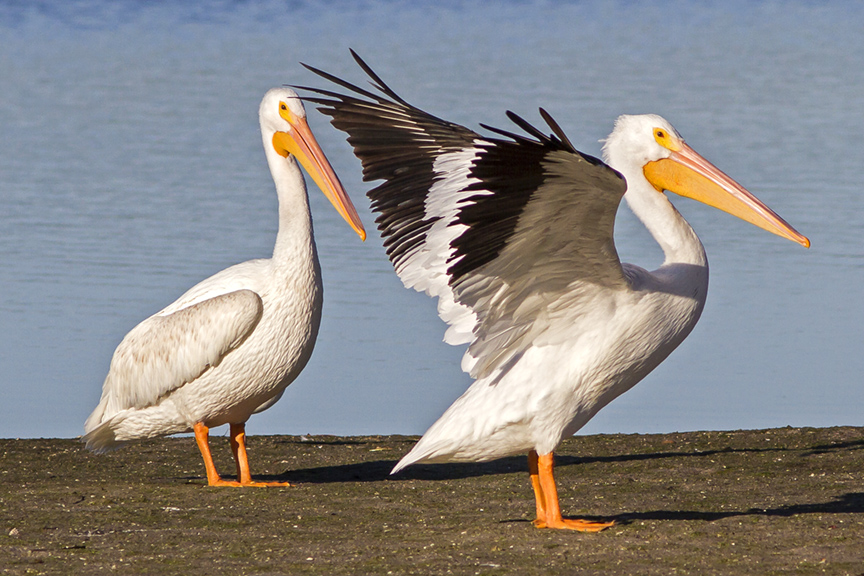
It is fun to watch and photograph American White Pelicans. Especially in groups. They seem almost comical the way they interact with each other. It is interesting to see how sometimes they are actually graceful and at other times just klutzy. But I guess I am the same way. Also they are a large subject, easier to photograph. You just have to watch so you do not overexpose the whites and keep the feather detail.
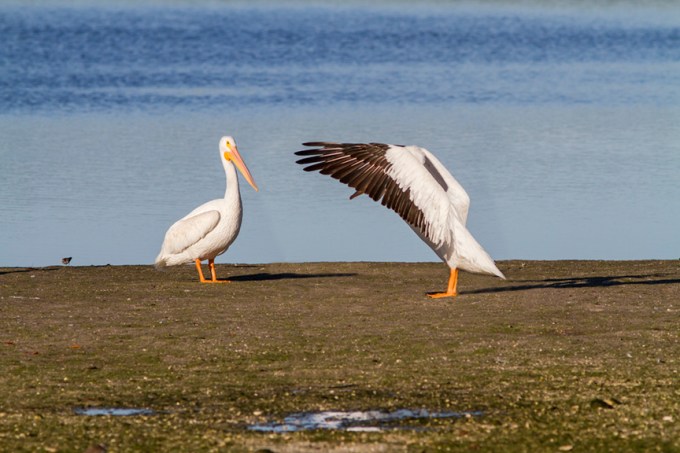
Peek a boo, I can still see you

One point landing
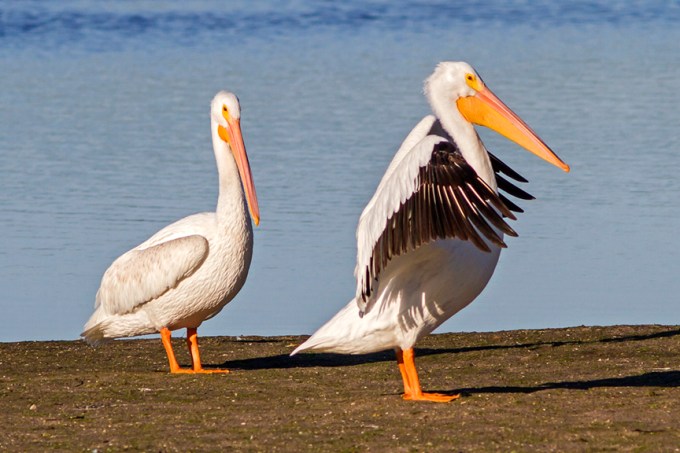
Stretching
Sunset Landing
Posted on January 28, 2014
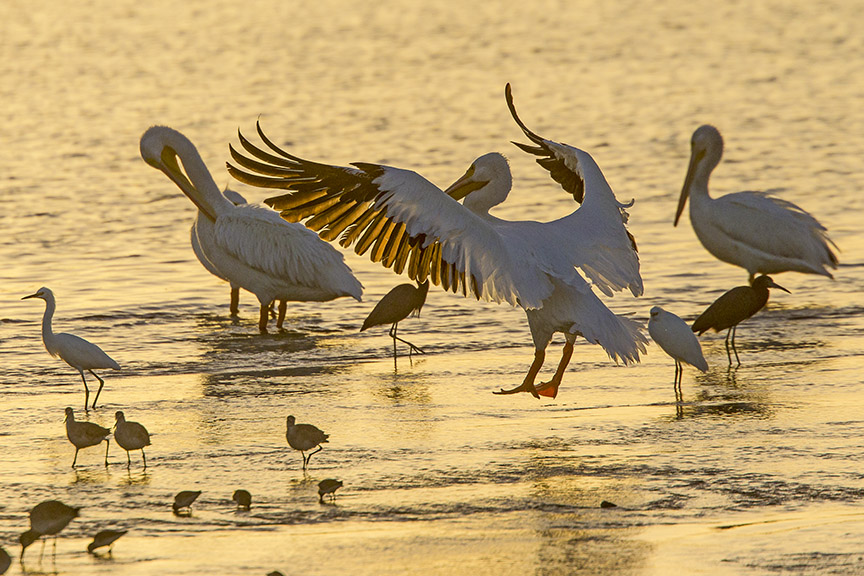
This American White Pelican flew in to the group at the end of the day. The warm light of the setting sun added color and warmth to the photo. I liked the warm glow through the feathers in the wing giving giving added detail to the feathers.
 photoartflight