 photoartflight
Lake Mc_Cormack Multi-Image iphone Panoramas
Posted on October 19, 2022

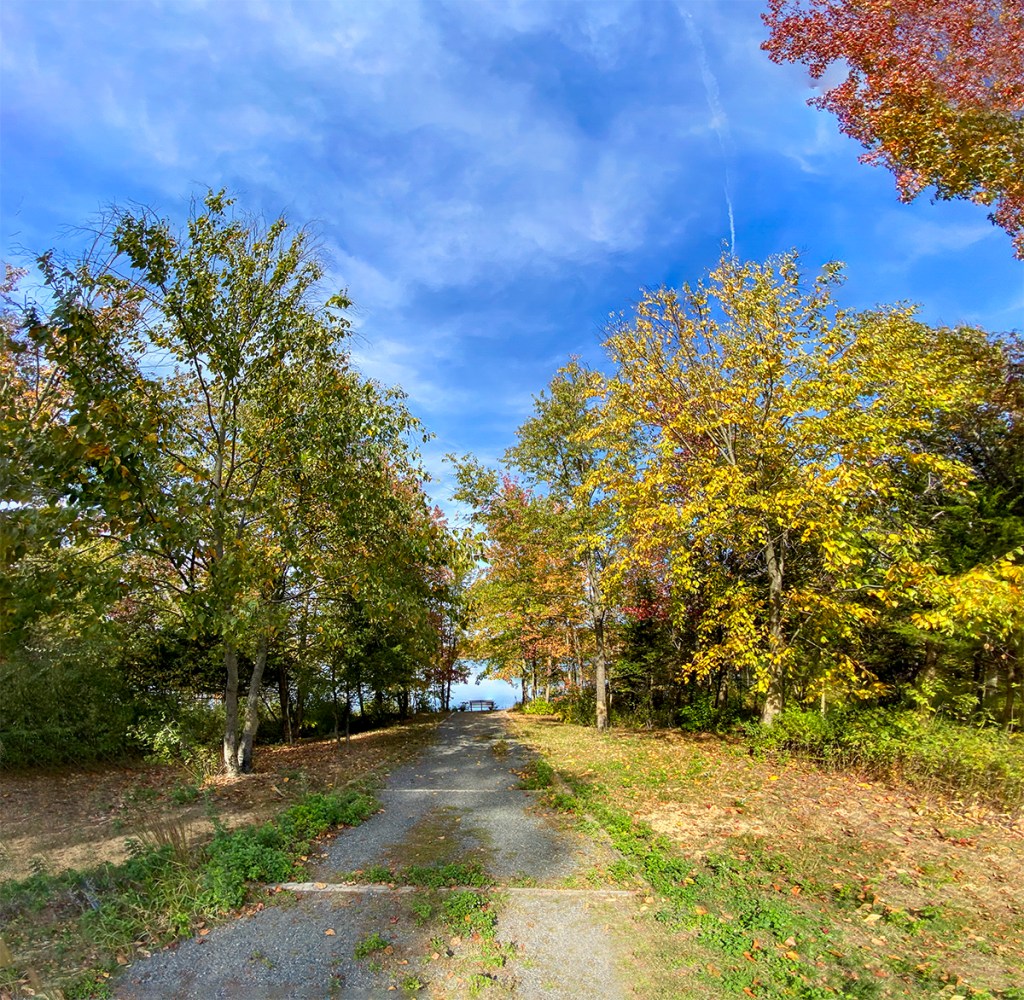
We went to the Plainsboro Preserve to get in a good walk so I did not take a camera with me. The Preserve had a lot of Fall Color, so I used my iP11 Pro to take a variety of multi-image panorama views during our walk. The Images here were mainly taken with the views going to the path to the Lake & the Lake itself. The Featured Image is a 21 Image panorama using the iP11’s 6mm lens and is 100.5 inches x 13.2 inches and is 340 megs. The iP11’s 6mm lens is equivalent to a ~52mm lens on a Full Frame Digital Camera.





Plainsboro Preserve White Trail Panoramas
Posted on March 27, 2022

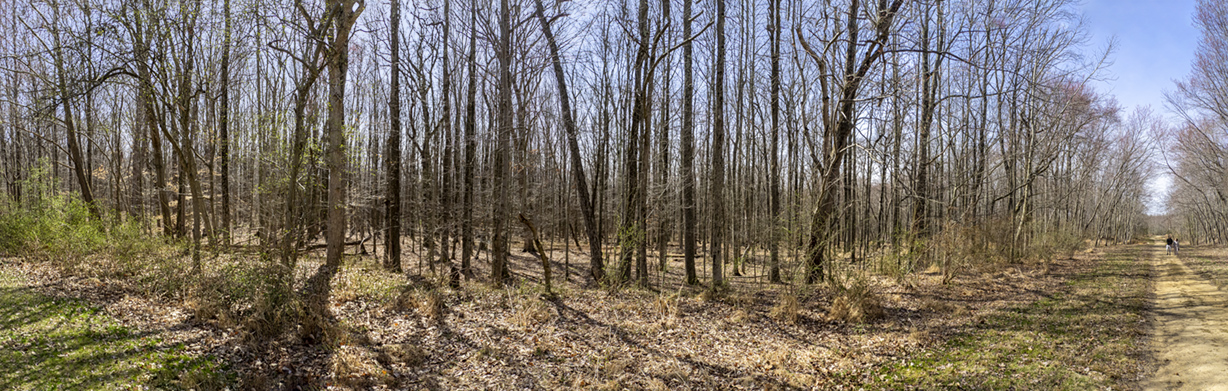
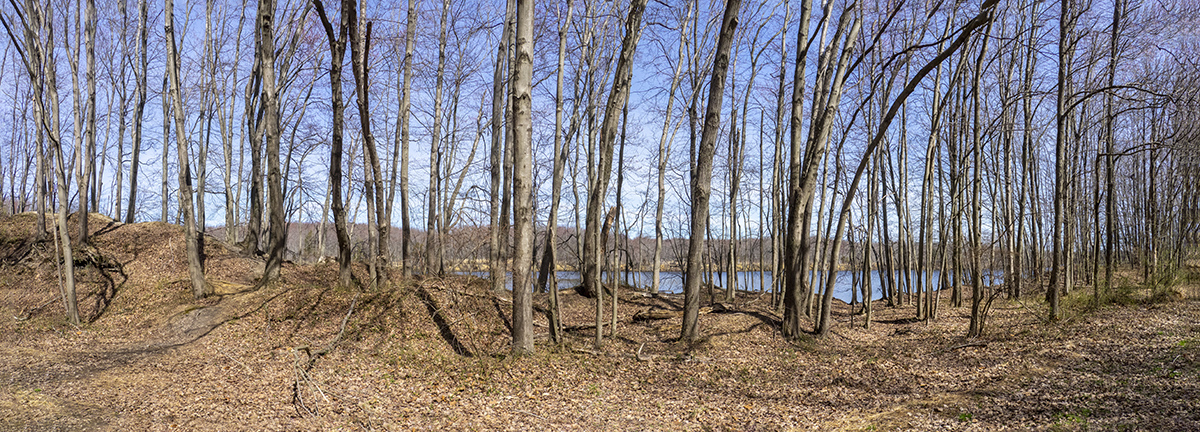
A few more larger panoramas from our walk at the Audubon Plainsboro Preserve White Trail. The Featured Vertical Pano Image is 10 horizontal images taken with a 14-140 mm lens @ 32mm with an Olympus OM-D 1.

Raindrops At Plainsboro Preserve
Posted on April 23, 2021
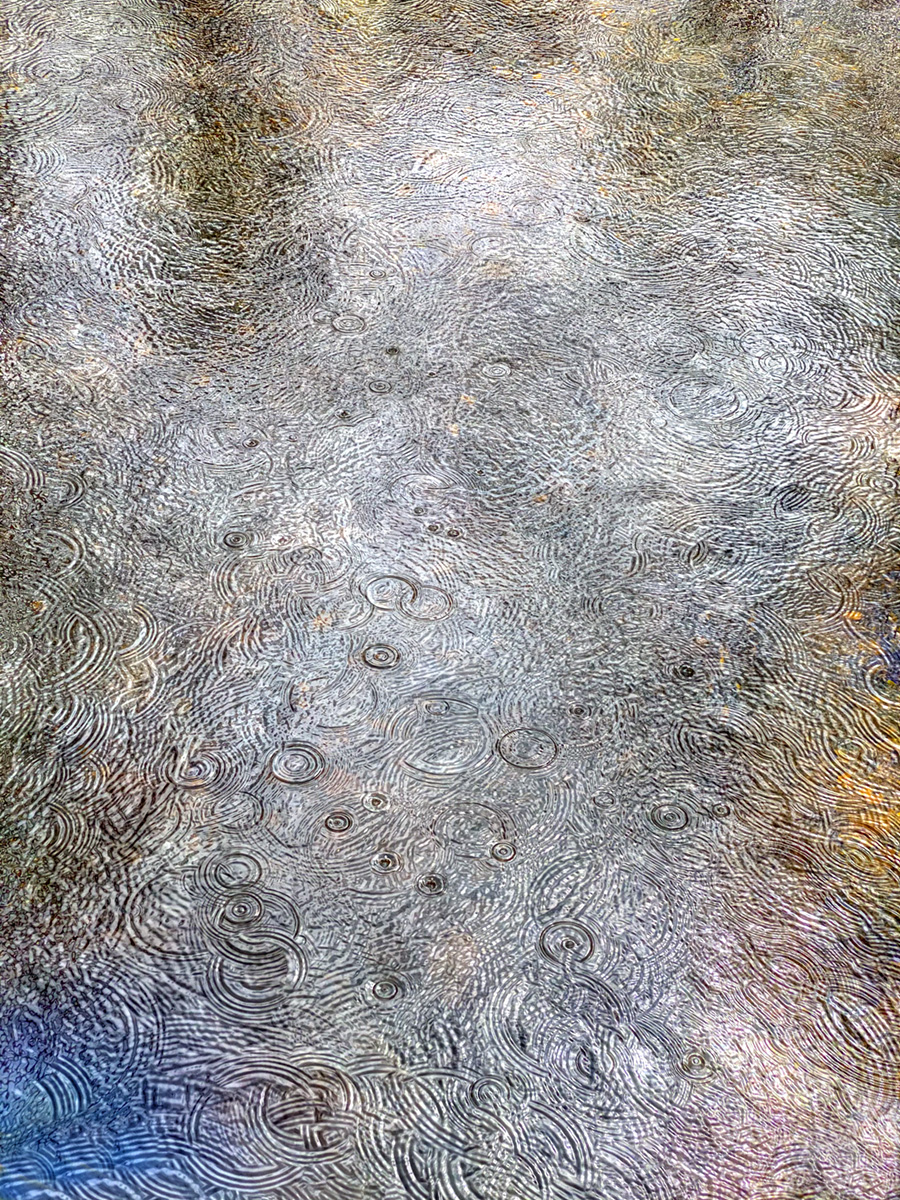
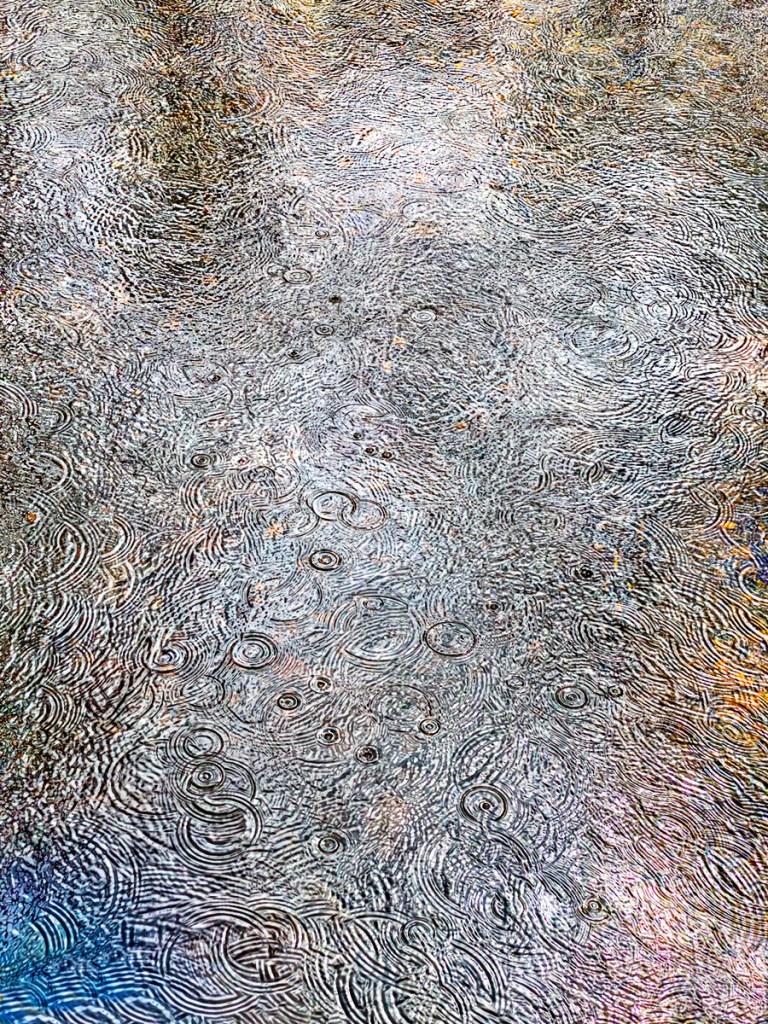
The other day we went to take a walk at the Audobon Plainsbore Preserve. It was a gray day but it is a nice location to walk, never knowing what you might see to photograph. It started to rain so we started heading back to the car. Along the way I noticed the raindrops looked interesting in the water along the path. I was using my iPhone iP11 Pro with the 6mm lens (Full Frame Equivalent Field of View ~ 52mm) since it was more weatherproof than my Olympus camera I had under my jacket. I quickly took 9 images thinking at least one might have interesting raindrop patterns in the water. As I was working on the images I thought why not use all 9 images to get even more raindrops & maybe a more interesting & colorful image. The Featured Image is 9 images, auto-blended in Photoshop. Blending the image allowed an assortment of colors from the sky in the water as the clouds were moving overhead. This gave an interesting blend of colors. The image below is just 1 of the images that make up the blended image. Which do you like?

 photoartflight