 photoartflight
Little Blue Heron FlyBy
Posted on March 10, 2022

Another close flyby bird image. This time a Little Blue Heron photographed the same day as my previous post. Image taken at the Brigantine Division of the Edwin B. Forsythe National Wildlife Refuge in Oceanville New Jersey. Image taken with a Canon 400mm DO lens on a Canon 20D.
Osprey Fly-By At Brigantine
Posted on February 28, 2022
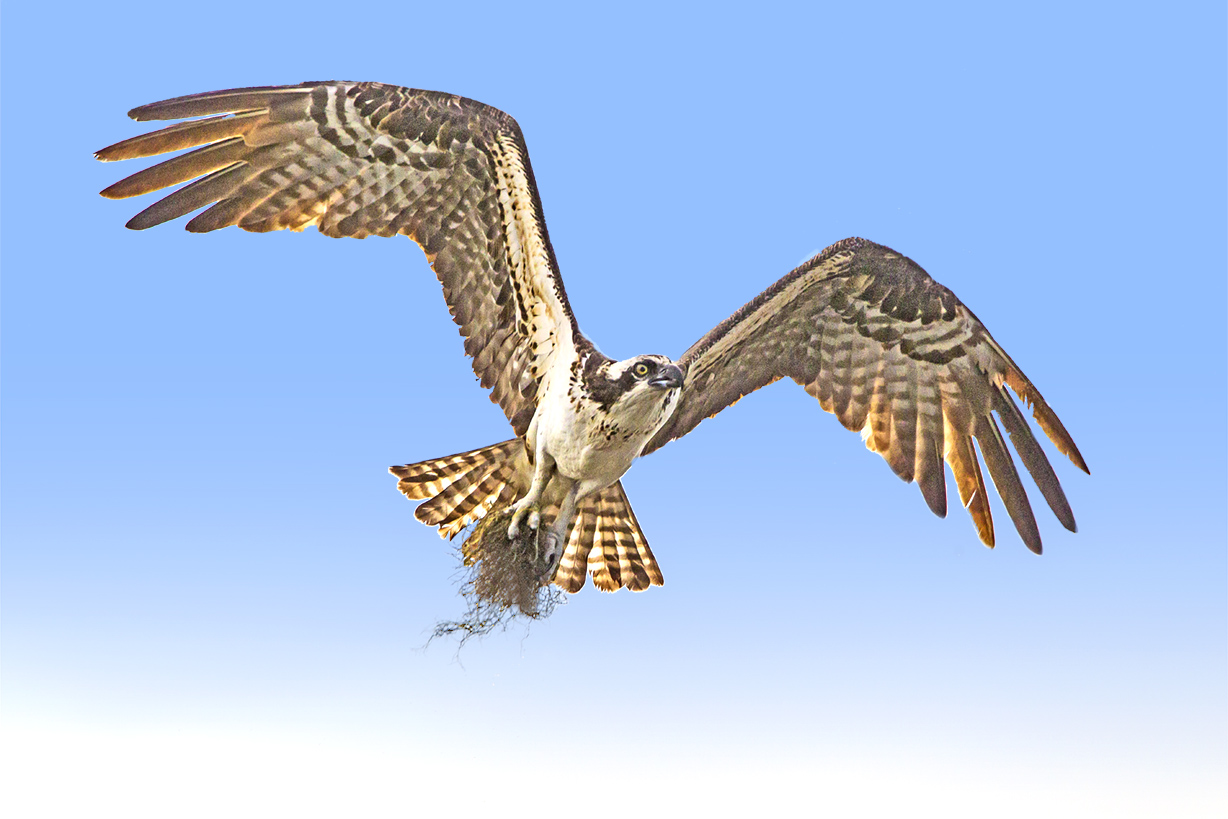
I was going through images from a previous trip to the Brigantine Division of the Edwin B. Forsythe National Wildlife Refuge near Oceanville, NJ. This is a series of images of an Osprey that flew fairly close by me with nesting material. I was out of the car & on the Wildlife Drive which enabled me to follow the Osprey as it flew by. All images were taken with a Canon 400mm DO lens with a 1.4x teleconverter on a Canon 1D mkIV.


Making Panoramas With Fisheye Lenses
Posted on February 12, 2022

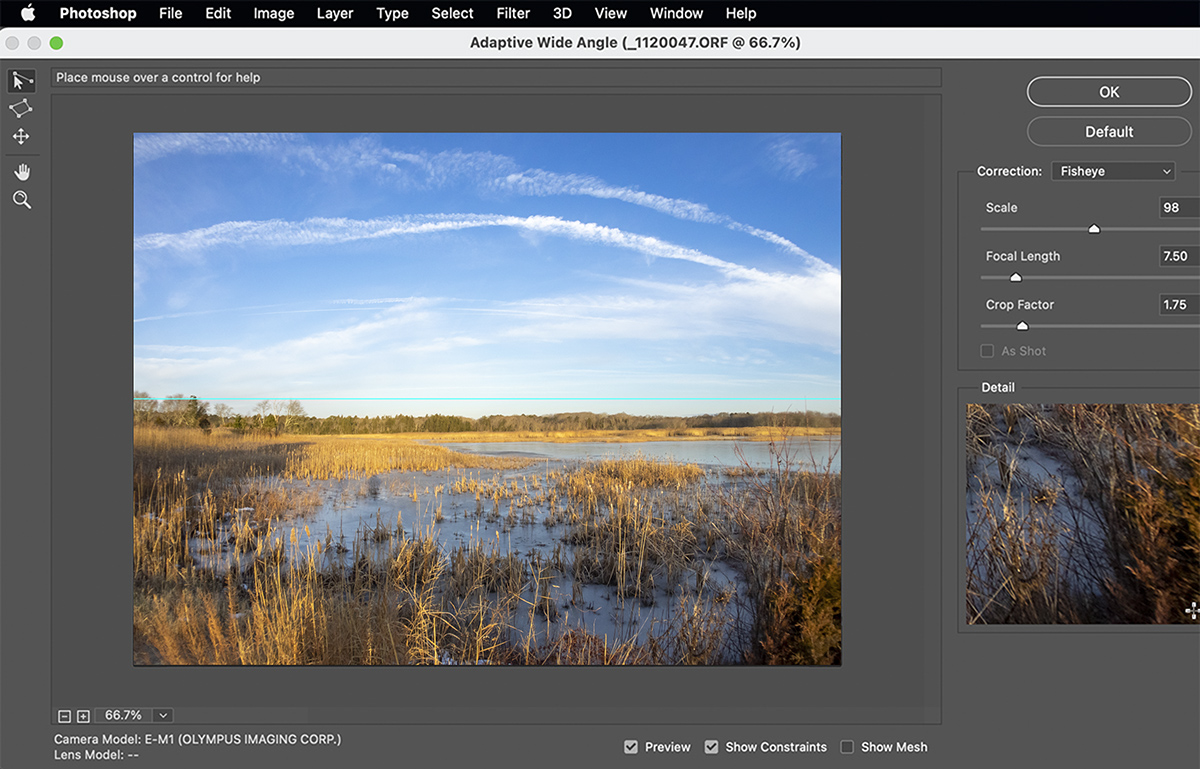
One of my favorite lenses for shooting images for panoramas is the 7 Artisans 7.5mm Fisheye lens for m43 cameras. It is supposed to have a 190 degree Field of View on a m43 camera but I believe it is a little less than that. But for shooting panoramas it really does not matter and is wide enough for my needs. But using a Fisheye lens for multi-image panoramas you have to de-fish the fisheye lens images before you blend the images for the final panorama. I do this in Photoshop using the Adaptive Wide Angle (Filter > Adaptive>Wide Angle.) All Images here were taken at the Brigantine Division of the Edwin B. Forsythe NWR in Oceanville NJ.
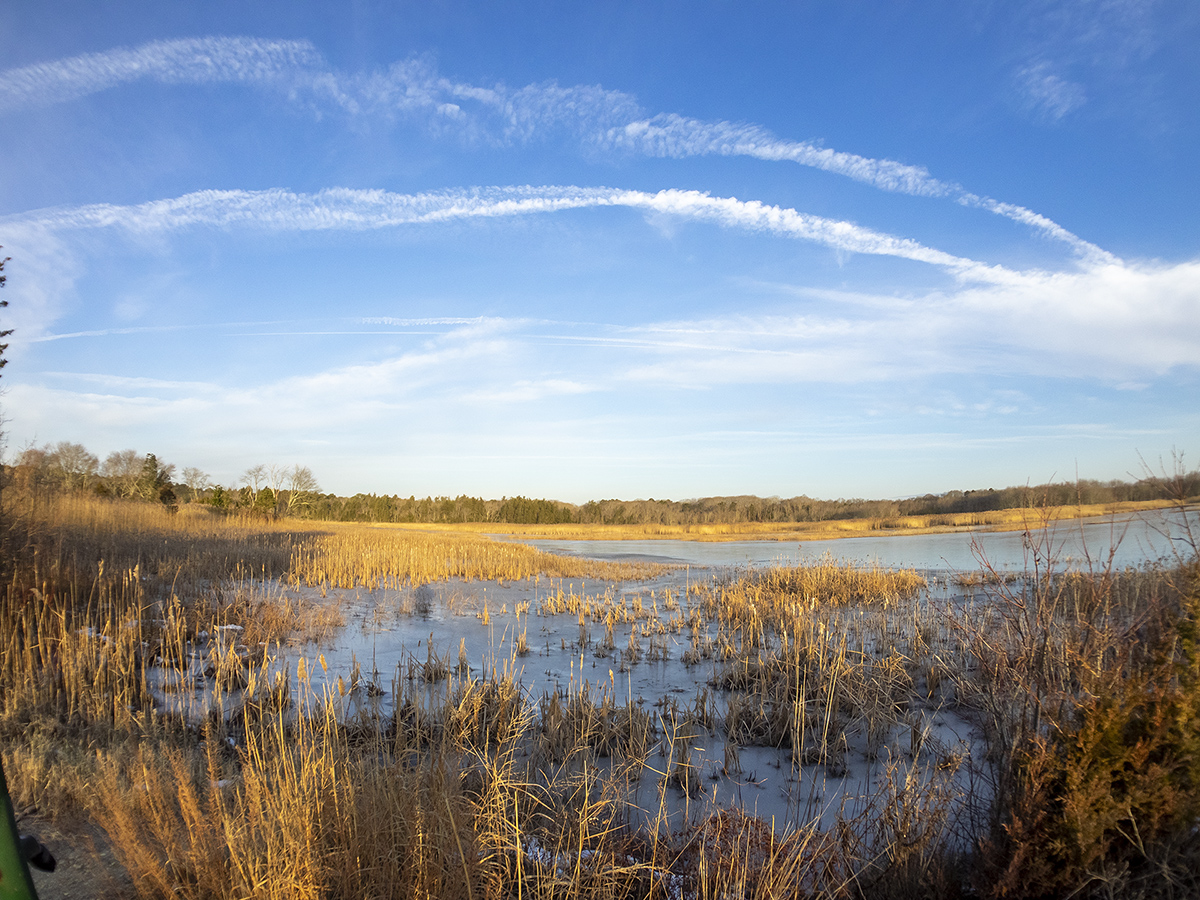
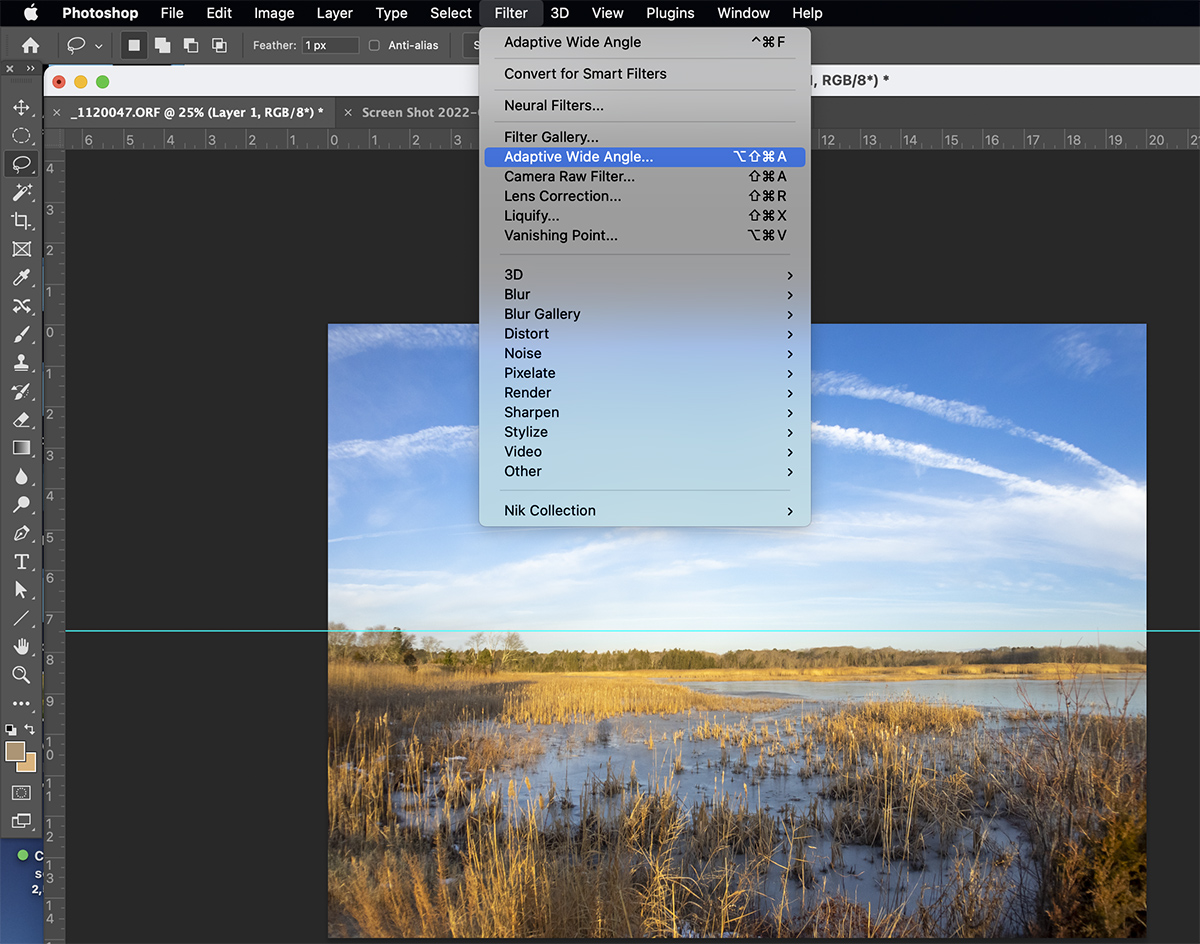
It might take a few tries before you get the “Feel” for using the Adaptive Wide Angle Filter for correcting the distortion in Fisheye lenses. Also it is pretty much setup for Full Frame Cameras so on m43 cameras (or any other format besides Full Frame you have to experiment on entering Focal length, etc. You would think Adobe would have a setting for Camera Format.

Atlantic City Early AM Panorama
Posted on February 8, 2022
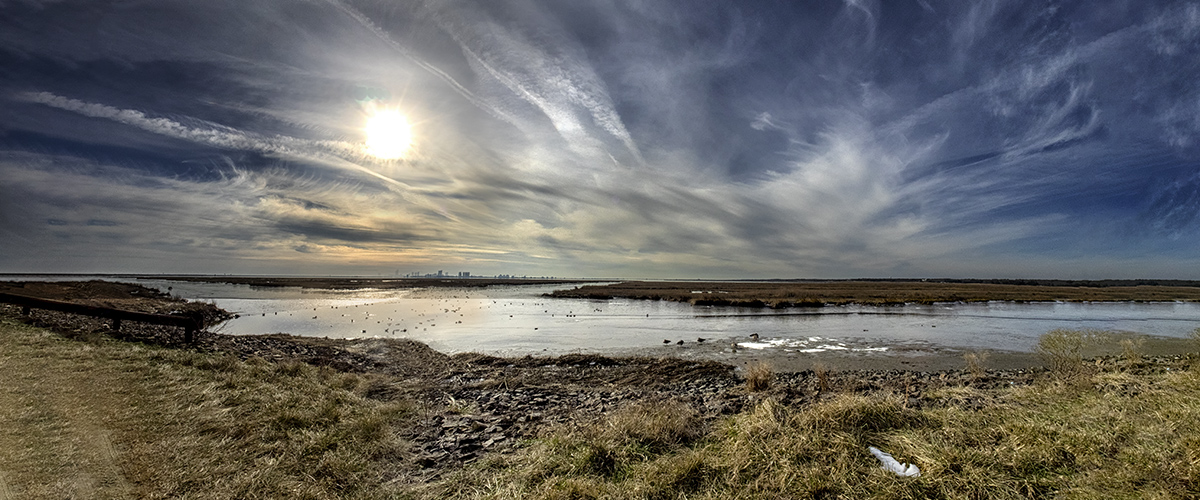
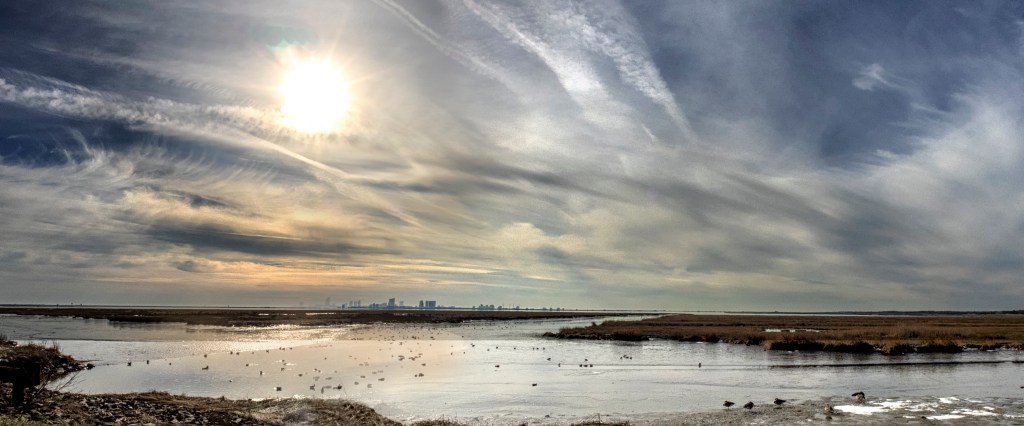
An early morning panorama of Atlantic City from the Wildlife Drive at the Brigantine Division of the Edwin B. Forsythe National Wildlife Refuge in Oceanville NJ. This is a 3 image panorama shot with a 7.5mm Fisheye lens on an Olympus OMD-1. Before I could make the panorama I had to de-fish the Fisheye images in Photoshop using the Adaptive Wide Angle Feature under the “Filter” Selections along the top right selections. Once they were de-fished I loaded the 3 images into a layered Photoshop File and selected all 3 layers and used “Edit – Align Layers” for the 3 images, then once they were aligned I used “Edit Blend Layers” for the Final Panorama.
Brigantine Multi-Image Panoramas, Set 1
Posted on February 4, 2022
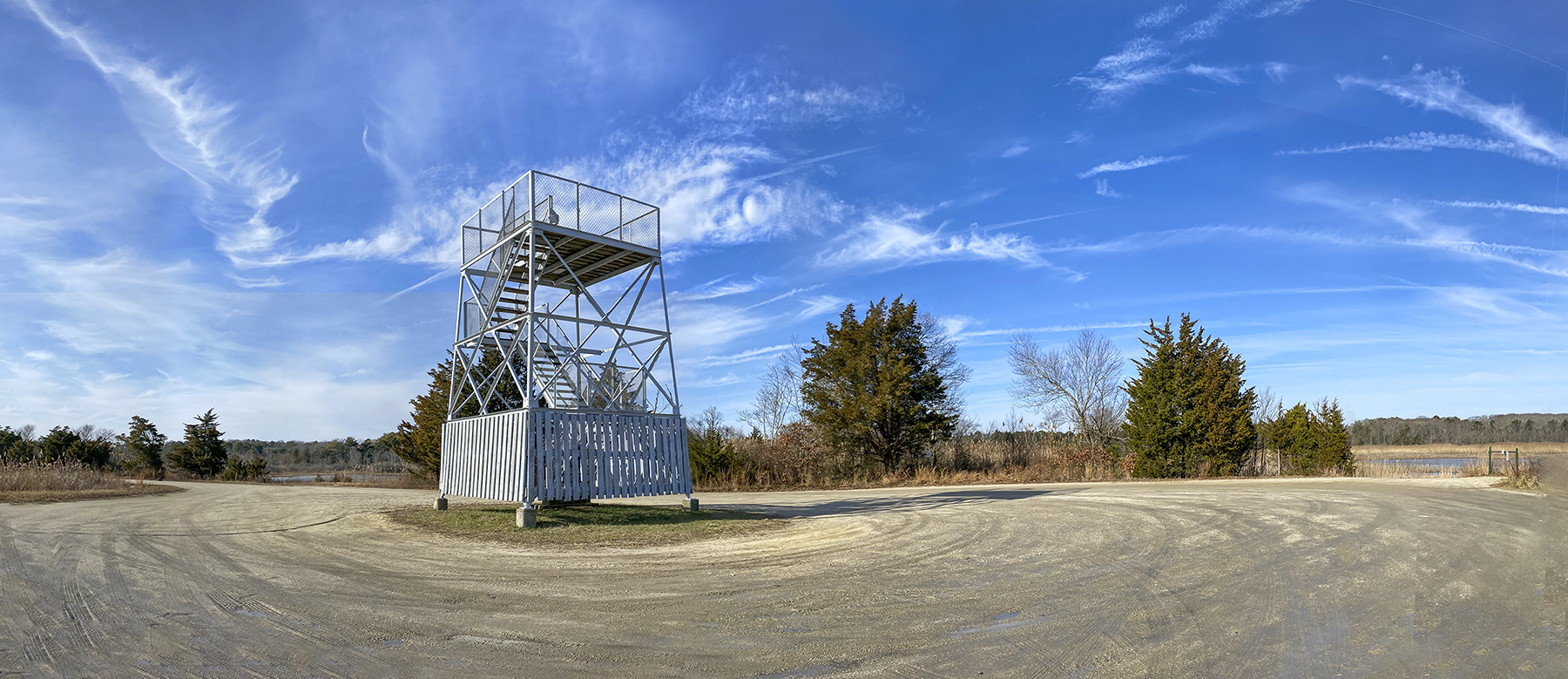
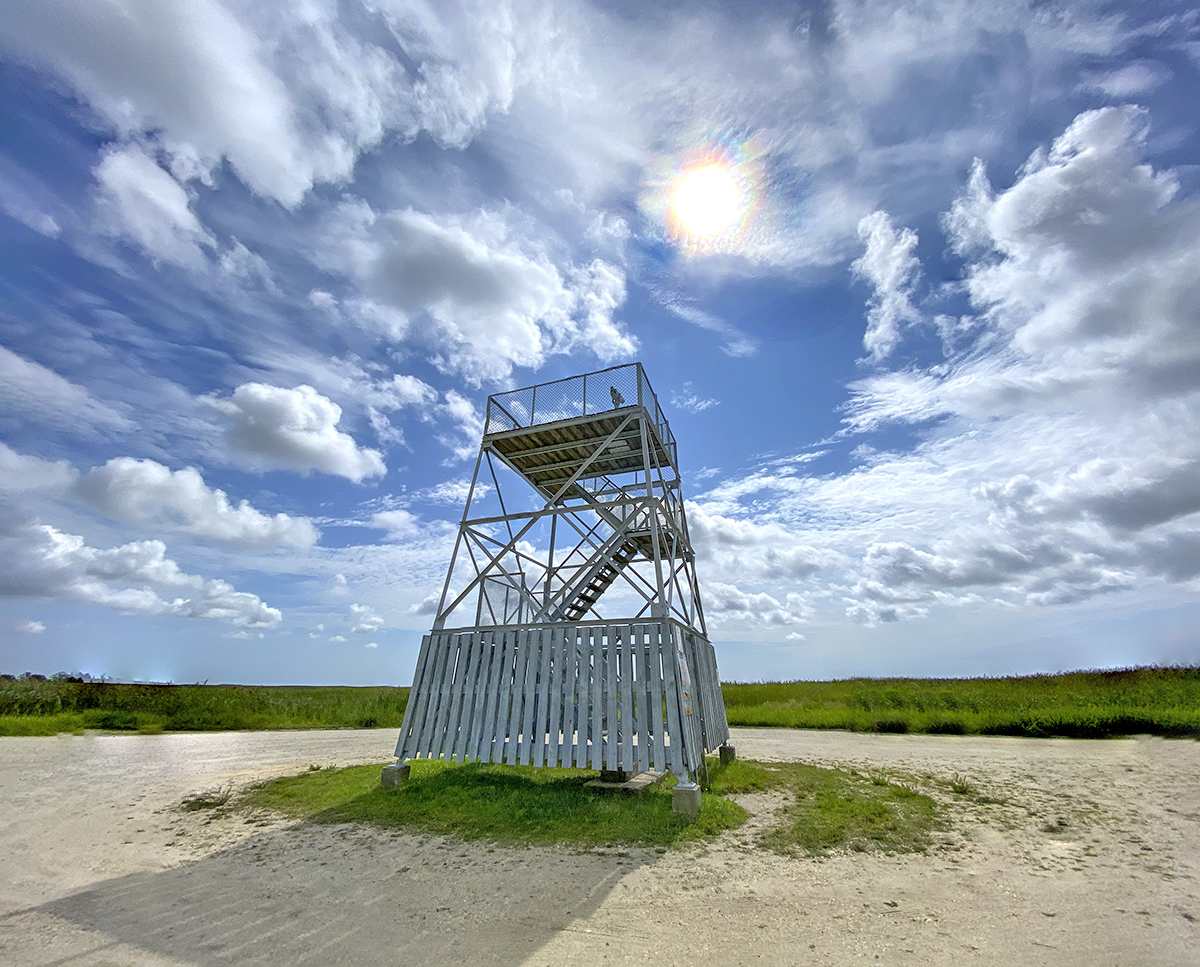
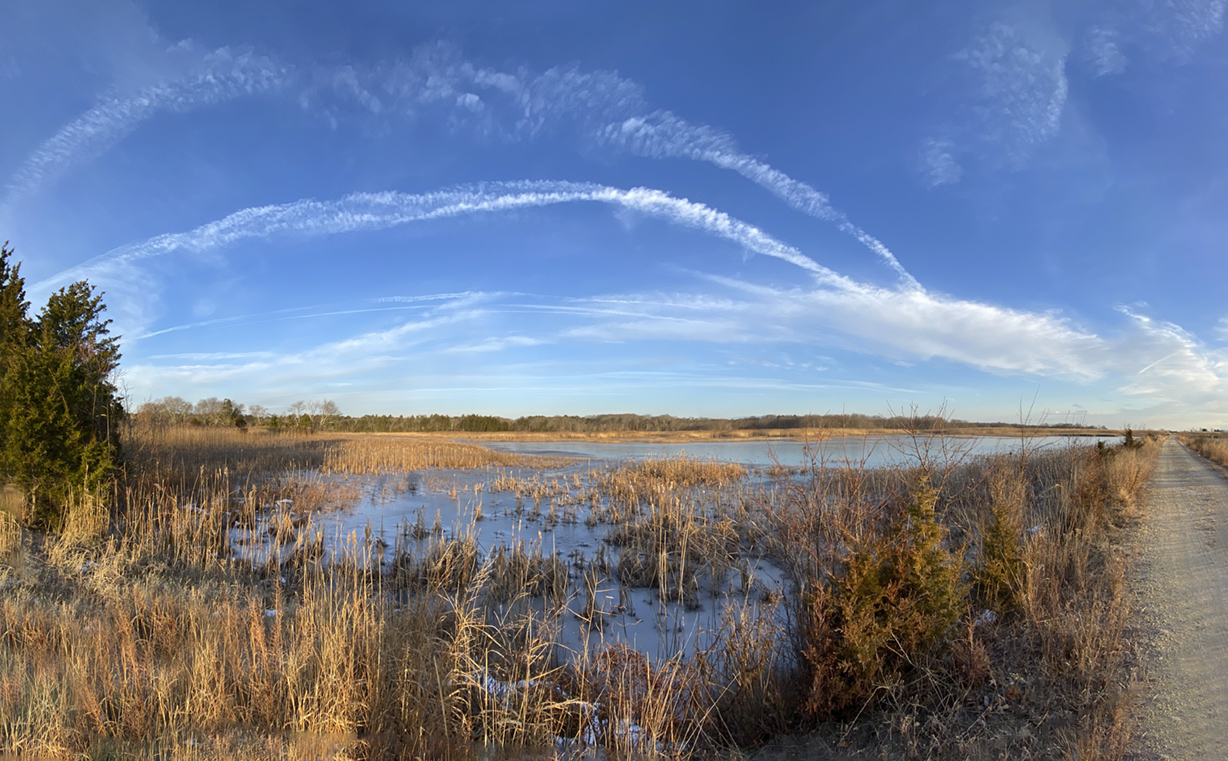
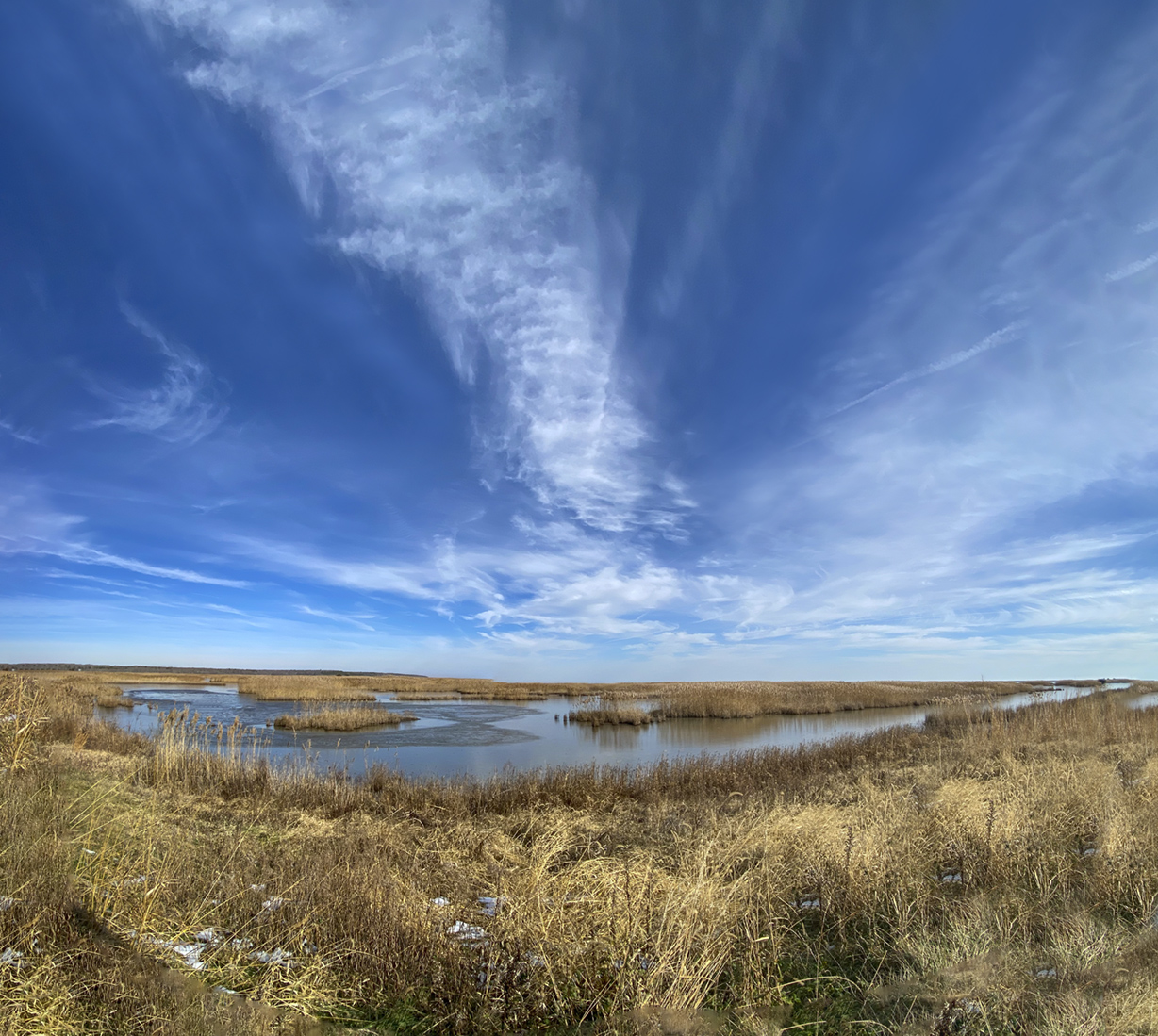
On our visit to the Brigantine Division of the Edwin B. Forsythe NWR I was using a variety of cameras to make a series of multi-image panoramas. I shot a lot of images so I would have a “library” of images to use for posting here during the Winter months. I was using the following cameras – Canon R with a 150-600mm lens, Panasonic LX-1 Pocket Camera in 16×9 format, OM-D 1 Olympus with a 7.5mm Fisheye lens and a iPhone 11 Pro. For this post all images were with the iPhone 11 Pro with mostly the 1.5mm lens (Full Frame Field of View Equivalent ~ 13mm) & the 4.3mm lens (Full Frame Field of View Equivalent ~ 26mm). The Featured Image was taken early in the am before the Wildlife Drive got crowded. I used my iPhone 11 with the 4.3mm lens to take a series of 12 overlapping images for the panorama image.




Brigantine Division 40 Image Panorama
Posted on January 30, 2022

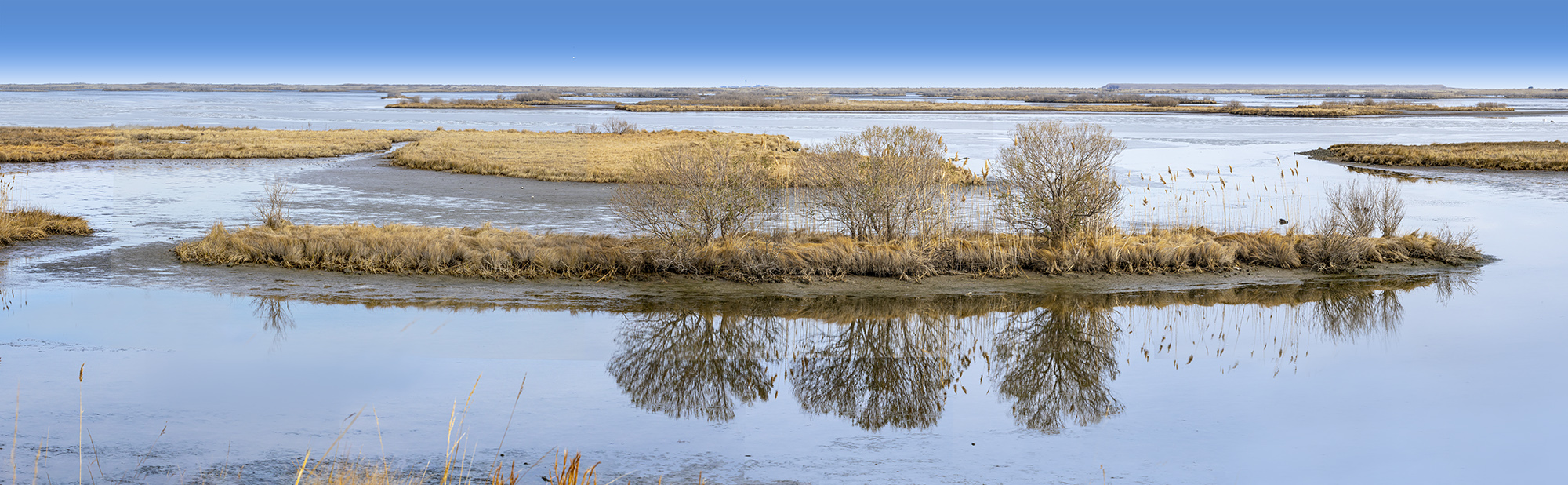
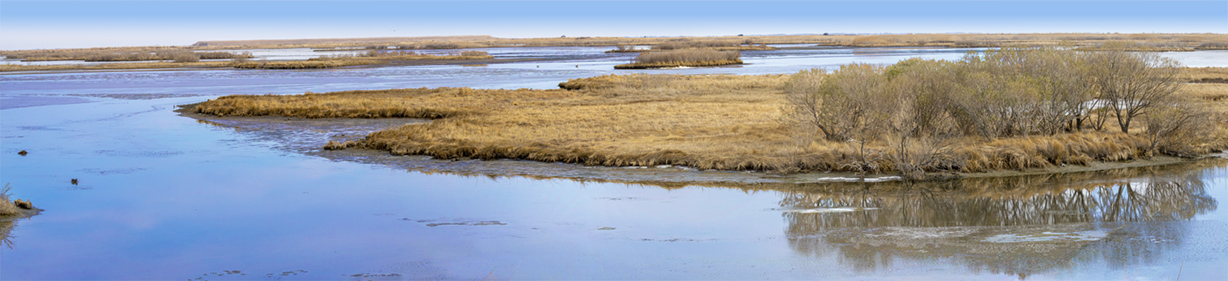
I am still going through images from our trip to the Brigantine Division of Edwin B. Forsythe National Wildlife Refuge near Oceanville NJ. Most of the wildlife was way off in the distance so I did a lot of multi-image panoramas of the landscapes & large flocks of birds in the Refuge as we were traveling around the Refuge on the Wildlife Drive. It was a fun photo day and I have a lot of images to go through and to assemble my images into the final panoramas. The Featured Panorama here is a 40 image handheld panorama taken with a Canon R with a 150-600mm lens @ 150mm at f/16. Final size of the Panorama is 126″ x 12.75″ high @300 ppi. When I am shooting multi-image handheld panoramas I tend to overlap the images a lot. If I do not need all I shot for the image, that is ok. But from experience it is better to have too many images than not enough. Also the panos seem to blend together better than spacing farther apart. It takes some practice but Photoshop does a Great job aligning & blending the images for the final Panorama.
Extreme Brigantine Snow Geese Panorama
Posted on January 27, 2022

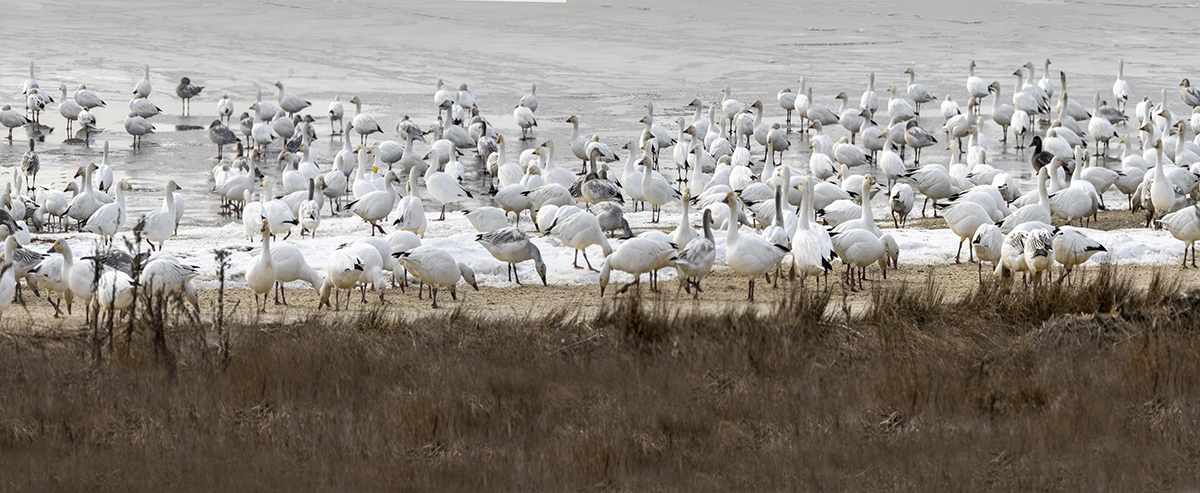
On our trip to the Brigantine Division of the Edwin B. Forsythe National Wildlife Refuge I had a lot of opportunities to shoot a lot of Handheld Panoramas. One of my Panoramas was the most extreme panorama I have ever tried do. For the Featured Image I had to make it fit the 1200 pixel width which I exceeded x 4 times to try to hold some of the detail in the Featured Panorama. So I also cropped the full image down to 7 sections to show the detail below. Too bad it was a rather Gray day when I was photographing this group of Snow Geese because it brightened up a little later in the day. The Featured Full Panorama Image was 56 images for an image 525 inches long x ~30+ inches high @300 ppi. The Layered file was huge and the final Flattened file was 4 Gigs. I was shooting with a Canon R with a Tamron 150-600mm lens @ 483mm , f/16. Below are 7 cropped images to show the Detail in the above Featured image.



Sleeping Mute Swans At Brigantine
Posted on January 25, 2022

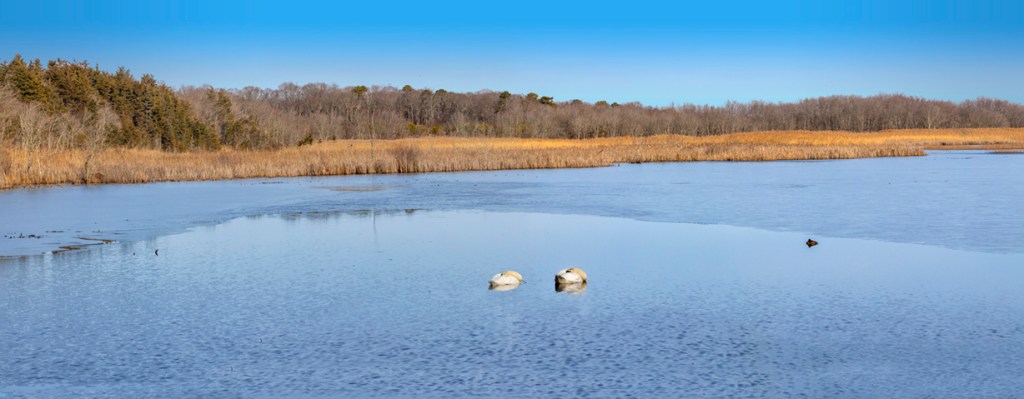
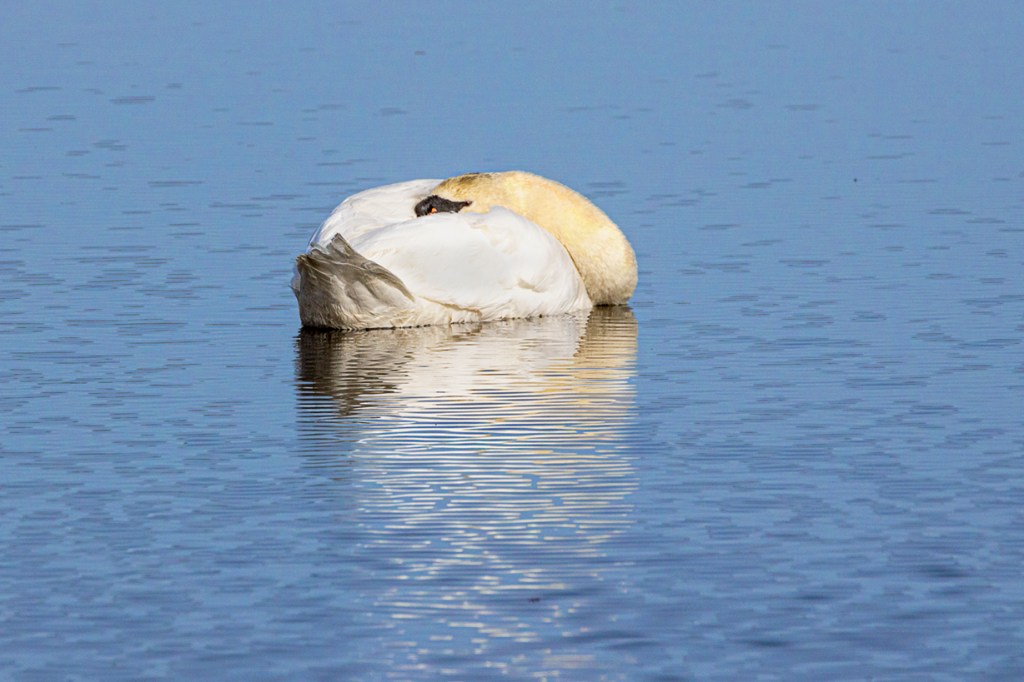
At the end of the Wildlife Drive at Brigantine there is a nice corner view of Doughey Creek. Sometimes you can see an Eagle off in the distance in the trees that are not visible from the other main Wildlife Drives. On this visit there were a couple of Mute Swans sleeping close to the Drive right before you exit the Drive or before you can go around for another visit on the Drive



Panoramas From Brigantine
Posted on January 21, 2022

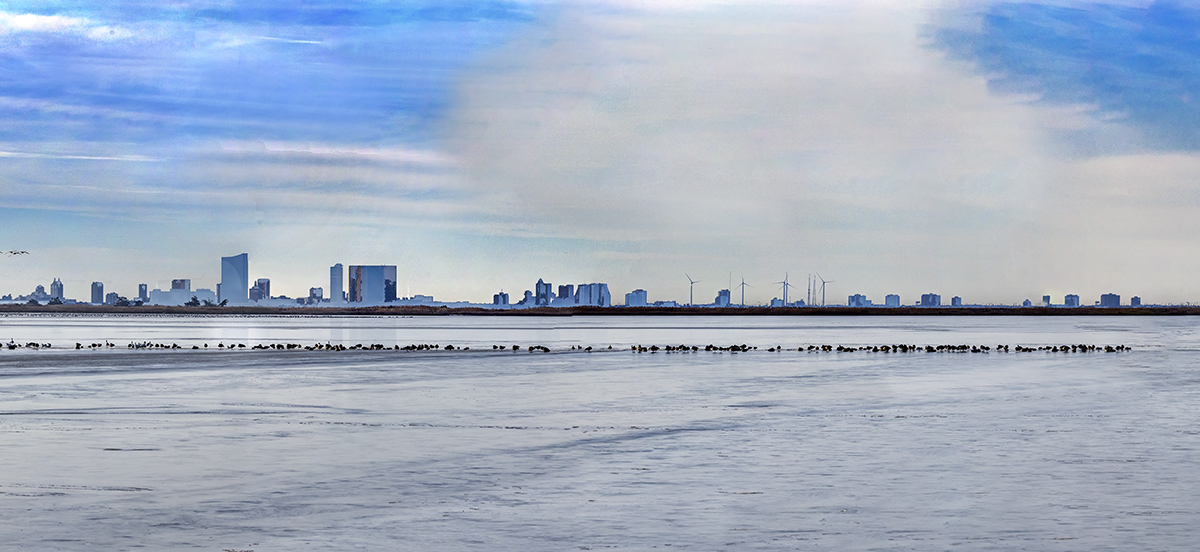
A few days ago we went to the Brigantine Division of the Edwin B. Forsythe National Wildlife Refuge in Oceanville, NJ to see what we could find to photograph. Usually there are large flocks of Snow Geese, Canada Geese & a variety of ducks throughout the Refuge this time of year. Most of the large groups of birds were fairly far out but that gave me the opportunity to do lots of hand-held panoramas. For cameras & lenses I was using a Canon R with a Tamron 150-600mm lens, a Panasonic LX1 pocket camera, an Olympus OM-D 1 with a 7.5mm Fisheye Lens and my iPhone 11 Pro. We also were able to get a few images of different Bald Eagles that were around the Refuge on this trip. On this post I have a few multi-image panoramas of flocks of birds around the Refuge with Atlantic City in the background. The Featured Image is a 29 image pano shot handheld with a 150-600mm lens @ 150mm on a Canon R. This was taken along the Wildlife Drive with the Atlantic City Skyline in the distance. The final image is 90 inches x 16 inches. Very Long Panoramas are not Great to post here because I have to downsize from 75-90 inches to 1200 pixels so I loose a lot of the detail in the images, but at least you can see the view I was trying to show! In future Posts I will be showing panoramas with flocks of birds & Brigantine Landscapes without Atlantic City in the background!


Bald Eagles From Brigantine
Posted on January 18, 2022

We took a trip to the Edwin B. Forsythe National Wildlife Refuge, Brigantine Division to see what we could find to photograph. I was not sure of what we would find but it turned out to be a Great Photo visit. I was hoping for large groups of Snow Geese and we definitely found multiple groups of them around the Refuge. Most of the groups of Snow Geese were far out in the various pools, so for those images I shot a series of images for long panoramas of the large groups. One large group of Snow Geese far out in the water, shot with a 600mm lens, was a series of 64 images with a final image size of 507″ long. On the first area we were photographing in I was shooting some landscapes when Kathy pointed out 2 Bald Eagles in a distant tree. So it was going to be a Good Photo Day!

 photoartflight