 photoartflight
Feather on Path
Posted on February 27, 2016
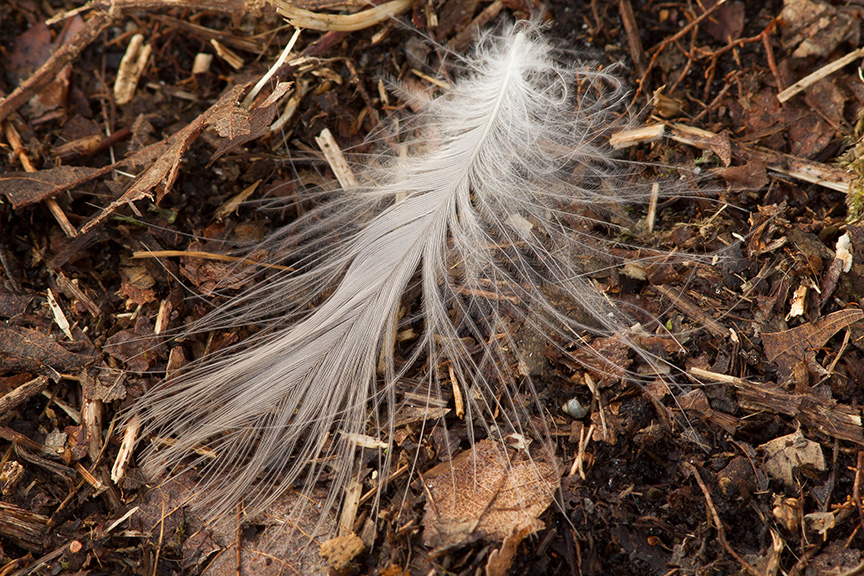
As I was leaving a local Nature Area, I noticed this feather on the path. I took a series of images to try a new technique a friend showed me. This technique helps eliminate noise and helps the fine details stand out. I opened them in Adobe Camera Raw, made my adjustments, then opened them in Photoshop, in layers and Auto-Aligned them. In Layers Panel, converted them to Smart Objects. Then chose Layer>Smart Objects>Stack Mode > Median. You can experiment with other stack modes also, but Median seems to work best. Your Photoshop version must be an extended version or a Creative Cloud version. Then flatten your image and you will see the noise is reduced drastically and to me seems a hair sharper. Maybe from just the noise reduction. I tried it in the studio with ISO 6400 and it made a huge difference. This image was at ISO 400.
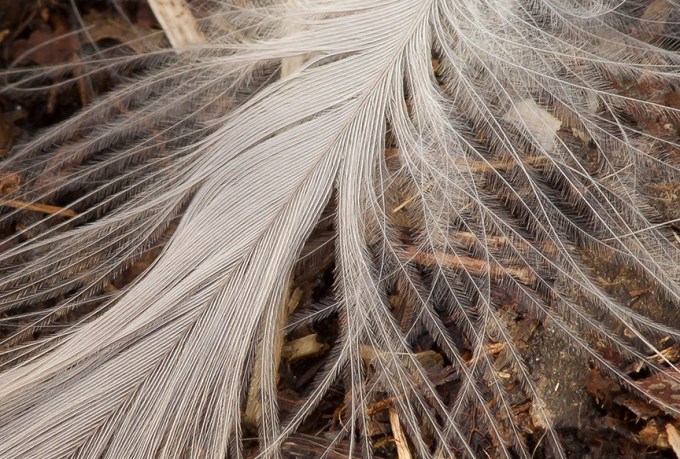
Tight Detail Crop from original file – 300 mm, 1.4X Series III Teleconverter, f/16, 1/15 sec, ISO 400. About 8 feet away.
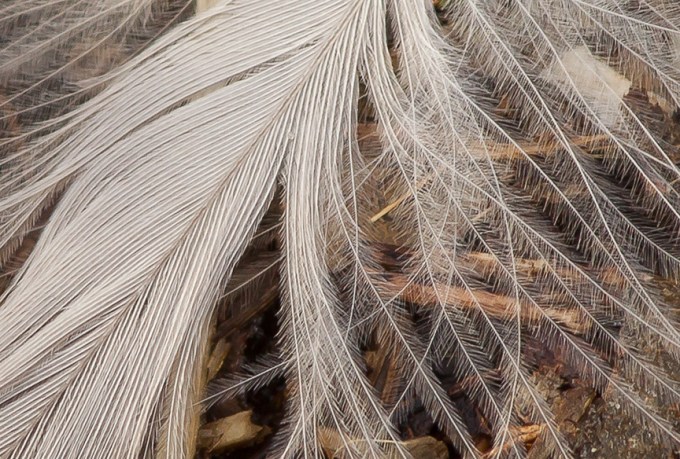
Tighter Detail Crop from original file – 300 mm, 1.4X Series III Teleconverter, f/16, 1/15 sec, ISO 400. About 8 feet away.
Mooning Vulture
Posted on March 30, 2015
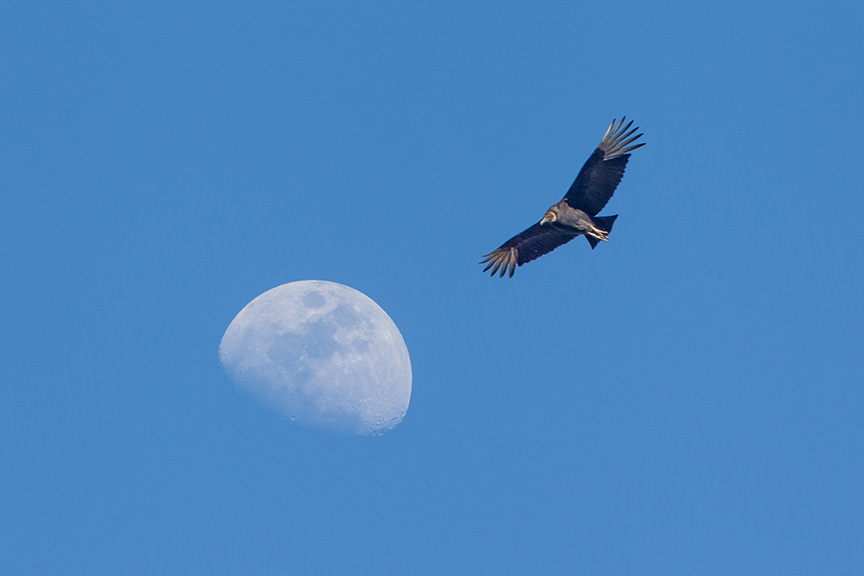
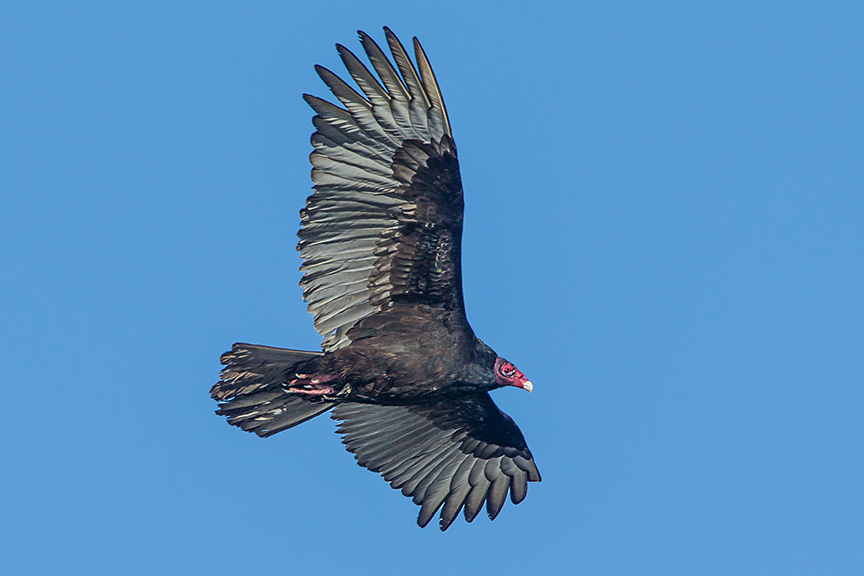
Vultures are not my favorite bird, especially to photograph. I think they are probably one of the ugliest and smelliest birds out there. But they are excellent flyers. At The Celery Farm Natural Area in New Jersey, there was a large flock of Turkey Vultures & Black Vultures, along with over a hundred gulls, working on all the dead fish that were coming to the surface as the ice melted on the lake. I noticed them circling high in the sky then coming down to fight over the fish. Quite often they crossed by the moon. I could not get them both in focus in the same shot so I quickly shot a series of the flying bird then a sharp shot of the moon just as they just passed by. Then combined them in Photoshop.
 photoartflight