 photoartflight
Cloud Reflections In Wet Sidewalk – iPhone 11
Posted on May 6, 2020

It stopped raining so I was walking on the sidewalk outside my home and noticed some interesting reflections of the clouds above in the wet sidewalk below. The clouds also looked a little like ice on the sidewalk. They finally opened some of the parks here in NJ, but are limiting the amount of people they let in. So I was looking for something to post here and thought these might be interesting. The featured image was the first image I photographed in this series with the 6mm lens (Full Frame equivalent 52mm) & using the 4:3 format. The rest of the images are panoramas shot with the same lens but with the 16×9 format and different numbers of images shot for each panorama. I do not like the distortion you get using the iPhone pano feature because of the extremely small lenses, so I shoot a series of multiple single images for each panorama and assemble them in Photoshop. Using the 16×9 format instead of the standard 4:3 format on the iPhone 11 Pro, gave me a longer image to start with so I did not need as many images to work with. But because of the extremely small 6mm lens I tend to shoot more images for the series to help minimize distortion. Overall they aligned nicely and only needed a few tweaks after Photoshop aligned and blended them.
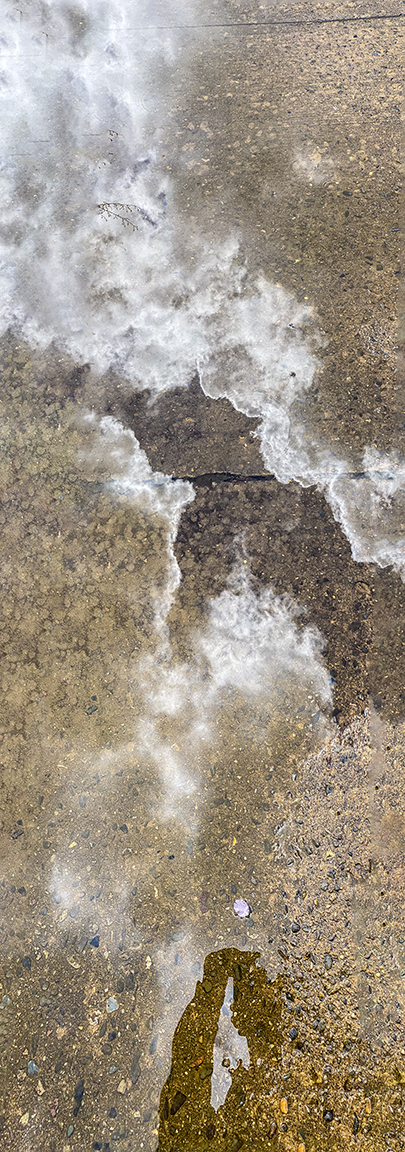
5 image panorama, 6mm lens, 16 x 9 format, iPhone 11 Pro
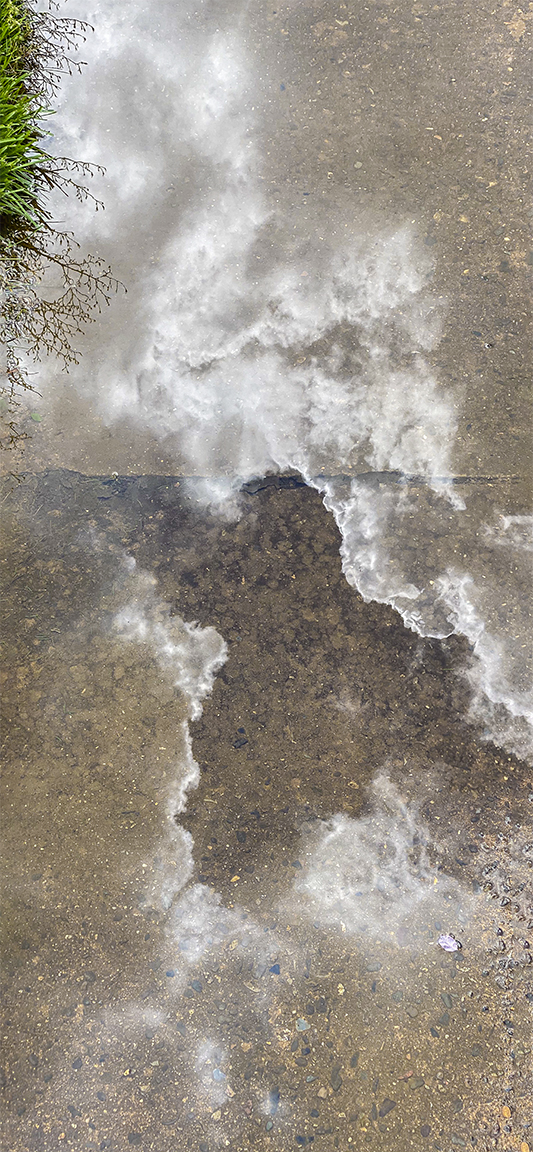
4 image panorama- 16 x 9 format, 6mm lens, iPhone 11 Pro

7 image panorama- 16 x 9 format, 6mm lens, iPhone 11 Pro
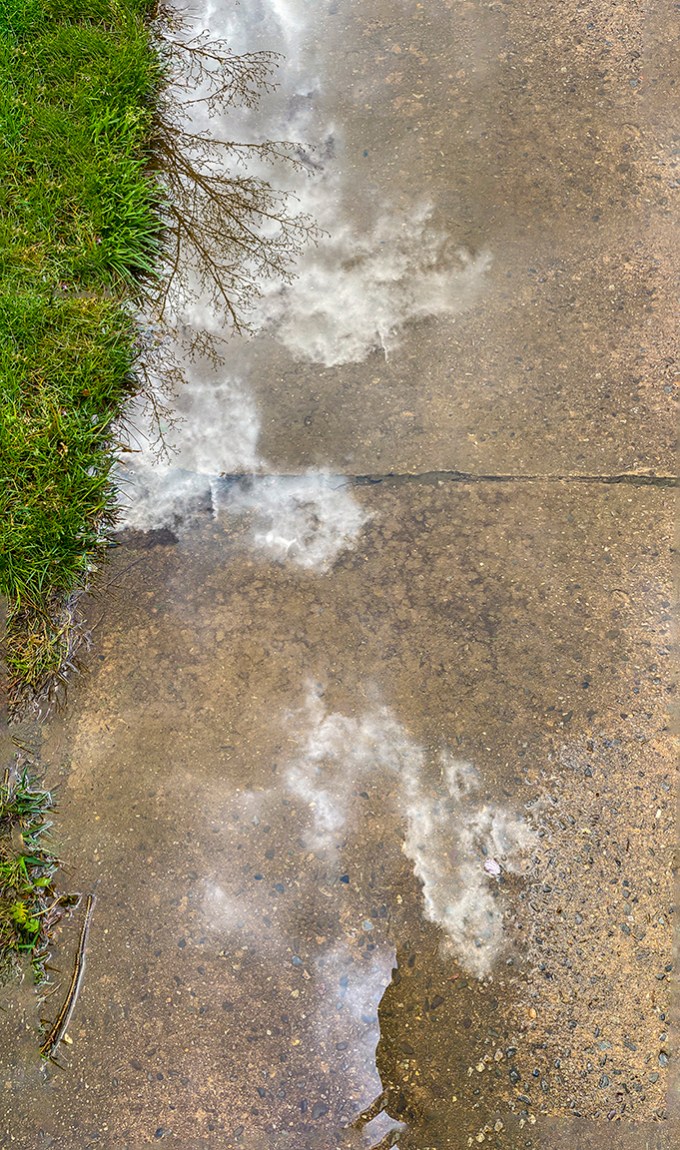
4 image panorama- 16 x 9 format, 6mm lens, iPhone 11 Pro
 photoartflight