 photoartflight
Panoramas From Davidsons Mill Pond Park
Posted on November 4, 2020

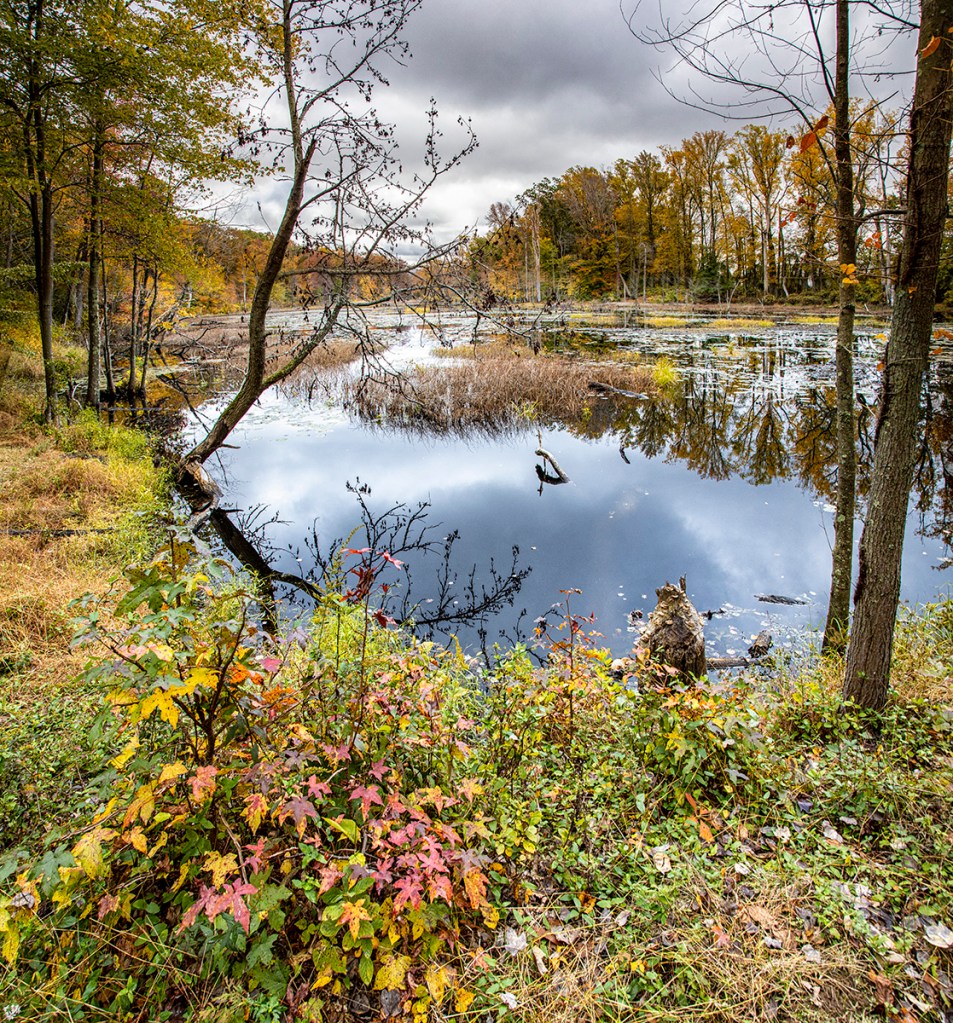
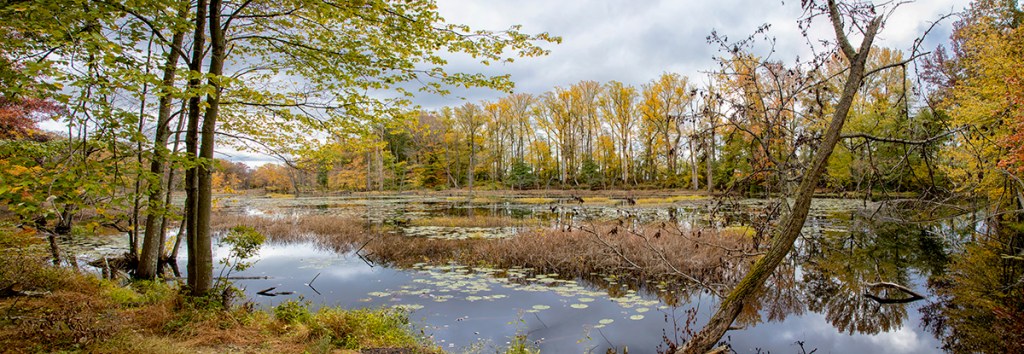
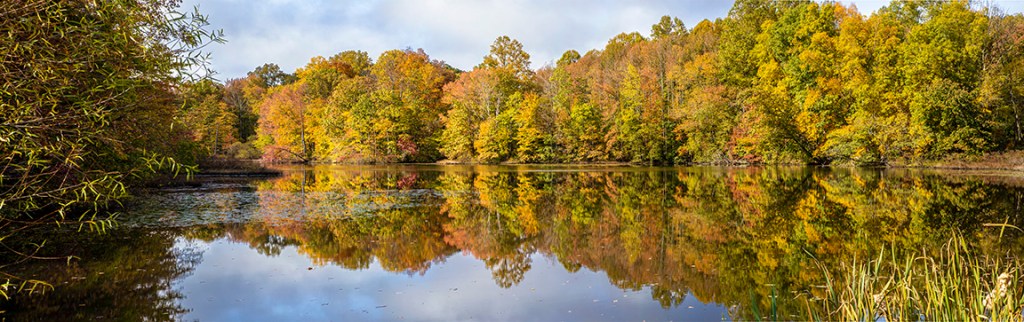
We went to Davidsons Mill Pond Park to take a walk through the wooded area and see how the Fall colors were. The panoramas here were from the large pond on the Farm Road Trail. The featured panorama image was 6 handheld horizontal images, @ 24mm looking down the pond from the narrow end of the pond. For handheld panoramas I tend to overlap the images more than if I was using a tripod. When doing panoramas, the amount of overlap on the images determines the length of the panorama.


Fog Landscapes At Davidsons Mill Pond Park
Posted on October 23, 2020

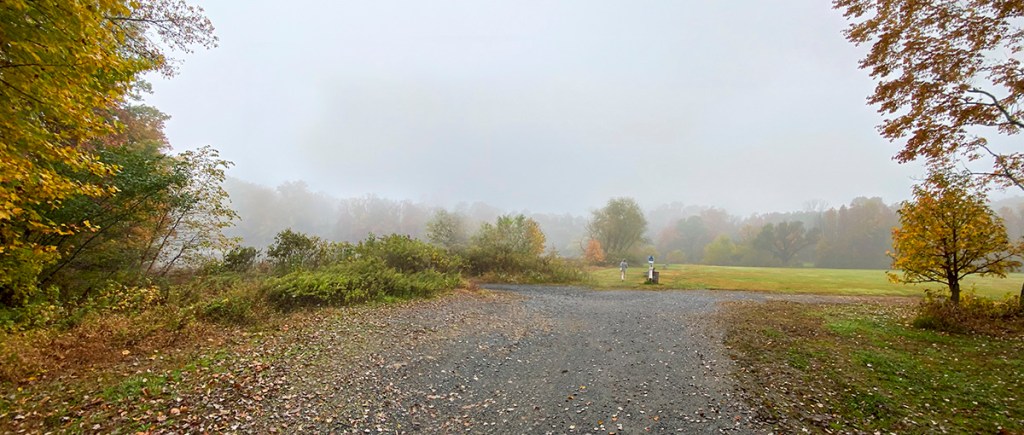
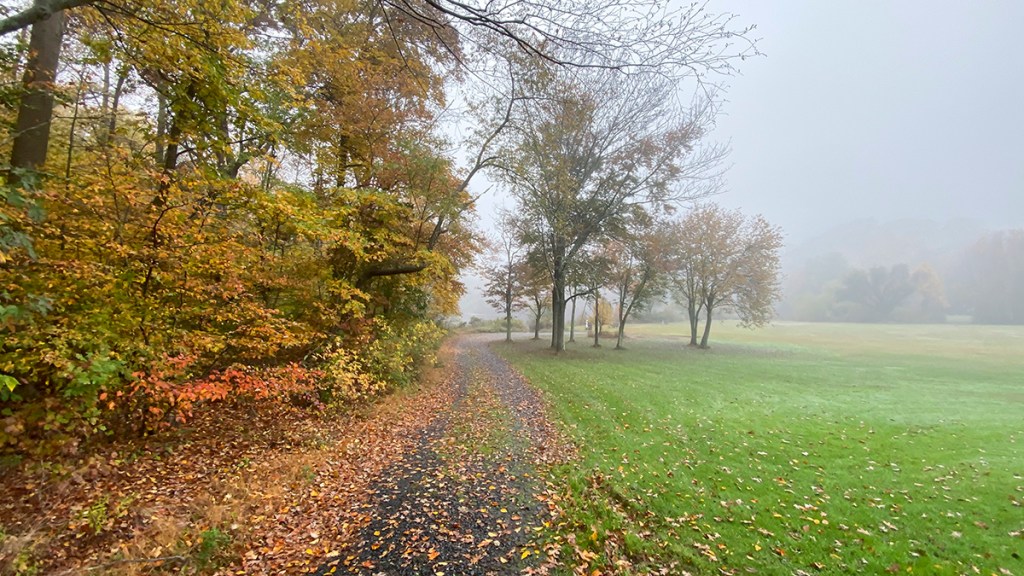
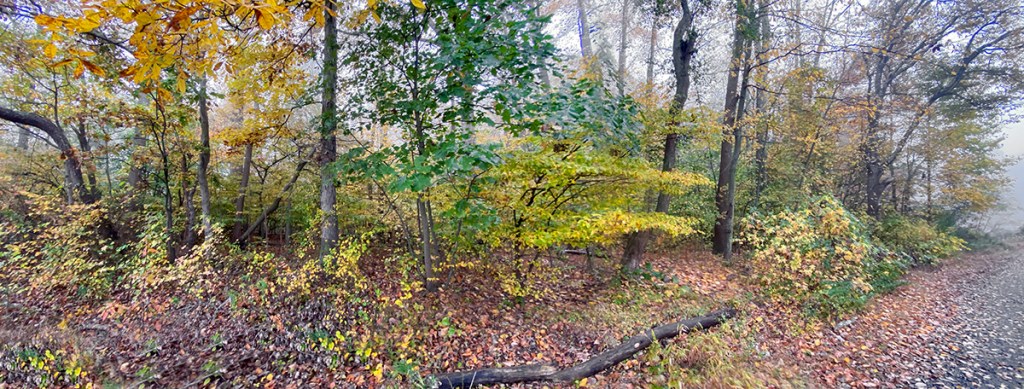
Yesterday we woke up to very foggy weather, so we decided to go out and see what interesting images we could find in the fog. One of our destinations was Davidsons Mill Pond Park. I was only using my iPhone 11 Pro using the 16×9 format with the various built-in lenses. This format does not make the images longer, but crops the narrower dimension so it looks more like a panorama. The featured image is 5- 16×9 format images with the iPhone 1.5mm lens (Full Frame equivalent ~13mm) assembled in Photoshop.





Colorful Fall Handheld Panoramas From Davidsons Mill Pond
Posted on October 21, 2020
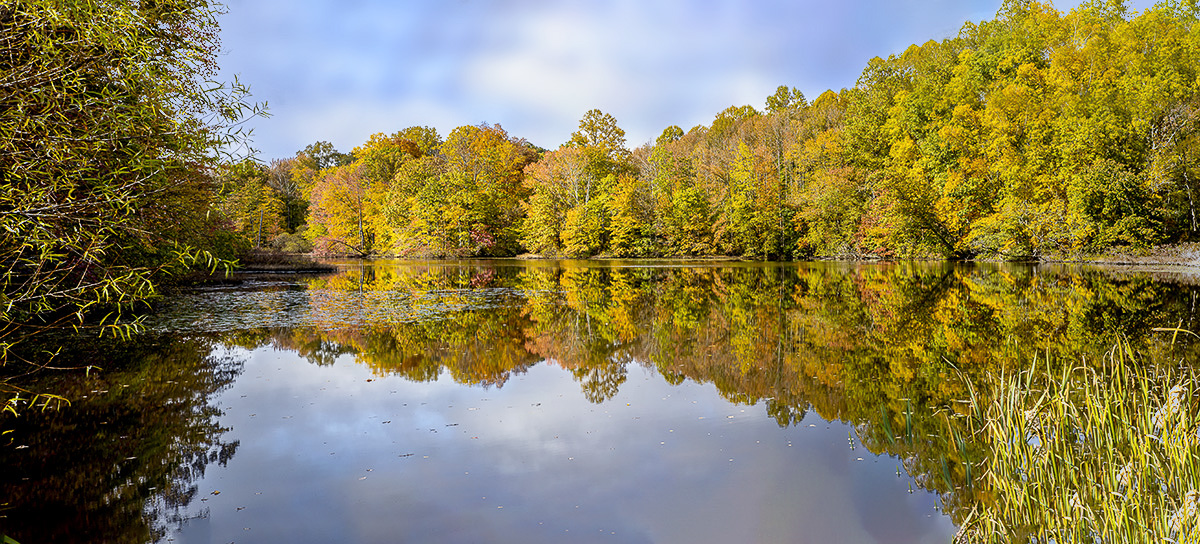
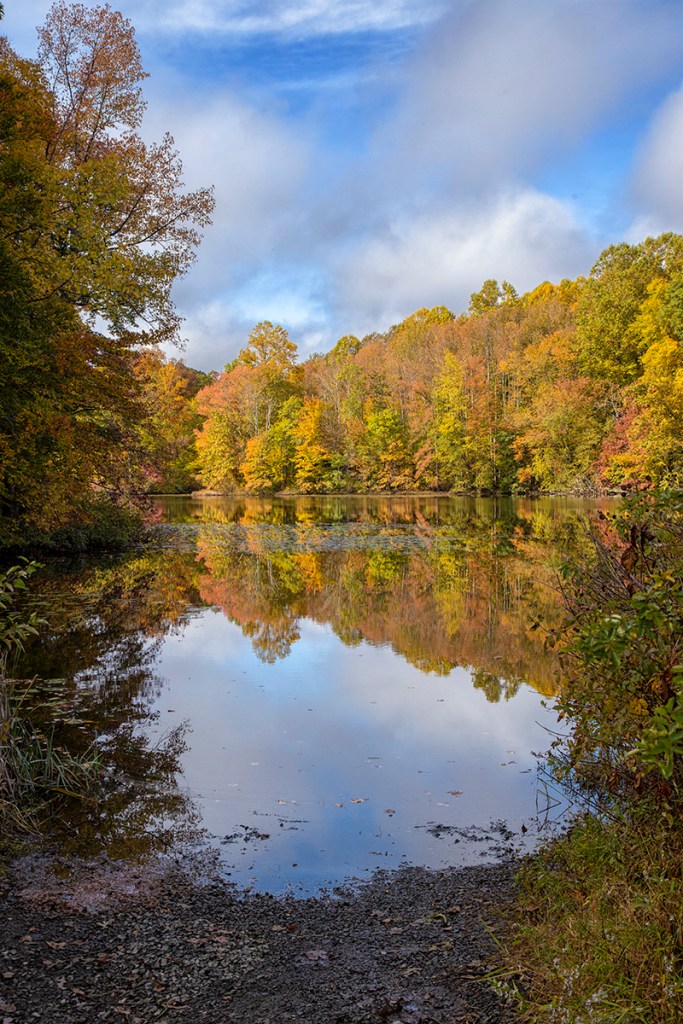
We went to Davidsons Mill Pond Park to photograph the Fall colors. I was only using my Canon R with a 24-105mm lens & my iPhone 11 Pro. All panorama images here are with the 24-105mm @ various focal lengths. I purposely made a series of panoramas at different focal lengths (as listed below images) and different numbers of images per panorama. I was trying to show how sometimes it is better to use more images per panorama in the beginning & once you get used to doing them you can use less images and still get the image that you wanted. Also by shooting more images than you need, you get used to how the process works and get the feel for how many you will need in the future. In Photoshop you just load all images into one layered Photoshop file. Select layers and chose Auto-Align, then Auto-Blend. Comes in handy for the times you want a wider image or taller image and have the wrong lens to accomplish your vision. If needed I can post a more step by step process blog.




Panoramas From Davidsons Mill Pond Park
Posted on October 13, 2020
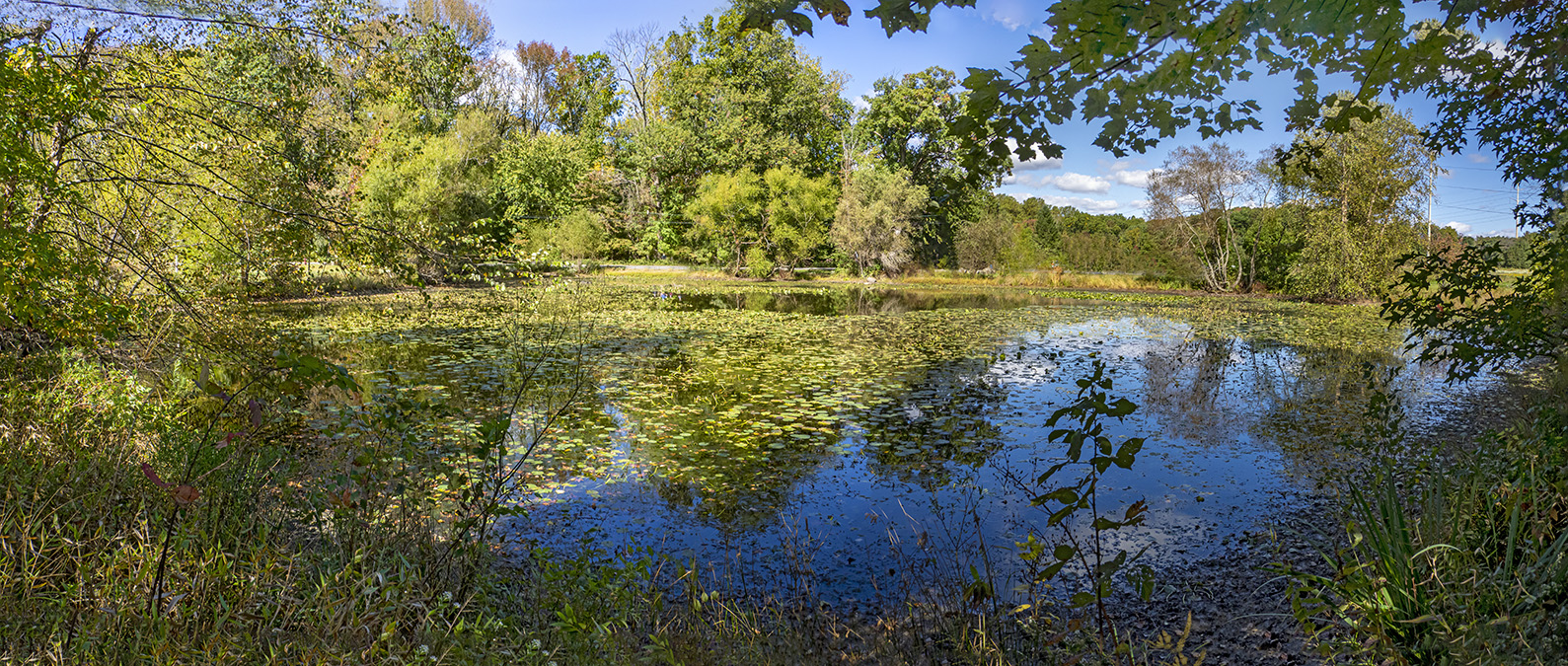
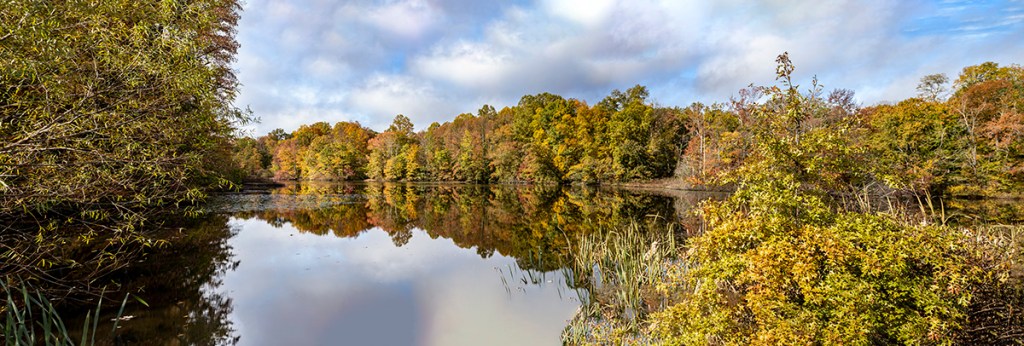
We went to Davidsons Mill Pond Park to photograph a few panoramas, mostly for cloud formations. The Featured Image is of the small pond near the main parking area. Photographed from the wooded back area showing the pond from a different vantage point. This is 5 images, handheld @ 14mm, Panasonic 14-140mm, Olympus OM-D E-M1. When doing panoramas with the m43 format I tend to overlap the images much more than when using my standard Canon equipment.


 photoartflight