Impressive Cloud Formations @ Davidson’s Mill Pond Park

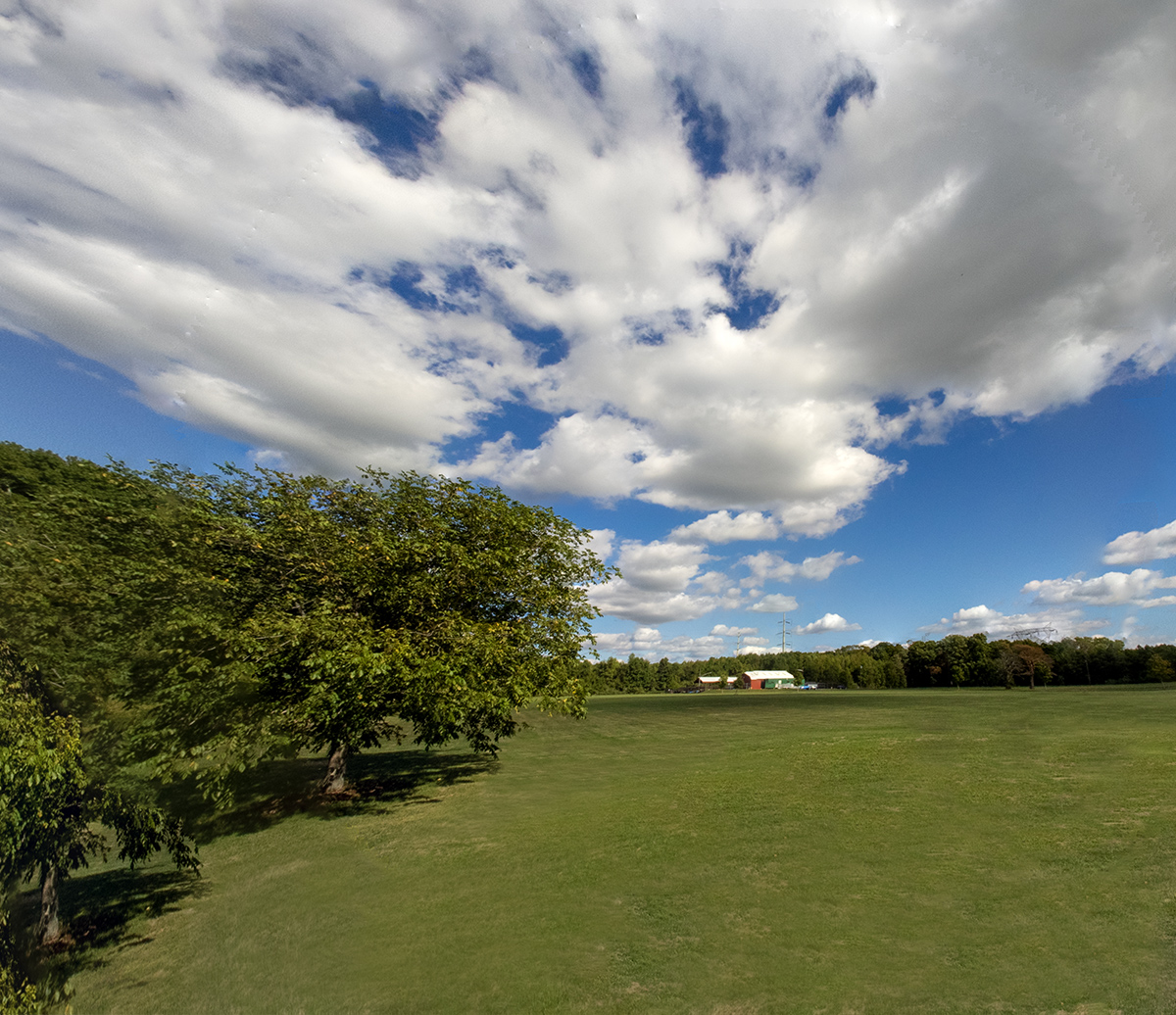
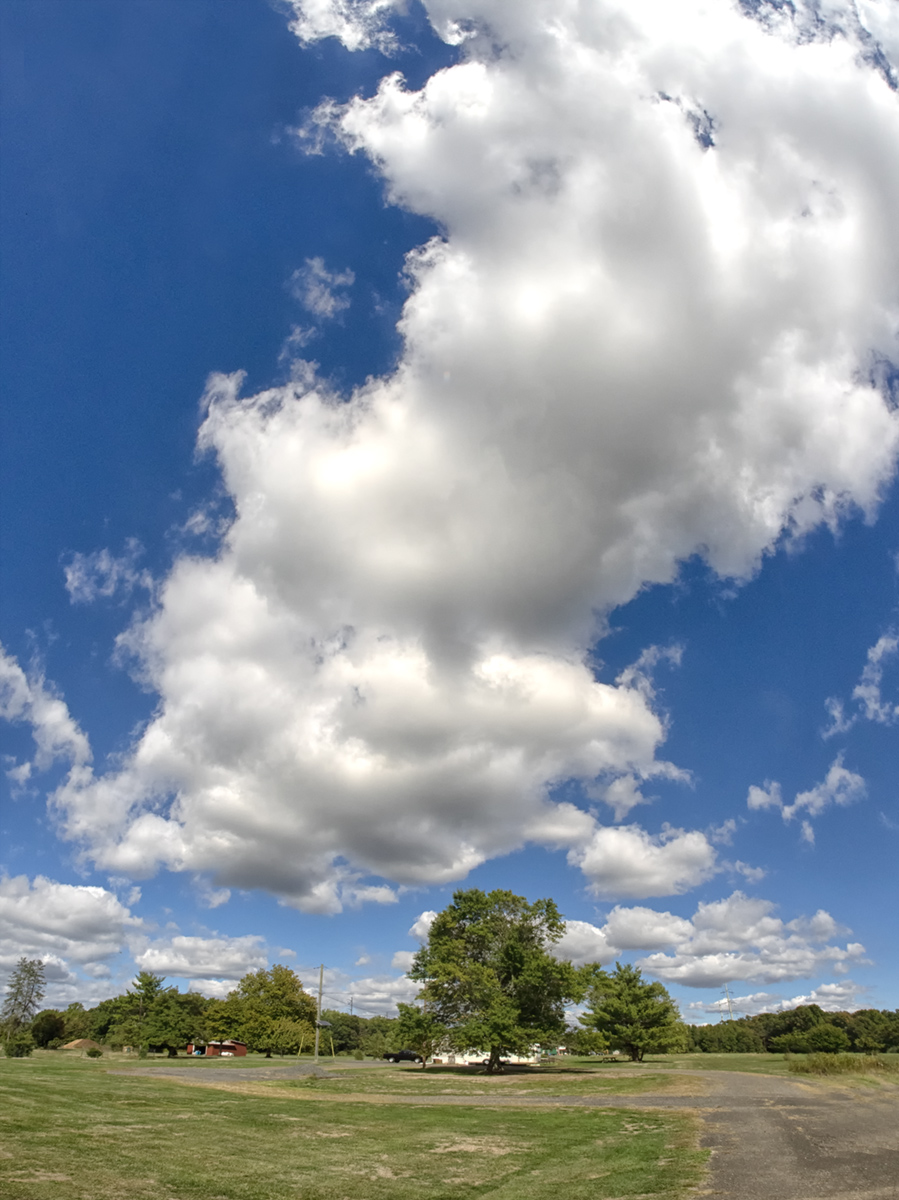
A few weeks ago we went to Davidson’s Mill Pond Park to take a walk through the woods. On the way to the path going through woods we noticed the cloud formations were very large & impressive. So I shot a series of multi-image cloud panoramas and some single image cloud views with my OM-D Mk1 with a 7.5mm Fisheye lens. Even with a 7.5mm Fisheye lens with a FOV 180 degrees I had to shoot multiple image panoramas to get the cloud formations in the shots. Because I was using a FishEye lens I had to de-fish the images with the Adaptive Wide Angle Filter in Photoshop before being able to blend the images for the panoramas. The Featured Image was a 3 Image Panorama taken with the OM-D 1 with the 7.5mm lens.

6 Image Panorama, 7.5mm Fisheye Lens, Images DeFished in Photoshop Before making Panorama Image
Clouds, 2 Image Panorama, 7.5mm Fisheye Lens, Olympus OM-D1
Clouds, 3 Image Panorama, 7.5mm Fisheye Lens (De-Fished Image), Olympus OM-D1
Clouds, 4 Vertical Image Panorama, 7.5mm Fisheye Lens (De-Fished Image), Olympus OM-D1
Clouds, 3 Image Panorama, 7.5mm Fisheye Lens (De-Fished Image), Olympus OM-D1
Clouds, 4 Vertical Image Panorama, 7.5mm Fisheye Lens (De-Fished Image), Olympus OM-D1
Clouds, 3 Vertical Image Panorama, 7.5mm Fisheye Lens (De-Fished Images), Olympus OM-D1
Clouds, 8 Image Panorama, 7.5mm Fisheye Lens (De-Fished Images), Olympus OM-D1
Clouds, 4 Vertical Image Panorama, 7.5mm Fisheye Lens (De-Fished Images), Olympus OM-D1
Clouds, 5 Image Panorama, 7.5mm Fisheye Lens (De-Fished Images), Olympus OM-D1

First Images With TT Artisan 11mm Fish-eye Lens For Canon RF

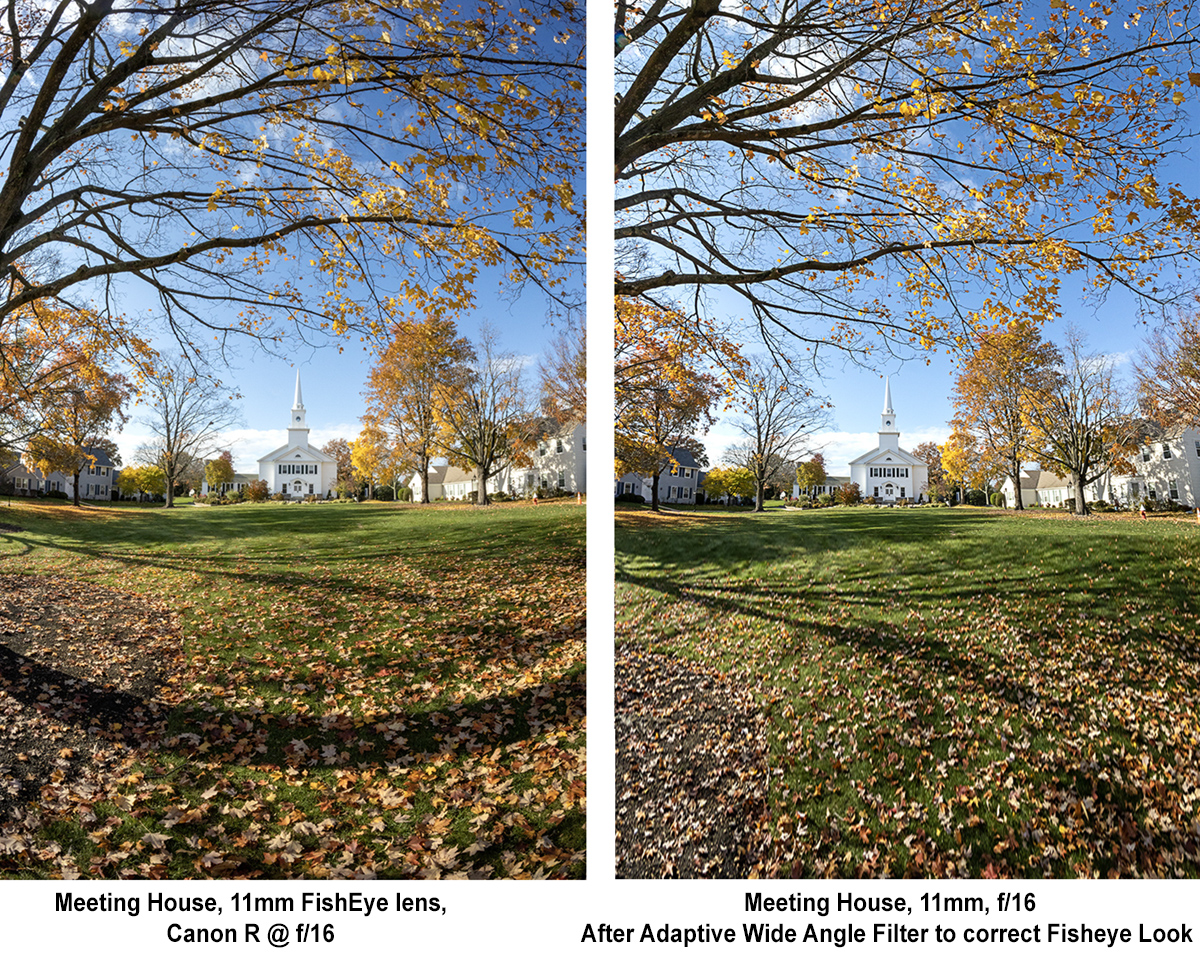
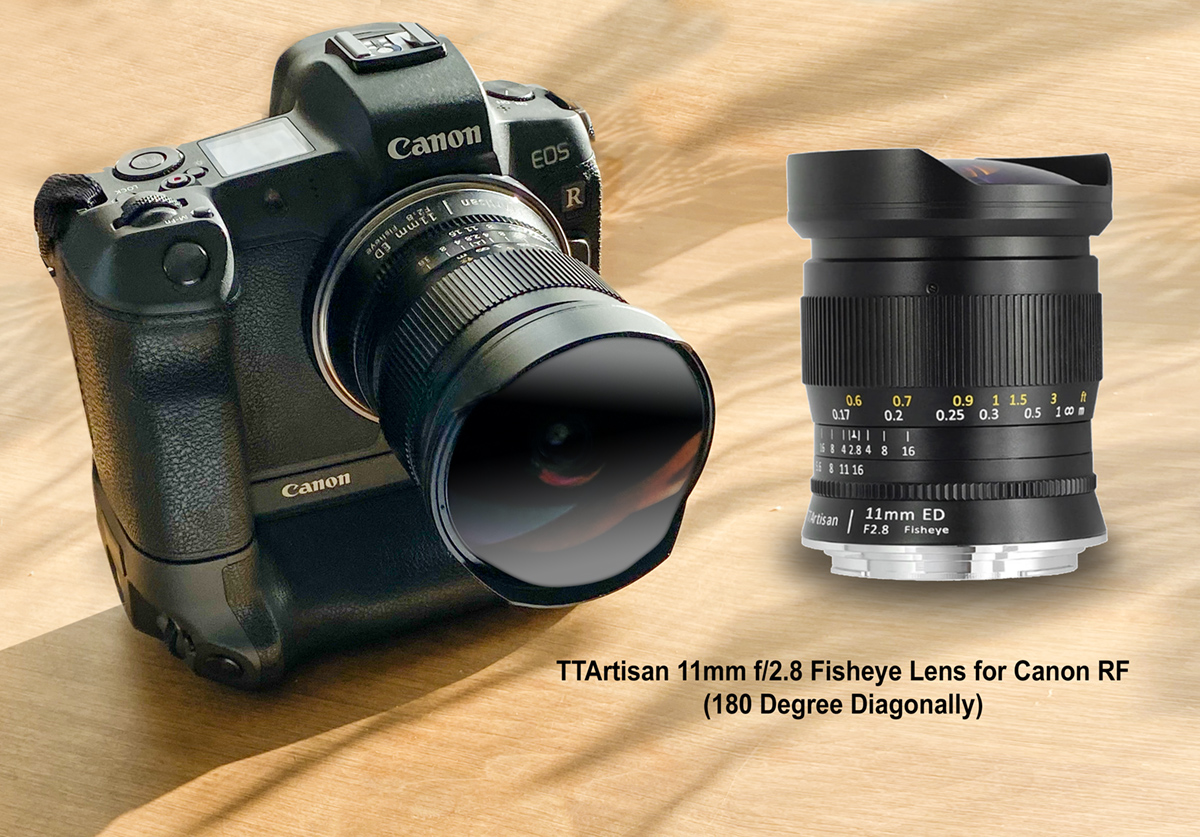
Lately I am shooting landscapes with Fisheye Lenses for a very wide angle of view with 1 image or sometimes multiple image panoramas. Fish-eye lenses give you a very wide Field of View but you have the Fish-eye Effect look or Warped looking images. But when working on the files it is easy to correct and remove the Fish-eye look. This is also useful if shooting multi-image panoramas with Fish-Eye lenses for an even wider view because the Fisheye effect makes it almost impossible to blend the images nicely. If shooting Multi-image Panoramas with Fisheye lenses before blending the images you have to remove the “Fish-eye” distortion. So I use Photoshop’s Adaptive Wide Angle filter under Filters and enter the info needed there to de-fish the images. Sometimes it takes a few tries especially with Fisheye lenses like this 11mm Fisheye lens. You can also use the Warp tool to fine tune the image distortion a little more after using the Adaptive Wide Angle filter. The Artisan TT 11mm lens does not communicate with the R camera body so you have to set the camera to shoot without a lens and manually set the f/stop you want to use on the lens. If you use f/11 or f/16 almost everything is in focus without manually focusing if you set the lens to infinity & the Camera on Aperture Priority.

Meeting House, 11mm, camera tilting down to show distortion if not centering horizon. Easily fixed if applying PhotoShop’s Adaptive Wide Angle Filter
Horizontal Image, horizon somewhat centered in image lessens Fisheye distorted look (I could have used Photoshop’s Warp feature to correct the building some what more but left it alone for now.
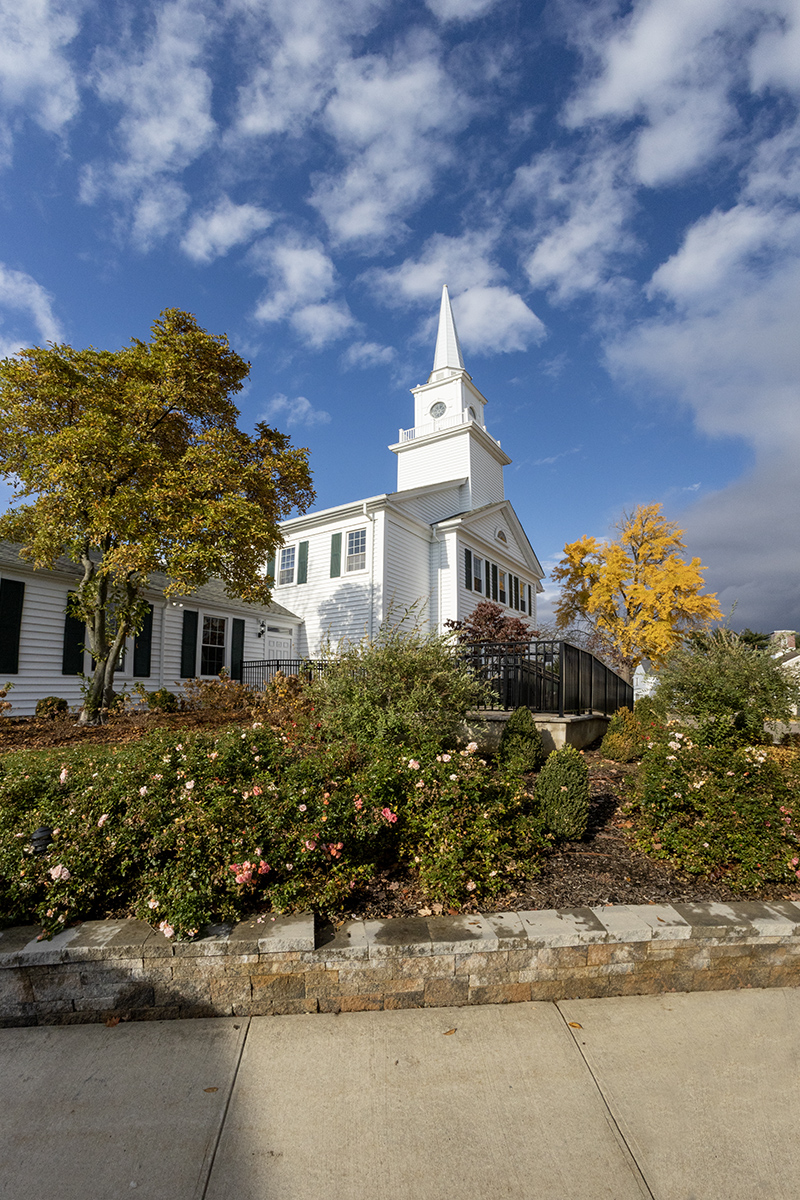
Meeting House, same image as above but used PhotoShop’s Adaptive Wide Angle Filter to Correct Fisheye Distortion. 11mm, camera tilting up for more sky. Shows distortion if not centering horizon. Easily fixed if applying Adaptive Wide Angle Filter
2 Image Panorama made after using PhotoShop’s Adaptive Wide Angle Filter to Correct Fisheye Distortion for each image before making 2 image stacked Panorama. 11mm, camera tilting up for more sky on top & 2nd image tilting down for more foreground.
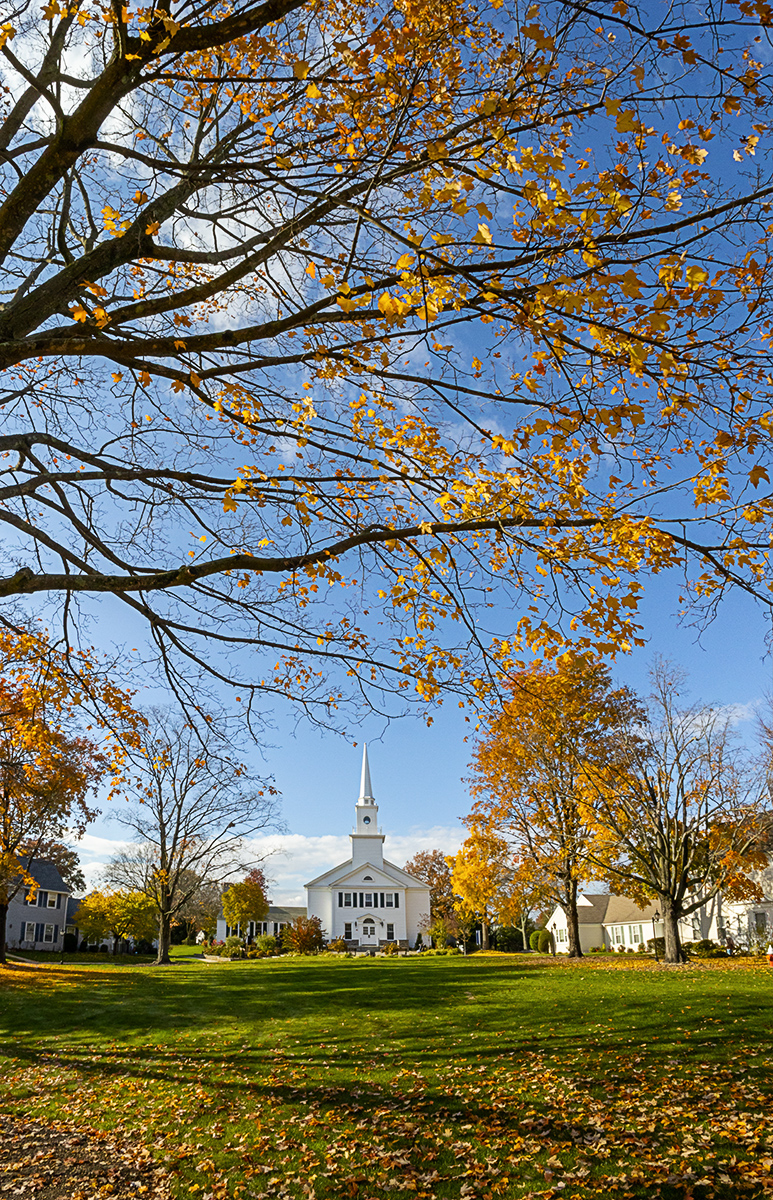
Meeting House, 1 Image Vertical view, corrected with PhotoShop’s Adaptive Wide Angle Filter. Also somewhat centering main building for less distortion. Also fine tuned with Photoshop “Warp” Feature.
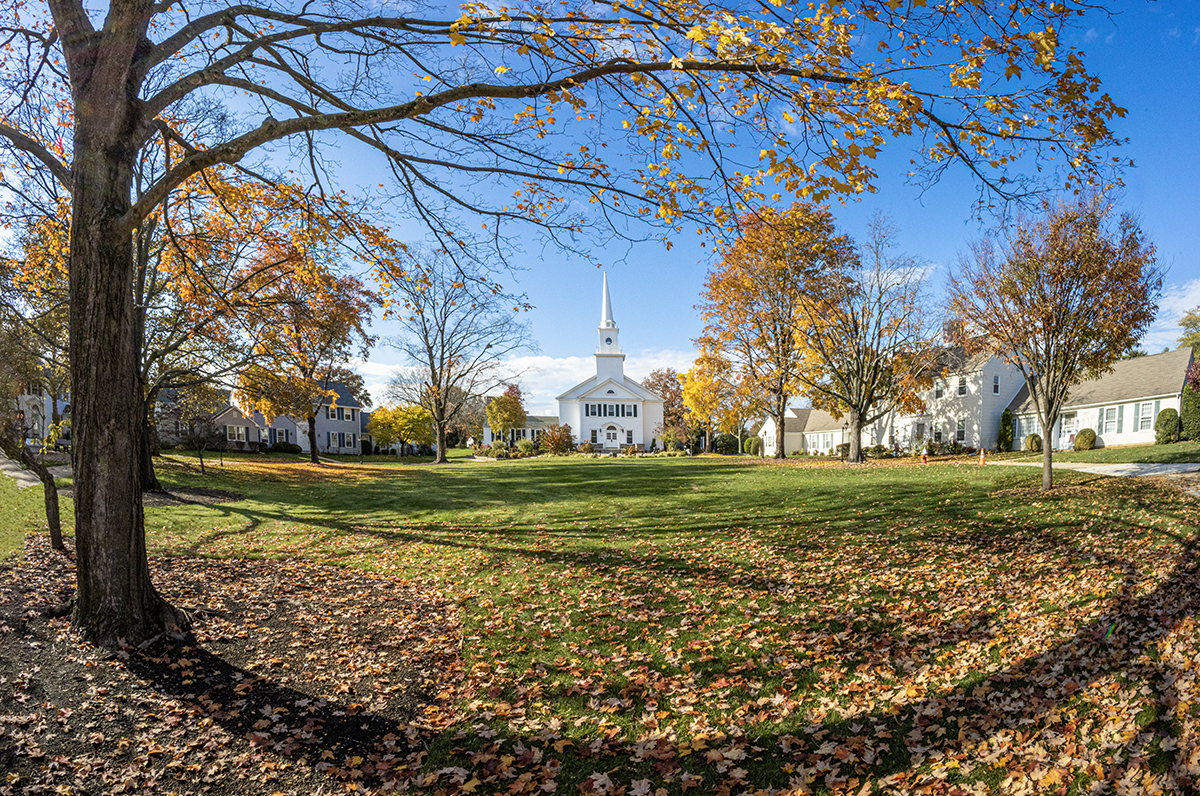
Meeting House, 1 Image Horizontal view, corrected with PhotoShop’s Adaptive Wide Angle Filter. Also somewhat centering main building in center for less distortion. Fine tuned with Photoshop “Warp” Feature.
Meeting House, 1 Image Horizontal view, showing a more distorted effect if having horizon higher in frame for more foreground when shooting with Fisheye lenses. Better to shoot 2 stacked images with top image farther down towards the center.
Meeting House, 1 Image Horizontal view, showing a somewhat un-distorted view if having horizon more centered in frame for more foreground when shooting with Fisheye lenses. Better to shoot 2 stacked images with top image farther down towards the center.
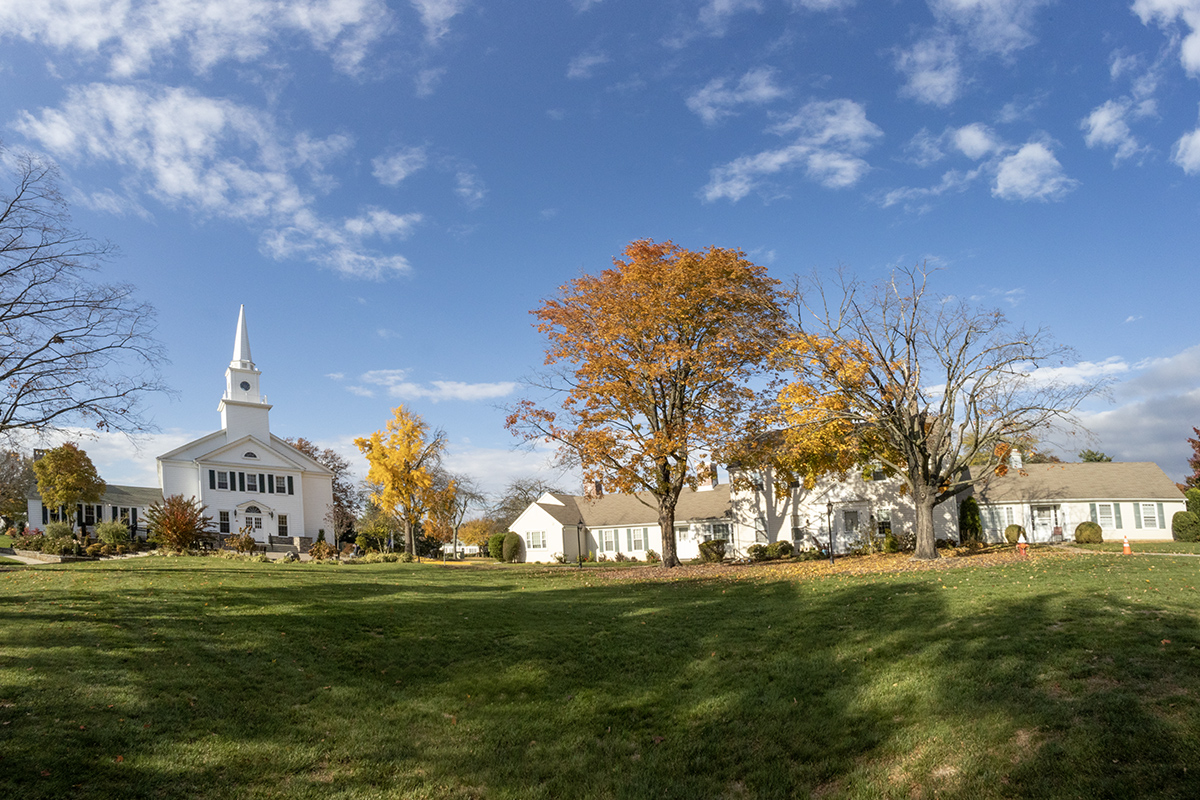
Meeting House, 1 Image Horizontal view, showing a somewhat un-distorted view if having horizon more toward the bottom of image in your frame when shooting with Fisheye lenses. Again corrected with Adobe filter-Adaptive Wide Angle Filter and fine tuned outside edges with Adobe’s Warp filter.