 photoartflight
When You Can Not Get Close To Your Photo Subjects
Posted on March 17, 2022
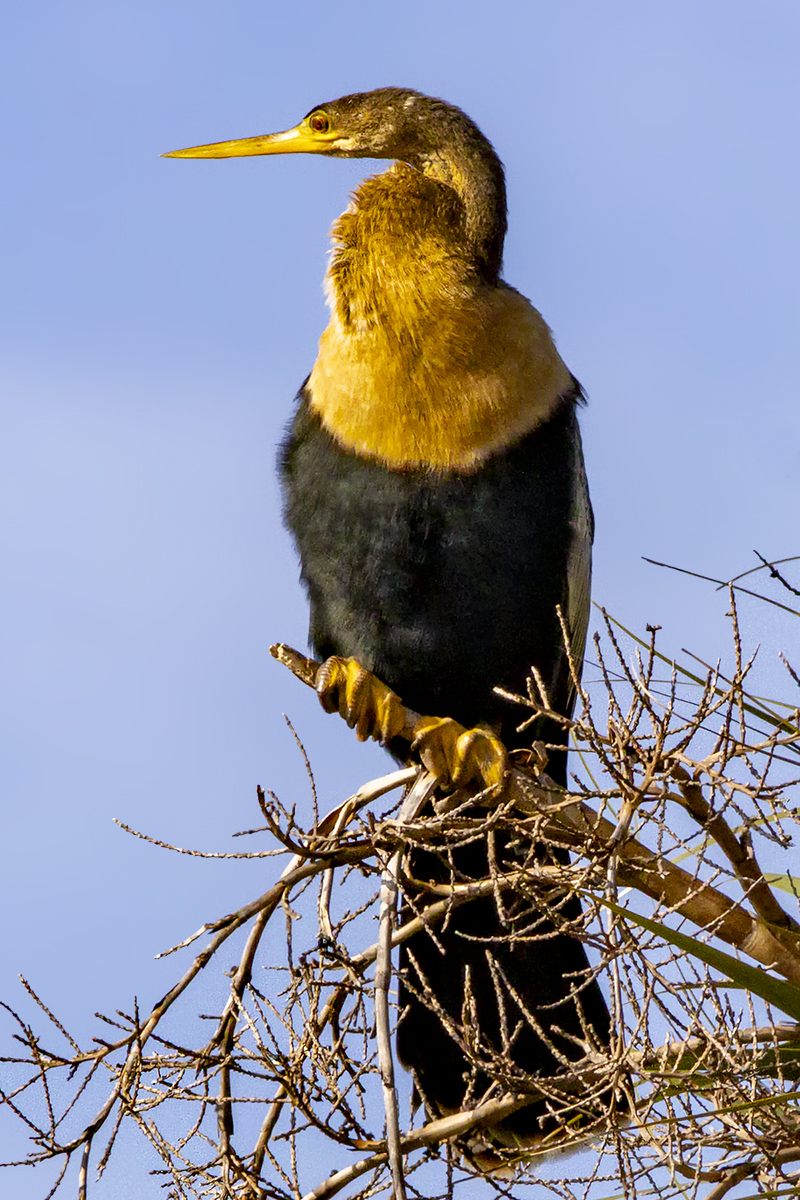
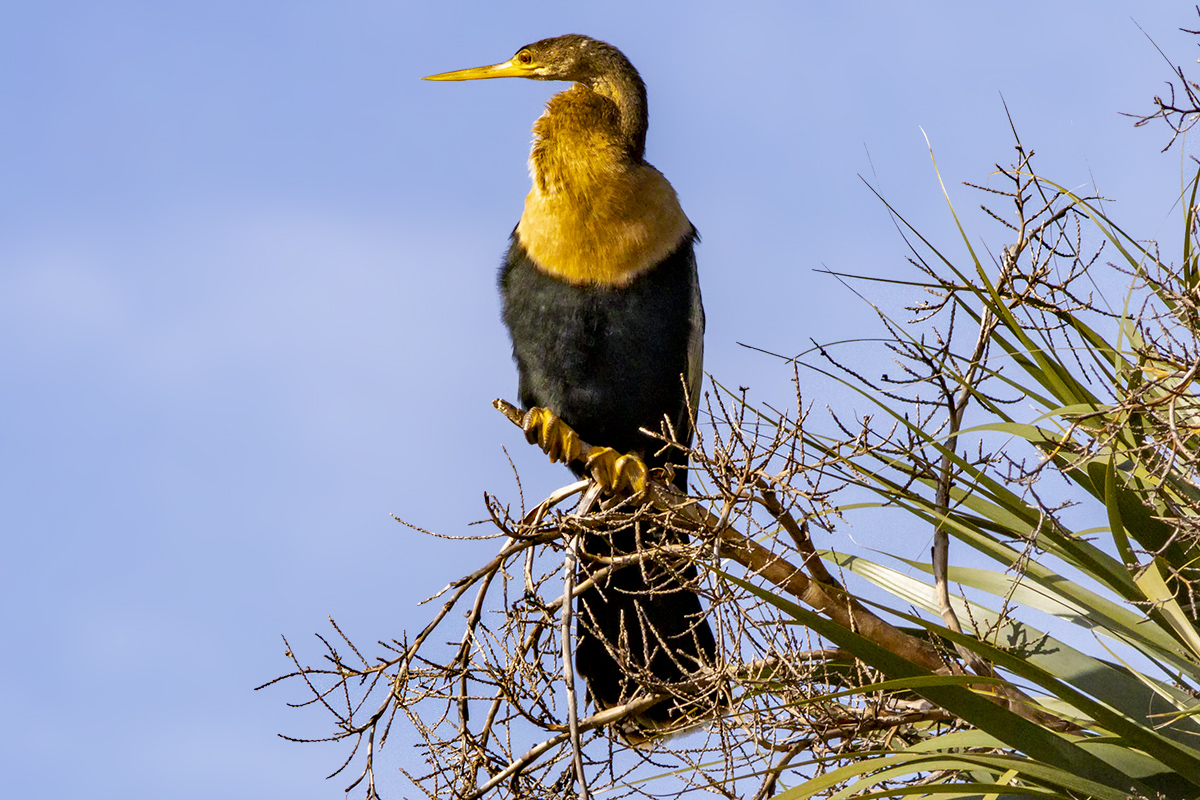
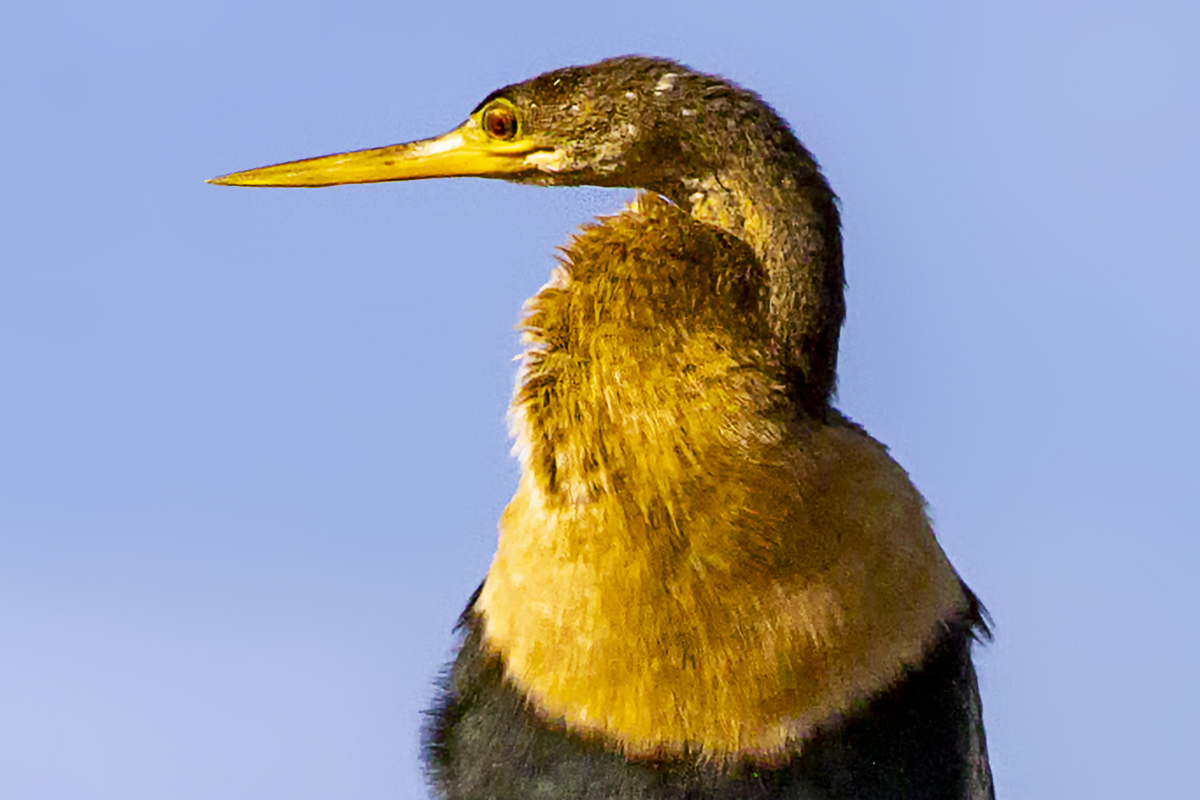
Many times when I am out walking in a Wildlife Refuge to photograph birds I either cannot get close because they are high up in the trees or there are other things in the way to get close. Or they are flying some what in the distance. So if you are shooting “RAW” camera files such as Canon CR3 Raw files you can use “Enhance” in Photoshop to nicely uprez your images for severe cropping. Or if you want to really Print Large images. Works well for both applications. It also helps to run a noise reducing software after uprezzing. I had made my own Photoshop actions to uprez images but using “Enhance” in Photoshop is easier to use. The Featured Image is severely cropped from my “Enhanced” File. Sometimes I also use Nik Define software to remove some “noise” in the image if I am using a high ISO.




 photoartflight