 photoartflight
Pocket Camera for Landscapes
Posted on October 18, 2013

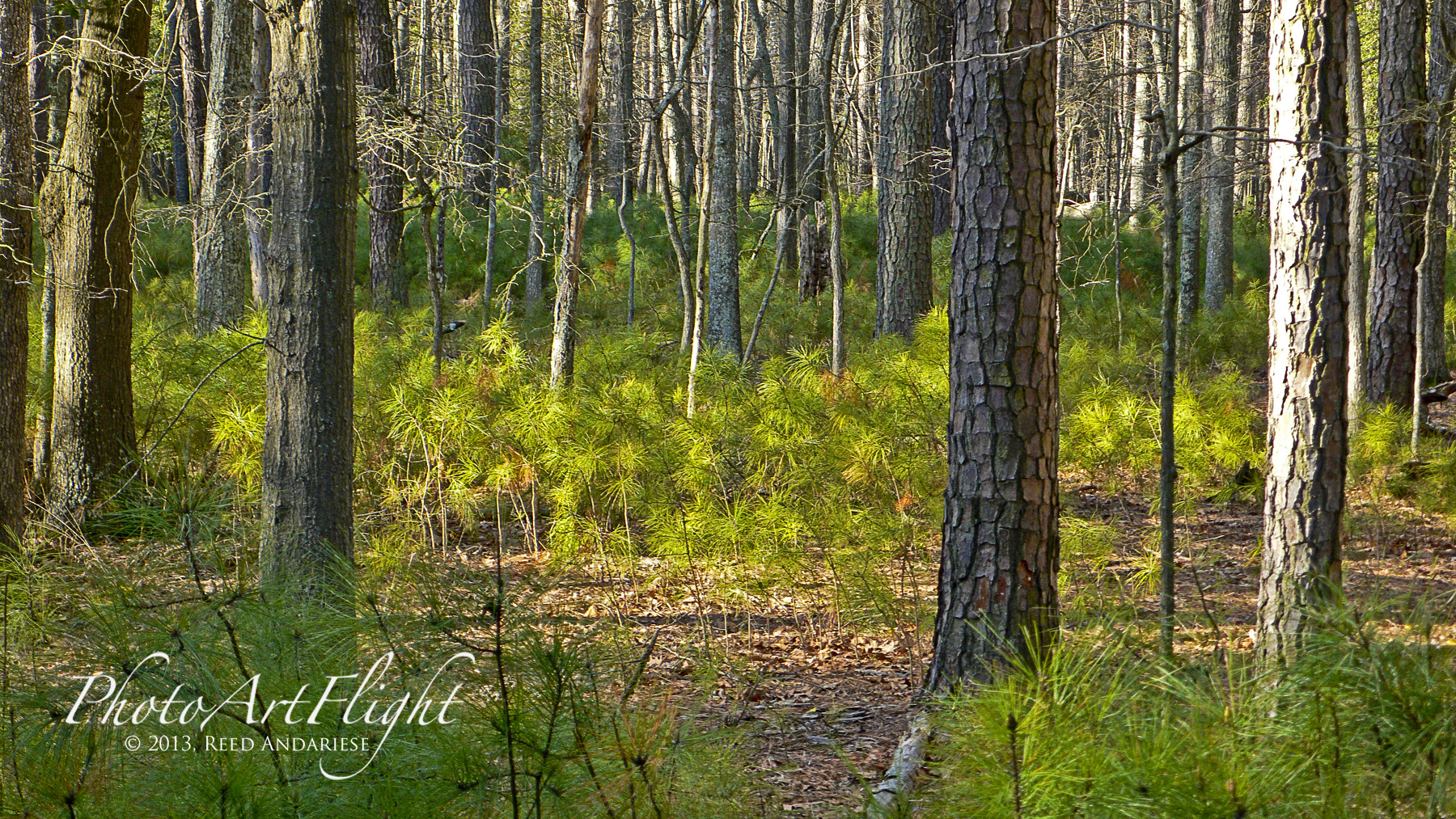
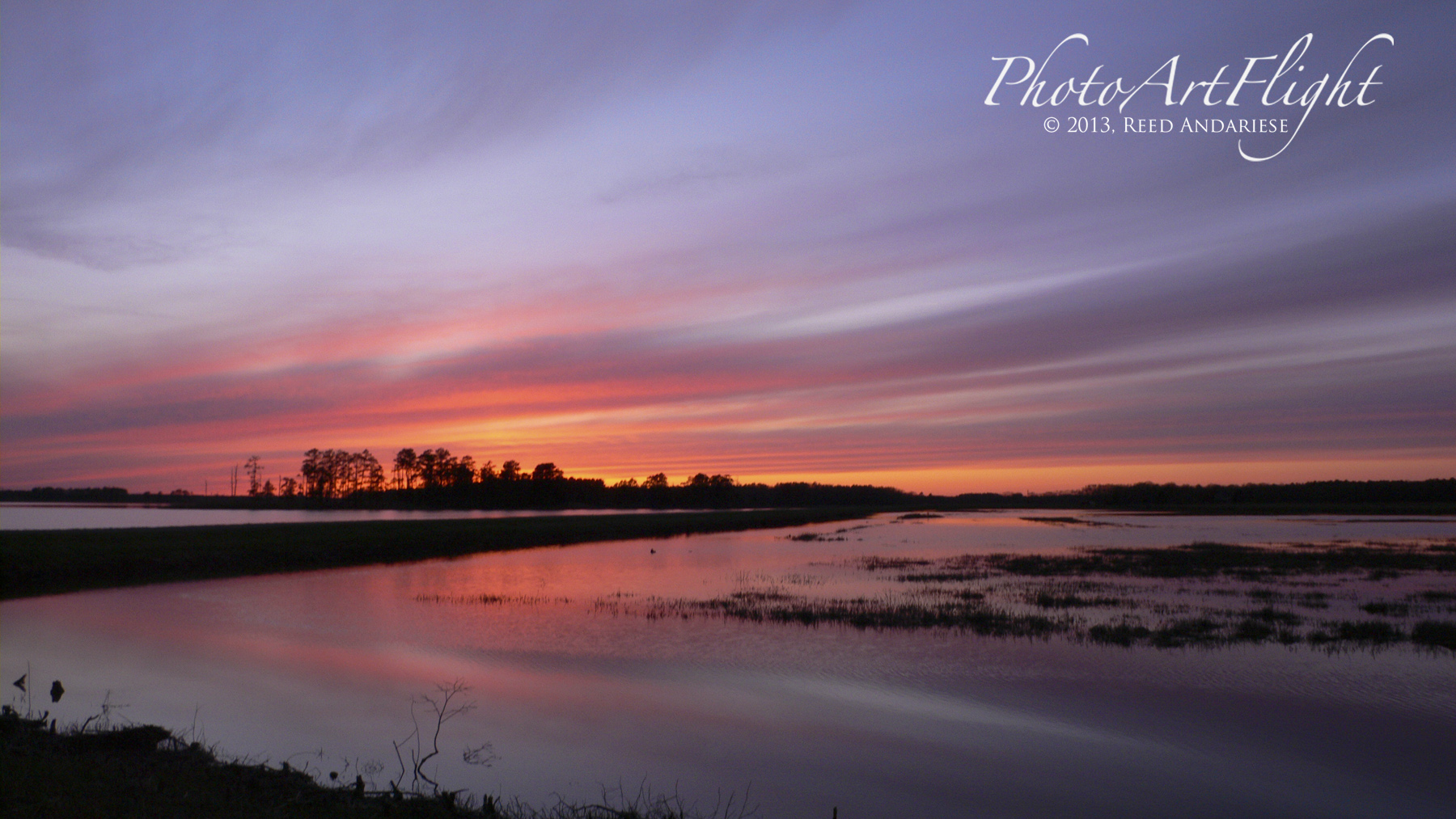
Many times while I am out in the field, I am carrying 400mm telephoto lens on a Canon 1 Series Body, which is large and after a while becomes heavy. So I usually do not carry a second body or second wider lens. But I do not want to miss opportunities if I come across a great shot that is not right for the 400mm. I usually have a Panasonic LX1 compact camera in my pocket for those instances where I want to take a few wide or detail shots while my main camera with long lenses. I have used the LX1 for years and it still works well even though it is getting a little dated in todays fast paced technology feature updates. It has the ability to shoot raw files which is important for my workflow and the images it produces are fine for prints up to 16×20 prints & even up to double page landscape spreads in my ebooks. Newer cameras like the Sony RX100 II & similar cameras are also excellent & handy backup cameras. Sometimes if I think I might need a wider zoom range I use a Panasonic GH2 m43 camera with a 14 – 140mm lens (equivalent to 28 -280mm on full frame cameras). Even though it is smaller than a DSLR and easier to carry, it still would not fit in a pocket and might get in the way. I have also tried images from my iPhone, but I do not think it is a viable option yet. All examples here are with the Panasonic LX1.


Colors of Fall in the Northeast
Posted on October 14, 2013
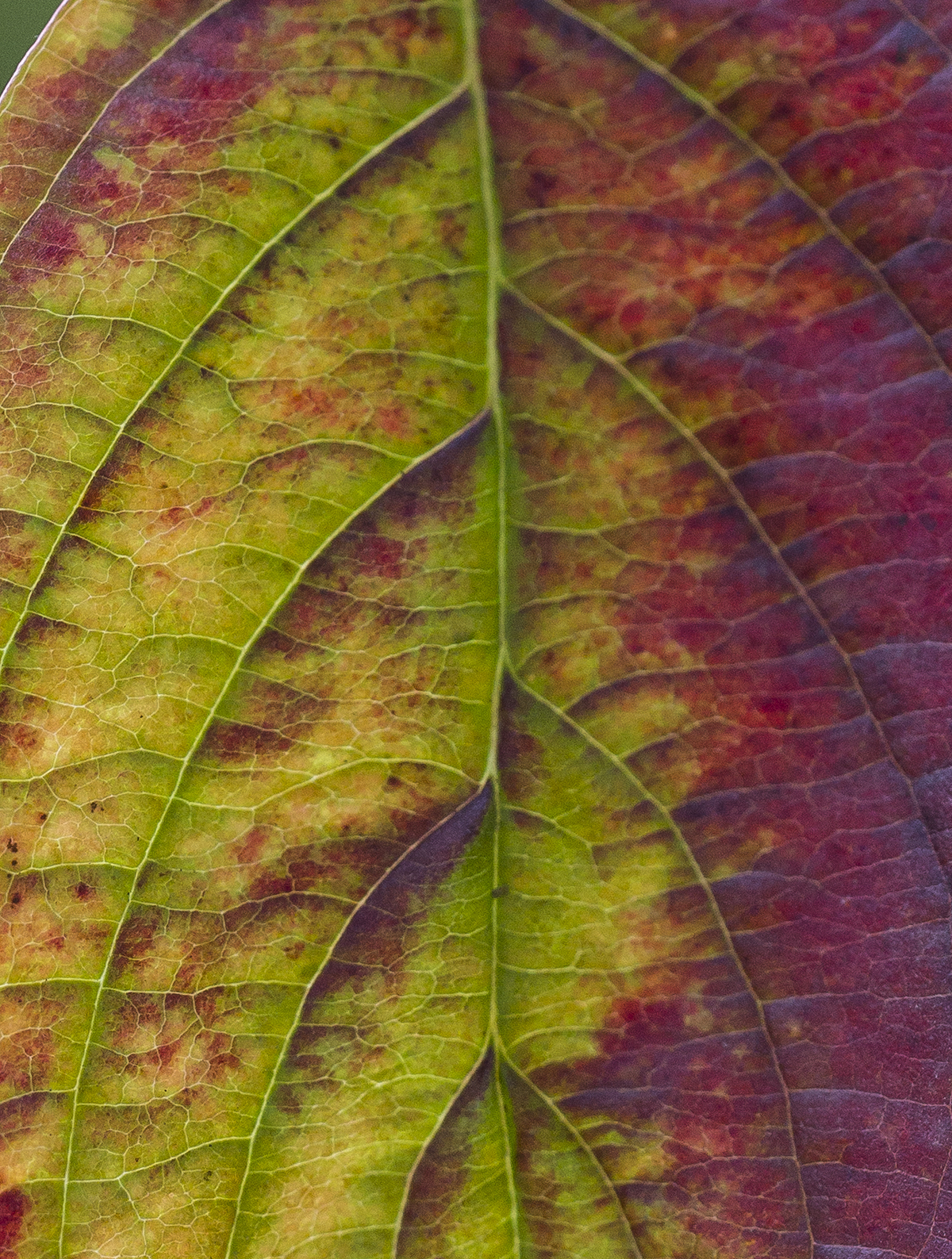
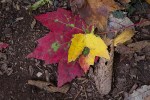
I spent the last few days wandering around a few of my local shooting areas looking for local Fall Color. You do not have to go far, look around your own yard or local park, you might be surprised at what you find. Here are a few from my yard and The Celery Farm Natural Area, 107 acre fresh water wetland. All were taken with my Canon 1D MkIV and the Sigma 150 f/2.8 macro. The 150mm macro is a great lens and the right focal length for these. Most of the time I set an f/stop of f/2.8 if they were in the shade and increased to f/5.6 in brighter light. I wanted to keep a shallower depth of field to keep some backgrounds less obtrusive. I also tried to shoot straight in to my subjects (parallel) to maximize sharpness across the leaves. You do not have to travel far to get some Fall Color Images and it can also be a challenge to see what you can shoot.
-

- Colors of Fall










Spiders & More Spiders
Posted on October 7, 2013
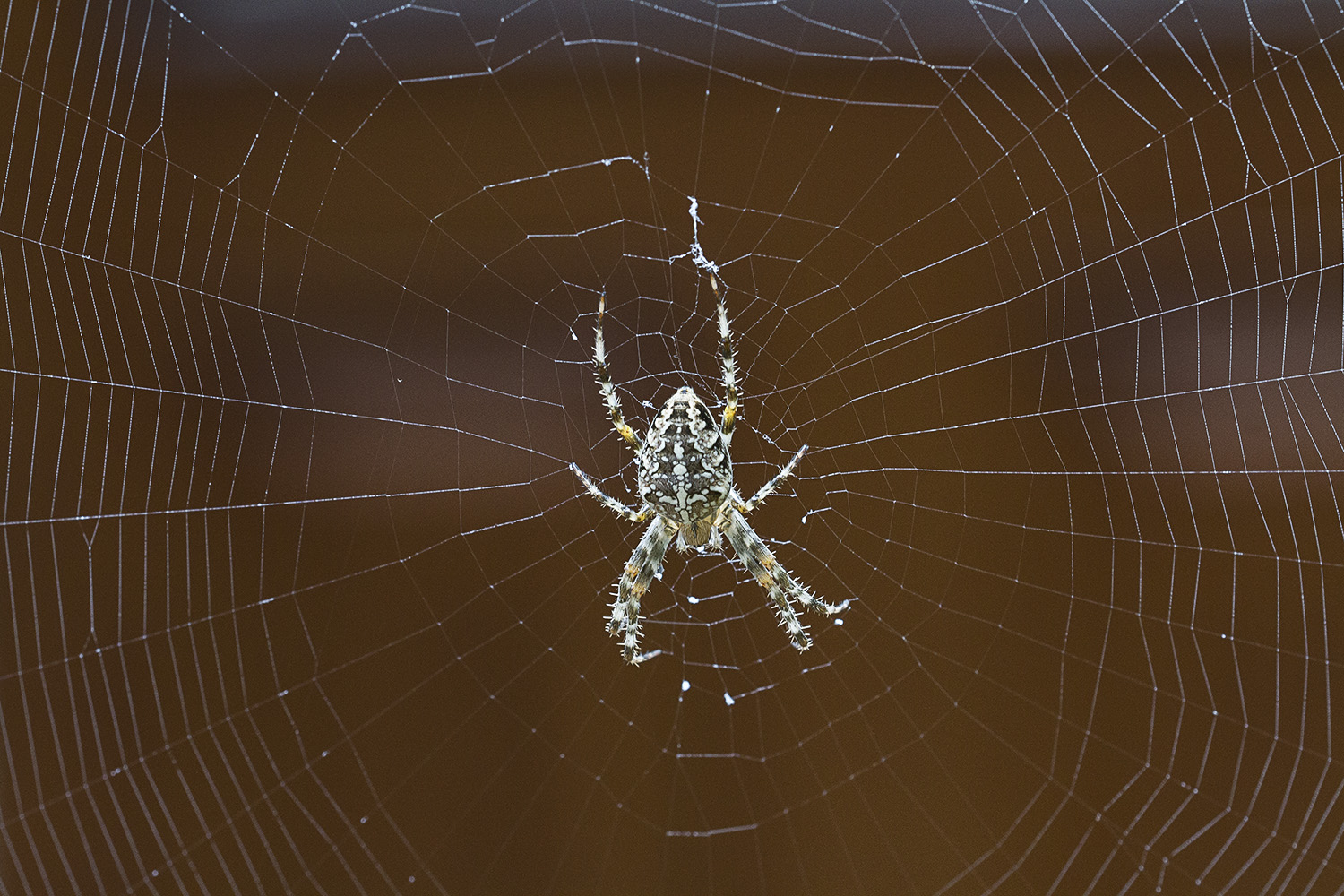
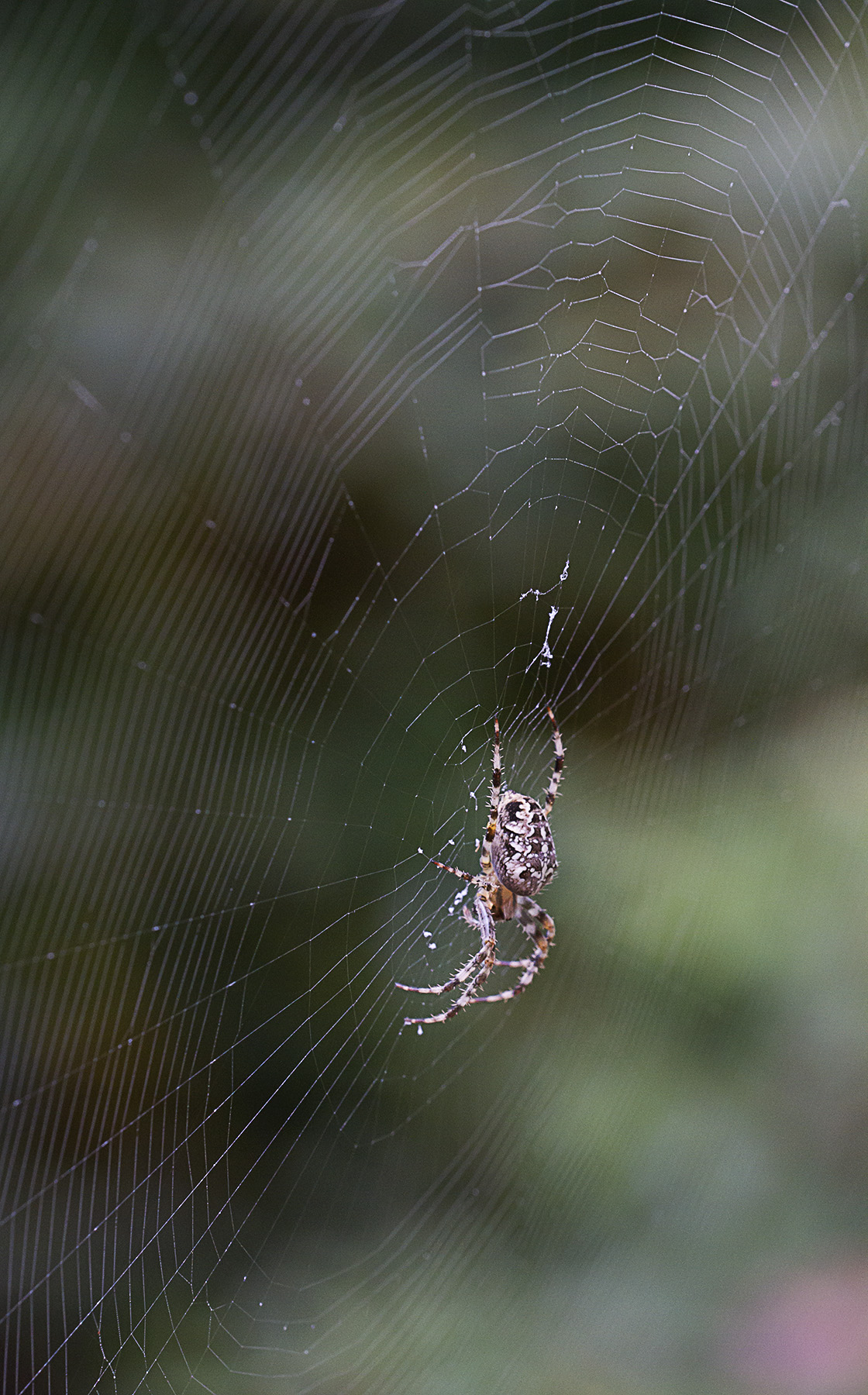
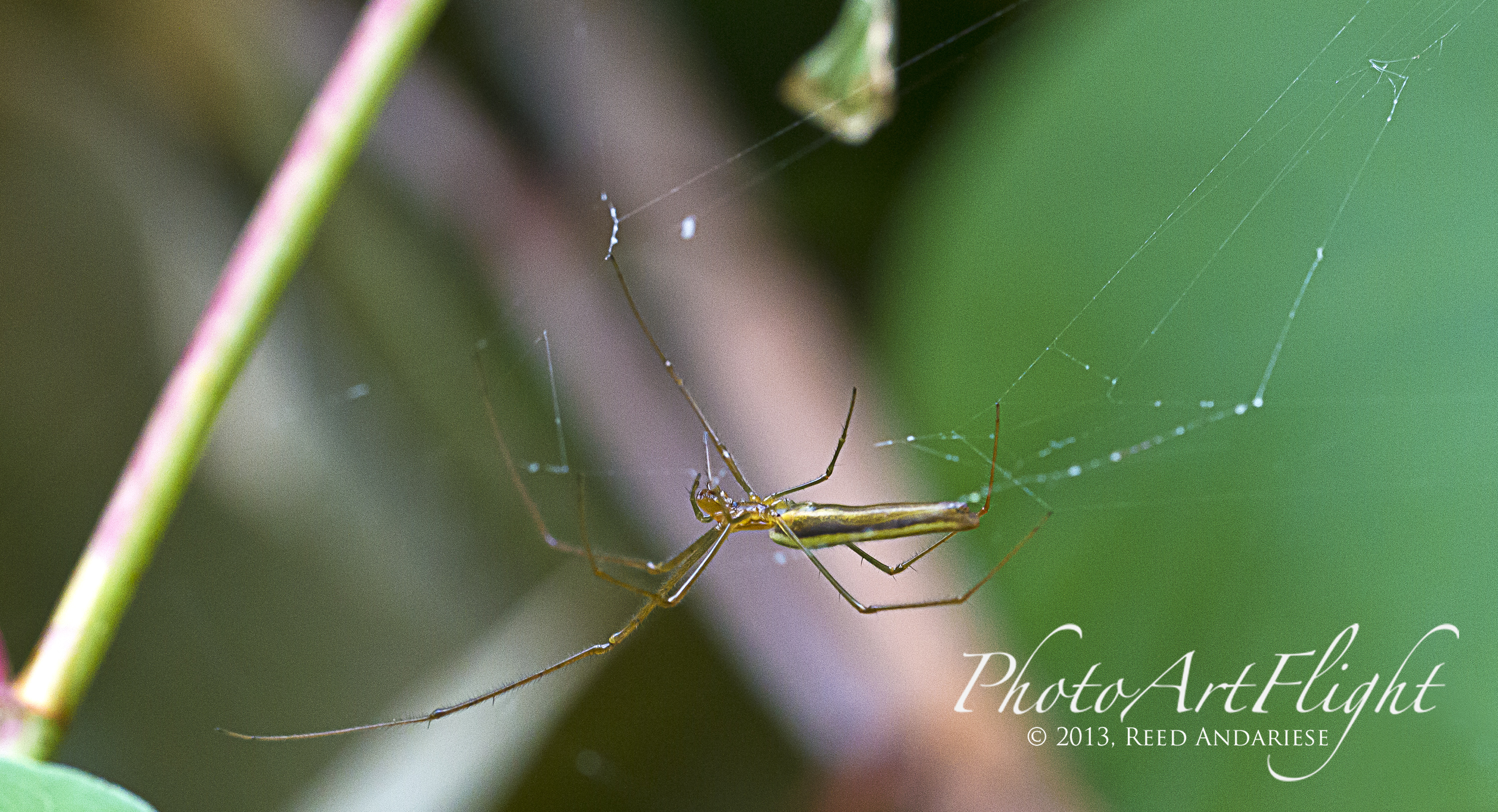
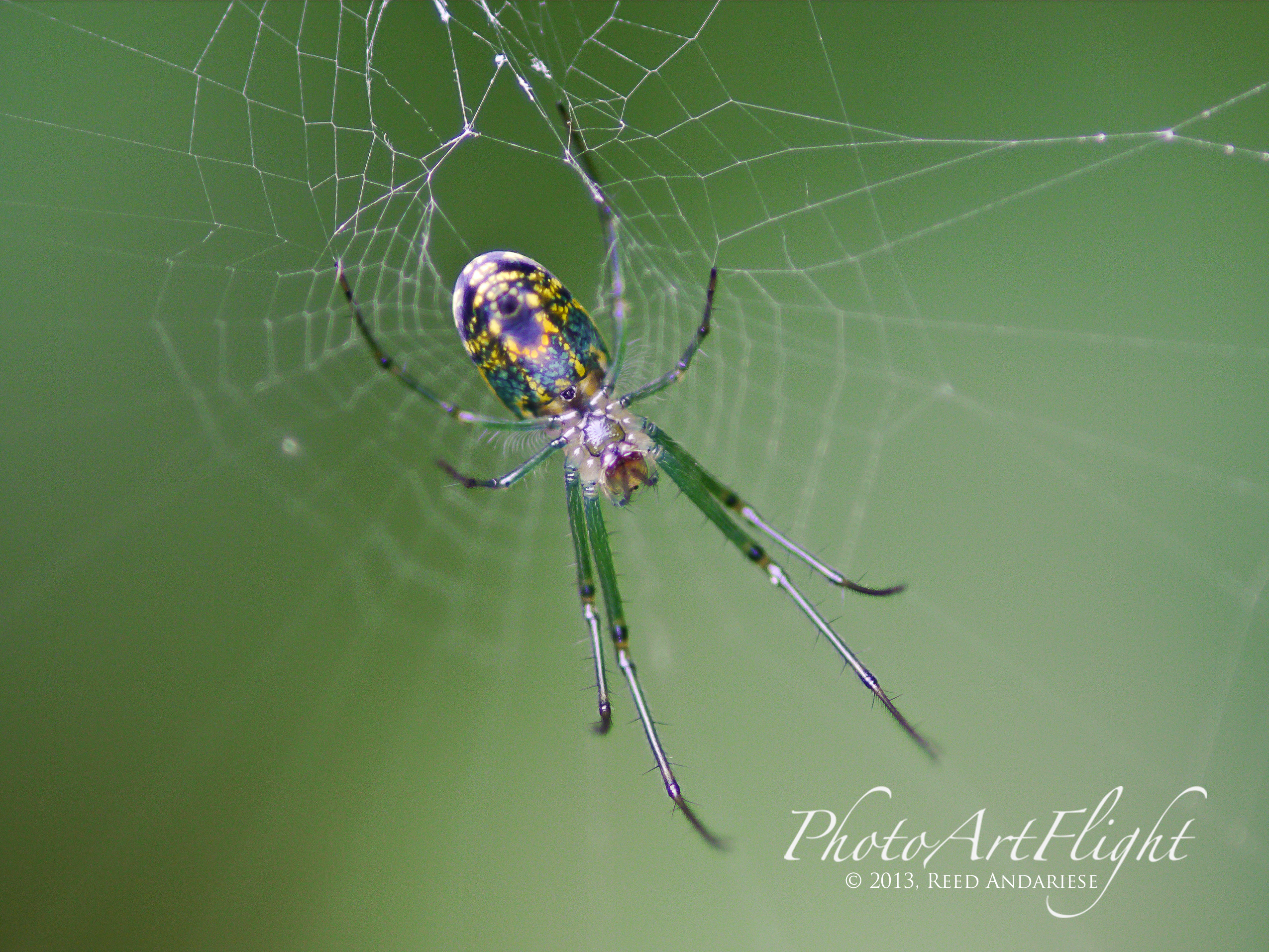
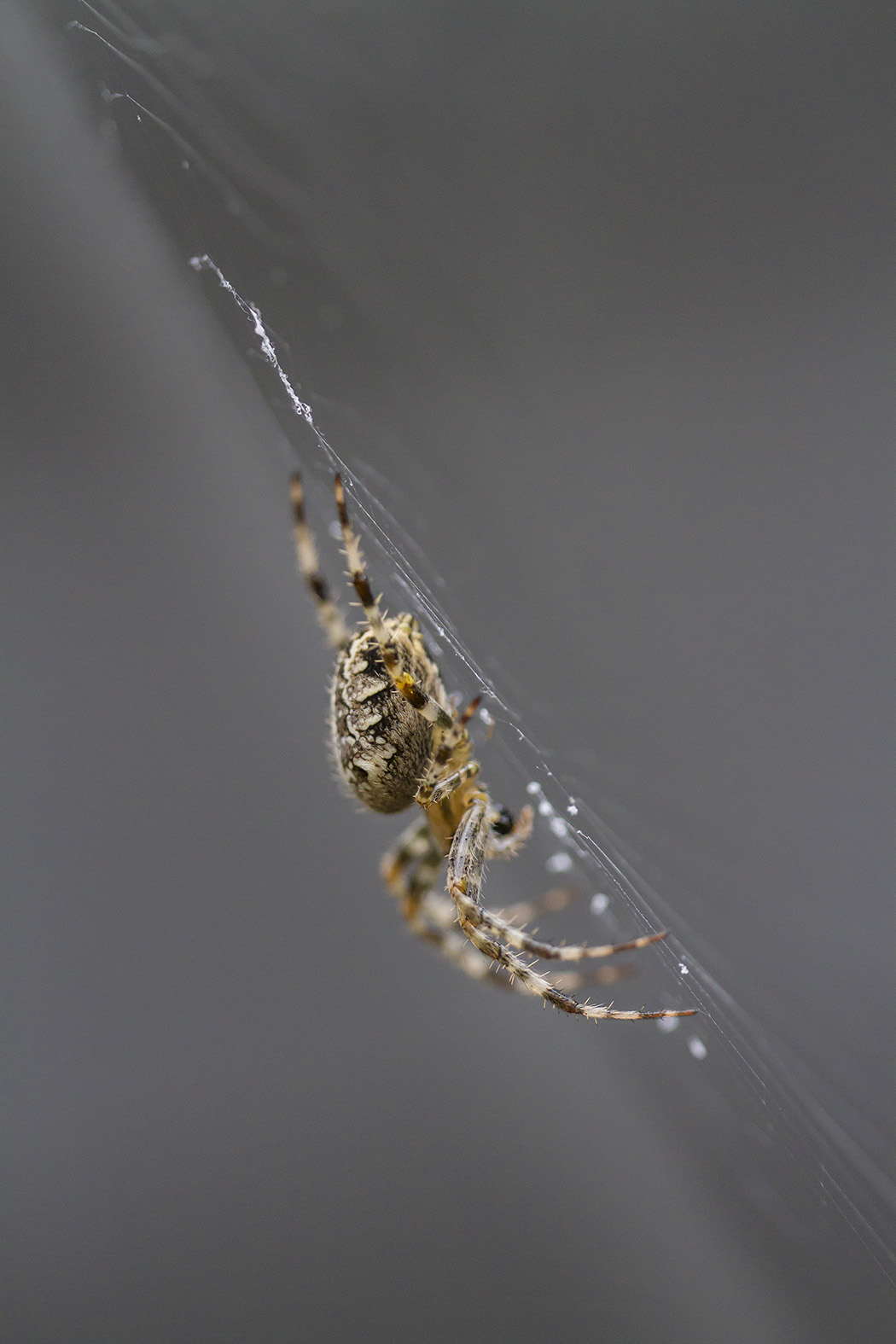 It seems to be the season for spiders. Working in the yard I am coming across quite a few. The one from the other day enlarged its web to about 8 ft wide. Very poor light and windy, but here are a few quick captures, plus one from last week. With the poor light and the wind I had to use a high ISO and f/ stops from f/2.8 to f/5.6 to get something usable. All shot with a Sigma 150mm f/2.8 macro on a Canon 7D. Opened in Camera Raw with aggressive noise reduction. I have to find something besides spiders for next time. I also added one Dragonfly that I just came across and liked.



Water Droplets
Posted on September 29, 2013
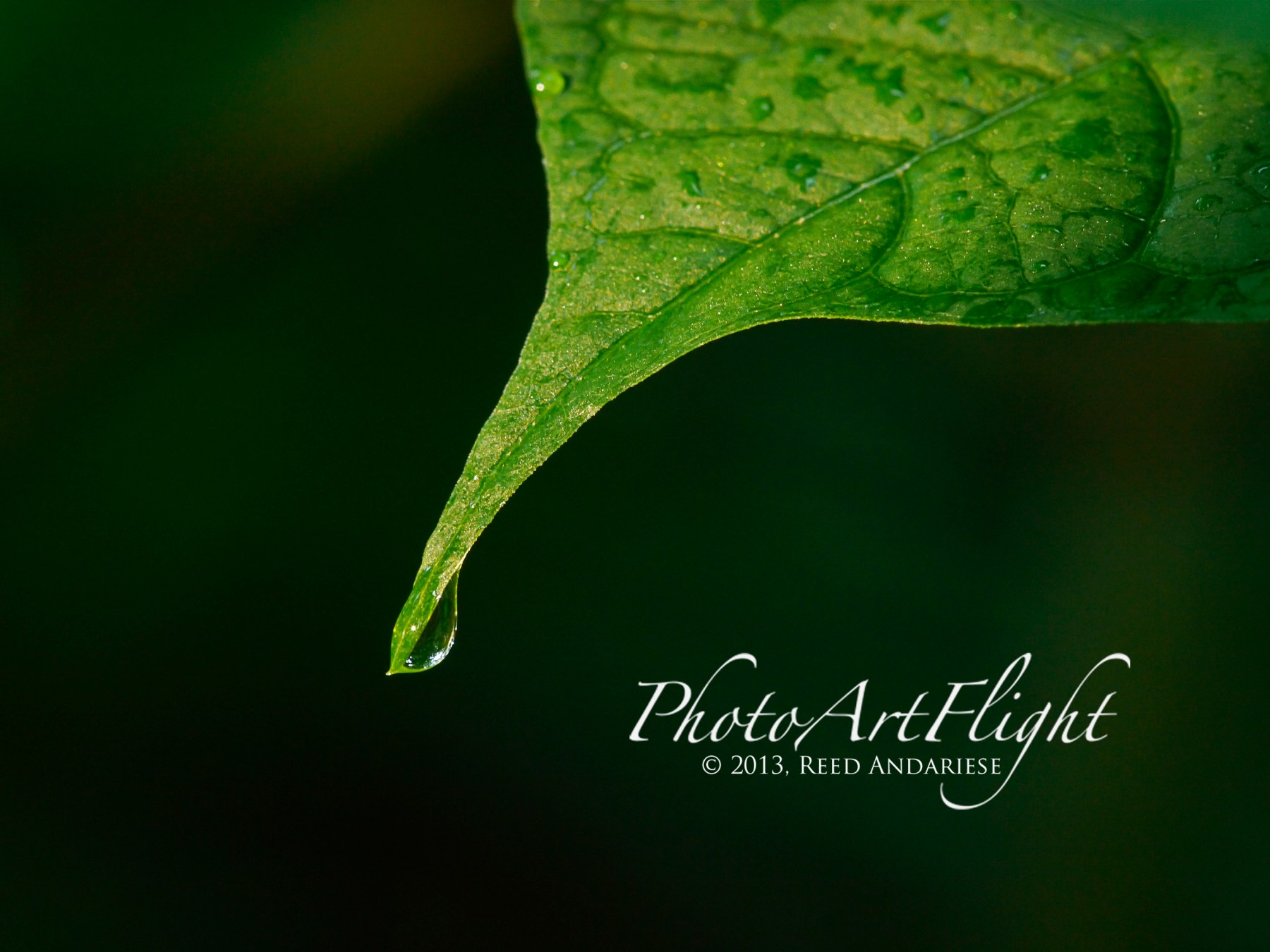
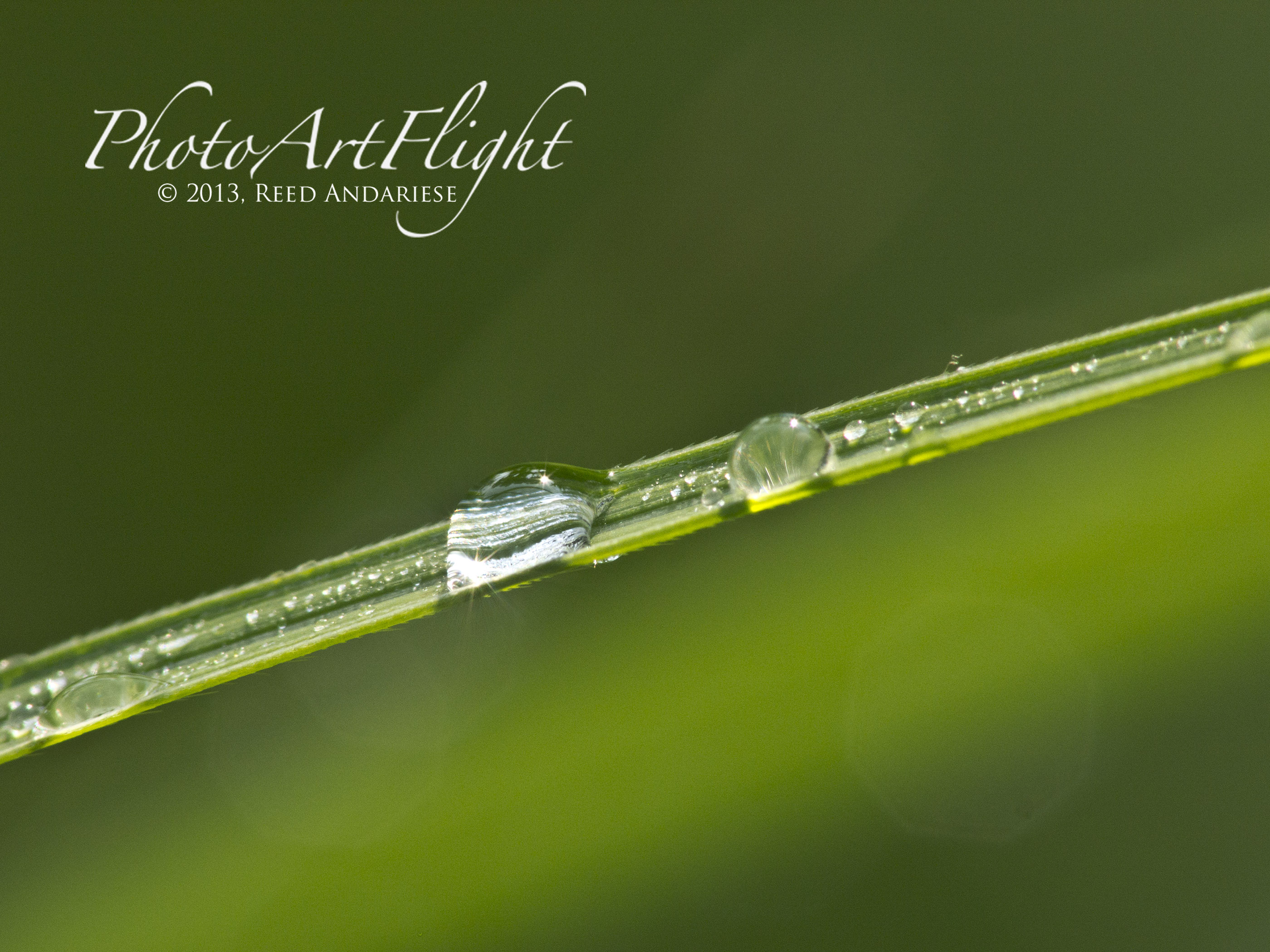
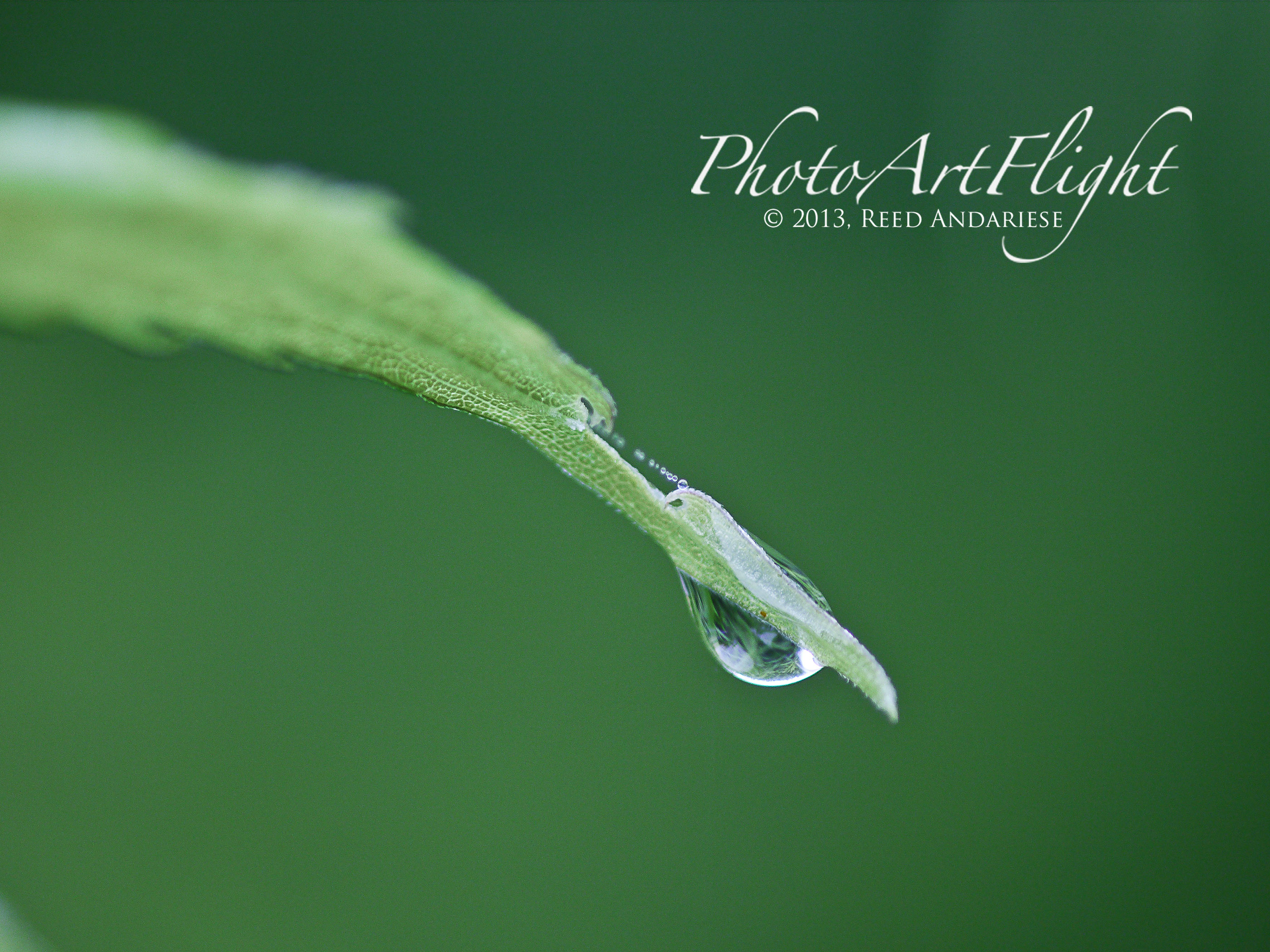
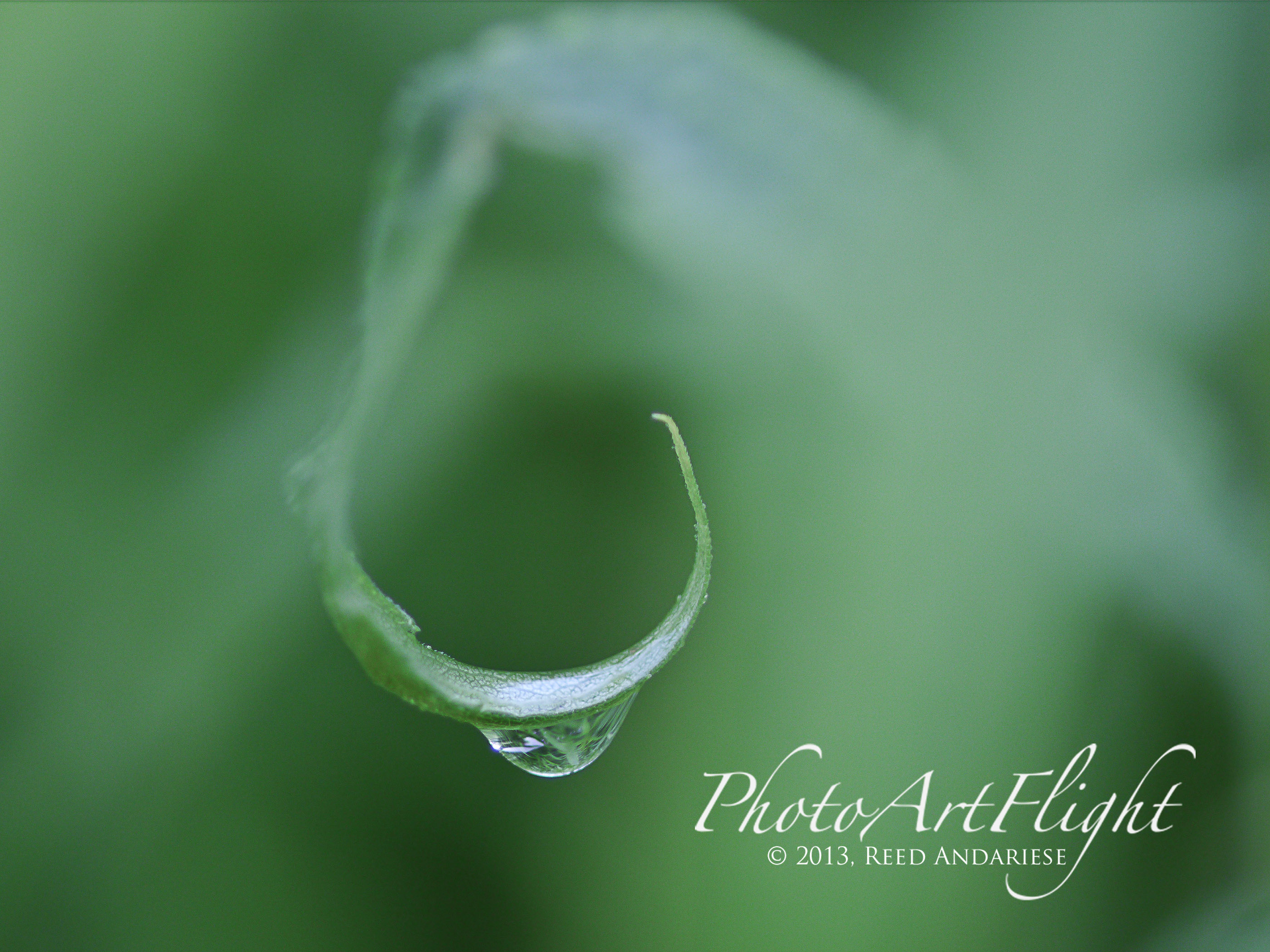
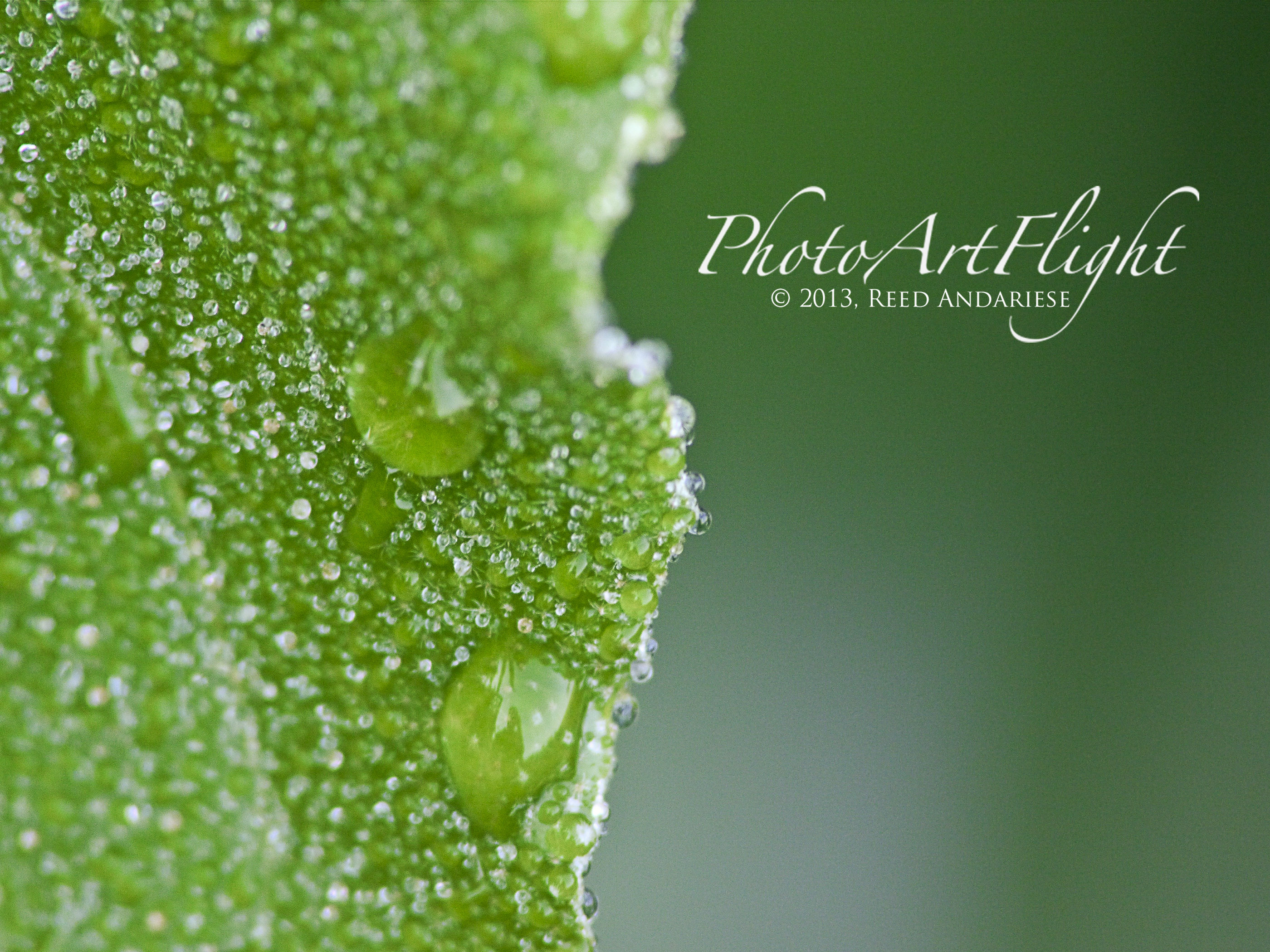
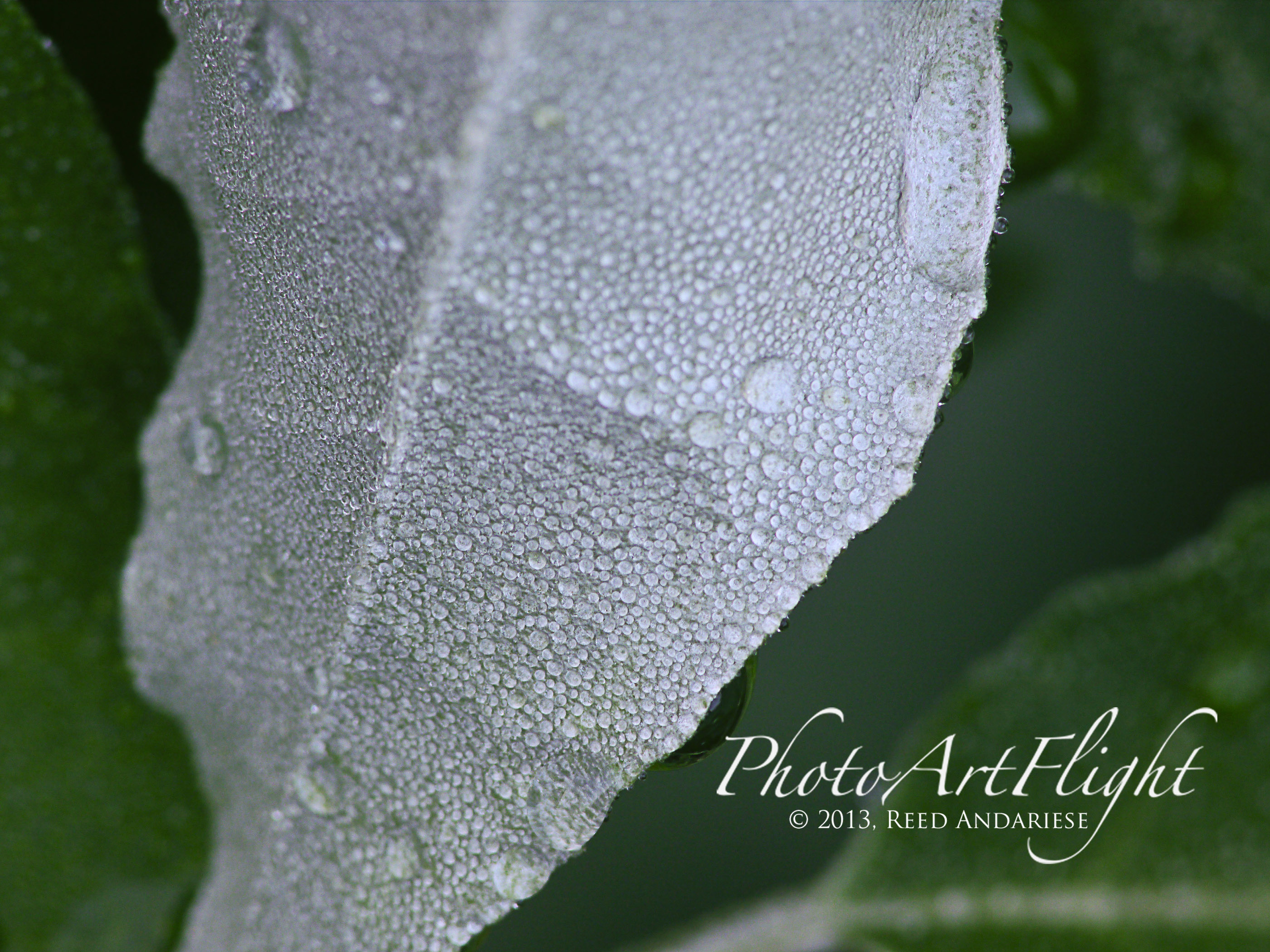
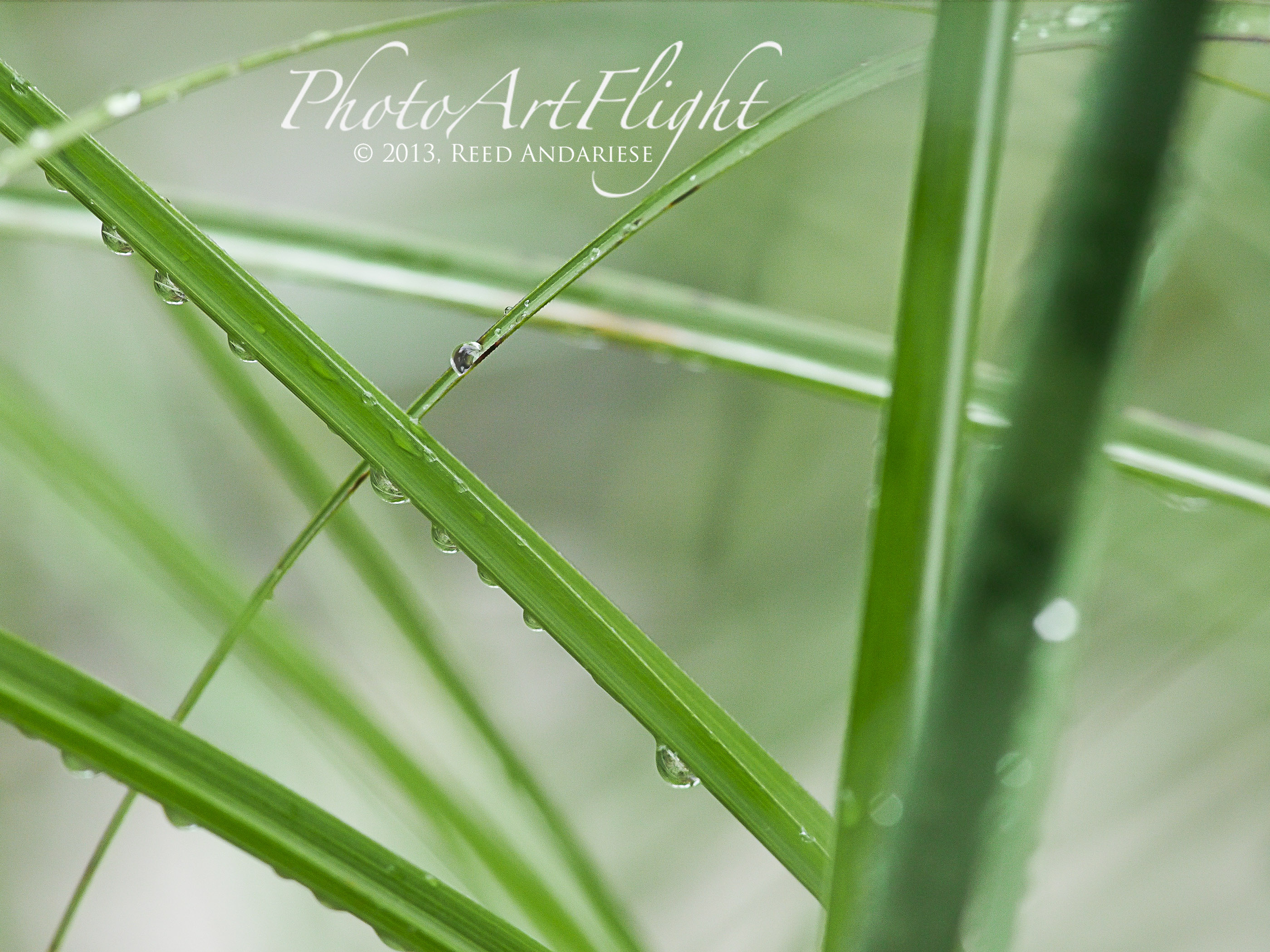
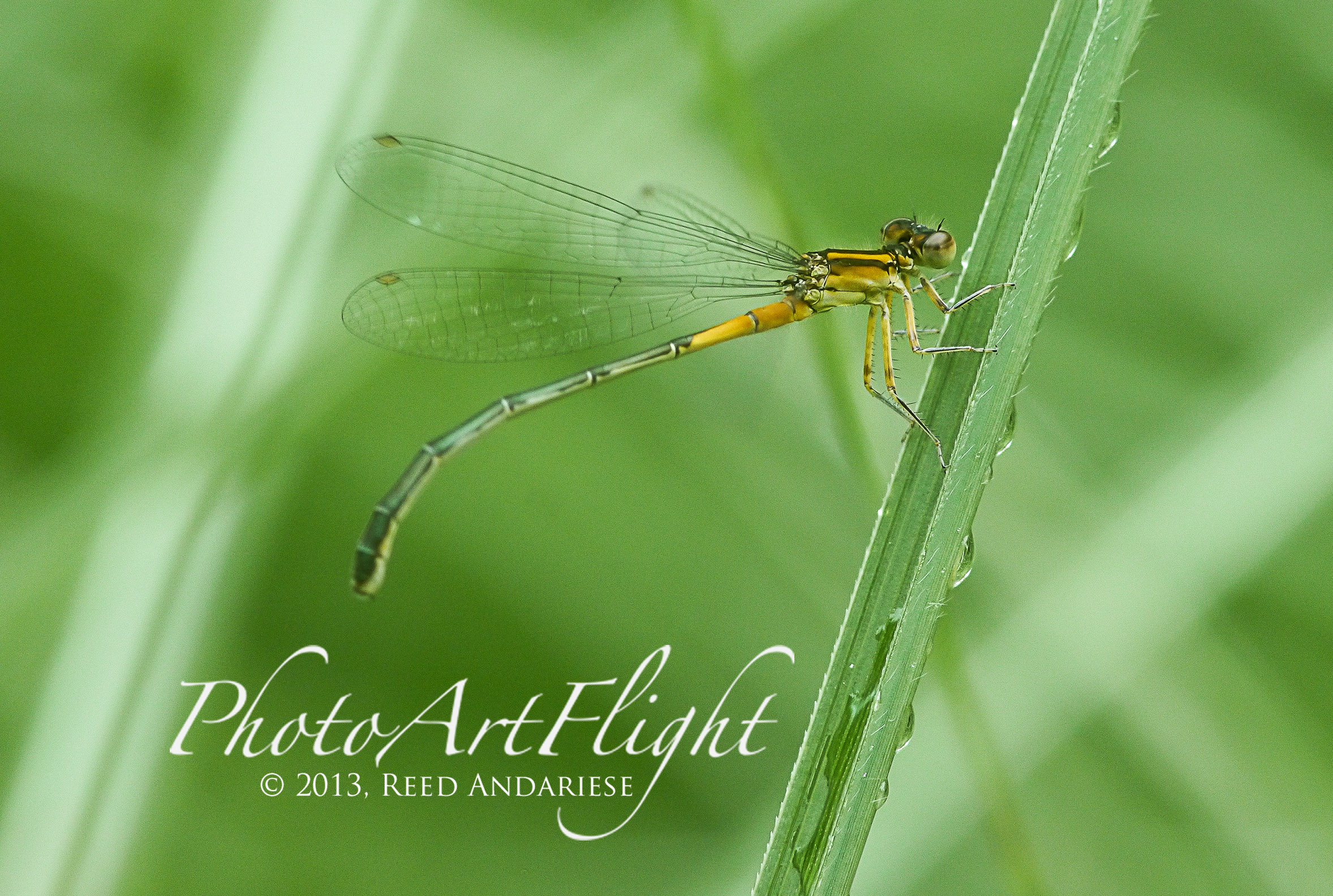
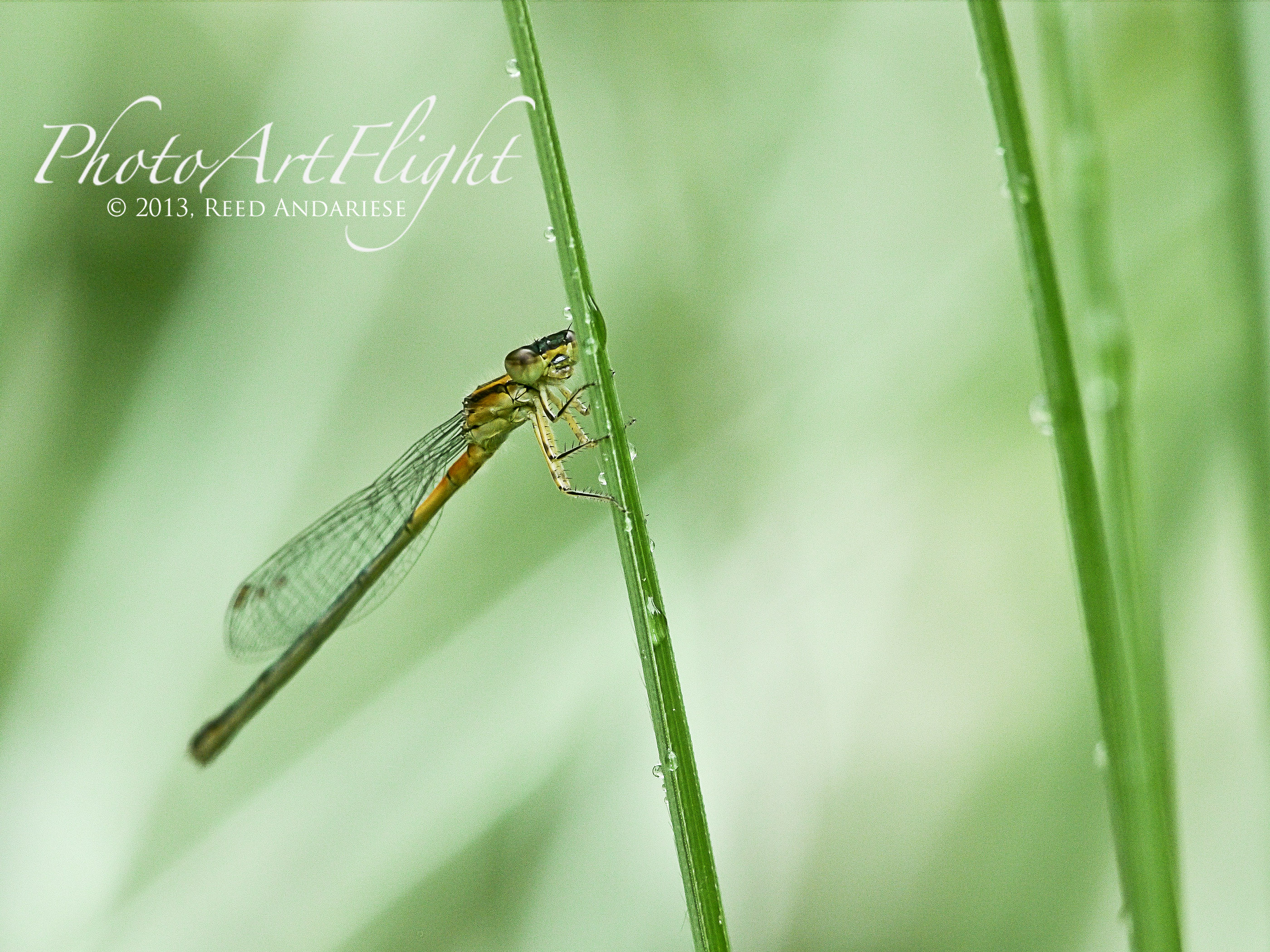
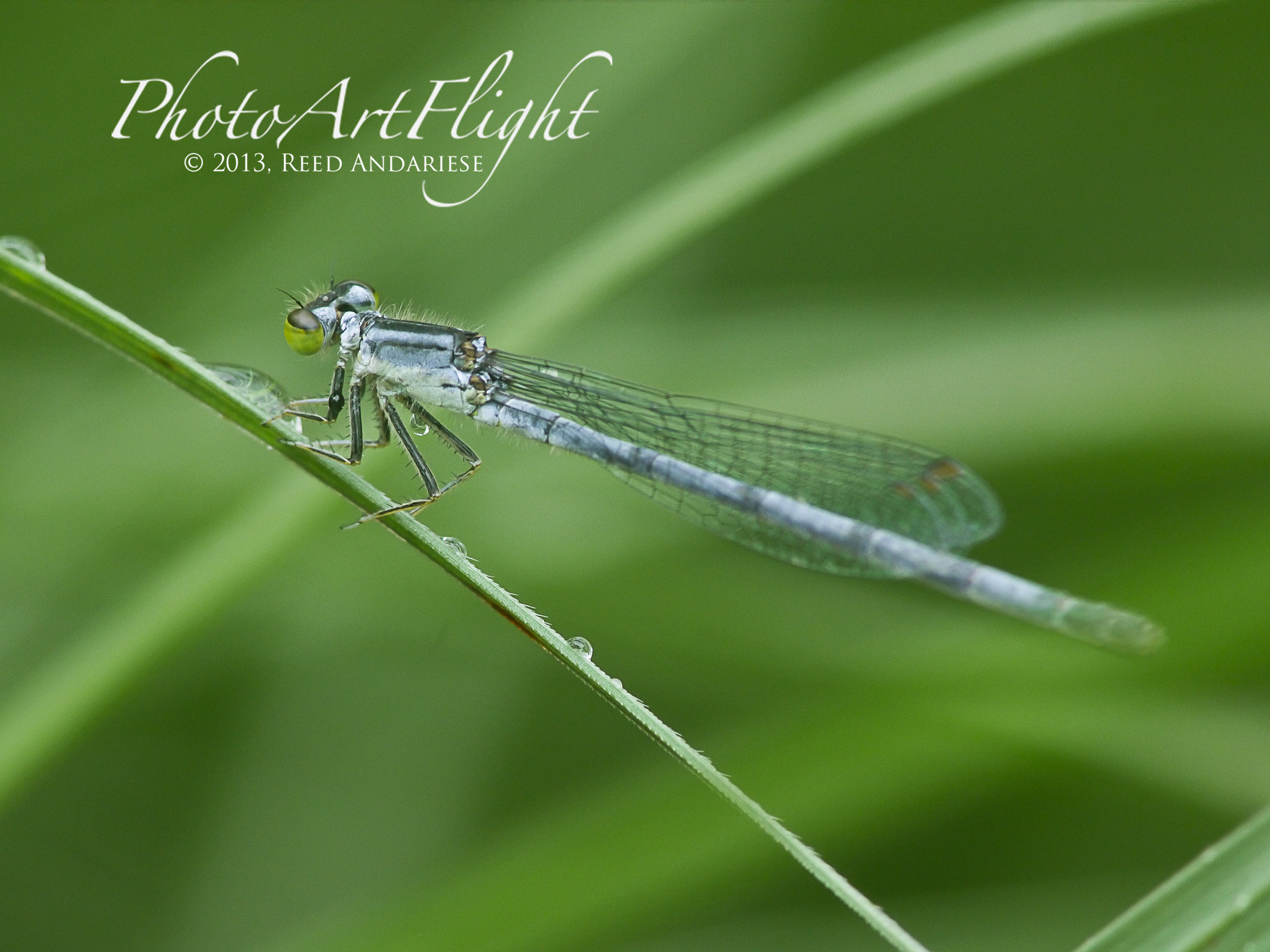
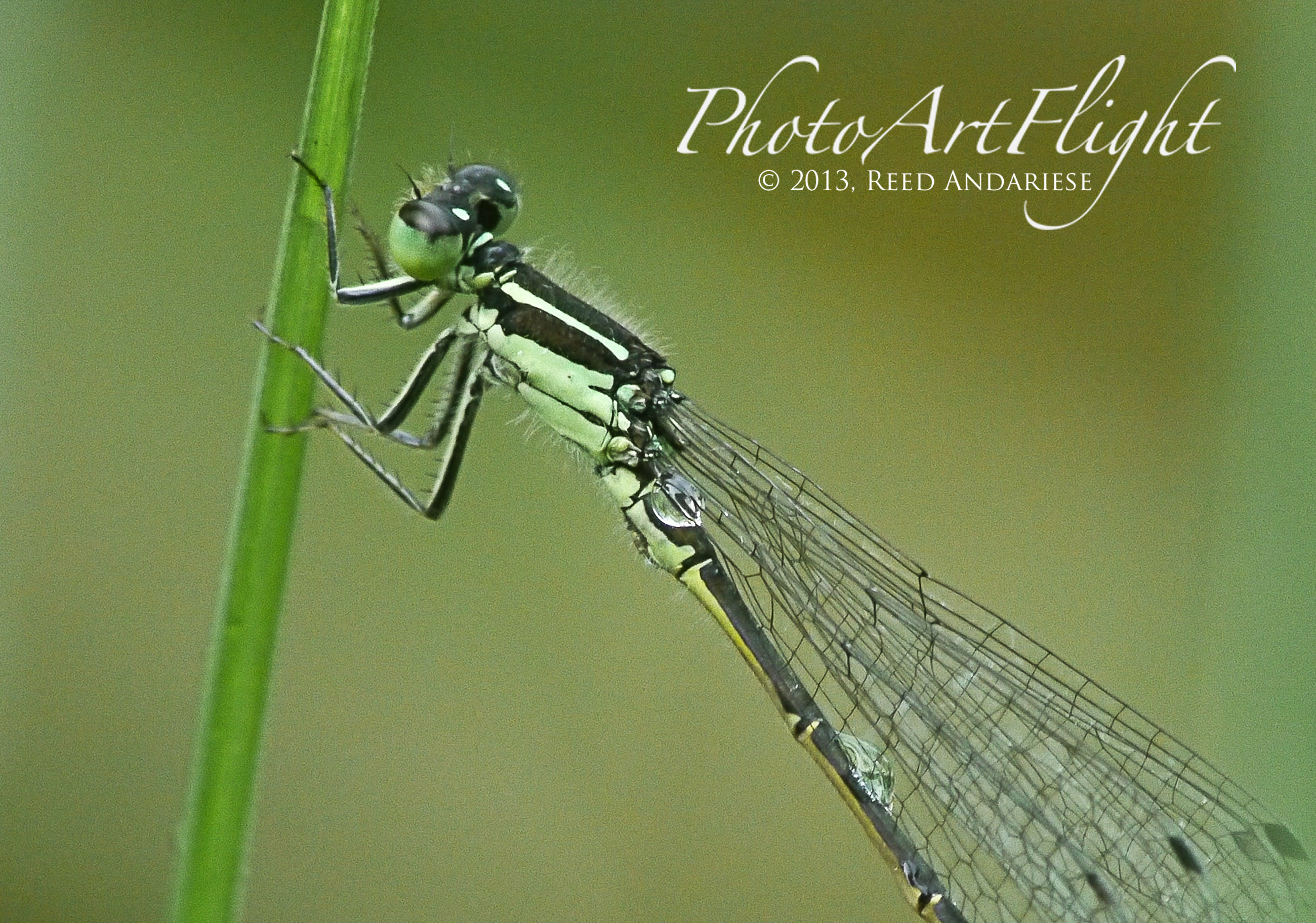
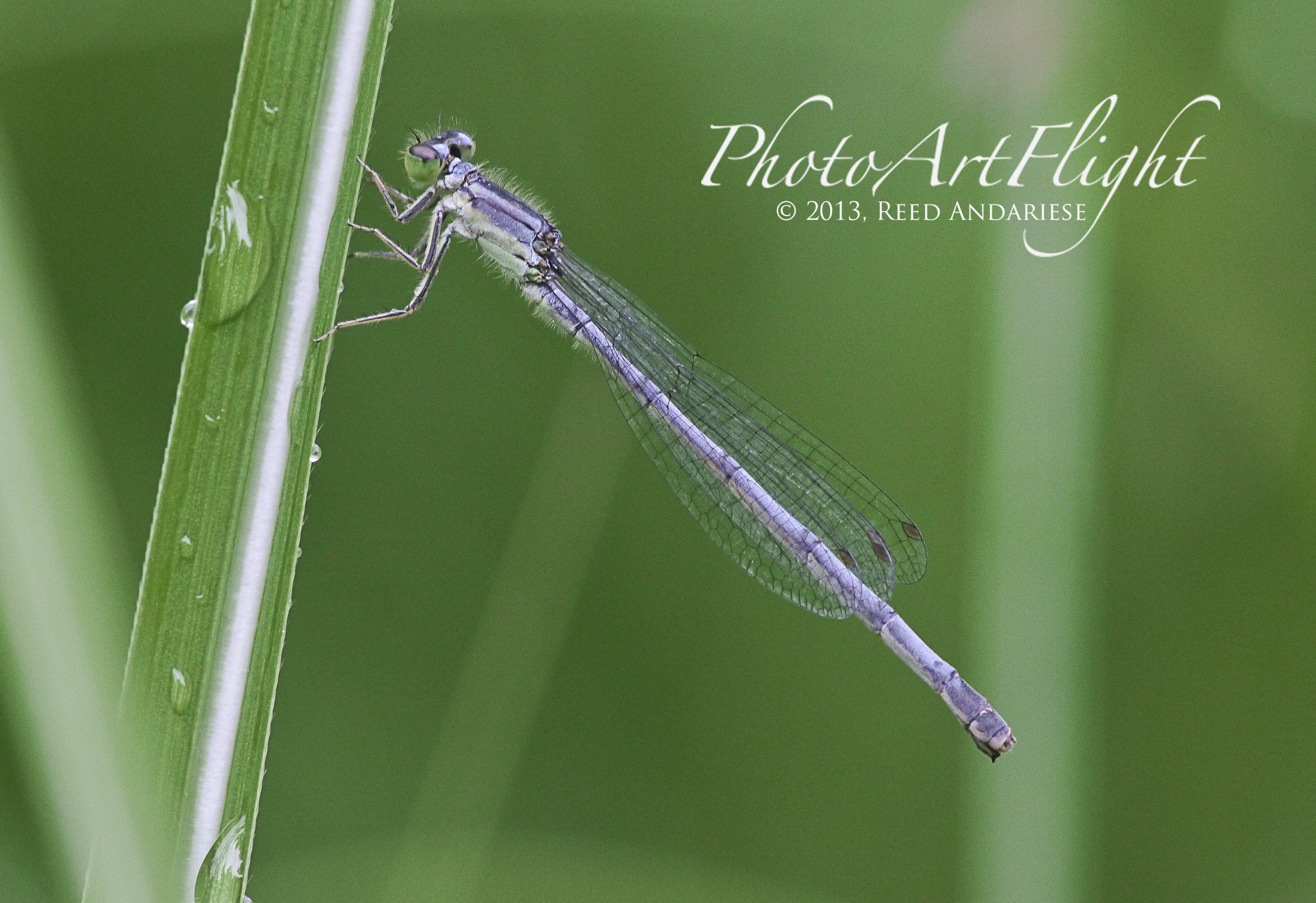
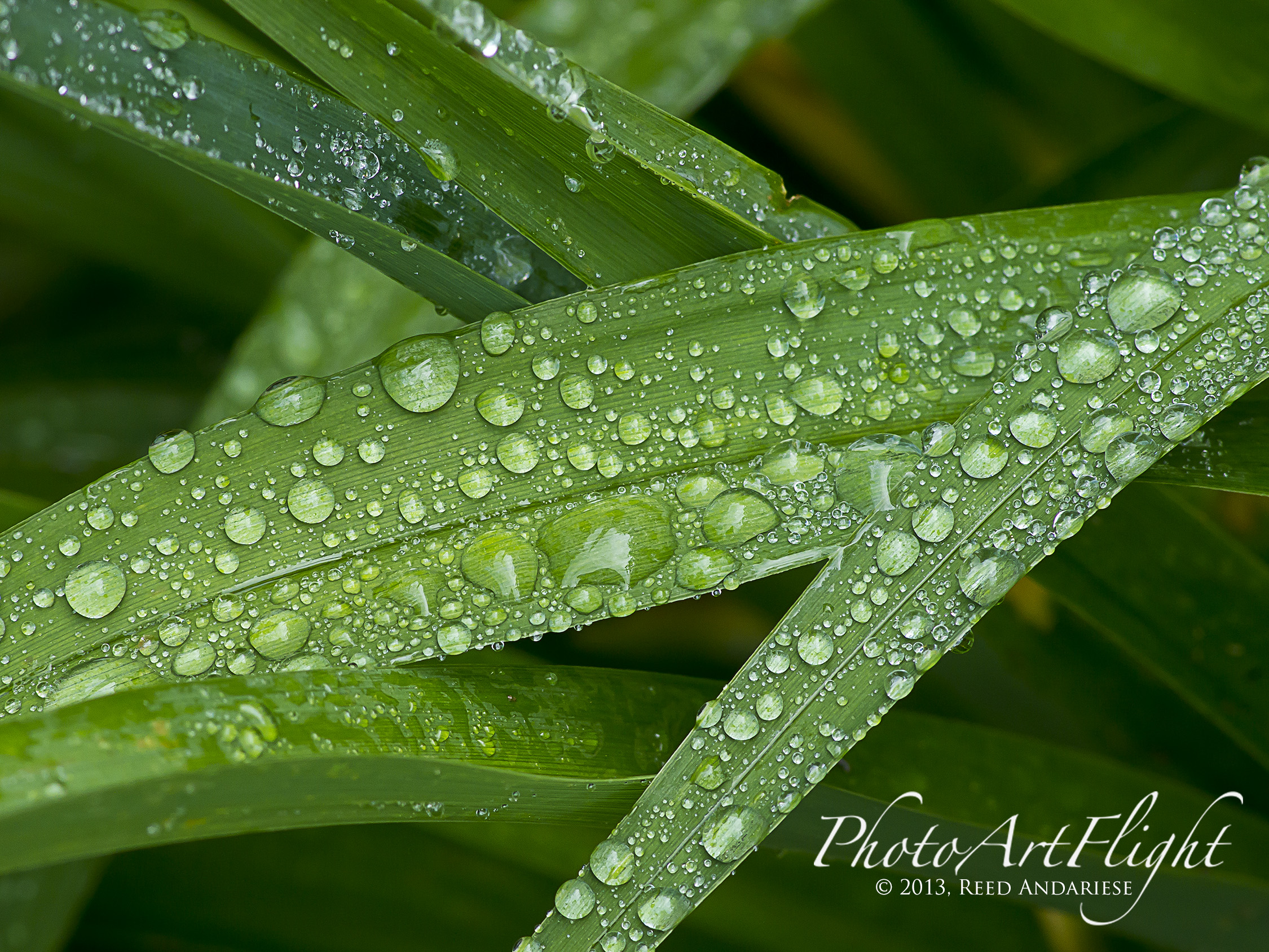
A lot of photographers do not like it when it rains, cuts down on their photography. I like a rain showers, when it ends or just drizzles a little, it gives you an opportunity to go and add water droplets to your photos. It adds interest and dimension to leaves and other subjects. It is like a Treasure hunt and you can do it in your own yard or a local park. When shooting wet leaves, sometimes it helps to use a polarizing filter to cut down on the glare if the sun comes out. Most of the photos shown here were shot using the Panasonic GH2 m43 camera with an older manual focus Canon FD 200mm f/4 macro lens. I like using this combination for macro. With this combo it is like using an f/4 400mm macro that goes to 2X without extension tubes. Your depth of field is also extended because it is a 200 mm lens, but with the 2X crop factor of m43 giving you 400mm. Plus you are not right on top of your subjects, gives you a nice working distance. You just press in the exposure compensation and the image in your viewfinder zooms in for critical focus. Then you just touch the shutter button and it zooms out for the full image on the viewfinder. Also as you stop down, the image remains bright in the electronic viewfinder, but you also see the full depth of field of the aperture you set. After you shoot your shot you also instantly see a preview of what you just shot for a second and will give you “blinkies” on a bright area that might have gotten blown out so you can instantly compensate and reshoot a darker exposure. So enjoy and go out and look after a rain shower to see what you can find.











Web Browsing
Posted on September 28, 2013
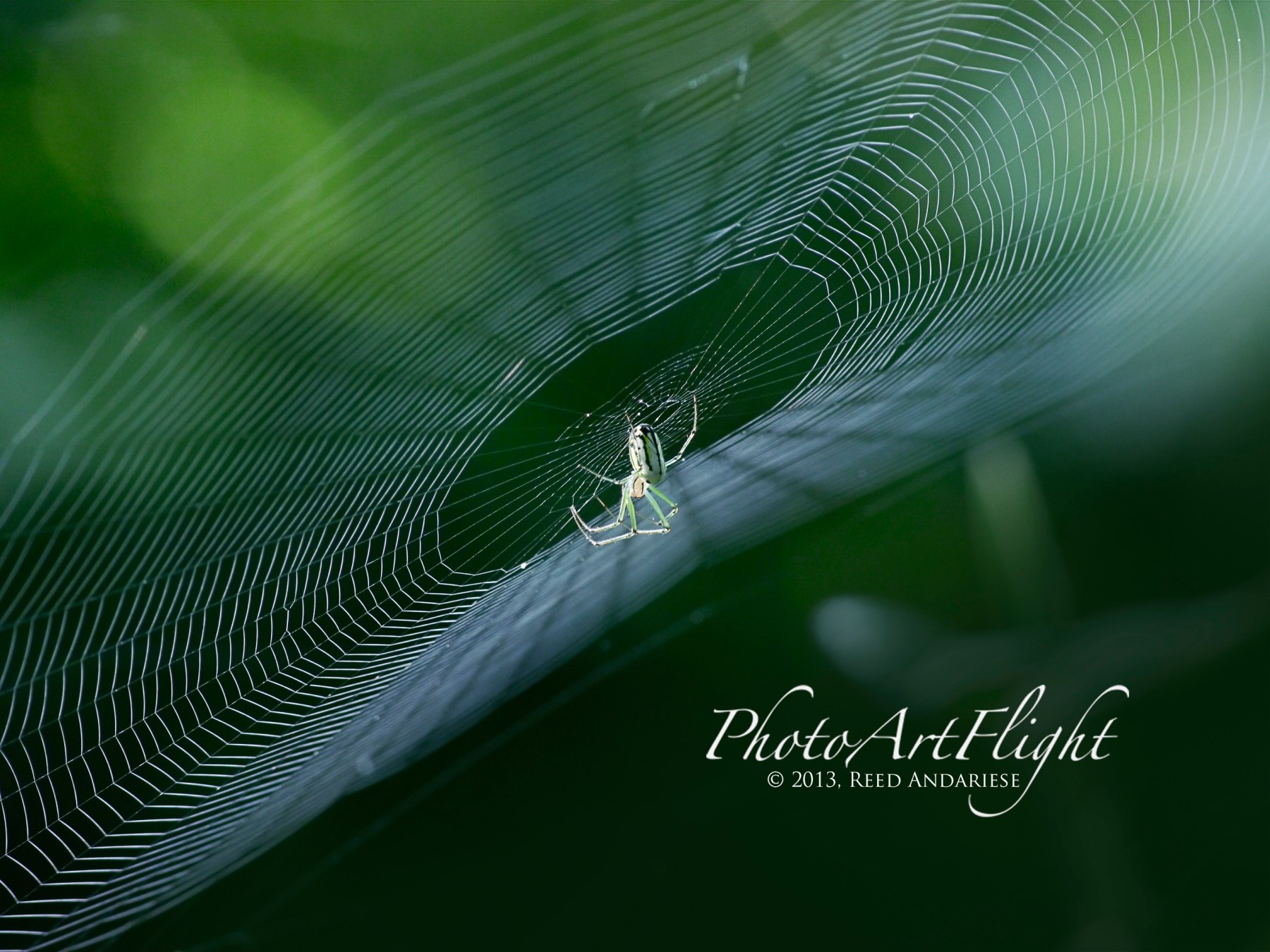
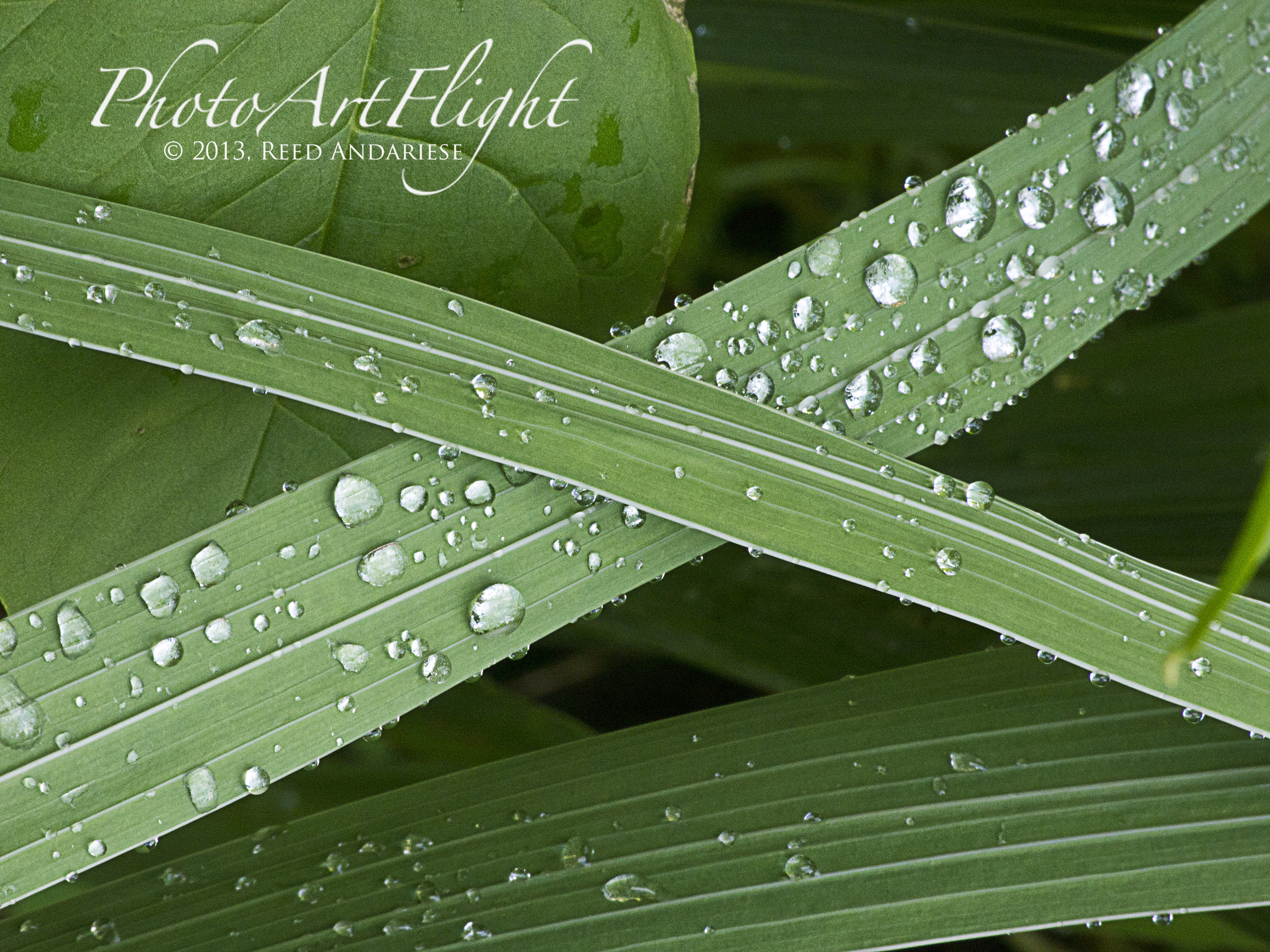
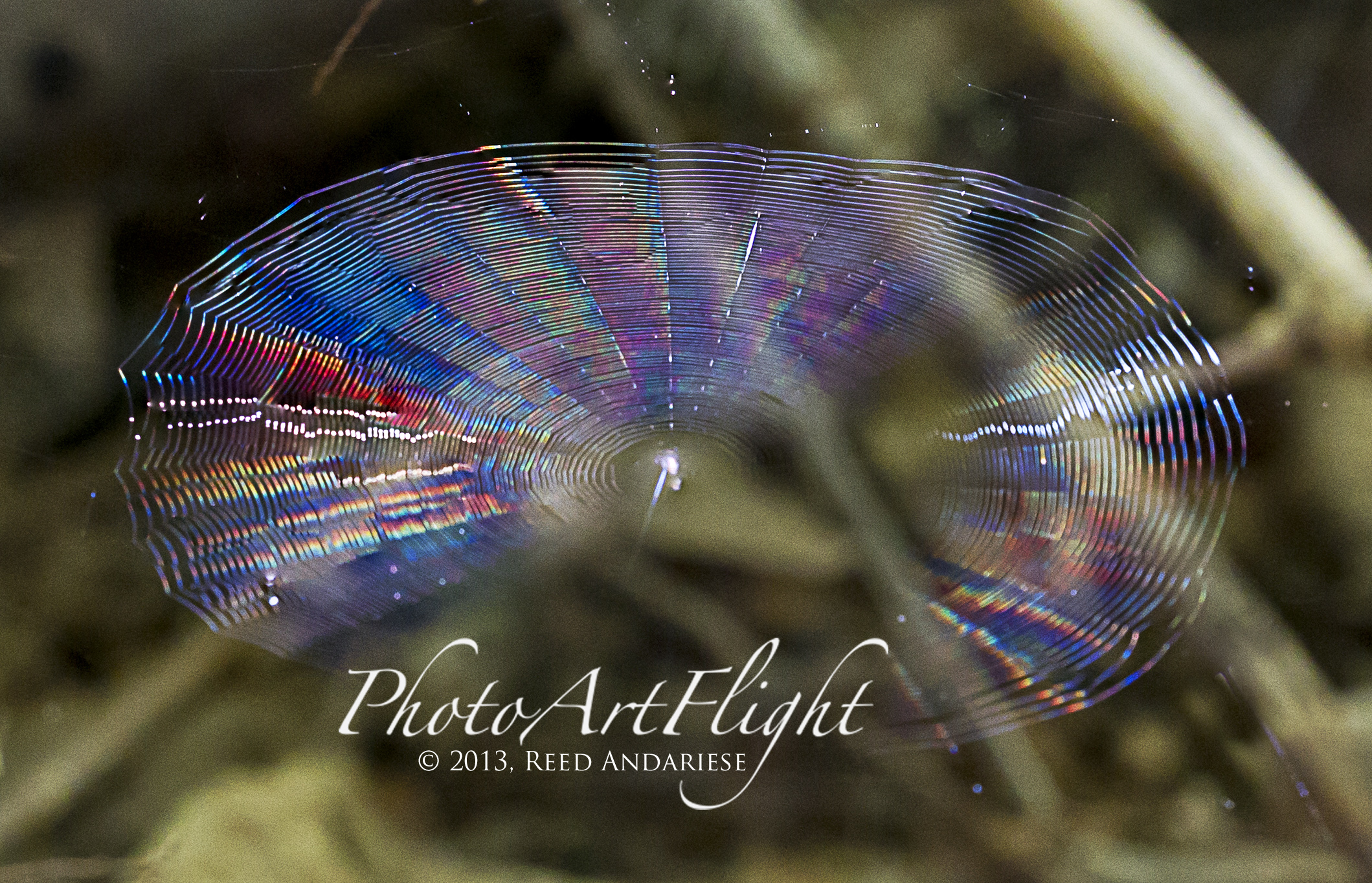
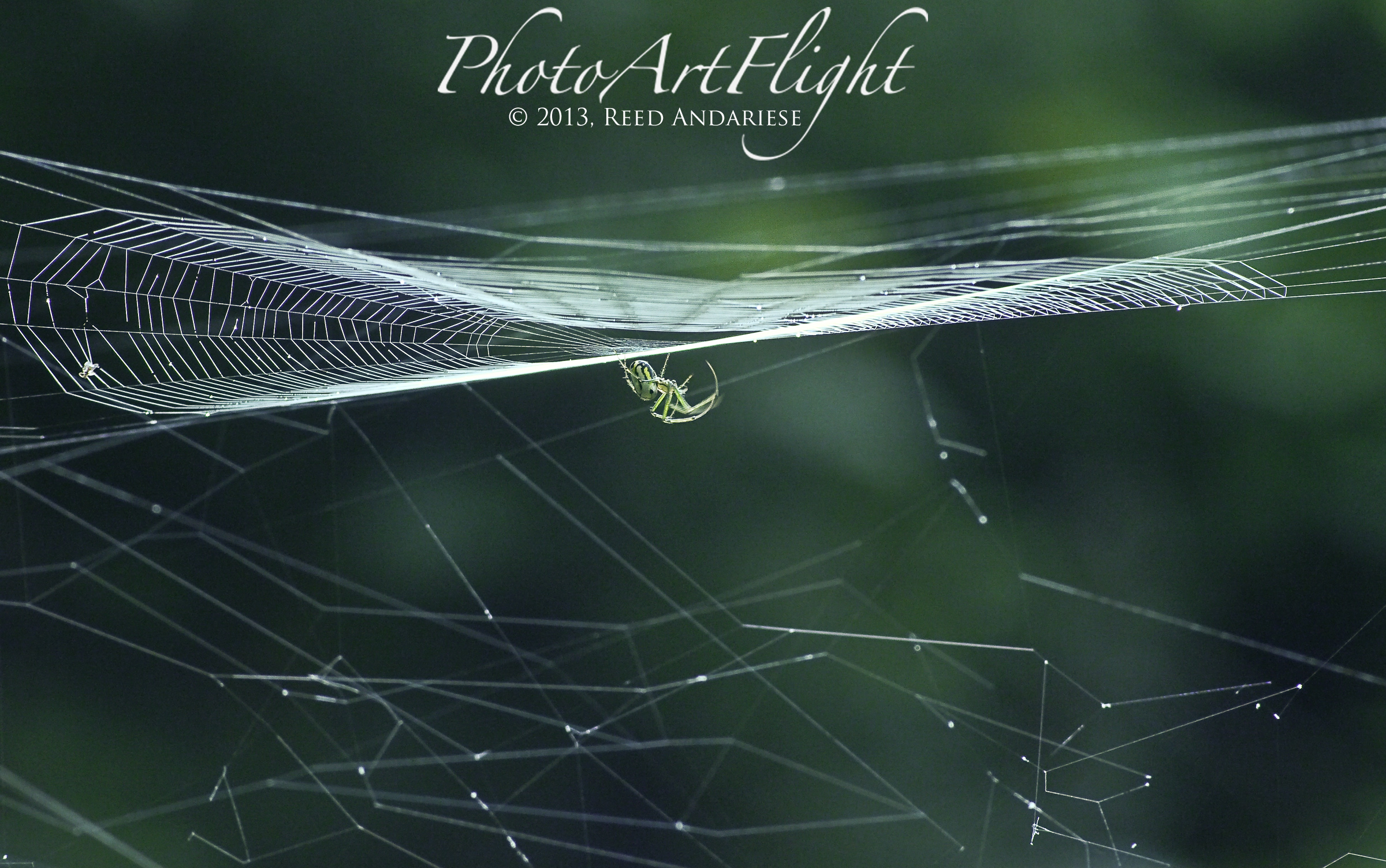
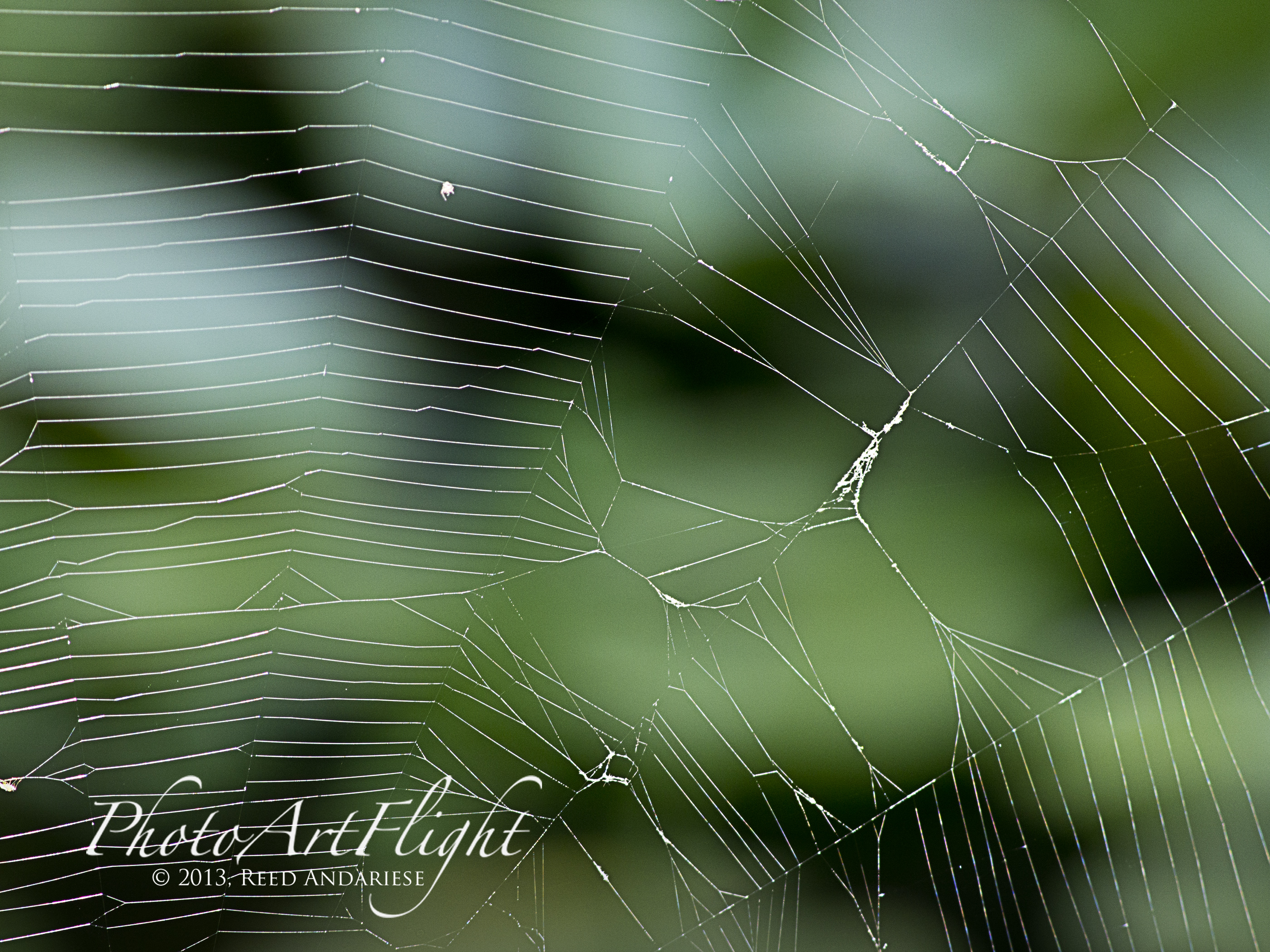
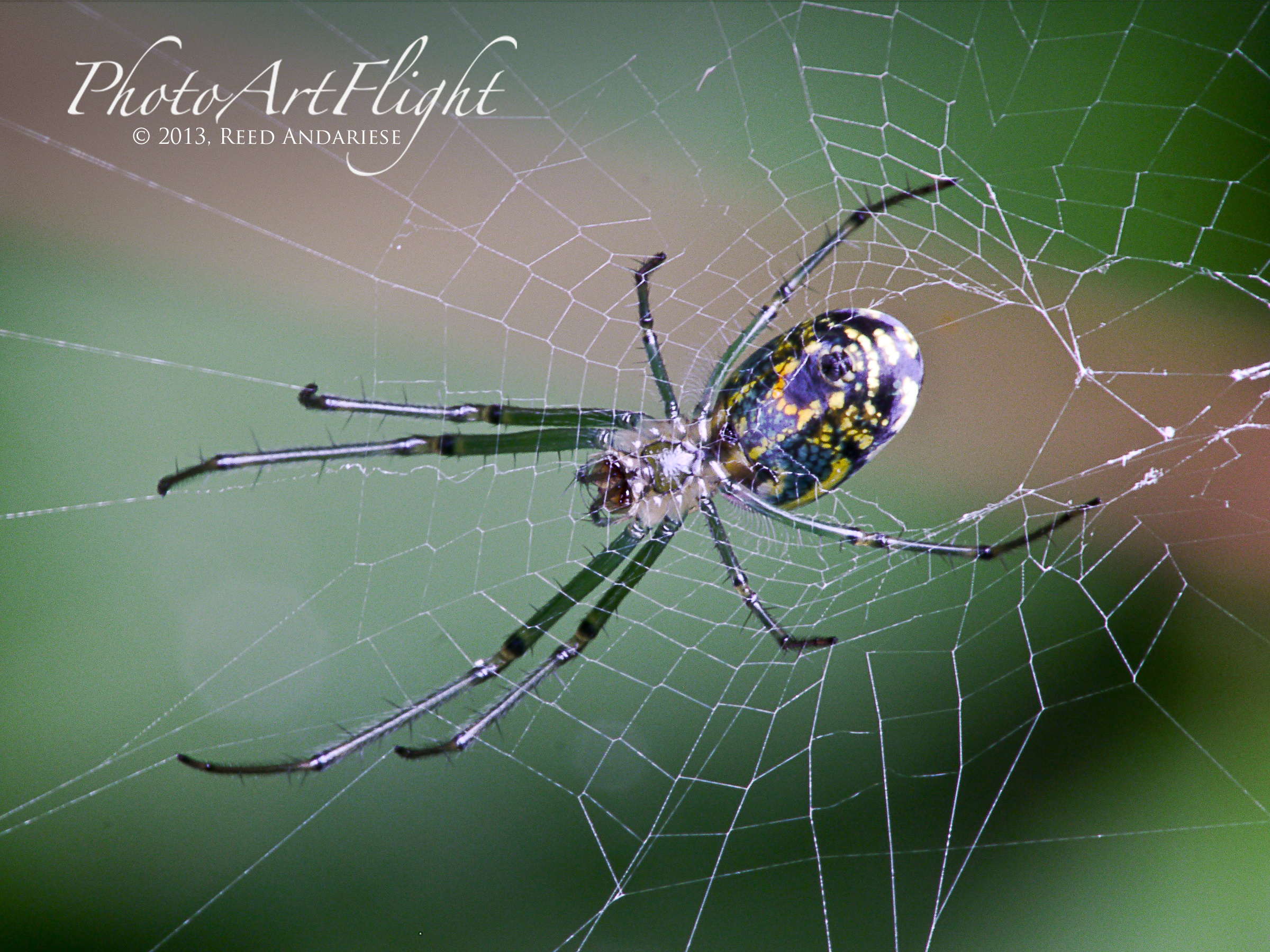
I like a different kind of Web Browsing. It is fun to wander around either in my yard or parks looking for spider webs. Sometimes I get lucky and find nice webs with morning dew with interesting backgrounds & backlighting. But more often I find webs in difficult areas to get to or in really dark areas with bad light and wind blowing it around. If you keep an eye out for webs while you are out shooting other subjects, quite often you will come across them. Sometimes I try to get in as close as I can for more detail in the web and spider. Other times I back out to show more of the whole web. For whole webs you do not need a macro lens. If you want to get closer and do not have a macro lens, try extension tubes or achromatic filters. They work quite well on 70 – 200 or 300mm zooms or even 50mm normal lenses. You can even try a short extension tube on wide angle lenses. When shooting spiders close-up, try just moving up or down slightly to get different backgrounds. You do not have to move too much to get different background effects and density variations. Either way, give it a try and have fun.




Twenty four shot image stack assembled in Photoshop







Different Kinds Of Panoramas
Posted on September 26, 2013

Panorama basically just means wide view, but for photographers panoramas can mean many things. Most use a wide to short telephoto to make panoramas with multiple images. Often when I am out in the field, I am only carrying a 400mm lens, usually with a 1.4X Teleconverter. But quite frequently I see a shot that is too wide for the equipment I am carrying. Even if I had a wider lens, I would not have time to switch and still get the shot I wanted. So I shoot a series of shots of my subject and manually stitch them together in Photoshop. You can also try automatically stitching them in Photoshop or PT Gui. For just a few shots I use auto exposure. But if I am shooting many shots for a long or tall panorama, I switch to manual exposure so the exposure does not change, this makes it easier to combine for the final image without exposure shifts from section to section. I have used this for everything from birds, turtles, birds on top of tall trees, to dragonflies and other interesting subjects. Or if see an image that is perfect for a panorama, but I envision a longer thin crop without a lot of extra image that detracts from what I want. I do not want to crop to my panorama from my regular file because I want a large image, either for a double page spread or maybe a large print, and want to hold the detail with all the added pixels. In another scenario, I see a large bird landing with a wide wingspan, but cannot fit it all in, so a quick series at 10 fps gives me a few images to work with. Or you see a Black-crowned Night-Heron sitting in a tree and you also want to show the bird in its habitat with a lot of detail. Give it a try, it is simple to do and comes in very handy.
Blackwater NWR, Cambridge MD


Ding Darling National Wildlife Refuge, Sanibel, Florida

Closeups with 400mm f/4 DO with, 1.4X teleconverter and extensions tubes


Okefenokee National Wildlife Refuge

Bombay Hook NWR, Smyrna, DE
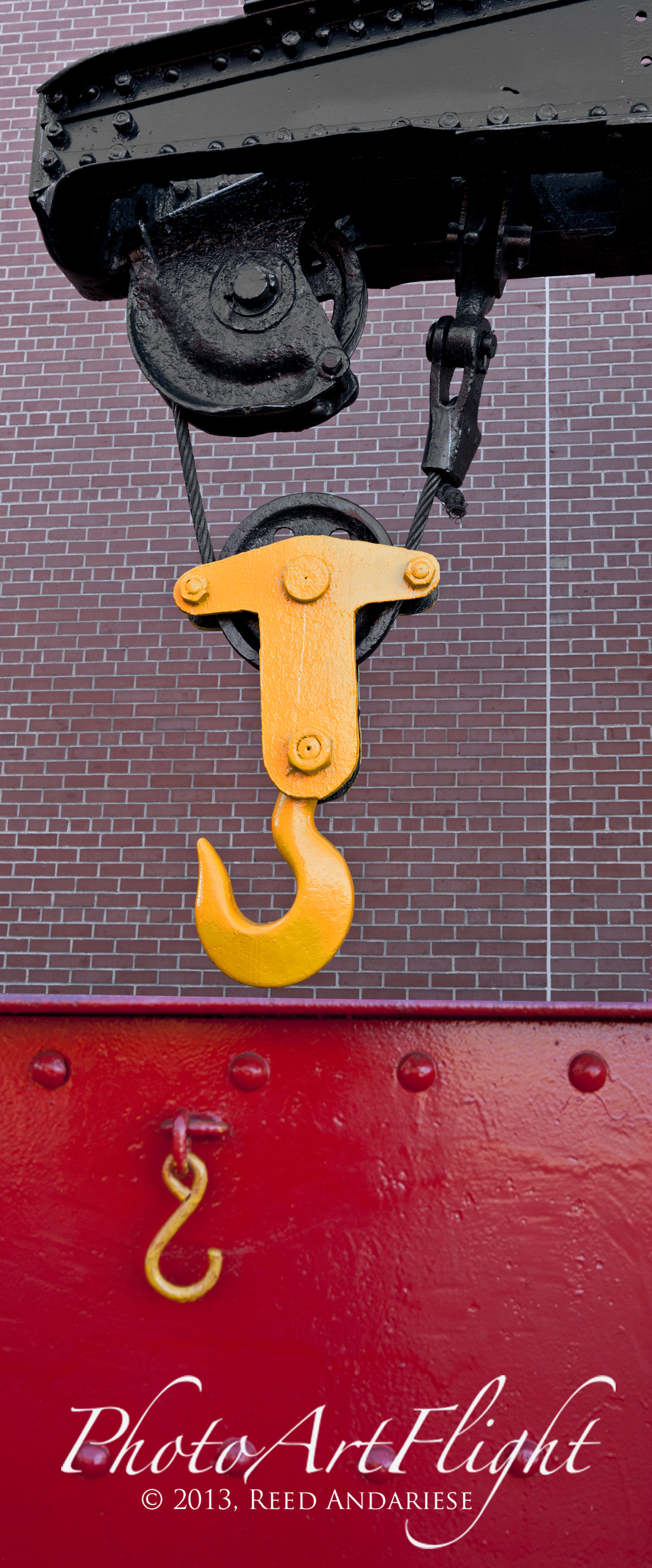
Steamtown National Historic Site, Scranton, PA
Great Blue Herons at the Celery Farm
Posted on September 24, 2013

I was going through some of my old files and found this series taken with my then new Sigma 300 – 800mm DG f/5.6 zoom at a local Nature Area, The Celery Farm in Allendale, NJ. These were some of my first images with this lens and I was quite pleased with the results. It was a challenge to get shots of the Herons flying, especially close in with a 800mm lens. I found zooming out a little to find them in the viewfinder, then zooming in for the actual shot worked well. It also helped that the Great Blue Herons are a LARGE and fairly slow flying bird. It was a fun day watching them fly around the small lake and interacting with each other. A little bit about the Celery Farm. It is a Nature Area right in the middle of densely populated Northern New Jersey. It is a little over 100 acres with a small lake and a path around the lake. The path is a little over a mile long. a few years ago there was a large variety of birds present. The last few years it seems to have quieted down some, but is still a nice quiet area to photograph nature and wildlife.


One of My Favorite Macro Setups
Posted on September 19, 2013
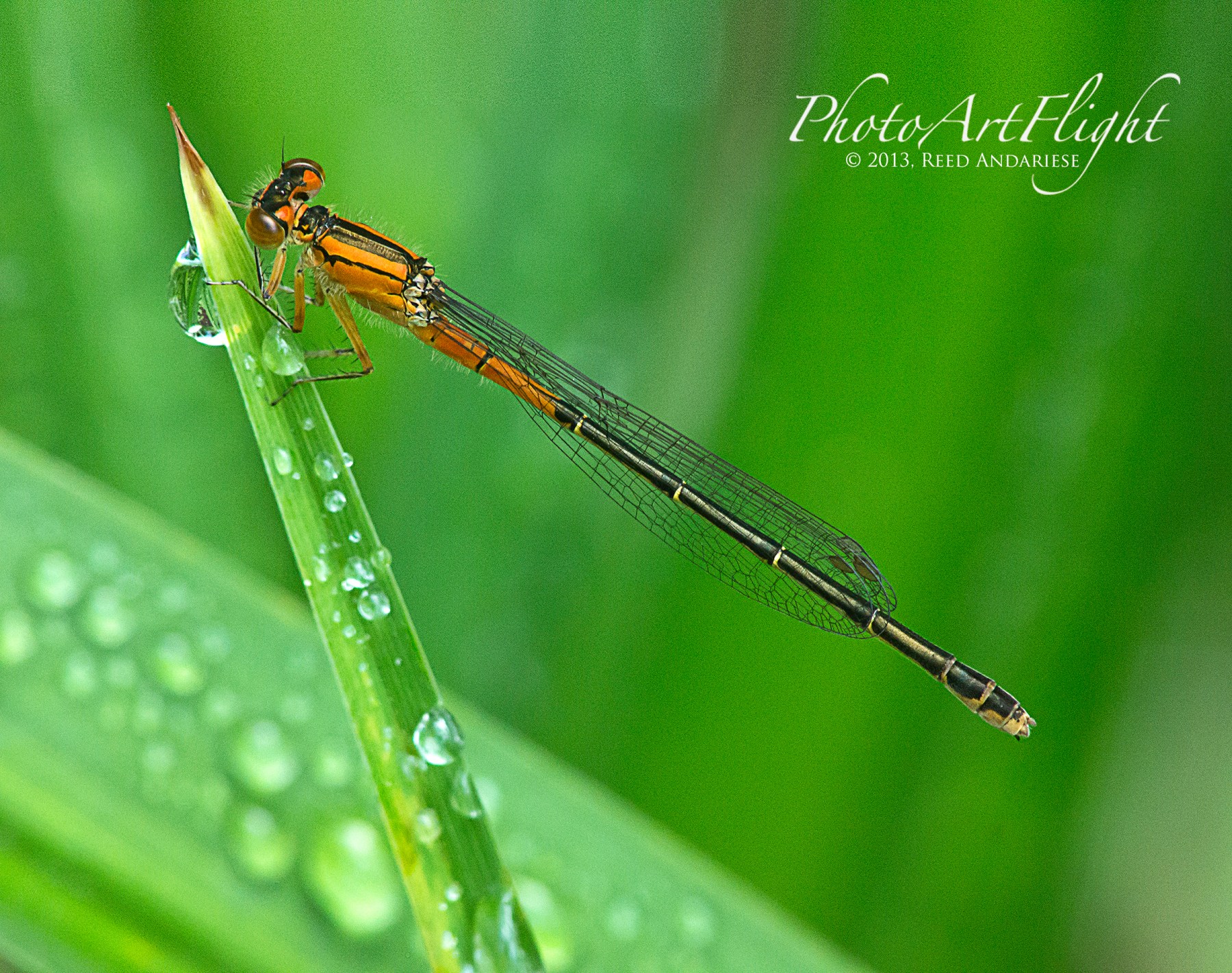
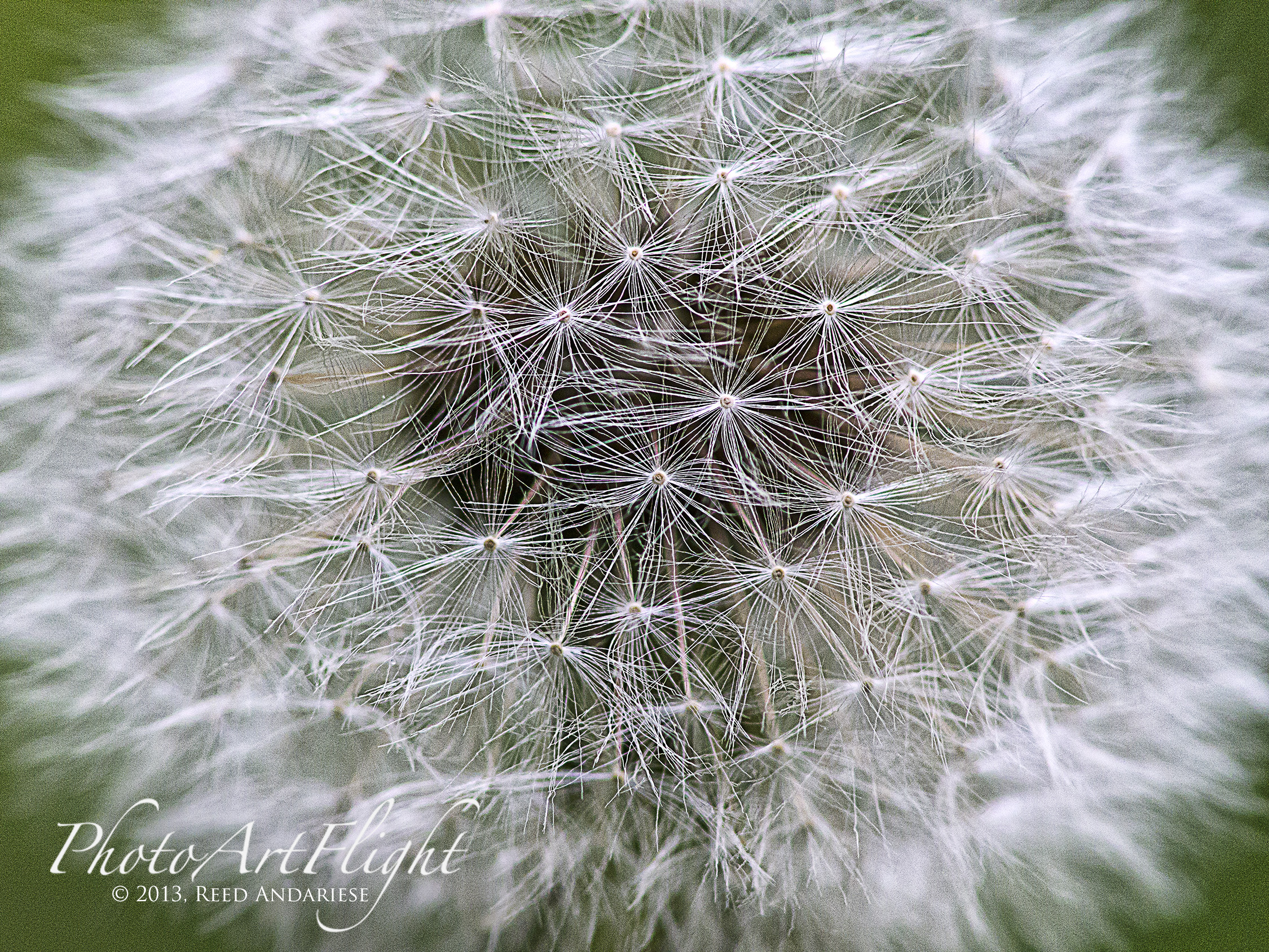
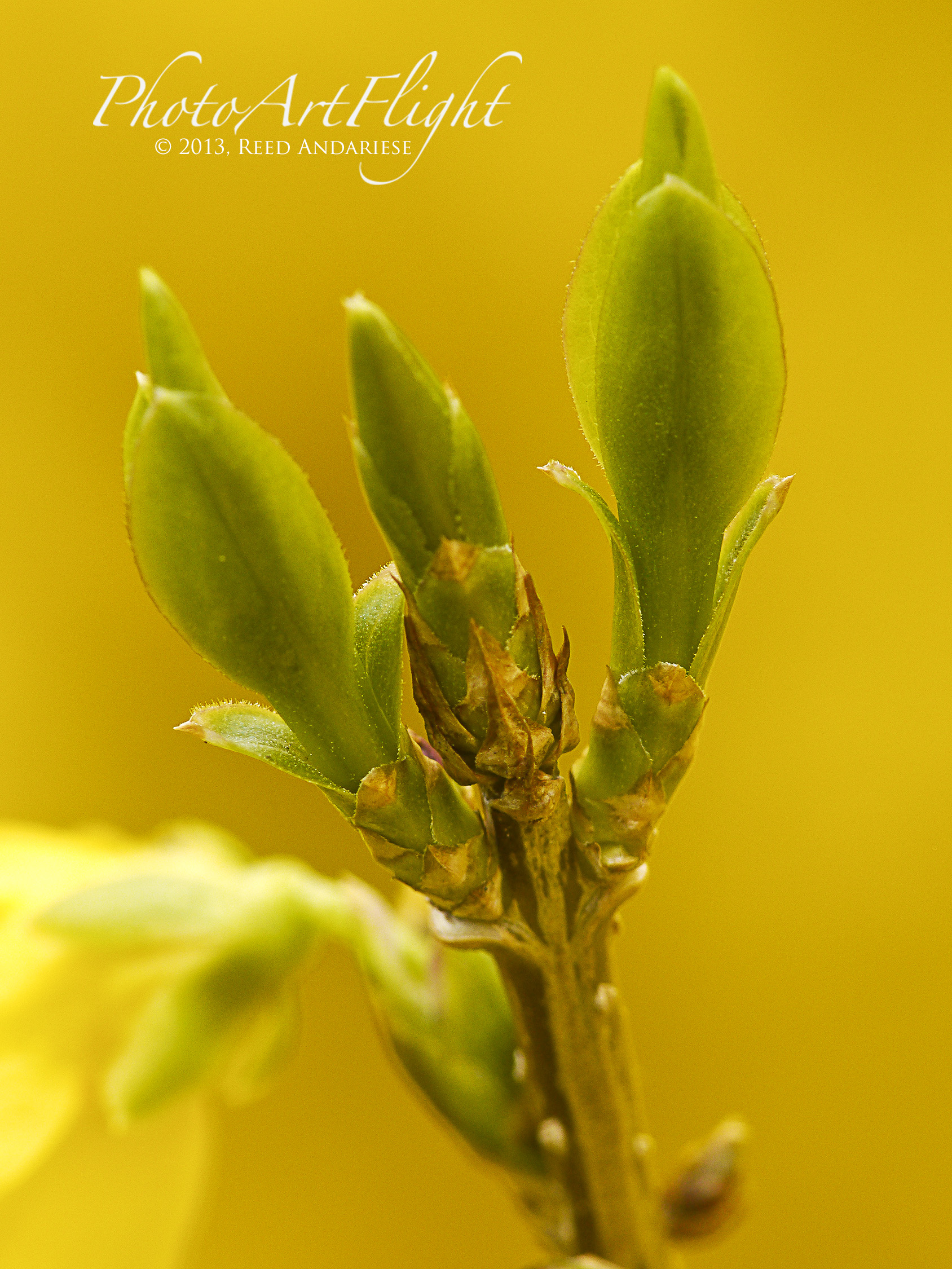
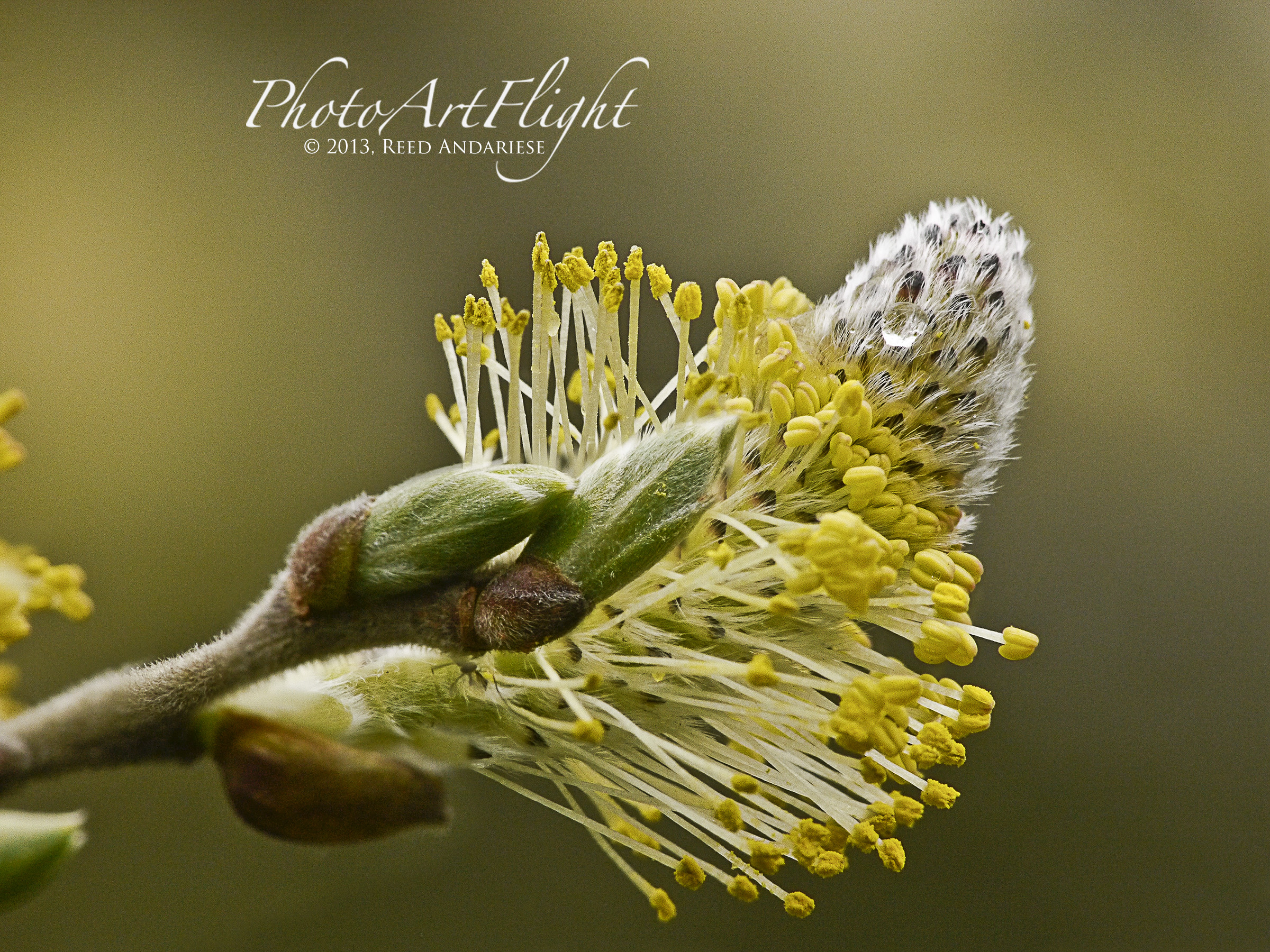
I enjoy shooting a lot of closeup and macro shots. One setup I like when I do not want to carry a lot of gear and still have maximum flexibility, is a m4/3 camera body with adapters for my old manual Canon FD 200mm f/4 macro and Nikon 55mm macro. I am using a Panasonic GH2 body, but with the crop factor it is like using a 400mm f/4 macro, but with the depth of field of a 200mm macro, which is more depth of field than a 400mm. This helps when you get really close. Because my old macro lenses are manual focus, on the GH2 with the electronic viewfinder, I just push the control wheel, and zoom in for critical focus. Also as you are shooting you get a preview in the viewfinder of your shot, so you instantly see if any highlights are blown or if you need exposure compensation. With the articulating rear screen it also helps when your subjects are in difficult positions. Because the body is not stabilized I use my tripod when using the old manual focus lenses. The Olympus OM-D e-m5 or the new OM-D Pro bodies have stabilization in the bodies so using these lenses would then be on a stabilized setup which is an interesting. Using the old manual focus Nikon 55mm, with the crop factor, would be like a 110mm macro with amazing depth of field. The GH2 with the Panasonic 14-140mm & 100-300mm stabilized lenses, with the crop factor (2X) is like carrying 28- 280mm and 200-600mm in a lightweight package. I am quite impressed with image quality of both of these lenses and often carry the GH2 with one of them as a second backup setup when my main setup is a Canon body with long telephotos or macro lens. Gives the opportunity to shoot something wide if a 400mm is my main camera, or something far if my main camera has a macro lens. I shoot raw files and using Adobe Camera Raw adjust for sharpness and to control the noise. If I have to I can use up to 3200 – 6400 ISO. A lot of damselflies and dragonflies I shoot at my pond are late in the evening or early in the morning when they are not moving around yet, or after a rain shower when the light is low. If you access to a m43 body give it a try, it is a lot of fun.




A Different View
Posted on September 10, 2013

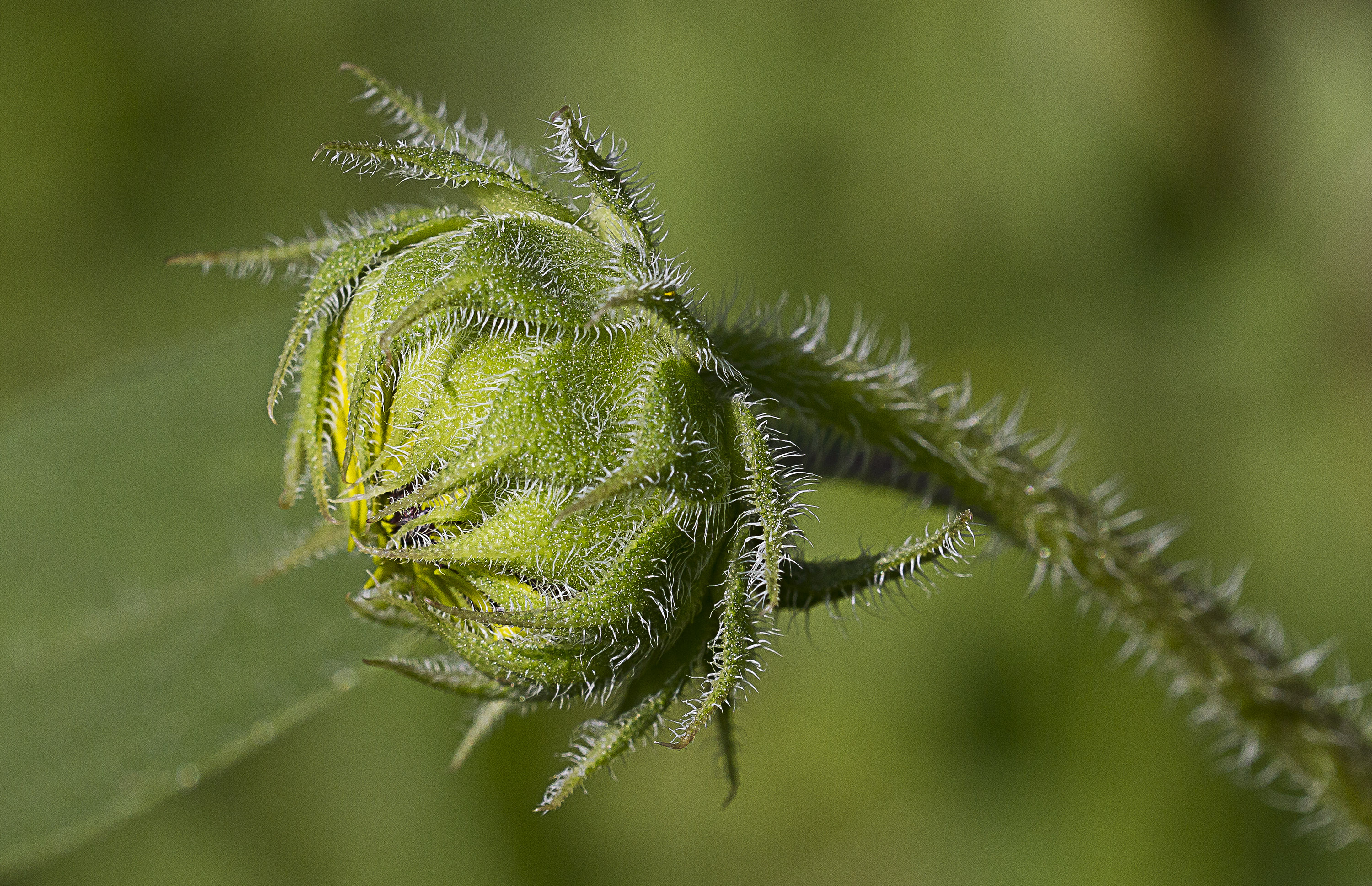
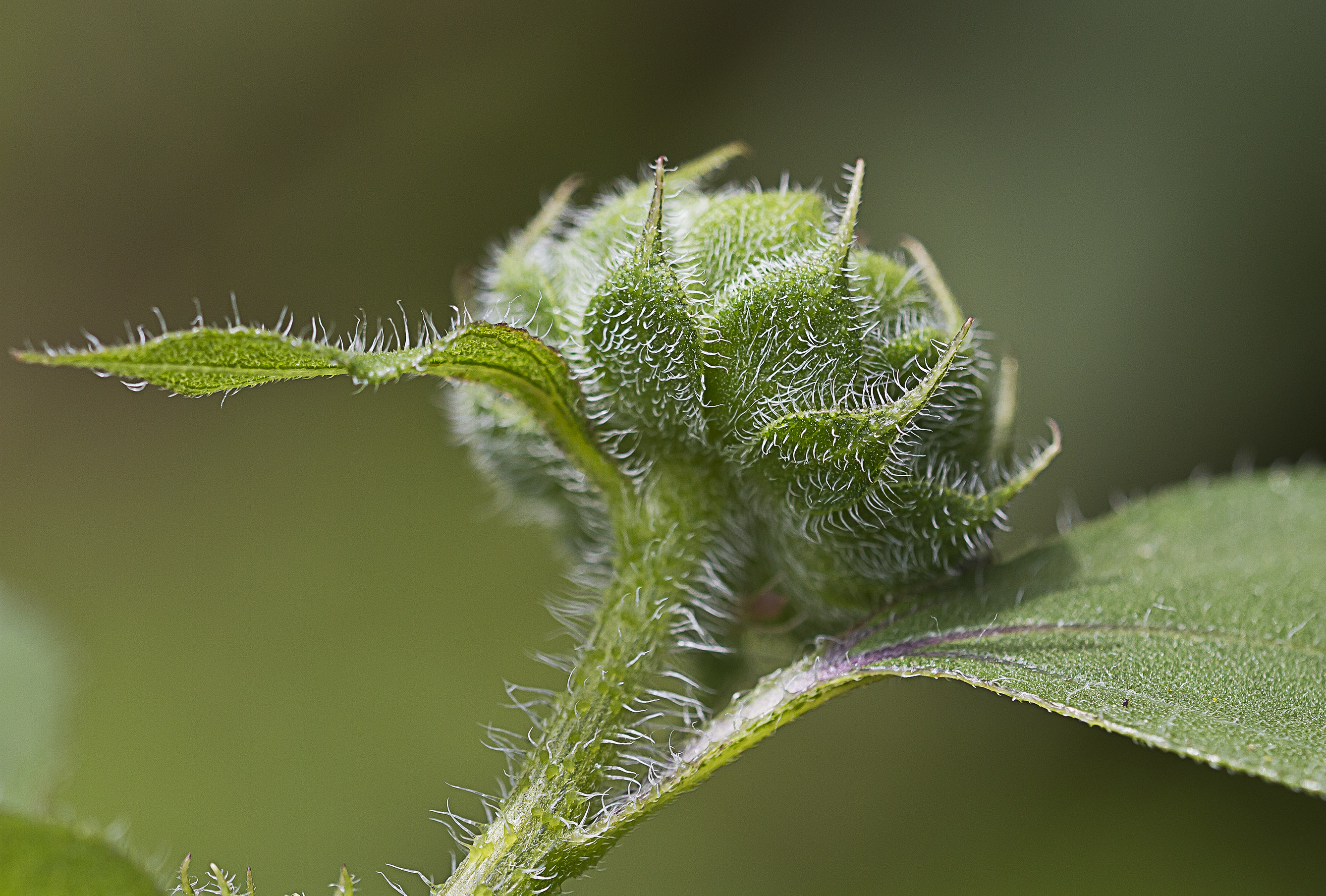
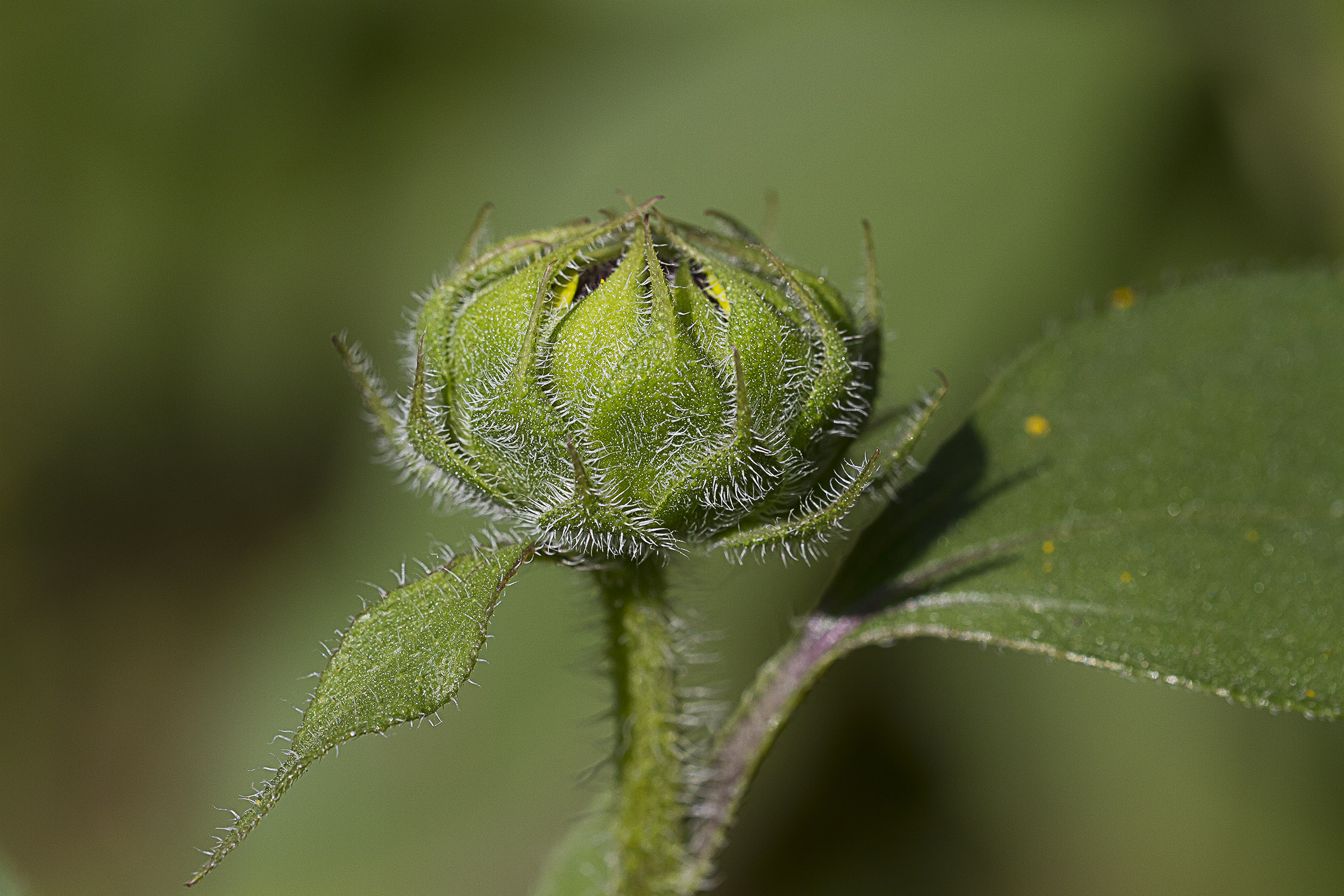
I saw a small Sunflower in the yard with the sun striking it from the front. I thought it looked interesting so I went out with a Sigma 150mm macro lens to see what I could come up with. It was nice, but not great. Looked like the usual Sunflower shot. Then I went to the back side and thought it looked more interesting from behind. The sun was coming from the front so I was shooting into the shadows. I used a small 12 inch silver/gold collapsable reflector using the silver side to bring out the textures in the green stem and to also highlight them. There was a green bush in the background which I just kept as a smooth green background to contrast with the yellow petals. I really like the different look with the textures and greens and yellows. After working with the main flower and seeing the textures on the stem, I switched to the unopened buds with the textures to see what I came up with.
Work Your Background
Posted on September 8, 2013
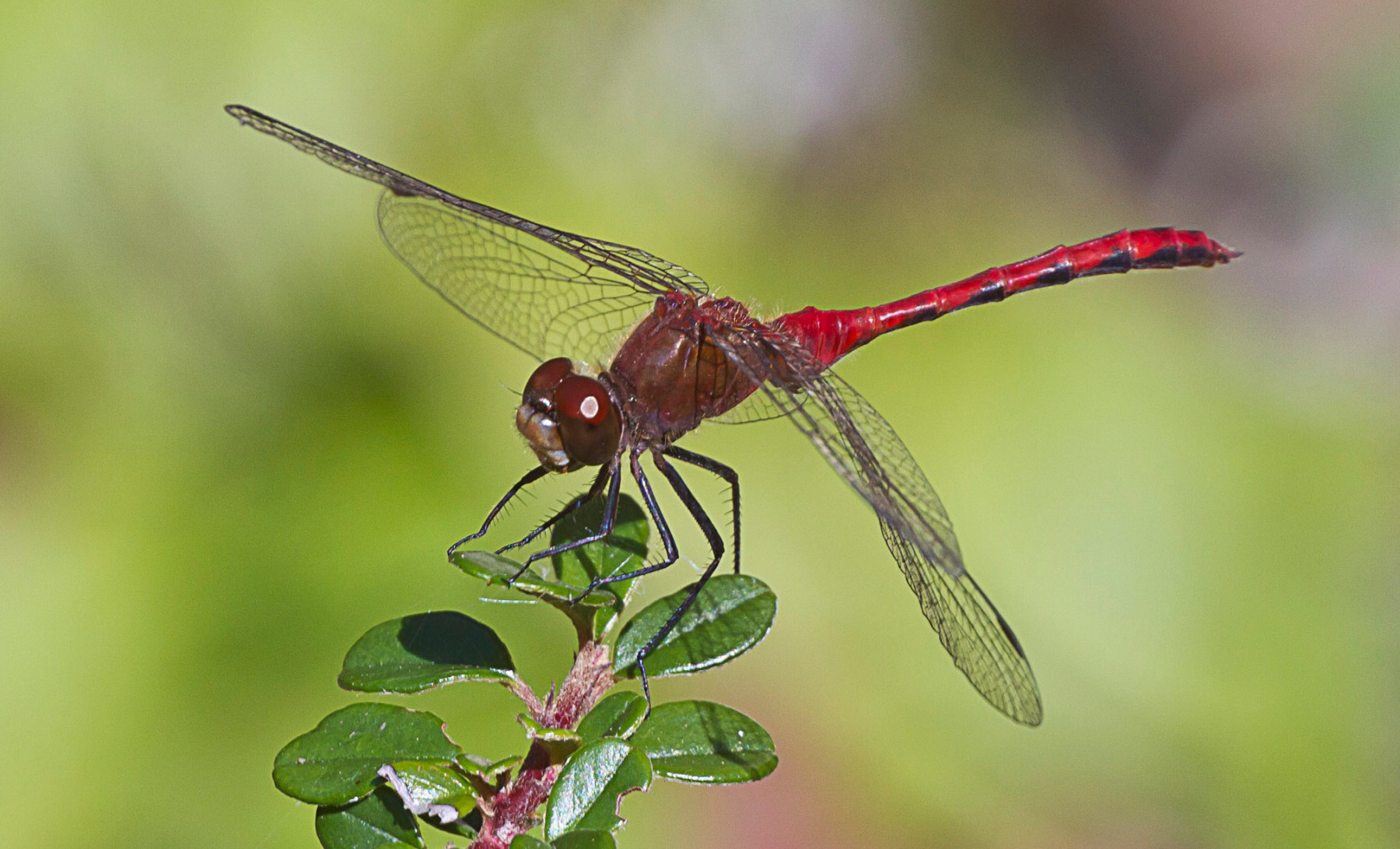
Unexpected visitors to the pond today – 2 Autumn Meadowhawks. Went to get my camera with a 150 macro, but they were very skittish. So I switched to 400mm with extensions tubes and a 1.4X teleconverter. I was trying to get the right combination of background and f/-stop combinations to have an uncluttered background as much as possible. I gave up increased depth of field on most and settled for f/5.6, for a smoother background. I thought it might be interesting to see my progression. I moved vertically & horizontally to try for the best background. With a long lens it does not take much to get a different effect. The dragonfly was also slightly moving around the same plant which also gave me some other choices. It then landed next to a spot with some red berries, so I thought maybe the red berries and the red dragonfly would be interesting. Then I worked some on the other side of the pond with the other dragonfly, but it was much darker, so I was shooting bursts to hopefully get one sharp enough to use. You can see the exif data by the photos.
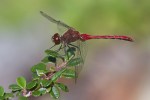
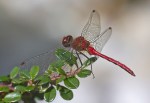

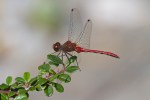

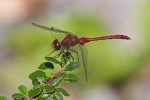
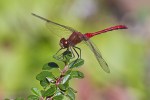
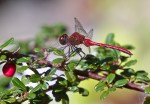
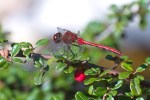
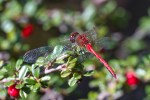
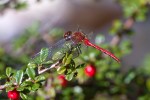
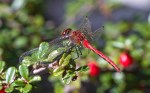

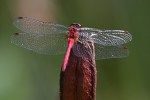

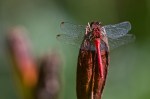

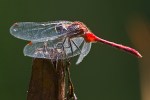

My favorite was the one at the start of this blog, but pick the one you like best.
 photoartflight