 photoartflight
Blue Dasher Dragonfly In Our Garden
Posted on August 7, 2021
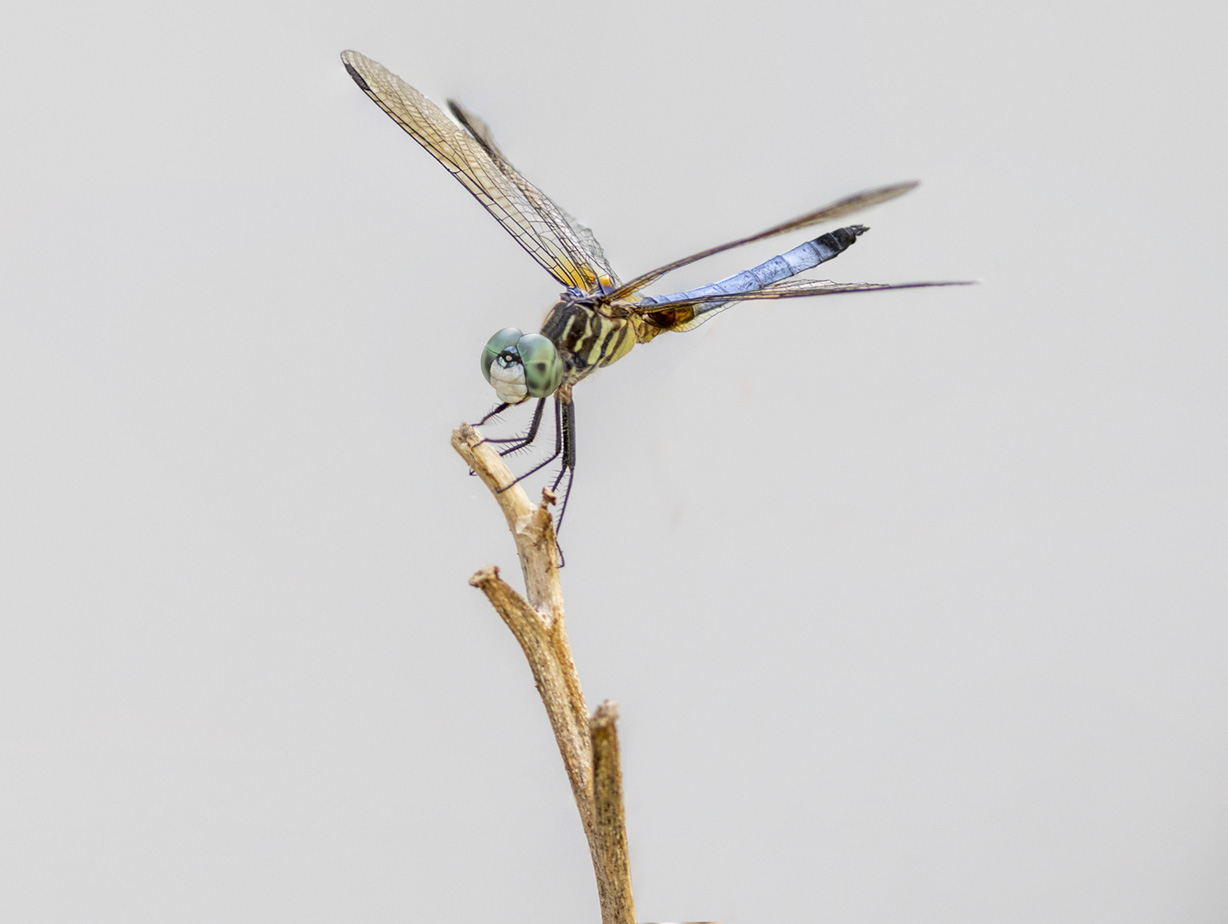
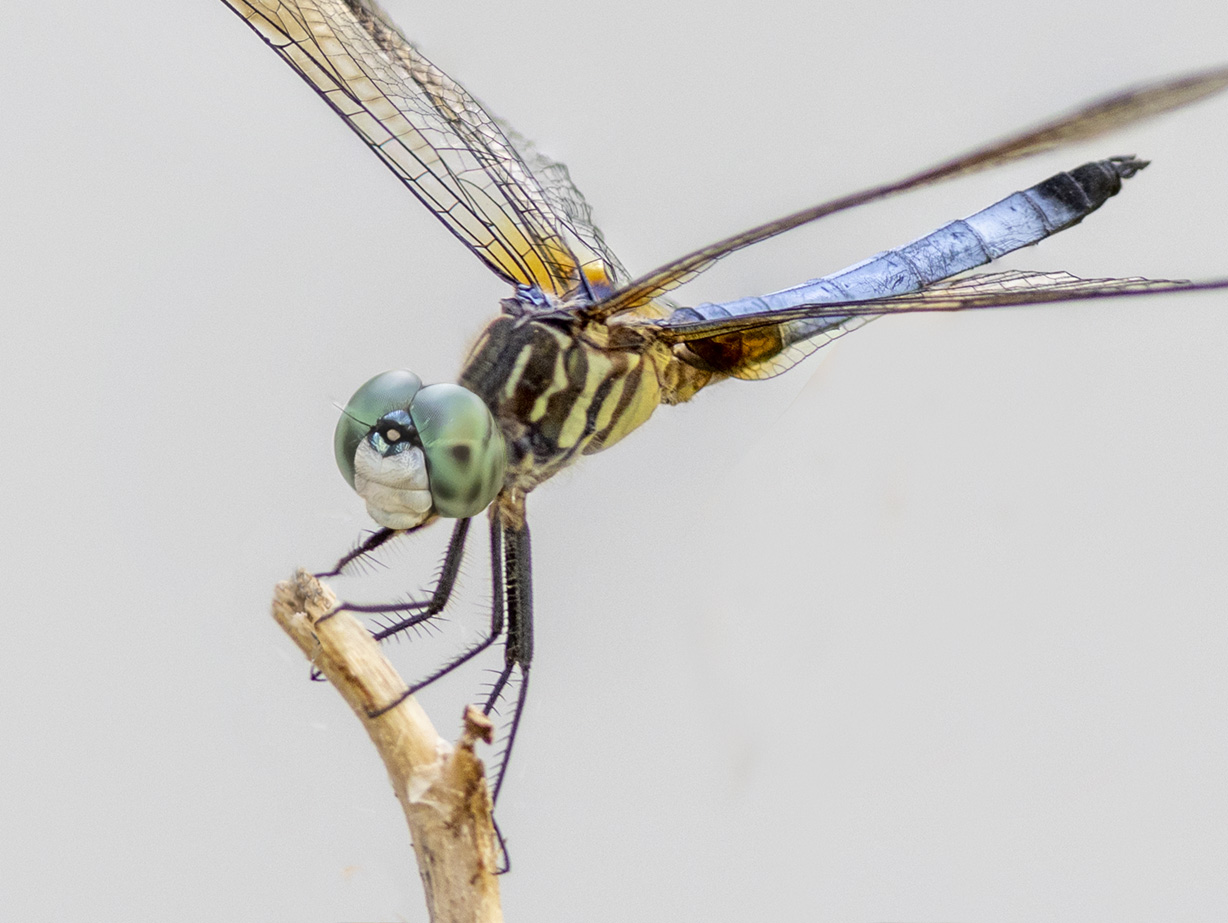
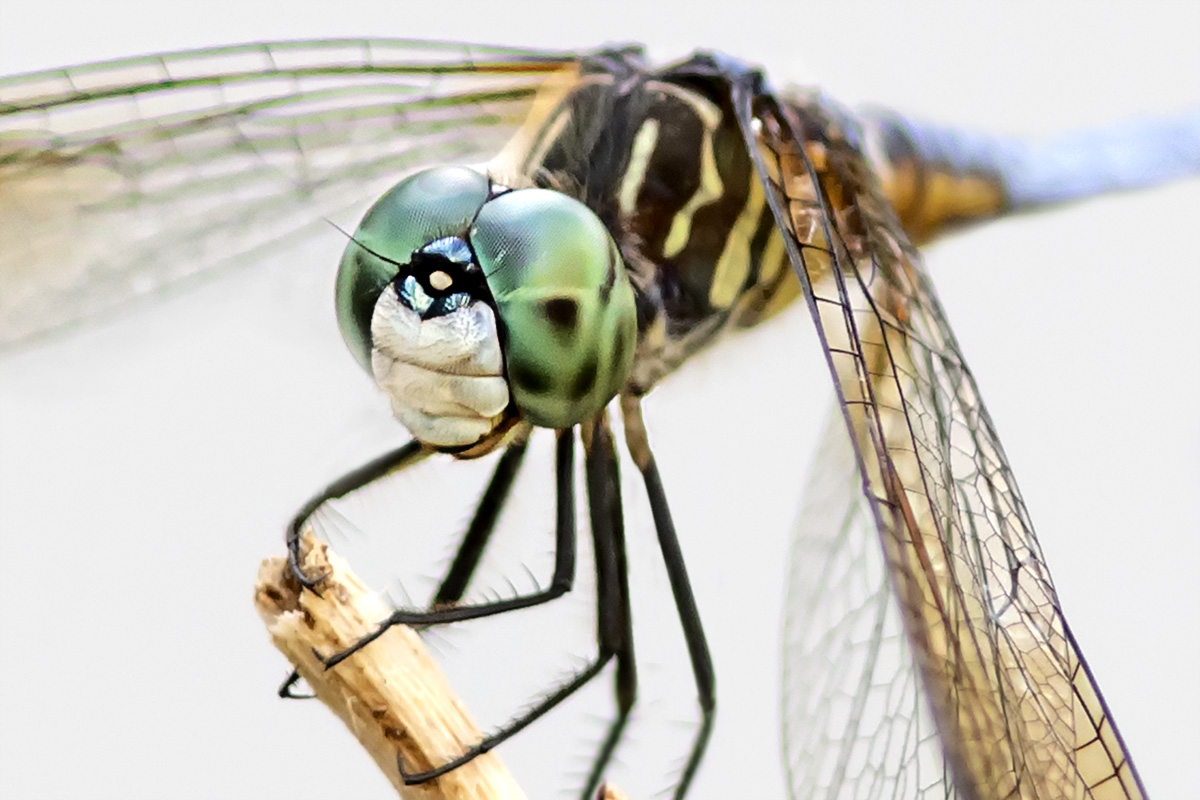
I was looking for a Praying Mantis in our gardens to photograph when this male Blue Dasher dragonfly landed on a branch by our carport. Not a great background but decided to photograph it anyway since I did not see any other interesting bugs. To minimize detail in the background carport siding I chose f/8 to minimize the carport detail. Since I was @ f/8 I shot a handheld series of images to retain detail on the dragonfly. I shot 3 images to focus stack on the dragonfly from wingtip to wingtip, then a 3 image series head to tail. After the main image stack, I moved in closer & closer for a few different closer versions since it seemed to be tolerating my being there.

Last Praying Mantis In the Gardens
Posted on October 19, 2020

The featured image is a stacked multi-image, multi-row Praying Mantis panorama. This was the last Praying Mantis I photographed in our gardens this year. We had quite a few throughout the summer, but this was the largest Mantis I photographed this year. The featured image is 8 images, shot in 3-multi-rows of overlapping images. I managed getting 3 images for the top row, 3 images for middle row & only 2 images for the bottom row before it moved. I was shooting handheld with a 300mm lens @ f/5.6 for a softer, smoother background since I wanted a blurred background not showing details of the flowers & siding on the house. I concentrated my focus on the head and front legs and so the yellow flowers behind the Mantis gave a bright pop of interesting color.

Swallowtail Caterpillars At Davidsons Mill Pond Park
Posted on October 15, 2020

During our photo walk at Davidsons Mill Pond Park I noticed a few Swallowtail Caterpillars in the Milkweed Fields. Both images are 3 image focus stacks taken taken @ f/8, for a smoother background. When I am shooting Focus stacks with a m43 camera & the lens @140mm, I tend to use an aperture of f/8. This way I get a little more depth of field and a somewhat smoother background. I only have to shoot 3 images for the stack on a subject that is also moving. So my main subject in the image lines up better in the 3 stacked images. If I used more images because it is slowly moving the main subject would not line up with the backgrounds.

Focus Stacking RainDrop Images
Posted on September 11, 2020
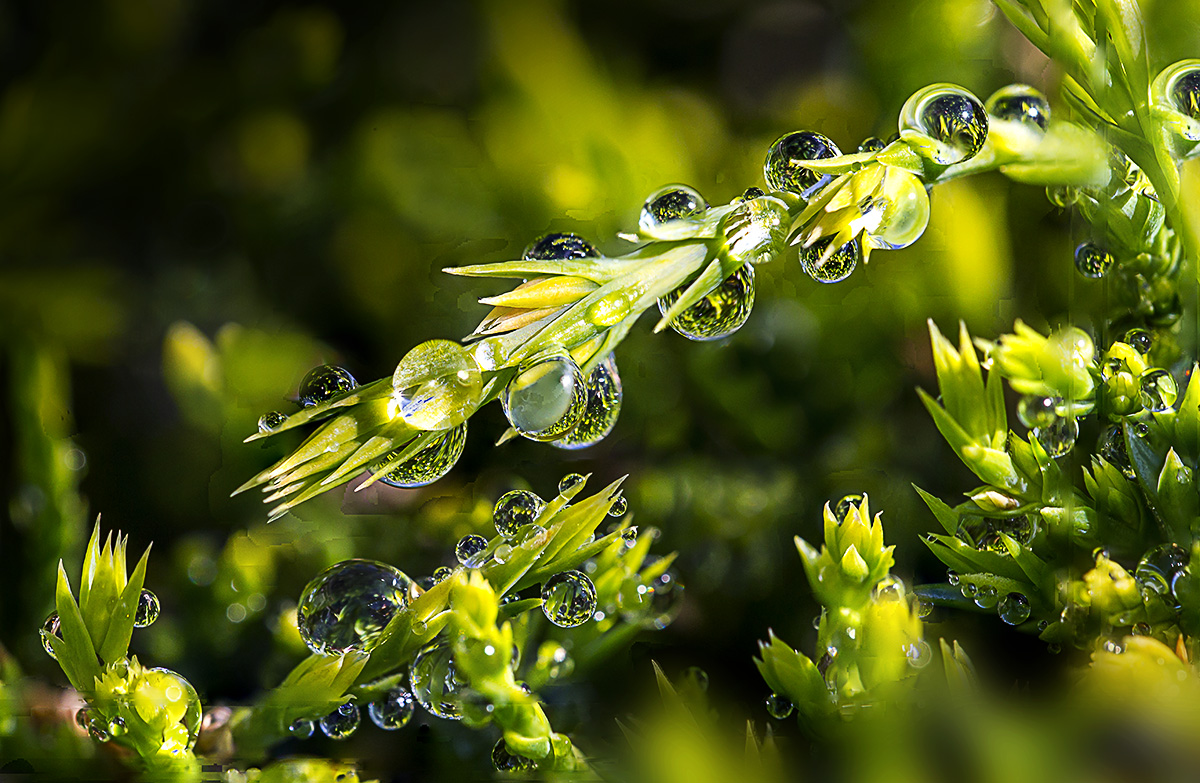
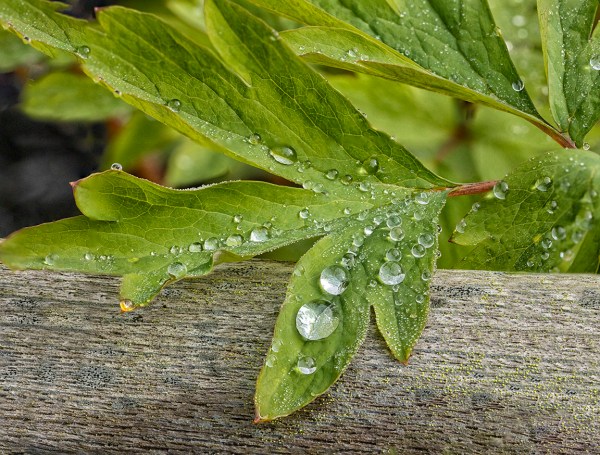
After a rain it is fun to go out in the gardens to photograph raindrops. To get more Depth of Field (sharper focus across the image) and still have a smoother background, I use Focus Stacking techniques. I usually use f/8 or f/11, but it depends on how many images I want in my Focus Stack and how soft a background I want. The more wide open your f/stop, the more Focus Points you will need to add to the series of images. The Featured Image was 10 images taken with a 150mm Sigma macro lens @ f/8 on a Canon R. Images were loaded into 1 Layered Photoshop file and then let Photoshop align the 10 layers. (Edit-Auto Align Layers). After aligning the layers, choose Auto-Blend Layers to let Photoshop blend the sharpest sections from each layer into the final image. This Layer will be on the top of the layered Photoshop file. You will see the masked layers below the final showing the sharpest sections Photoshop masked and blended for the final layer on top. I usually save this layered file in case I need to go in and do a slight touch up here or there. Start with a 3 or 4 layered stack to help get the feel for doing this technique. Once you have done a few you will get the technique down and see what f/stops or how many layers work best for your imaging style. Also the amount of layers depends on how much of the image you want to be in sharp focus.



Bleeding Heart Panorama & Focus-Stacking For Smoother Backgrounds
Posted on May 12, 2020

After a heavy rain the other day I went out to see if I could find some interesting subjects with water drops to photograph. I wanted to use Image Stacking for more detail in the water drops and main subjects, but still have softer backgrounds. This is one of the first subjects I came upon. I was using a Sigma 150mm f/2.8 macro lens on a Canon R. These are all handheld because it was difficult to get the view I wanted using a tripod. The featured image is 13 images shot from left to right @ f/2.8. Each image in the panorama series is manually focused for the area needed in focus as I shot along the subject to keep a softer cleaner looking background.
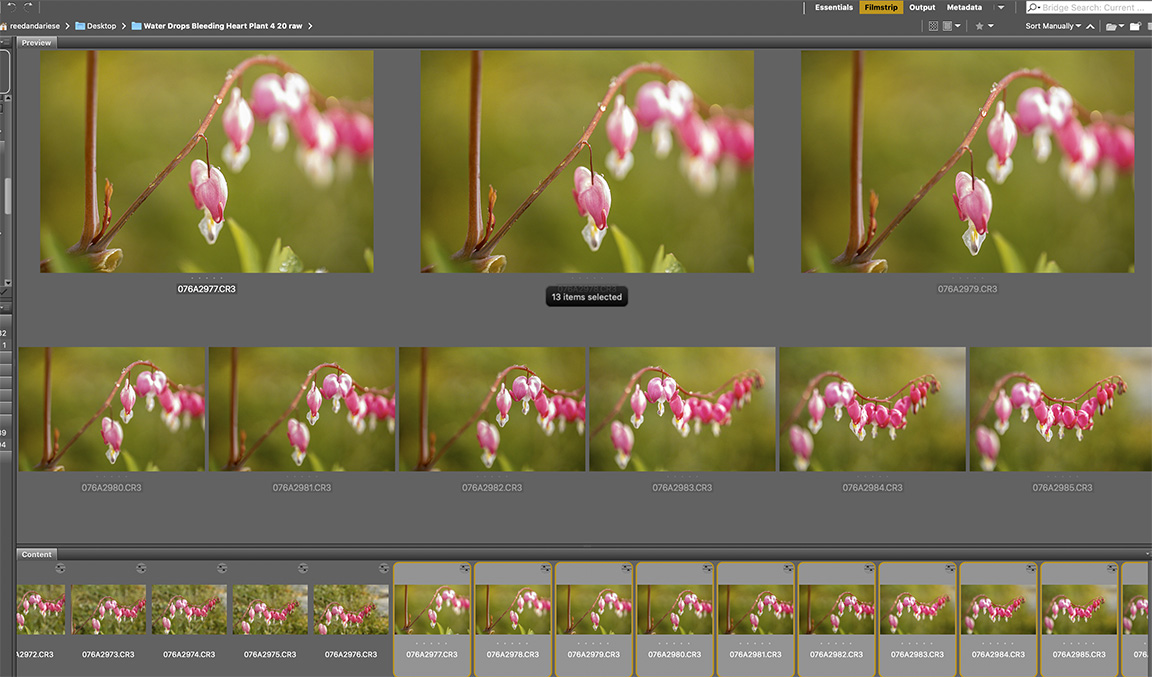
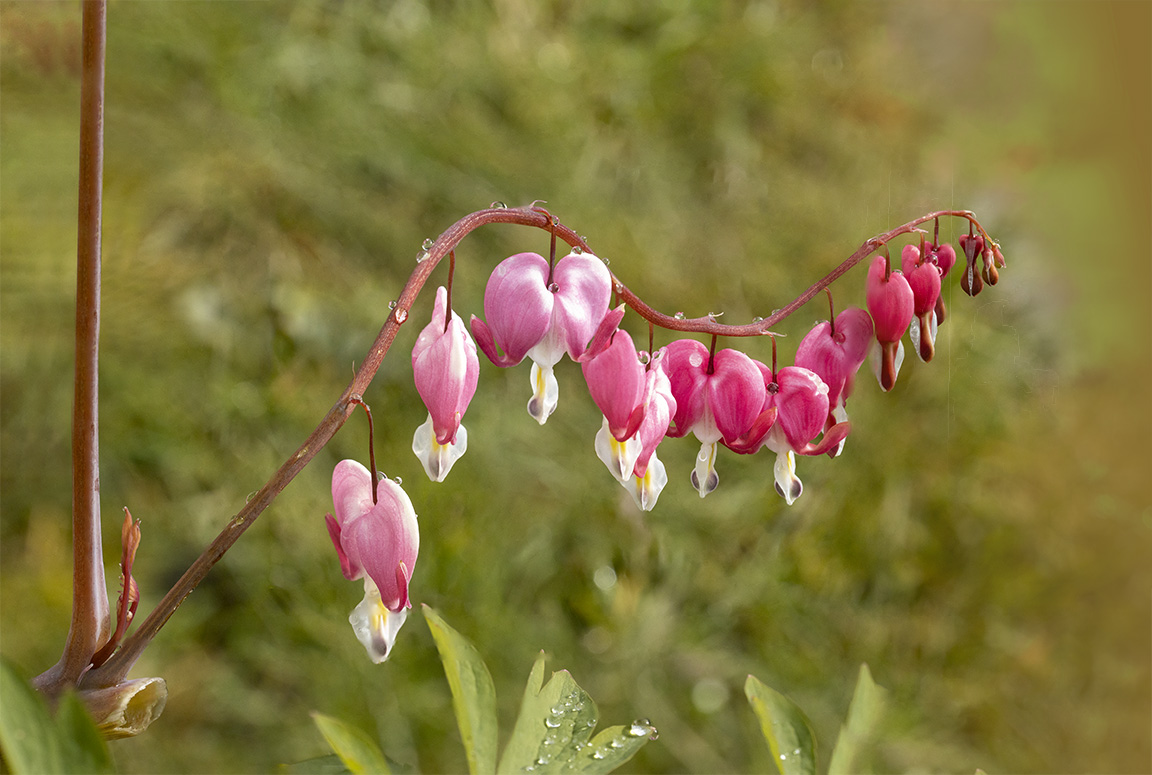
8 image handheld panorama focused stacked stopping down to f/11 – giving a much busier looking background
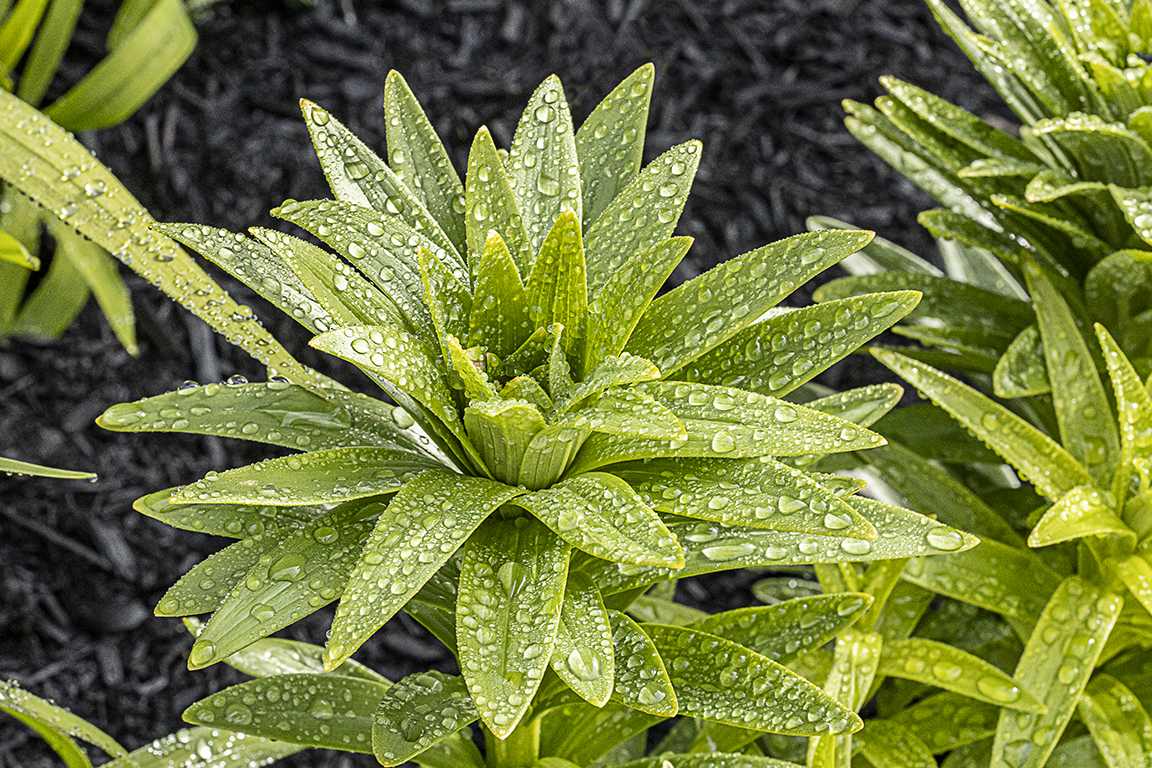
18 image stack @ f/8

8 image Focus Stack – f/16
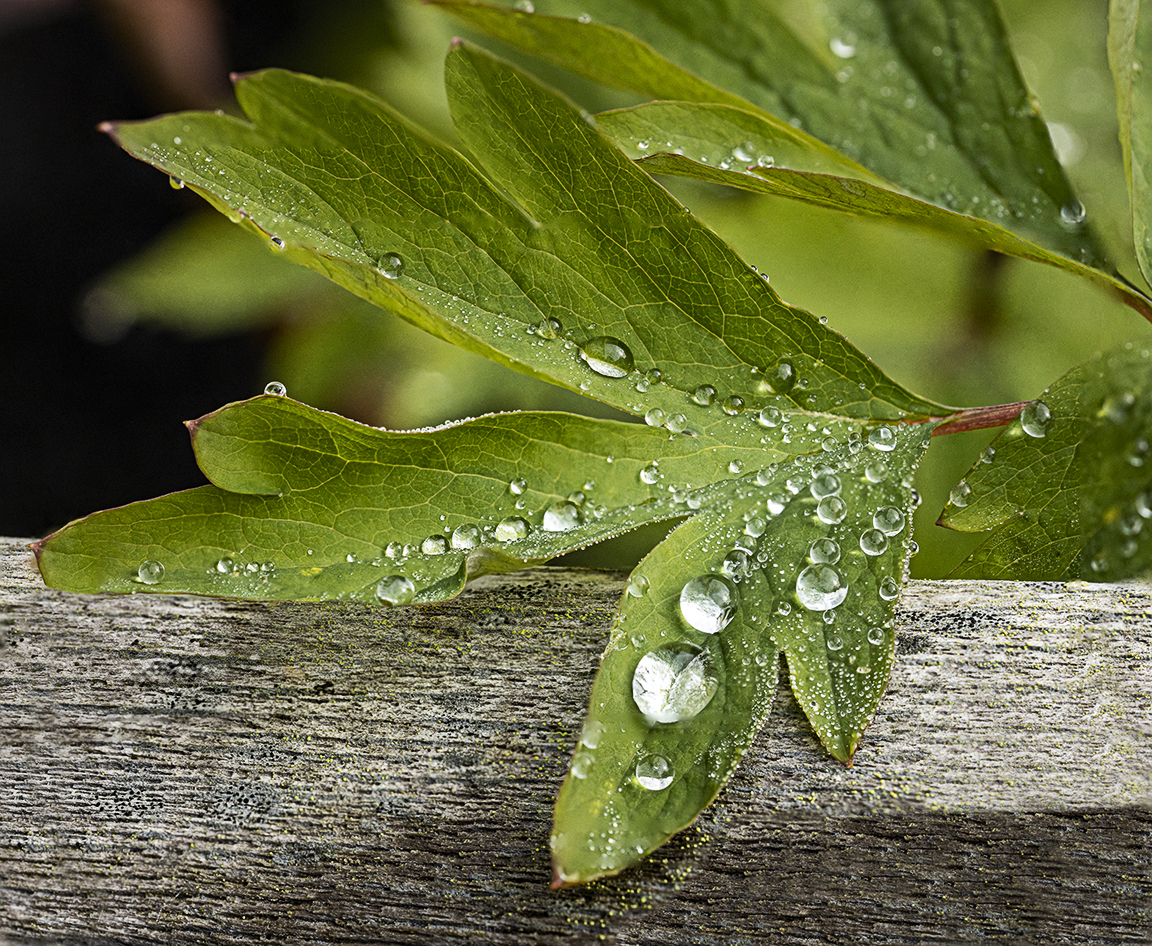
12 Image Focus Stack @ f/8
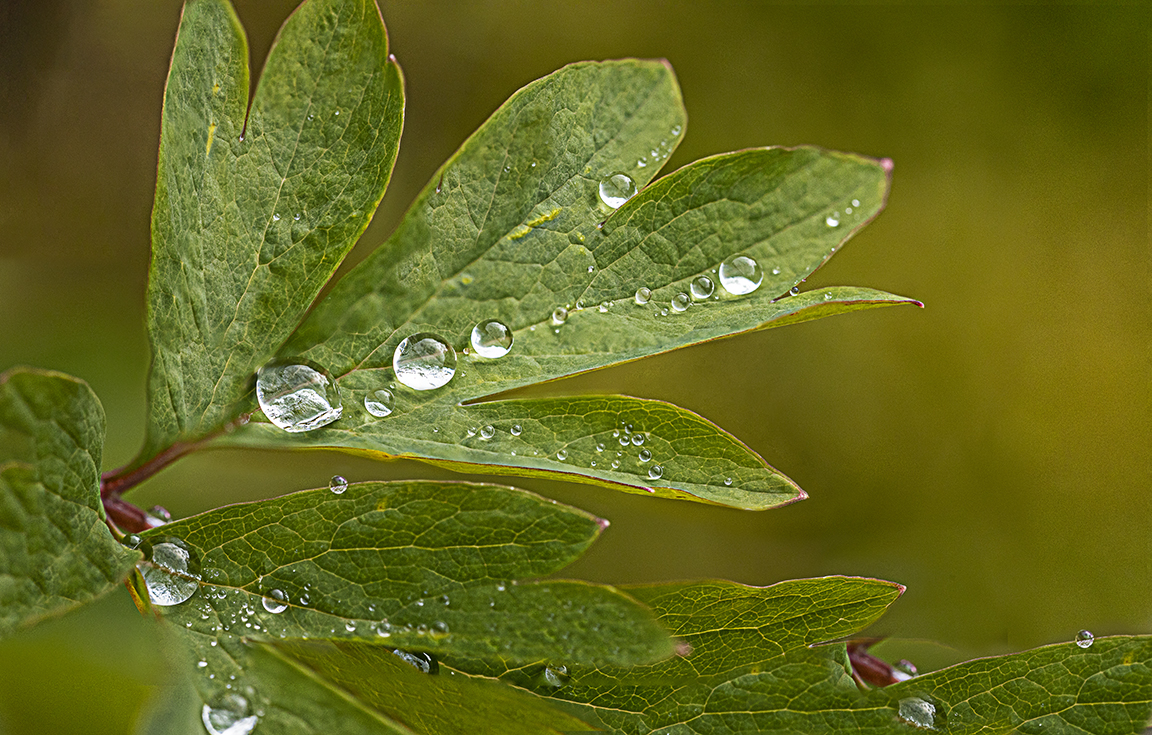
9 Image Focus Stack f/5.6

7 Image Stack @ f/8
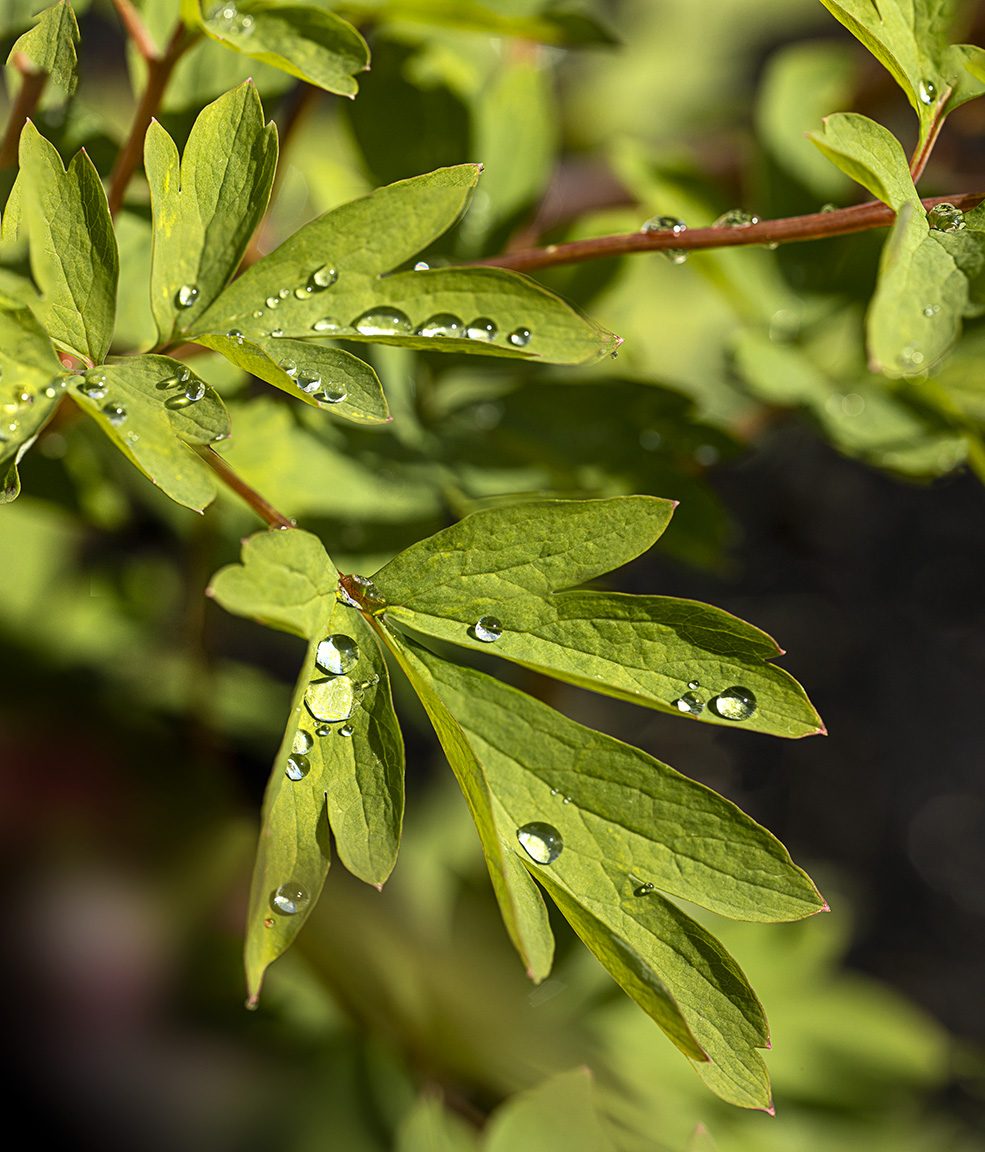
18 image stack @ f/8 for a much wider focus range.
 photoartflight