 photoartflight
Bleeding Heart Panorama & Focus-Stacking For Smoother Backgrounds
Posted on May 12, 2020

After a heavy rain the other day I went out to see if I could find some interesting subjects with water drops to photograph. I wanted to use Image Stacking for more detail in the water drops and main subjects, but still have softer backgrounds. This is one of the first subjects I came upon. I was using a Sigma 150mm f/2.8 macro lens on a Canon R. These are all handheld because it was difficult to get the view I wanted using a tripod. The featured image is 13 images shot from left to right @ f/2.8. Each image in the panorama series is manually focused for the area needed in focus as I shot along the subject to keep a softer cleaner looking background.


8 image handheld panorama focused stacked stopping down to f/11 – giving a much busier looking background
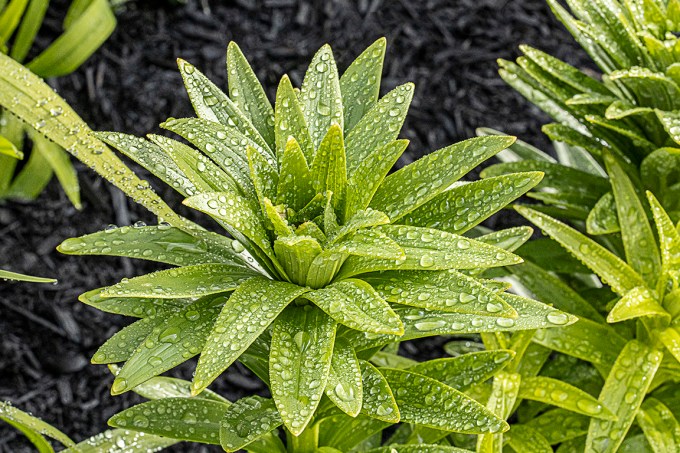
18 image stack @ f/8
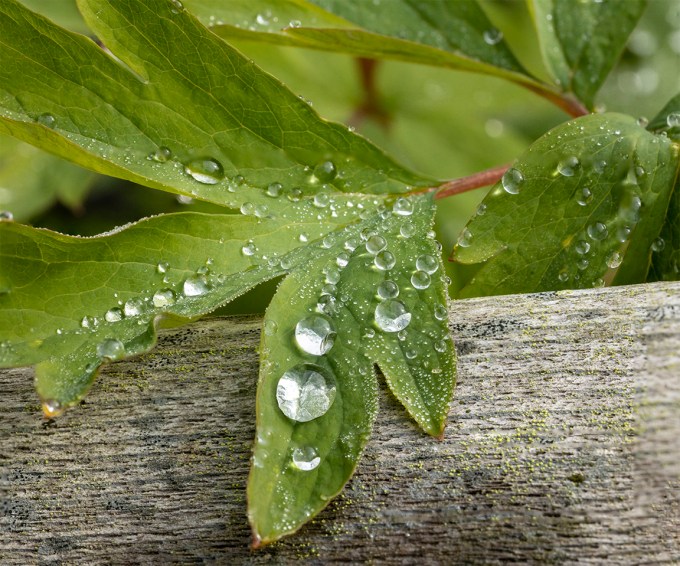
8 image Focus Stack – f/16
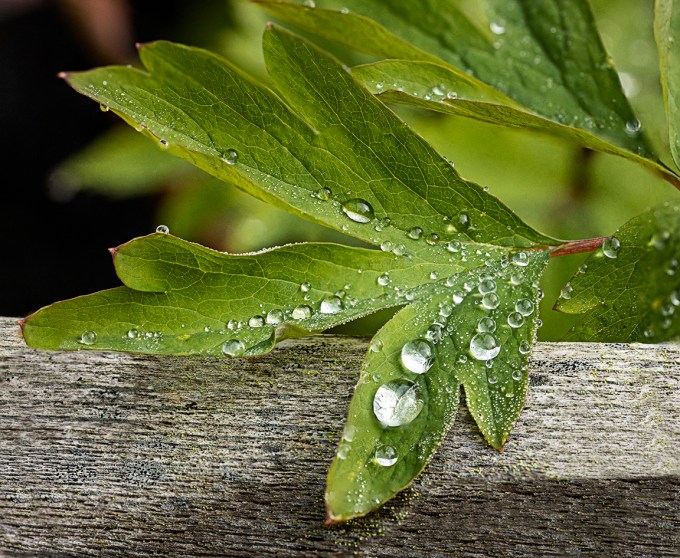
12 Image Focus Stack @ f/8
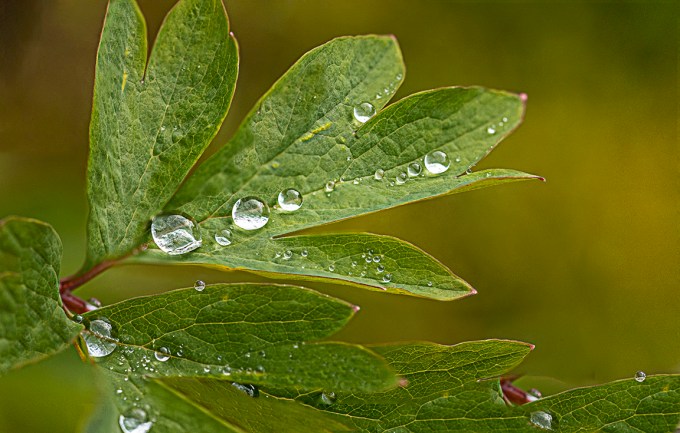
9 Image Focus Stack f/5.6

7 Image Stack @ f/8
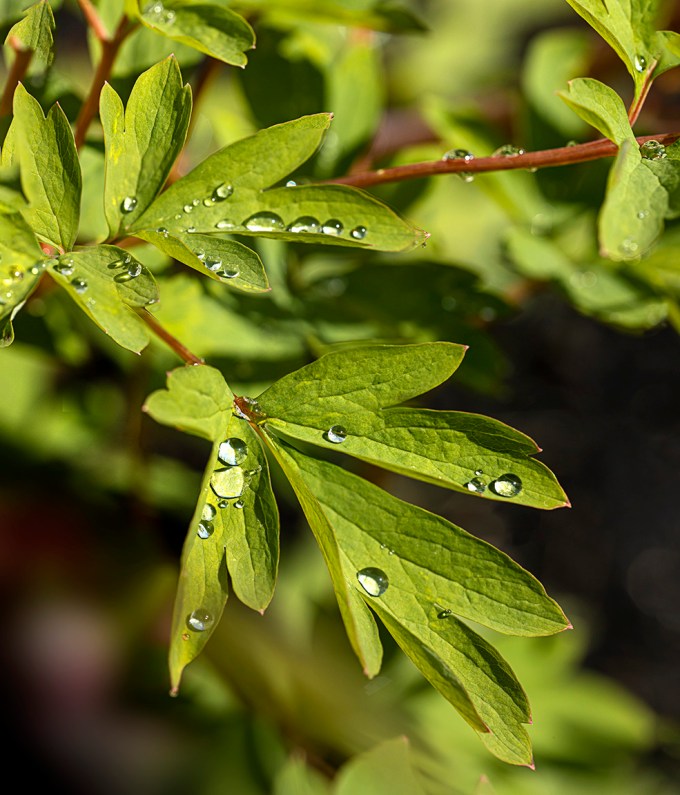
18 image stack @ f/8 for a much wider focus range.
More Focus Stacked Raindrop Images
Posted on May 11, 2020

I am still going through images from past shoots. This is another series of closeup raindrops, focus stacked from front drops to further back in the bush they were on. I was using an Olympus m43 body with an old 200mm Canon FD manual focus macro lens with a m43 adapter. This gives me a FOV (field of view) equivalent to 400mm on a Full Frame Digital Camera. I usually start from the front in focus and then do a series of focus points going back to where I want to end. The featured image is 11 images @ f/8. I load all into layers in Photoshop, then let Photoshop blend all the sharpest areas into one file.

Closer up -7 Image Focus stack- concentrating on center area drops. 200mm Canon FD lens adapted to Olympus OM D camera
Damselfly Panorama
Posted on September 6, 2019

I like using a few different camera systems depending on what I am shooting. Or more likely, what I want to carry & lug around. If I am at a location working near the car, that is not usually a problem. But sometimes I just like walking around, but still want to photograph some interesting subjects that I might come across. Here I am using one of my m43 camera bodies with an adapted old style Canon FD 200mm Macro lens. On m43 cameras it is sort of equivalent (in easy terms) of using a 400mm macro an a full frame body. Instead of going to 1X magnification, because of the crop factor of the m43 system the FOV (Field Of View) is ~2X. This is a 3 image panorama. Luckily the Damsel co-operated for me.

Damselfly – Single Image

Damselfly 4img (overlapping) Focus Stack
Snail Macro
Posted on July 6, 2018
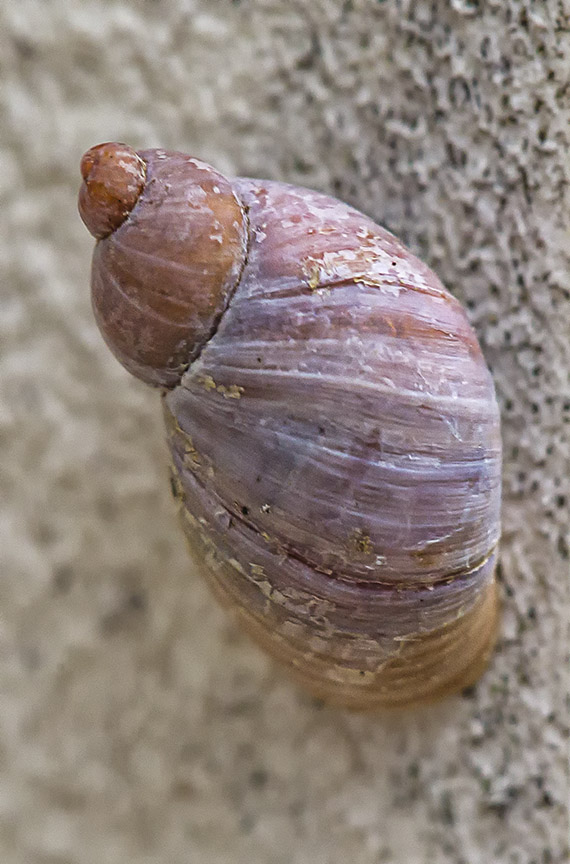
When I was leaving to go to work, I noticed this tiny snail on the edge of the front door frame. It was smaller than a 1/4” long. I went back in and got a 100mm macro lens and shot a series of images at f/2.8 for a focus stack. I had to do this because I was using available light and did not want to push my ISO over 1250 ISO. Using a series of images for the focus stack letting Photoshop select the sharpest sections of each frame and merged them together for a final image. It was 5 am so it was pretty dark. I rested the front edge of the lens on the edge of the door frame and shot a series of focus points. Then let Photoshop do the rest.
Day Lily 4 Shot Panorama & Focus Stacking
Posted on June 12, 2018

I used 4 photos shot at different focus points and narrow depth of field to get a soft background along with sharp detail on my flower subjects. Shot with a handheld Sigma 150mm macro lens @ f/5.6. Assembled in Photoshop for both the blending of images and then the panorama.
Slaty Skimmer Wing Detail
Posted on July 17, 2017
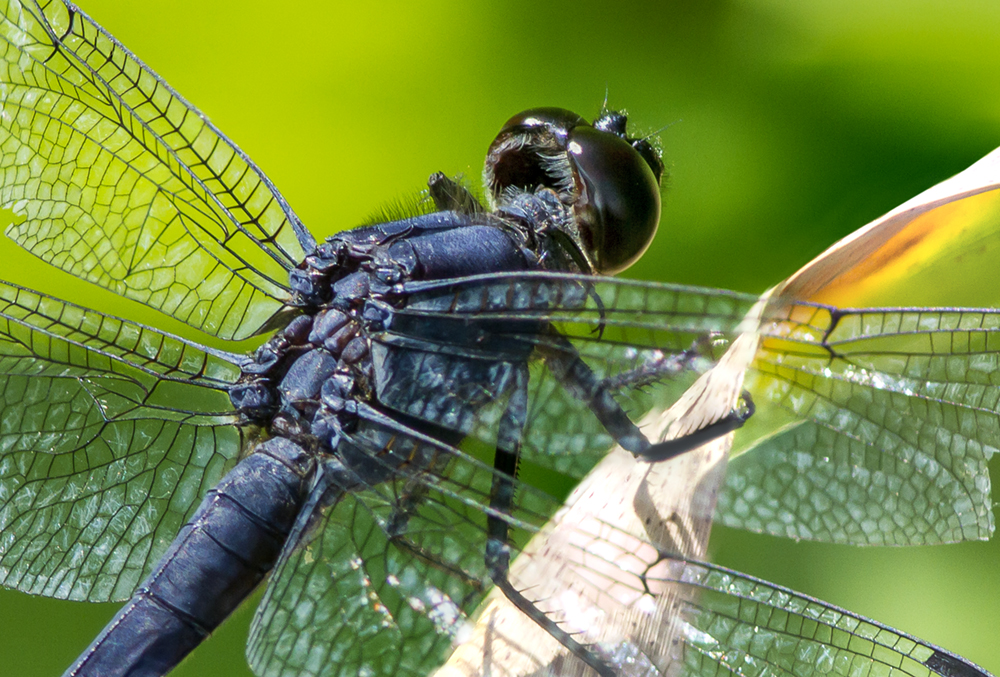
We saw many types of Dragonflies while we were at the Davidson Mill Pond Park. Here are images of a Slaty Skimmer Dragonfly. The featured image shows the wing detail where the 4 wings attach to the Thorax. These dragonflies are usually a little under 2 inches long. This is 2 stacked images, focused on the head and then on the thorax. Combined in Photoshop for more depth of field. 300mm f/4 lens with a 1.6x Canon cropped body and 1.4x teleconverter (approx 672mm in full frame equivalence).
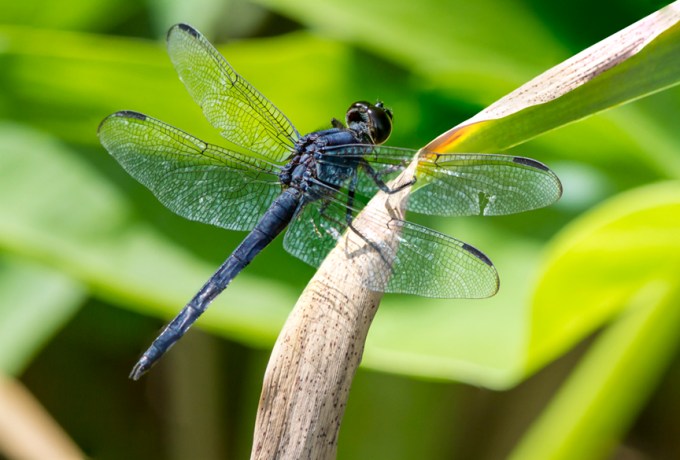
Same Dragonfly as above, three images, photographed at three different focus points along the Dragonfly. Head, thorax and tip of tail. Assembled in Photoshop for more sharpness on the dragonfly, but trying to keep the background softer since it was quite close behind the dragon.
Now I have to find something with feathers to post!
Dandelion Short Stack
Posted on July 1, 2017
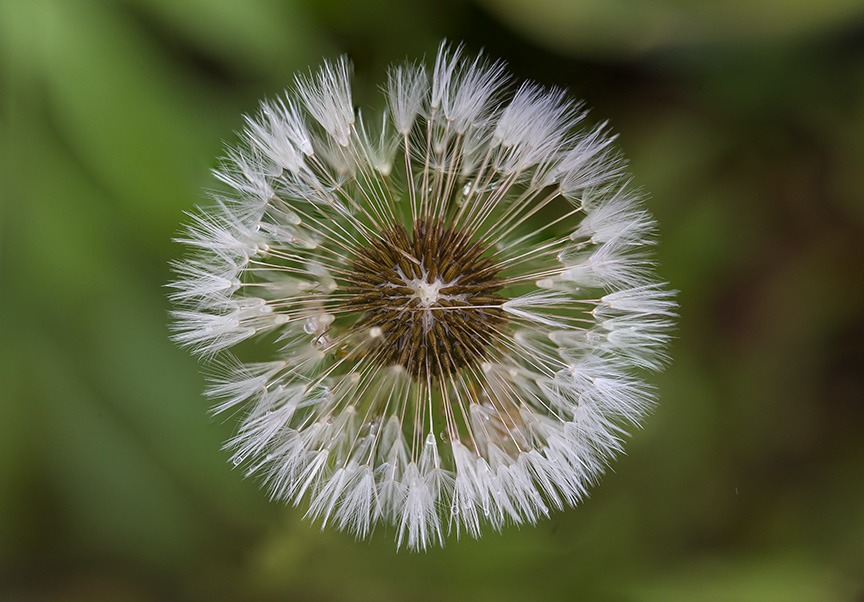
I was looking for some photo subjects in the yard after a light rain and found this weathered dandelion with a few tiny raindrops on it. It was open on top so I could see more into the center. I shot a short series of focused images for what I wanted in focus, wide open at f/2.8 with a 150mm macro lens. Four images, aligned, stacked and combined in Photoshop. I used f/2.8 instead of stopping down more to get a clean looking background and used image stacking to get what I wanted in a limited focus range, while keeping the smooth looking background I wanted.
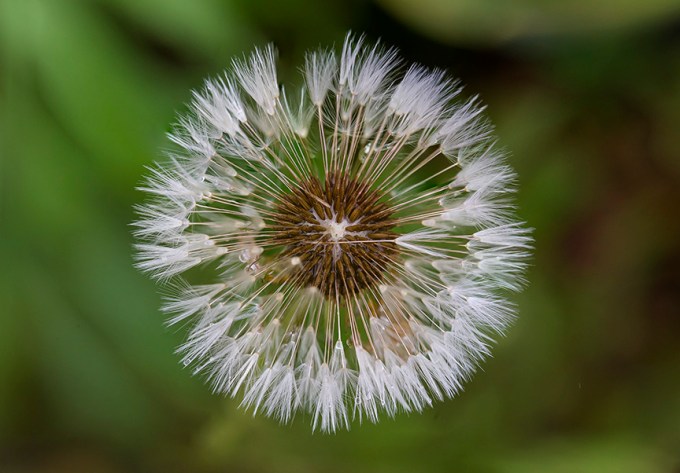
4-images stacked in CC 2017 Photoshop, 150mm macro
Cone Flower – Echinacea 7 Image Stacks
Posted on July 25, 2016
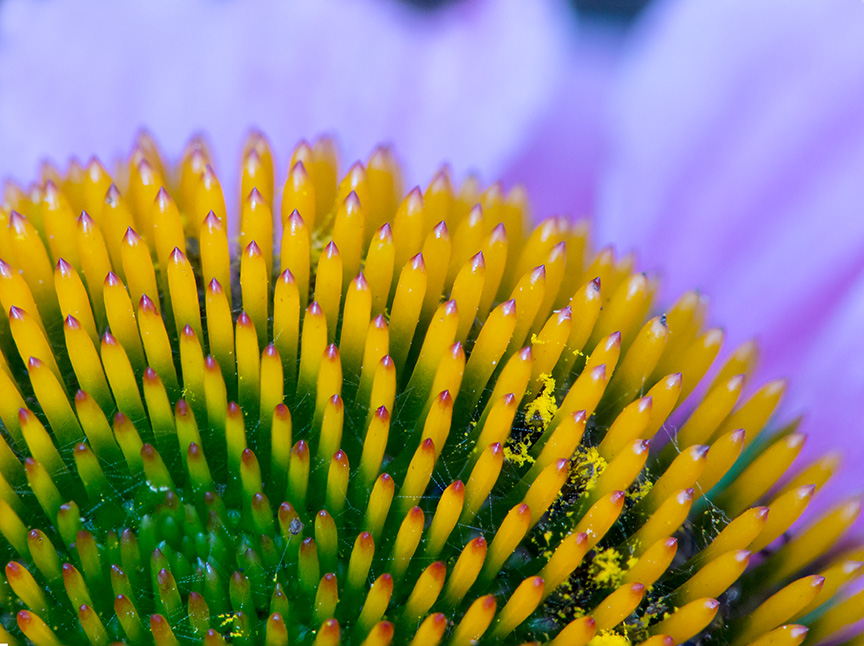
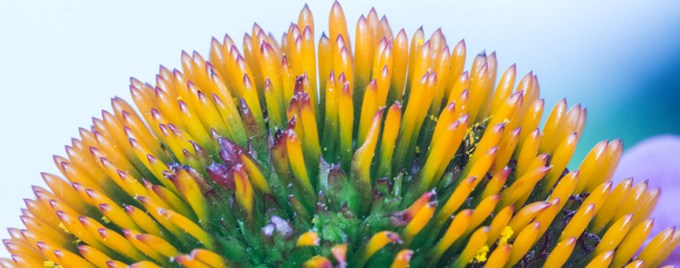
A few different views of the Echinacea. My favorite lenses for macro above 1X are either the Canon MPE-65mm (1X-5X) plus crop factors depending on the camera body I am using or a m4/3 camera body using an older Canon FD 200mm f/4 macro lens with a m4/3 adapter. This will get me up to 2X on a m/43 body. It is easier to use than the MPE-65 and will also focus to infinity. Plus it is like using a 400mm lens on a m43 body, but with the depth of field of a 200mm lens. Also being mirrorless, I see a bright image in the viewfinder with the sharpness of the f/ stop I am using. Also I can see if I need +/- exposure compensation right in the viewfinder. Somehow, I like looking at things Really Close up. Has a totally different look and feel to what you are photographing. Even everyday objects, such as a common feather or a leaf takes on a totally different look. Then if you use focus stacking, you can greatly increase the overall sharpness & depth of field of your subject. Certain subjects can be a challenge, such as a dandelion going to seed. Or a dragonfly that might move even a tiny bit.
Dandelion Closeups with Multiple Focus Stacked Images
Posted on May 23, 2015

Dandelion stacked images are tough to get with everything in focus because of all the fine feathery elements in the Dandelion and the total depth from front to back. These are not perfect but were still fun to do. Some are shot with more of a concentration on the front half. I should also make a wind break so the subject is not moving with even a slight breeze. Also gives me an excuse to not have a weed free yard!

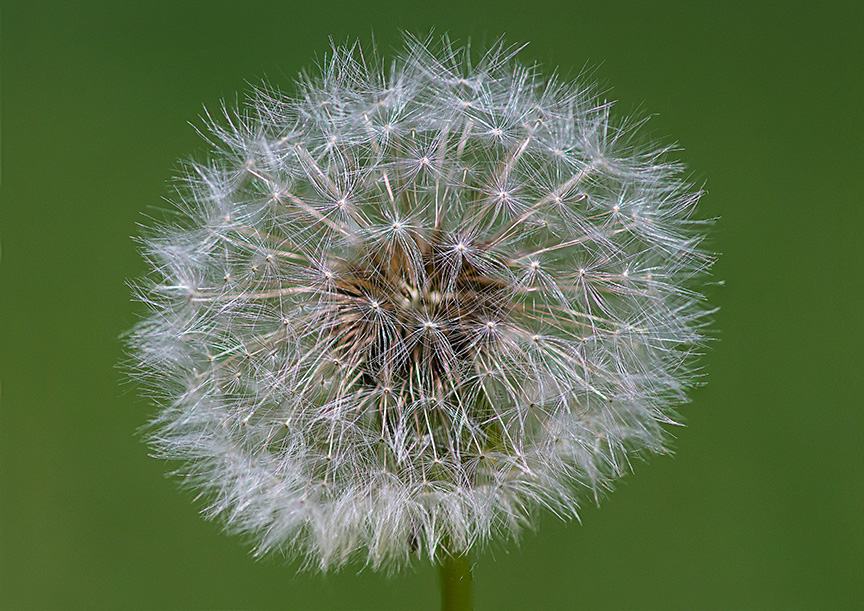


1 image – non stacked image
 photoartflight