 photoartflight
Sandhill Crane Panoramas From Lake Woodruff NWR
Posted on December 23, 2021

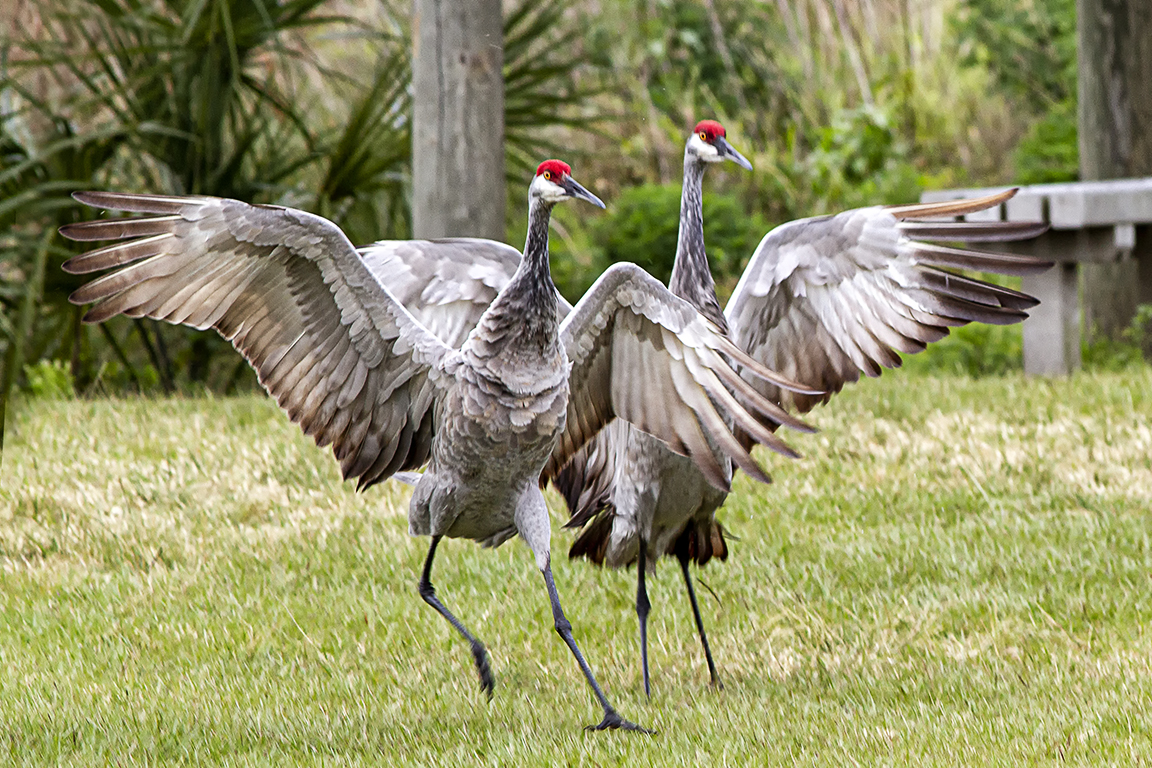
These are from a trip a couple of years ago to Lake Woodruff NWR. It is located in Volusia County, Florida near the community of DeLeon Springs. It is a very interesting NWR to visit and is surprisingly empty of visitors except for the Wildlife. If you see a few groups of visitors there it is not the norm. Many times you are there almost completely by yourself which because of the size it is a little strange feeling. The famed St Johns River forms the western boundary of the 22,000-acre refuge. The refuge contains a wide variety of habitats. Among them are marshes, swamps, creeks, hammocks and uplands. One of my favorite birds besides Bald Eagles are Sandhill Cranes which seem to really like this Refuge. On this day there were quite a few Sandhill Cranes roaming around the ponds close to the entrance. It is very strange to have a bird that large walk right up to you to check you out. Many times you are just a few feet from them. On previous visits they were more wary and did not get close. I was just using a Canon 7D with a 300mm lens for wildlife and my iP11 Pro for landscapes. The Featured Image is a 7 horizontal images panorama stacked vertically to get the whole Crane in. When shooting panoramas of slowly moving birds foraging you still have to shoot the sequence very quickly to have the images line up correctly without having to do a lot of touch-ups on the overlaps.


Sandhill Cranes Flying In
Posted on February 1, 2020

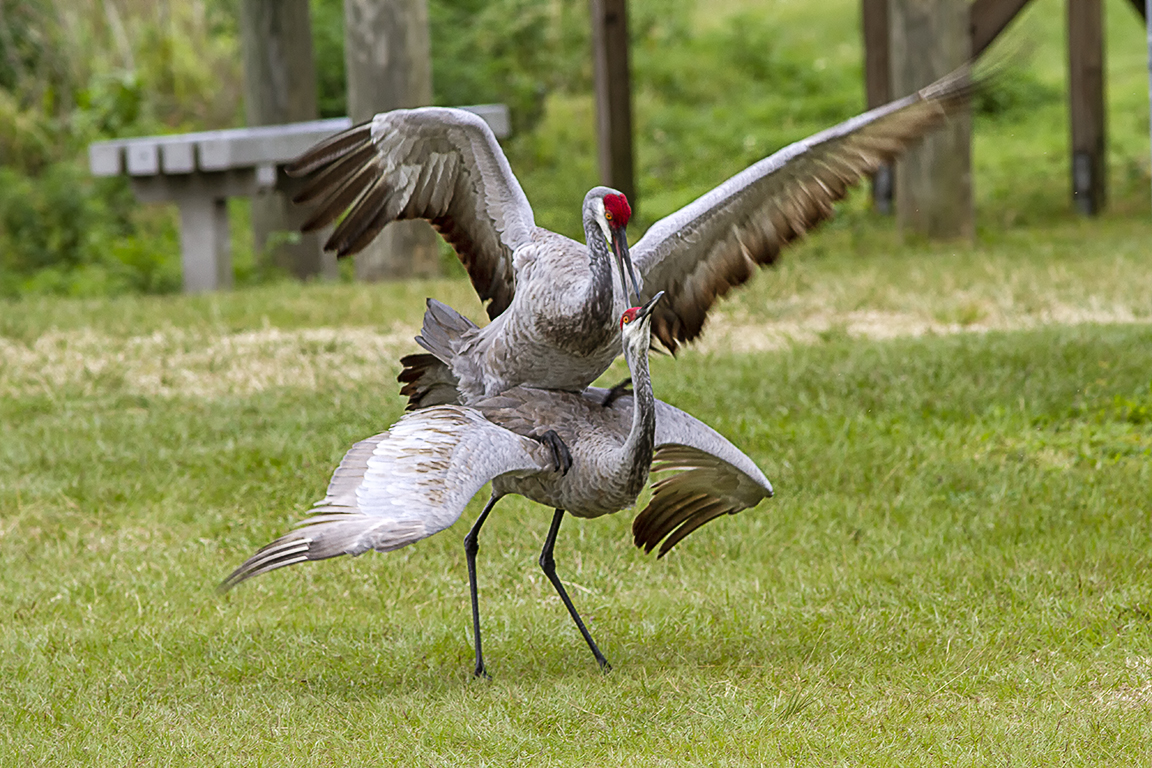
When we first got to Lake Woodruff NWR we started down one of the paths to one of our favorite spots to photograph. These 2 Sandhill Cranes landed right in front of us. Then to our surprise they started to mate right in front of us. They were so close I had to backup to get them in the frame. I was using a 300mm lens so I had to back up multiple times to get them in the frame. Then I just decided to shoot multi-image panoramas to get the whole crane in because they stayed so close to us as we walked the path. They stayed with us for about 20 minutes. It was strange that they walked right up to us within a couple of feet and sort of stared at us. But I was able to get full frame head portraits! Luckily my 300mm lens had very close focusing capability!





Panoramas Are Not Just For Landscapes
Posted on July 8, 2019

Many times when I am out looking for bird photo subjects, I am usually using a 400mm lens with a 1.4x teleconverter. Sometimes I will also carry an Olympus m43 Camera with a 14-140mm lens for landscapes or views that I like that need a wider view, giving me a FOV equivalent to a full frame SLR of 28mm to 280mm. But if I am walking around a big area, I just carry the Canon body with the 400mm & 1.4x teleconverter. So when I come across a cooperative close bird or other interesting subject, I then shoot a series of images as quickly as I can, handheld. Using a tripod slows down the quick shooting process and I let Photoshop align them. Usually I try for at least 4 or 5, but have had some success with 2 or 3. Depends how cooperative my subject is. This immature Little Blue Heron was an example of one overly cooperative subject. I was at Ding Darling NWR and I was photographing birds that were out on a sand dune and this one kept coming up to me. There had been a few fishermen there before me and were feeding him fish. So I guess he thought I would do the same. After a while he just caught a lizard and wandered off. Then he kept wandering around the area behind me on the other side of the Wildlife Drive. He was looking for a meal so I shot a few quick series of different images for some panorama series. Some vertical, some horizontal. The trick to this is a series of images as quick as possible because the subjects usually are moving. Handheld images are then aligned in Photoshop and then retouched to add either a missing area of background or just fine tuning here and there. The featured image is a 2 image pano of the walking Egret. Below is a series of panorama images shot at 560mm, then assembled in Photoshop. Then blank areas outside the assembled image were filled in by Photoshop. Once you get used to using this technique, they seem to come out more consistently. This also gives you large files if you really want to print them large.
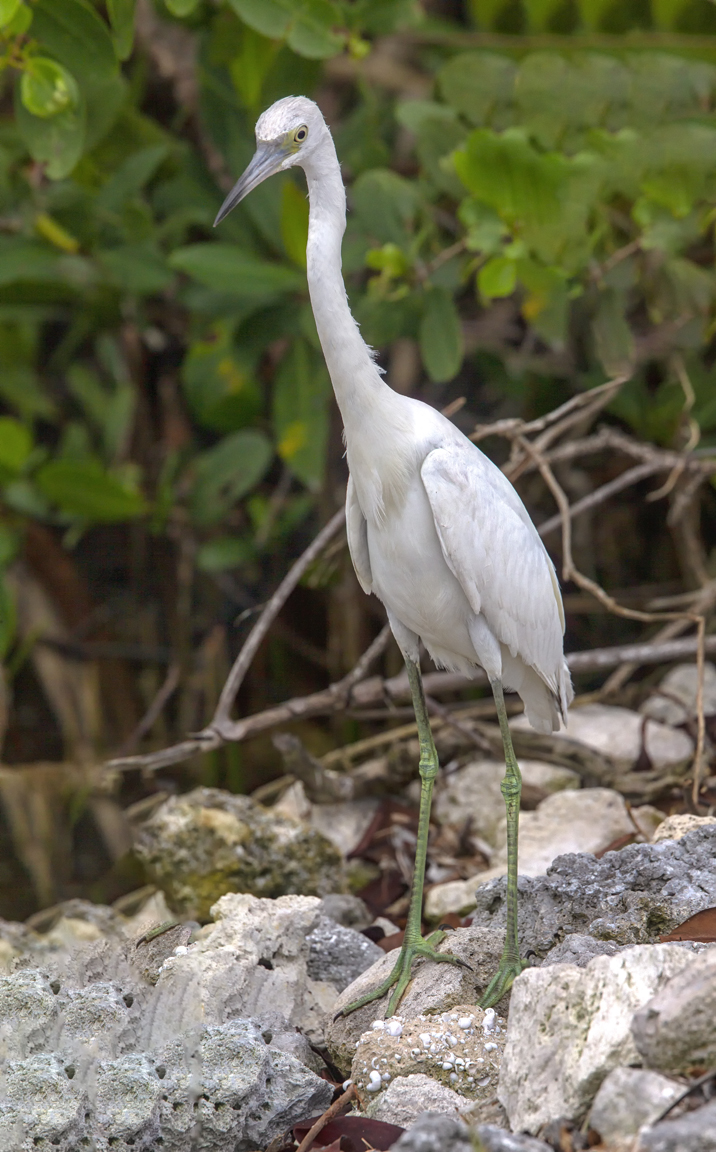
3 vertical images for panorama. Photoshop filled in blank areas.
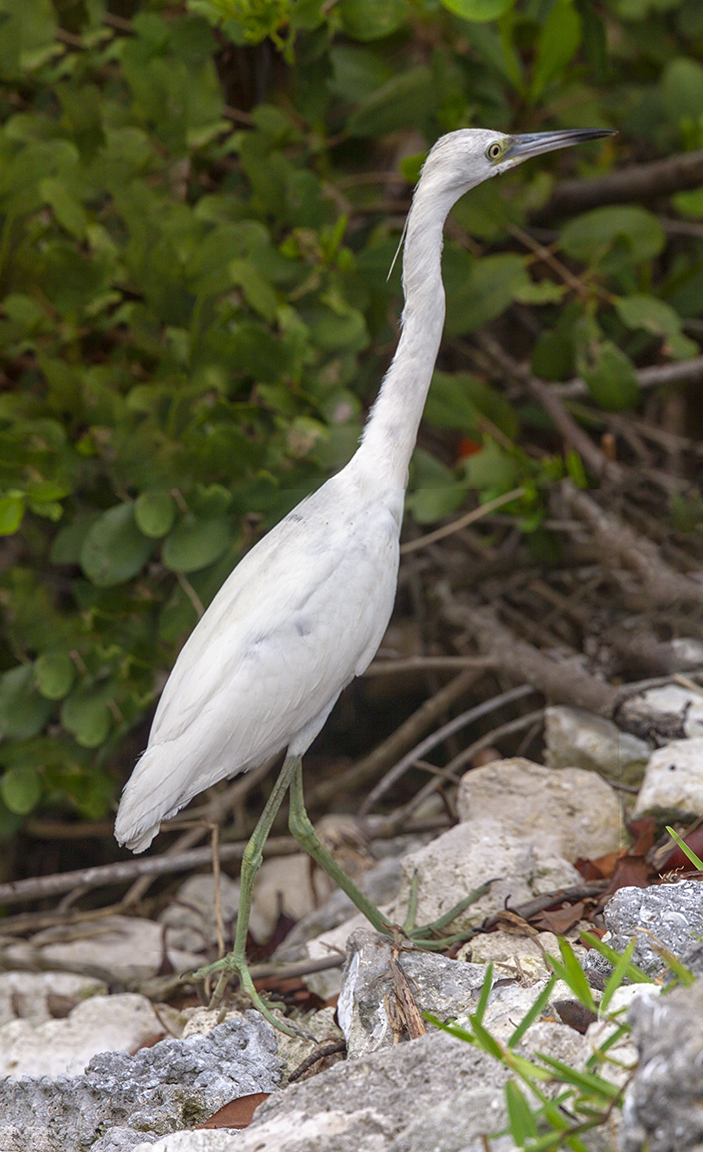
2 image vertical panorama
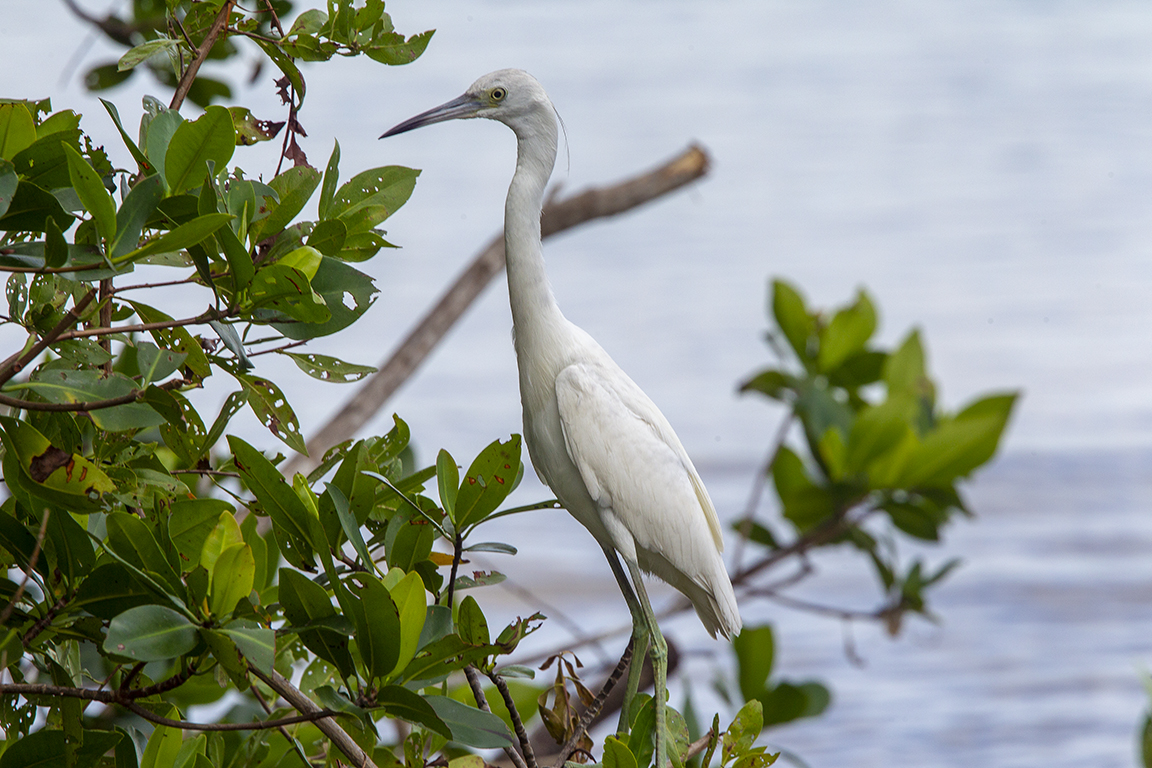
2 image short stack panorama
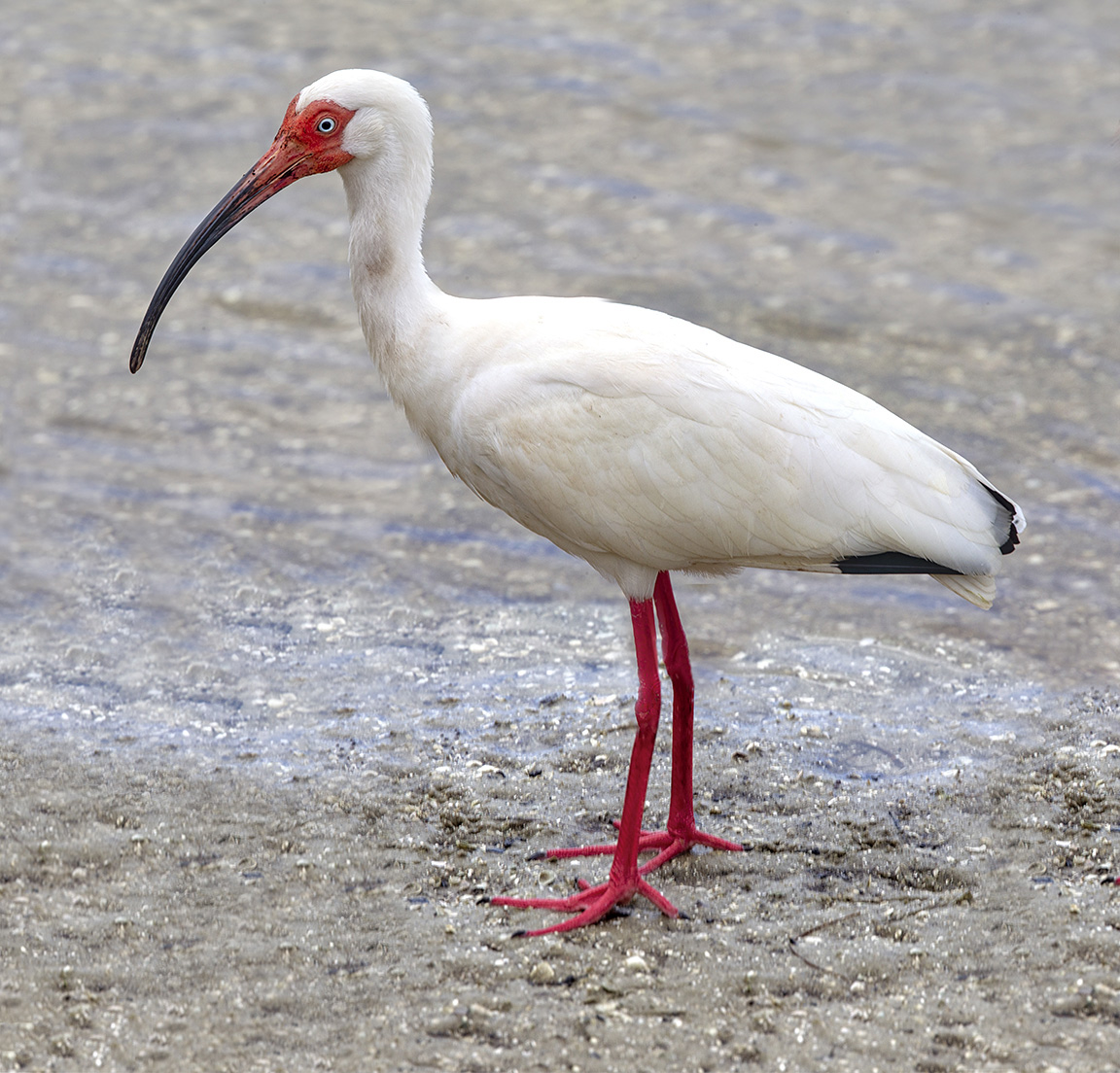
White Ibis – 2 horizontal Images for panorama
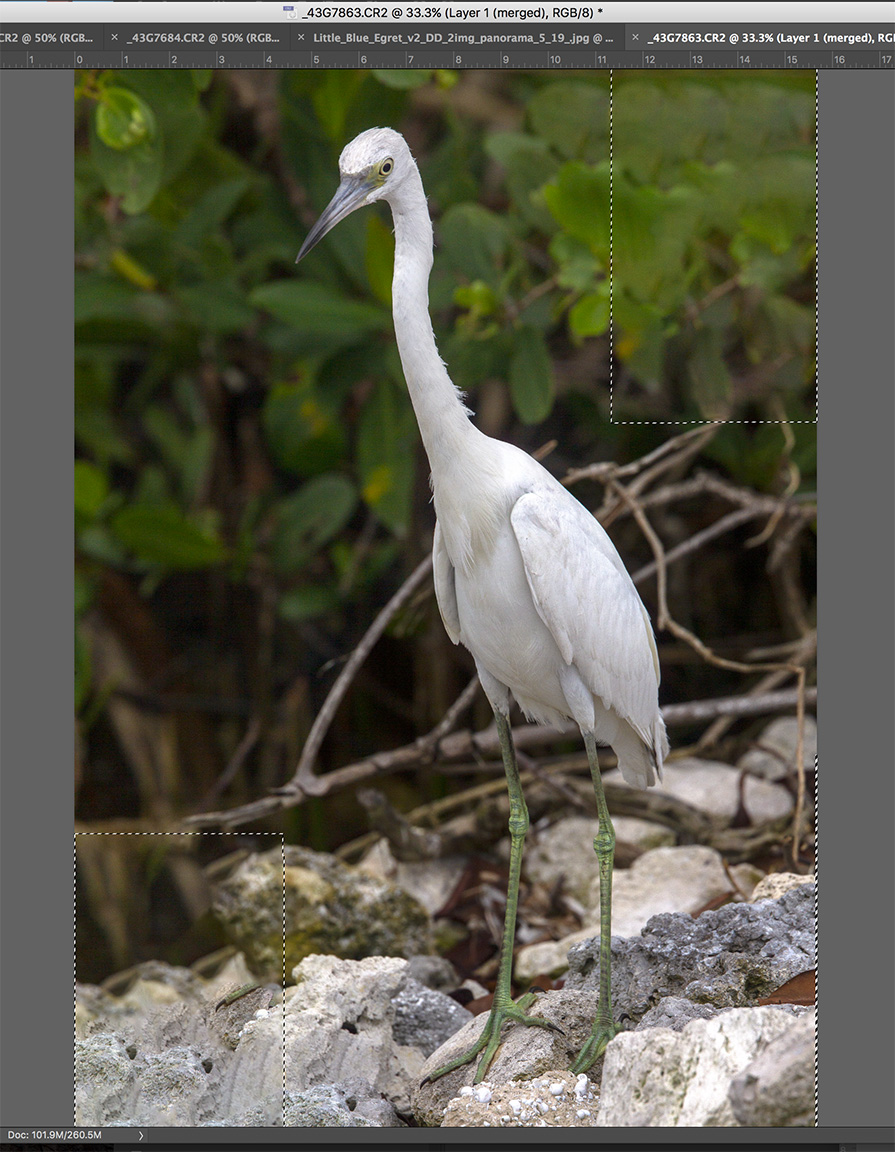
3 images assembled in Photoshop and blank areas (dotted line outlines) automatically filled in by Photoshop content aware fill.
Selecting images for the panorama in Adobe Bridge to import and assemble in Photoshop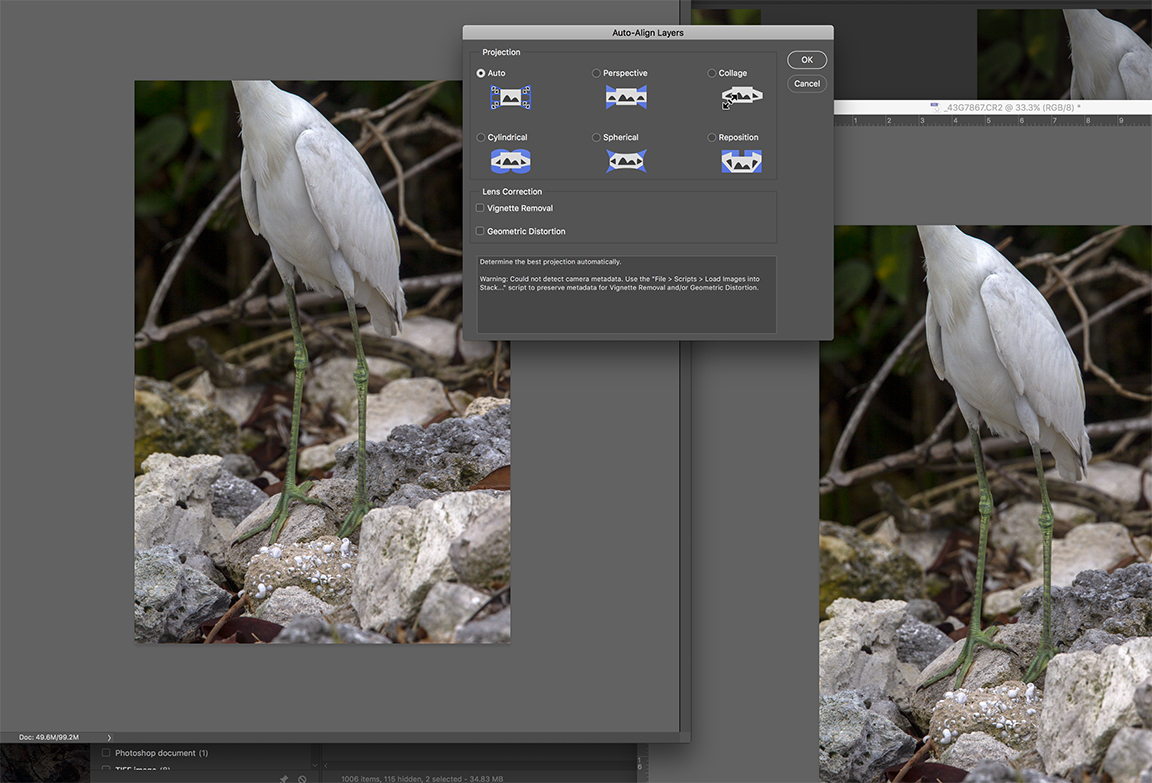
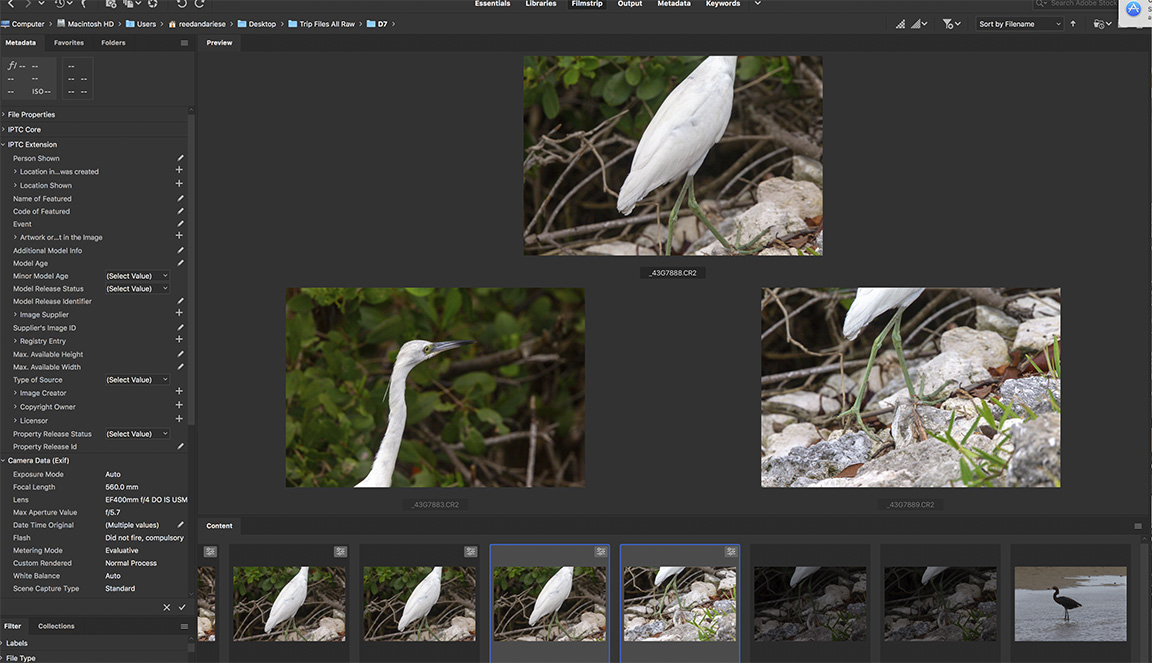
Images for panorama selected in Adobe Bridge
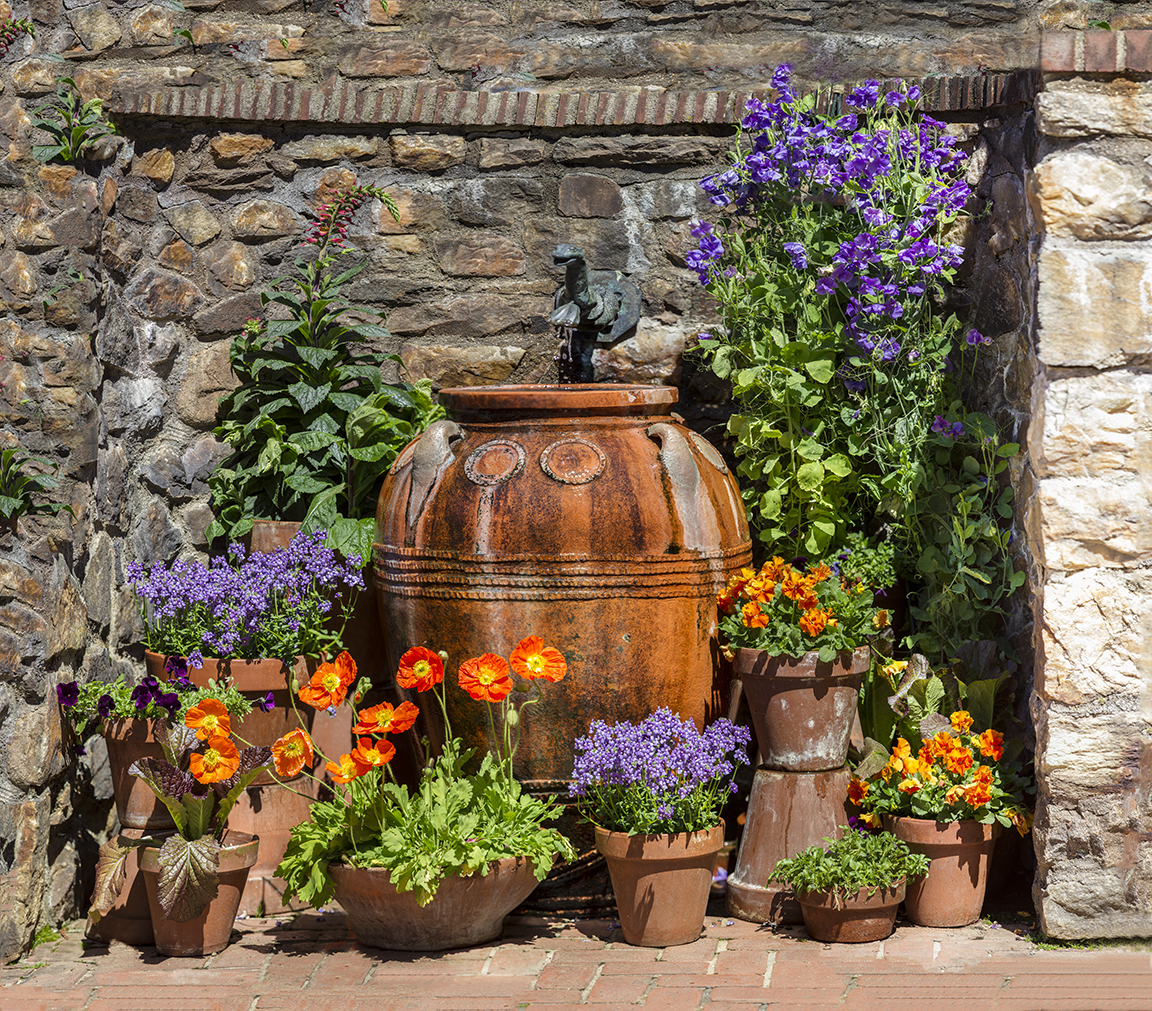
One of my largest, small area panoramas. 64 image panorama – shot with 300mm f/4 lens. Largest amount of layers for the size of the area shot. Multiple rows of multiple images. I over overlapped to make sure I got the most detail and also make sure it would all align for the final image. Not sure how long it took for Photoshop to align everything. After 3-4 hours I went to bed and it was done when I woke up. Then I did a few touch ups here and there.
 photoartflight