 photoartflight
Dandelion Short Image Stack
Posted on June 24, 2017

After a rain, I was looking for macro subjects in the yard. I found this Dandelion with a couple of little water drops on it. It was not a full “ball” on top so you could see inside to the center more easily.
I tried a 2 shot stack @ f2.8 for the featured image and a 4 shot stack for the image below. Both were shot handheld with a Sigma 150mm macro.
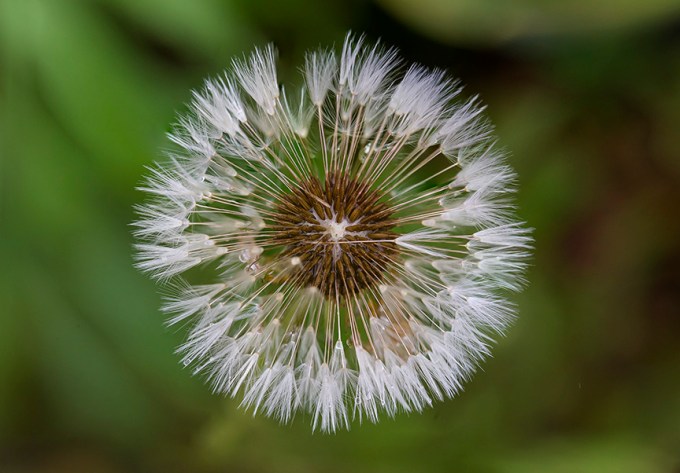
4-images stacked in CC 2017 Photoshop, 150mm macro @ f/8
Rain Drops on Leaves -8 Image Stack
Posted on June 19, 2017
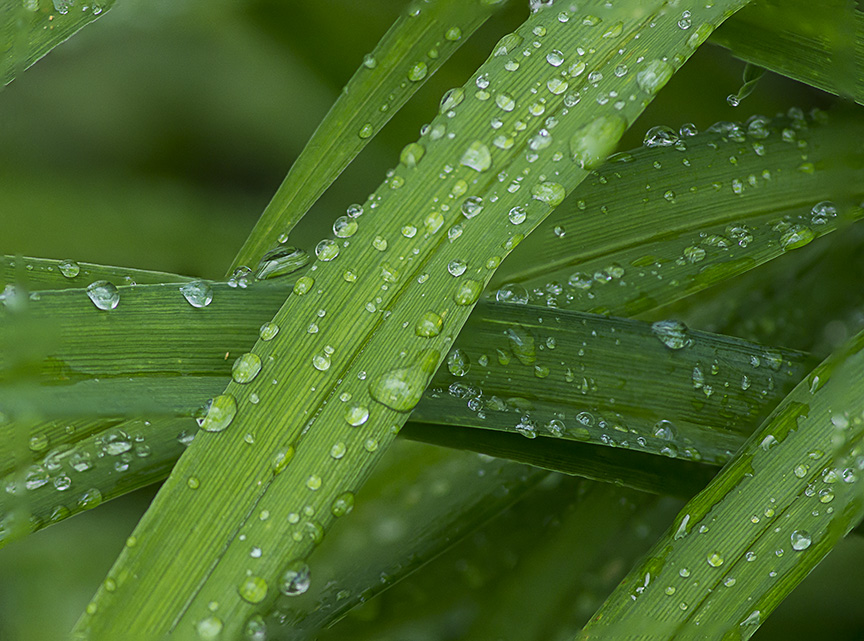
After it rained again, I went out looking for rain drops. This time I used an old manual Canon FD 200mm f/4 macro with a m43 adapter on a Panasonic m43 camera body. The old FD lenses work well on the m43 cameras. Plus I have quite a few left from the film days. Makes it, sort of in easy terms, a 400mm f/4 macro in Full Frame Digital thinking on the m43 format, with the depth of field of a 200mm. There are more exacting ways to figure out the exact focal length, f/stop, and depth of field, but it is easier to just double the focal length and be close. Also unless you know the exact focal length of the lens, not what it is listed as, you are going to be wrong in the first place. Most lenses are not the focal length they are listed at, the true focal length is a little shorter usually from what they describe them as. Especially Telephoto Lenses. Also in the Electronic viewfinder, you see the depth of field you are achieving live. Stopping down the lens, you see your depth of field. There has been a lot of debates on lens conversions on m43 cameras, but it is not worth the effort to me.

First of the 8 images, showing the distortion Photoshop did to help align all the layers in the stack. When Photoshop is compressing them into 1 blended file, it will automatically fill in blank areas with what it thinks it needs. Sometimes it works Great. Other times it needs a few touchups.
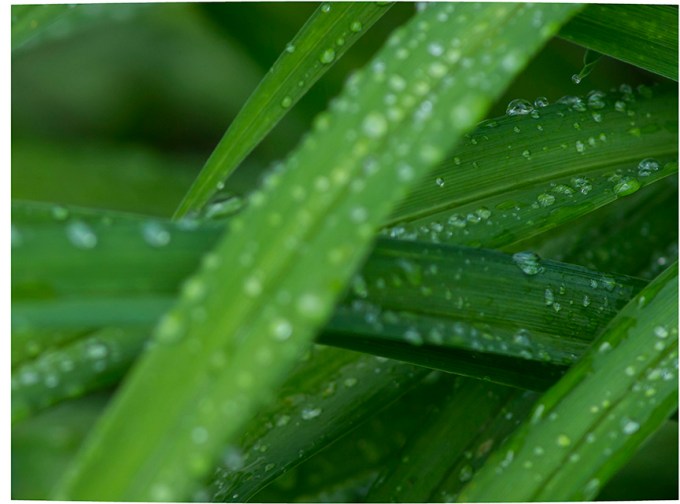
Last Image (#8) in Series
The above aligned images are showing the manipulation of the areas of the start and last images using Auto-Align. Next when you choose Auto Blend, Photoshop will remove areas from each layer not used, usually the out of focus areas, selecting the areas more in focus and blending all into an image and placing it on the top layer above the other layers.
Sometimes it works very well, sometimes Photoshop just cannot handle it. Or they might need a little touchup here or there. There are other programs that might be better, but I am just doing these for fun and I am used to using PhotoShop.
Rain Drop Image Stacking
Posted on May 16, 2017

Over the Weekend we had multiple series of rain storms, some with heavy rain. It would rain, then the sun would come out, then it would rain again, multiple times over. I went out in the yard during a sunny session in between, to look for rain drops. I was using a Sigma 150mm f/2.8 macro but did not have a tripod at home. So I tried multiple series of images, for handheld image stacking. Trying to be as steady as possible, I shot multiple series on a variety of groupings of water drops. These range from 3 image stacks up to 19 image stacks per image. Being hand held, it was hard to focus in a series of focus points without moving the frame somewhat. Actually, some I moved quite a bit. The newer versions of Photoshop CC seem to do a really great job of aligning and assembling images. And then filling some areas with content-aware fill to give a finished image. They would have been better if I used a tripod, but overall I am pleased with what I did get.
The Featured Image is a 10 shot handheld image stack.
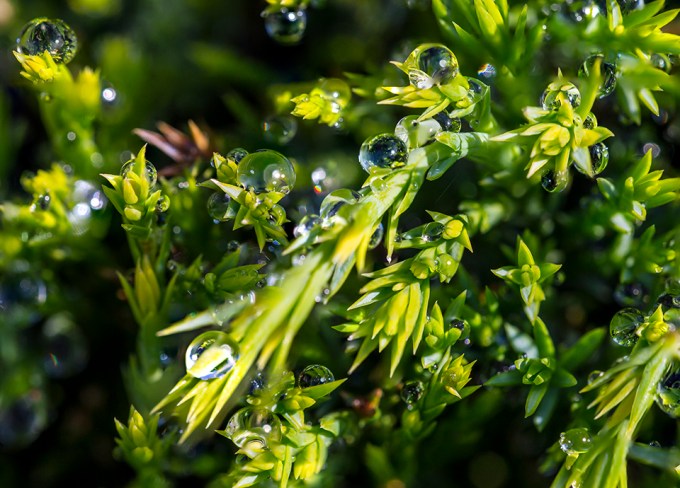
7 image stack
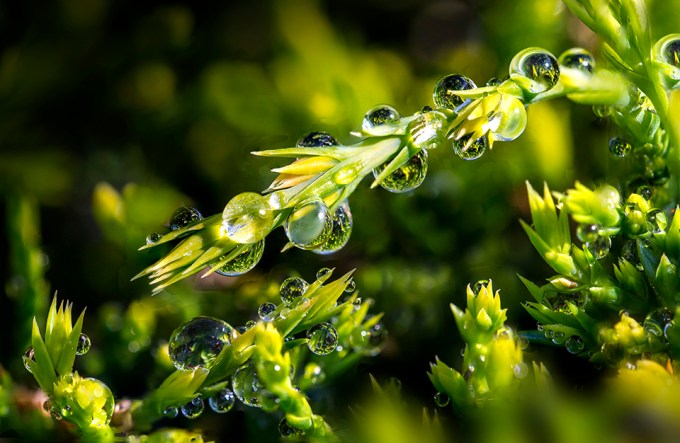
10 image stack

10 image stack
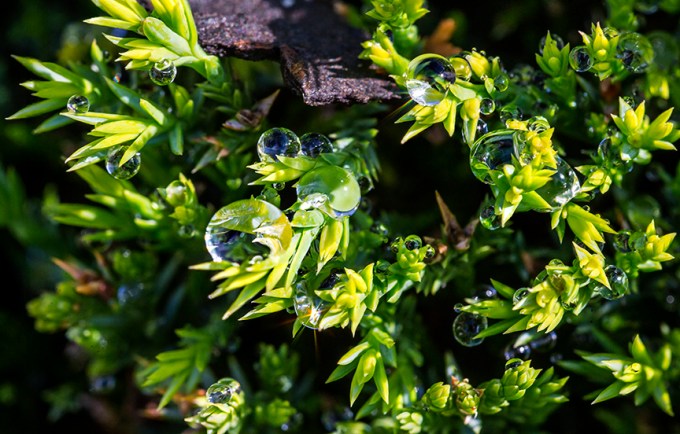
8 image stack
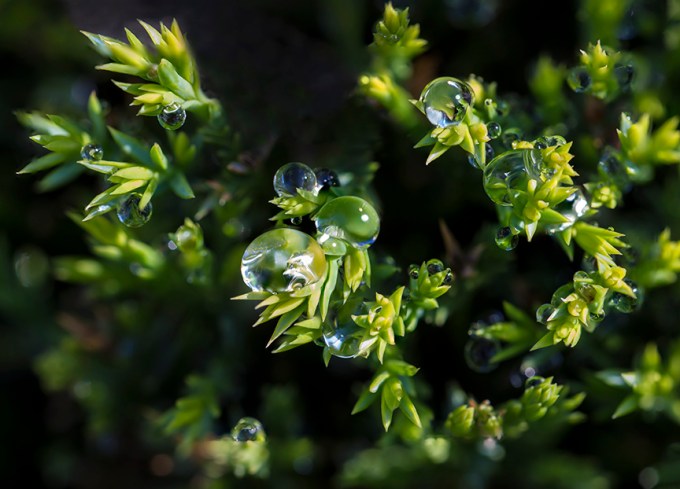
7 image stack

18 image stack
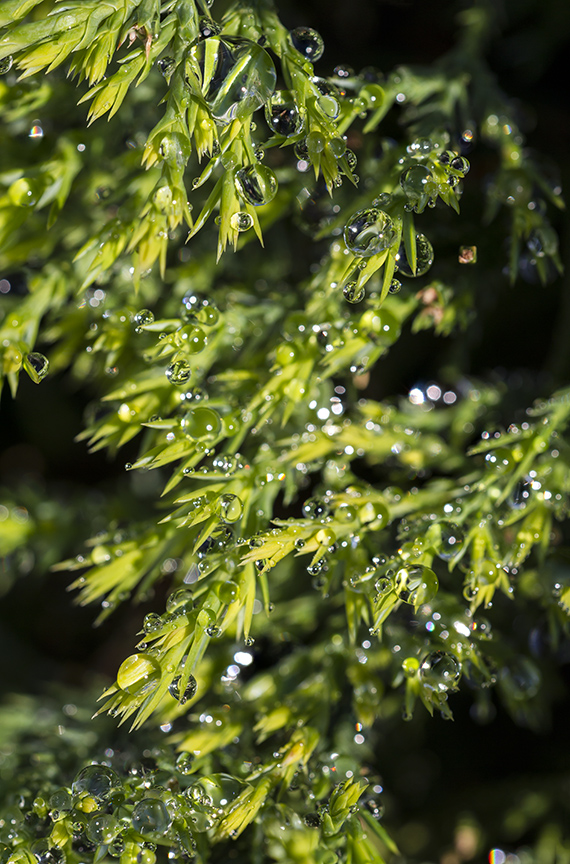
3 image stack
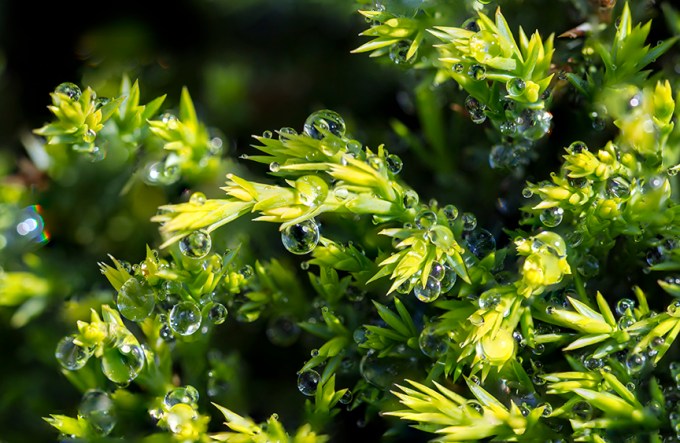
11 image stack
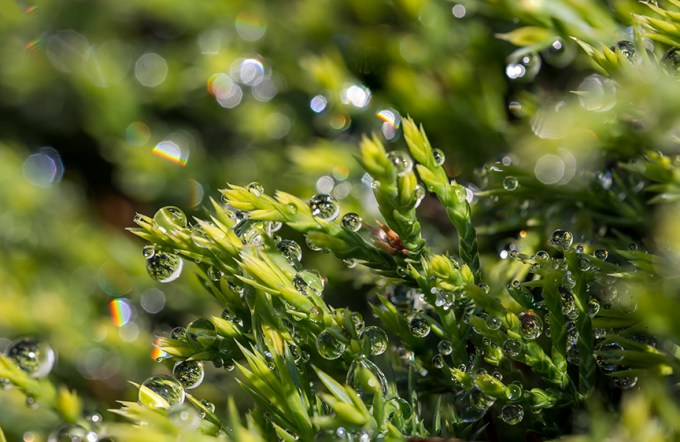
19 image stack
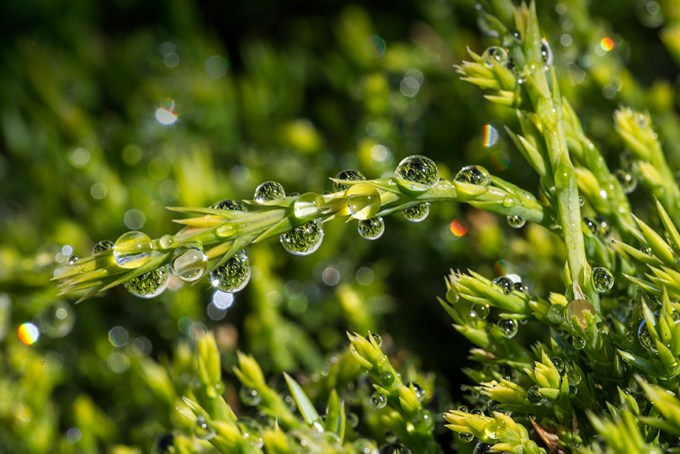
3 image stack

3 image stack
64 Image Stacked Panorama
Posted on May 12, 2017
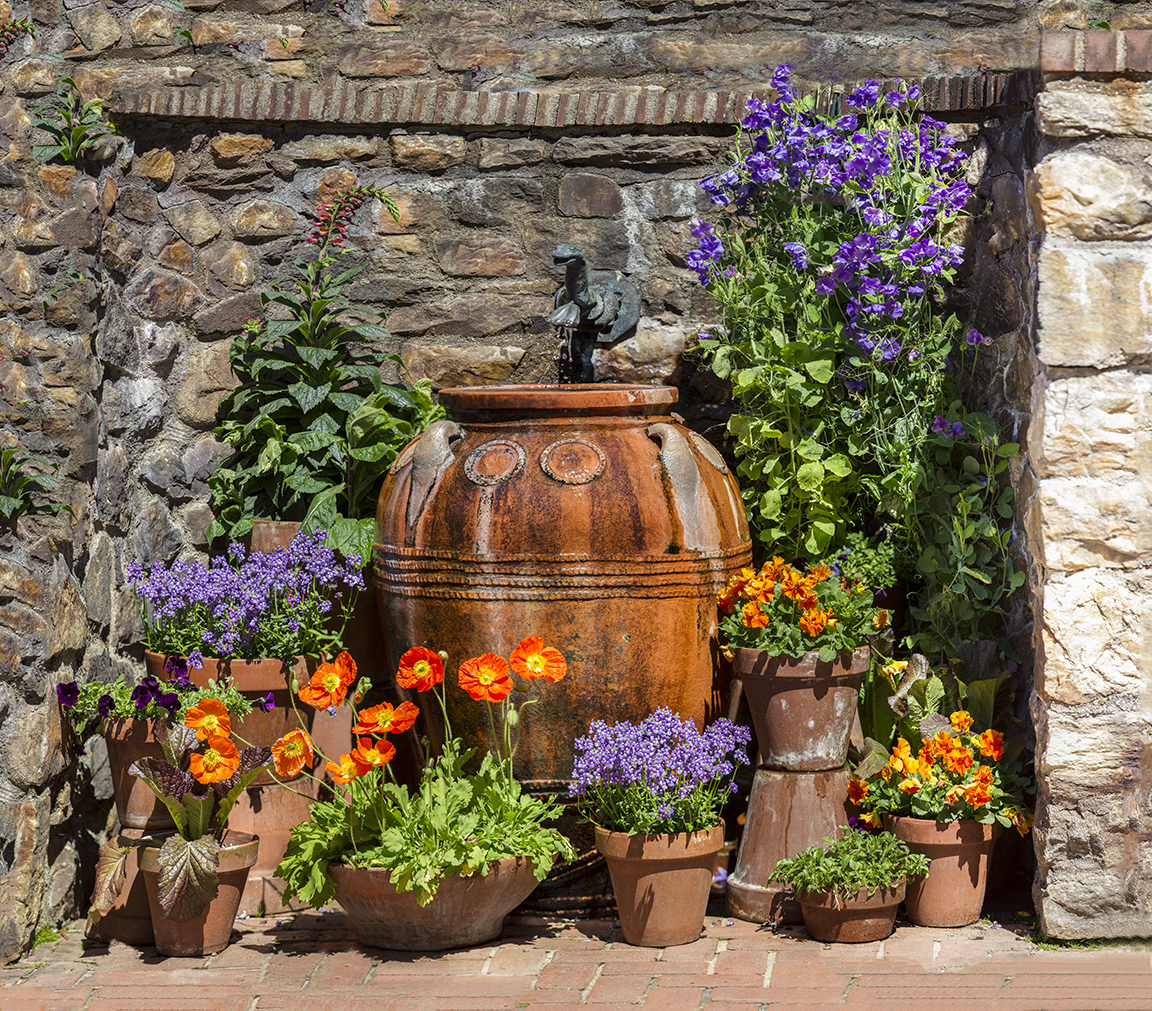
While I was photographing some of the Tulips at Longwood Gardens, Kathy asked me to photograph this wall area that kind of looked like a still life image. The problem was I was using a Canon 300mm f/4 lens. I like using this lens for flowers because it has extremely close focus for a 300mm lens and I do not need extension tubes, plus shooting wide open, or even f/5.6, I get cleaner looking soft backgrounds behind the main subject. I was traveling light concentrating on closeups of flowers and my other gear was in the car. So, up for the challenge, I decided to try an image stack. The problem was it was very crowded because it was the peak weekend for the tulips, so people were everywhere. I had to get close to avoid the people which increased the number of shots I needed. I did not know how many I had until I went to assemble it in Photoshop. I shot 64 shots, handheld, trying to overlap images in a series of rows. I did an overall adjustment in camera raw and then loaded all the images in a layered Photoshop file. Than I did an auto align and then merge which took over 2 hours to process. I was surprised how good it came out, just requiring minor touch up here and there. The final file in layers is about 3 gigs and when flattened is 85 inches x 75 inches at 300ppi.
Pair of Mute Swans
Posted on August 14, 2016
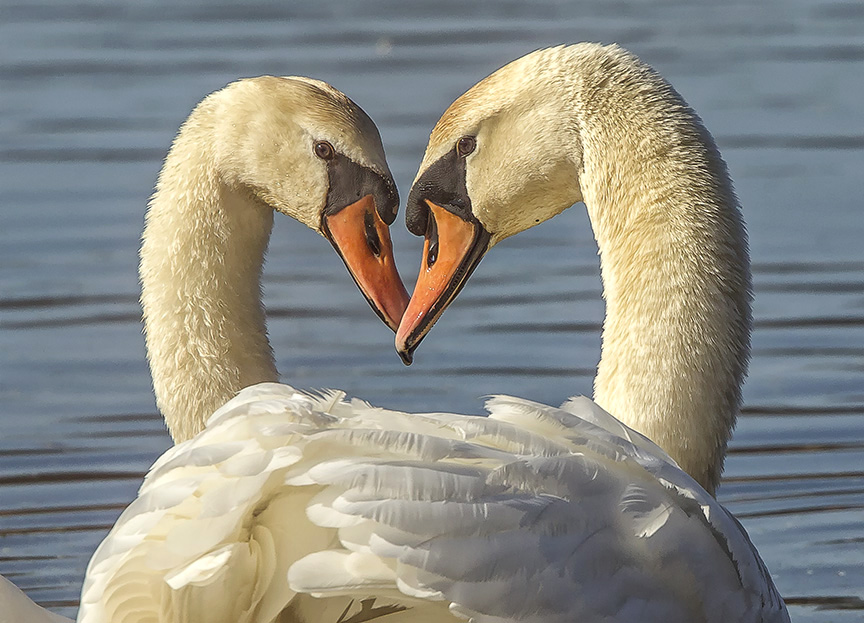
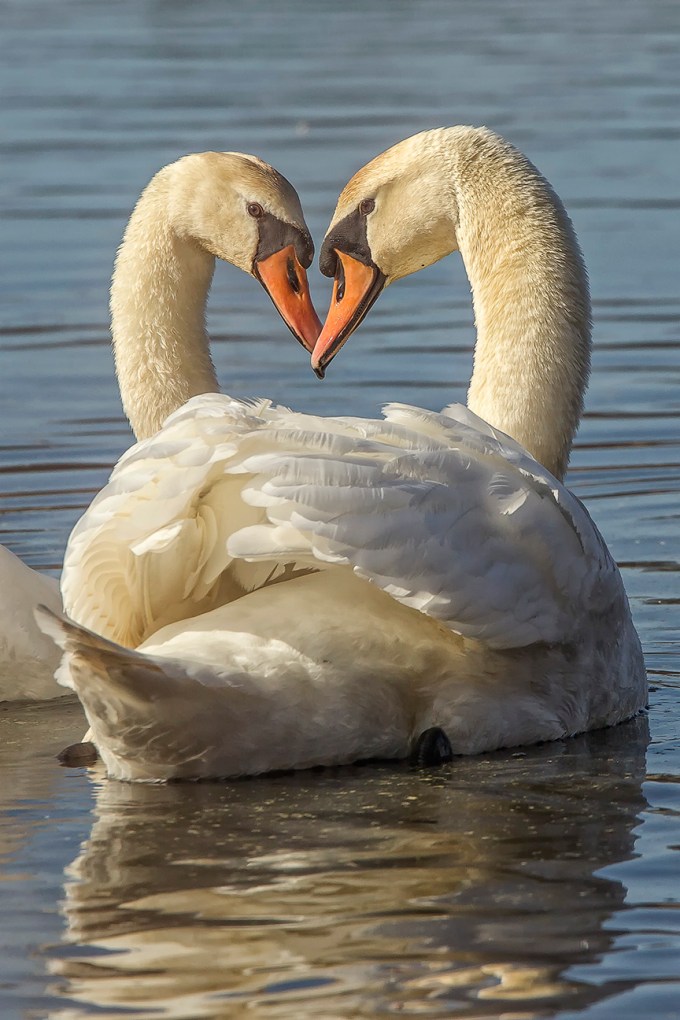
This pair of Mute Swans was slowly swimming by where I was setup. I liked the closeness of the two Swan heads and how they stayed very close together. I had a 400mm lens setup on a tripod, which was a little close to get them all in the frame, so I went for a portrait of their heads. Then I quickly shot a series of shots of their bodies to stack into the head shot get a final image.
Dandelion Closeups with Multiple Focus Stacked Images
Posted on May 23, 2015

Dandelion stacked images are tough to get with everything in focus because of all the fine feathery elements in the Dandelion and the total depth from front to back. These are not perfect but were still fun to do. Some are shot with more of a concentration on the front half. I should also make a wind break so the subject is not moving with even a slight breeze. Also gives me an excuse to not have a weed free yard!

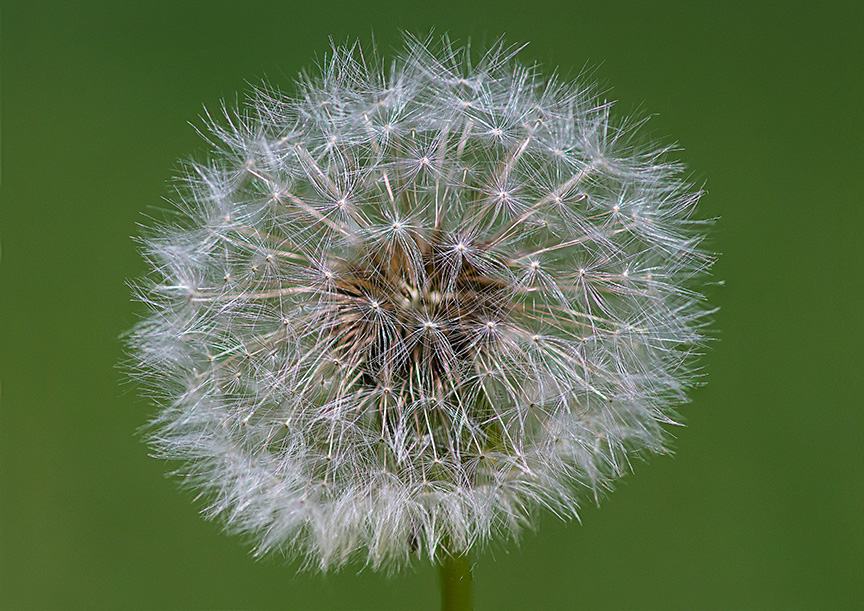


1 image – non stacked image
5 Image Narrow Focus Stack
Posted on May 16, 2015

While at Longwood Gardens in Kennet Square, PA., I tried quite a few handheld focus stacked images. Using a 150mm Macro lens lens with multiple focus points, I shot 5 images, wide open for a very narrow focus at 5 different focus points to get this flower in sharp focus with a soft background. Combining the images in Photoshop for the final image. It was fun to see the final results.


Feather CloseUp Stacked Images
Posted on March 20, 2015
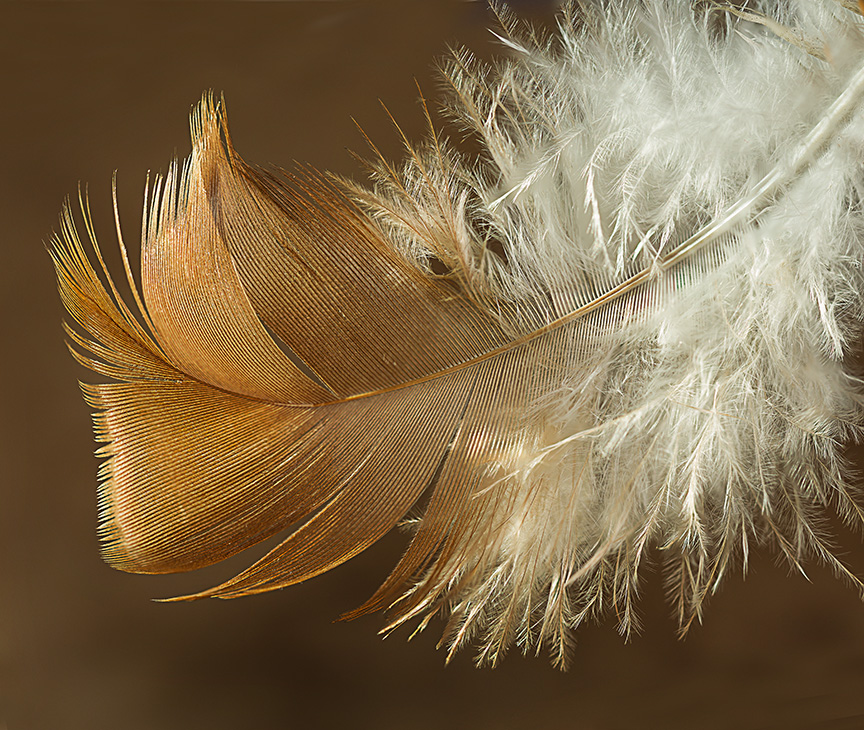
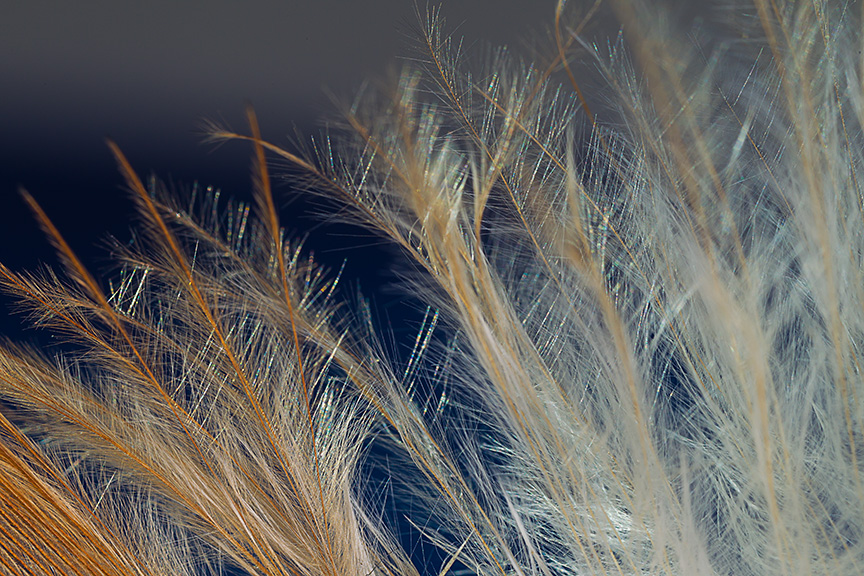
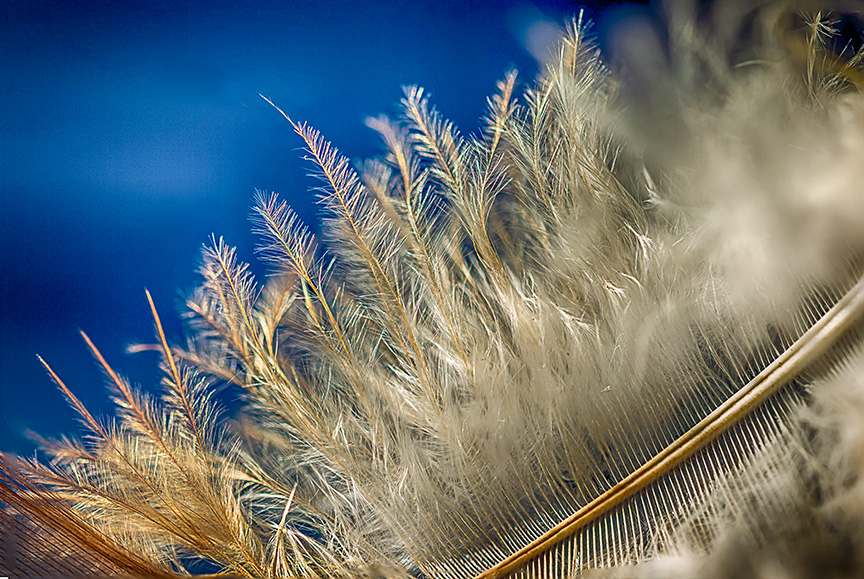
Busy with work and not great weather outside, so have not posted much lately. Had a chance to play with a feather in the studio with extreme macro at 1.3X to 6.5X and multiple images combined with Focus Stacking in photoshop. Used a Canon EOS1D MkIV with a Canon 100mm macro and a Canon MP-E 65mm 1X-5X macro lens.
Here are a few examples.



Studio Stacked Images
Posted on November 26, 2013

With it getting colder outside I was looking for images in the archives. One cold Winter Day last December, a friend came over to the studio for shooting some macro setup studio shots. When shooting closeup subjects, it is hard to get everything in focus, even at f/22 or f/32. Here are a series of stacked macro images shot with two different camera systems to show the depth of field you can get with Stacking images. For Short Stacks, you can try handholding, but for best results or Large Stacks, use a tripod and lock it down as best as you can. We were looking around the studio for subjects and came upon this deceased Robber Fly in a window. We positioned it on a Pussy Willow branch and printed out a slight gradated print for the background. We used a Speedotron Black Line power pack and dialed down the power for the f/stop we wanted to use. I used a Canon EOS 1D MkIV with a Canon 100mm f/2.8L Macro IS USM, 1/125 sec @ f/8 ISO 200 for some images. The other system I used was a Panasonic GH2 m43 camera body with an older Canon 200mm f/4 FD Macro lens @ 1/80 sec @ f/8 for the 4 image Short Stack and f/4 for the 51 image Large Stack. For stacked images, you start with the lens focused to your closest point and then shift focus farther back, shooting a series with a very slight focus shift as you go. The best way is to use a focusing rail to move your Camera & Lens at the same time instead of shifting focus on the lens, but these were shot by changing focus on the lens, which also works. Then I aligned the images in Photoshop. After Aligning, I Stacked the images in Photoshop. Depending on the number of layers in the stack, this can take a while to process. The stacked images here are a series of a Short Stack of 4 images, then a stack of 20 images and then a large stack of 51 images. Give it a try, especially on a cold Winter day.
Canon 200mm f/4 FD Macro lens @ 1/80 sec @ f/8 ISO 200 – 51 Image Large Stack 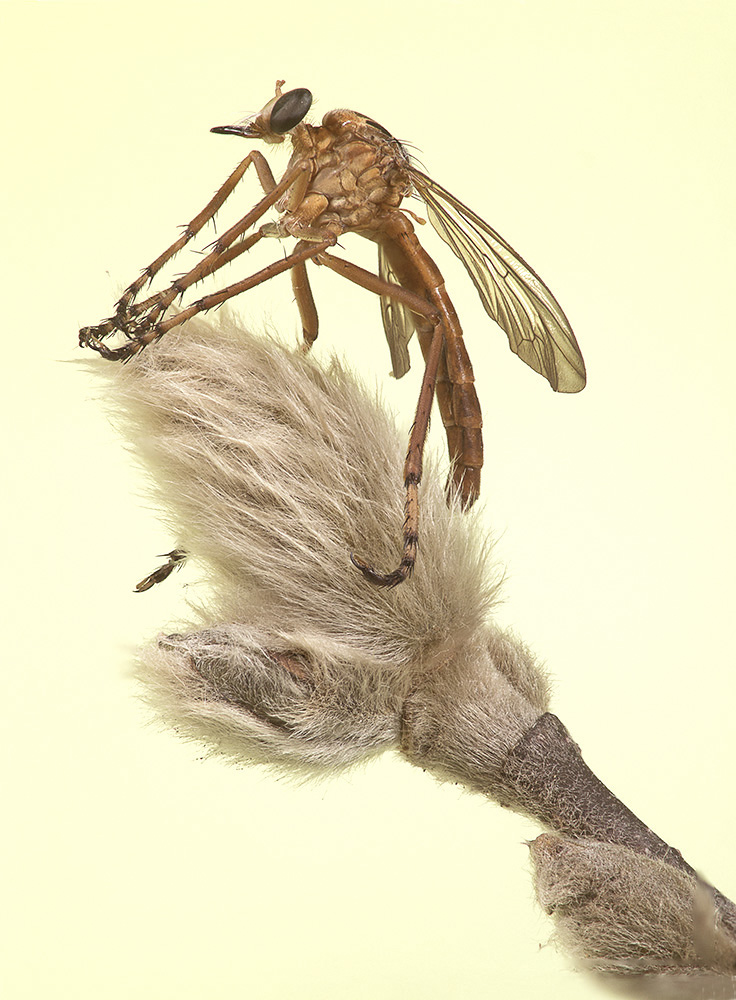
Canon 200mm f/4 FD Macro lens @ 1/80 sec @ f/8 ISO 200– 4 image Short Stack

Canon 400mm f/4 DO w/ 36mm extension tube @ 1/125 sec @ f/8 ISO 400 -Single Image, No Stack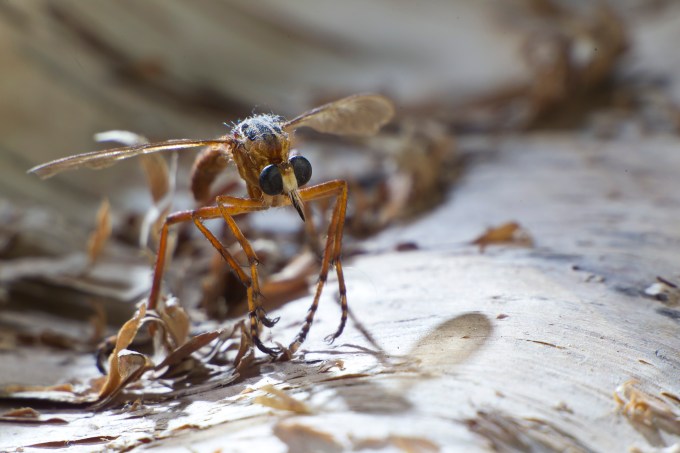
 photoartflight
