 photoartflight
More Chrome IR Images From Plainsboro Preserve
Posted on May 10, 2024

I am still going through my IR Chrome images from our walk at the Plainsboro Preserve. Most of the images are Multi-Image Panoramas except for the Featured Image which was cropped to straighten the image.

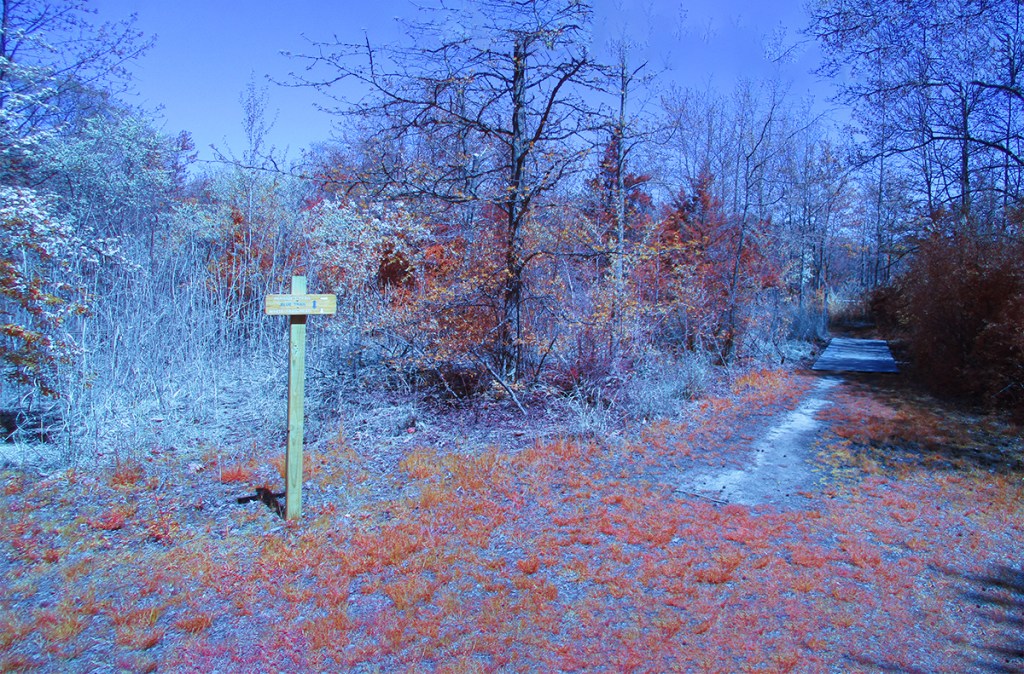

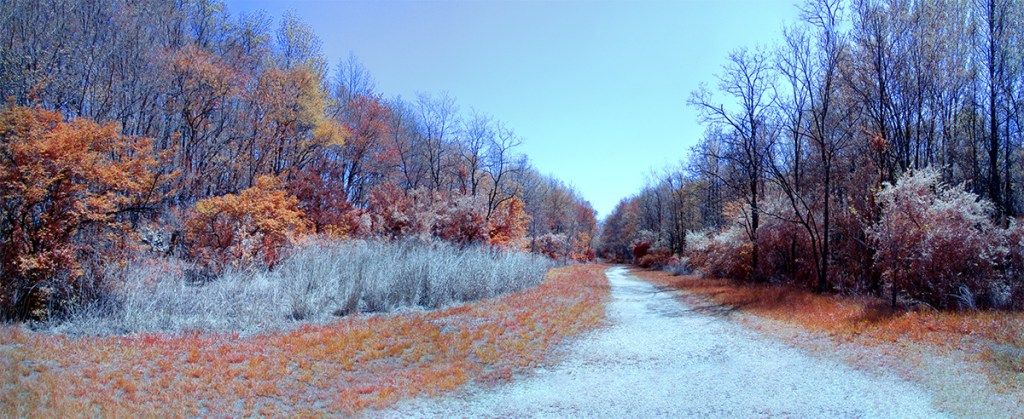




Chrome IR, 5mm, 20 Image Panorama (Full Frame Camera Equivalent ~28mm


Plainsboro Preserve INFRARED Chrome Images
Posted on May 9, 2024

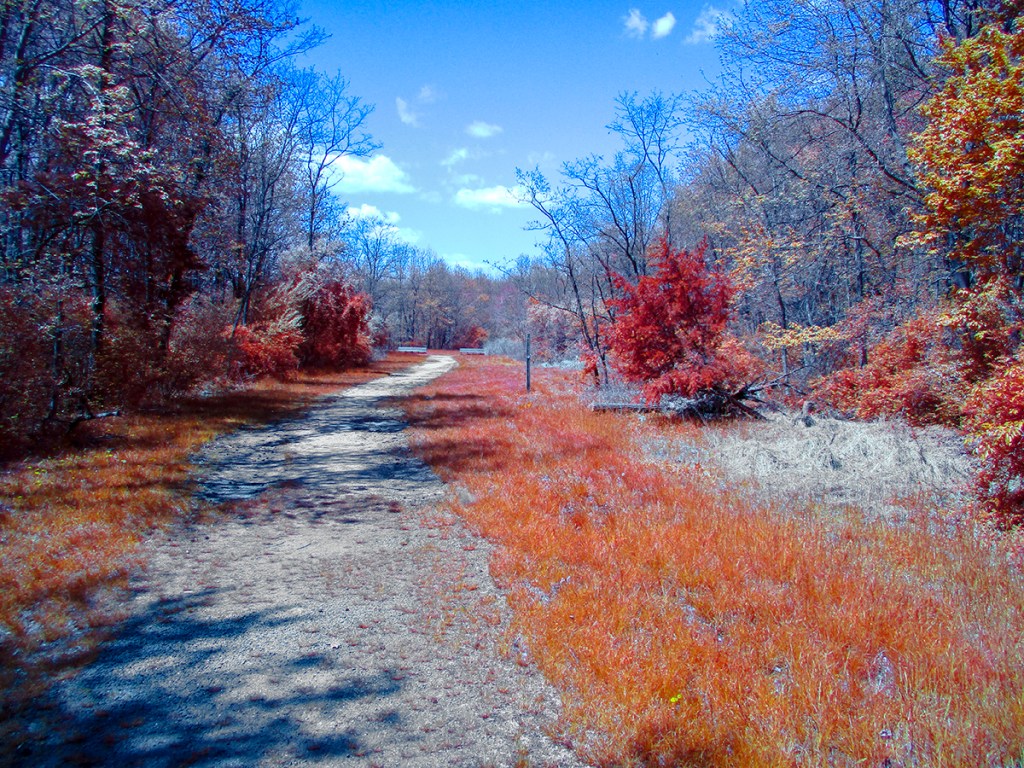
We went to the Plainsboro Preserve to take a nice walk and I decided to travel light and just took my converted IR Canon Elf 180 pocket camera. I decided to use the Chrome IR Filter on our walk. The Chrome IR filter has the “Look” of the old Kodak Aero Chrome IR film which is discontinued. The Chrome Images have a lot Red in the images. I photographed both single images and a variety of multi-image panoramas. The converted Elph 180 has a focal length of 5mm to 40mm but Full Frame focal length equivalent is 28mm to 224mm. The Featured Image is a 4 image pano taken @ 5mm and was near the start of our walk . I mostly photographed these images @ 5mm, especially for the Multi-Image Long Panoramas.




Infrared Panorama From Davidsons Mill Pond Park
Posted on November 15, 2021
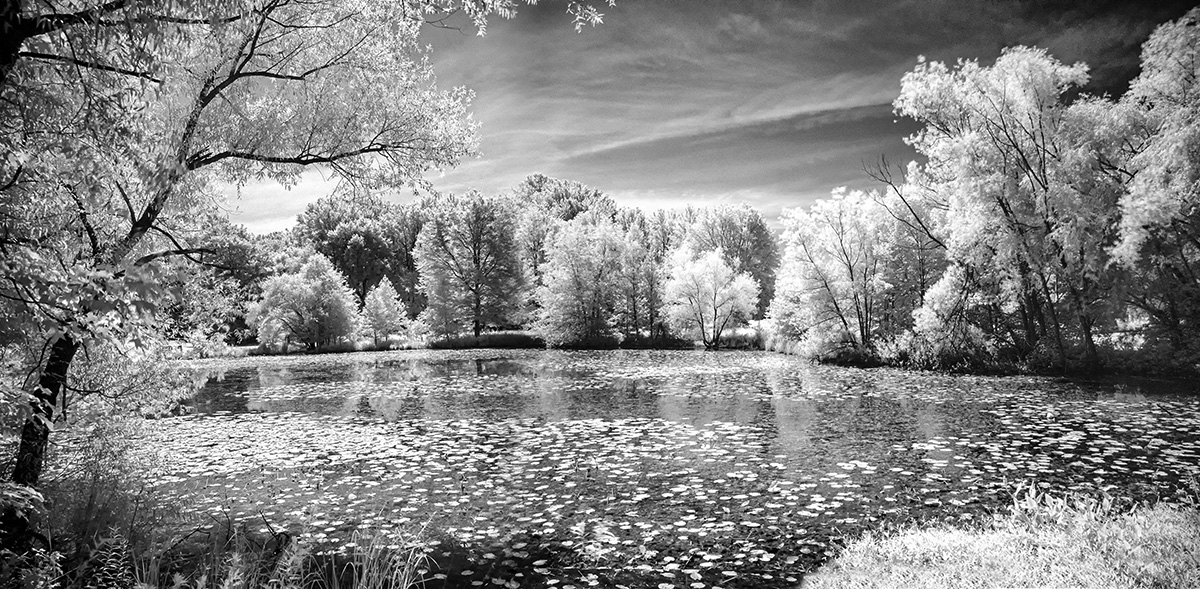
I was going through images on external drives and found a series of Infrared images taken at Davidsons Mill Pond Park. I chose 2 images from the series to make a longer 2 image Infrared B&W Panorama. These were taken with a Canon R with a 24-105mm lens and a Hoya r 72 InfraRed filter. To balance the images you also have to photograph a white card with the InfraRed filter for color correction and then converting to Grayscale B&W.


Celery Farm Natural Area Panoramas – InfraRed BW & Full Color
Posted on July 24, 2019

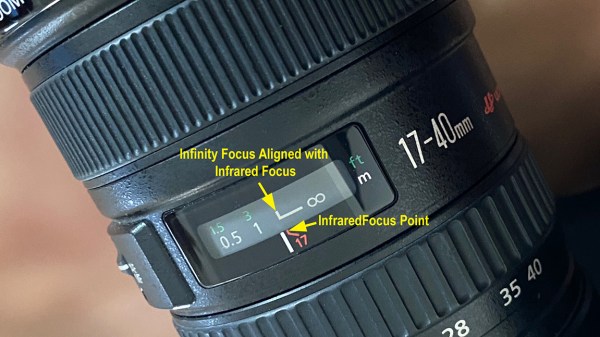
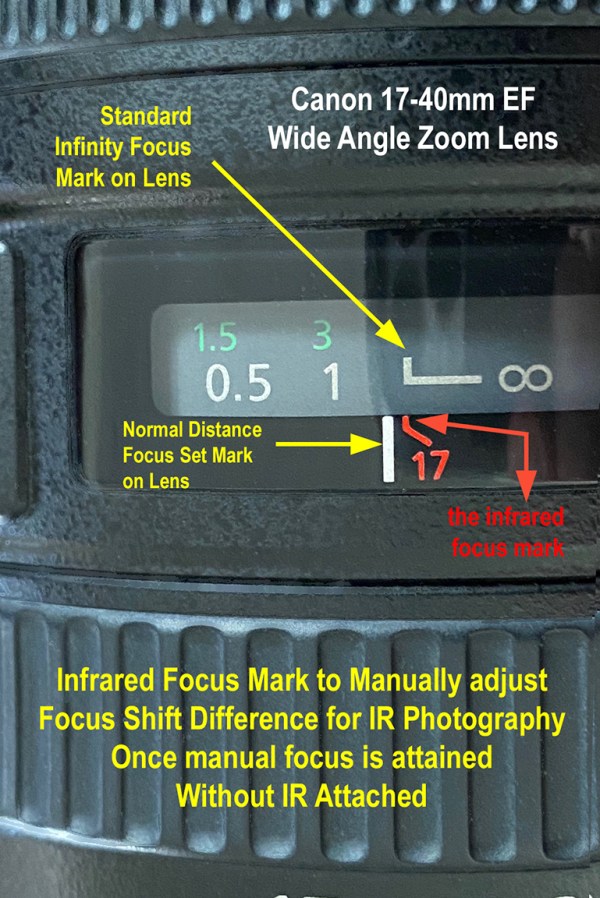
We went to one of my favorite small Natural Areas that was close to where we used to live. The clouds were impressive so I shot a series of panoramas @ 17mm with a Canon 17-40mm lens and 12mm with a 12-24mm lens on a Canon R. I was mostly shooting with the Hoya R72 InfraRed Filter, but did a few without the R72 filter also.
The images below show the series of panorama images going from the raw image as shot with the Hoya R72 InfraRed filter, then the image balanced to the white card I also shot for color balance. Then going to the grayscale B&W Image.

IR Image Hoya R72 Filter – @ 17mm – 4 Horizontal Image Pano
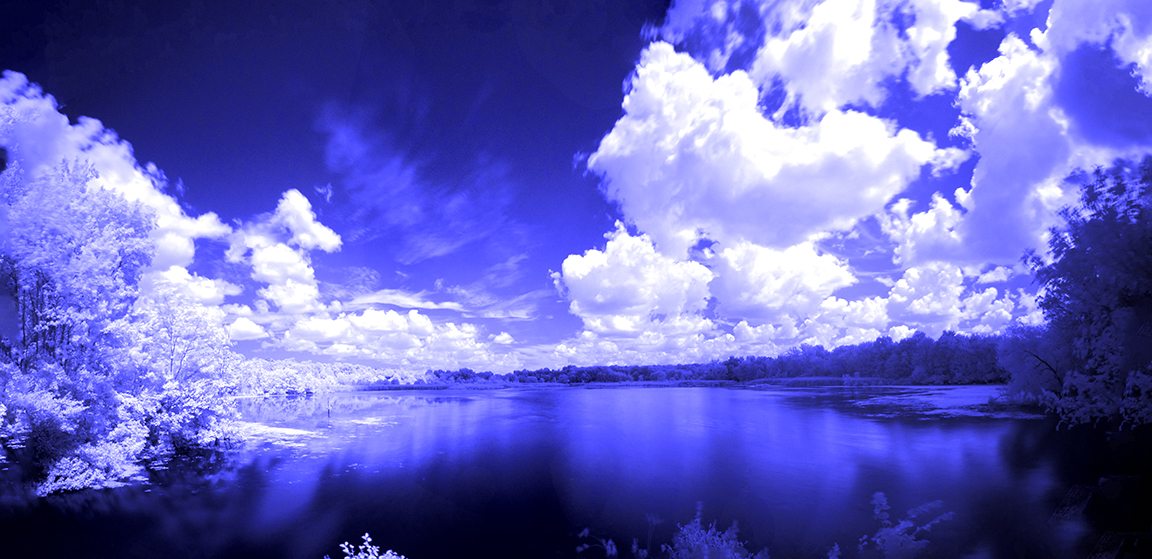
Above Image color balanced with White Card Image for color balance
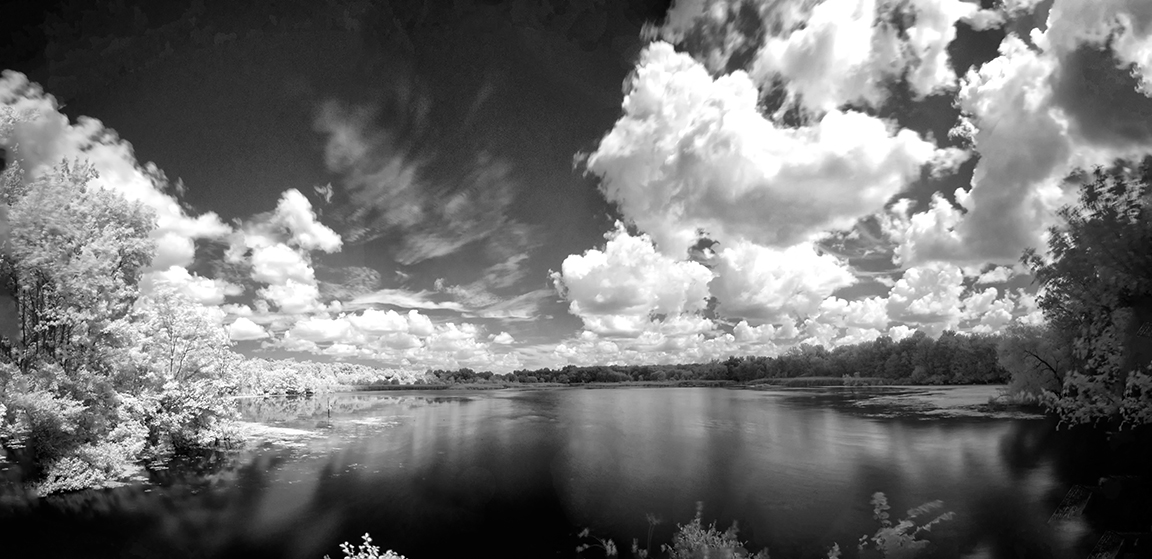
Featured Image Converted to BW Infrared after white balancing color infrared image
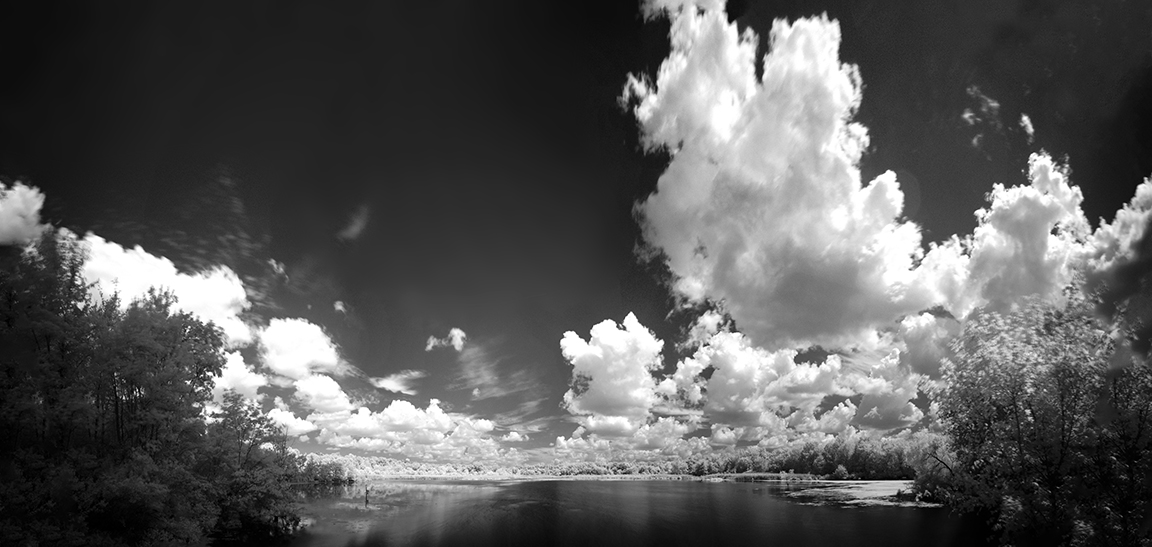
7 Images (vertical) @ 17mm – Converted to BW Infrared

7 image panorama -shot @ 12mm – 7 vertical images combined in Photoshop
 photoartflight