 photoartflight
Images With The InfraRed Chrome Filter
Posted on October 29, 2023

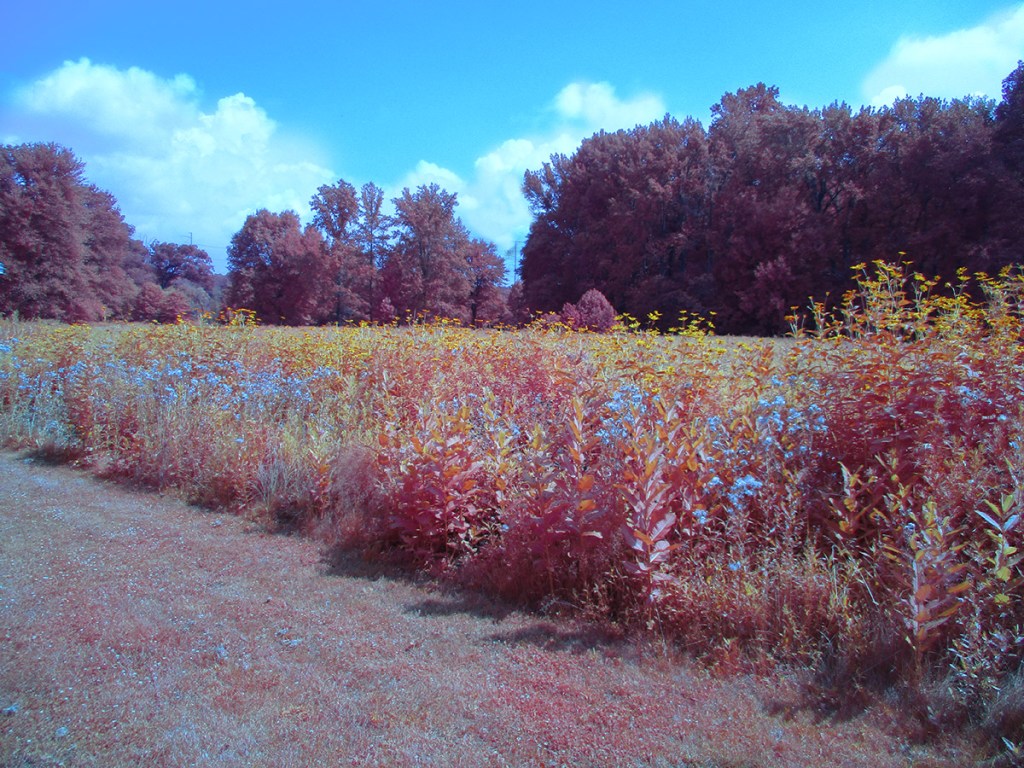
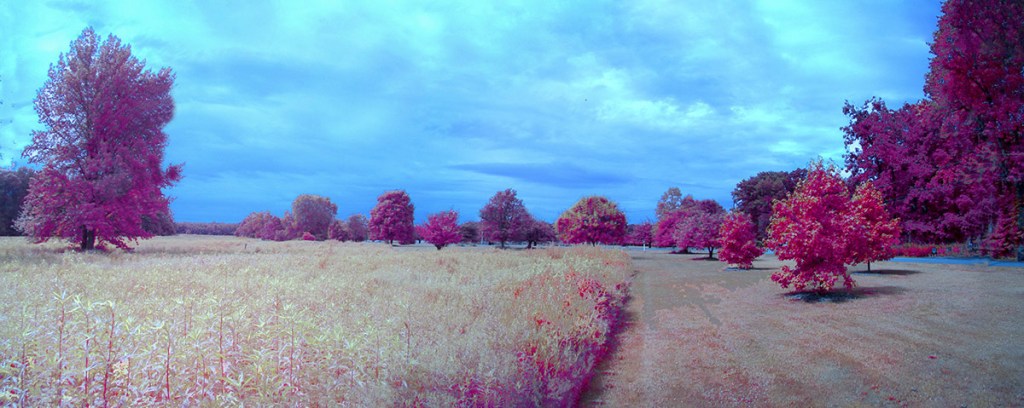
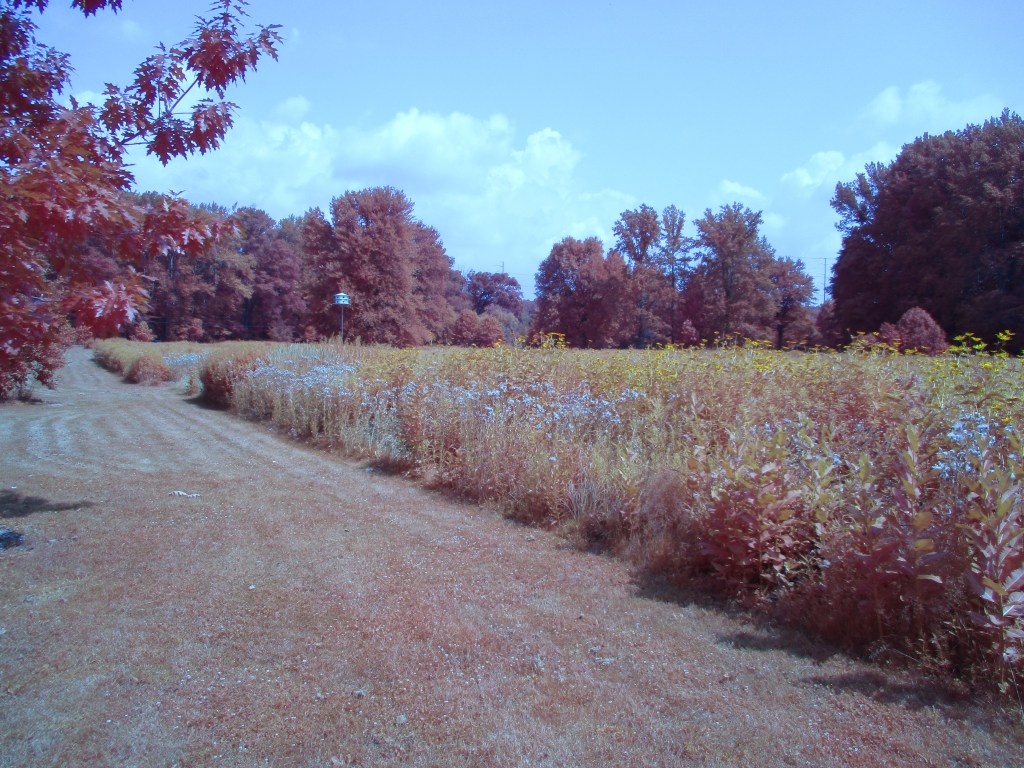
Lately I have been working with the Kolari CHROME InfraRed Filter. I have used regular B&W Infrared cameras but they were for Black & White InfraRed Images. I recently started using a Kolari InfraRed CHROME filter on my converted Canon Elph that gives you an interesting Infrared Color Image. The Infrared+Visible lens filter is designed to make your full-spectrum digital camera achieve the look of Kodak Aerochrome InfraRed film, straight out of camera, with no editing required. Made from a fused glass composite, this filter passes the perfect combination of light to recreate the classic interesting color look of Kodak Aerochrome Film with a full-spectrum camera. Kolari says you can have the Aerochrome look with no editing and no quality loss. For my liking I do have to “tweak” the Chrome Image file a little adding a little Saturation to the Finished Image. The Featured Pano Image is taken with 6 Images@ 5mm.




 photoartflight