 photoartflight
More Chrome IR Images From Plainsboro Preserve
Posted on May 10, 2024

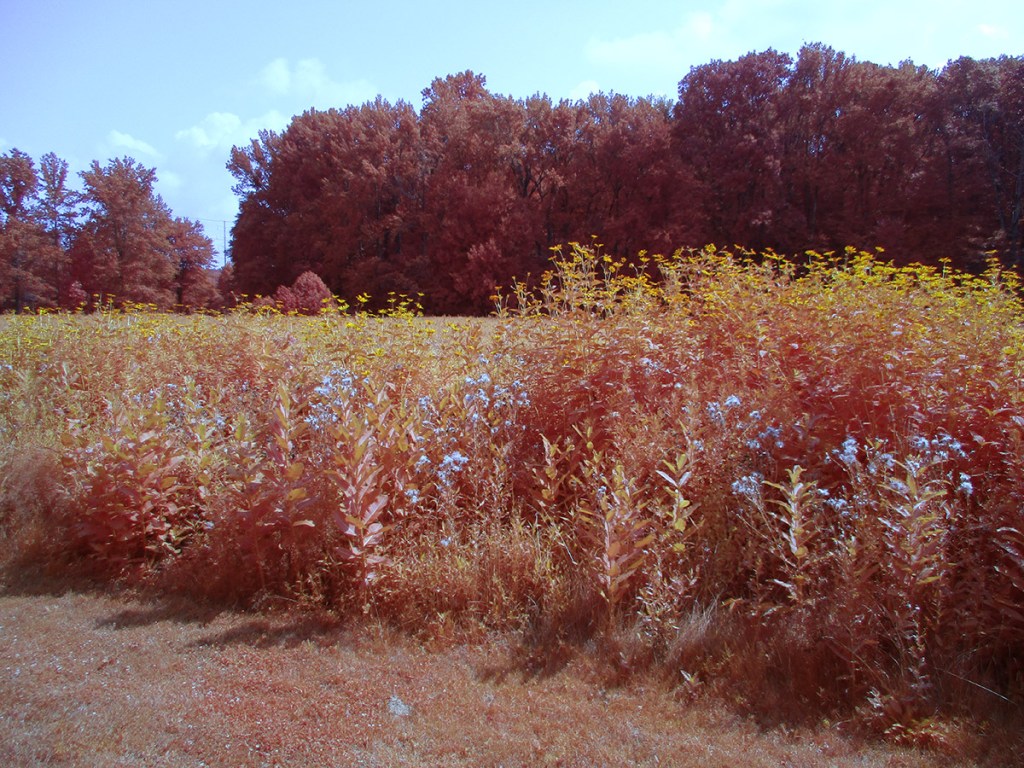
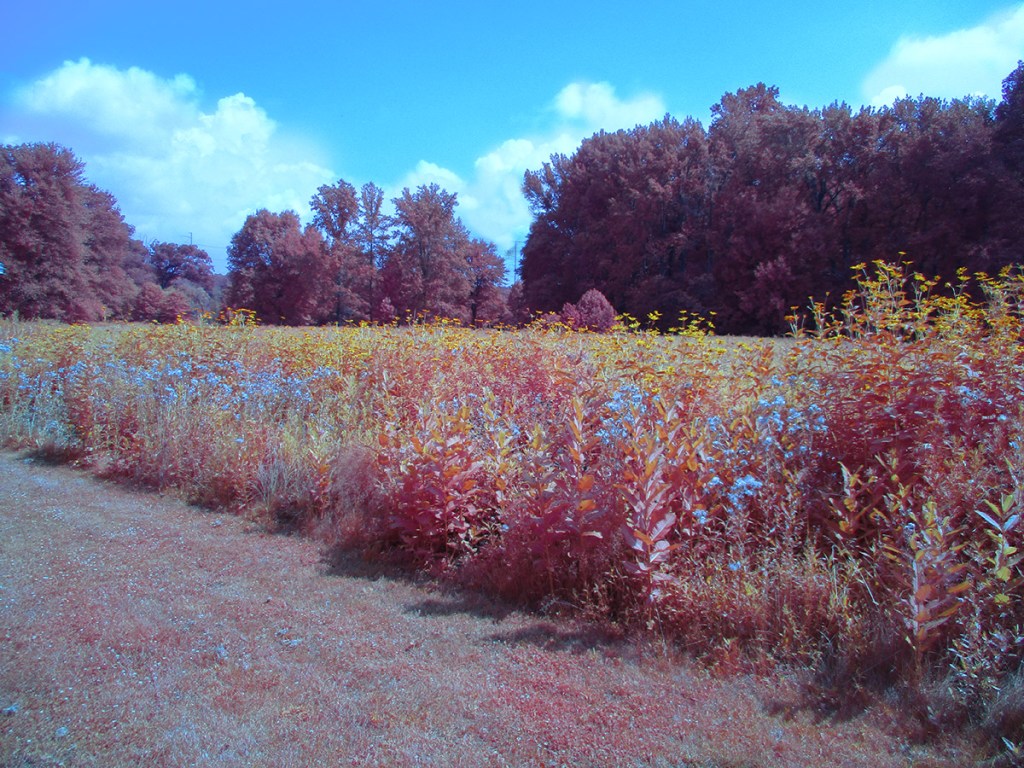
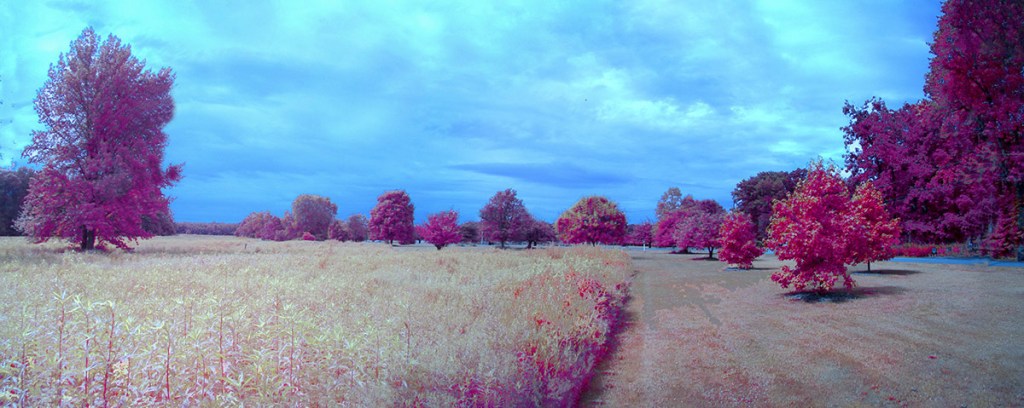
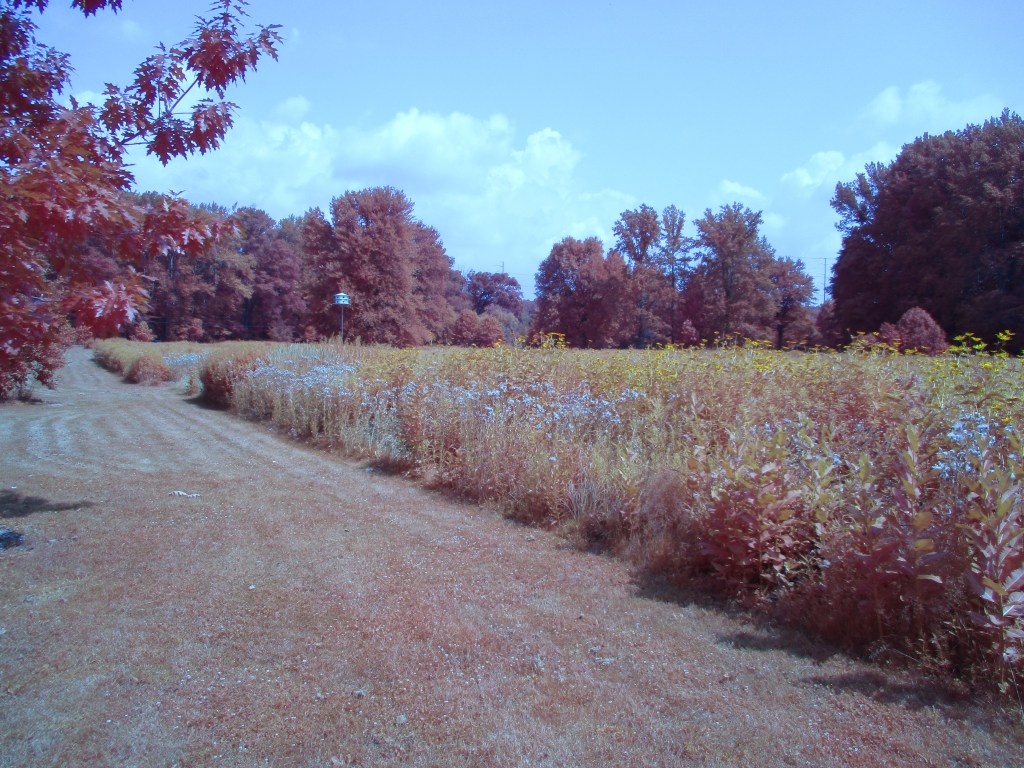
I am still going through my IR Chrome images from our walk at the Plainsboro Preserve. Most of the images are Multi-Image Panoramas except for the Featured Image which was cropped to straighten the image.

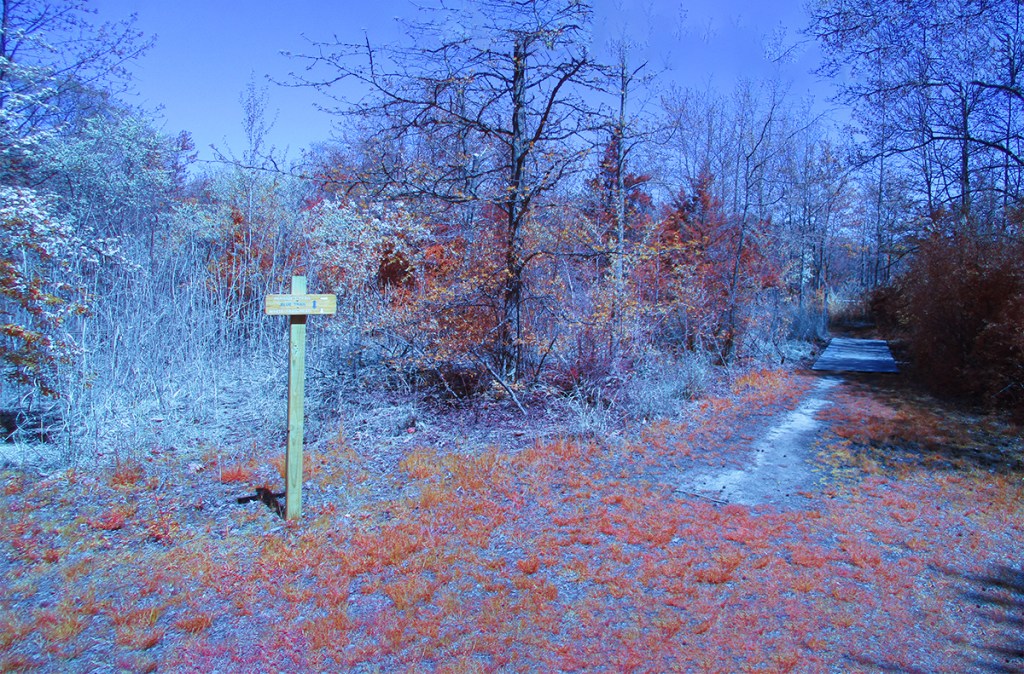

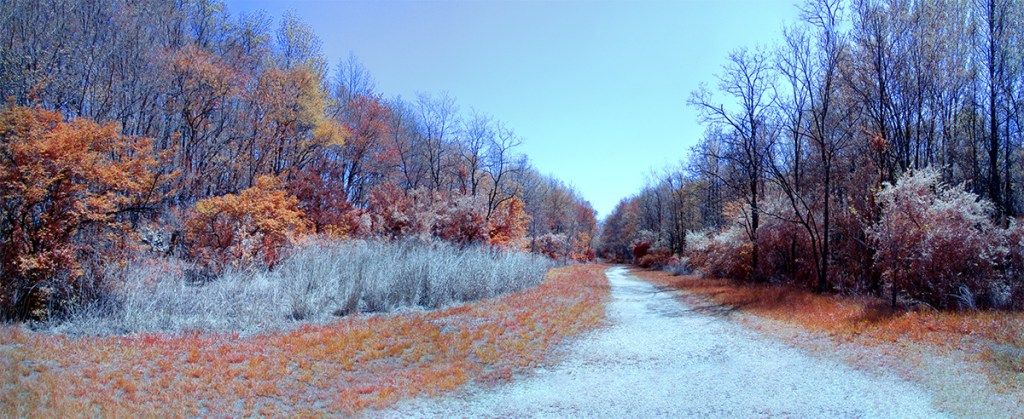




Chrome IR, 5mm, 20 Image Panorama (Full Frame Camera Equivalent ~28mm


Plainsboro Preserve INFRARED Chrome Images
Posted on May 9, 2024

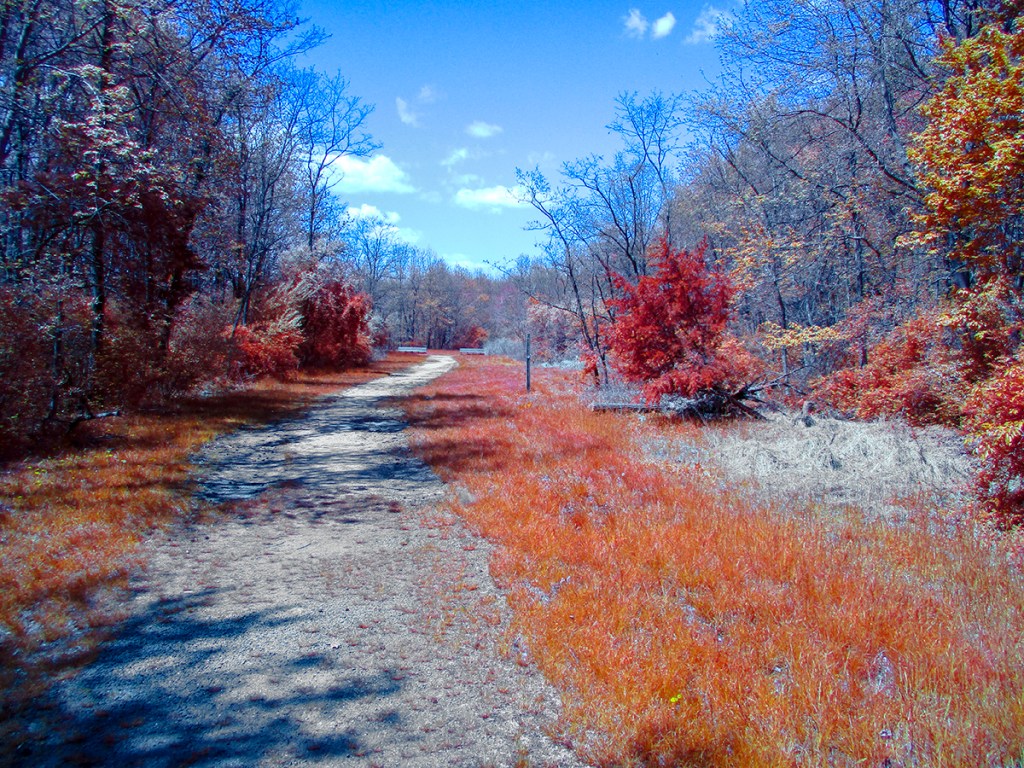
We went to the Plainsboro Preserve to take a nice walk and I decided to travel light and just took my converted IR Canon Elf 180 pocket camera. I decided to use the Chrome IR Filter on our walk. The Chrome IR filter has the “Look” of the old Kodak Aero Chrome IR film which is discontinued. The Chrome Images have a lot Red in the images. I photographed both single images and a variety of multi-image panoramas. The converted Elph 180 has a focal length of 5mm to 40mm but Full Frame focal length equivalent is 28mm to 224mm. The Featured Image is a 4 image pano taken @ 5mm and was near the start of our walk . I mostly photographed these images @ 5mm, especially for the Multi-Image Long Panoramas.




Images With The InfraRed Chrome Filter
Posted on October 29, 2023
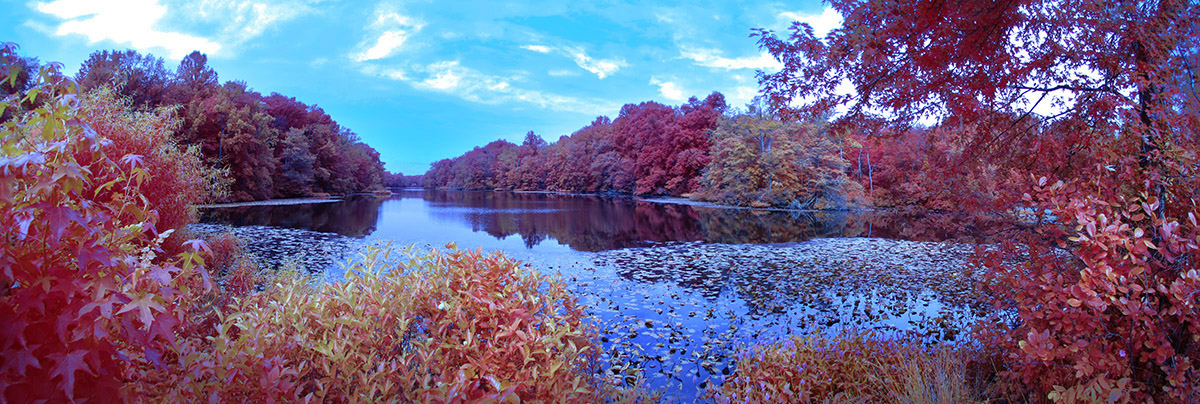
Lately I have been working with the Kolari CHROME InfraRed Filter. I have used regular B&W Infrared cameras but they were for Black & White InfraRed Images. I recently started using a Kolari InfraRed CHROME filter on my converted Canon Elph that gives you an interesting Infrared Color Image. The Infrared+Visible lens filter is designed to make your full-spectrum digital camera achieve the look of Kodak Aerochrome InfraRed film, straight out of camera, with no editing required. Made from a fused glass composite, this filter passes the perfect combination of light to recreate the classic interesting color look of Kodak Aerochrome Film with a full-spectrum camera. Kolari says you can have the Aerochrome look with no editing and no quality loss. For my liking I do have to “tweak” the Chrome Image file a little adding a little Saturation to the Finished Image. The Featured Pano Image is taken with 6 Images@ 5mm.



 photoartflight