 photoartflight
Davidsons Mill Pond Park Panoramas
Posted on November 4, 2023
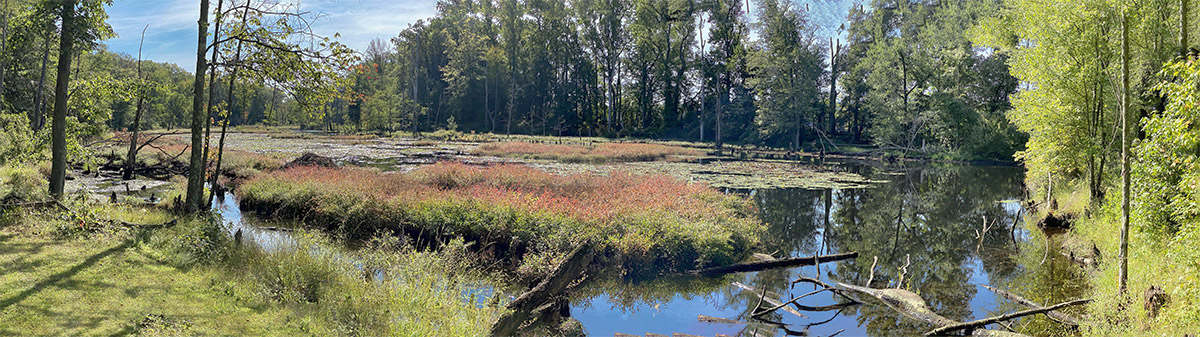
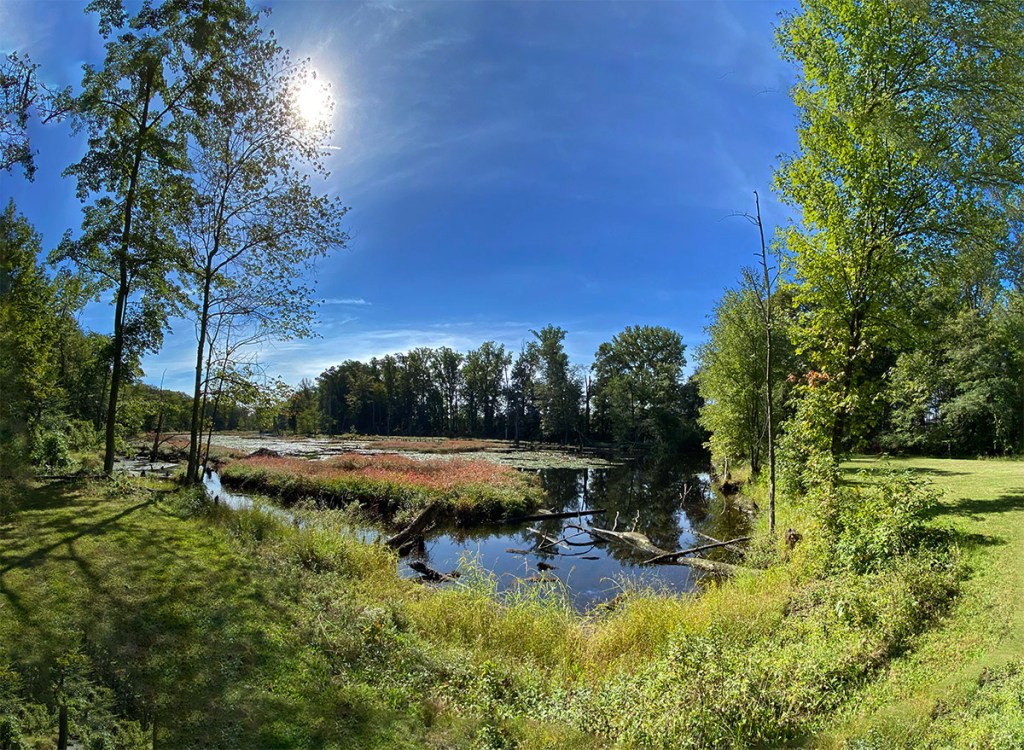
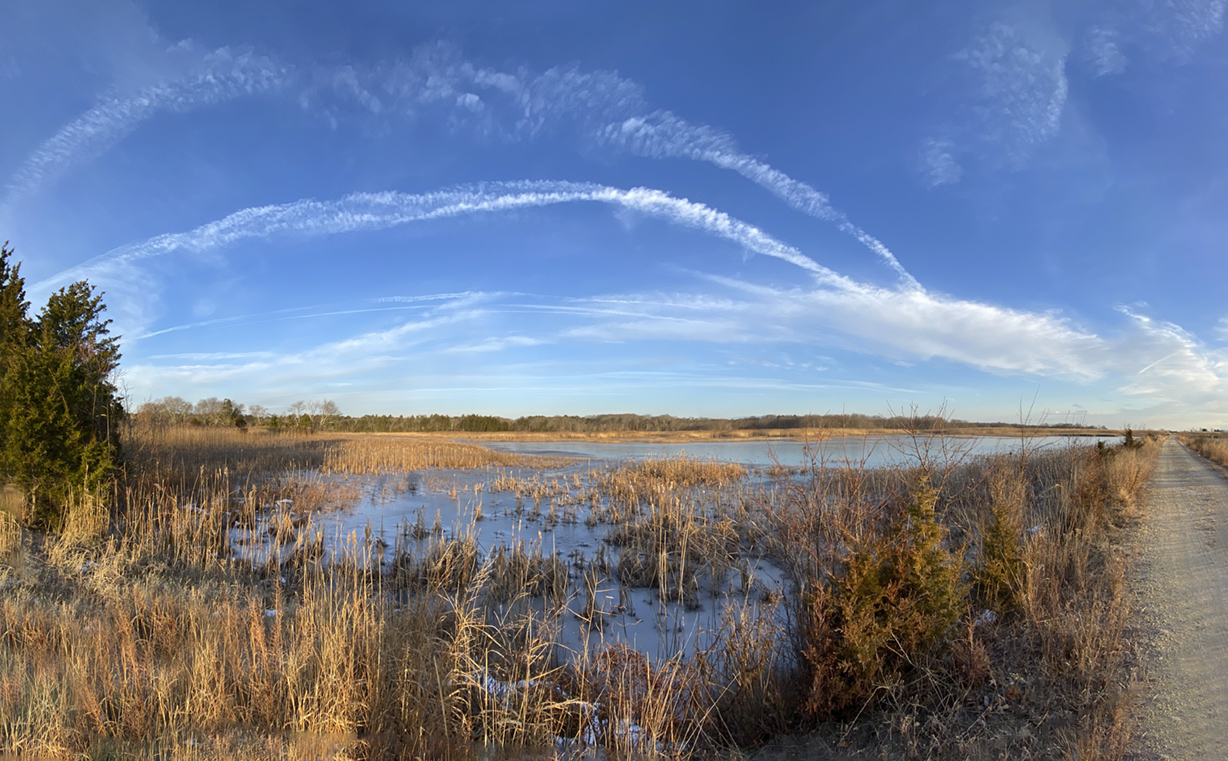
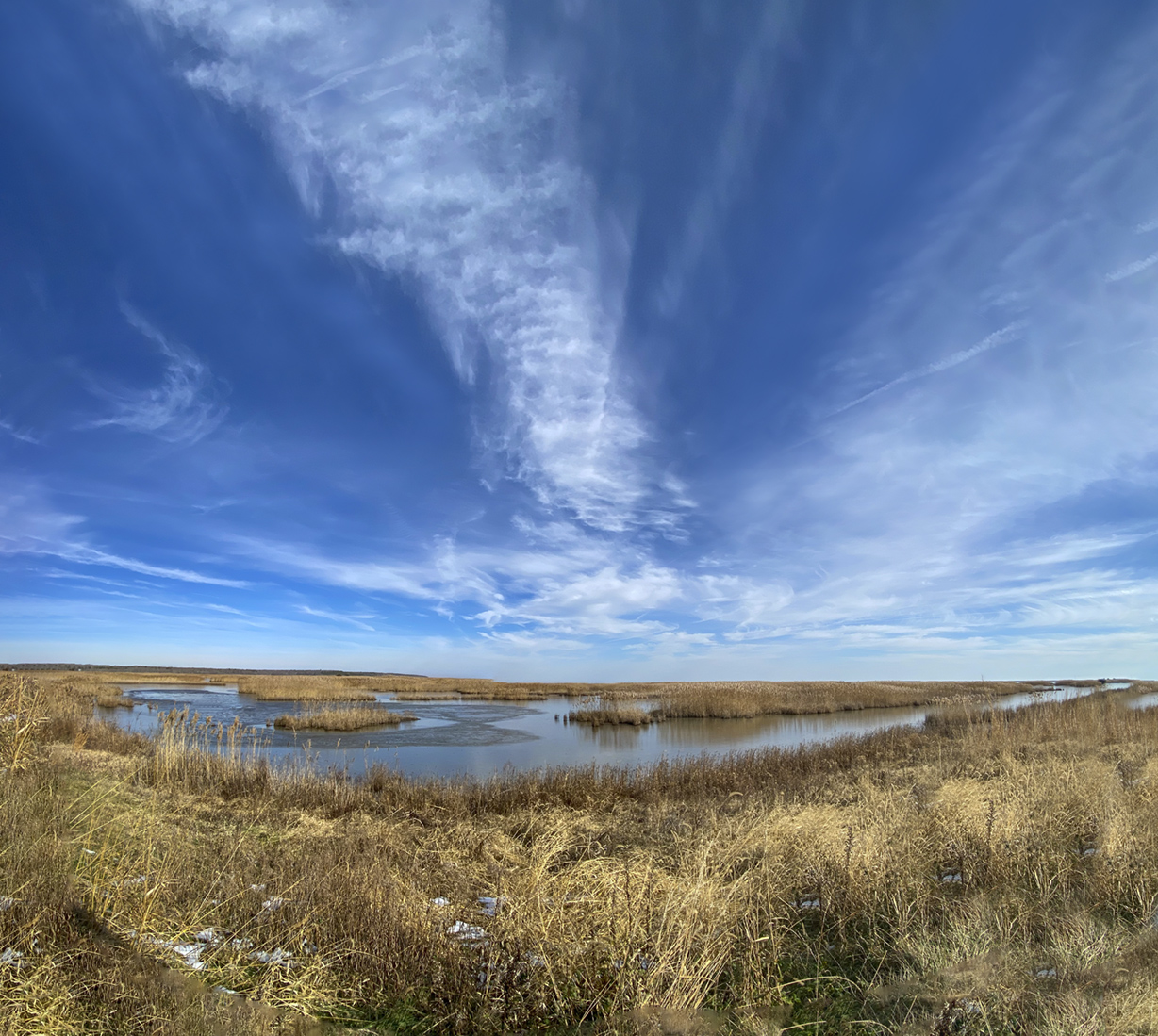
We have quite a few Parks by us but our Favorites are Davidson Mill Pond Park & Plainsboro Preserve. Many times we just like to get a nice walk so I just use my iPhone 11 Pro to capture images that look interesting instead of carrying a lot of camera gear. There are also a lot of beavers in this Park so you often see trees that have been “chewed” down laying on the ground. Also you see lots of Beaver Lodges in the water areas. In this post I am posting Multi-Image Panoramas taken with the iPhone 11 Pro. I do not use the “Panorama” mode because it distorts the Pano Images on the beginning & ends too much. I get better “Results” taking a Series of Individual Images and using Photoshop to automatically combine them. I have found that using more overlapping of the images works better than less overlapping of the iPhone images. The Featured Image is 12 Individual Images taken with the iP11 Pro with the 6mm lens. I loaded all the images into one Layered Photoshop File. Then Aligned & Blended them in Photoshop automatically by loading them into a layered Photoshop File & letting Photoshop do all the work of aligning & blending.


Hole In The Clouds
Posted on April 9, 2022
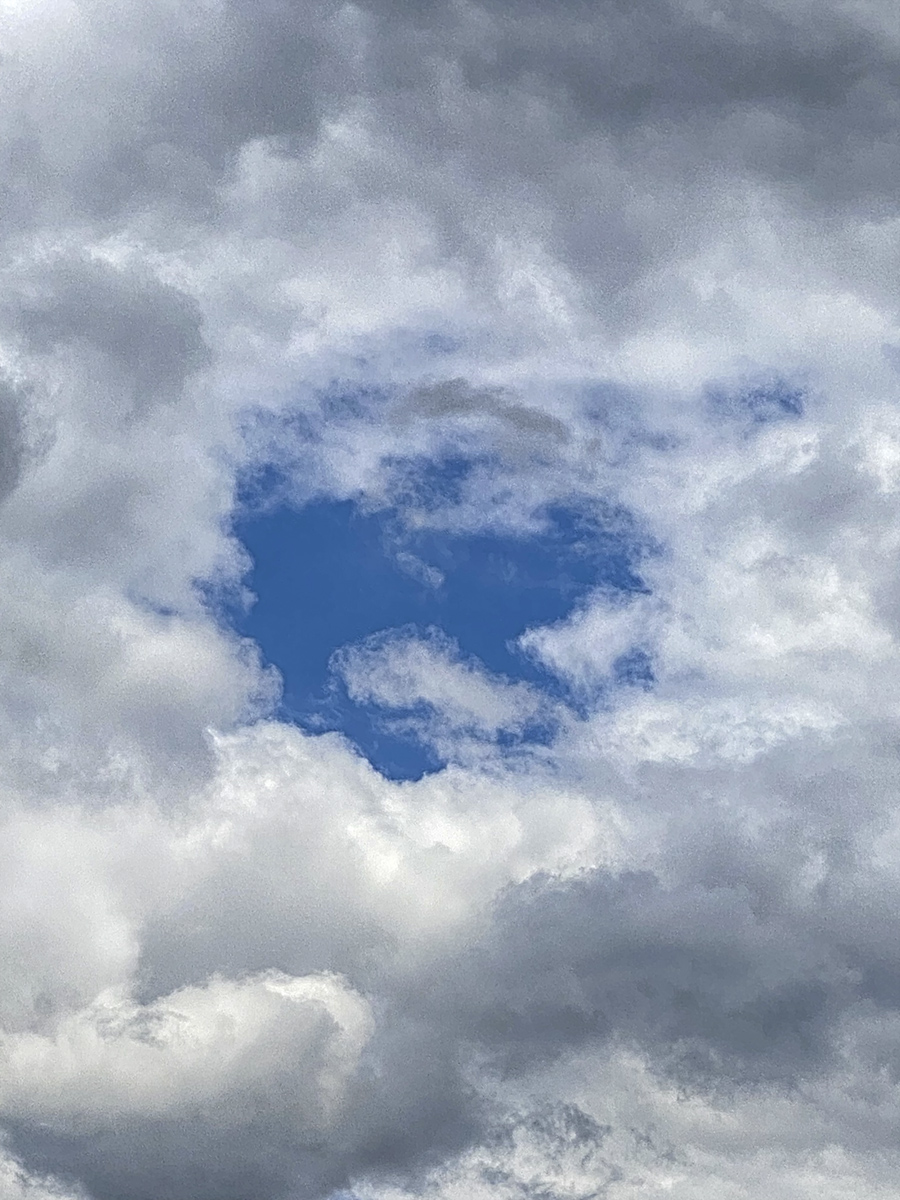
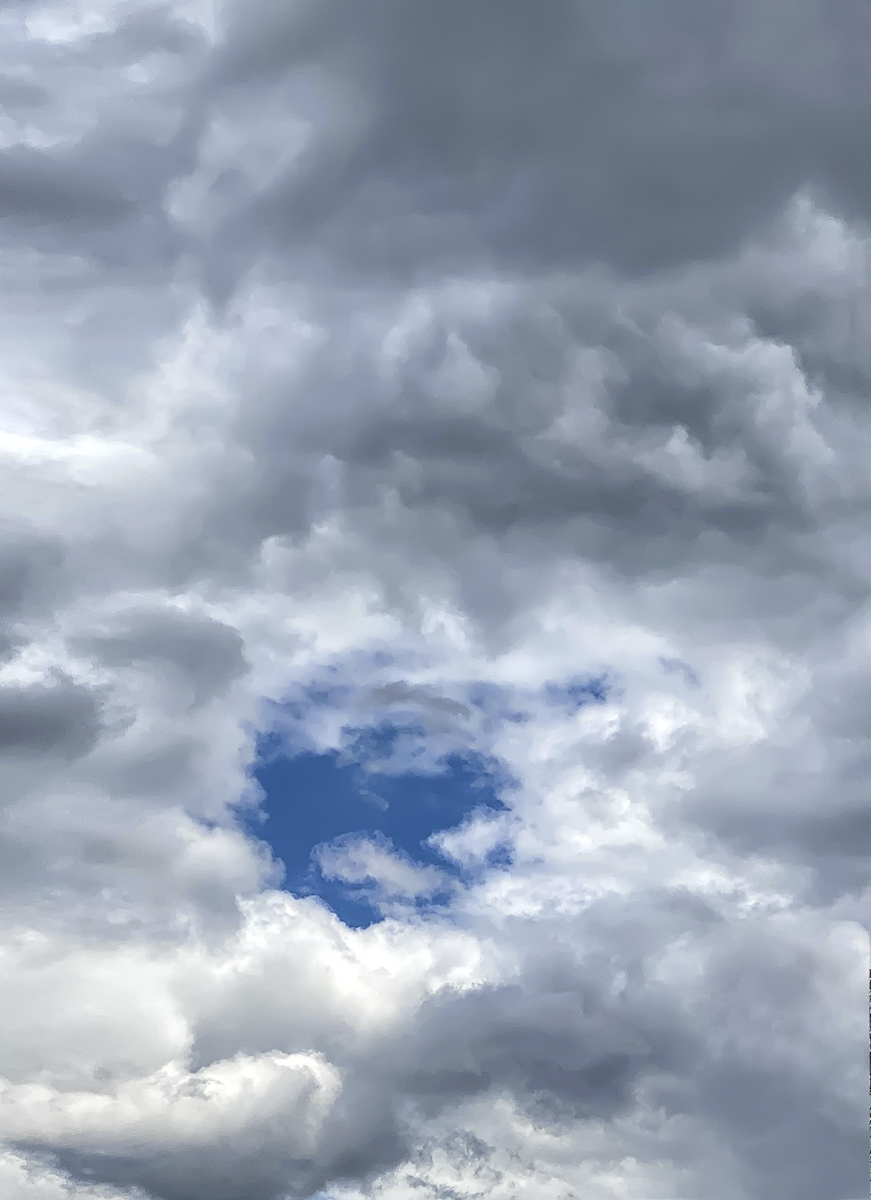
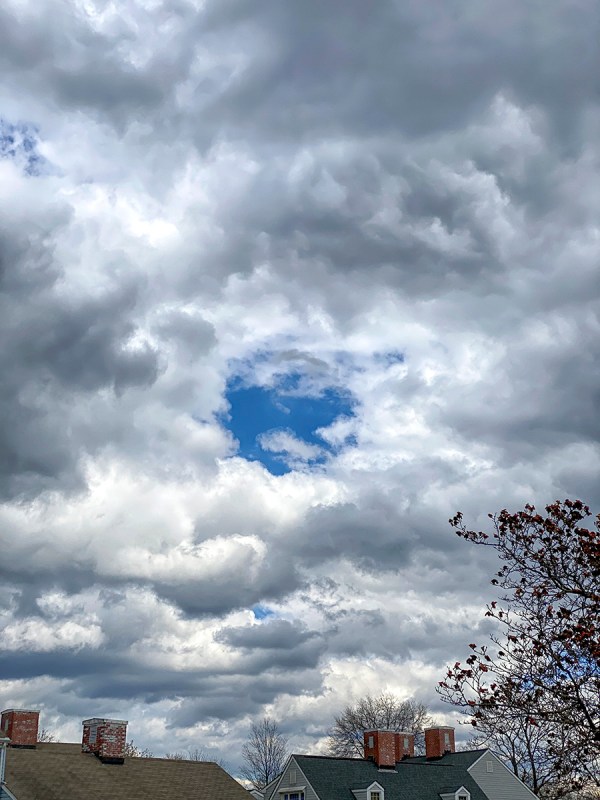
As we were taking a walk in our community I noticed the dense clouds above us. In one area of the thick cloud cover there was a circular opening in the Dark Cloud cover. I thought it looked interesting so I took a series of images with my iPhone 11 Pro. The Featured Image was taken with the 6mm lens with a digital zoom added (216 percent) for a Full Frame Equivalent Image taken @ 111 mm. Usually I do not use the digital zoom feature on the iPhone, but wanted a full image featuring the “Hole”. I did not take out the “Noise” in the Featured Image since I thought it added some to the “Dark Mood” of the image. I then shot a 2 image vertical panorama to get more of the clouds above since below would have some buildings that I did not want. Then I backed off and shot a series of wider views of the Dark Clouds.

Brigantine Multi-Image Panoramas, Set 1
Posted on February 4, 2022
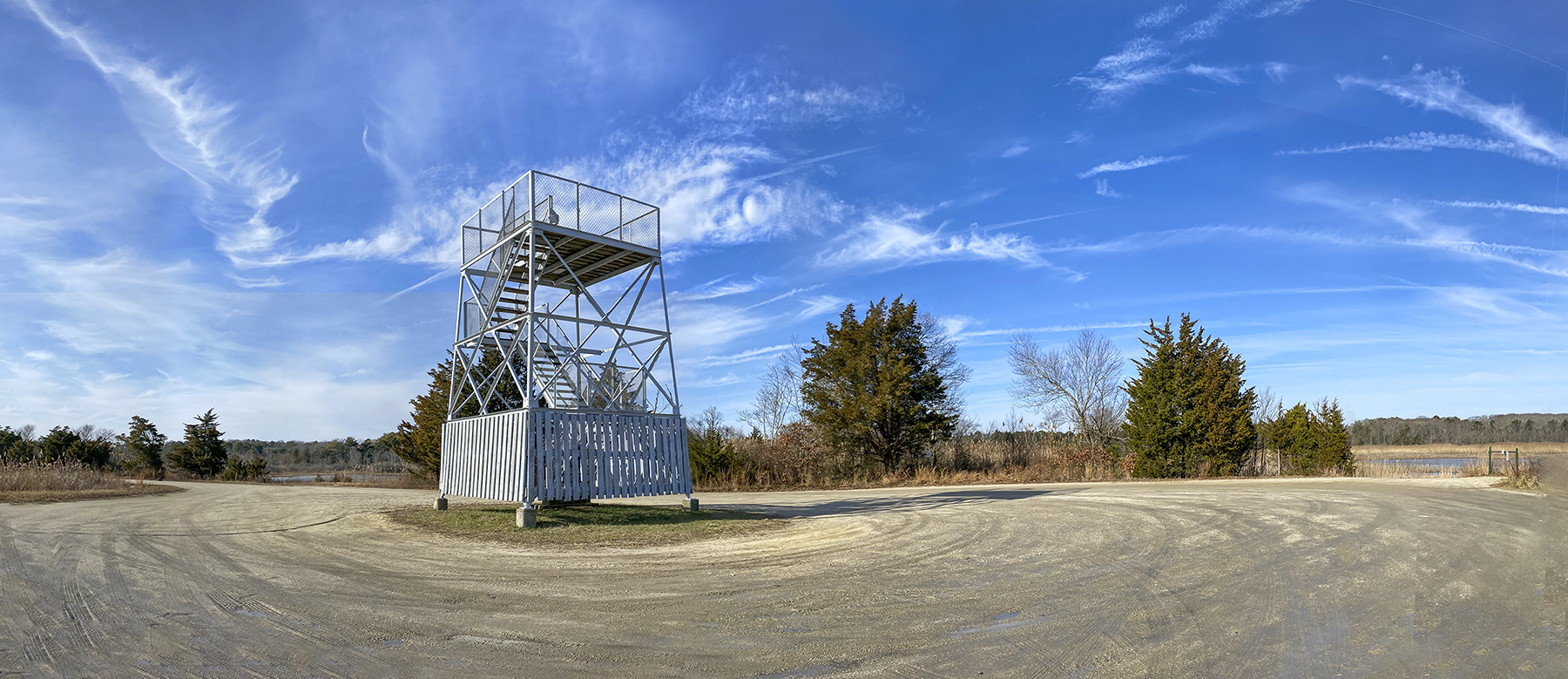
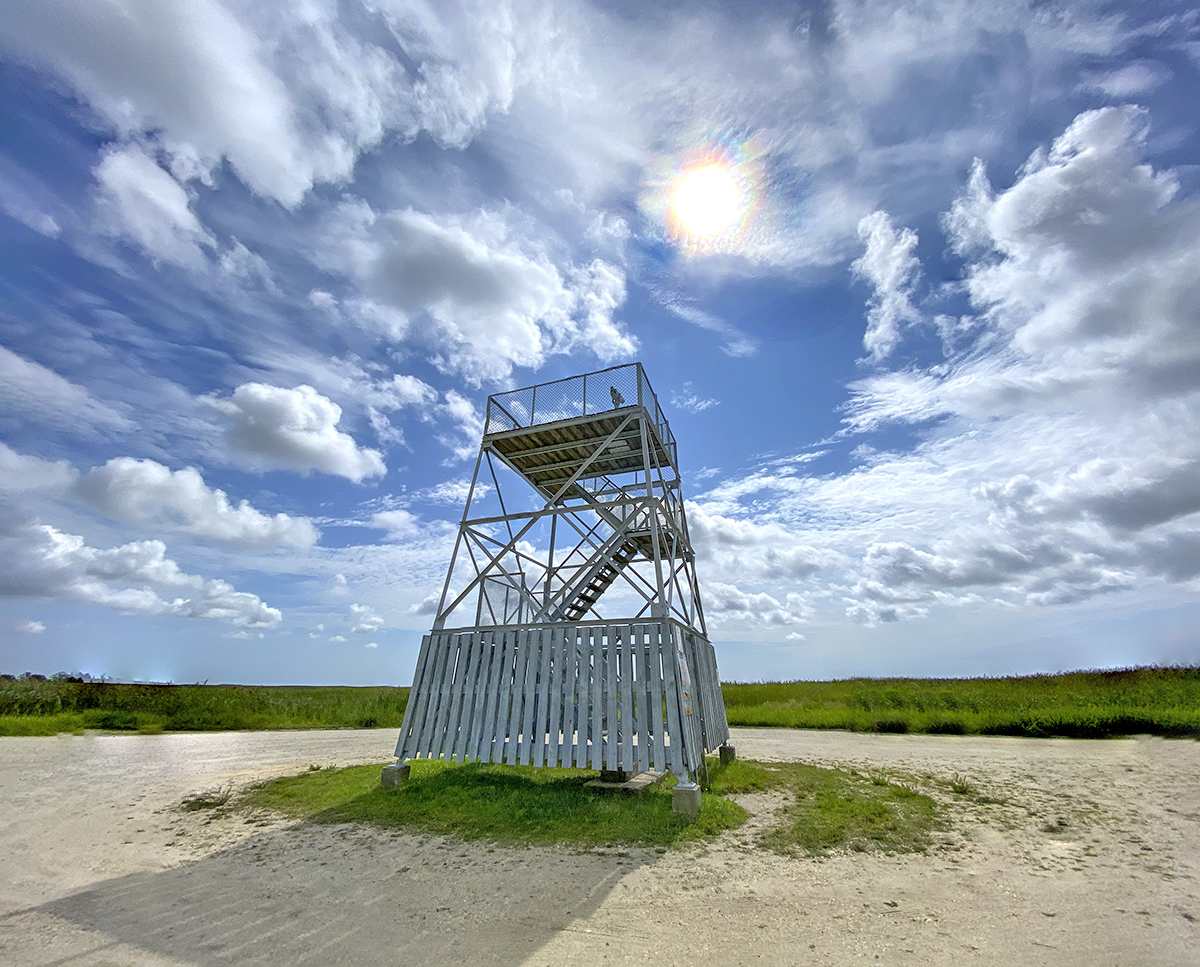
On our visit to the Brigantine Division of the Edwin B. Forsythe NWR I was using a variety of cameras to make a series of multi-image panoramas. I shot a lot of images so I would have a “library” of images to use for posting here during the Winter months. I was using the following cameras – Canon R with a 150-600mm lens, Panasonic LX-1 Pocket Camera in 16×9 format, OM-D 1 Olympus with a 7.5mm Fisheye lens and a iPhone 11 Pro. For this post all images were with the iPhone 11 Pro with mostly the 1.5mm lens (Full Frame Field of View Equivalent ~ 13mm) & the 4.3mm lens (Full Frame Field of View Equivalent ~ 26mm). The Featured Image was taken early in the am before the Wildlife Drive got crowded. I used my iPhone 11 with the 4.3mm lens to take a series of 12 overlapping images for the panorama image.




New Jersey Brood X cicadas
Posted on June 6, 2021

We went to one of the local parks to see if we could find some dragonflies to photograph. As I was trying to get closer to one of the Dragonflies, I noticed a large insect on the plants along the path. I was surprised to see a very large Cicada with those big red eyes staring at me. I was very close so I used my iPhone 11 Pro with the 4.3mm lens to get a couple of images. The featured image is made from 2 iP11 images to get sharper focus on the Cicada eyes and then focused on the back wingtips. Apparently this is the year Cicadas will re-emerge in NJ from their 17 year life cycle. So I guess it will be getting really noisy soon! Thousands of Cicadas were seen on tree trunks, leaves and fence posts at the Updike Farm in Princeton, NJ.

Cicada, 2 image focus stack, iP11 Pro, 4.3mm lens
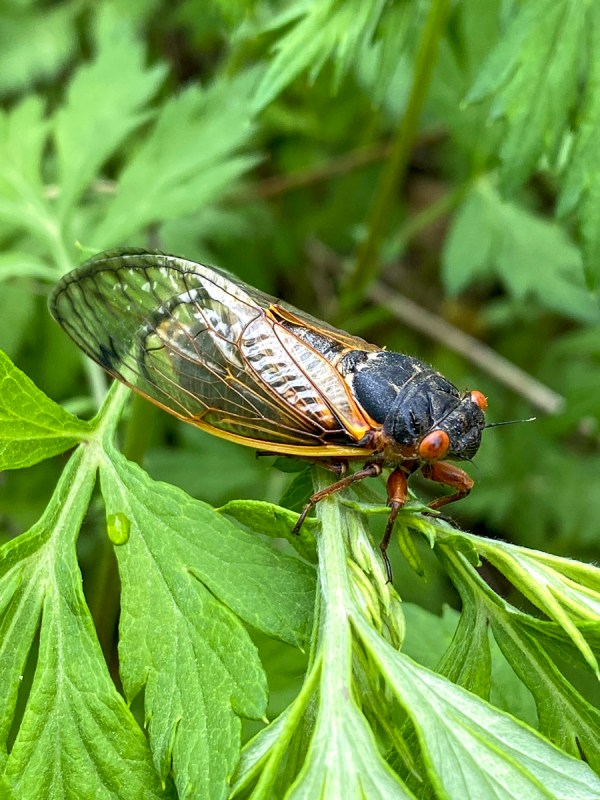
Cicada, iP11 Pro, 4.3mm lens
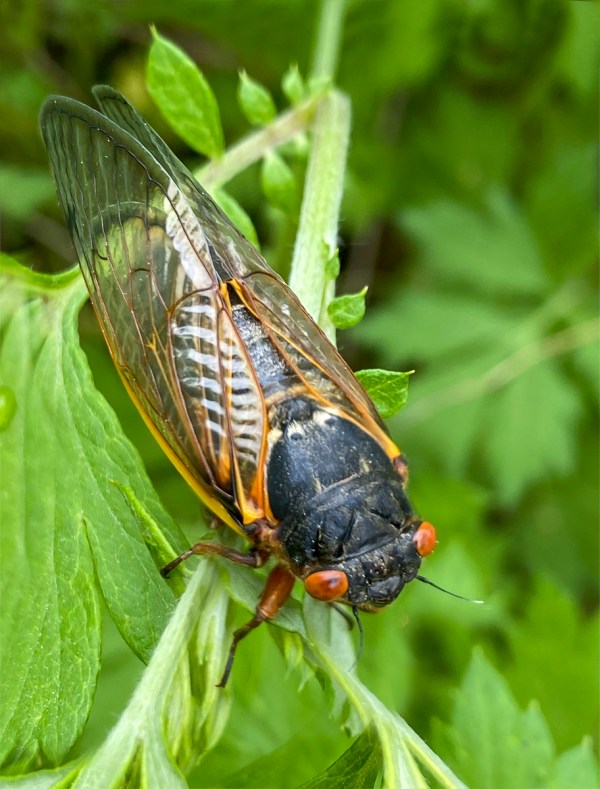
Cicada, 2 image Focus Stack, iP11 Pro, 4.3mm lens

Cicada, m43 Olympus, 100-300mm lens @ 300mm
The audio in the iPhone videos below are actually less loud then the actual sound being there!
 photoartflight