 photoartflight
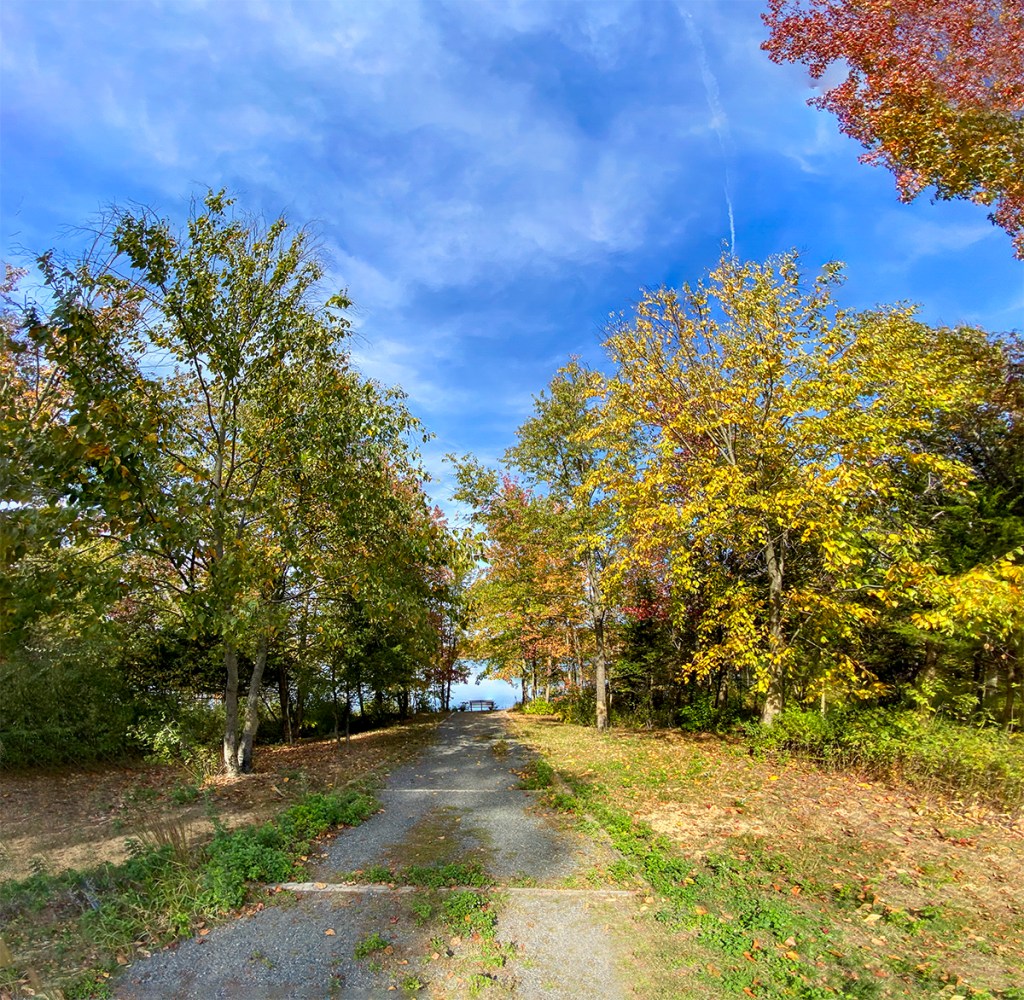
Lake Mc_Cormack Multi-Image iphone Panoramas
Posted on October 19, 2022

We went to the Plainsboro Preserve to get in a good walk so I did not take a camera with me. The Preserve had a lot of Fall Color, so I used my iP11 Pro to take a variety of multi-image panorama views during our walk. The Images here were mainly taken with the views going to the path to the Lake & the Lake itself. The Featured Image is a 21 Image panorama using the iP11’s 6mm lens and is 100.5 inches x 13.2 inches and is 340 megs. The iP11’s 6mm lens is equivalent to a ~52mm lens on a Full Frame Digital Camera.





All Flags Half-Staff For Victims Of COVID-19
Posted on April 24, 2020

2 image panorama of the Flags at Half-Staff at the Club House in our community. Governor Murphy signed Executive Order No. 114, ordering the flag of the United States of America and the flag of New Jersey should be flown at half-staff at all State departments, offices, agencies, and instrumentalities indefinitely. This started on Friday, April 3, 2020, in recognition and mourning of all those who have lost their lives and have been affected by COVID-19.
I had trouble photographing the flags because of the wind & the flags not blowing nicely or even in unison. So I shot the main scene view with 2 vertical images on my iPhone 11 Plus. Then I shot a video of the blowing flags. Back at my computer I combined my 2 main images into a slight panorama to get both street lamps bordering the image. I then did screen grabs from the video and selected the best blowing Flag position of each Flag. I then placed the grabbed images with Photoshop in the shot for my final image. I also was going to clone out the slight vertical cloud to the left of the flag pole, but decided to leave it in. I am surprised at the versatility and quality of the images from the iPhone 11 Plus. Also the quality of the flags from the video.
 photoartflight