 photoartflight
BRIGANTINE IPHONE MULTI-IMAGE PANORAMAS
Posted on January 8, 2021

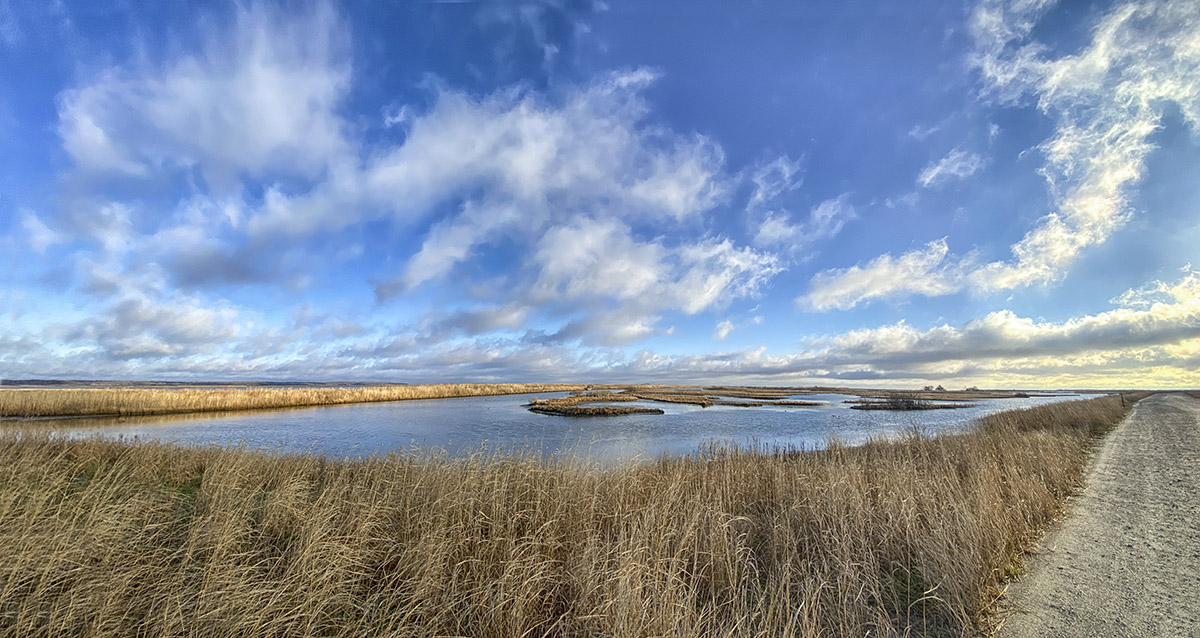
On our recent trip to the Brigantine Division of the Edwin B. Forsythe National Wildlife Refuge in Oceanville, NJ, I was traveling light. Mainly using a Tamron 150-600mm lens on a 1D mkIV, a 12-24mm zoom on a Canon R and my iPhone 11 Pro for multi-image landscapes & multi-image panoramas. The Canon R with the 12-24mm never made it out of the camera bag. I was having more fun shooting multi-image Panoramas on my iPhone 11 Pro. The featured image is 13 images shot in multiple images per row & then multiple rows with the iPhone 11 Pro & the 1.5mm lens.



Community Meeting House Fall Panoramas
Posted on November 20, 2020
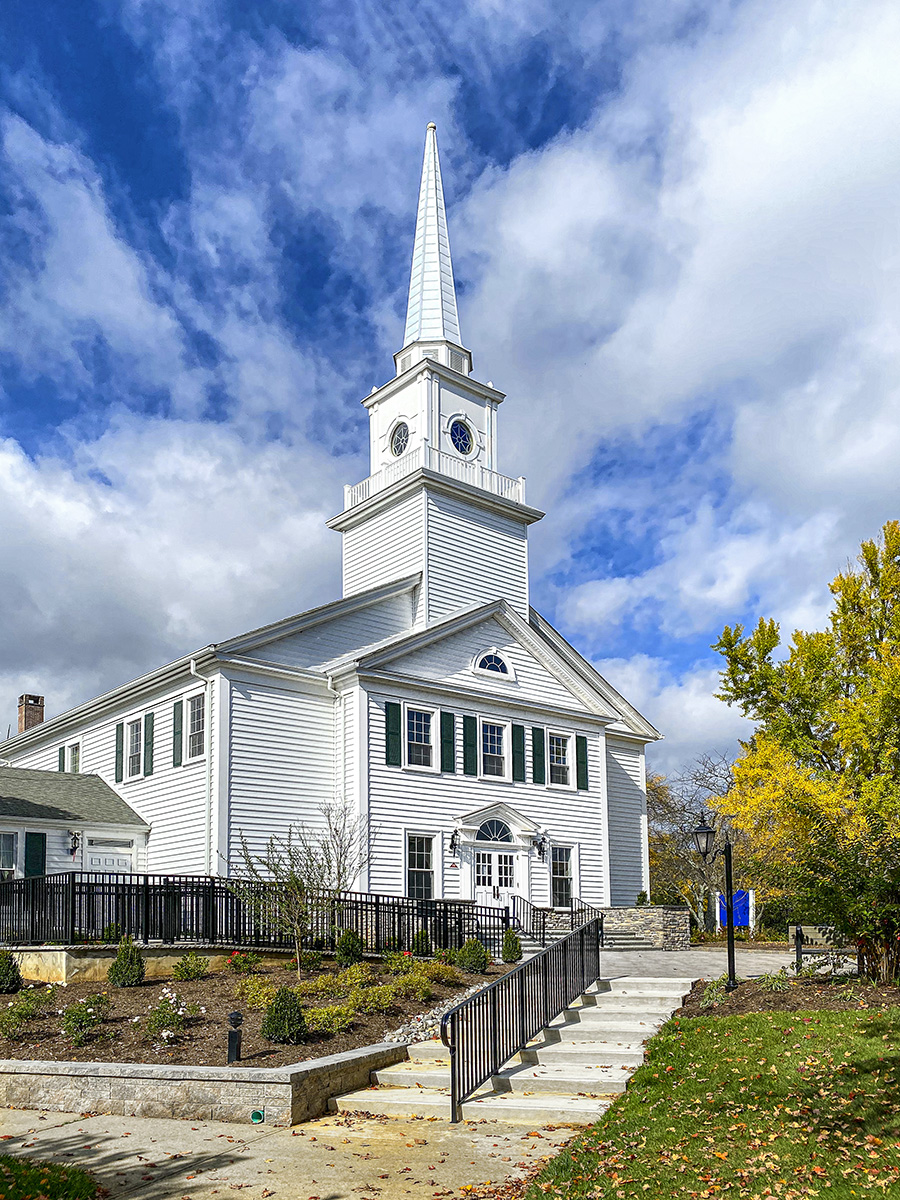
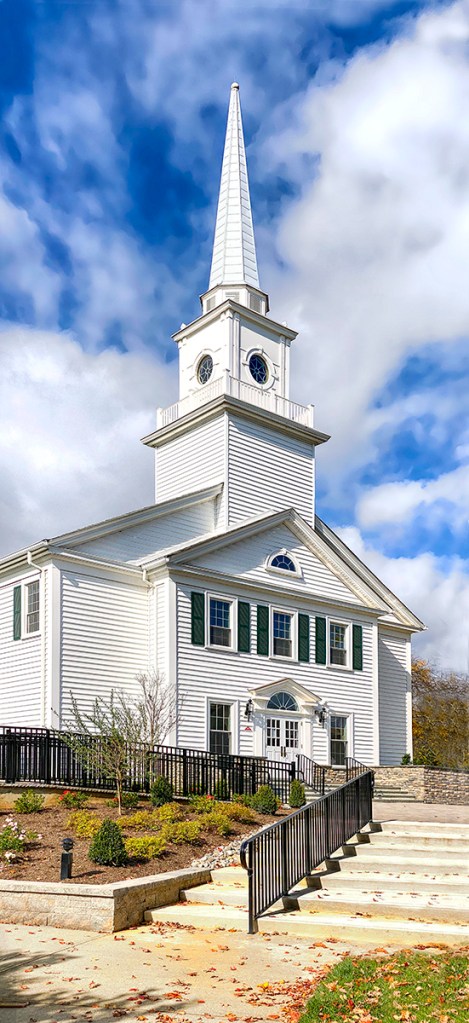
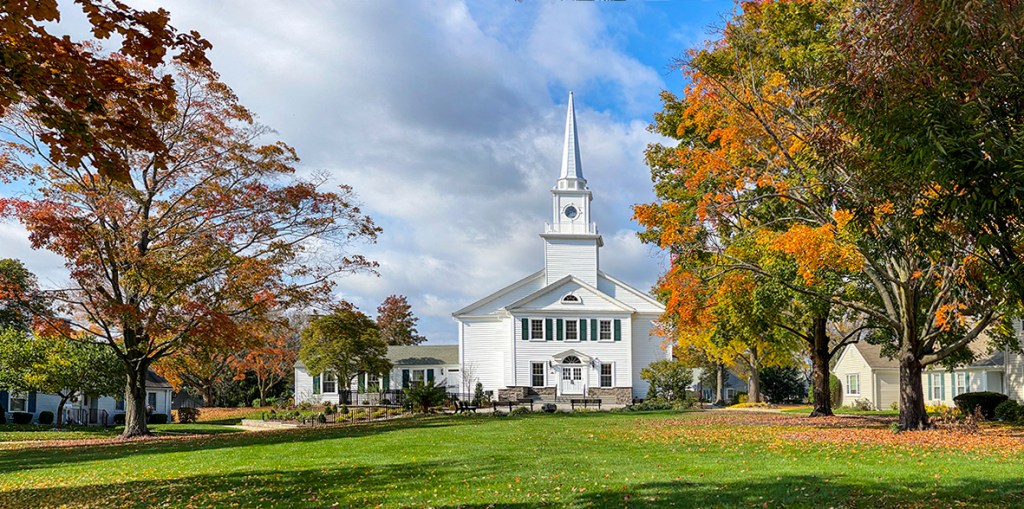
As I was walking around our condo community, I liked the Fall colors and clouds around our community Meeting House. This building is used for community meetings, concerts, church services and a few other gatherings. Because of Covid-19 it has been closed for quite a while, but it is still fun to photograph especially with some of the Fall Colors and bright blue sky. The Featured Image is a 2 vertical image panorama taken with an iPhone 11 Pro using the 4.3mm lens (Full Frame Camera Field of View is 26mm).

FALL TREES & SHADOWS IN THOMPSON PARK
Posted on November 11, 2020
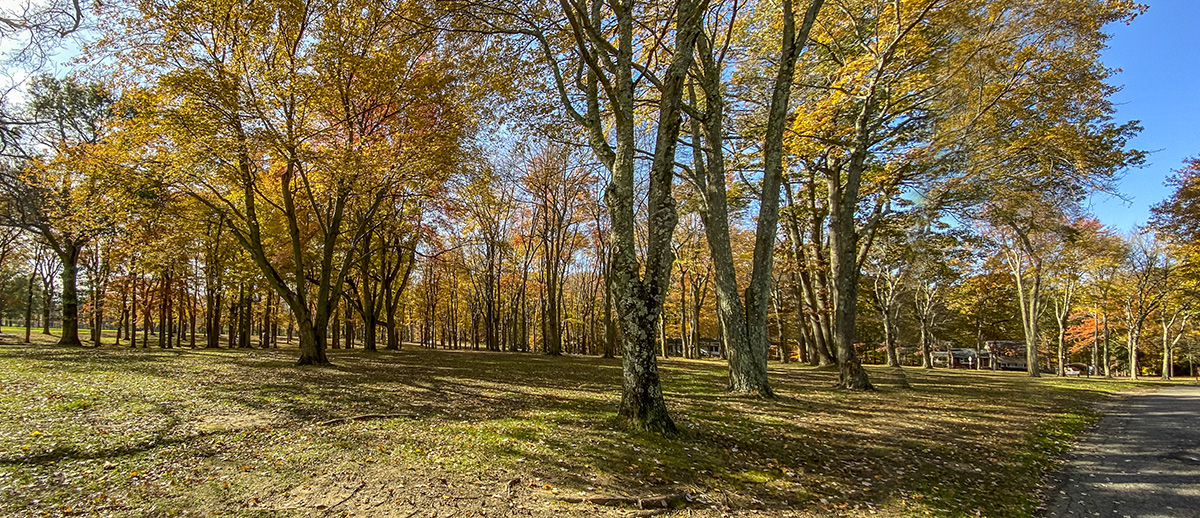
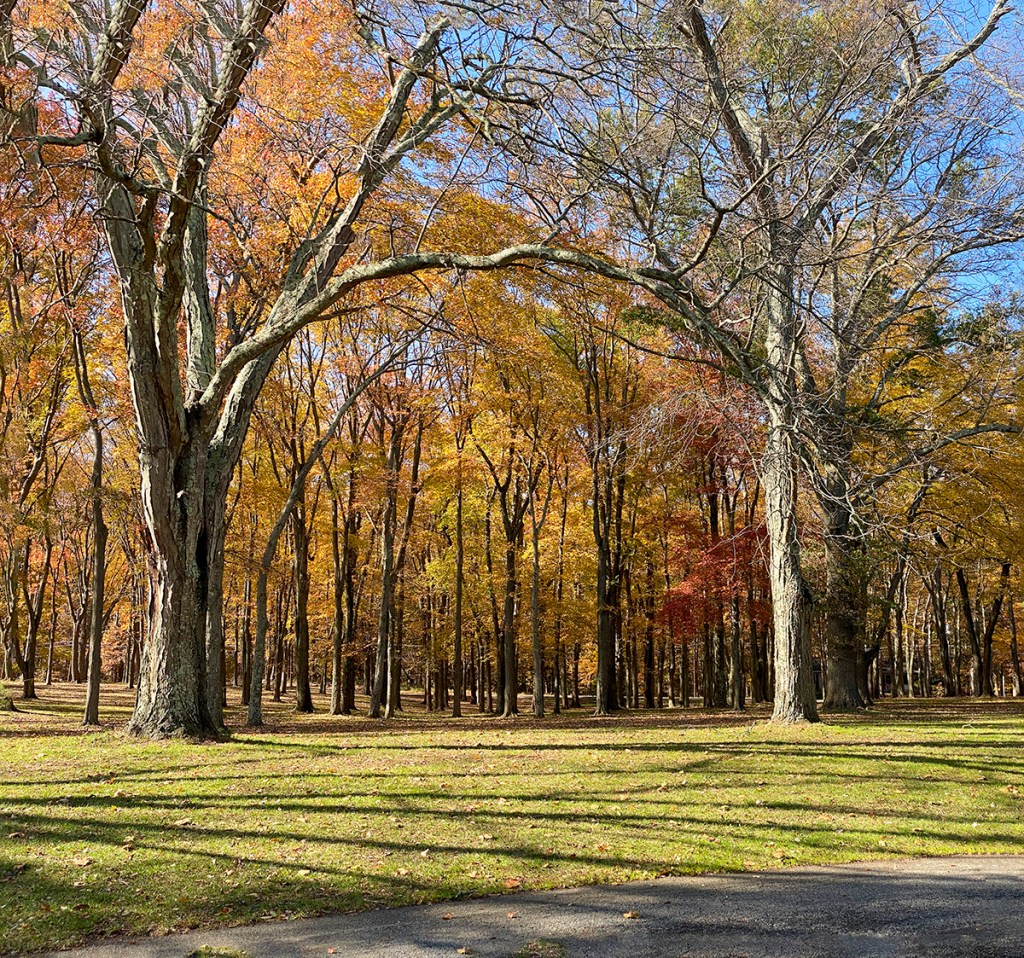
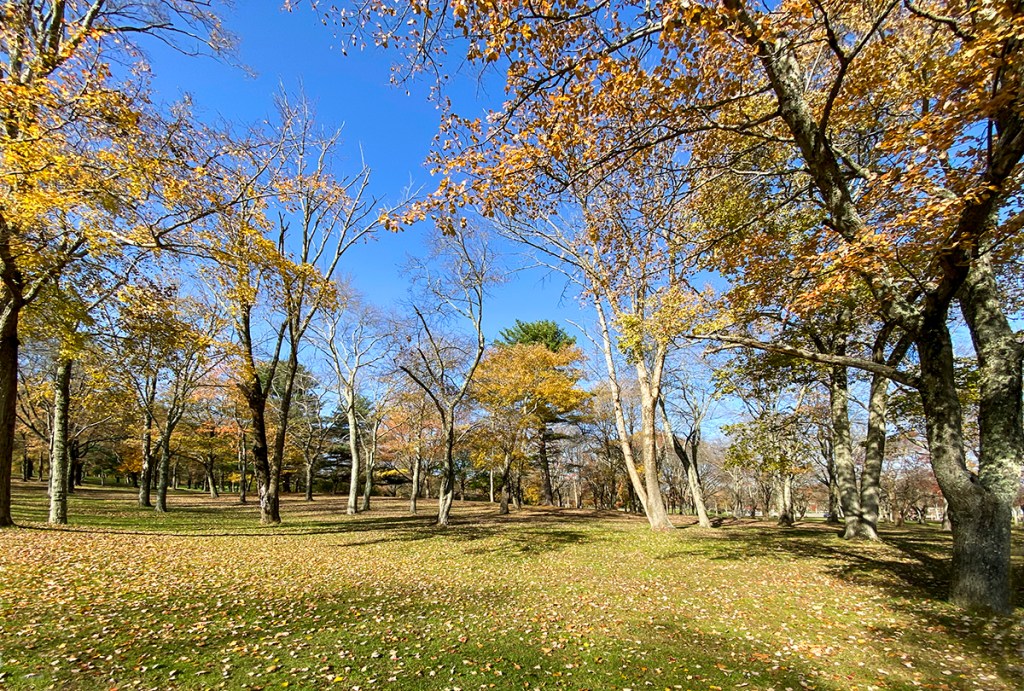
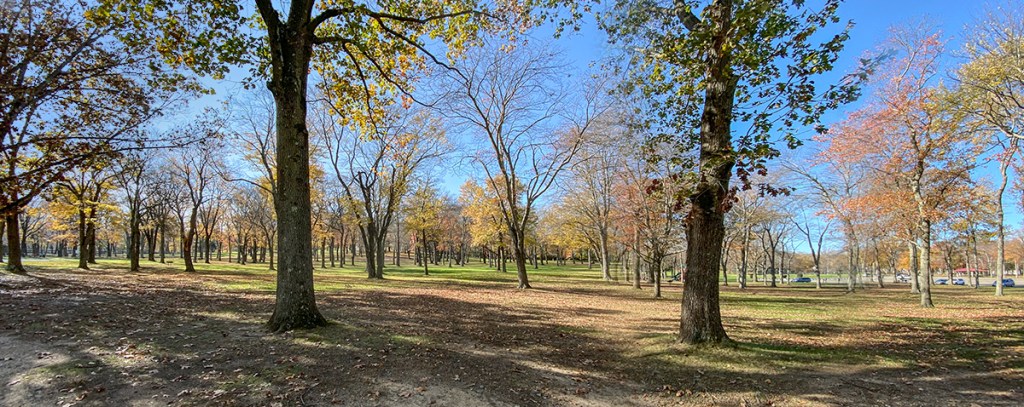
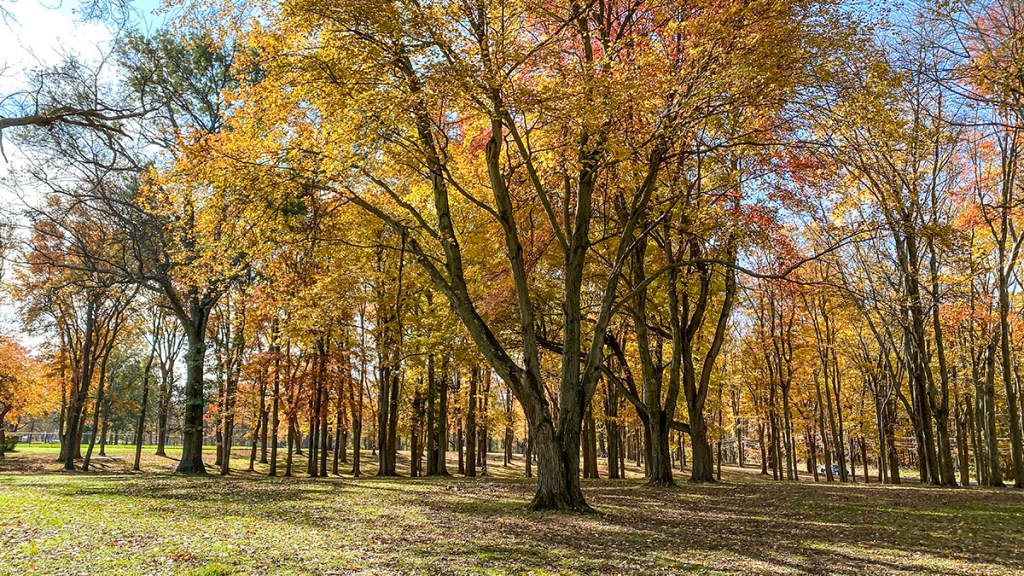
We went for a walk at a local park in our town to see what we could find to photograph. We usually do not go there because it is a very crowded, but large park with 675 acres. The Park also has lots of sports fields, basketball courts, etc. The park features Manalapan Lake, a 30 acre lake periodically stocked with fish by the State Division of Fish and Wildlife. The Lake is not photogenic because of Buildings & Businesses across the Lake in the background. But some of the wooded areas were interesting with what was left of the Fall Colors in the trees. Plus it was a nice sunny day with blue skies behind the trees. I was traveling light and was just using my iPhone 11 Pro. When shooting panoramas with the iPhone, I do not use the panorama feature built in the iPhone because of the very small lenses in the iPhone – 1.5mm, 4..3mm & 6mm lenses (Plus Digital Zoom feature up to 10X). Using the Panorama feature tends to distort the ends of the panorama and give a “bulging effect ” in the middle of the image. Even with the wide 1.5mm lens (Full Frame Equivalent is ~13mm) I tend to like a wider view. Shooting multiple single images and combining them in Photoshop minimizes this “Bowing” effect and I can get any length image I want. The Featured Image was a 3 image panorama shot using the 1.5mm lens (Full Frame Field of View Equivalent ~13mm). The images for each Multi-Image were loaded into layers in 1 Photoshop file. Then I used Auto-Align to align the images. Then used Auto-Blend to blend the multi-images for the final image.

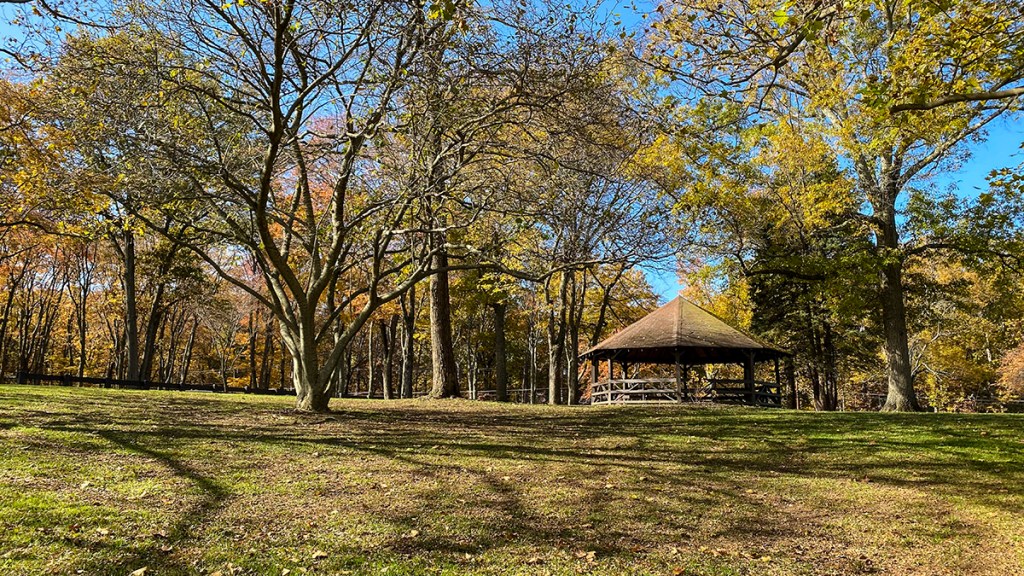
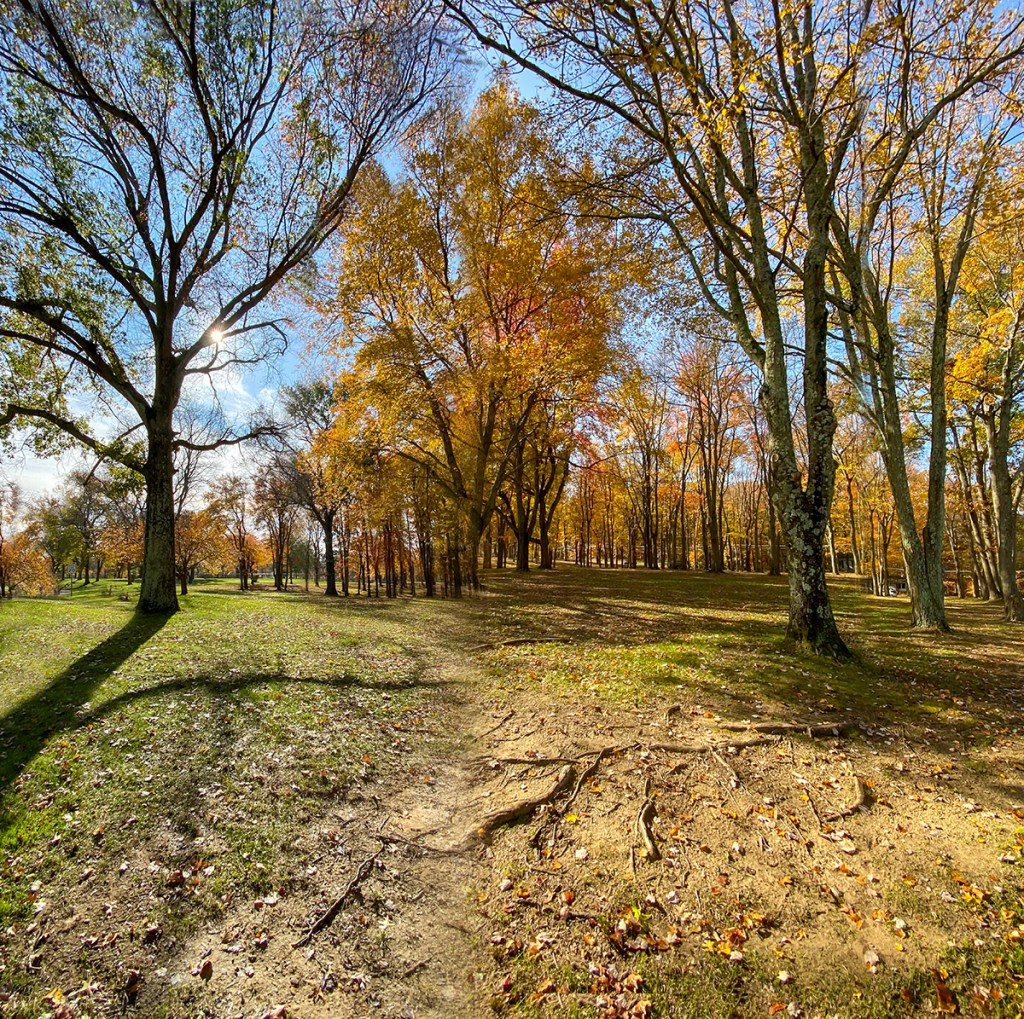
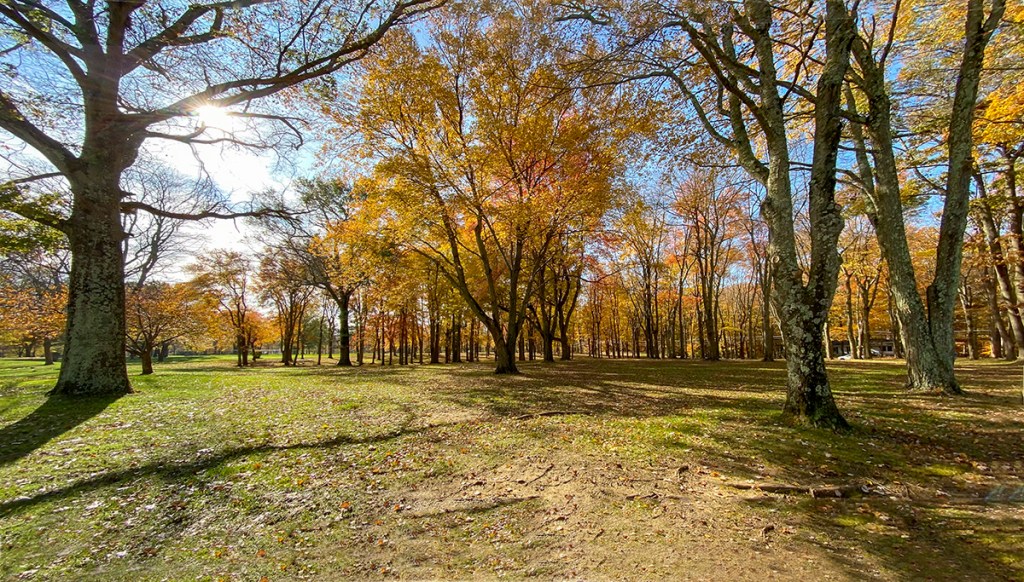
(13mm Full Frame Field Of View Equivalent)



Mc Cormack Lake Multi-Image iPhone Panoramas
Posted on October 27, 2020

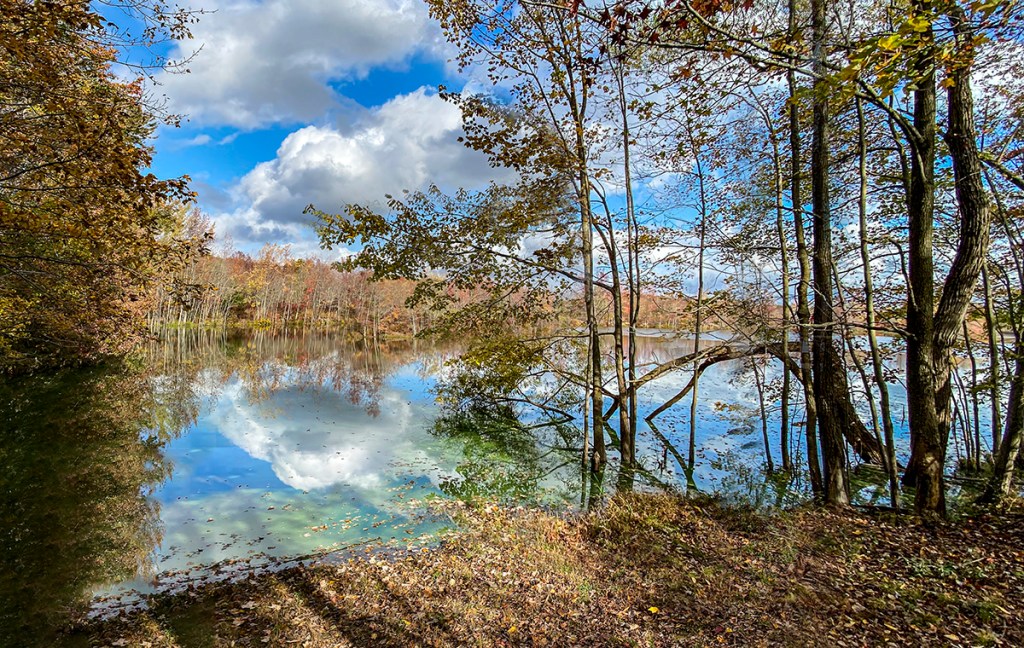
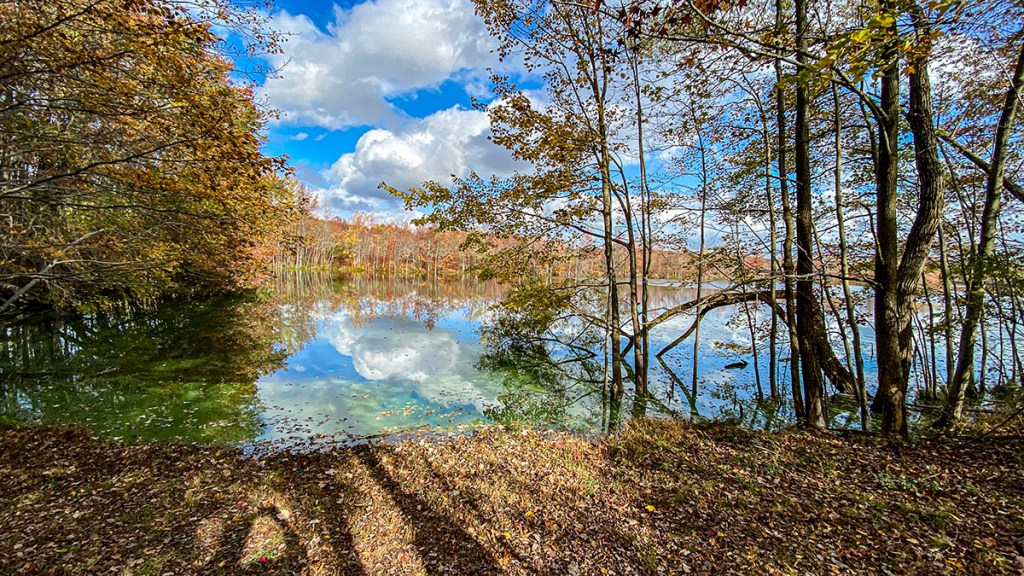
On our recent walk at Plainsboro Preserve, we took a different trail that took us to the farthest viewing point of McCormack Lake. We had never been at this spot in the woods before. There were many trees in the way, but I liked the view looking through the trees seeing the distant shoreline with the trees & clouds across the Lake. I was using a Canon R with a 12-24mm lens, but for this post I am only using the images I shot with my iPhone 11. Most of these iPhone images are multi-image shots to get wider views or a little taller views to get more foreground & more of the clouds. The featured image is 4- iPhone 11 Pro images with the 1.5mm lens to get more width and more sky & foreground. On a Full Frame camera this would be approximately equivalent to a 13mm lens field of view.


Hoar Frost With iPhone 11 Pro
Posted on December 9, 2019

I went out in the yard early yesterday and noticed a few leaves with frost. As I looked further I saw most of the leaves in the shade and grasses were covered with heavy Hoar Frost and looked interesting. Since I am still getting used to the iPhone 11 Pro, for the multi-image pano series, I shot a few more images than usual to help prevent some distortion. But the sun was starting to melt some as it was rising, so I worked quickly to get some of the more interesting subjects. The featured image is 5 overlapping images (2 top, 2 bottom & 1 center) with the 4.3mm lens on my iPhone 11 Pro, then assembled and blended them in Photoshop. For the featured image, I overlapped more than usual since I am still getting use to the iPhone 11 Pro for panos since the lenses are so small. (Sometimes in using the iPhone pano feature, you get distortion or a “warping” look in the panorama). So most times I shoot a series of images to assemble myself in Photoshop. The lenses in the 11 Pro are 1.5mm ( 13mm, Full Frame Digital Equivalent is 13mm), 4.3mm ( 26mm equivalent, Full Frame Digital), and 6mm ( 52mm equivalent, Full Frame Digital).
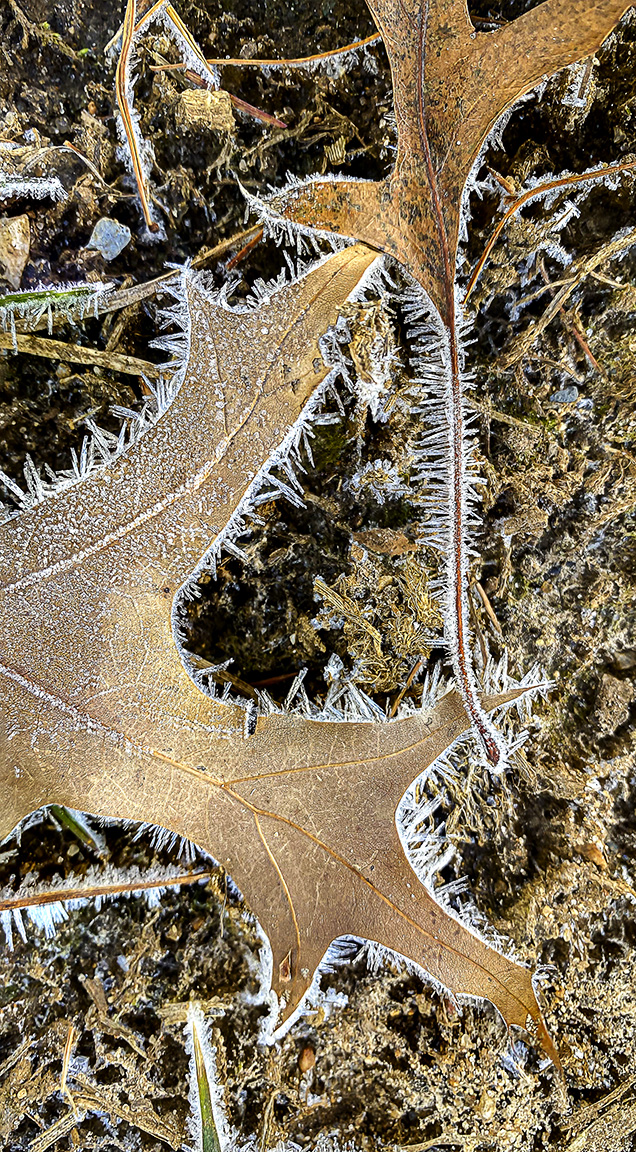
2 image panorama, iPhone 11 Pro, 4.3mm lens, iPhone set to 16 x 9 format.
The following images are just single shots (except where noted) with the iPhone set to 16×9 capture format.


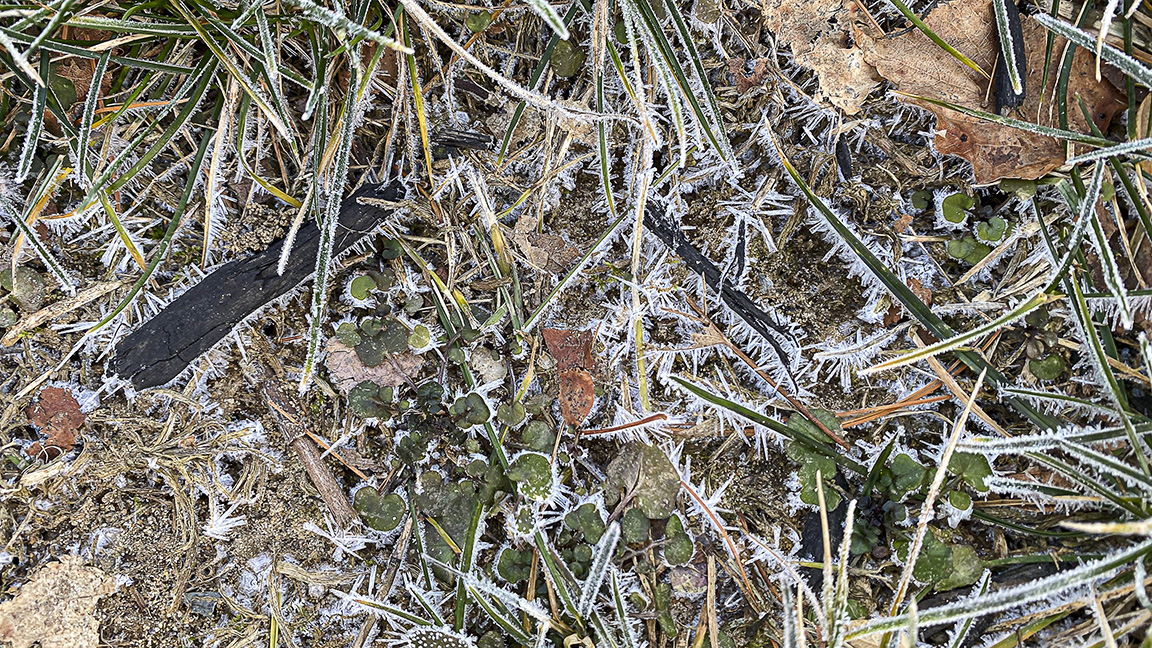
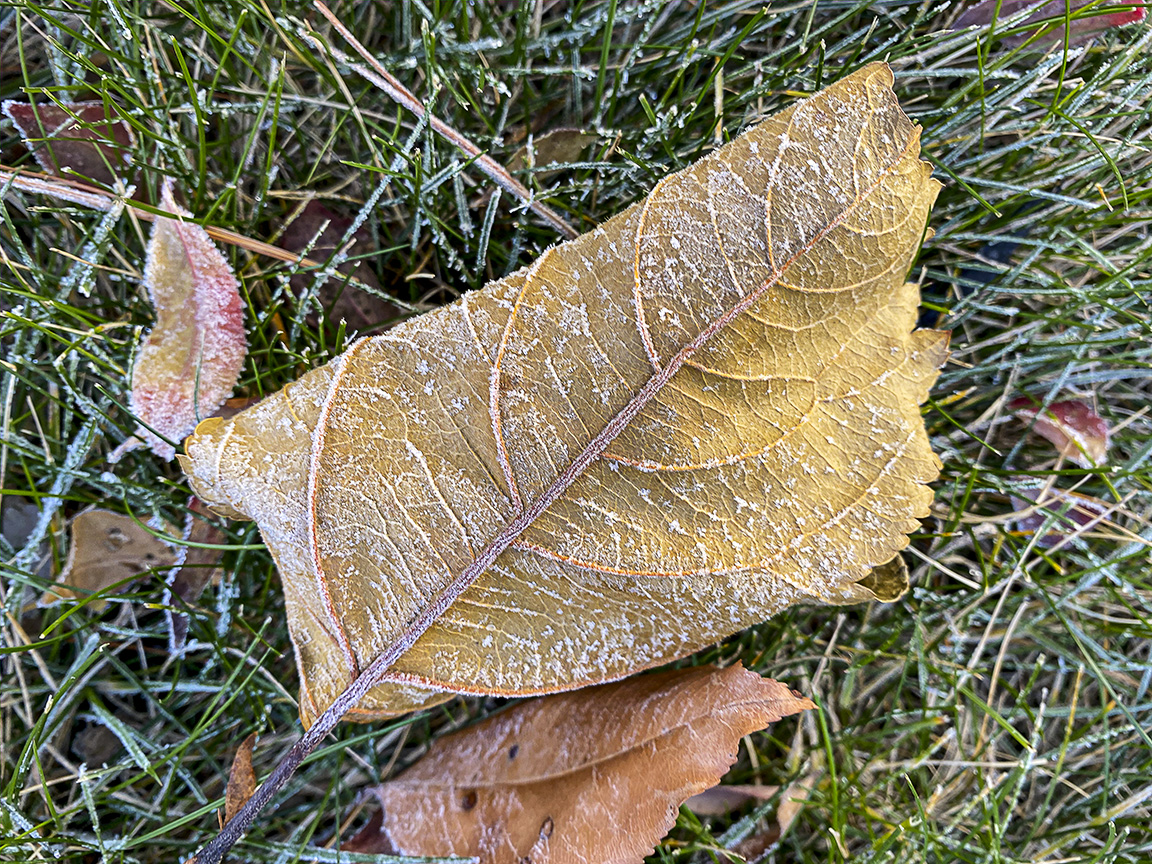

2 Image panorama 4.3mm lens, to show more of the leaf and surrounding area with Hoar Frost.

Hoar Frost on Leaves, 4.3 mm lens, 16×9 iPhone format, single image of above image.
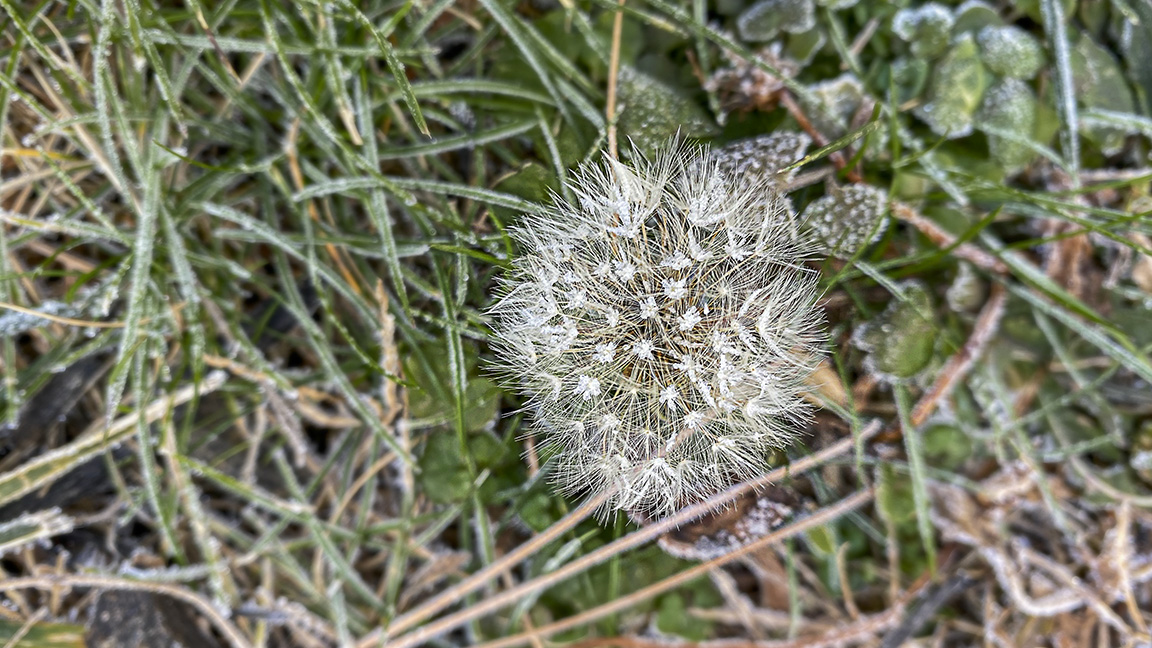
Hoar Frost on Dandelion, 4.3 mm, iPhone 11 Pro, 16×9 format. (It was quite warm one day last week and a dandelion popped up.)

Hoar Frost on Leaf, 4.3mm, iPhone 11 Pro, 16×9 format
 photoartflight