 photoartflight
Spotted Lanternflies
Posted on August 9, 2021

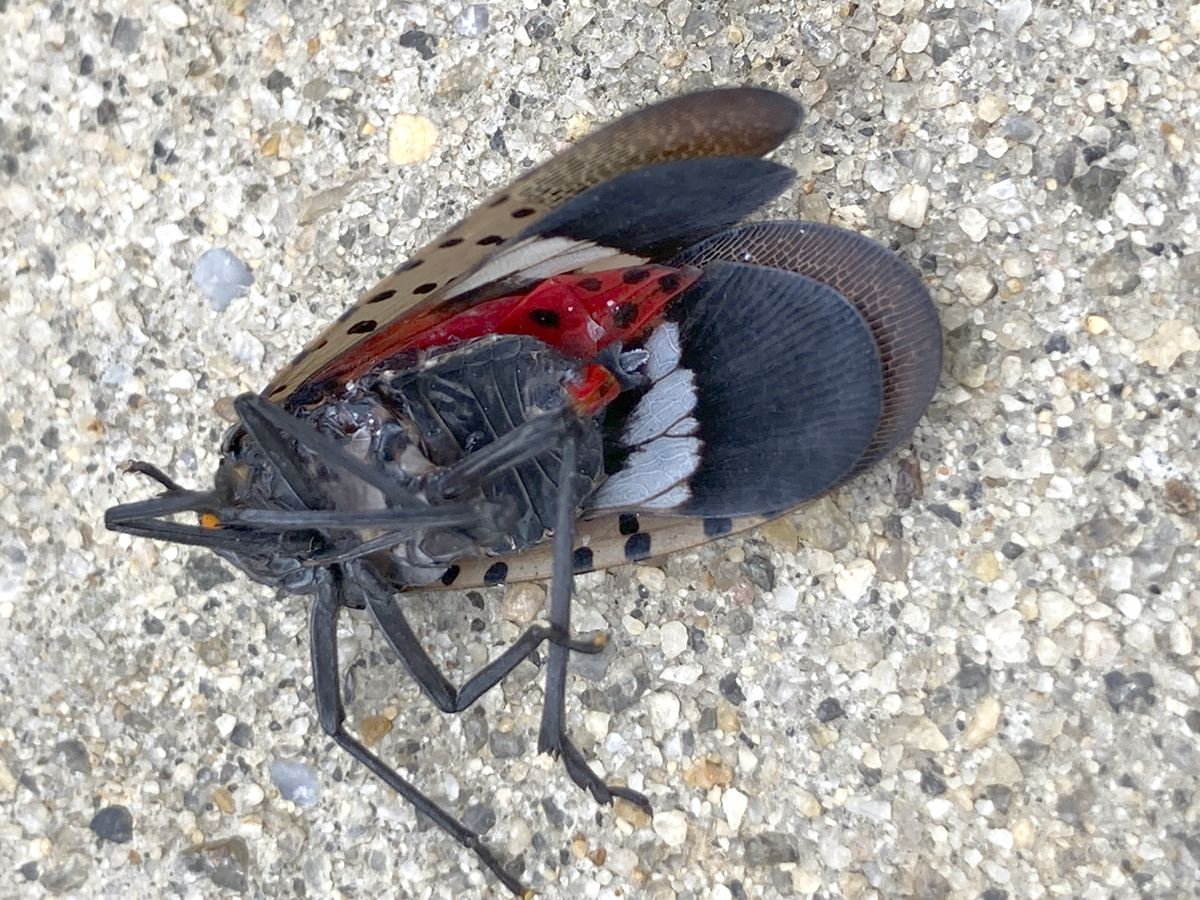
It seems we are seeing more of the Spotted Lanternflies in our area. Before you would only see one here or there, but now you see them quite often, especially at parks or when taking a walk. They are not good flyers, so you often see them just fly erratically for very short distances then land. Then wait a little and fly again or seek shelter. They are interesting photo subjects but very very invasive! While the Spotted Lanternfly prefers the Tree of Heaven (Ailanthus altissima), it feeds on a variety of host plants including fruit trees, ornamental trees, woody trees, vegetables, herbs, grains and vines.

The early stages of the Lanternfly:
- There are four nymphal instars.
- The first three instars are black with white spots.
- They grow from a few millimeters to appro. ¼ inch and have no wings.
- They are strong jumpers to avoid capture or predators.
- They appear in this stage beginning in May through July.
- The fourth instars are approx. 1/2inch in size and bright red, covered in black stripes and white spots.
- They are strong jumpers and will jump to avoid danger.
- They appear in this stage from July through September.



NJ Department of Agriculture Posting:
Spotted Lanternfly (SLF), Lycorma delicatula, is an invasive planthopper native to China, India, and Vietnam; it is also established in South Korea, Japan and the U.S. It was first discovered in the U.S. in Pennsylvania in Berks County in 2014 and has spread to other counties in PA, as well as the states of New Jersey, Delaware, Maryland, Virginia, West Virginia, New York, Connecticut and Ohio.
This insect has the potential to greatly impact agricultural crops and hardwood trees. SLF feeds on the plant sap of many different plants including grapevines, maples, black walnut, and other important plants in NJ. While it does not harm humans or animals, it can reduce the quality of life for people living in heavily infested areas.
Why You Should Care
SLF is a serious invasive pest with a healthy appetite for our plants and it can be a significant nuisance, affecting the quality of life and enjoyment of the outdoors. The spotted lanternfly uses its piercing-sucking mouthpart to feed on sap from over 70 different plant species. It has a strong preference for economically important plants and the feeding damage significantly stresses the plants which can lead to decreased health and potentially death.
As SLF feeds, the insect excretes honeydew (a sugary substance) which can attract bees, wasps, and other insects. The honeydew also builds up and promotes the growth for sooty mold (fungi), which can cover the plant, forest understories, patio furniture, cars, and anything else found below SLF feeding.
If you see a Spotted Lanternfly, help us Stomp it Out!
Colorful Trees From Our Community
Posted on April 12, 2021

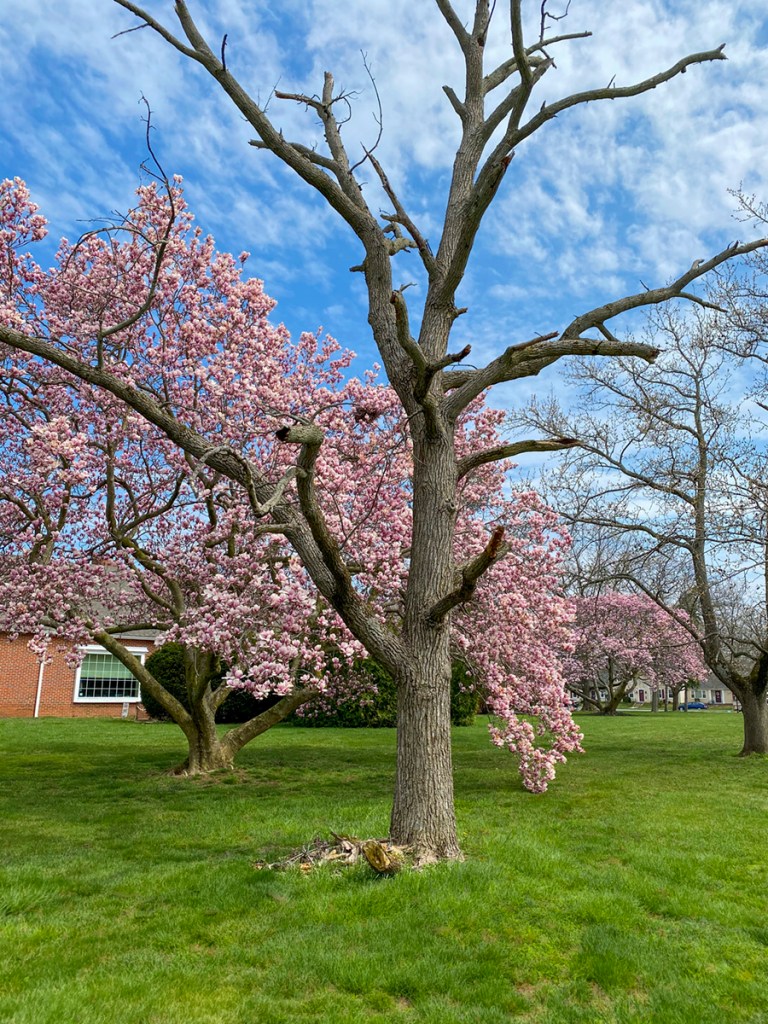
These images are from a recent walk in our community. I have not posted much lately because I scratched my cornea but it is feeling much better now. I also have a lot of Fisheye images to post soon. The images here are all taken with my iPhone 11 Pro. I noted in the captions when they are made with a series of multiple images for the final image. The Featured image is made from 8 handheld iPhone 11 images taken with the 1.5mm lens. (Full frame camera lens equivalent ~ 13mm.)


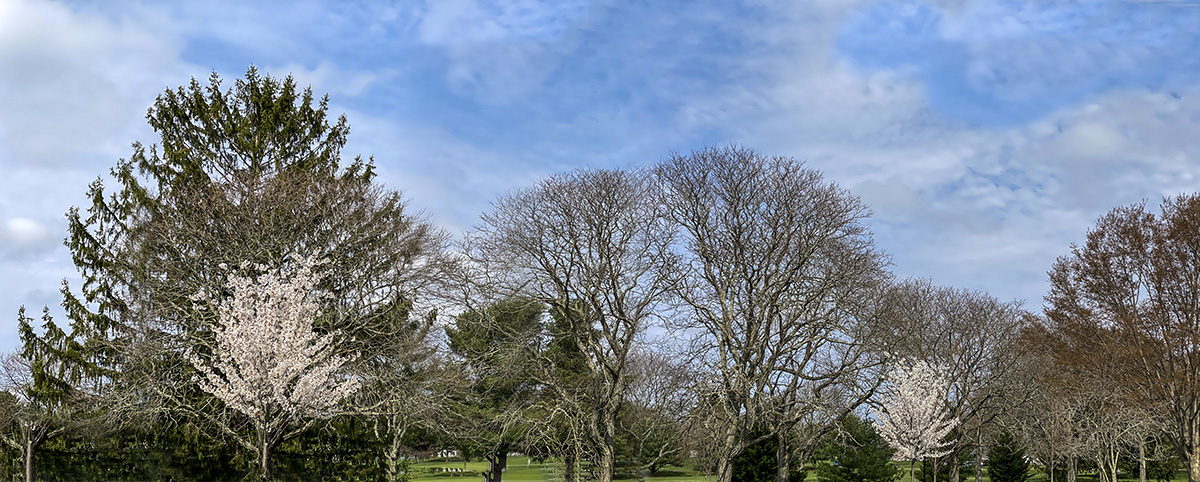
Tree Panorama From Davidsons Mill Pond Park
Posted on March 19, 2021

We were taking a walk through the woods at Davidsons Mill Pond Park to get some exercise & fresh air. I was just using my Phone 11 Pro looking for interesting landscapes on the trails going though the woods. This image was near the very end of the trail through the woods. I was using my iP11 Pro with the widest lens 1.5mm (Full Frame Camera Equivalent ~ 13mm). I took 5 horizontal images in a series going from somewhat straight on to looking up, then the final image getting the top of the trees. I loaded those images layered in one Photoshop file and blended them for my flattened image file. I then adjusted my final blended image to get rid of most of the “distortion” because of the extreme wide angle of the 1.5mm iPhone 11 lens. This corrected a lot of the “bowing of the trees reaching for the sky”. It actually came out better then I thought it would.

Audubon Plainsboro Preserve “Walking” Panorama
Posted on March 17, 2021

We went for a walk at the Audubon Plainsboro Preserve to get in a nice walk. As we were walking down one of the long straight paths across from Lake McCormack I thought I would do a panorama of the woods. With the sun’s position it was casting long interesting shadows in the foreground. Usually I shoot a series of images from the left to the right, but shooting from a somewhat center position of the image I want to capture. Here I was near the start of the panorama I wanted to capture. I was using my iP 11 Pro with the 4.3mm lens (Full Frame FOV ~ 26mm). So I decided to shoot a series of images as I was walking down the path. This way I would not get as much of the “distortion” of the very small iPhone lens. If I was positioned about in the center of the image I wanted to capture I would get a very smaller distant distorted “view”on each end of the pano because of the iPhone’s small lenses. So it would look distorted with much smaller ends. So I went to where I wanted to start my panorama and a took an image. Then counted fifteen or so steps and took anther image. I did this down the entire length of the view I wanted to capture. In the end I had 16 images for my main panorama which is my featured image. The total length is 110 inches x 10 inches @ 300ppi. All images aligned & assembled in Photoshop.


Waking Up To An Ice Storm
Posted on February 22, 2021

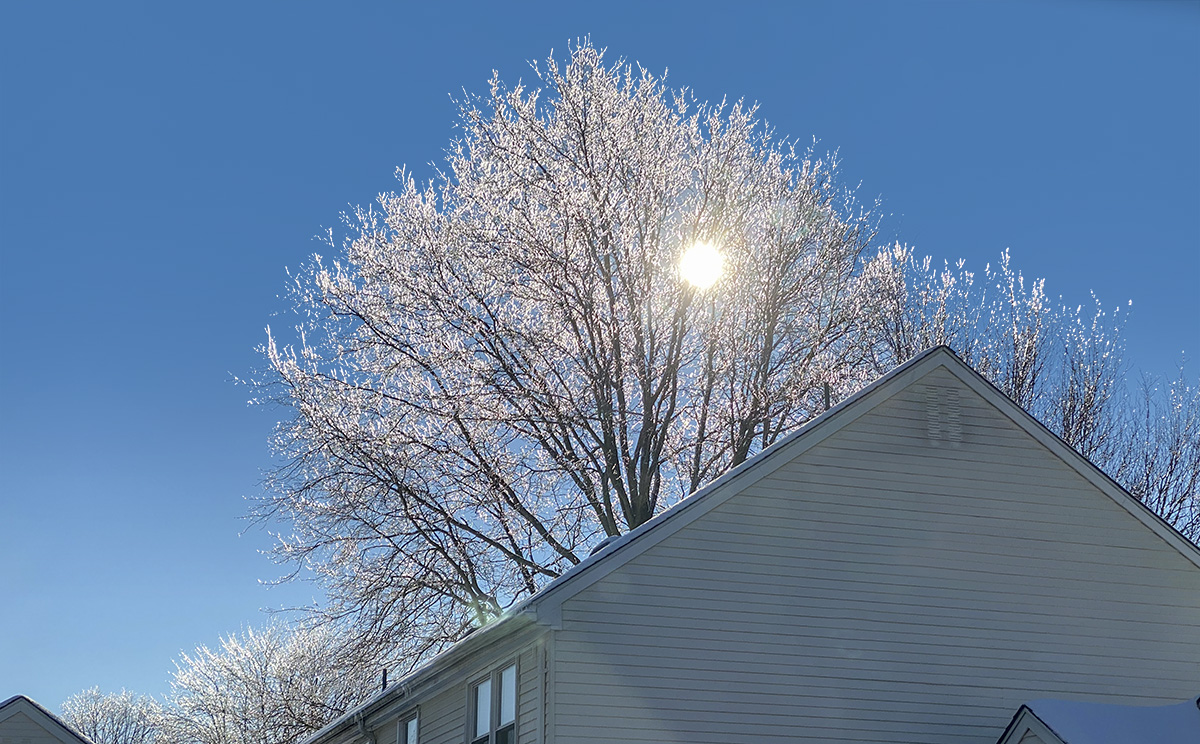
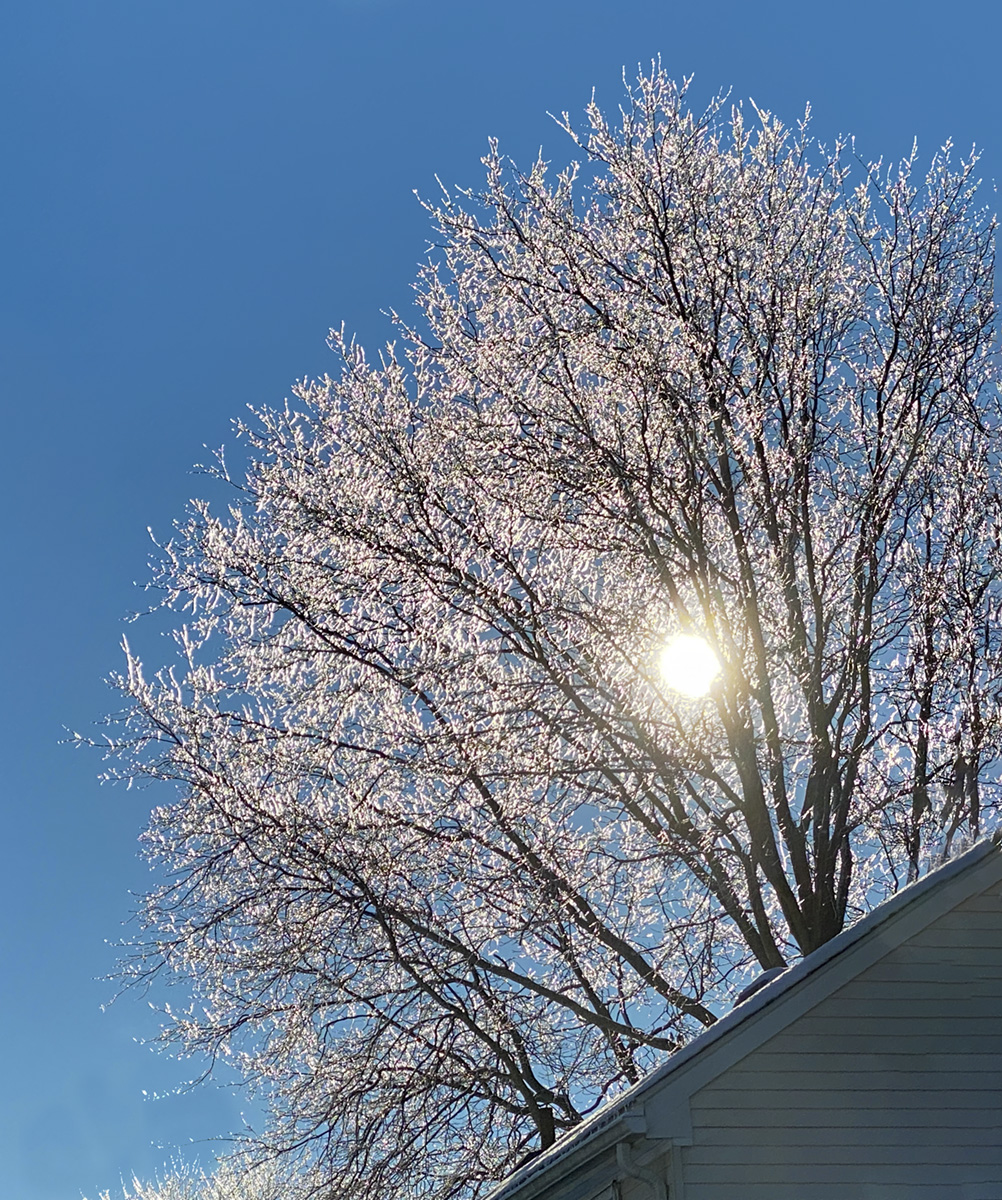
The other morning we woke up to an overnight ice storm. Sidewalks and paths were covered with ice. But with the sun coming up, the trees were glistening with the ice. I took a series of images out my back door with my iPhone. Since I could not walk out there I was using the iPhone 11 Pro with the 6mm lens (full Frame Camera Equivalent of 52mm) but added different amounts of Digital Zoom with the iPhone. Also most are multi-image panoramas to get the composition I wanted. When adjusting the iPhone files in Adobe Camera Raw I could see what amounts of digital zoom I was using. Camera Raw also gives me the combination of 6mm iPhone lens with the in phone digital zoom amounts in comparable Field of View of a Full Frame Camera Equivalent Focal Length. So the Featured image is 3 images, shot with the 6mm iP11 lens with 401% Digital Zoom for a final Digital Focal length of 207mm. Just thought it was interesting for comparison to a Full Frame Camera.


Blackwater NWR iPhone Multi-Image Panoramas
Posted on February 12, 2021
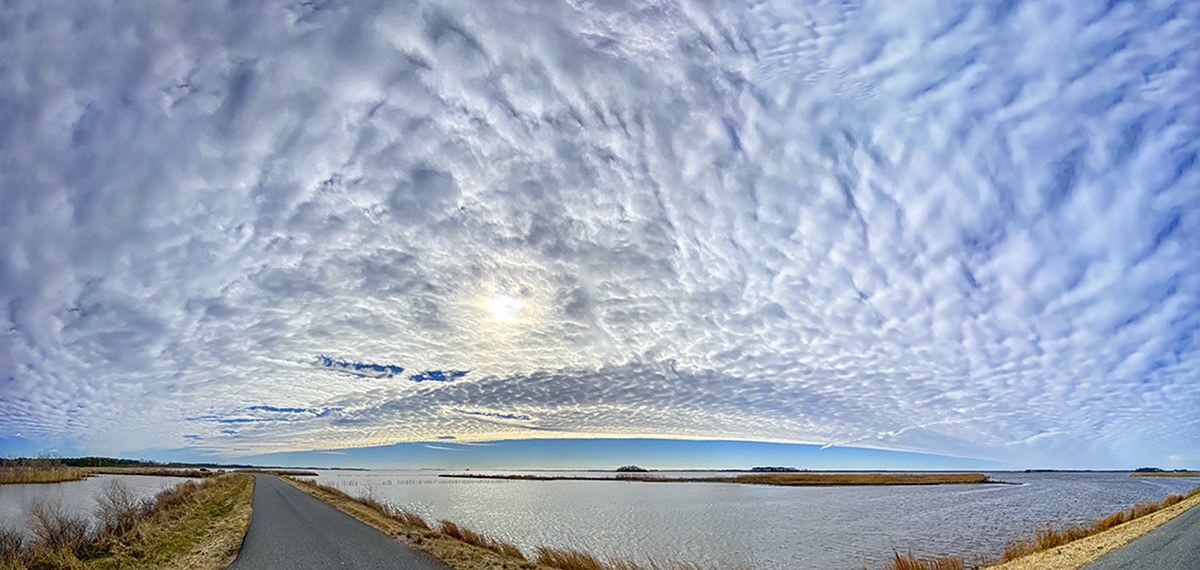
On our visit to Blackwater National Wildlife Refuge I was traveling light thinking only of Birds & Wildlife images. I only was using a Canon R with a Tamron 150-600mm lens. But when we got there the clouds with the landscapes were amazing. So I tried shooting quite a few multi-image panoramas with a variety of the iPhone lenses. The featured image is 10 vertical images (4:3 format iPhone format) assembled and blended in Photoshop.



BRIGANTINE IPHONE MULTI-IMAGE PANORAMAS
Posted on January 8, 2021

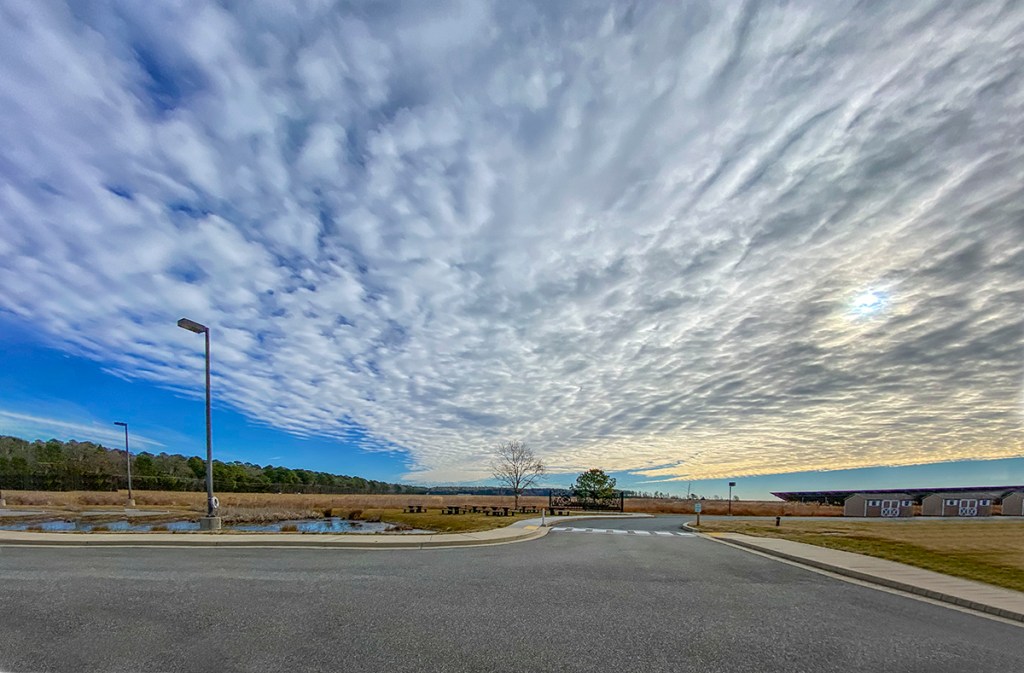
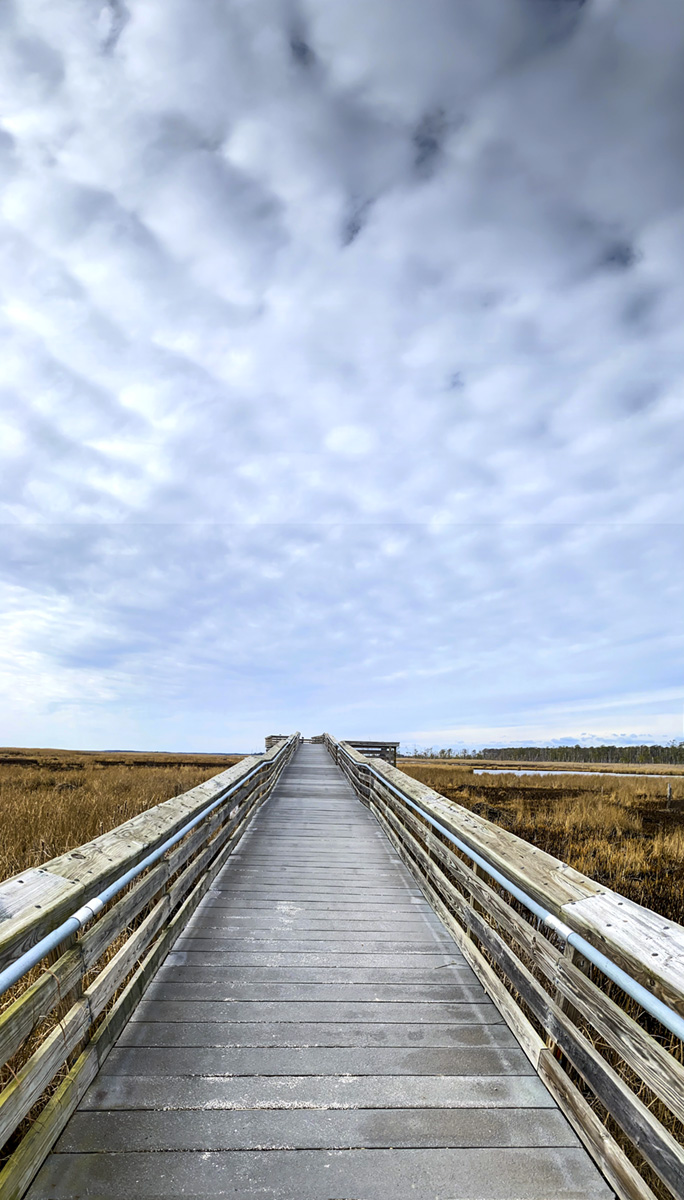
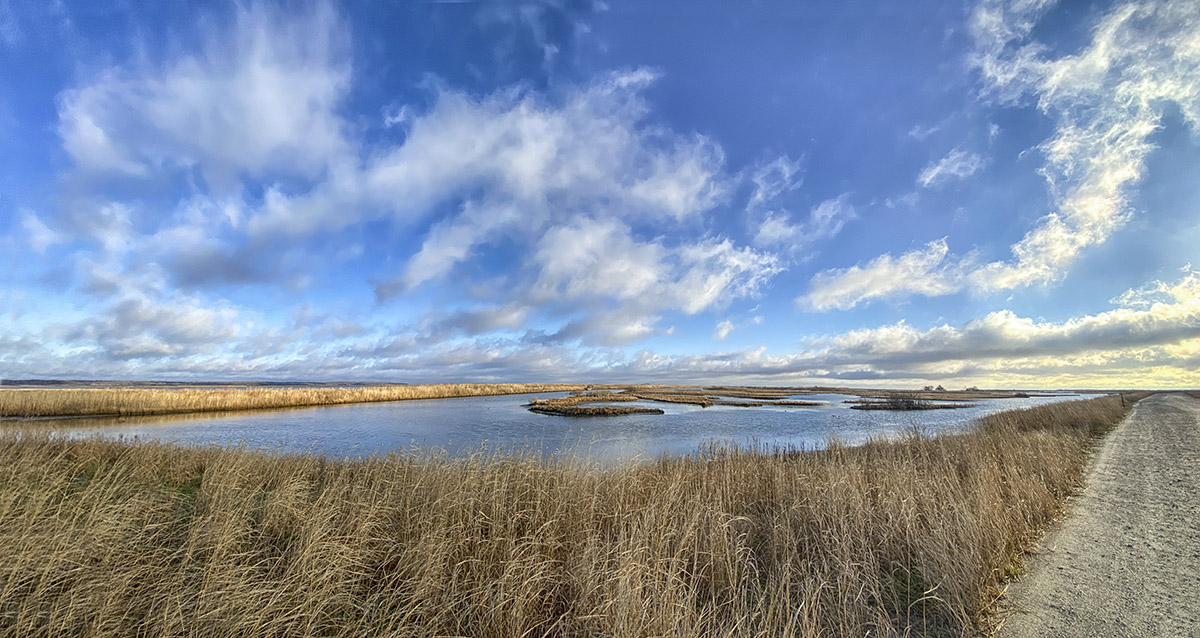
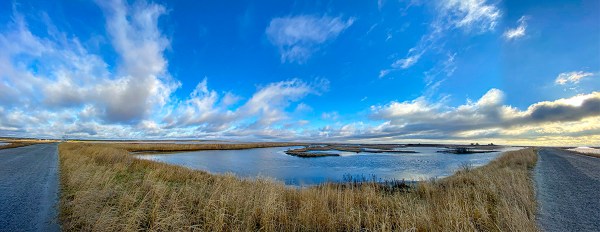
On our recent trip to the Brigantine Division of the Edwin B. Forsythe National Wildlife Refuge in Oceanville, NJ, I was traveling light. Mainly using a Tamron 150-600mm lens on a 1D mkIV, a 12-24mm zoom on a Canon R and my iPhone 11 Pro for multi-image landscapes & multi-image panoramas. The Canon R with the 12-24mm never made it out of the camera bag. I was having more fun shooting multi-image Panoramas on my iPhone 11 Pro. The featured image is 13 images shot in multiple images per row & then multiple rows with the iPhone 11 Pro & the 1.5mm lens.



Community Meeting House Fall Panoramas
Posted on November 20, 2020
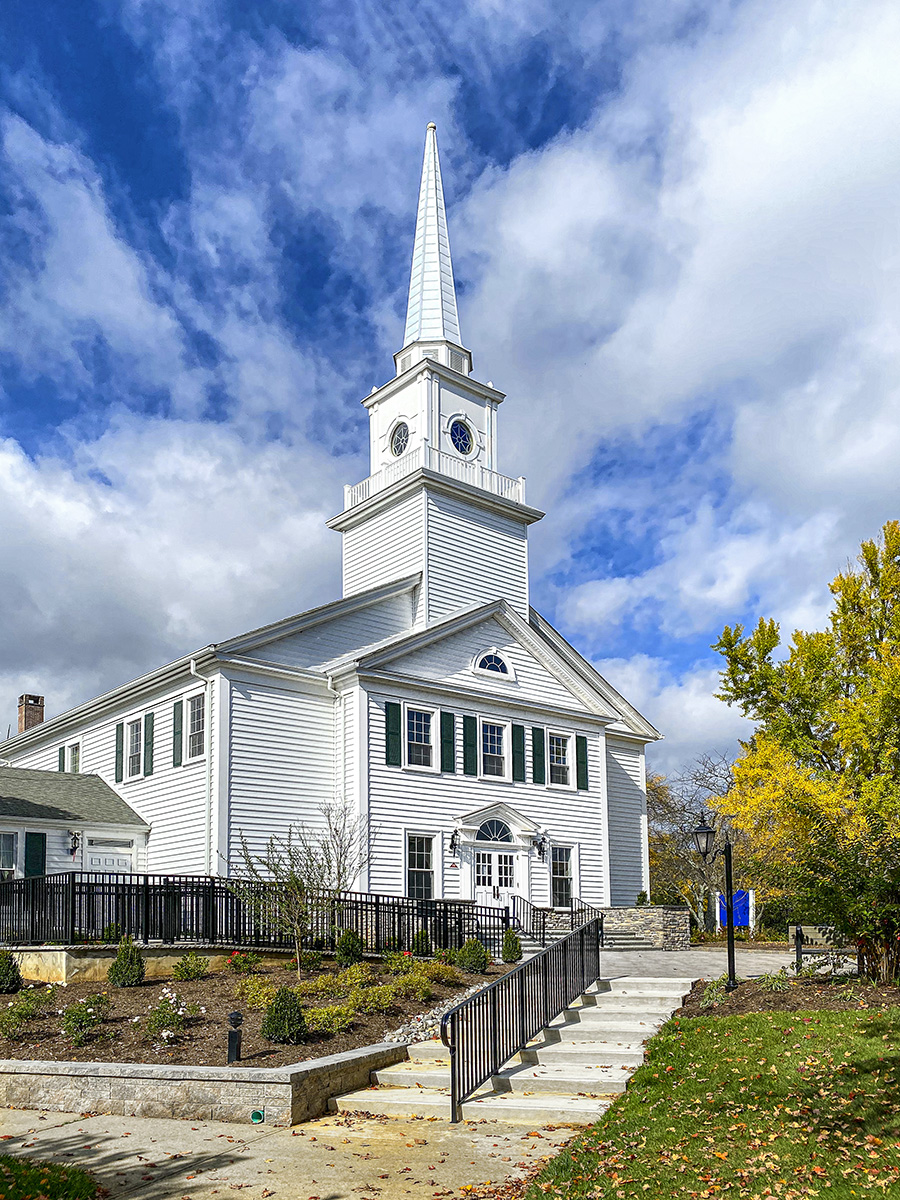
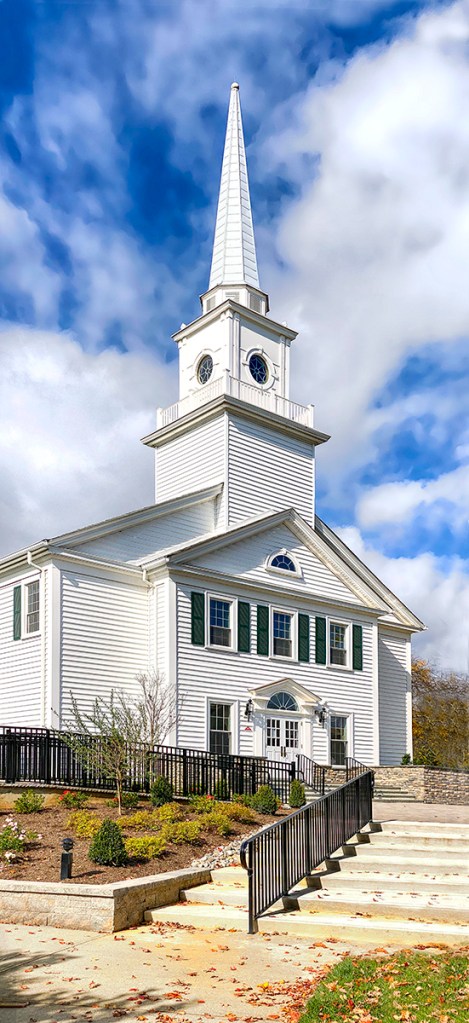
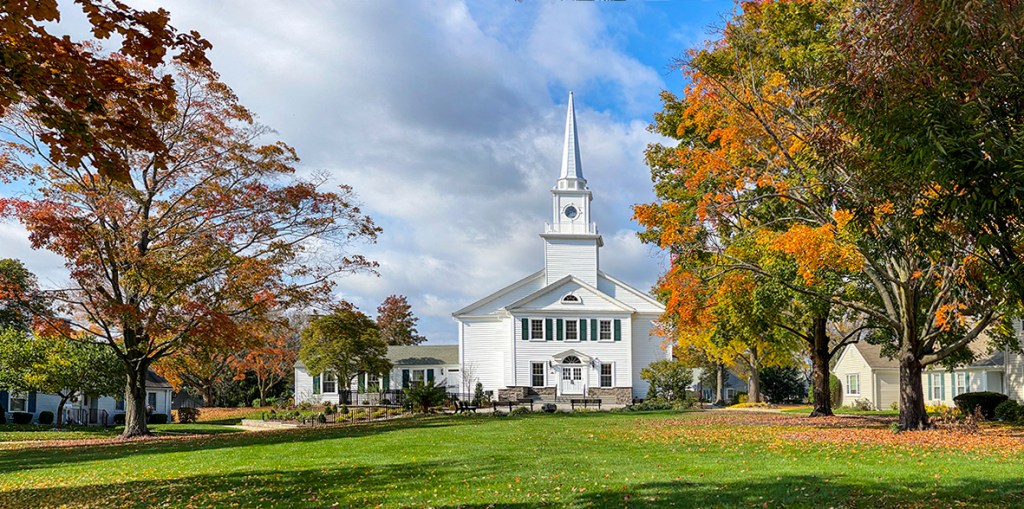
As I was walking around our condo community, I liked the Fall colors and clouds around our community Meeting House. This building is used for community meetings, concerts, church services and a few other gatherings. Because of Covid-19 it has been closed for quite a while, but it is still fun to photograph especially with some of the Fall Colors and bright blue sky. The Featured Image is a 2 vertical image panorama taken with an iPhone 11 Pro using the 4.3mm lens (Full Frame Camera Field of View is 26mm).

FALL TREES & SHADOWS IN THOMPSON PARK
Posted on November 11, 2020
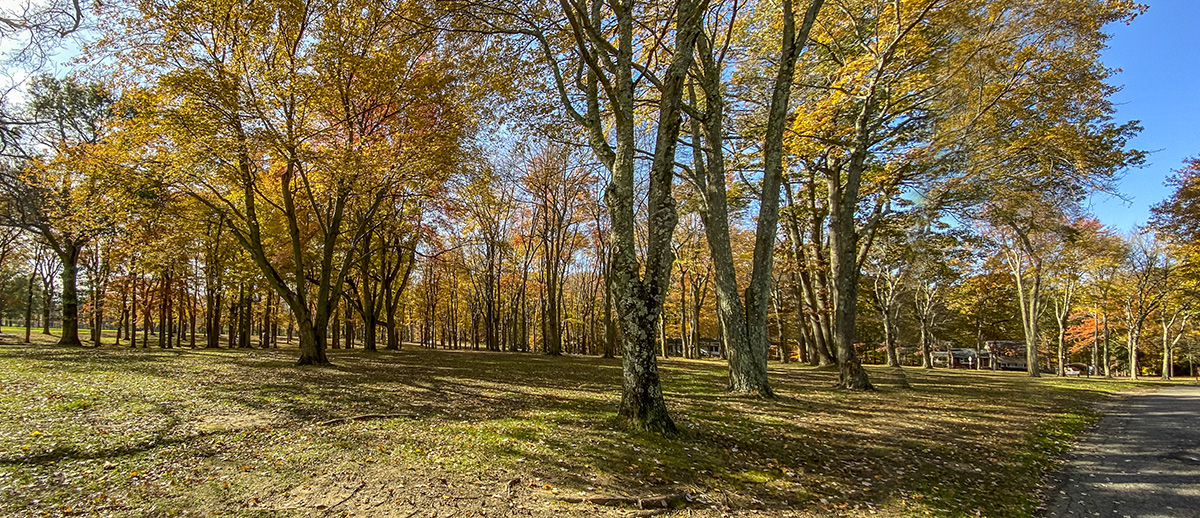
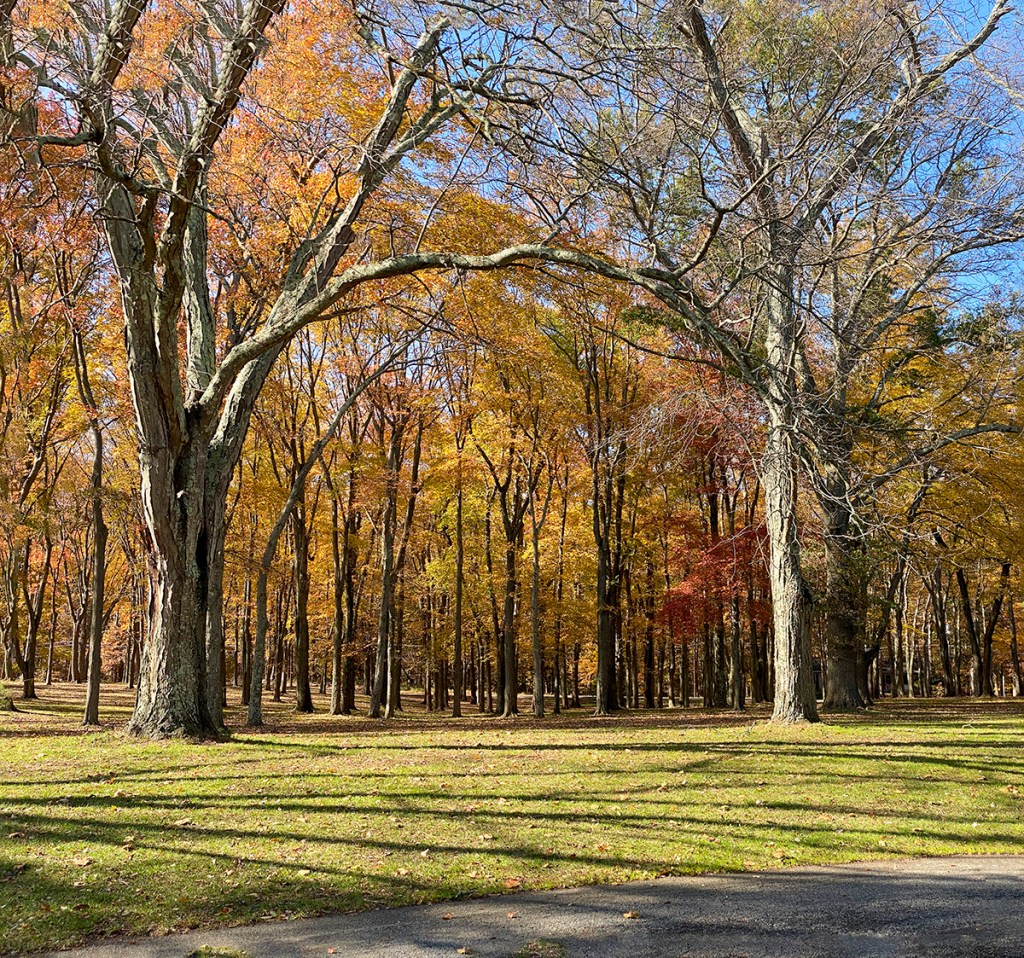
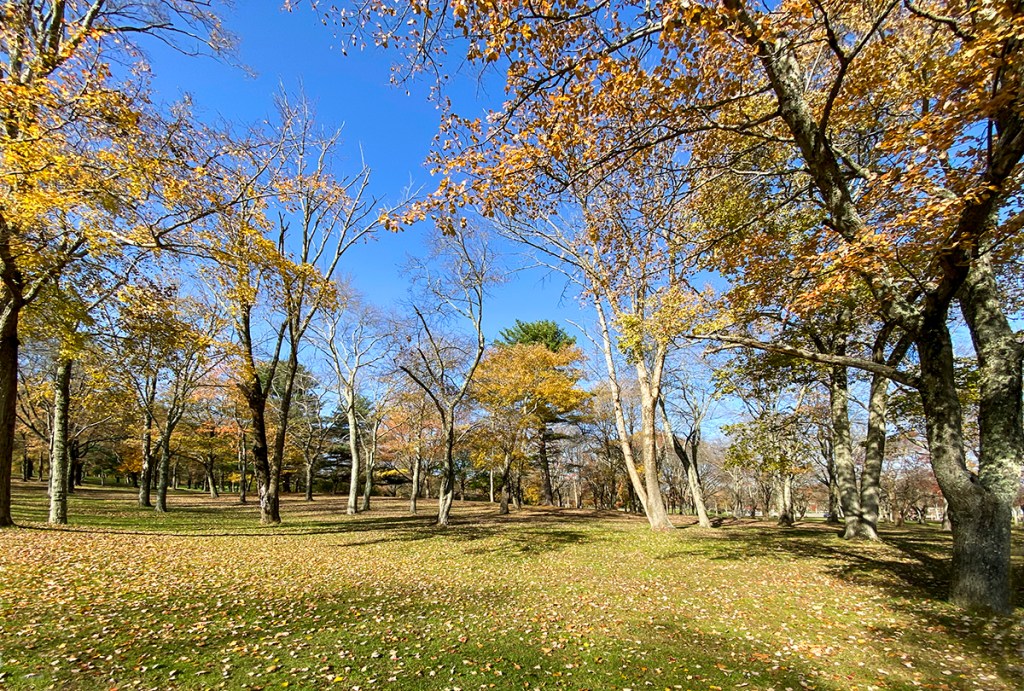
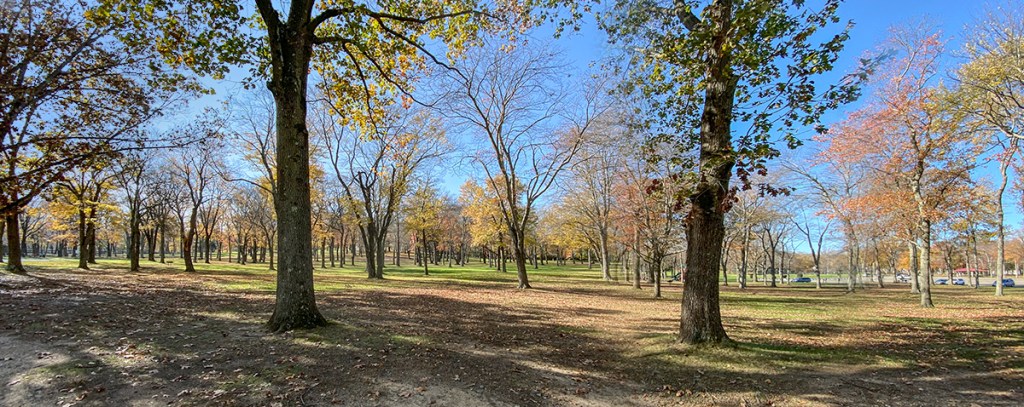
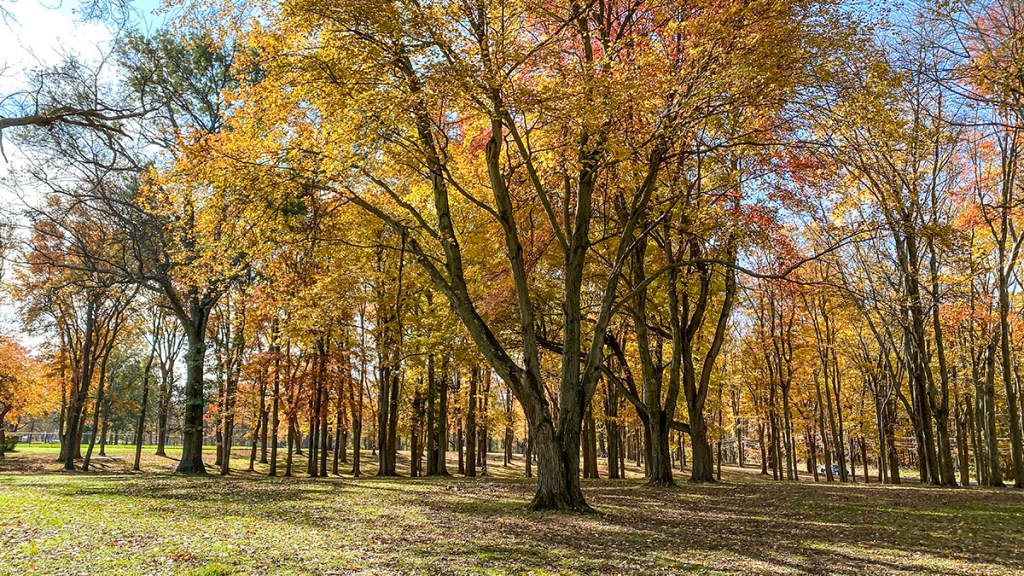
We went for a walk at a local park in our town to see what we could find to photograph. We usually do not go there because it is a very crowded, but large park with 675 acres. The Park also has lots of sports fields, basketball courts, etc. The park features Manalapan Lake, a 30 acre lake periodically stocked with fish by the State Division of Fish and Wildlife. The Lake is not photogenic because of Buildings & Businesses across the Lake in the background. But some of the wooded areas were interesting with what was left of the Fall Colors in the trees. Plus it was a nice sunny day with blue skies behind the trees. I was traveling light and was just using my iPhone 11 Pro. When shooting panoramas with the iPhone, I do not use the panorama feature built in the iPhone because of the very small lenses in the iPhone – 1.5mm, 4..3mm & 6mm lenses (Plus Digital Zoom feature up to 10X). Using the Panorama feature tends to distort the ends of the panorama and give a “bulging effect ” in the middle of the image. Even with the wide 1.5mm lens (Full Frame Equivalent is ~13mm) I tend to like a wider view. Shooting multiple single images and combining them in Photoshop minimizes this “Bowing” effect and I can get any length image I want. The Featured Image was a 3 image panorama shot using the 1.5mm lens (Full Frame Field of View Equivalent ~13mm). The images for each Multi-Image were loaded into layers in 1 Photoshop file. Then I used Auto-Align to align the images. Then used Auto-Blend to blend the multi-images for the final image.

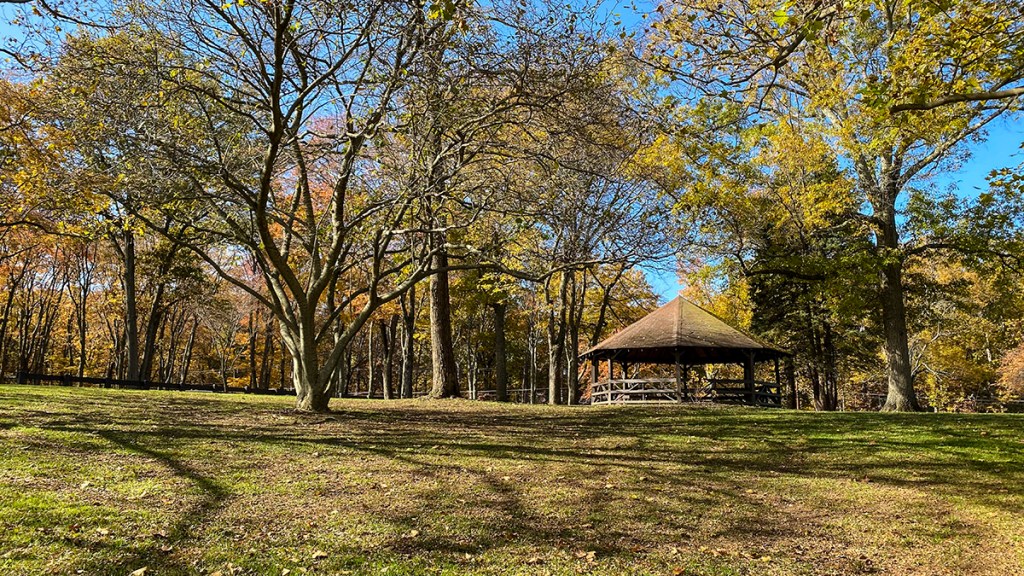
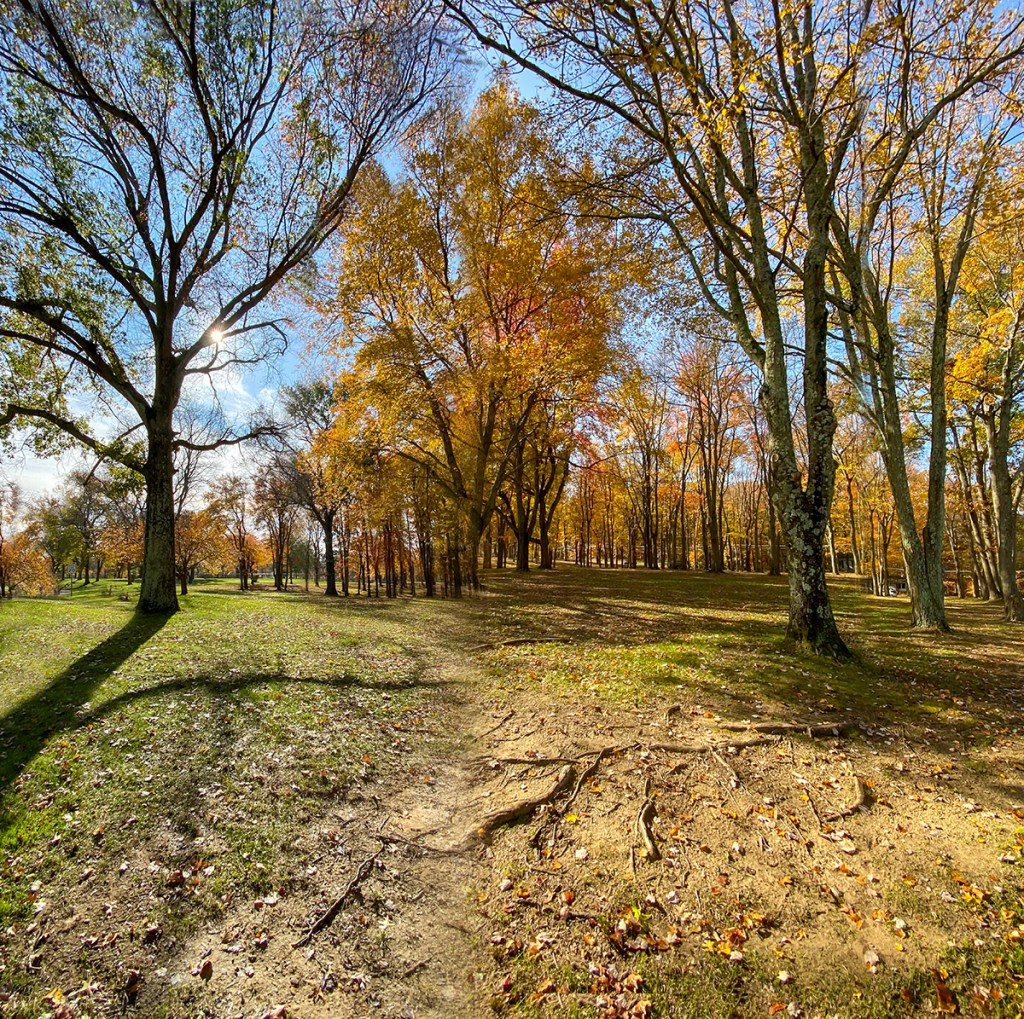
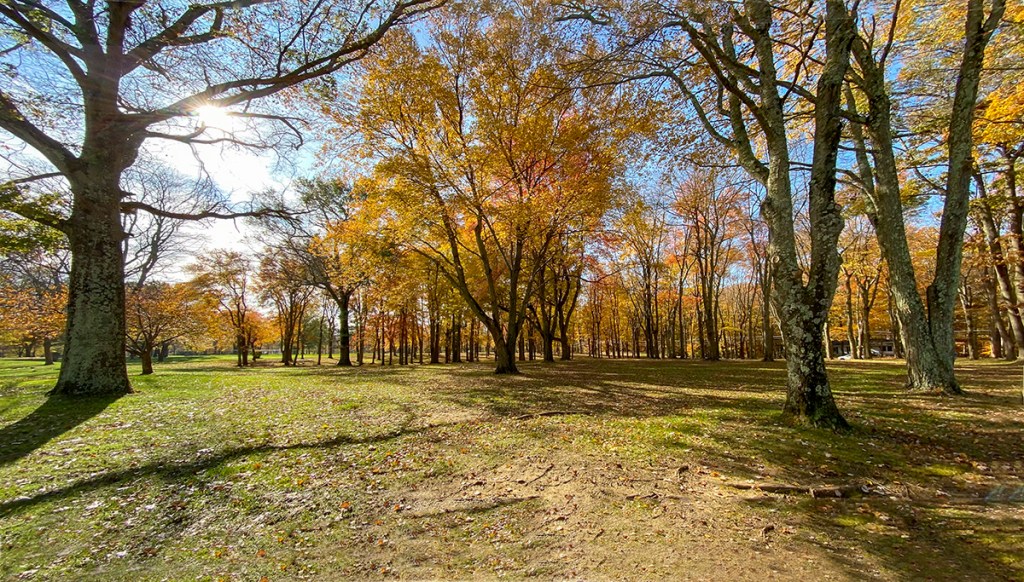
(13mm Full Frame Field Of View Equivalent)



Mc Cormack Lake Multi-Image iPhone Panoramas
Posted on October 27, 2020

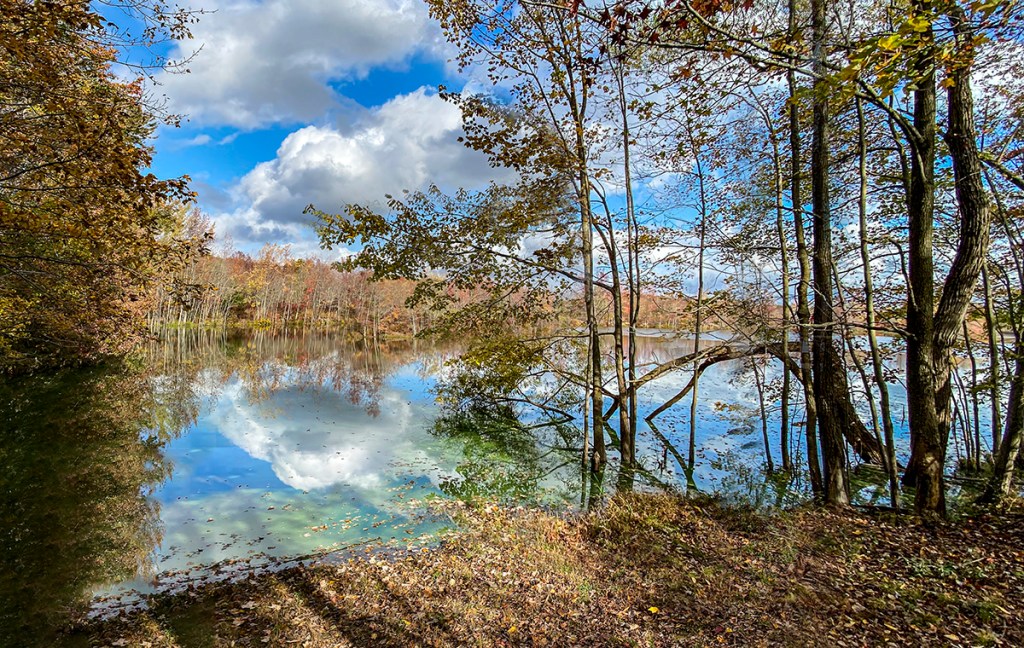
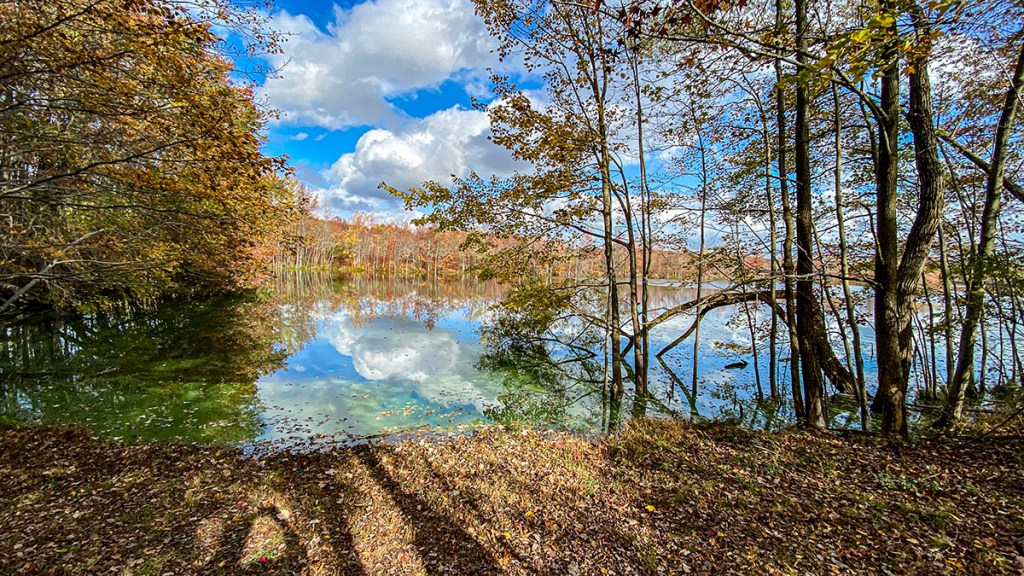
On our recent walk at Plainsboro Preserve, we took a different trail that took us to the farthest viewing point of McCormack Lake. We had never been at this spot in the woods before. There were many trees in the way, but I liked the view looking through the trees seeing the distant shoreline with the trees & clouds across the Lake. I was using a Canon R with a 12-24mm lens, but for this post I am only using the images I shot with my iPhone 11. Most of these iPhone images are multi-image shots to get wider views or a little taller views to get more foreground & more of the clouds. The featured image is 4- iPhone 11 Pro images with the 1.5mm lens to get more width and more sky & foreground. On a Full Frame camera this would be approximately equivalent to a 13mm lens field of view.


 photoartflight