 photoartflight
iPhone Cloudscapes
Posted on August 26, 2020

While taking a walk in our community, we noticed very low huge cloud formations. They were quite impressive, so I shot a series of images with my iPhone 11 Pro. Most were panoramas shot with multiple images to be assembled in Photoshop for the final image. I do not usually use the pano feature in the iPhone because it distorts the left & right ends of the image giving a “bowing distortion” in the middle. Most images were shot with the 6mm lens with digital zoom added in the iPhone. I never really used the digital zoom feature much before, but it actually worked out quite well, especially for clouds.
The featured image is a single shot with the 6mm lens with 318% Digital Zoom added on the phone. I was photographing from a distance because if I got closer the trees blocked more of the bottom of the clouds and I only could photograph the small top cloud section.
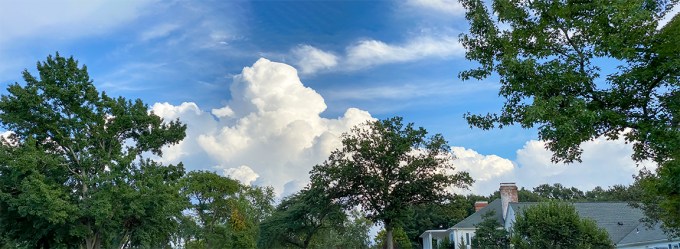
Cloud Panorama, iPhone 11 Pro, 4.3mm lens, 195% Digital Zoom Added, 3 Image Blend in Photoshop
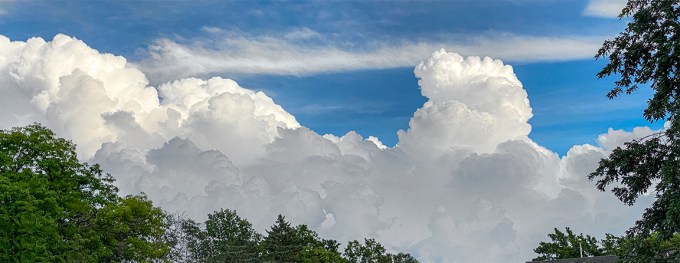
Cloud Panorama, iPhone 11 Pro, 6mm lens, 168% Digital Zoom Added, 4 image Panorama, Blended in Photoshop
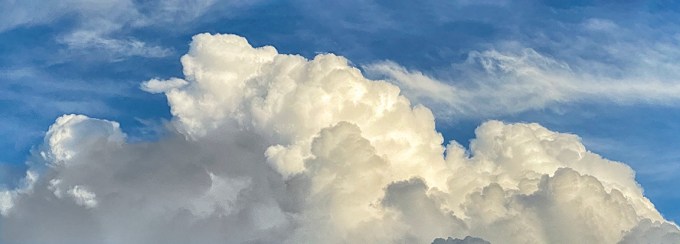
Cloud Panorama, iPhone 11 Pro, 6mm lens with 260% Digital Zoom added, 3 image Panorama, Blended in Photoshop
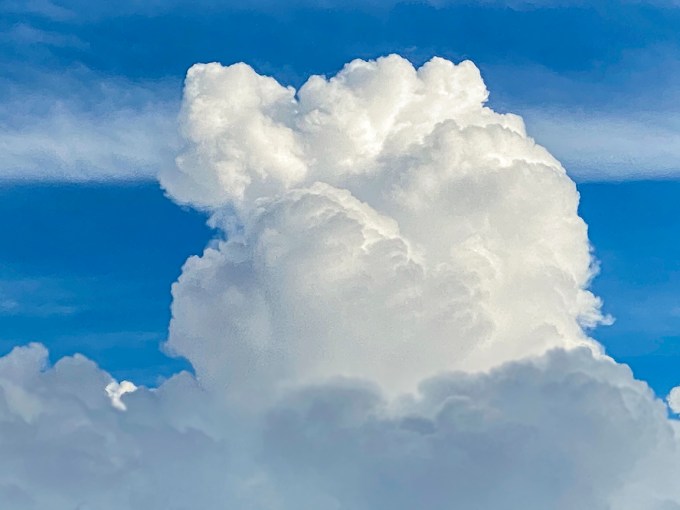
Cloud Panorama, iPhone 11 Pro, 6mm lens with 318% Digital Zoom added, 3 image Panorama, Blended in Photoshop
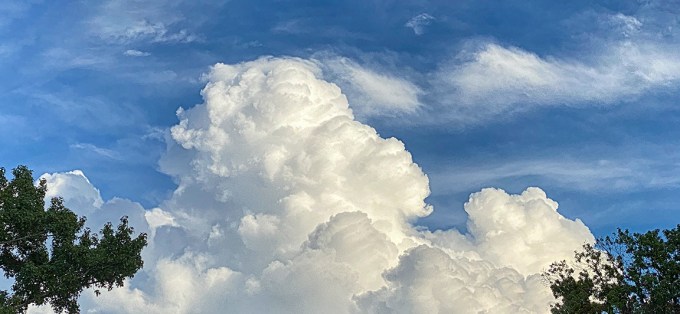
Cloud Panorama, iPhone 11 Pro, 6mm lens with 213% Digital Zoom added, 5 image Panorama, Blended in Photoshop
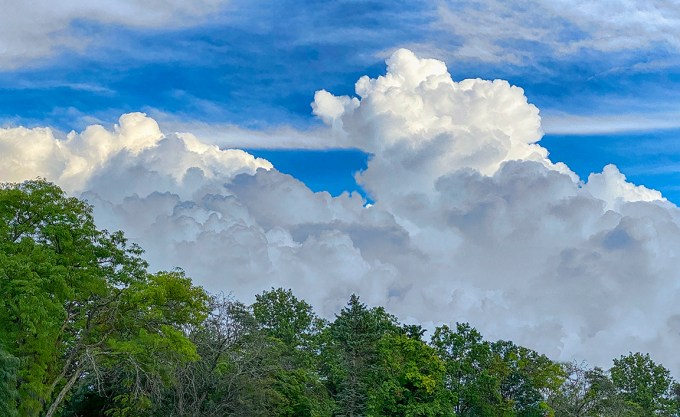
Cloud Panorama, iPhone 11 Pro, 6mm lens with 214% Digital Zoom added, 5 image Panorama, Blended in Photoshop
 photoartflight