 photoartflight
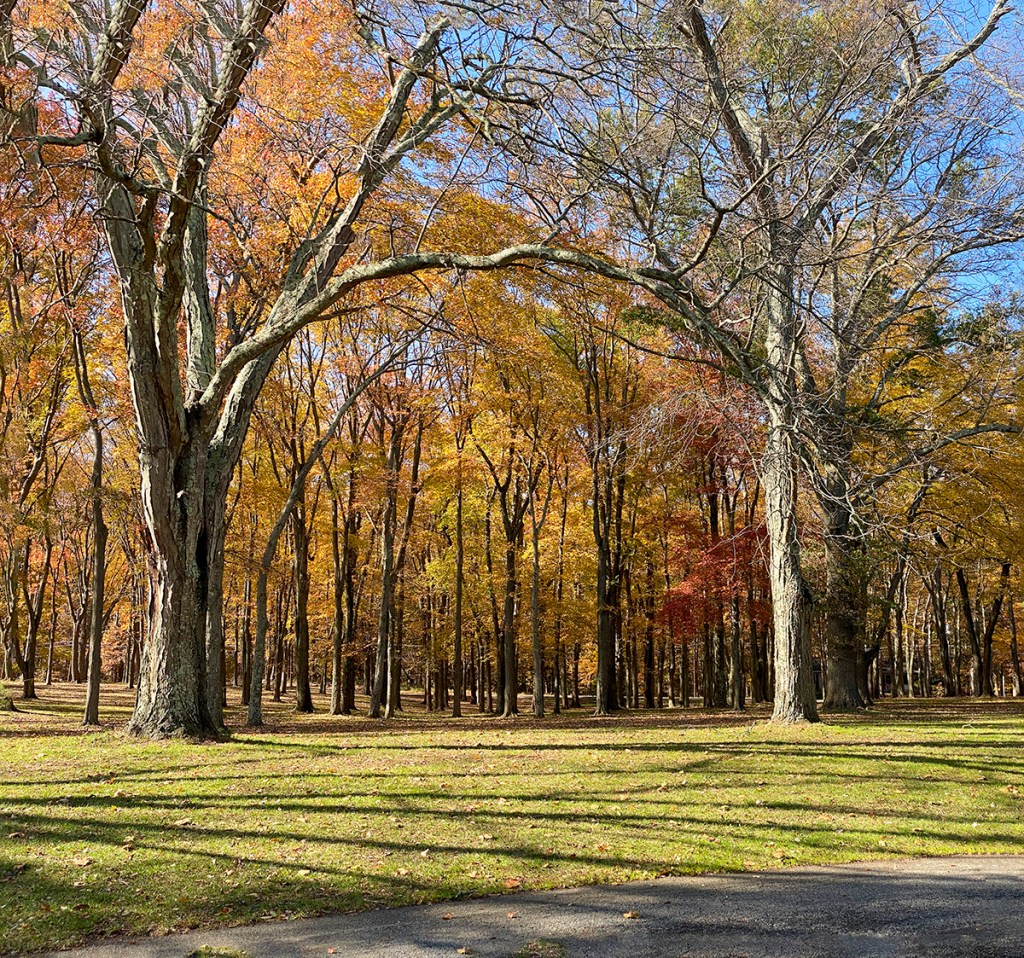
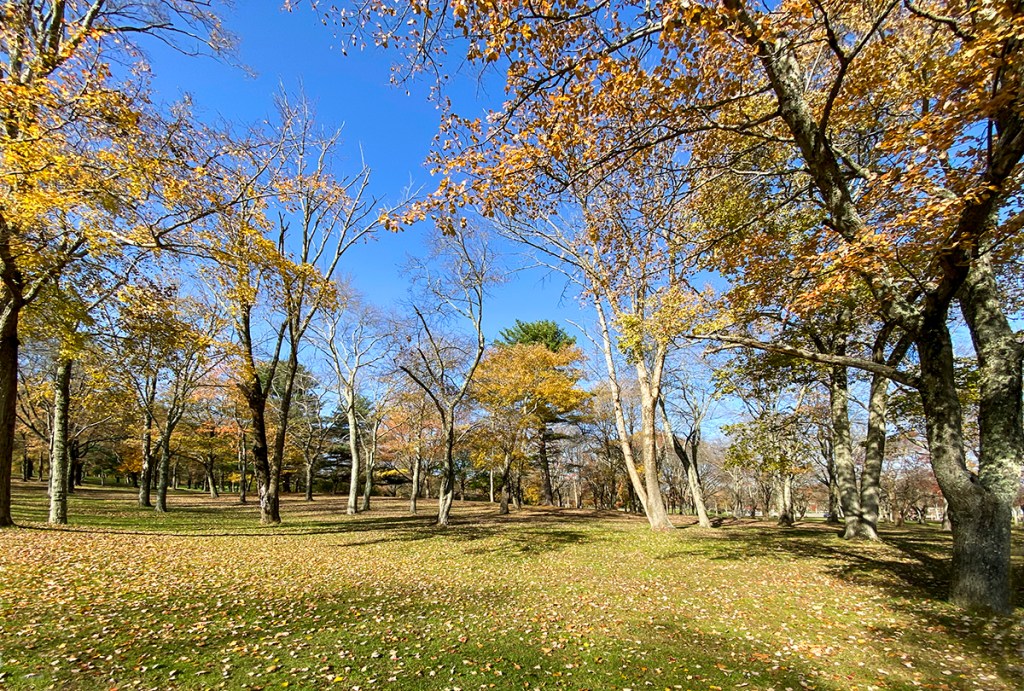
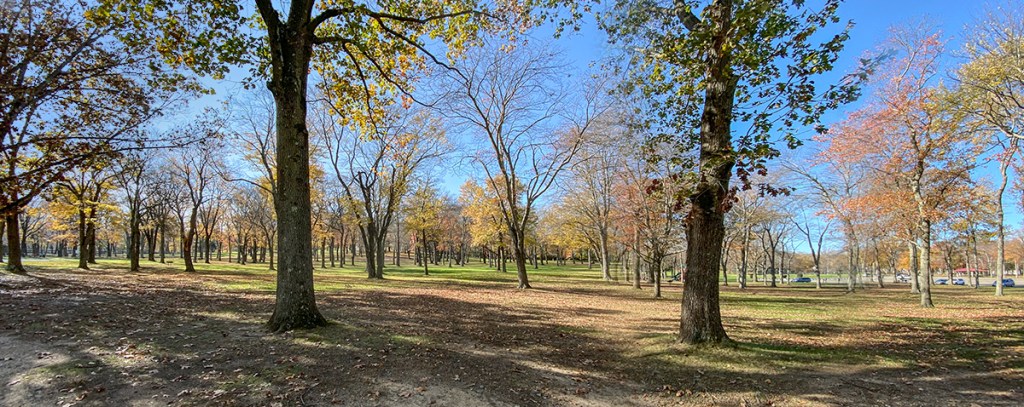
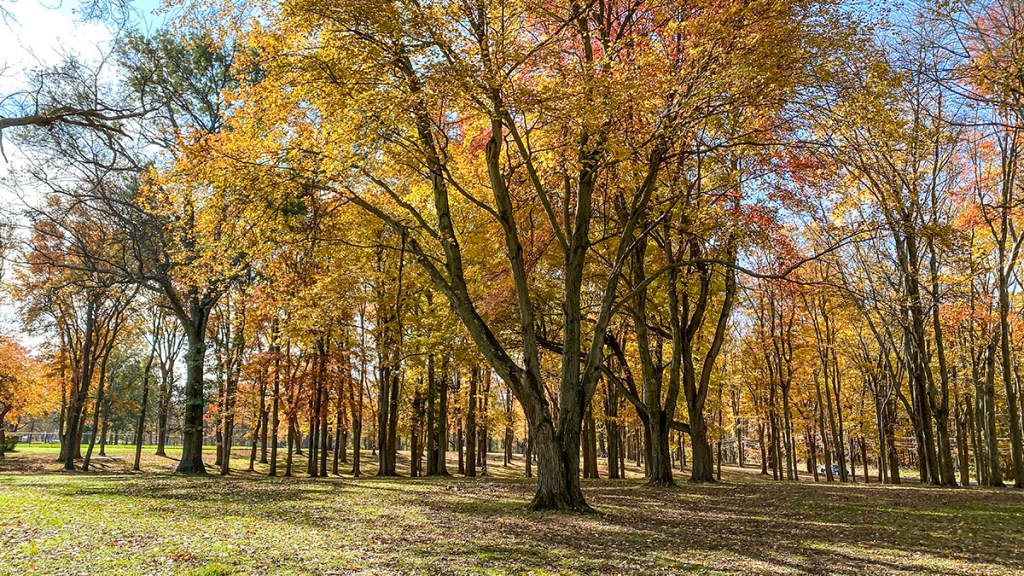
FALL TREES & SHADOWS IN THOMPSON PARK
Posted on November 11, 2020
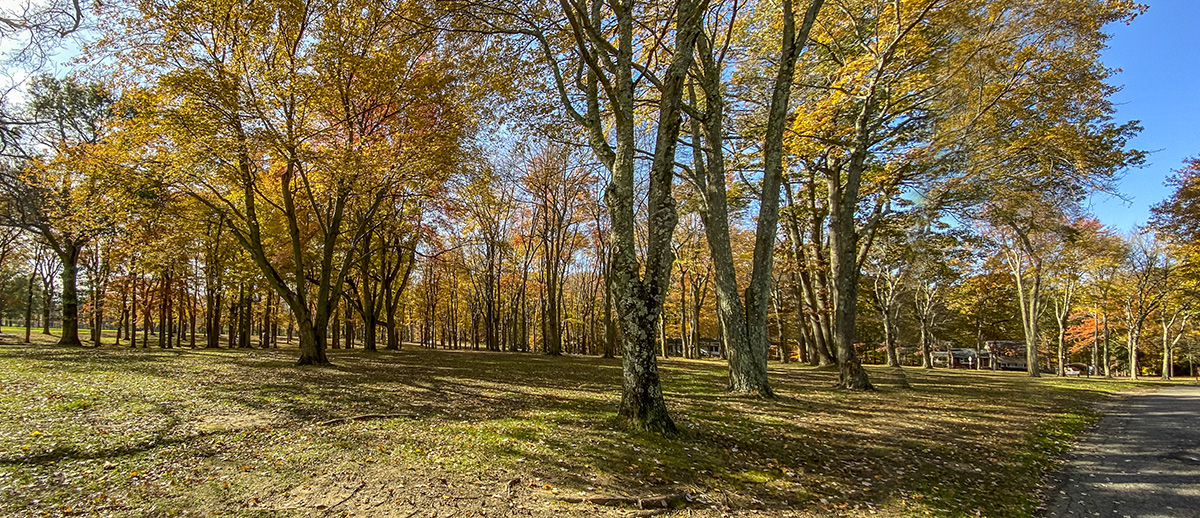
We went for a walk at a local park in our town to see what we could find to photograph. We usually do not go there because it is a very crowded, but large park with 675 acres. The Park also has lots of sports fields, basketball courts, etc. The park features Manalapan Lake, a 30 acre lake periodically stocked with fish by the State Division of Fish and Wildlife. The Lake is not photogenic because of Buildings & Businesses across the Lake in the background. But some of the wooded areas were interesting with what was left of the Fall Colors in the trees. Plus it was a nice sunny day with blue skies behind the trees. I was traveling light and was just using my iPhone 11 Pro. When shooting panoramas with the iPhone, I do not use the panorama feature built in the iPhone because of the very small lenses in the iPhone – 1.5mm, 4..3mm & 6mm lenses (Plus Digital Zoom feature up to 10X). Using the Panorama feature tends to distort the ends of the panorama and give a “bulging effect ” in the middle of the image. Even with the wide 1.5mm lens (Full Frame Equivalent is ~13mm) I tend to like a wider view. Shooting multiple single images and combining them in Photoshop minimizes this “Bowing” effect and I can get any length image I want. The Featured Image was a 3 image panorama shot using the 1.5mm lens (Full Frame Field of View Equivalent ~13mm). The images for each Multi-Image were loaded into layers in 1 Photoshop file. Then I used Auto-Align to align the images. Then used Auto-Blend to blend the multi-images for the final image.

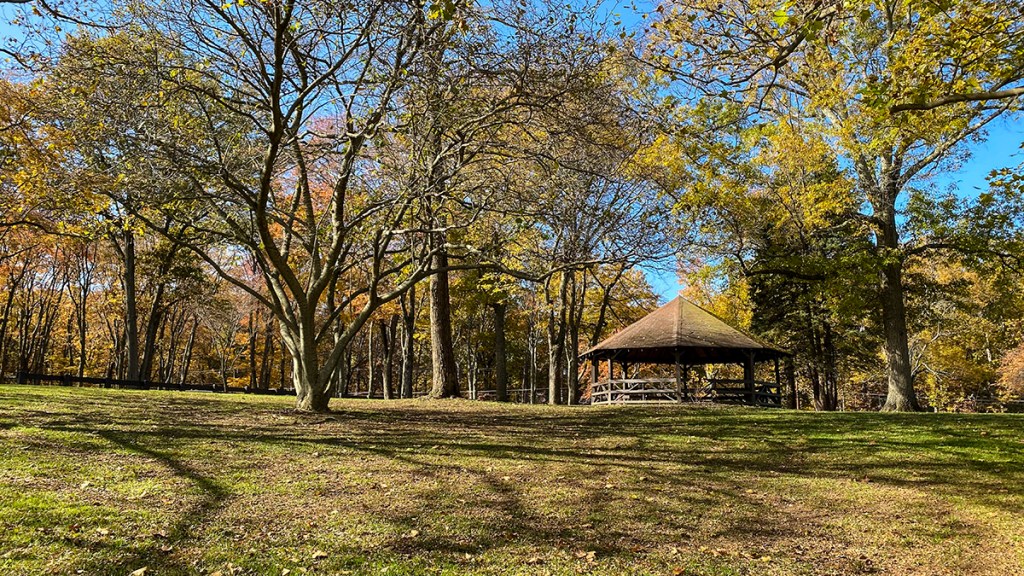
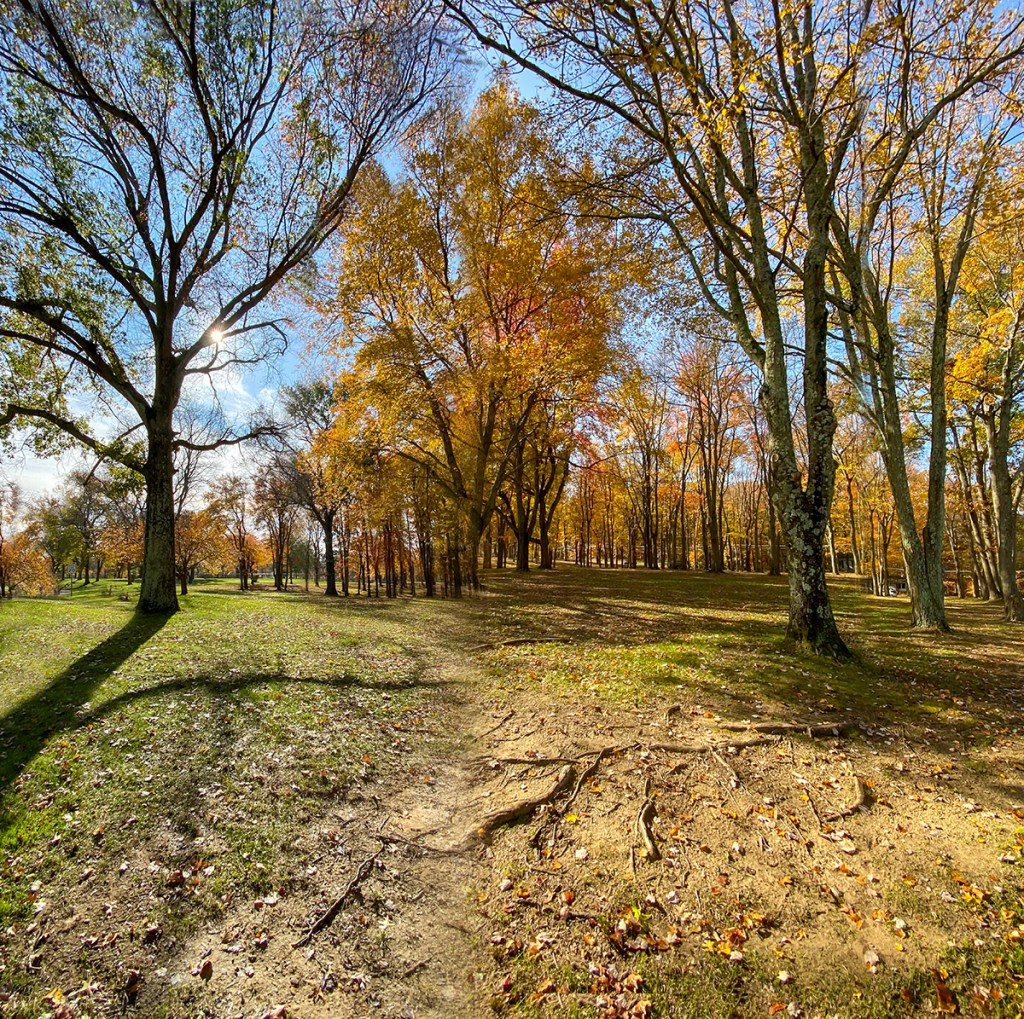
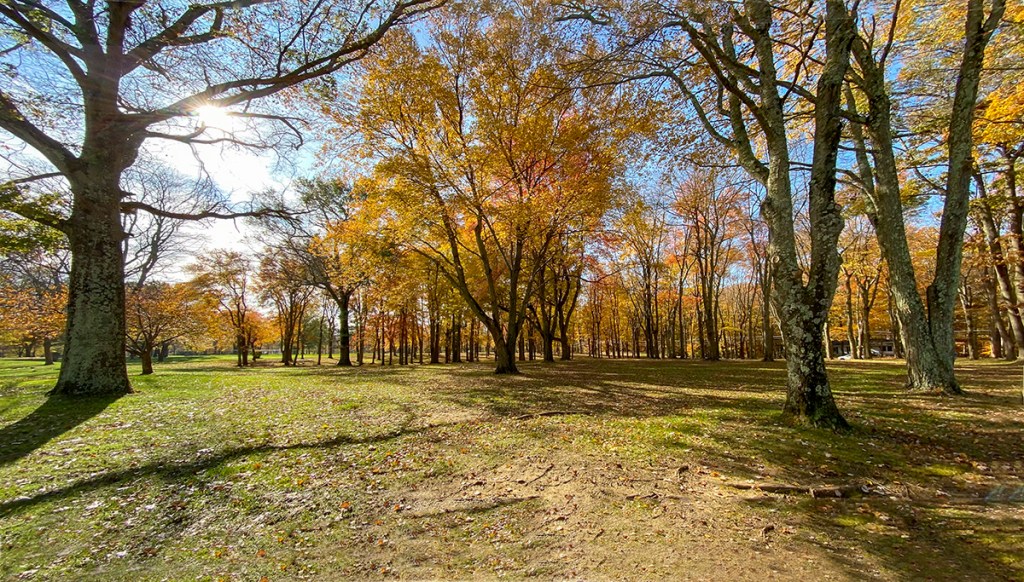
(13mm Full Frame Field Of View Equivalent)



Plainsboro Preserve iPhone Landscapes
Posted on October 25, 2019

We had gone to Plainsboro Preserve for a nice Nature Walk. The clouds were beautiful there so the landscapes really stood out and were impressive. It gave me a good opportunity to try shooting landscapes in different ways with the iPhone 11 Pro and the different camera lens choices. Still getting used to the iPhone 11 Pro multiple lens choices and how well and versatile the camera in the phone is. Especially if you open the iPhone jpegs in Adobe Camera Raw as raw files giving so many options and adjustments before you actually open them. It also allows you to enlarge them with the Raw settings with better results than just uprezzing the jpegs
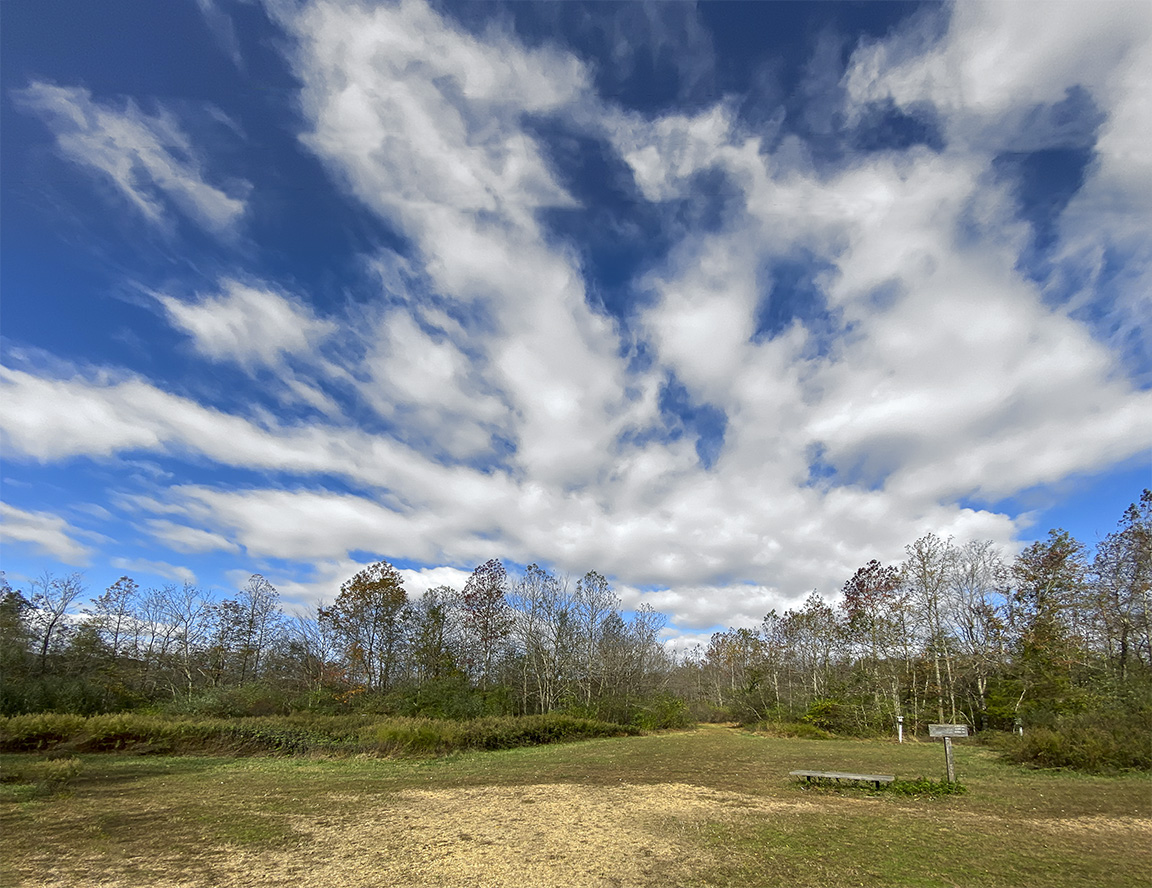
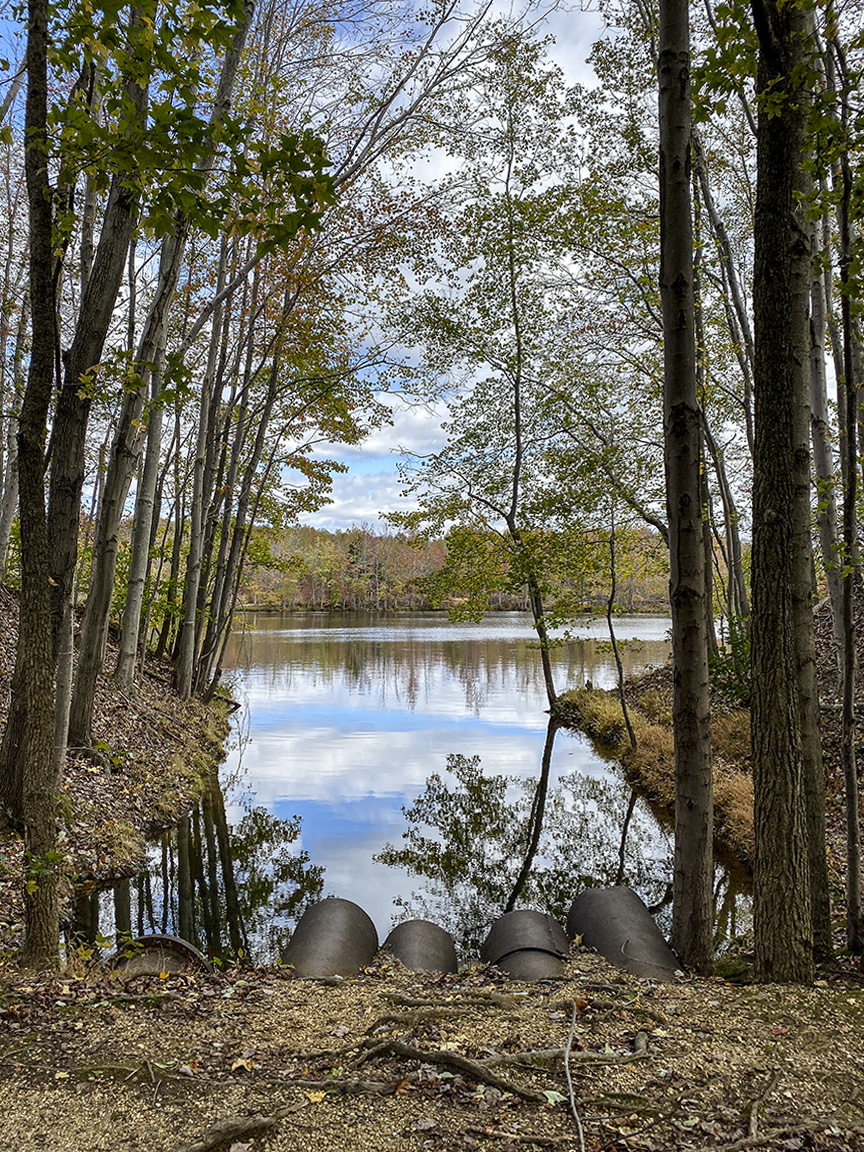
4.3mm iPhone 11 Pro (26mm Full Frame equivalent)
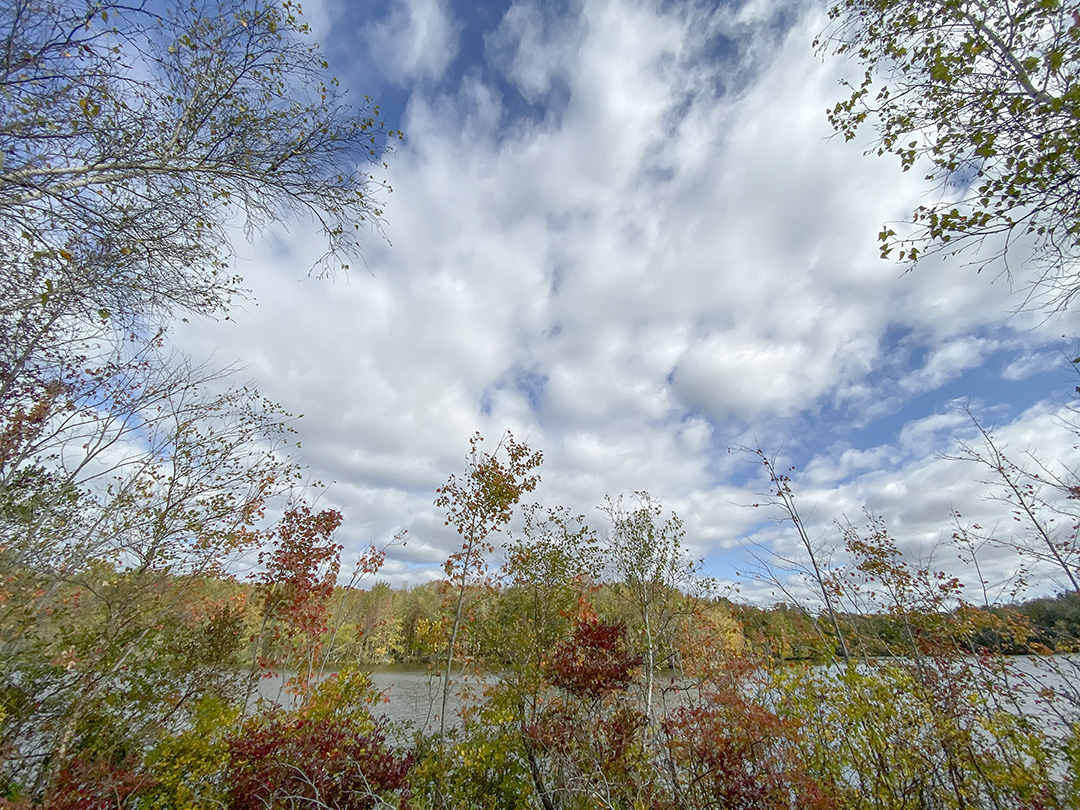
4.3mm iPhone 11 Pro (26mm Full Frame equivalent)
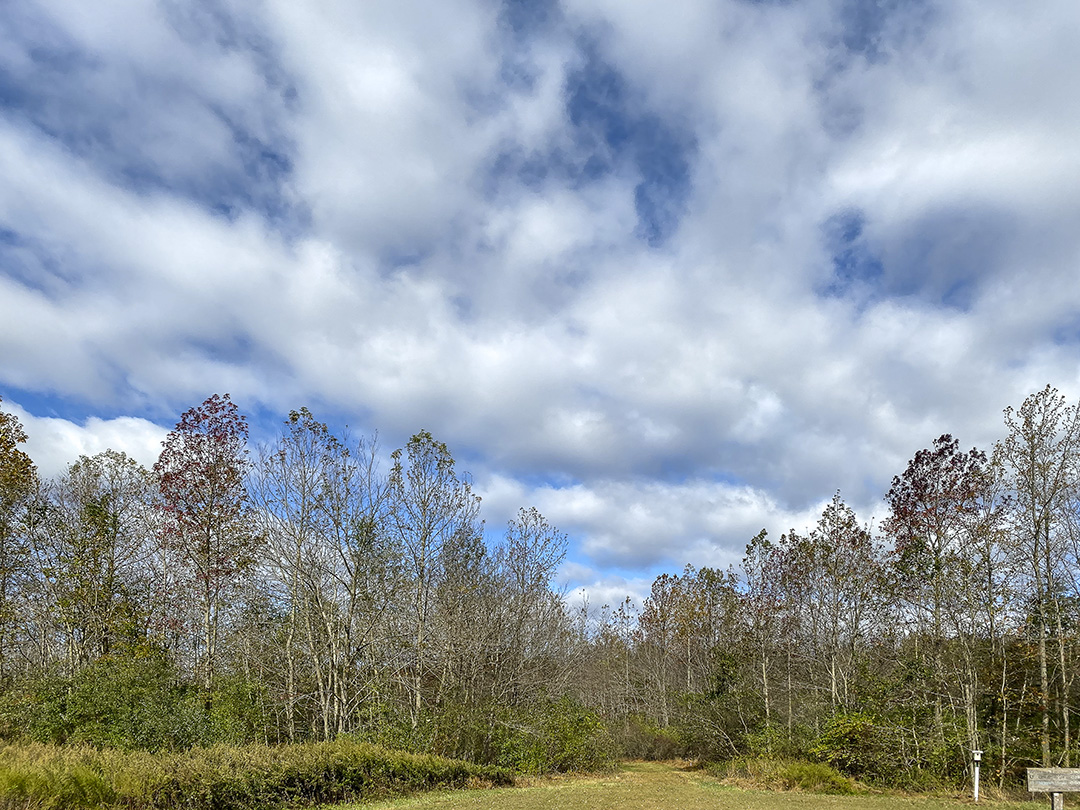
2 images assembled in Photoshop, 4.3mm iPhone 11 Pro ( 26mm Full Frame Camera Equivalent)
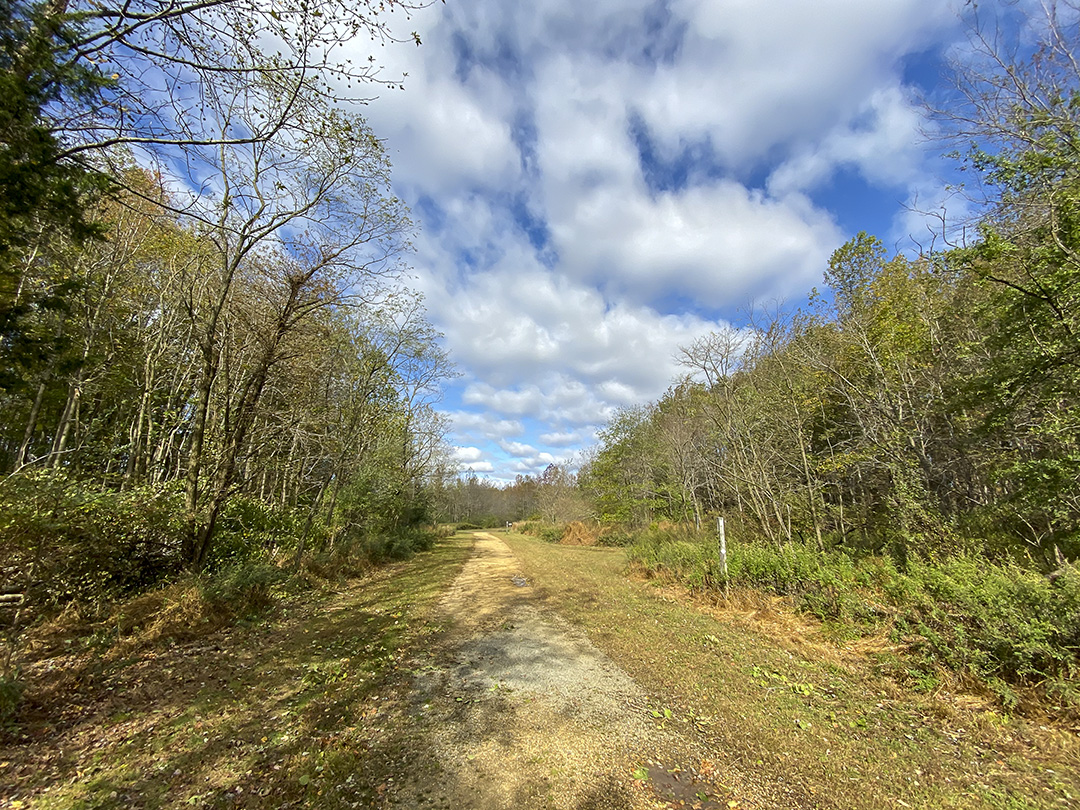
1.5mm iPhone 11 Pro (13mm Full Frame Camera Equivalent)
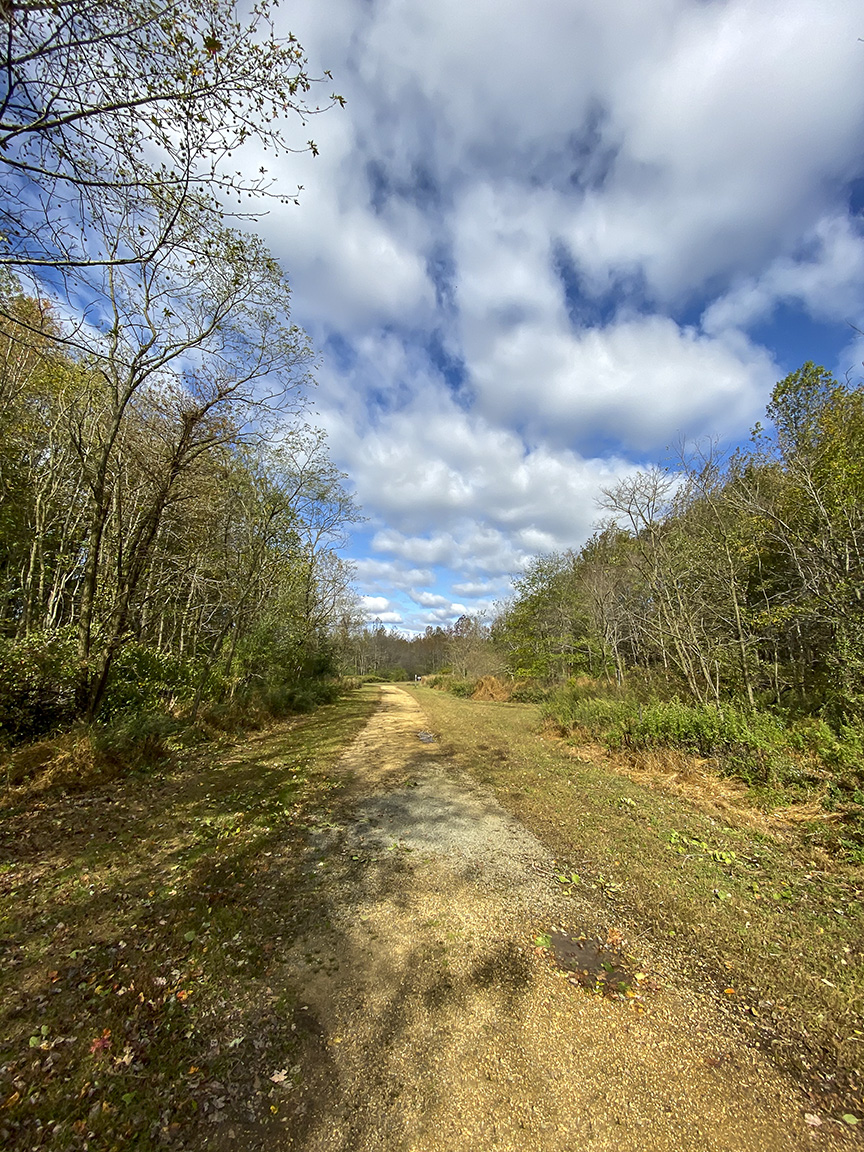
2 image panorama, assembled in Photoshop, iPhone 11 Pro
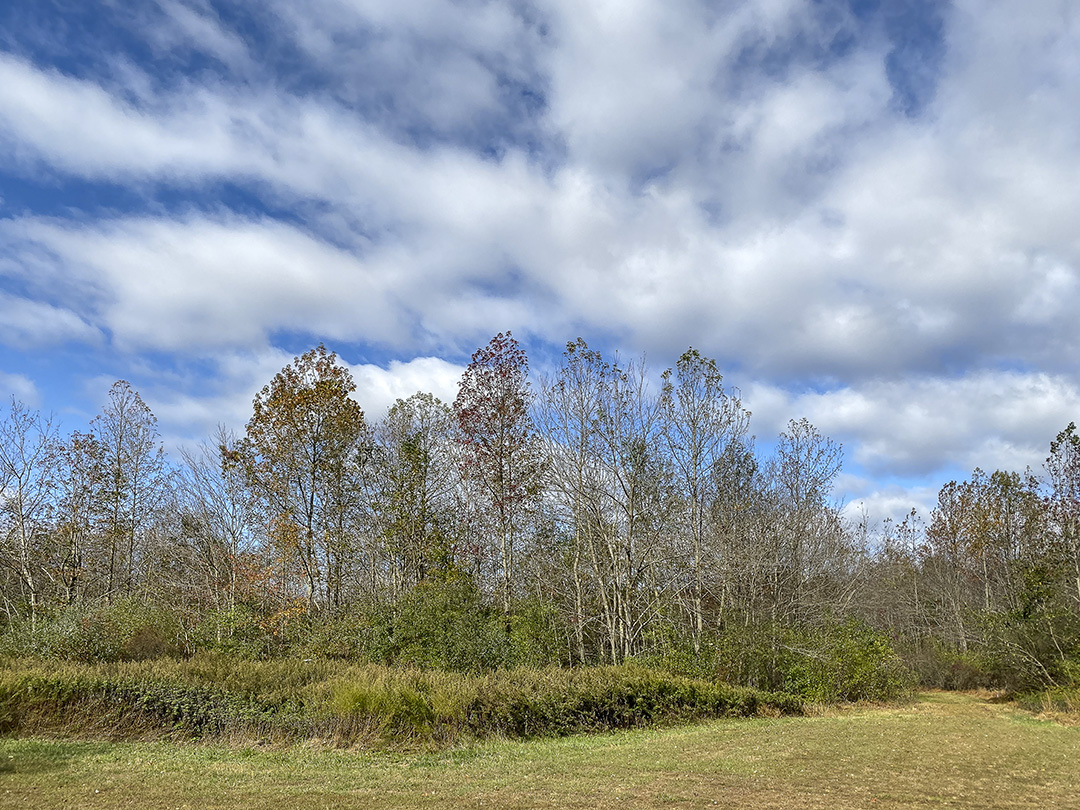
1.5mm, iPhone 11 Pro, 13mm Full Frame Camera Equivalent
 photoartflight