 photoartflight
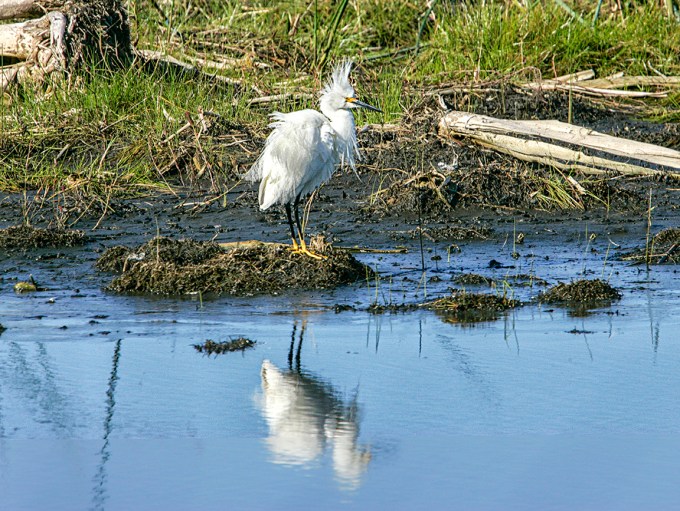
Snowy Egret Bad Feather Day
Posted on March 29, 2020

These are from a previous visit years ago to Lake Woodruff NWR in DeLand Florida. The wind picked up some and I liked the ruffled feathers on this Snowy Egret. I was using 100 – 400mm zoom with a 1.4x teleconverter to get a little closer view.

Bittern FlyBy
Posted on March 25, 2020

It was nice to see a Bittern fly by me at Lake Woodruff National Wildlife Refuge. And I was able to get a flight shot as it went by. I wish I had seen it coming so I could have gotten a few images as it was coming towards me. But it was still fun to see in flight!
Foraging Sandhill Crane
Posted on March 23, 2020

Usually you see the Sandhill Cranes foraging in the grasses for meals, but here they are foraging in the waters at Lake Woodruff National Wildlife Refuge. It was fun to see them in a different setting!


Sora Foraging
Posted on March 22, 2020

It was fun to find a Sora foraging in one of the channels at the Lake Woodruff National Wildlife Refuge in DeLand Florida. They are a small secretive bird that forages for food in the shallow waters in the Refuge. This was the only one I have ever seen, plus have the opportunity to photograph. Usually they are hidden in the vegetation as they are feeding. They seem to constantly move pecking in the water looking for snails and other food. This was an interesting visit because I was also able to photograph the Limpkin on the same visit.


Foraging Limpkin
Posted on March 21, 2020
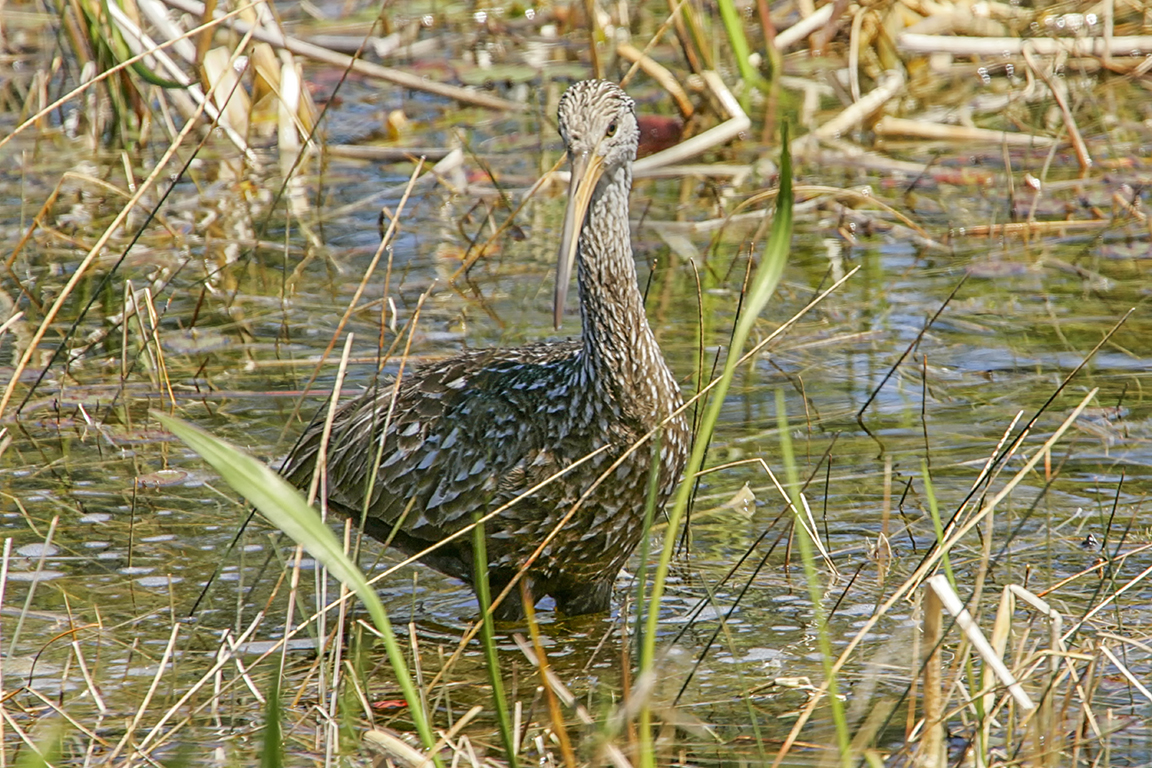
I photographed this Limpkin foraging for snails at the Lake Woodruff National Wildlife Refuge years ago. I was going through backup drives cleaning out unnecessary files to clean up storage space and backing up other files. In the process I found these images of the Limpkin. 

Another Lake Woodruff NWR Landscape
Posted on February 26, 2020

Here is another 2 image iPhone Landscape panorama from our visit to Lake Woodruff NWR in Florida. The 2 images were brought into Photoshop on 2 separate layers, then I let Photoshop align and blend them into one final image. In this image if you look closely you will see 9 Black Vultures on the path. The images were shot with the 4.3mm lens (full frame FOV equivalent would be 26mm). In previous visits years ago the vultures would sometimes follow you around on the paths. When this first happened it was a little unnerving to have a large bunch Vultures follow you for a quite while. As we walked they were making a hooting noise. At least this time they flew away if we walked close.
Great Egret Landing
Posted on February 23, 2020
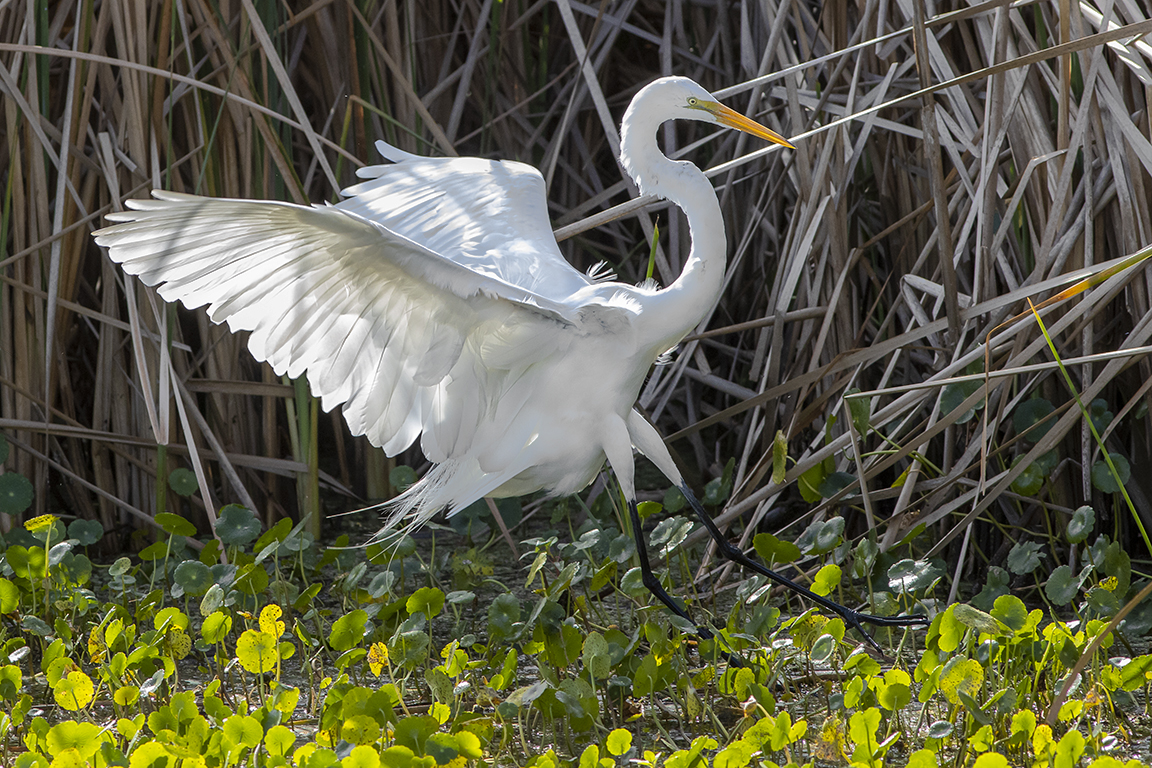
When we were photographing the Otters at Lake Woodruff NWR, this Great Egret flew in by the Otters. I liked the sunlight highlighting the feathers in the wing as it was landing. I was using a Canon R with a 300mm lens. The Canon R holds the highlight details much better than my other Canon cameras and has better shadow detail also.
More Sandhill Crane Mult-Image Panoramas
Posted on February 18, 2020
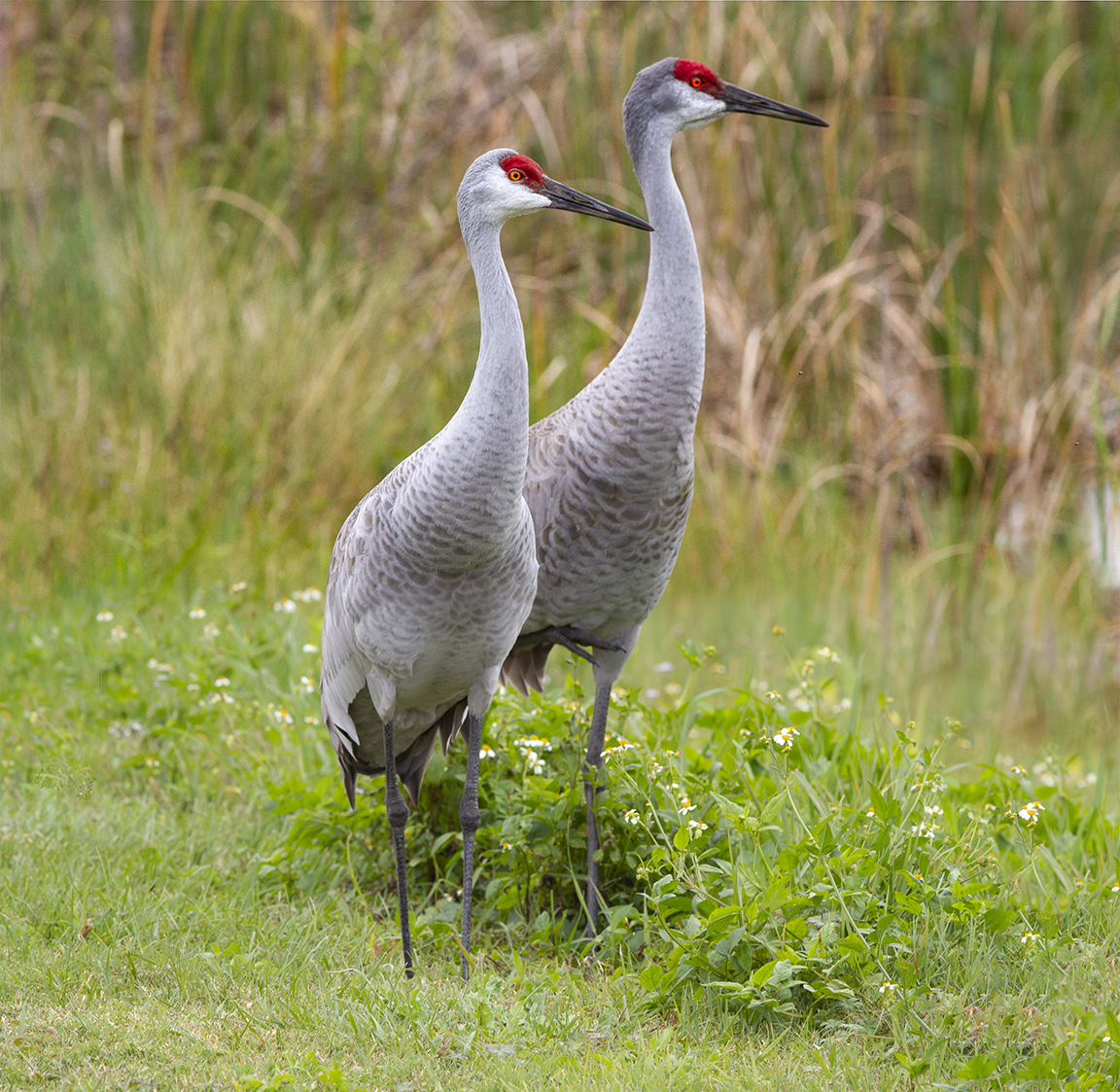
On our visit to Lake Woodruff NWR in DeLand Florida, it was amazing how the Sandhill Cranes seemed to not be bothered by people. But then again there were not many people around. So maybe they were just curious. We did not try to get close to them, but they walked right up to us as to check us out. We were a little nervous at first but they just seemed to be checking us out and went on their way foraging in the grass. It is a little intimidating to have such a large bird get that close to check you out. They are about 4 ft tall and have about a 7 ft wingspan. The trouble was I had to shoot series of panoramas to get the entire Sandhill Cranes in. Usually you can never get close enough to fill the frame with birds! The featured image is made from 2 images, @ 300mm and assembled in Photoshop. The amount of images per pano is also a guide as to how close they were to us! The more images per panorama the closer they were!

Sandhill Crane 2 Vertical Image Pano, 300mm Close Focusing lens

Screen Grab of Initial Setup letting Photoshop align and blend 5 handheld images before Photoshop filled in the blank areas with content aware fill feature.
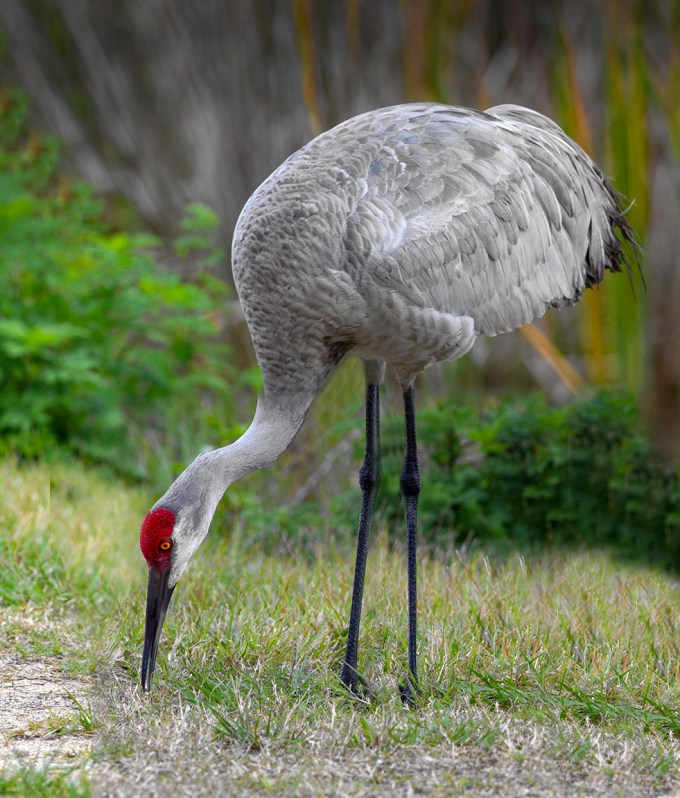
Final Image With content Aware Fill added and other adjustments for density, etc. added.

Sandhill Crane 8 image Panorama, 300mm lens
6 Image iPhone Panorama
Posted on February 16, 2020

On our trip to Lake Woodruff NWR in Florida I relied on my iPhone 11 Pro for my wide angle or panorama images. I am really liking the quality of the images I get from it for my panoramas. It was a lot easier to walk the trails without carrying 2 larger cameras. Especially in the warm Florida heat. The above featured image was taken with the 1.5mm lens (Full Frame Camera Field of View equivalent would be 13mm). I do not use the panorama feature much on the iPhone 11 Pro because of distortion in the iPhone panorama image on the ends of the image and some warping in the middle of the image. I prefer to shoot a series of regular individual images and then assemble my panorama in Photoshop which reduces the strange “warping” in the center and on the far ends. Plus I get very large files for printing.
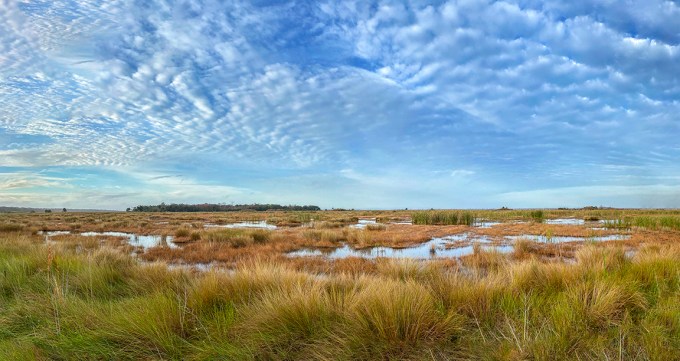
8 image iPhone Panorama, 4.3mm lens (Full frame FOV 26mm)
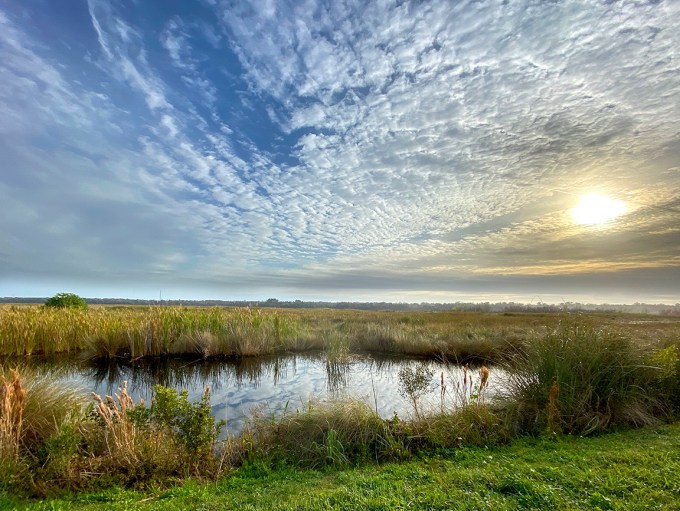
3 image iPhone 11 Pro Panorama, 1.5mm Lens (Full Frame FOV 13mm)
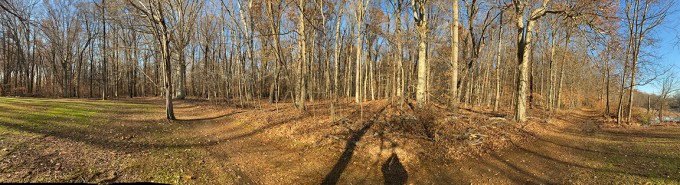
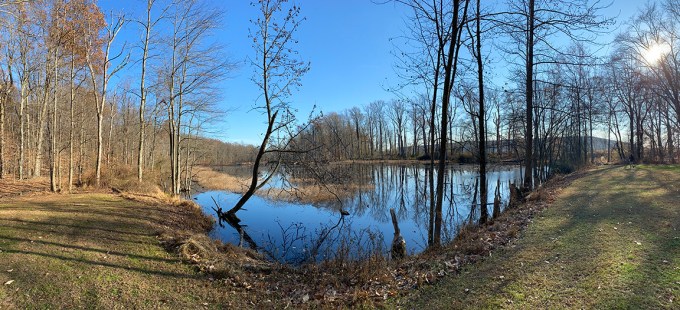
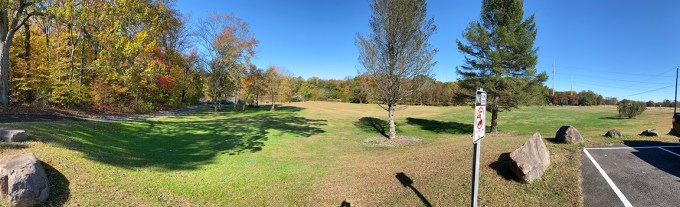
Below are examples of Panorama Warping when using the Panorama feature on the iPhone 11 Pro. The wider the lens you select, the more distortion in the file. The ends are farther away so you get a “bowing look” in the middle. And the ends “fall” back away giving a bending look. Plus when shooting individual images for the panorama or stacked panorama, I get a very large detailed file for printing.
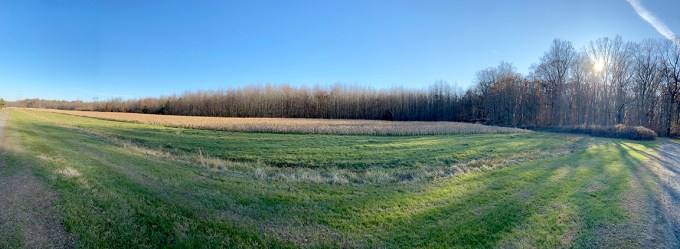
14 Image iPhone Lake Woodruff National Wildlife Refuge Landscape Panorama
Posted on February 14, 2020

For this landscape I used the 1.5mm lens on the iPhone 11 Pro and shot 14 images. (Full Frame Camera Field of View equivalent is 13mm). I brought the files into Adobe Camera Raw to adjust the files and pull out detail and balance my settings. Than I open them into one layered Photoshop file with each image in a layer. Next in Photoshop I align and blend Automatically the 14 images into one final blended image. I still have layered sections and save the layered file just in case I need to touch up something. Then I flatten the image for the final image.
 photoartflight