 photoartflight
High Key Anhinga
Posted on February 12, 2020

I liked the very sharp lines of this female Anhinga on the TreeTop. When I was photographing it I also tried a few different versions. I thought if I over exposed somewhat, the mostly black bird, I would be able to produce a “High Key Silo’d” Effect. Then in Photoshop I brought the background to Pure White, making the Anhinga really “pop” out in the image. I also removed a few of the smaller branches to give a “Cleaner” look.

Normal adjusted file from the series
Alligator With 1 Eye Open
Posted on February 9, 2020

A couple of Alligator images from Lake Woodruff NWR in Florida. On the featured image the Alligator has 1 eye shut. I did not see it open while I was watching it, so do not know if it was injured. The one below passed by me and was slowly swimming up the channel.
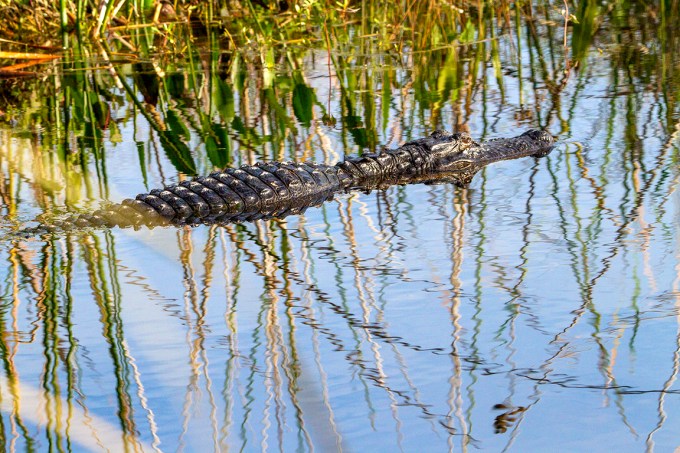
Another Alligator swimming up the channel
What Big Eyes You Have
Posted on February 8, 2020

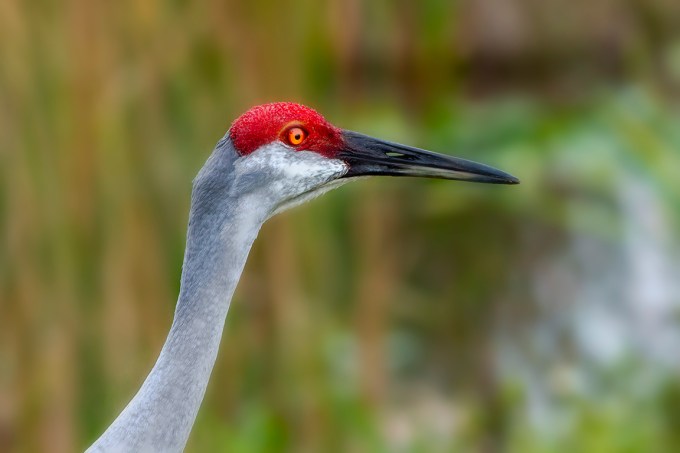
It seemed the first pair of Sandhill Cranes were quite curious about us. They walked right up to us and sort of stared at us as if they were checking us out. We were a little nervous at first as they were that close and they were very large birds. But after that they sort of kept up with us as we were walking in that area and we welcomed their company as we walked. Then they went off on their own in a different direction.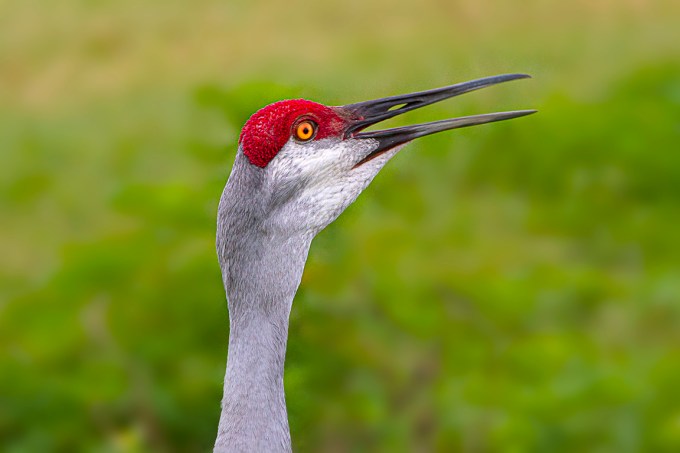

Foraging Sandhill Crane Panorama
Posted on February 7, 2020

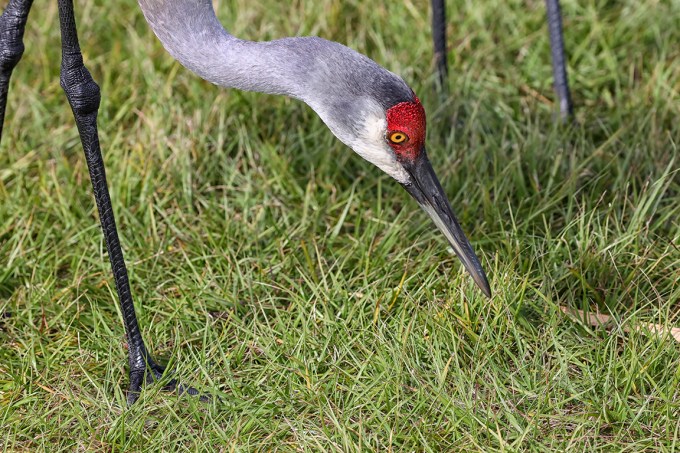
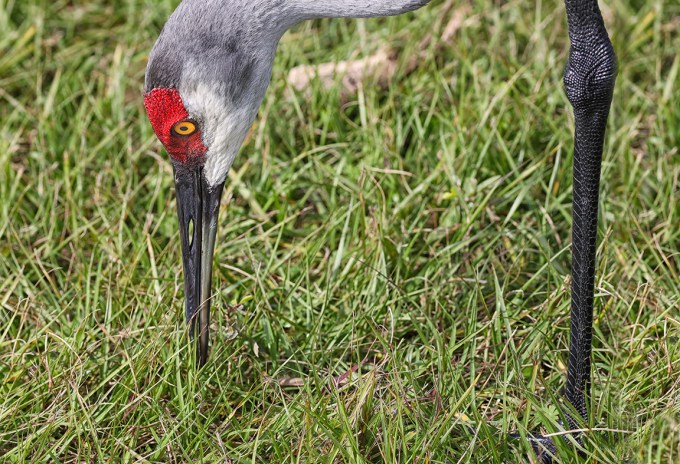
I am still working on images from our trip to Lake Woodruff NWR in Deland Florida. But I thought it might be interesting to show how I am working on hand-held multi-image stacked panoramas of moving Sandhill Cranes or other moving subjects. This panorama of a foraging Sandhill Crane is made from 5 handheld images, assembled & aligned manually in Photoshop. Sometimes Photoshop does a good job aligning them automatically, but for handheld I tend to align the layers manually. Then edges are blended with soft edge masks in different layers to blend images to fit. On moving subjects you need to shoot more images than you normally use so you have a choice of areas to blend in for the final since the Crane is moving. Blank areas are filled in with the content-aware fill feature in Photoshop. Images were taken with a 300mm f/4 lens. Final image is 22″ x 26″ @300ppi. Once you do a few you get a better idea of sections you need to photograph and how much overlap you need. For the Cranes I concentrated on photographing the head, neck & legs for one main area and then a couple more shots for the bulk of the body. I let Photoshop align & combine the head and leg images, then the bulk of the body. After that I aligned those 2 main sections for combining into the basic full image. There were some blank areas in the background edges, so I used Photoshop’s “Content Aware Fill” to fill in the main blank areas. When first starting it is best to shoot more images than you need. This gives you more options for the panorama. It is better to have too many images than not enough. After practice you will see that you get a “feel” for how many images you need. On a moving “subject” I concentrate on leg areas and then head & body areas. On this example it is more legs & head, then body areas since the head was angled down.

Screen grab above showing area to be filled in using content aware fill. Below are images that made up the final Panorama. The first 3 are for the head & feet, the last 2 are for the bulk of the body and top background area.

Marsh Rabbit
Posted on February 7, 2020
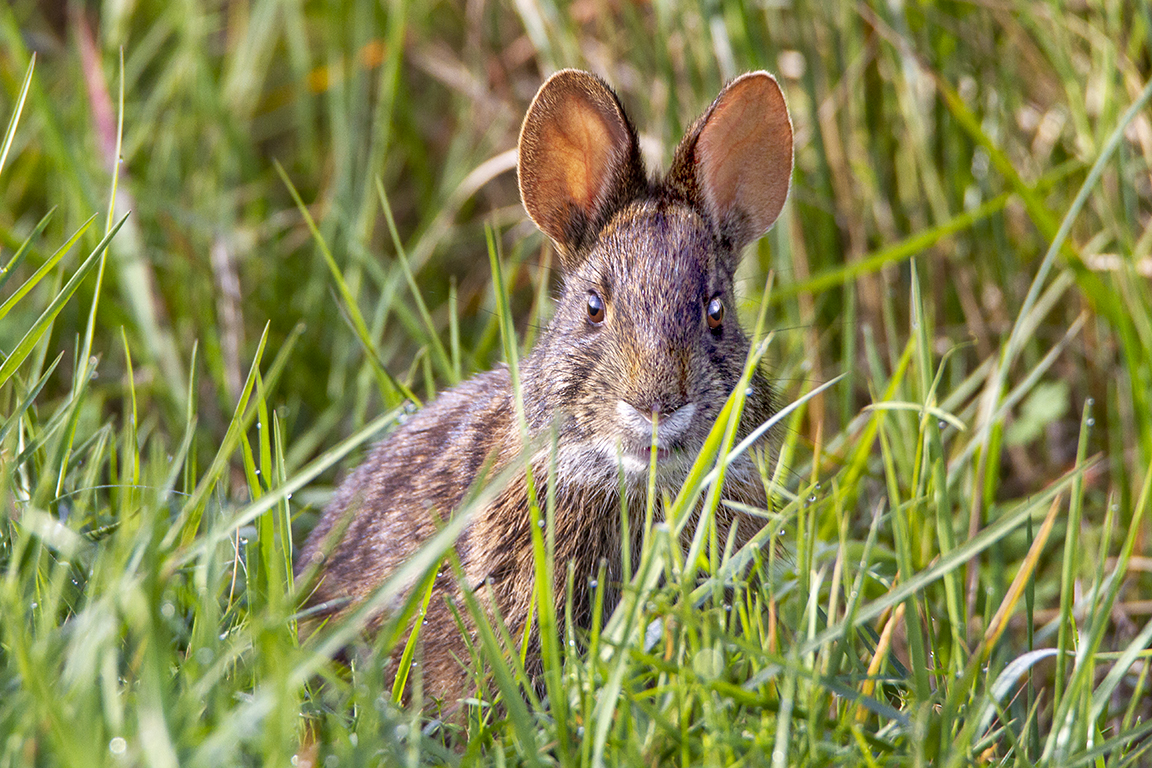
While we were walking the trails at Lake Woodruff NWR, we saw a few small rabbits. Looking them up they seem to be Marsh Rabbits. Marsh rabbits are typically smaller than Eastern Cottontail Rabbits. Adults from the Florida peninsula weigh approximately 2.2–2.6 pounds with a total length upwards of 17 inches. The hind feet of the average mainland marsh rabbit is also larger, at 3.6 inches compared with 3.5 inches for the typical Florida Marsh Rabbit. The featured image was taken @ 600mm.
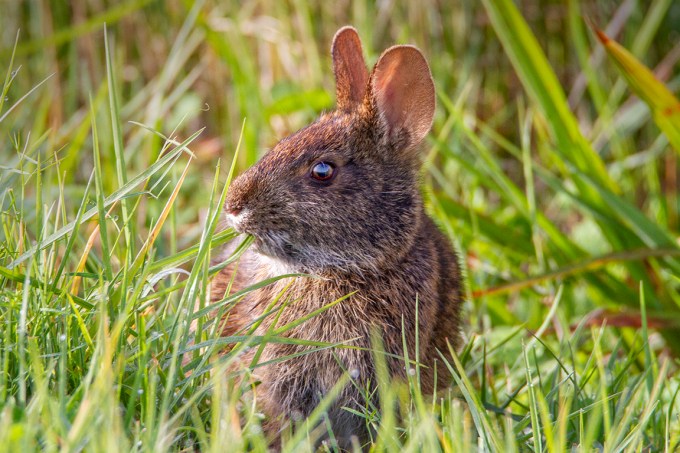
Marsh Rabbit @ 600mm
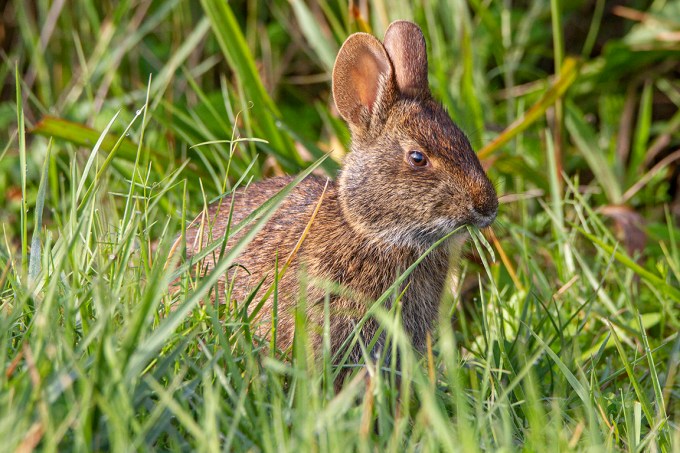
Marsh Rabbit @ 428mm
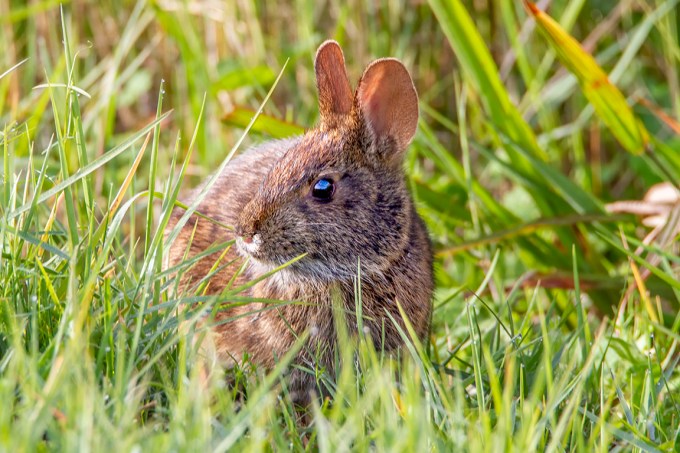
Marsh Rabbit @ 600mm
American Alligators @ Lake Woodruff NWR
Posted on February 6, 2020

On our trip to Lake Woodruff NWR we saw quite a few American Alligators in the channels along the paths. In other years we saw more, but they are not my favorite photo subjects, so it was fine for me. This is a closeup Head shot that was taken along one of the channels near the entrance. Other years we saw them on the paths or the shoreline. But this trip they were mostly in the water. It was hard to get good shots of them because of the reflections of the grasses and other plants along the shoreline which made the background busy looking.

Same image as the featured image with a feathered in softer background
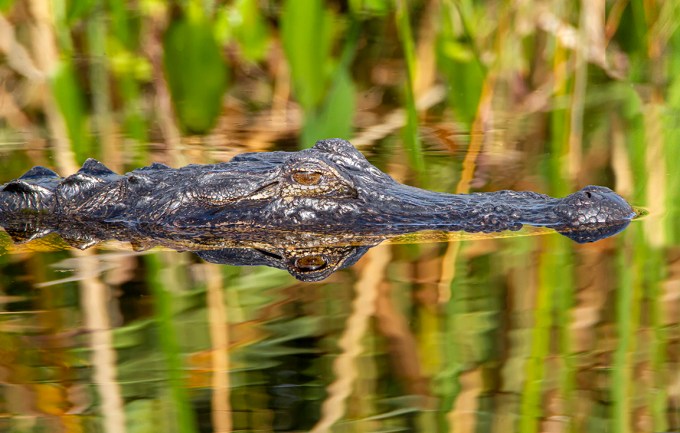
American Alligator @ 600mm
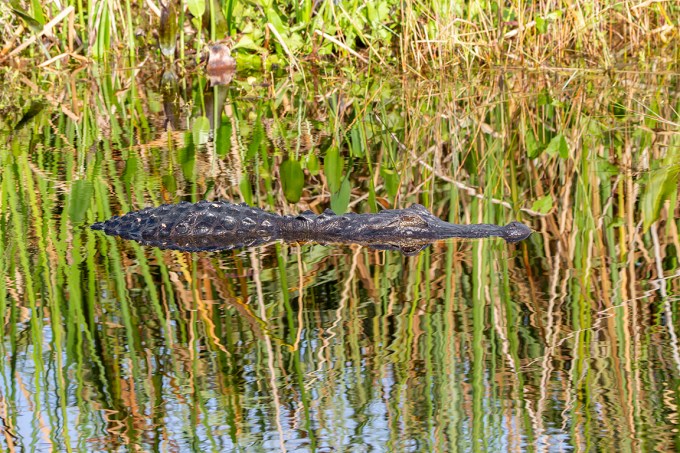
American Alligator with reflections of the grasses in the water @ 200mm
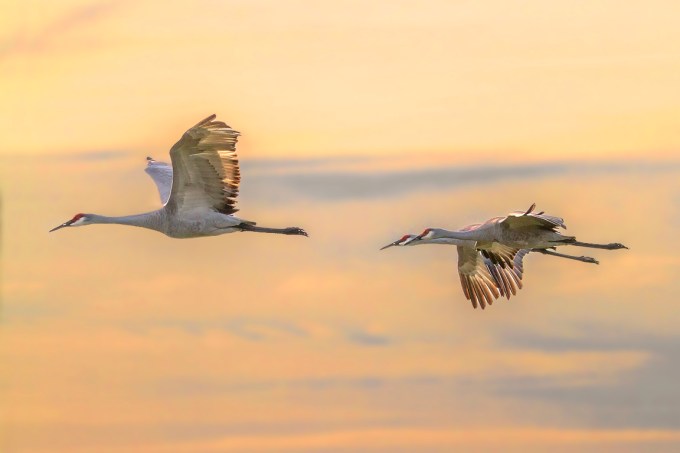
Sandhill Cranes FlyBy In Morning Light
Posted on February 5, 2020
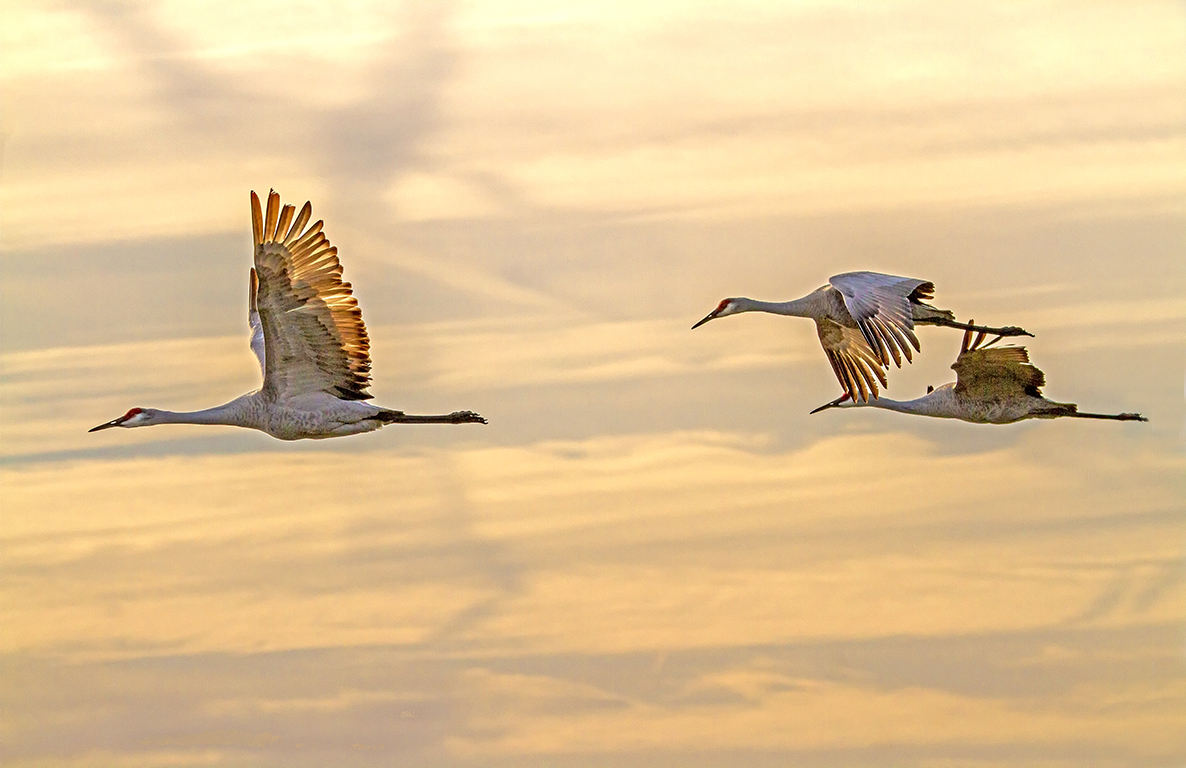
A couple of images of Sandhill Cranes flying out early in the morning. Images shot at 213mm with a 150-600mm Tamron lens.
Sandhill Crane Panoramas From Lake Woodruff NWR
Posted on February 5, 2020

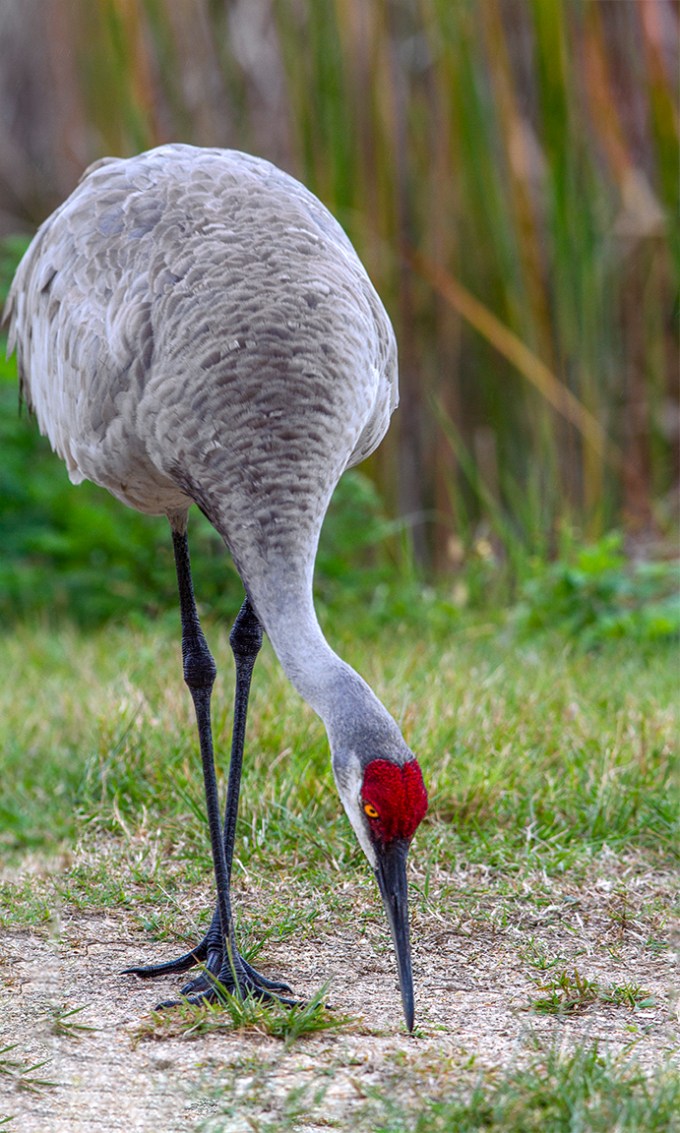
On our trip to Lake Woodruff NWR in DeLand Florida we were hoping to see Sandhill Cranes. They did not disappoint us. The only problem was it was a spur of the moment trip so I traveled light and only chose the lenses I thought would be best. I did not want to load up the car with too many lenses to carry once we got there. So for long lenses I brought a 300mm with a close focusing capability and a Tamron 150-600mm zoom for versatility along with teleconverters. Usually the Sandhill Cranes are in large flocks or off in the distance. The first walk in to the trails, 2 Sandhills landed right by us within a couple of feet. They stuck with us for quite a while giving me the opportunity to get a lot of portraits. But to get the whole Sandhill Crane in, I resorted to shooting panoramas of them. All panos were shot handheld and assembled in Photoshop. The featured image is only 2 vertical images blended because the Crane was a little further away from me at this point.

Sandhill Crane, 2 Vertical Image Panorama, 300mm lens

7 horizontal images, handheld panorama, 300mm lens
Sandhill Crane, 2 Vertical Image Panorama, 300mm lens

Sandhill Crane Panorama, 7 Horizontal Images, 300mm
Great Blue Heron FlyBy
Posted on February 4, 2020
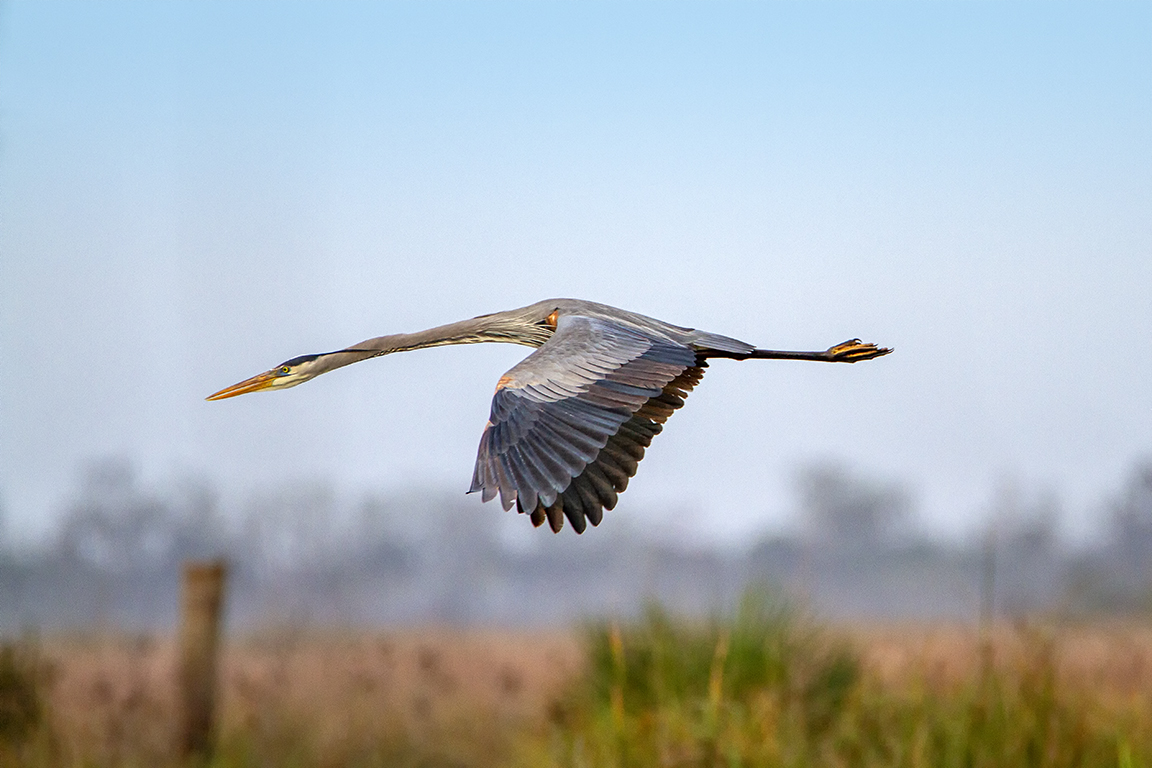
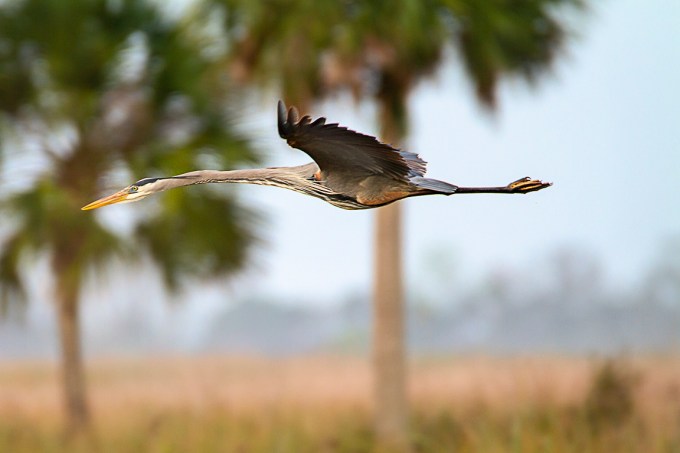
Here are a few Great Blue Heron images taken on our Lake Woodruff NWR trip to Florida. As we were walking the trails I saw this Great Blue Heron coming by us. I was ready and got a few side view images that I liked showing an angular side view. I thought it really showed the length and form of the Great Blue Egret as it flew by. This view also shows how large they really are when stretched out in flight. All images were @ 600mm, taken with a Tamron 150-600mm lens. I am really liking the Tamron lens. It produces great images with fine detail and is very versatile with the wide zoom range. Especially nice when you are walking and not wanting to carry a variety of lenses to cover what you might see to photograph along the way.
Great Blue Heron FlyBy @600mm
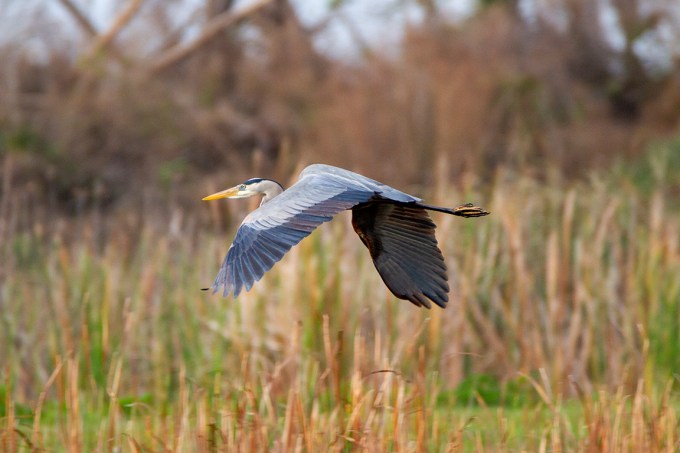
Winging Further Away @ 600mm
Lake Woodruff NWR Sunrise
Posted on February 3, 2020

When we were at Lake Woodruff National Wildlife Refuge I mainly used my iPhone 11 Pro for landscapes. I did not want to carry 2 larger cameras, so I used long lenses on my main camera and relied on my iPhone for landscapes. I have found that when shooting a series of images to blend for panoramas, you have to overlap the images even more on the iPhone than with a regular camera. I did not want to use the panorama feature on the iPhone because you usually get an odd warped distortion or curved section in the middle of the panorama even if the subject is straight across from you. I think this is mostly because of the extremely small lenses for the sensor in the iPhone. I also used the 16:9 format in the iPhone for many of these images instead of the standard 4:3 format.
The featured image is 3 horizontal images stacked vertically. I shot these with the 1.5mm lens, 4:3 format, iPhone 11 Pro. (Full Frame Equivalent is 13mm)
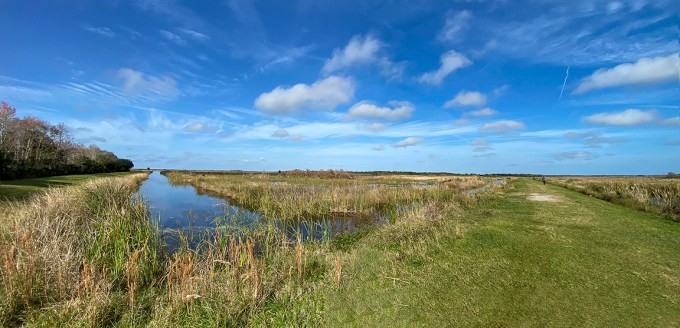
4 horizontal image Panorama, 1.5mm lens

7 horizontal image Cloud Panorama, 6mm lens

8 Image Panorama, 1.5mm lens (At corner of path where path turns 90 degrees) This is also the look you get when using the built in pano feature in the iPhone even if it is not at a corner, but is a straight horizon in front of you. It distorts the sections right in front of you because it is closer to the lens. That is why I shoot multiple images and assemble them in Photoshop.
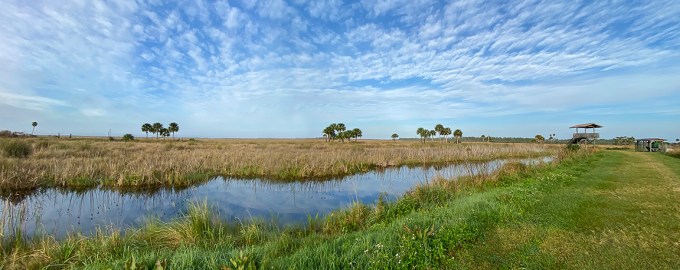
2 Image Panorama, 1.5mm lens

3 Image Panorama, 4.3mm lens

4 Horizontal Images, Vertical stacked Panorama, 4.3 mm lens
 photoartflight