 photoartflight
Pine cones – 40 Image Panorama
Posted on January 31, 2022

Here in New Jersey we got about 9 inches of snow from the Snow Storm over the weekend. I was looking at the neighbor’s Pine Tree across from us and thought it looked interesting. So I got a camera and was going to photograph some snow covered Pinecones. But then I thought it would make an interesting Multi-image, Multi-row Panorama. The Featured image is a series of 40 handheld images shot with a 150mm macro lens on a Canon R.

Sleeping Mute Swans At Brigantine
Posted on January 25, 2022

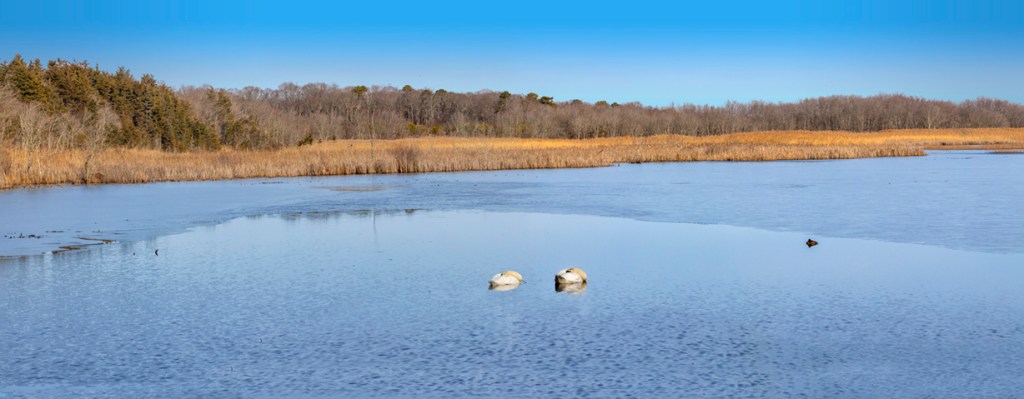
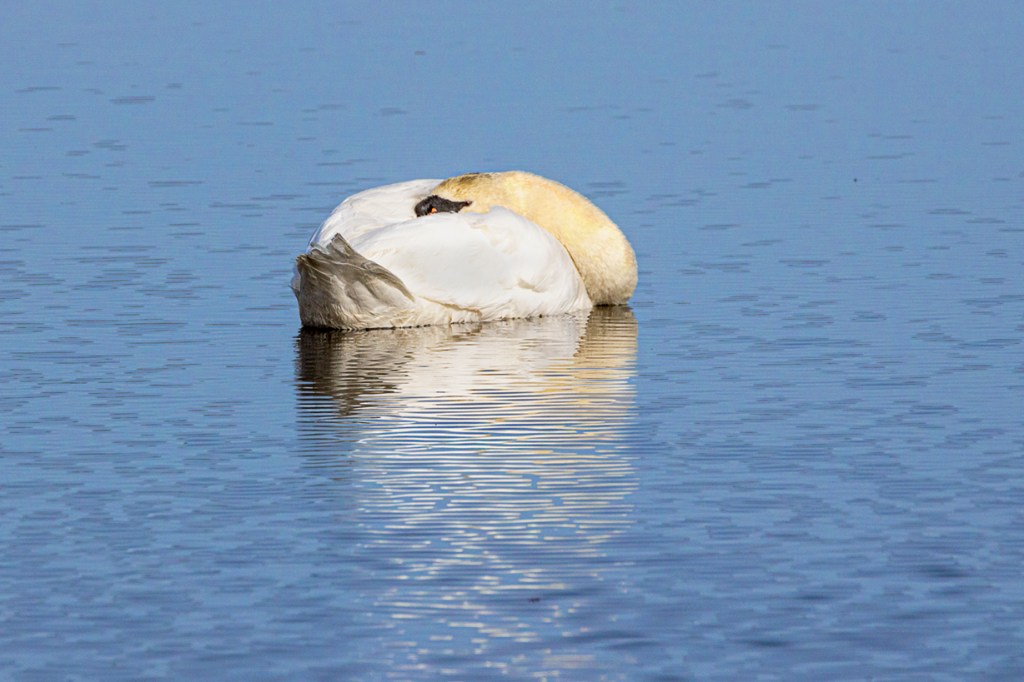
At the end of the Wildlife Drive at Brigantine there is a nice corner view of Doughey Creek. Sometimes you can see an Eagle off in the distance in the trees that are not visible from the other main Wildlife Drives. On this visit there were a couple of Mute Swans sleeping close to the Drive right before you exit the Drive or before you can go around for another visit on the Drive



Panoramas From Brigantine
Posted on January 21, 2022

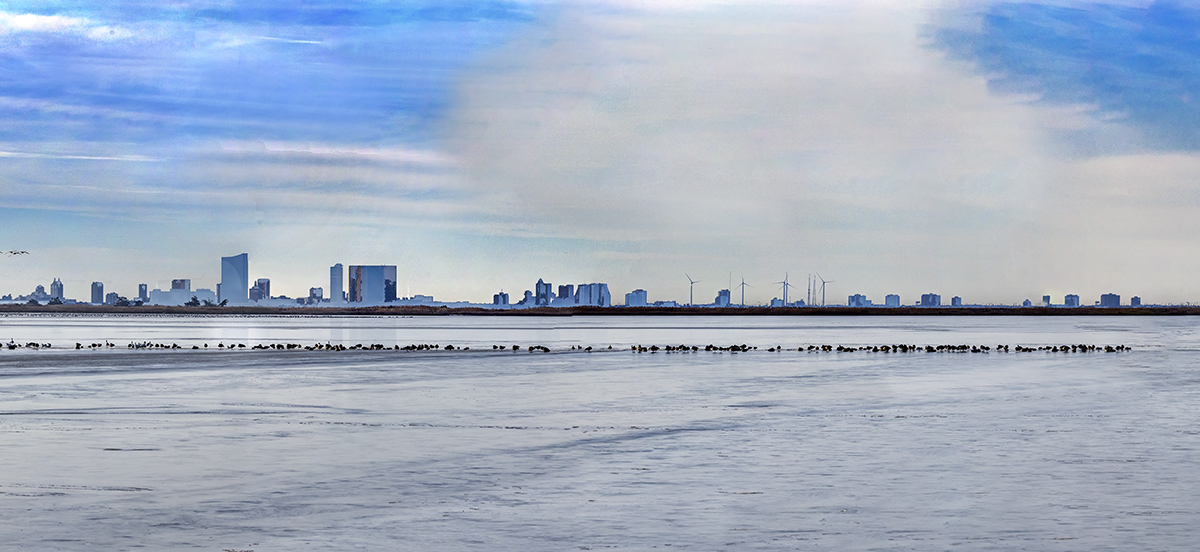
A few days ago we went to the Brigantine Division of the Edwin B. Forsythe National Wildlife Refuge in Oceanville, NJ to see what we could find to photograph. Usually there are large flocks of Snow Geese, Canada Geese & a variety of ducks throughout the Refuge this time of year. Most of the large groups of birds were fairly far out but that gave me the opportunity to do lots of hand-held panoramas. For cameras & lenses I was using a Canon R with a Tamron 150-600mm lens, a Panasonic LX1 pocket camera, an Olympus OM-D 1 with a 7.5mm Fisheye Lens and my iPhone 11 Pro. We also were able to get a few images of different Bald Eagles that were around the Refuge on this trip. On this post I have a few multi-image panoramas of flocks of birds around the Refuge with Atlantic City in the background. The Featured Image is a 29 image pano shot handheld with a 150-600mm lens @ 150mm on a Canon R. This was taken along the Wildlife Drive with the Atlantic City Skyline in the distance. The final image is 90 inches x 16 inches. Very Long Panoramas are not Great to post here because I have to downsize from 75-90 inches to 1200 pixels so I loose a lot of the detail in the images, but at least you can see the view I was trying to show! In future Posts I will be showing panoramas with flocks of birds & Brigantine Landscapes without Atlantic City in the background!


Brigantine iPhone Multi-Image Landscapes
Posted on January 10, 2022

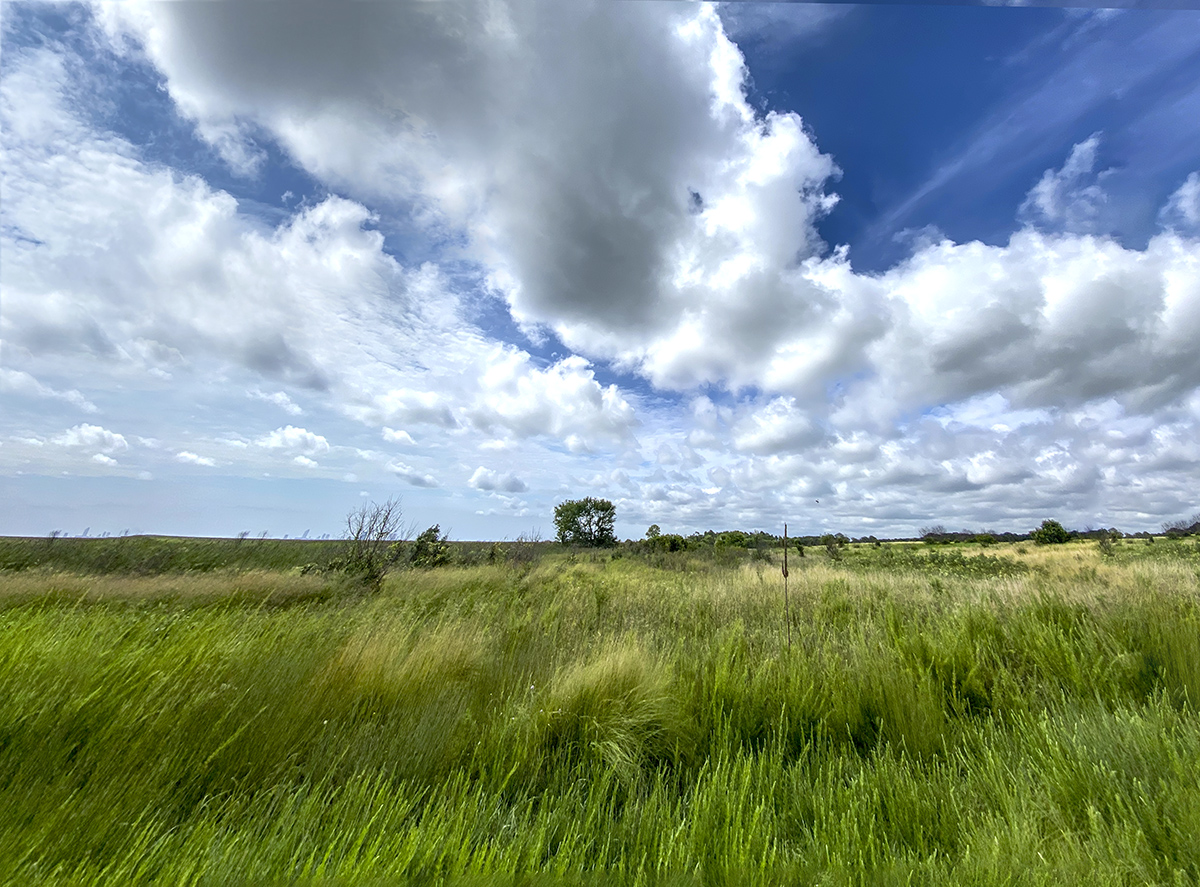
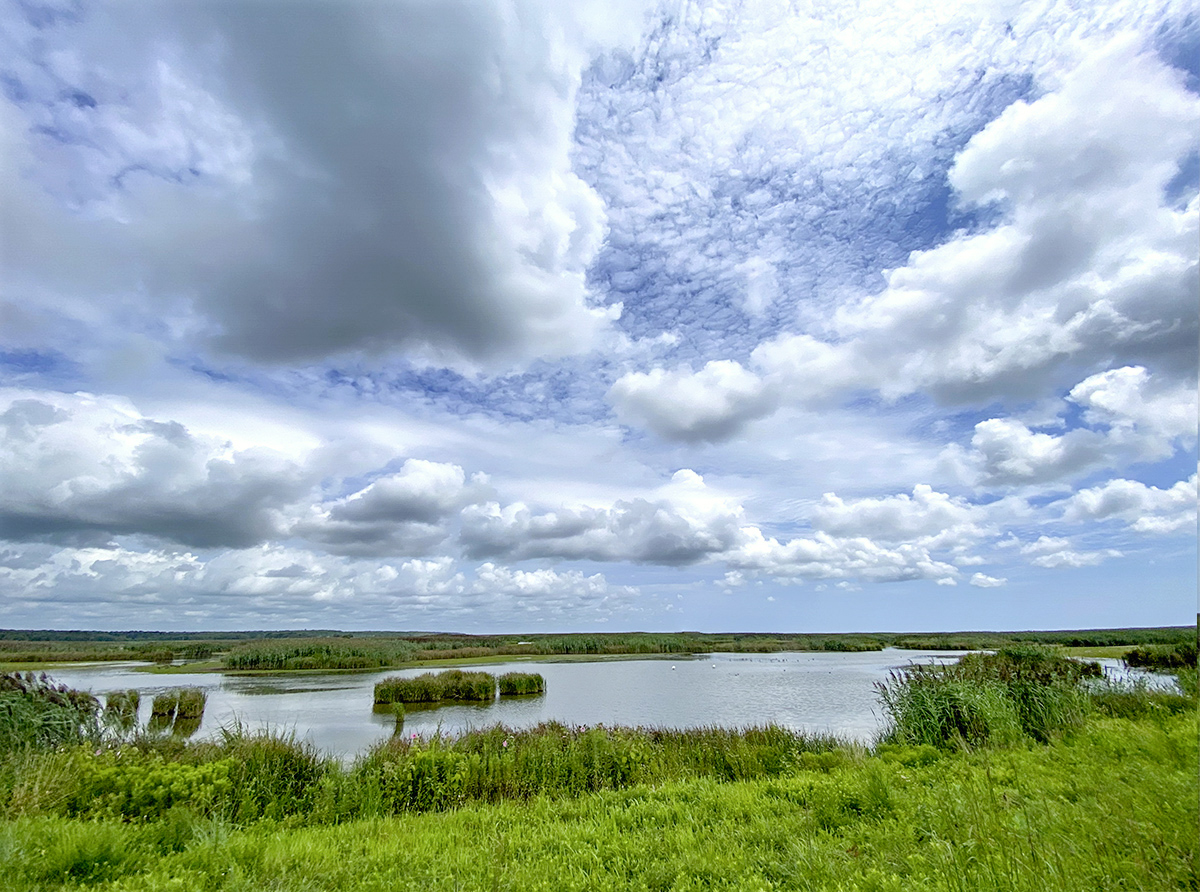
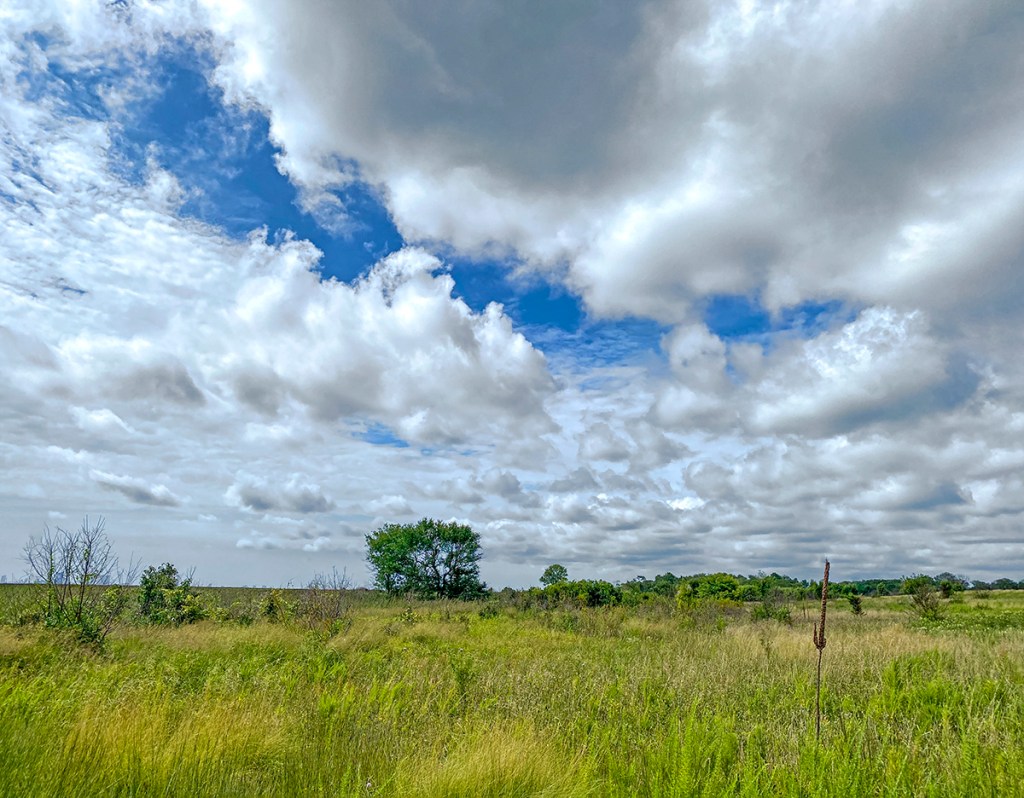
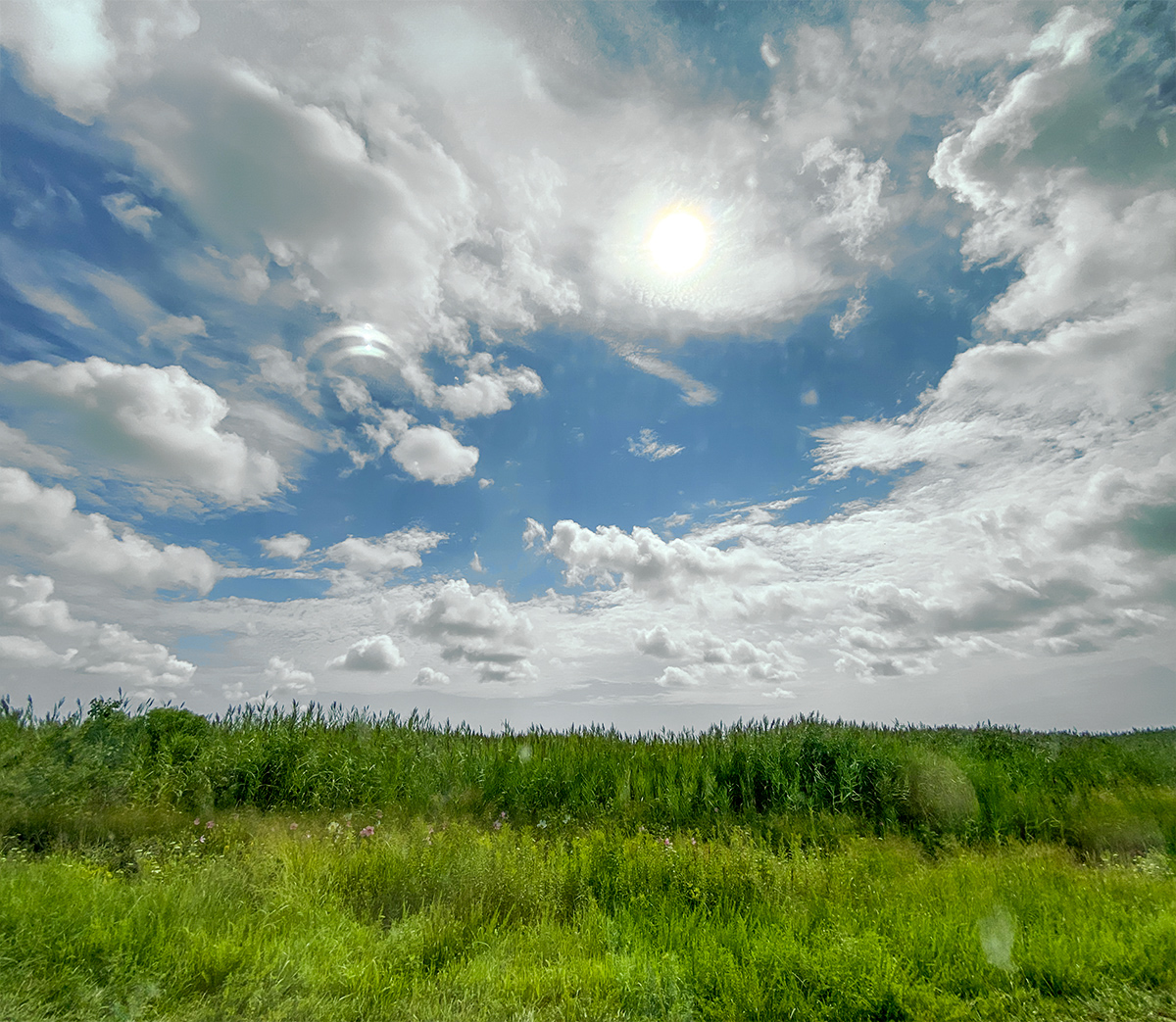
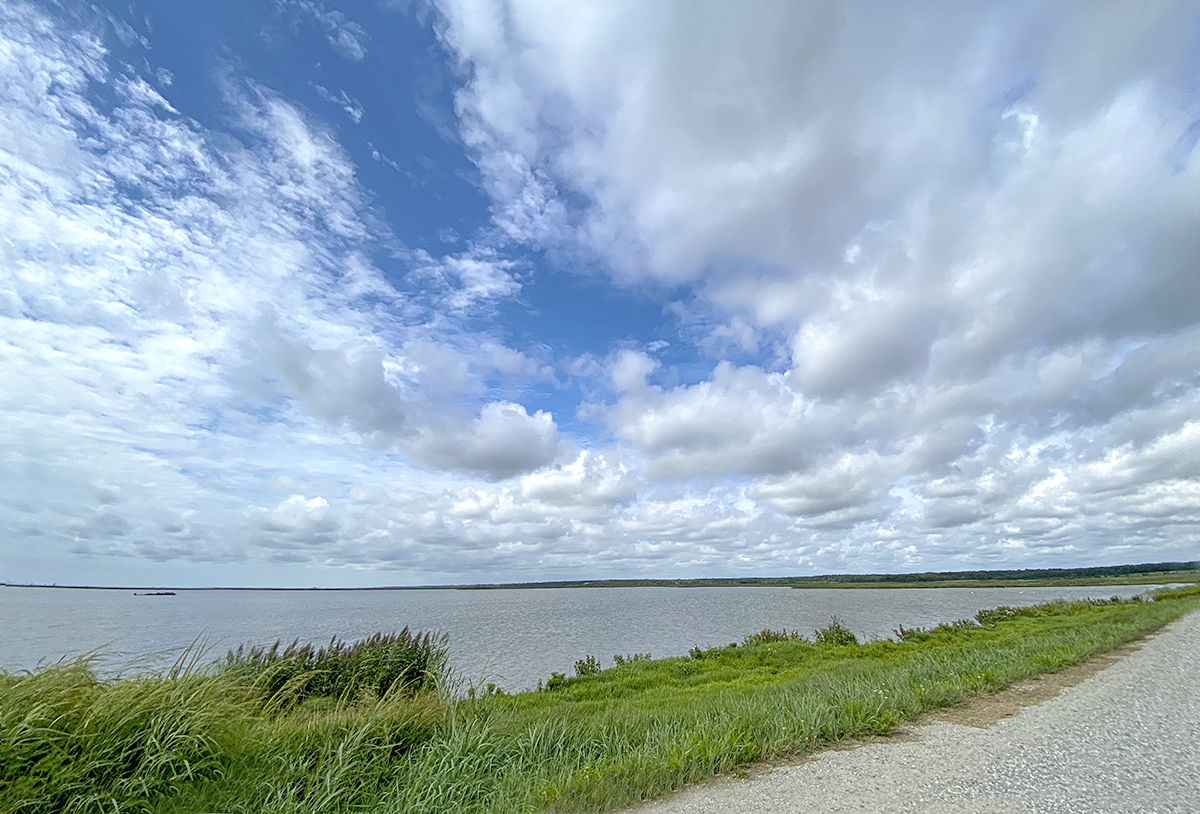
I was going through images to post and found this series of iPhone Multi-Image Landscape images from the Brigantine Division of the Edwin B. Forsythe NWR in Oceanville NJ. The clouds on this visit were amazing and I decided to try shooting a series multi-image panoramas using only my iP11 Pro using the 3 different focal length lenses on the iPhone. Overall they worked out quite well. I was never fond of the panorama feature on the iPhone because of the “bowing & bulging” look to the iPhone panoramas. Instead I shoot a series of images and assemble them in Photoshop. Also the pano feature on the iPhone only gives you a “long” image unlike shooting a series of images in multiple rows giving a longer & higher view. The Featured Image is a 3 image pano, shot with the 1.5mm lens & assembled in Photoshop.



Davidsons Mill Pond Multi-Image Panoramas
Posted on January 3, 2022

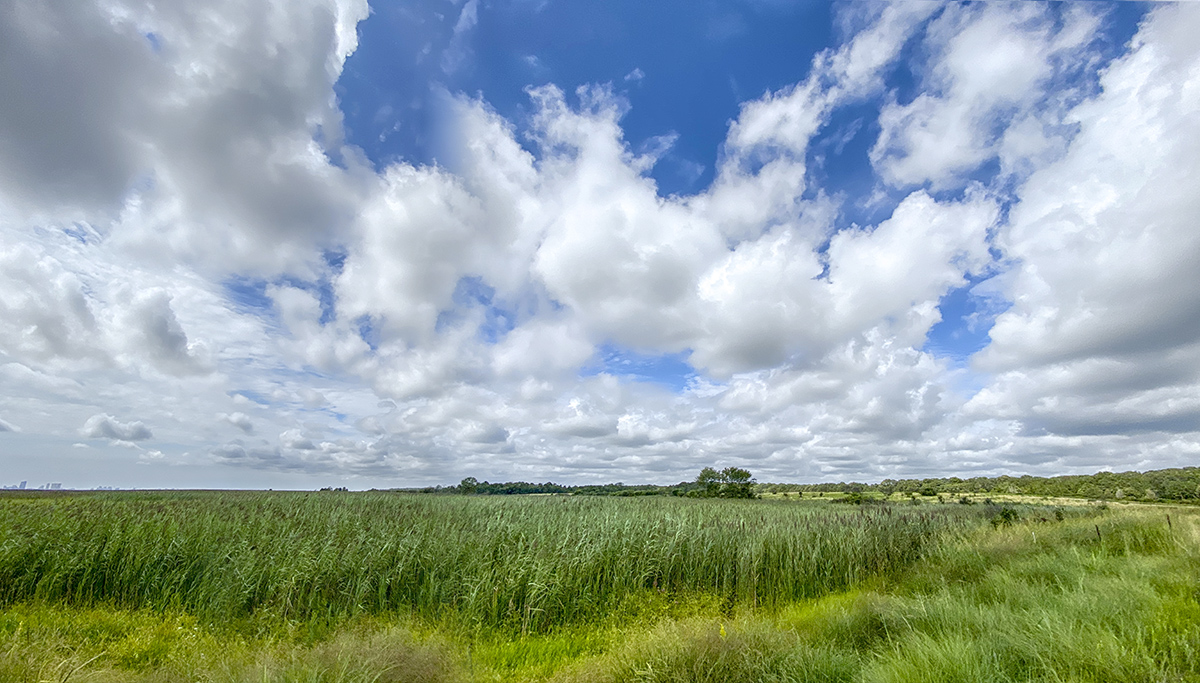
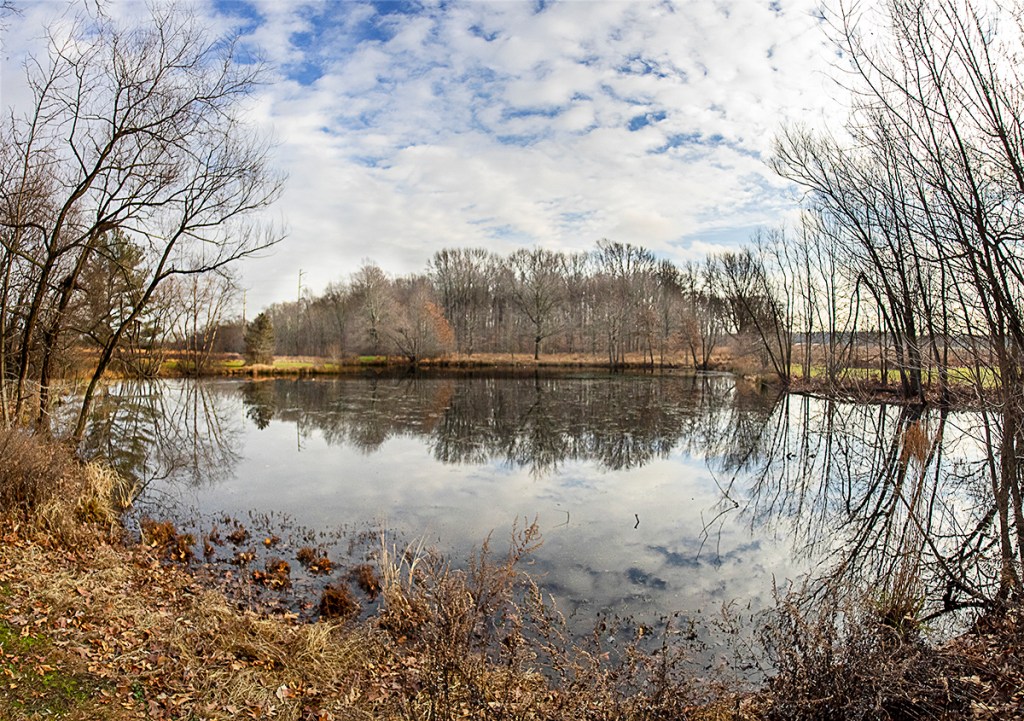
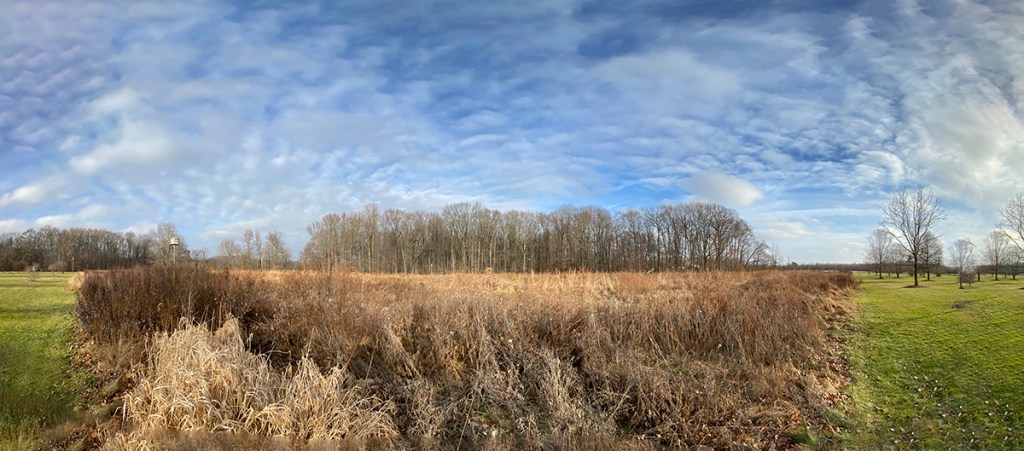
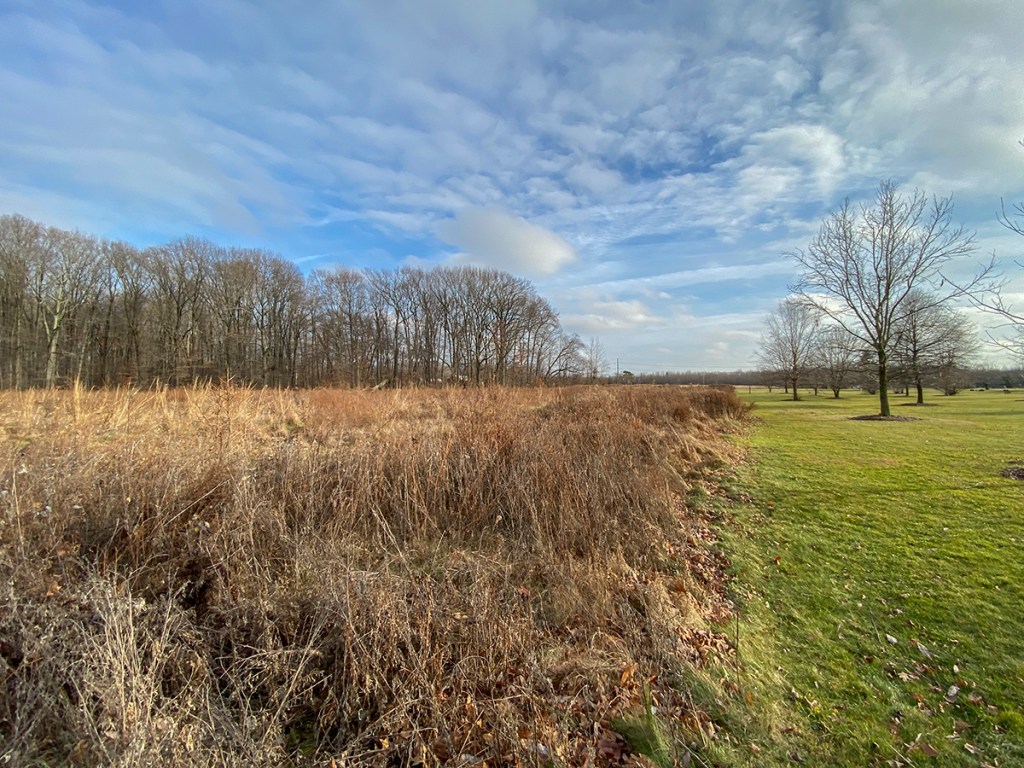
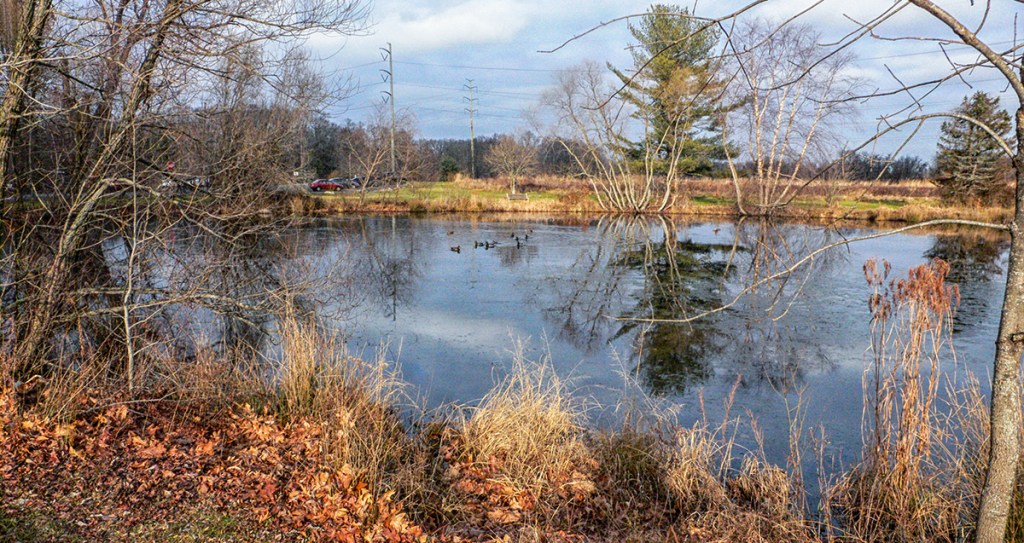
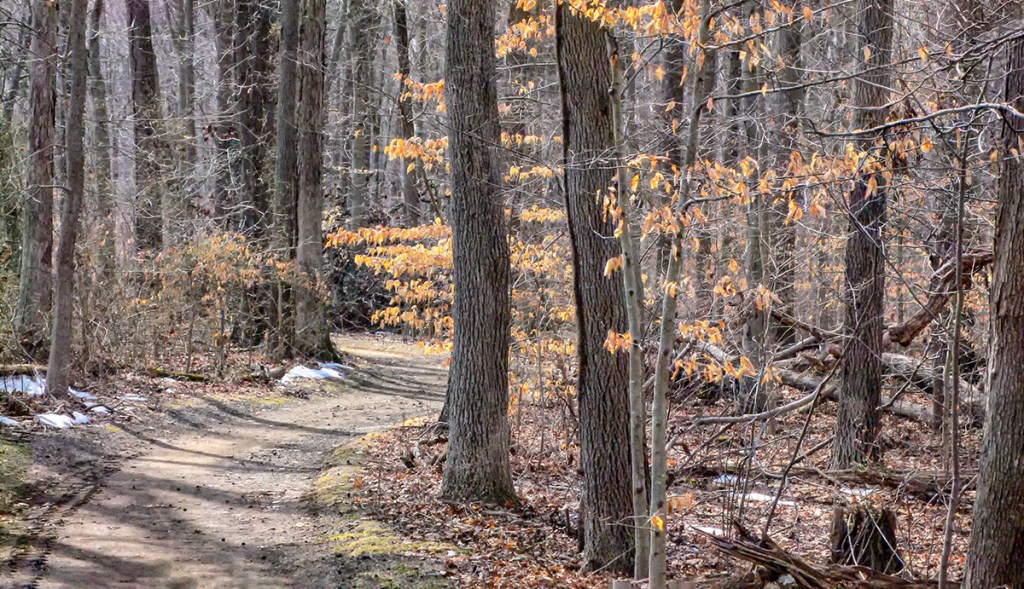
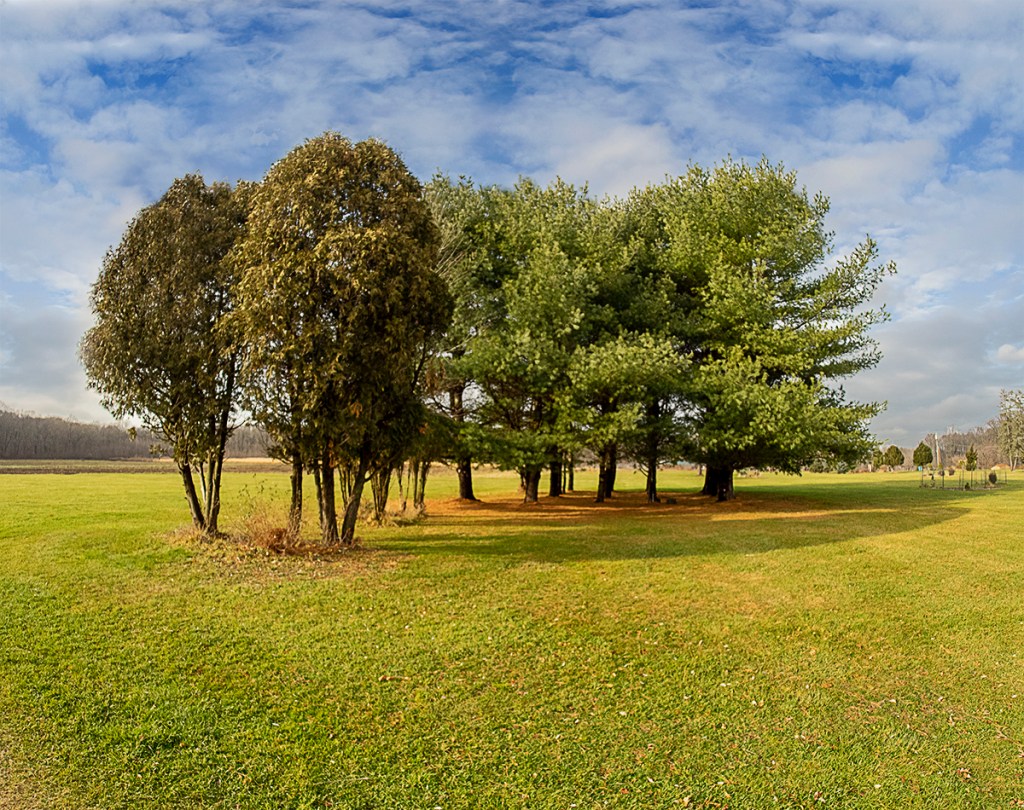
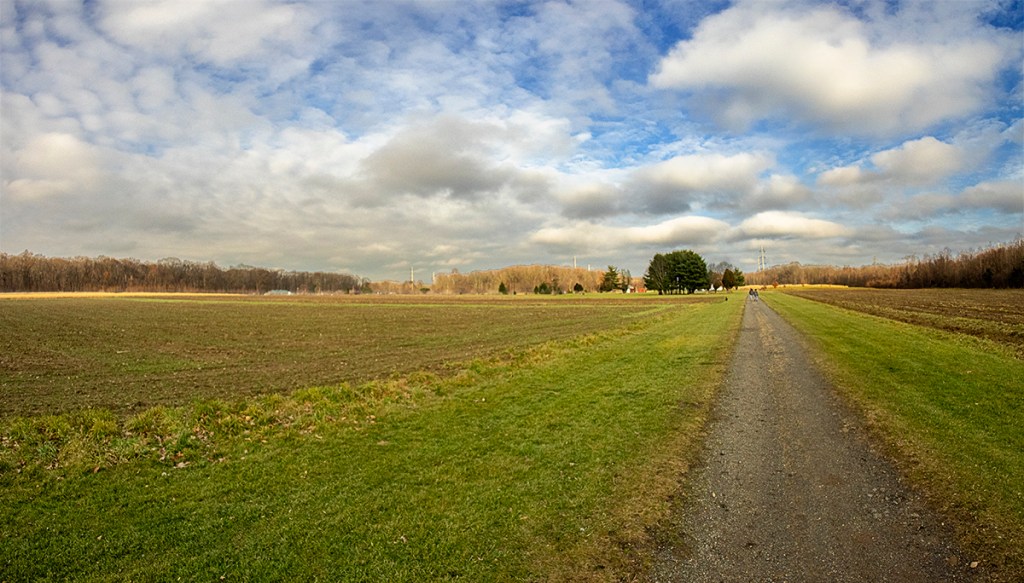
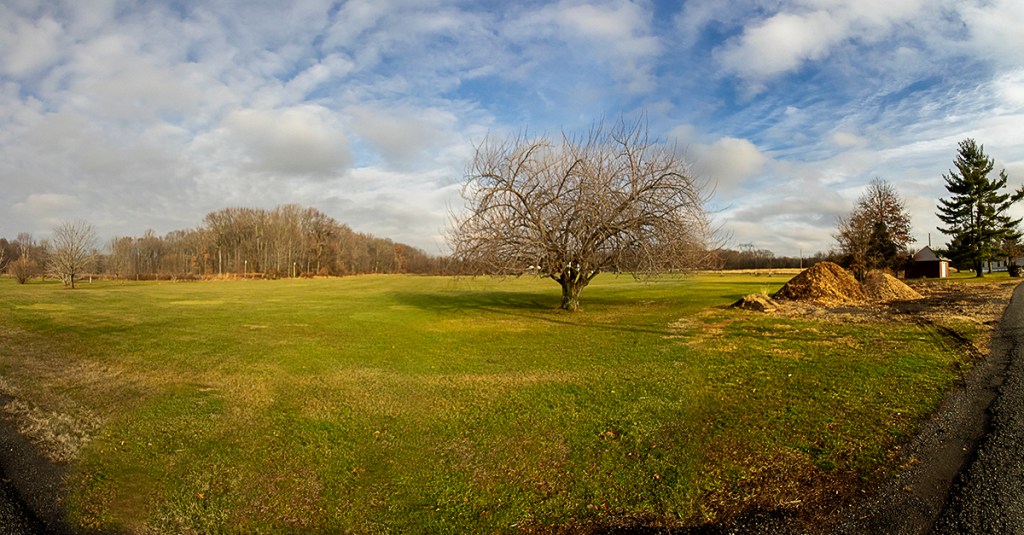
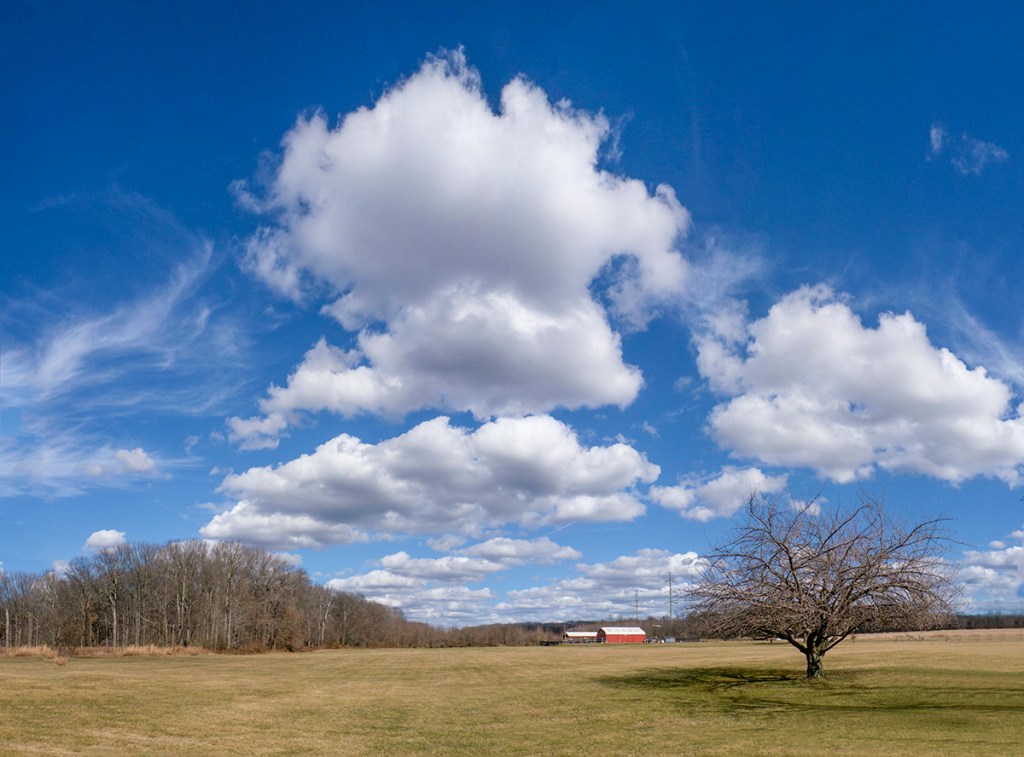
It was a nice day on Dec. 31st so we went to Davidsons Mill Pond Park to take a nice walk. I thought I would also shoot a series of Multi-image Landscape Panoramas, but I could not decide what Camera & Lens combo to take. So I decided to take a few choices to see which worked better for what I was trying to photograph. I previously had cleaned up & reorganized my camera & lens cabinet and found a charger for an old Panasonic LX-1 Pocket camera that I used to use for wide shots when I was mostly photographing with my larger Canon gear, so I took that along also to see how it stood up to the newer Digital Cameras. I also set the LX-1 to 16×9 format. My iPhones & adjusting the images in Adobe Camera Raw had replaced me using the Panasonic LX-1 Pocket Camera many years ago. It was a nice day to get out and photograph some landscapes with nice cloud formations. After working on my images I was surprised how well the Panasonic LX-1 images did when compared to the newer cameras. Opening the LX-1 images in Adobe Camera Raw did get more detail out of the images. So the following multi-image panorama images are from an Olympus OMD-1 with a 7.5mm fisheye lens (& then DeFished in Photoshop), the iP11 Pro using the 1.5mm lens (full Frame camera FOV equivalent ~13mm) and the Panasonic LX-1 using the lens equivalent to a Field of View to a 28mm lens on a Full Frame Digital camera.
The Featured Image is a handheld 4 Image Panorama taken with 7.5mm Fisheye Lens on an Olympus OMD-1 & De-Fished the Image in PhotoShop using the Adaptive Wide Angle Filter listed under the selections on the top “Filter” selections.






More Panoramas From 7 Lakes Drive
Posted on December 6, 2021

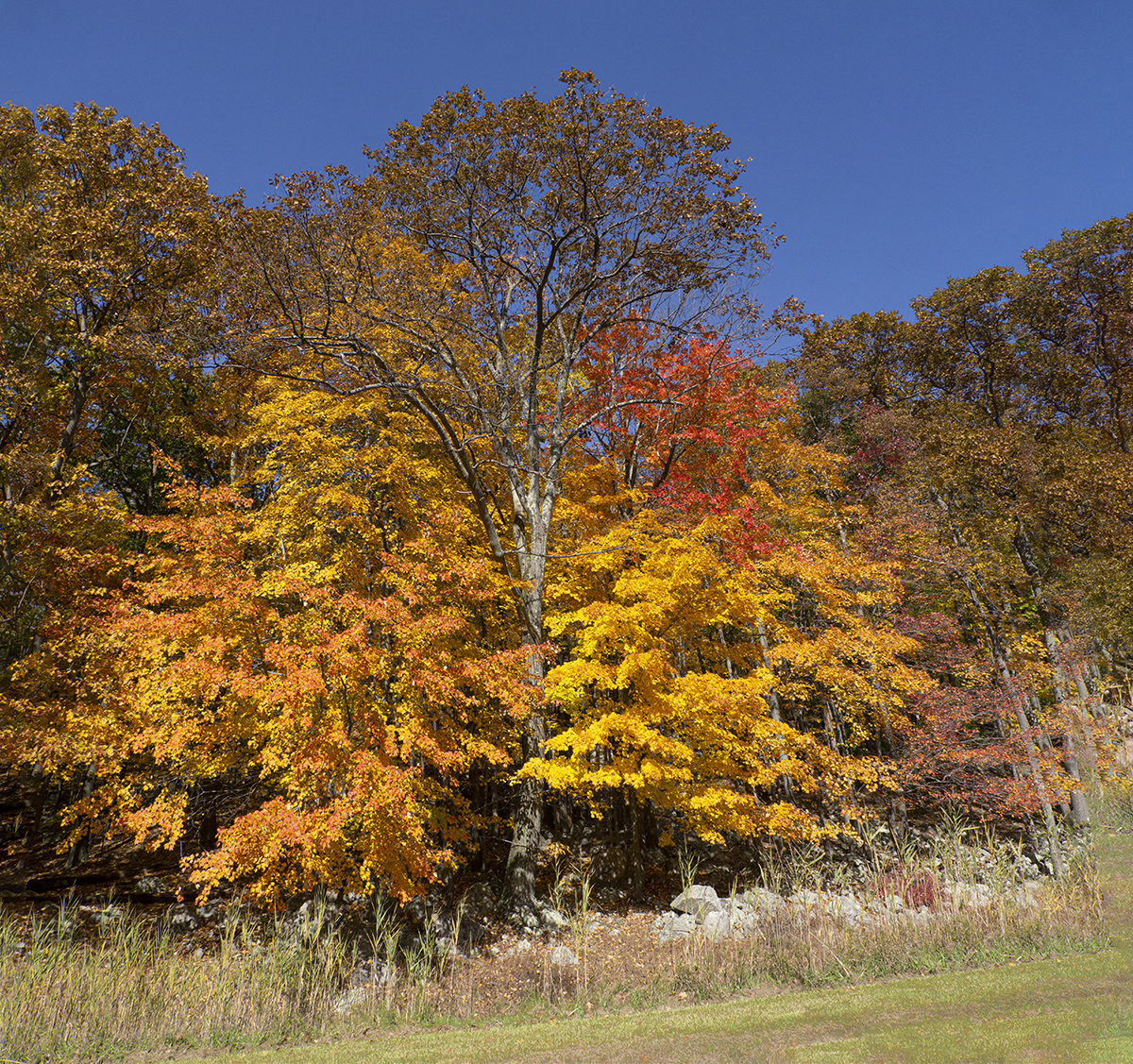
Additional Panorama Images from the 7 Lakes Drive in Harriman State Park. Most images were taken with a Canon 24-105mm lens with a Canon 1D mkIV. The last image was taken with a Panasonic GH2 m43 format camera with a 14-140mm lens. The Featured Image is made from 2- handheld 24mm horizontal images blended in Photoshop for a taller image to get a little more sky & foreground.


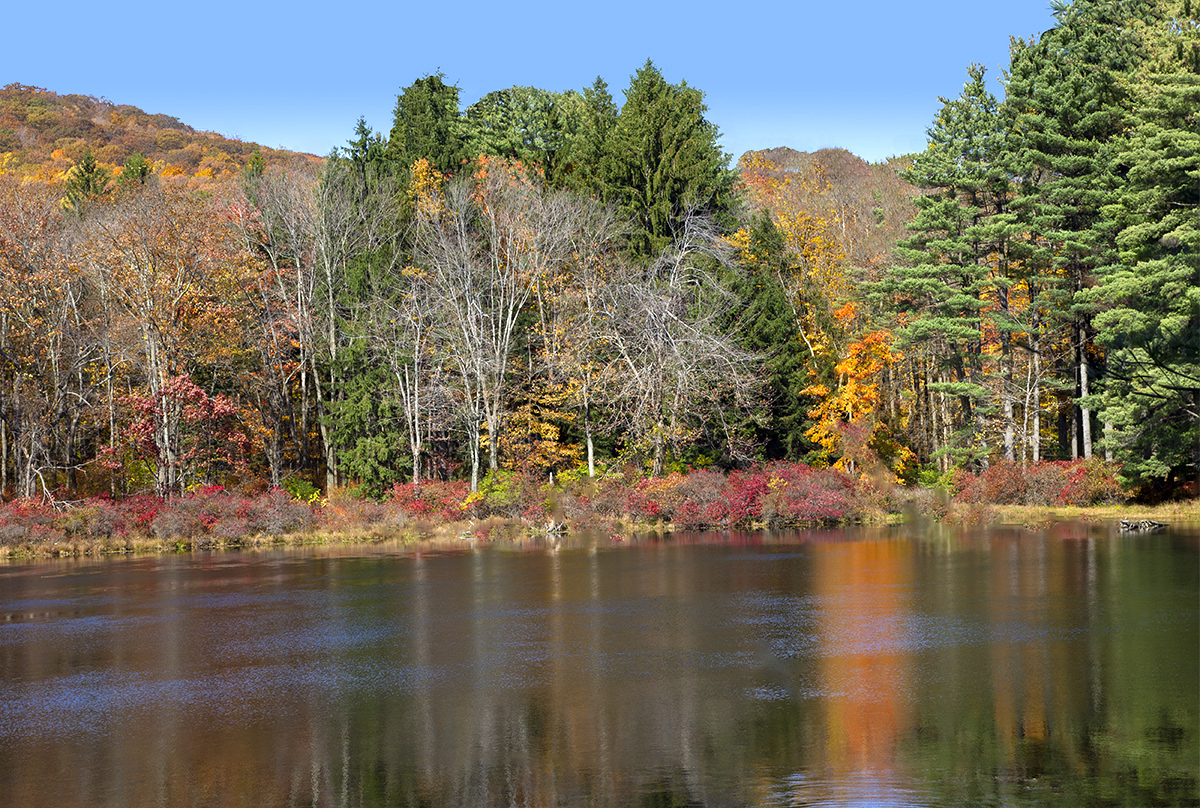
7 Lakes Drive, 5 Vertical Images Panorama, Overlapped Horizontally for a little more height, shot @ 60mm. Blended in Photoshop

Fall Panoramas From 7 Lakes Parkway
Posted on December 5, 2021

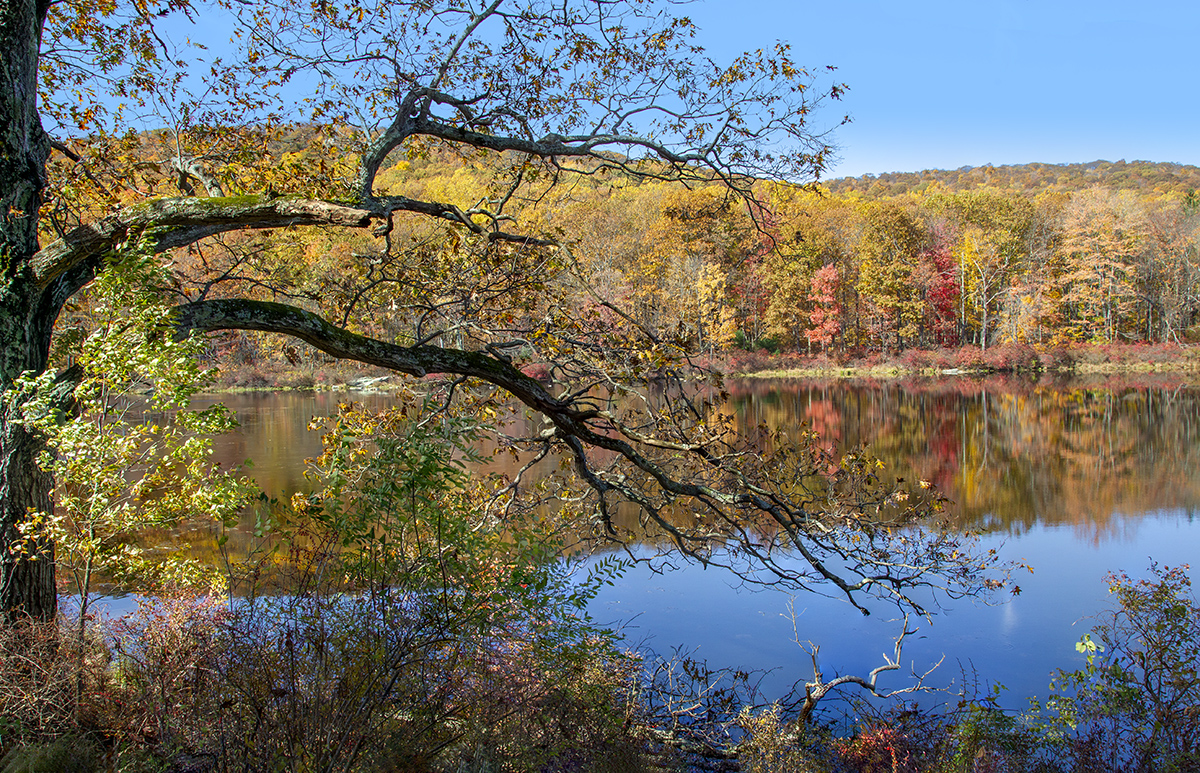
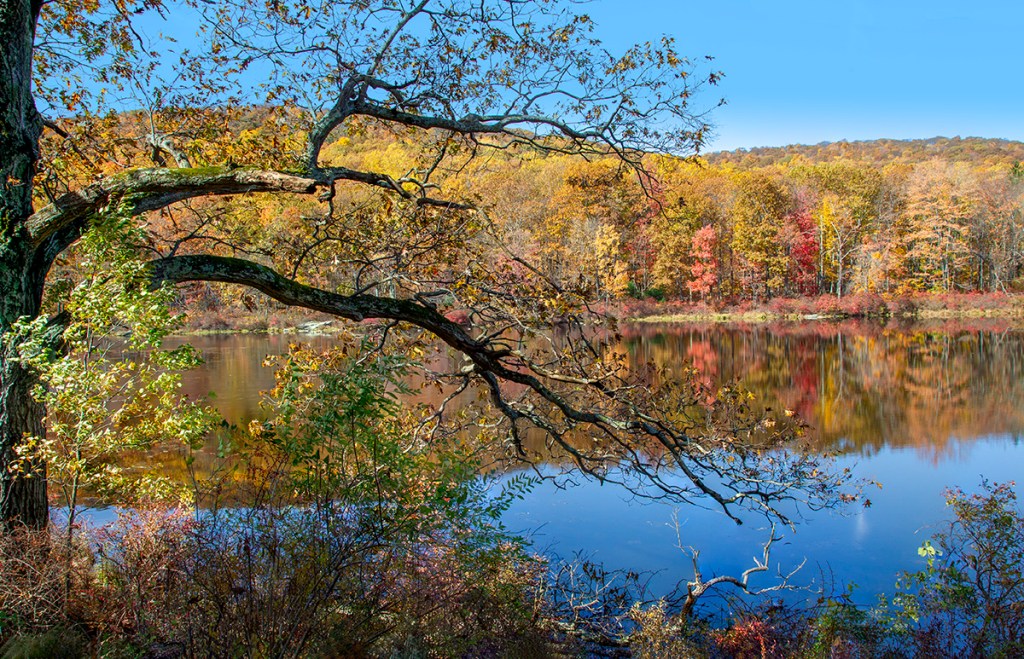
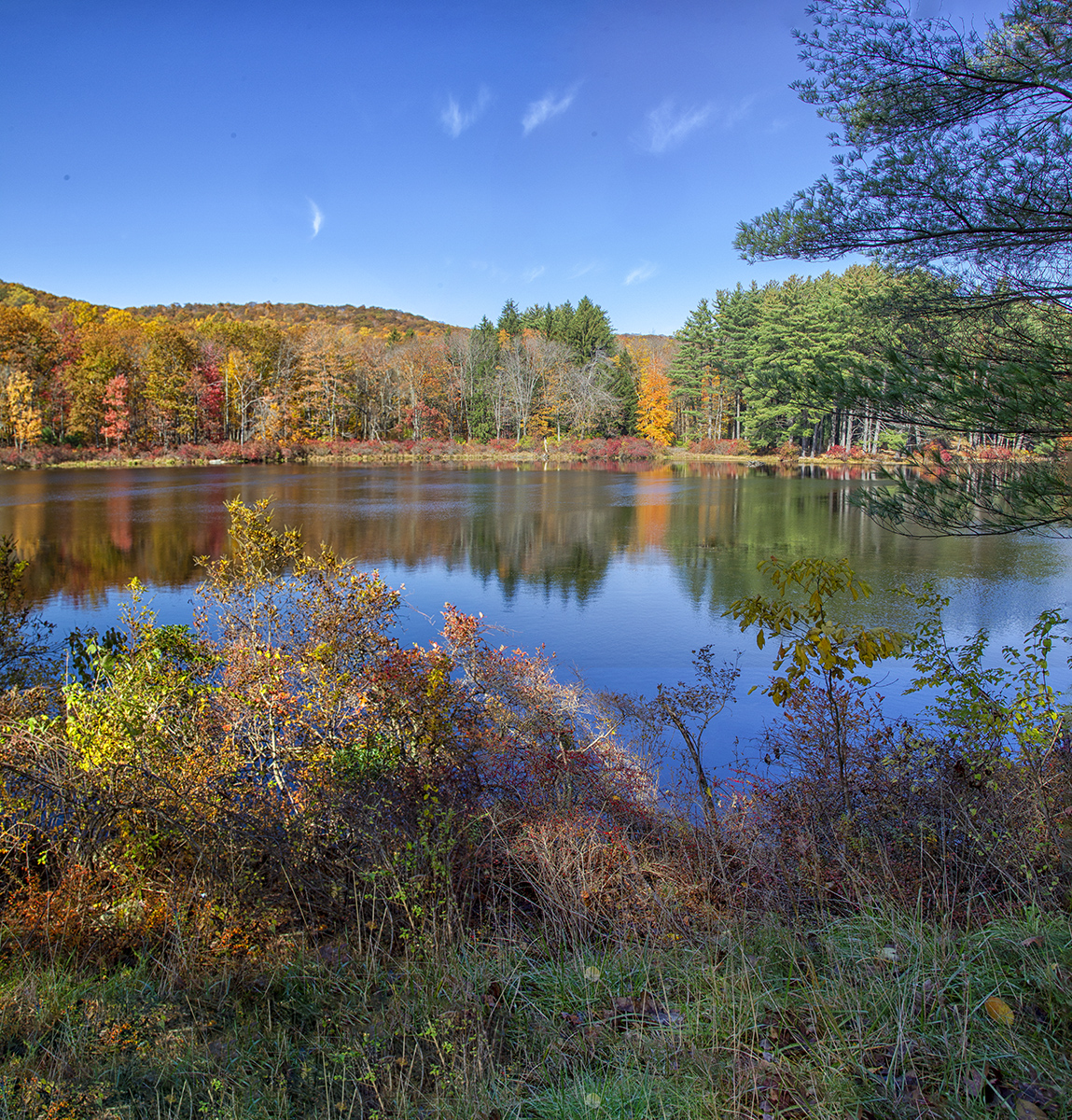
A series of multi-image panoramas taken at the 7 Lakes Parkway that runs through Harriman State Park to Bear Mountain in New York state. It is an excellent area for photographing Colorful Fall Landscapes with colorful leaves and colorful reflections in the Lakes. All images here were taken handheld with a Canon 1D mkIV with a Canon 24-105mm lens. The Featured Image is made from 3 landscape images taken @ 24mm.





Plainsboro Preserve Lake McCormack Panoramas
Posted on November 11, 2021

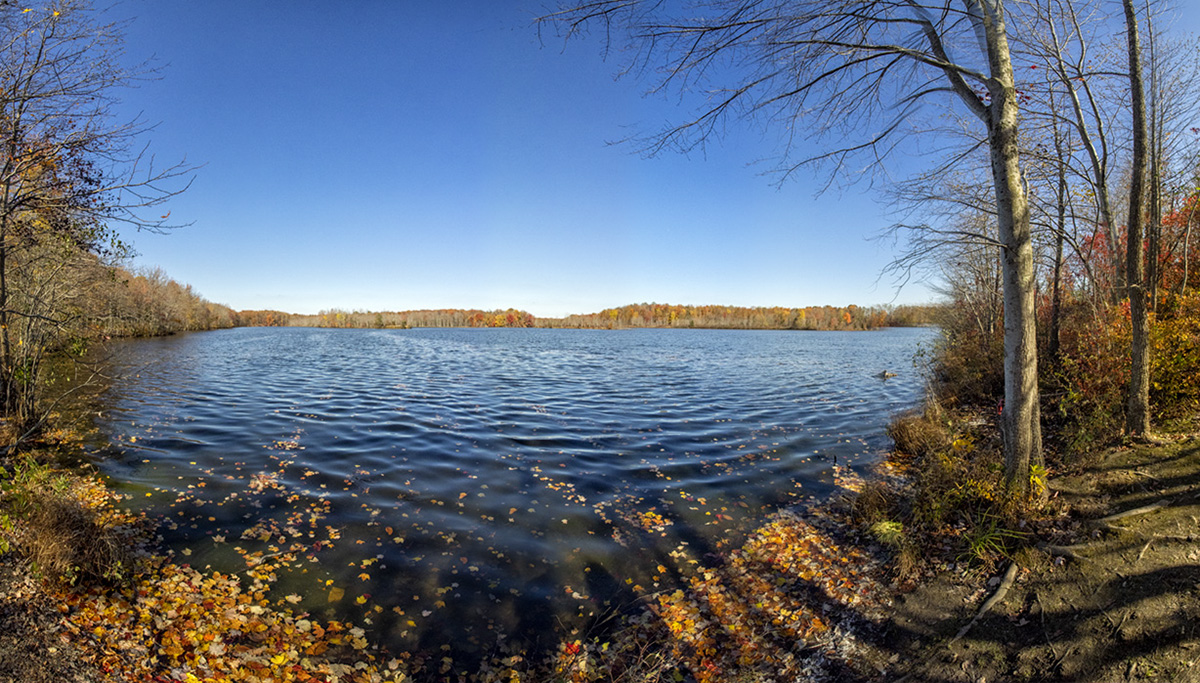
It was a nice day yesterday so we went to the Audubon Plainsboro Preserve to take a walk and get some fresh air. I was traveling light and only took my Olympus OM-D mkI with a 7.5mm Fisheye lens. There was hardly anyone there so I was shooting some landscape images along our walk. There was still a few colorful Fall trees but most of the trees were bare along the path. As we were passing a short trail that lead down to a nice view of Lake McCormack I decided to shoot a couple of multi-image panoramas of the Lake. The Featured Image is made from 12 handheld horizontal images. Then I shot 10 vertical images for a higher panorama view of Lake McCormack. I have found that when using a m43 camera you need to overlap the images more than a Full Frame Camera. When I got home I started to work on my images for the panoramas. First I had to De-Fisheye the look of all of the images before I could use them to blend in the Final Panoramas. I just made an action to run & de-fisheye each image in the series. In Photoshop going to the Filter command at the top, then choosing Adaptive Wide Angle Filter that will usually correct the Fisheye look of your images. You also have to enter the Focal length of your fisheye lens before you use the filter. But this filter is set-up for Full Frame Cameras. So I entered 15mm which is the equivalent Field of View of my 7.5 mm lens on the m43 Olympus, basically 2x with the Olympus. Then I loaded the de-fished images into a Layered Photoshop file and selected all the layers. Then on the top commands go to Layer and choose Align, then merge Layers to complete the blending of the images.
Blue Dasher 3 Image Panorama
Posted on September 27, 2021

I found this male Blue Dasher Dragonfly on a small branch at a local park. I was using a 400mm DO lens on a Canon 1D mkIV thinking I would be photographing birds. But I had a set of extension tubes in my photo vest which enabled me to get a series of very closeup images to make a 3 horizontal image pano Portrait of the Blue Dasher. Images taken @ f/13 with fill flash (Canon 550 EX with a Better Beamer Flash Extender).

Brigantine Feeding Gulls Panorama
Posted on September 2, 2021

Quite often you will find large groups of Gulls, with a few other birds in the mix, feeding in the water channels along the Wildlife Drive. The Featured Image is a handheld 7 image panorama of a group of mainly Gulls with a couple of Snowy Egrets in the mix. Because they are actually moving along as they are feeding I shot my 7 images as fast as I could to help with the blending & to minimize their movements on the overlapping edges of the 7 images. I also upped my ISO to 1250 to get an even faster shutter speed (1/2000 sec) to minimize the fast movement of the camera’s swinging arc & also because of the moving Gulls. It also helps to shoot in the same direction the group is moving. I was using a Tamron 150-600mm @ 600mm @f/11 on a Canon R.

 photoartflight