 photoartflight
Multi-Image Fisheye Images
Posted on April 20, 2021

Here are some more Fisheye images taken with the 7.5mm 7 Artisans Fisheye lens on a m43 format camera. The featured image is one of my first multi-image Fisheye Panoramas. This is a 2 image Fisheye Pano taken on a gray day & light rain. With the 7.5mm Fisheye lens it seems that manually “blending” the images with a “soft” edge mask works best for assembling the panoramas in Photoshop. I then used the Adaptive Wide Angle Filter under “Filters” in Photoshop. I used the 15mm setting because the “Filter” is set up for Full Frame Digital Cameras. So the 7.5mm m43 lens would be an approximate 15mm field of view equivalent. If I ran it at 7.5mm I would get a jagged circular image in the middle of a white empty background. After you use the Adaptive Wide Angle Filter you can then fine tune your images using the “Warp” feature in Photoshop for even more fine tuning. Once you get used to using a Fisheye lens your results are more predictable and they are fun to use.


Something Fishy & DeWarping Fisheye Images
Posted on April 2, 2021

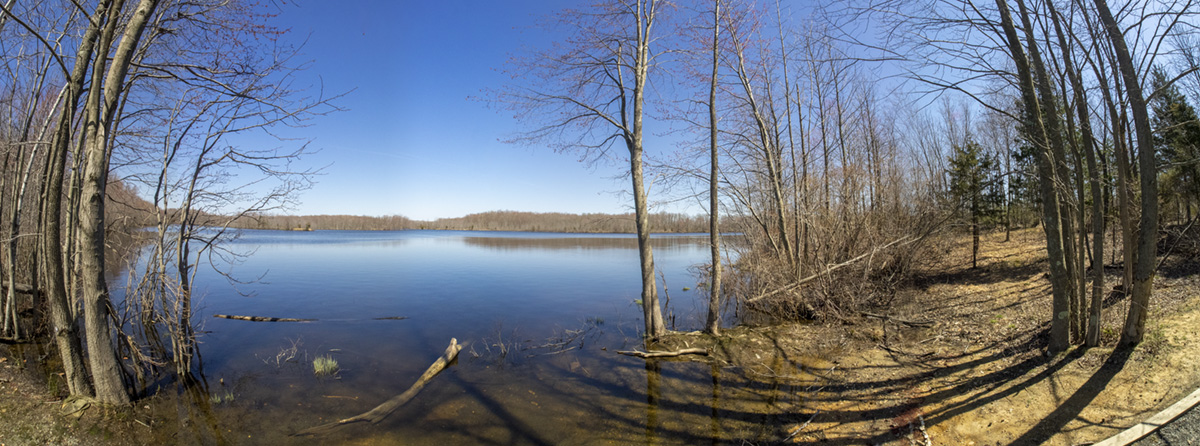
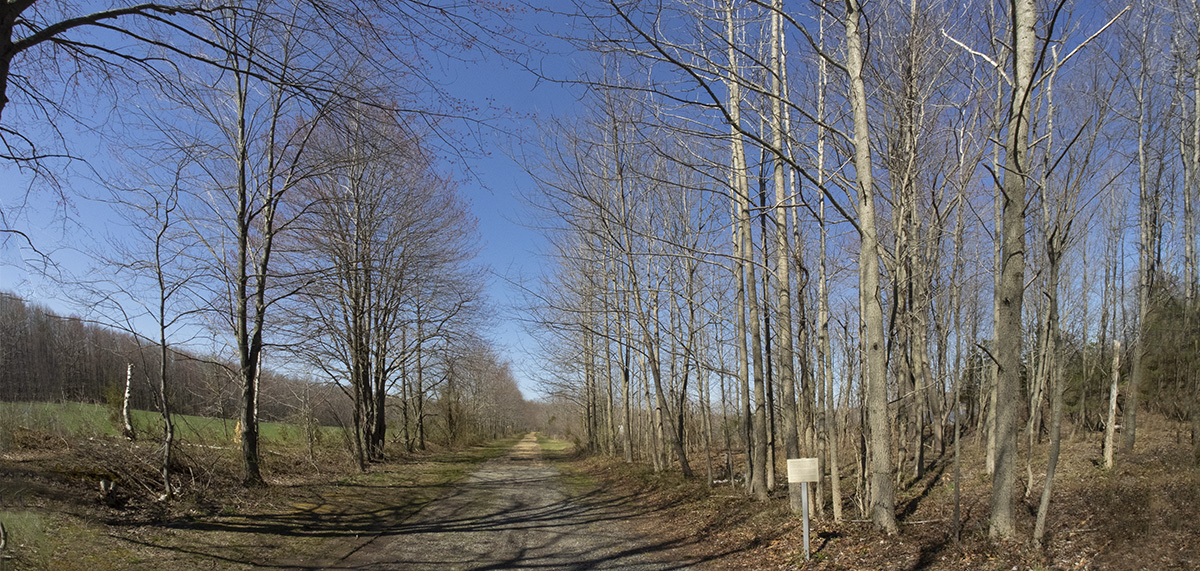
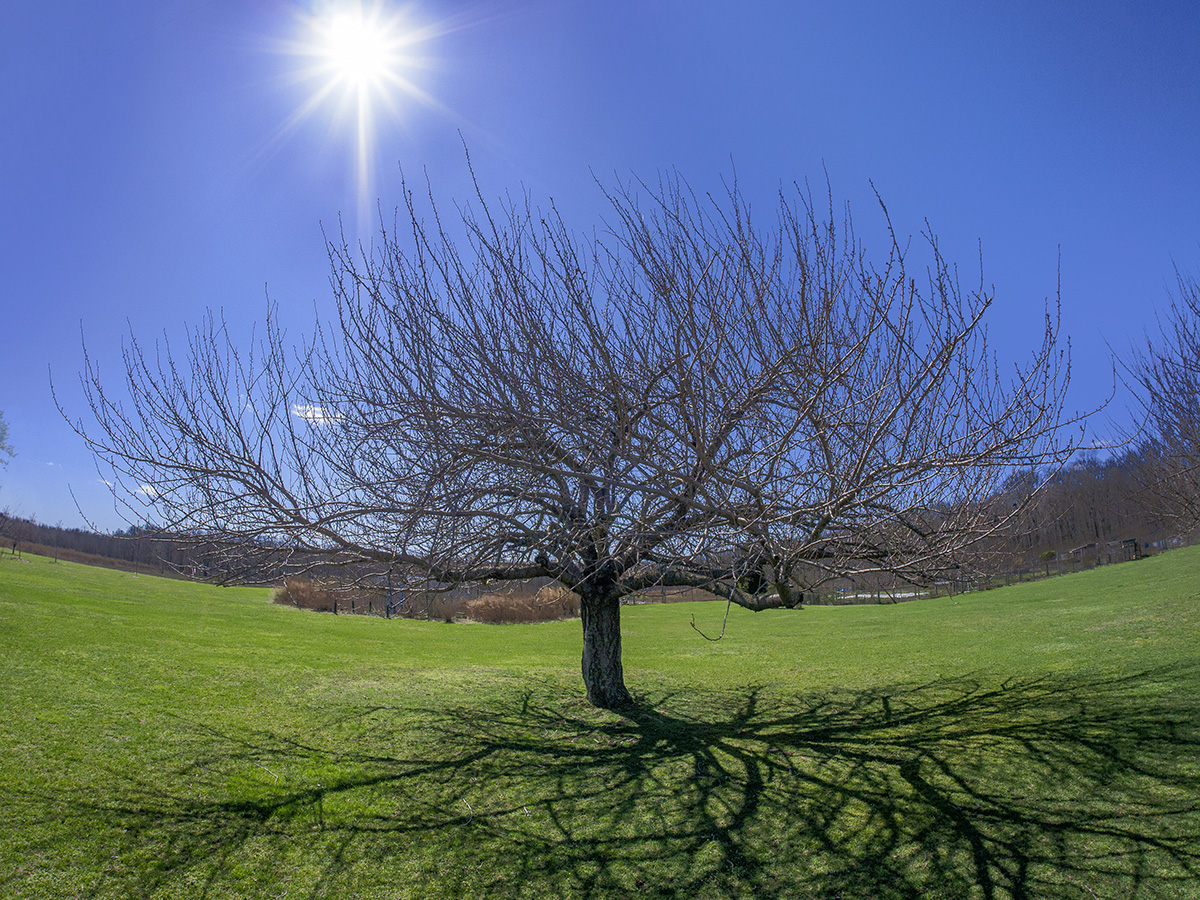
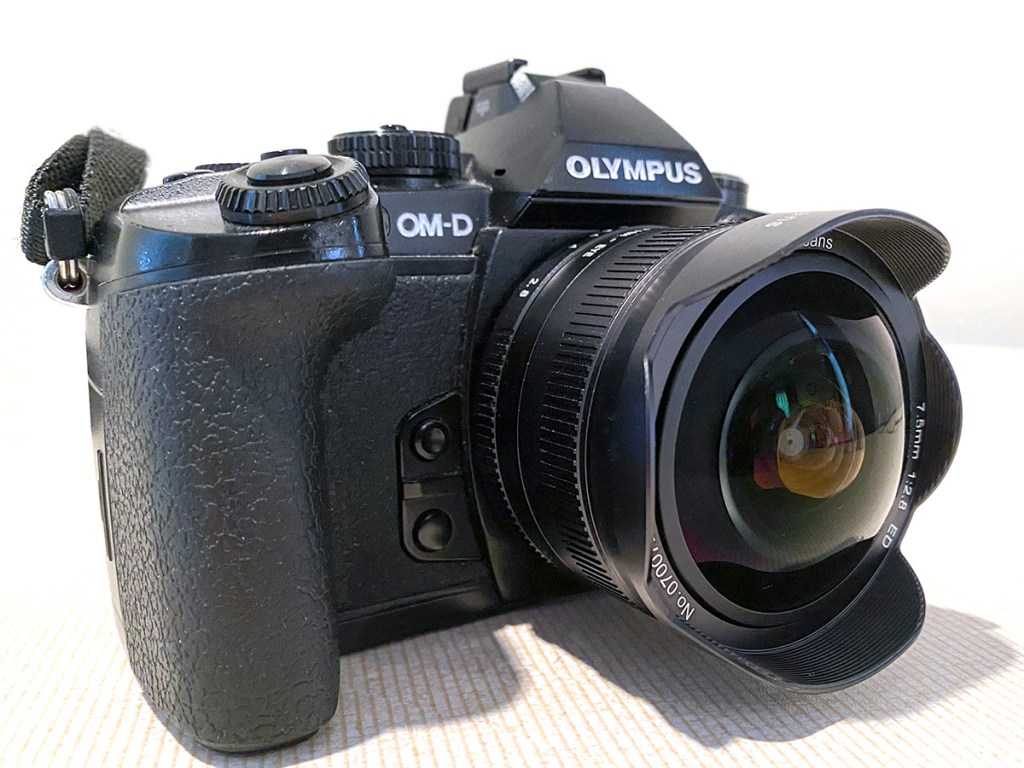
I used to use 15mm fisheye lenses on film cameras for interesting images back in the film days before digital. I usually used them for an interesting & different look here & there in multi-projector slide shows I used to produce for our Corporate clients. When Microsoft Powerpoint presentations came out, multi-projector Corporate slide shows died a quick death. With digital imaging starting to be more affordable in the early days, Fisheye lenses were not as popular in my Commercial work. When we needed one we would just borrow one from where we bought our supplies & equipment. But being retired now it is an interesting way to get very wide views and then in post processing to De-Fish them. I was looking for a used Canon 15mm Fisheye lens for landscapes, but they seemed to be going for extremely high prices. Canon discontinued the 15mm Fisheye lens (FOV 180°) replacing it with the 8-15mm Fisheye zoom. I did not want a zoom fisheye but noticed that 7 Artisans had a 7.5mm Fisheye lens for m43 cameras with a FOV of 180°. Looking online at where I usually buy my equipment lately I noticed a version 2 was about to come out in 2 -3 weeks with a 190° Field of View and with better optics. So I was going to order one, but my wife looked on Amazon and it was available now. So I had it in a couple of days. The featured image is 6 m43 images shot @ 7.5mm with an Olympus OM-D 1 with the 4:3 format. This was assembled in Photoshop using the images as they were taken. I also overlapped the images more than usual because of the smaller camera sensor as I was taking the images. After blending the images I used the Edit “Warp” feature in Photoshop to remove most of the fisheye effect. Depending on the image you can also get good results using Photoshop’s Adaptive Wide Angle feature under the “Filter setting”. Then use the “Edit” Transform -“Warp” feature to adjust the corners to where it diminishes most of the “Curving” in the corners. It also helps when using a Fisheye lens to have the main horizon line somewhat centered in the image to avoid the “bowing arc” of the horizon, Makes it easier to just have to deal then with the “Corners”.
131 Egrets In Trees
Posted on December 23, 2020
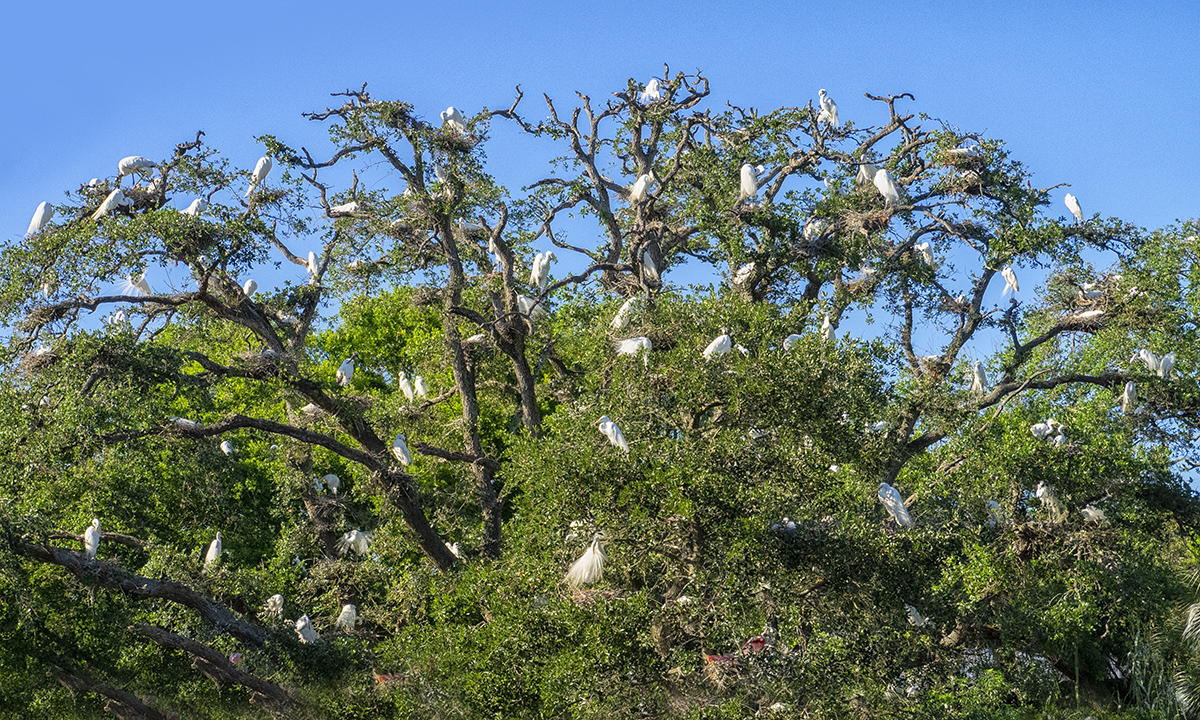
I am still working on images from past trips. Gives me something to do during these Covid times. This is a 3 image handheld panorama shot with a m43 Olympus OM D-1 with a 14-140mm lens @ 41mm (Full Frame equivalent ~82mm). Then aligned & blended in Photoshop. Just for fun or maybe boredom, I counted about 131 Egrets plus 5 Roseate Spoonbills & 6 Wood Storks. I probably missed a few and could not see what was on the reverse side of the trees. Below are a few cropped in sections.


Magnolia Plantation Swamp Garden Landscapes
Posted on December 20, 2020

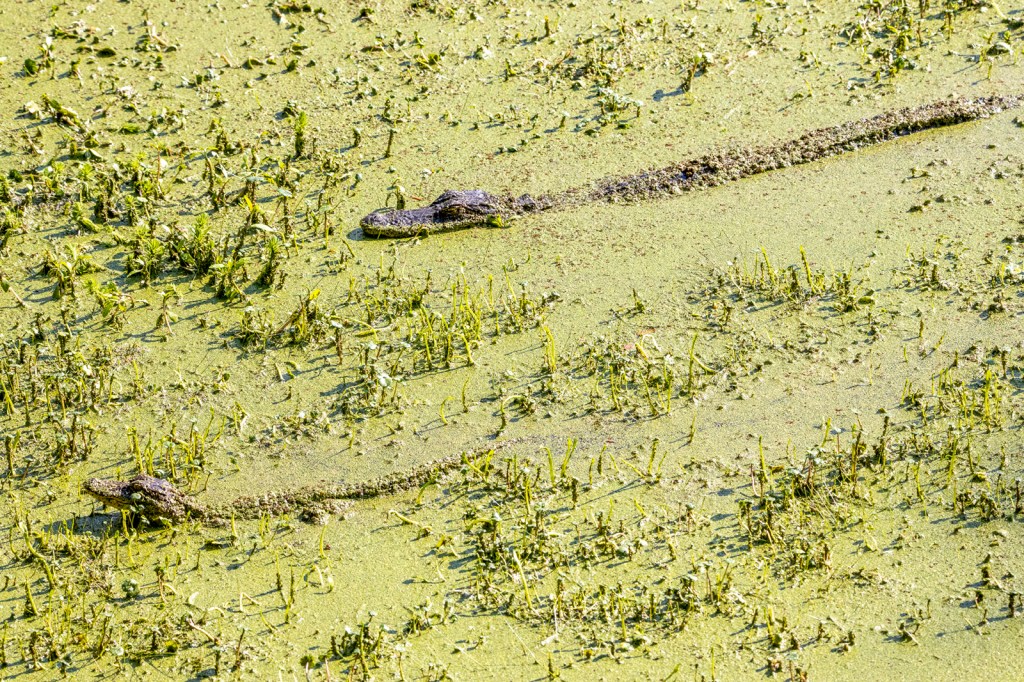
As you are entering Magnolia Gardens Audubon Swamp Garden you are walking along the Ashley River. The featured landscape is a 4 image panorama taken @ 14mm with a 14-140mm on an Olympus OM-D-E m1. As you are walking here you can see a lot of birds and some alligators on the other side of the path. It is a large open area so some of the Wildlife is far off in the distance, but you can see some birds & alligators close up if you are patient. Sometimes the Alligators are too close-up!

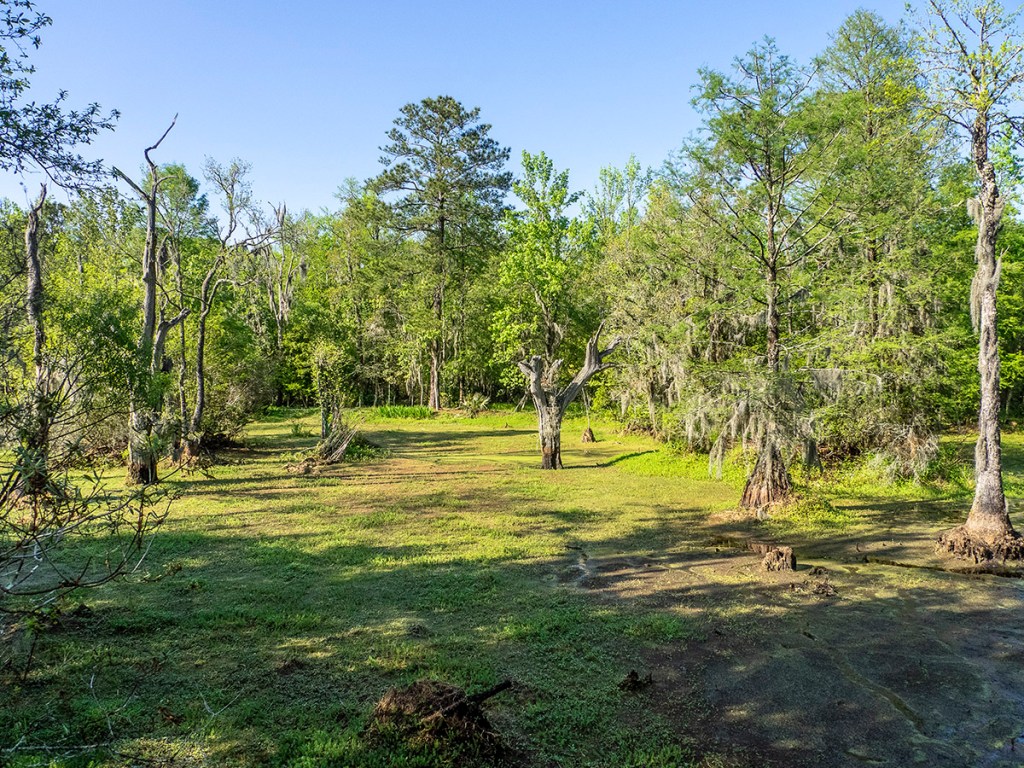


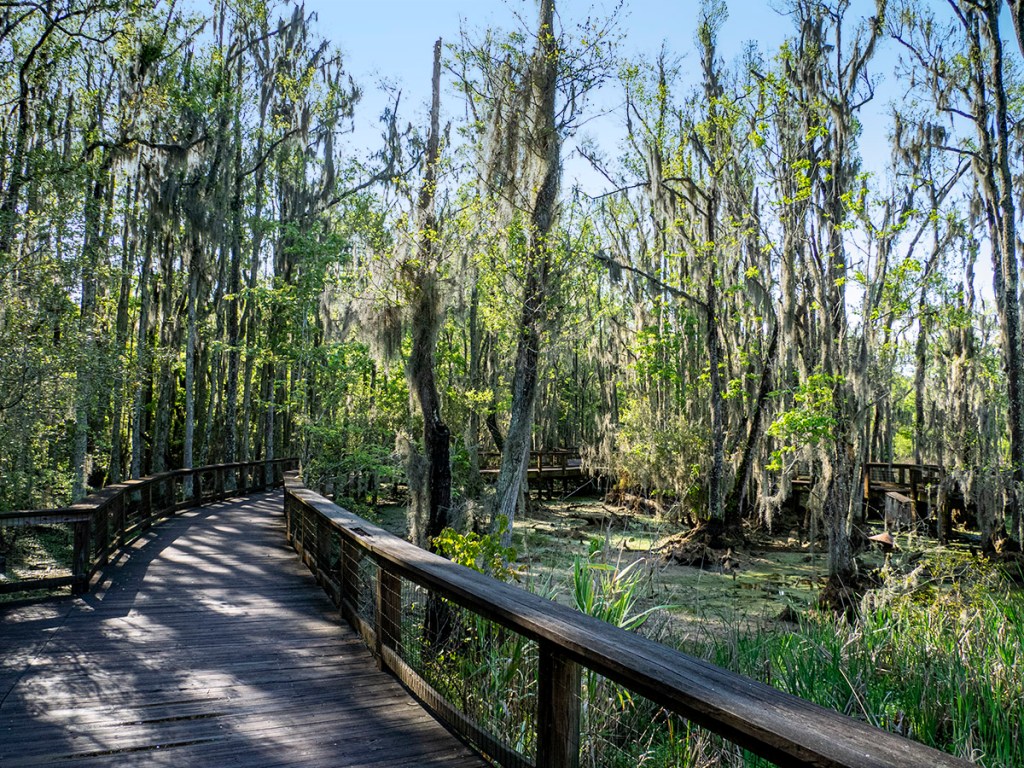


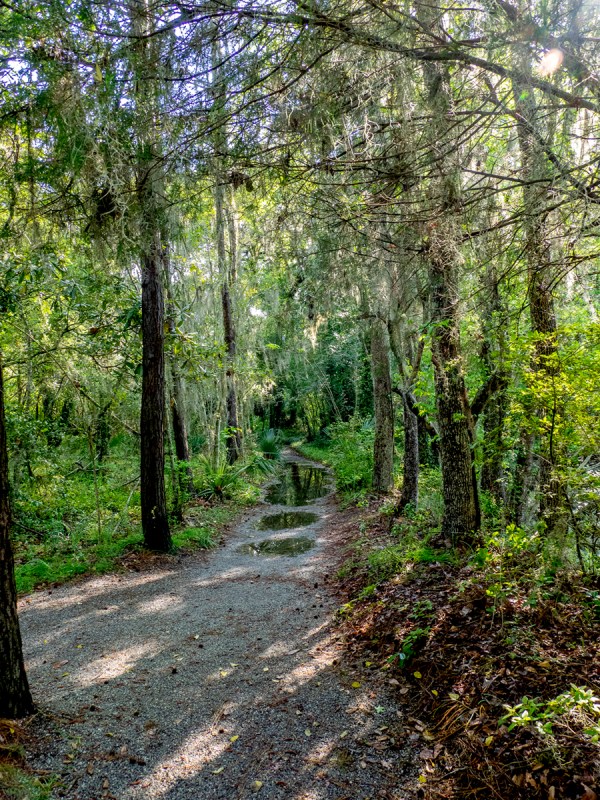
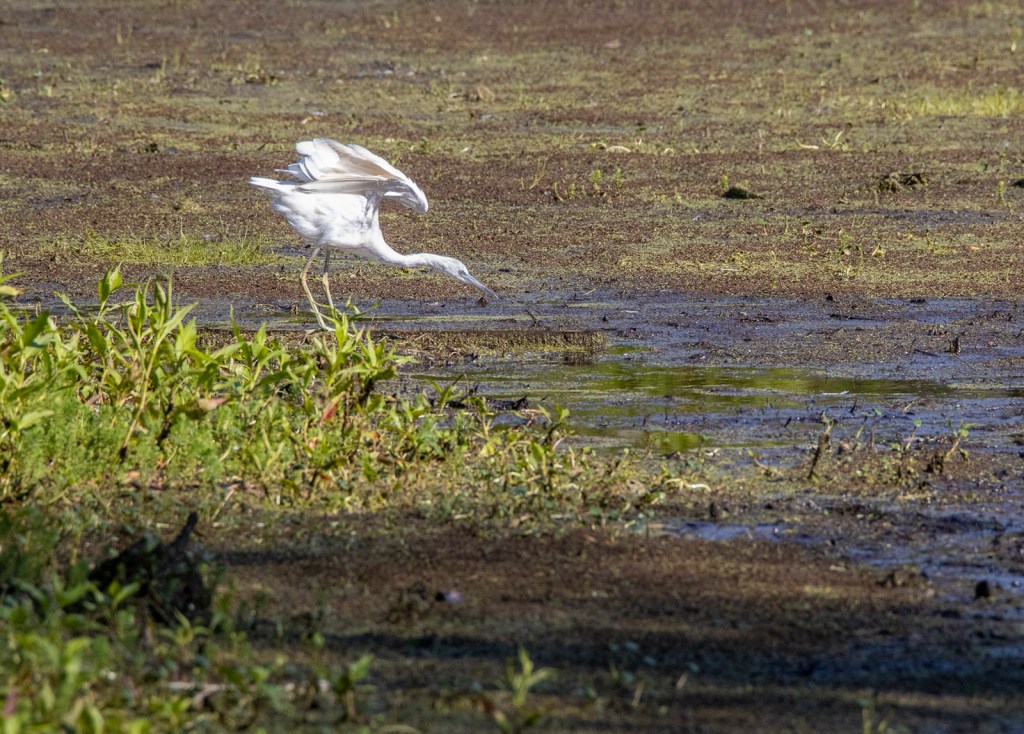
This was taken in the large open area before the boardwalk through the Swamp Garden.
Assorted Birds From Magnolia Plantation Audubon Swamp
Posted on December 19, 2020

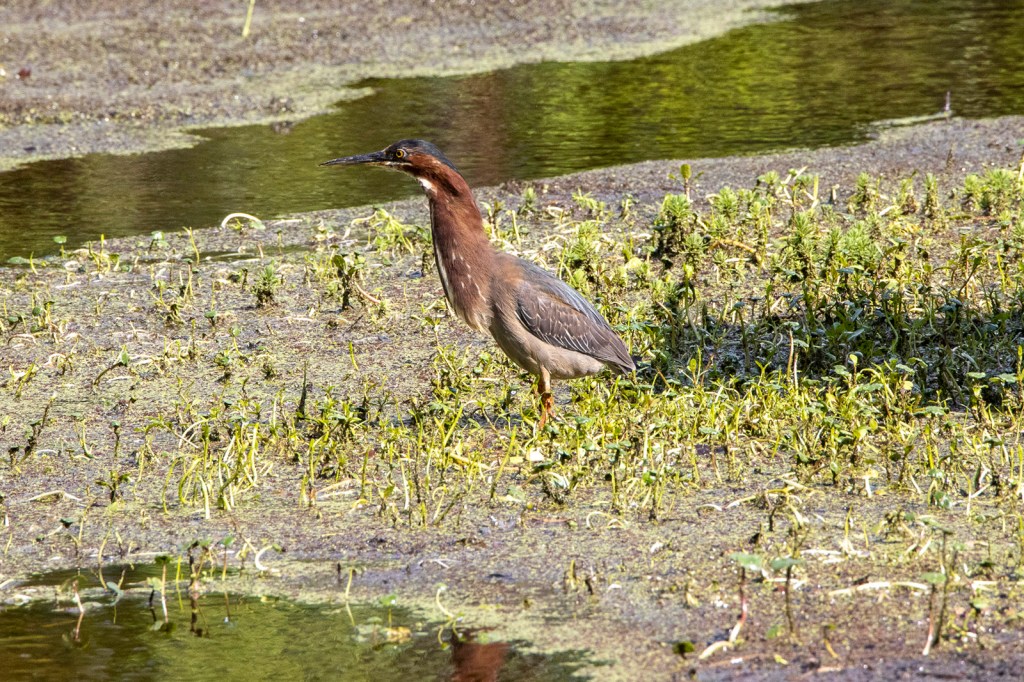
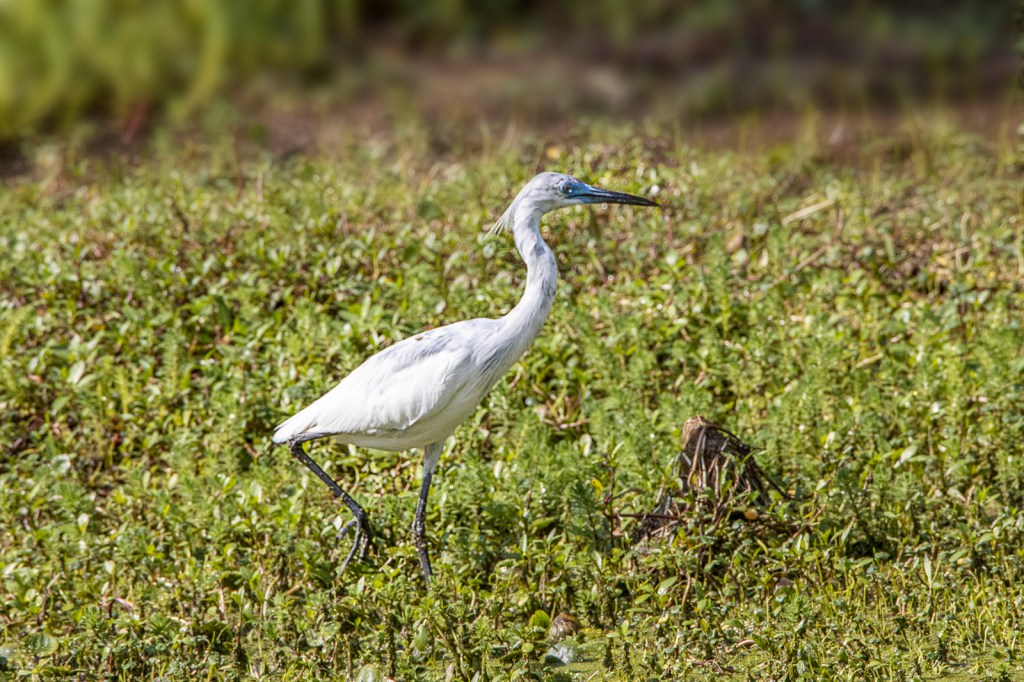
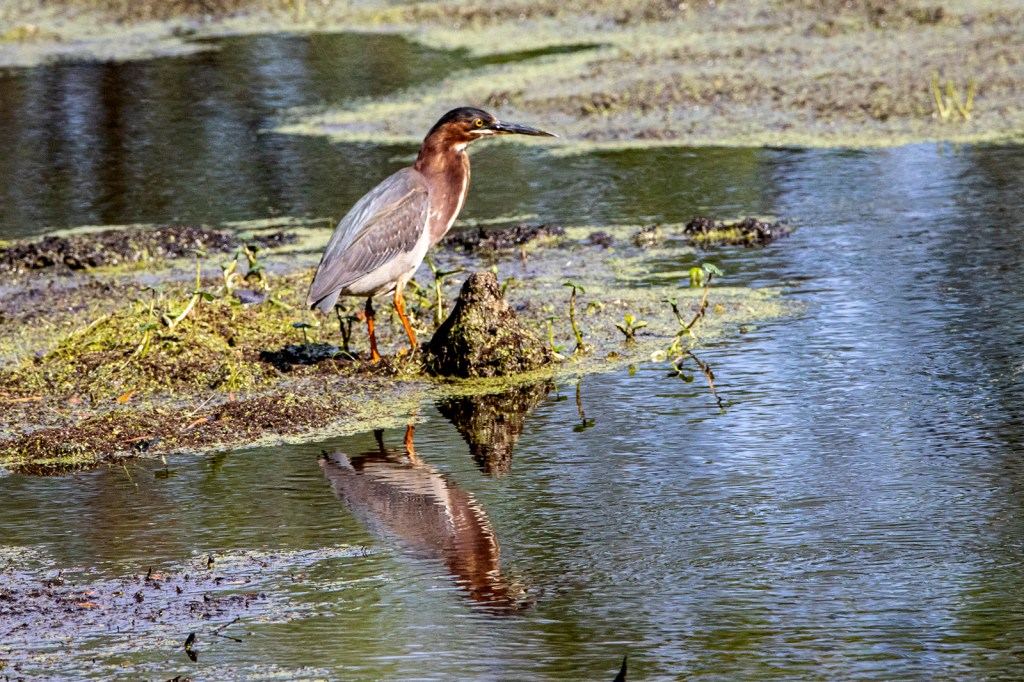
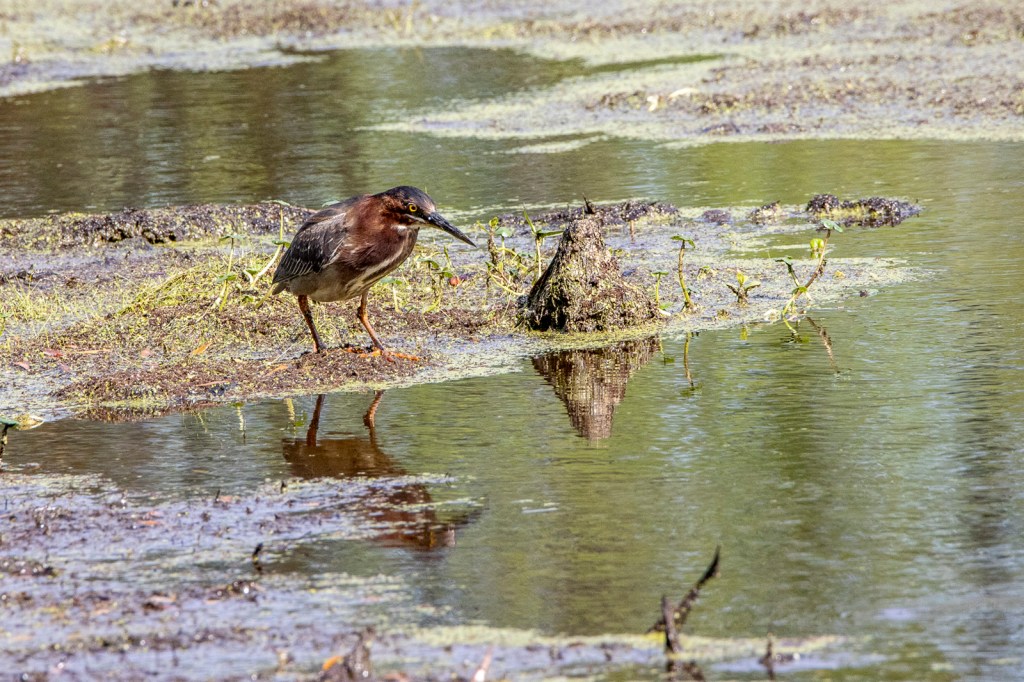
The Audubon Swamp Garden on the grounds of Magnolia Plantation near Charleston, South Carolina is a 60 acre cypress and tupelo swamp. In the past the swamp served as a reservoir for the plantation’s rice cultivation. Now it is an interesting and easy Swamp to walk through on the trails and raised boardwalks to get some interesting images. For Wildlife we mostly saw a variety of birds and quite a few alligators on this visit. Most of the birds we saw were quite far out so even shooting @ 600mm I had to crop the images some. But it was still a Great area to photograph and to just see as we were walking through the Swamp Garden. The landscapes & cloudscapes in the swamp were very interesting also, but that will be a different post.



Panoramas From Davidsons Mill Pond Park
Posted on October 13, 2020
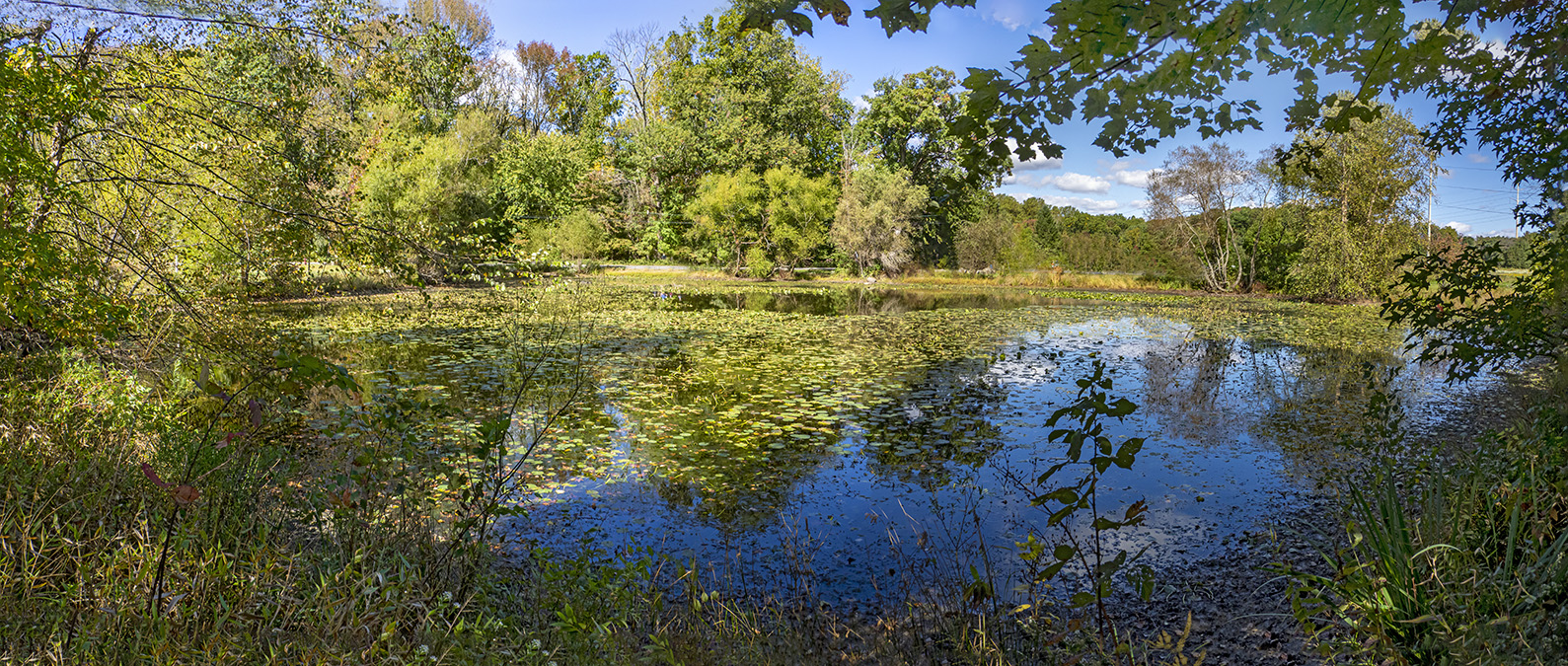
We went to Davidsons Mill Pond Park to photograph a few panoramas, mostly for cloud formations. The Featured Image is of the small pond near the main parking area. Photographed from the wooded back area showing the pond from a different vantage point. This is 5 images, handheld @ 14mm, Panasonic 14-140mm, Olympus OM-D E-M1. When doing panoramas with the m43 format I tend to overlap the images much more than when using my standard Canon equipment.


Milkweed PodS @ Davidsons Mill Pond Park
Posted on October 9, 2020
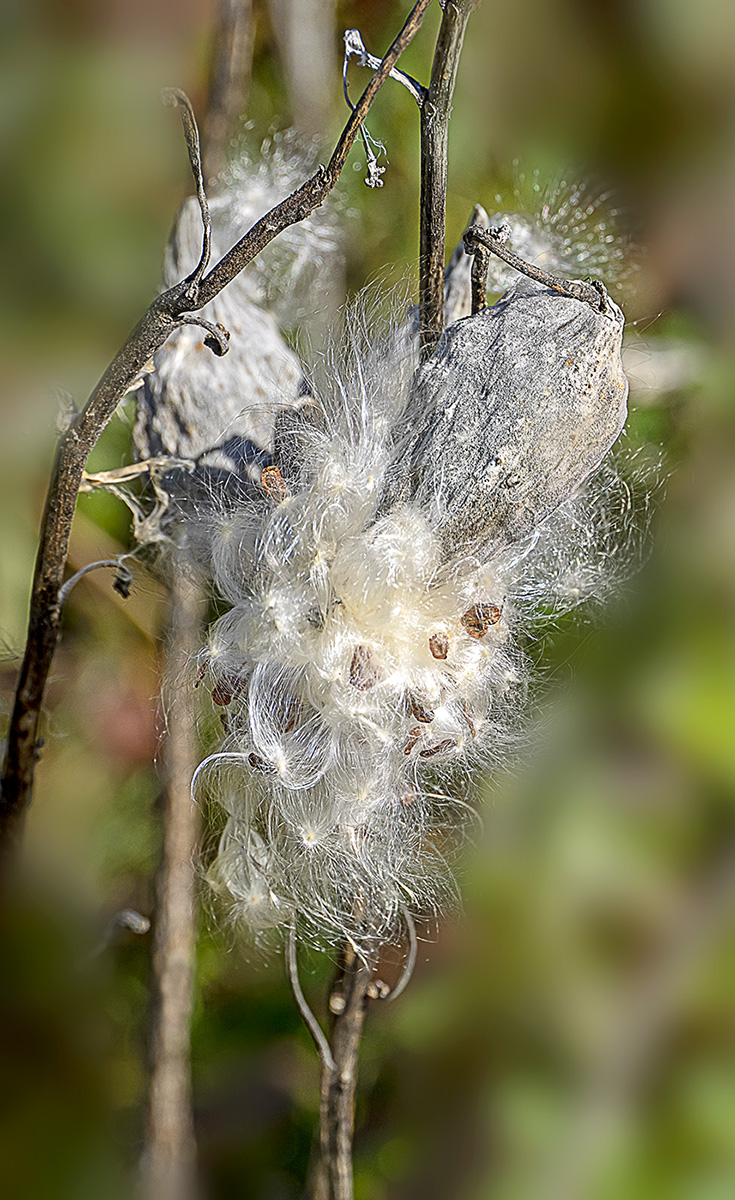
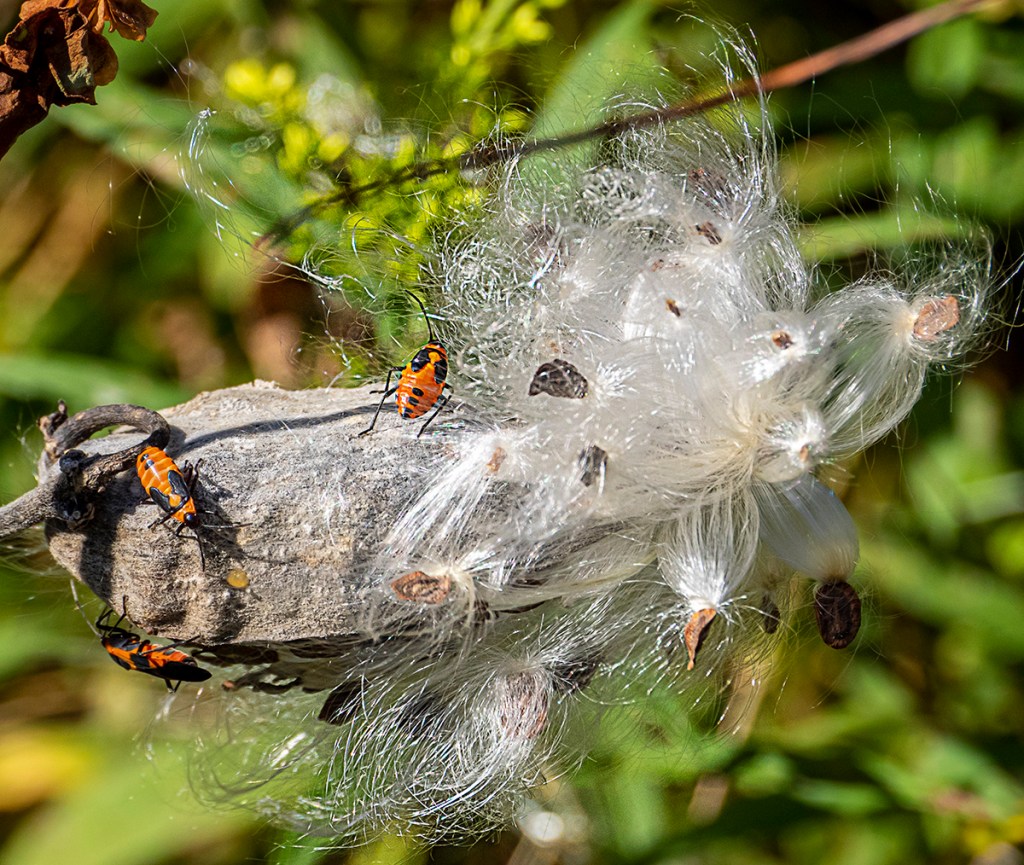
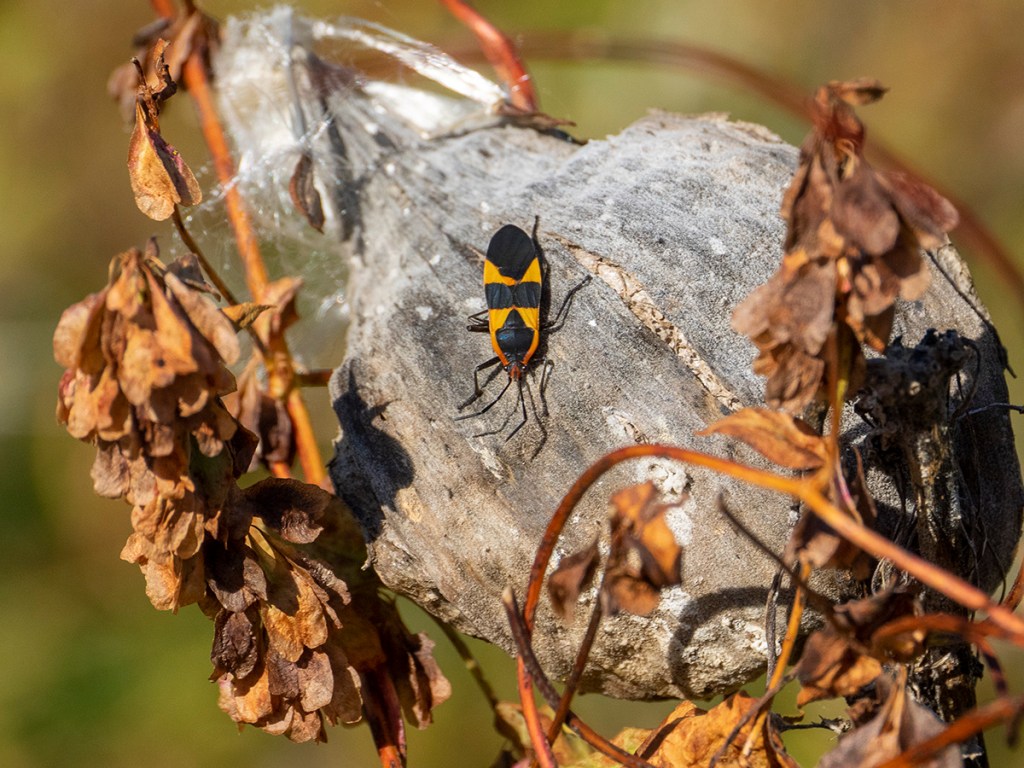
We went to Davidsons Mill Pond Park to see what we could find to photograph in the fields and to get in a walk on a nice sunny day. In one area there there is a field with a lot of Milkweed Plants along with other plants & flowers. They are past their prime now, but still had an interesting look to them. I was using an Olympus OM-D mk 1 with a Panasonic 14-140mm lens. The featured image is a 9 image handheld panorama taken @ 140mm, f/8. When shooting a multi-image Panorama handheld, I shoot many more images than if I was using a tripod. It just seems to blend better with more images when hand holding for some reason. I was looking online about Milkweed plants and found an interesting fact about Milkweed plants. The milkweed offers crucial habitat to the monarch butterfly. But in 1944 military planners used the plant as a raw material in the war against Nazi Germany and Imperial Japan. Milkweed seeds have white, wispy hairs know as floss. Before the use of synthetic fibers, the value of milkweed floss was its buoyancy. The armed forces used it in the manufacture of life preservers for the soldiers, airman & sailors. Life preservers were critical, since so much of the war was fought on & over the seas. Milkweed was not the first choice for life preservers. During World War II, the Japanese gained control of the Dutch East Indies, cutting off the U.S. supply of floss. Milkweed proved an acceptable substitute. Schoolchildren spent the hours walking roadsides and railroad right of ways gathering milkweed. Before the war it was considered a weed. Bags were supplied to carry the collected pods, and children received 15 cents per bag. You needed 2 bags of Milkweed pod floss for one life jacket. The U.S. military called for the collection of 2 million pounds of floss which was enough to fill 1.2 million life jackets.
 photoartflight