 photoartflight
Another Multi-image Panorama From The Edwin B. Forsythe National Wildlife Refuge
Posted on August 17, 2024
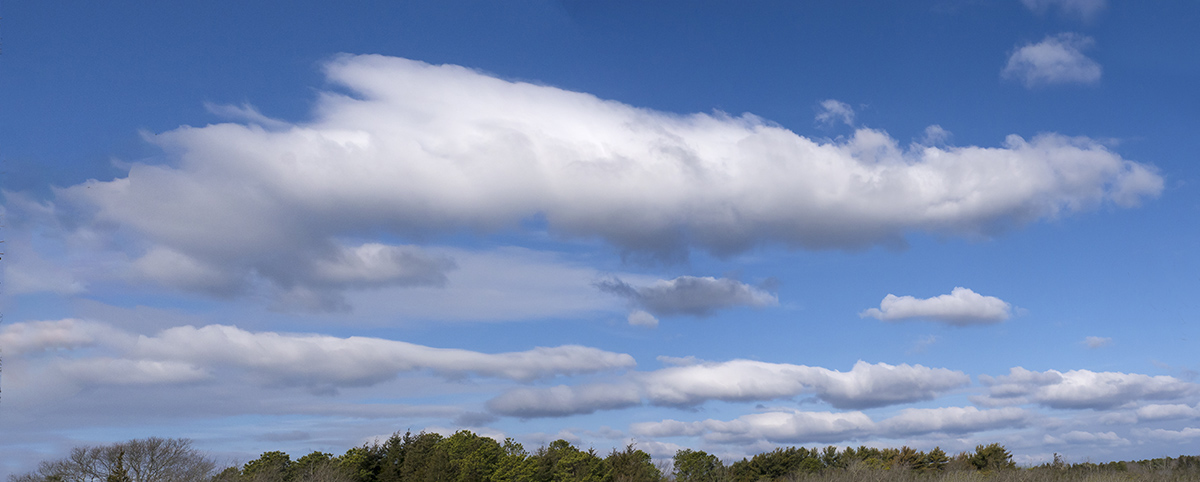
Being retired now I have time to post images that I did have time to Post while I was working. This is another 2 image landscape panorama shot handheld. I was using a Panasonic GH2 with a 14-140mm lens @ 14mm. Full Frame Camera equivalent would be a 28mm lens.
blackwater NWR 5 image panorama
Posted on August 16, 2024
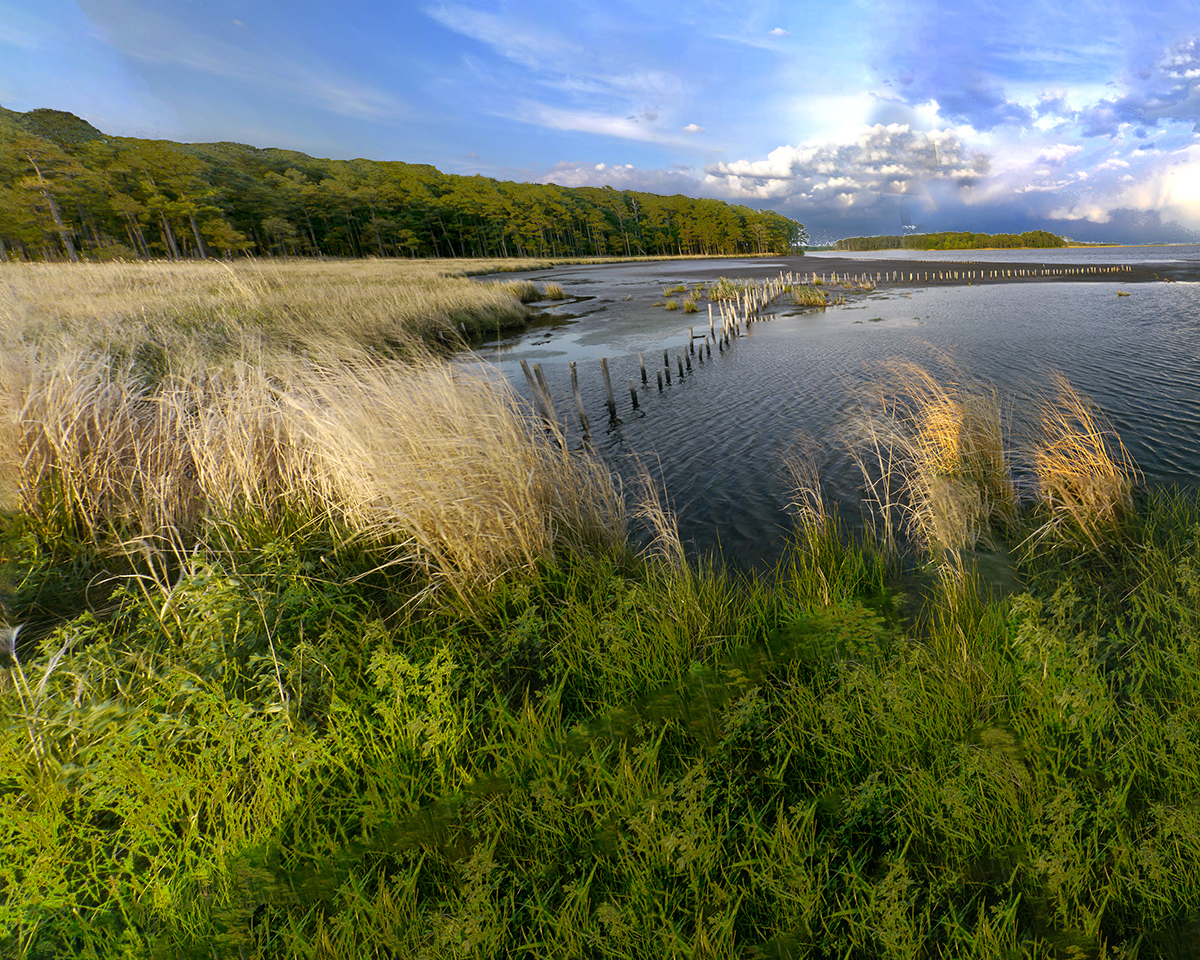
One of my favorite places to photograph is Blackwater National Wildlife Refuge. It is a Great place for Landscapes, Sunsets, Wildlife, Eagles, and Multi-Image Landscape Panoramas. The Image here was from a trip to Blackwater NWR years ago. I was using a Panasonic GH2 with a 14-140mm @ 14 mm. Five image handheld Stacked Panorama. Aligned & blended in Photoshop.
Plainsboro Preserve INFRARED Chrome Images
Posted on May 9, 2024

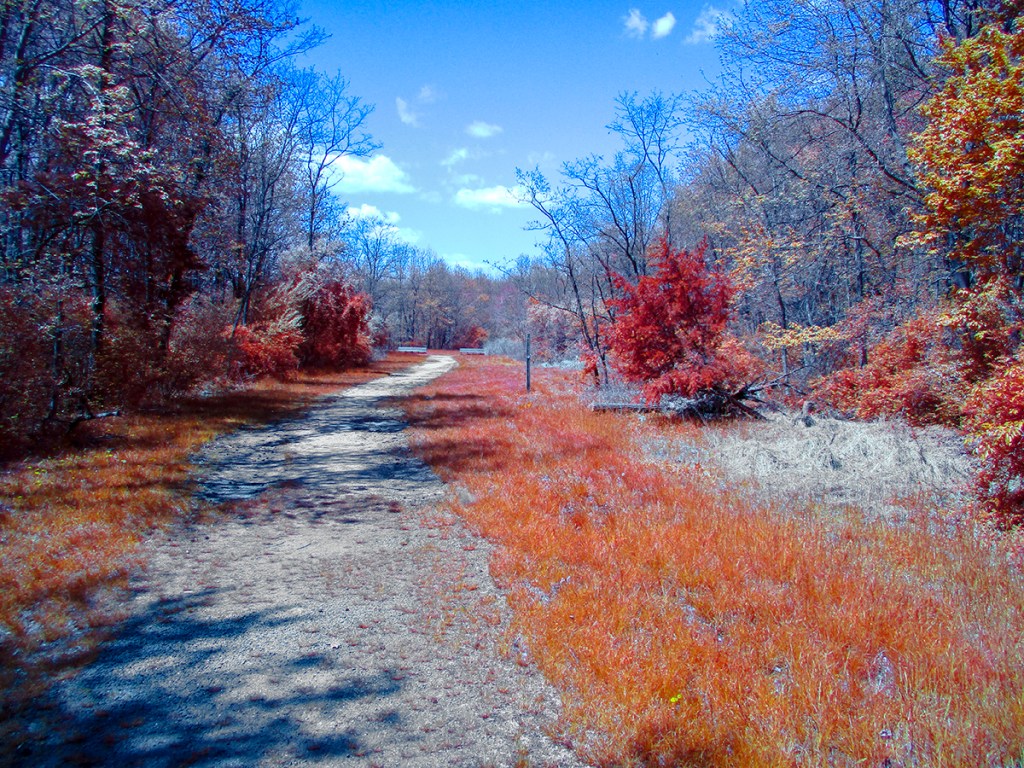
We went to the Plainsboro Preserve to take a nice walk and I decided to travel light and just took my converted IR Canon Elf 180 pocket camera. I decided to use the Chrome IR Filter on our walk. The Chrome IR filter has the “Look” of the old Kodak Aero Chrome IR film which is discontinued. The Chrome Images have a lot Red in the images. I photographed both single images and a variety of multi-image panoramas. The converted Elph 180 has a focal length of 5mm to 40mm but Full Frame focal length equivalent is 28mm to 224mm. The Featured Image is a 4 image pano taken @ 5mm and was near the start of our walk . I mostly photographed these images @ 5mm, especially for the Multi-Image Long Panoramas.




Lonely Bald Eagle Amongst The Trees
Posted on February 9, 2024
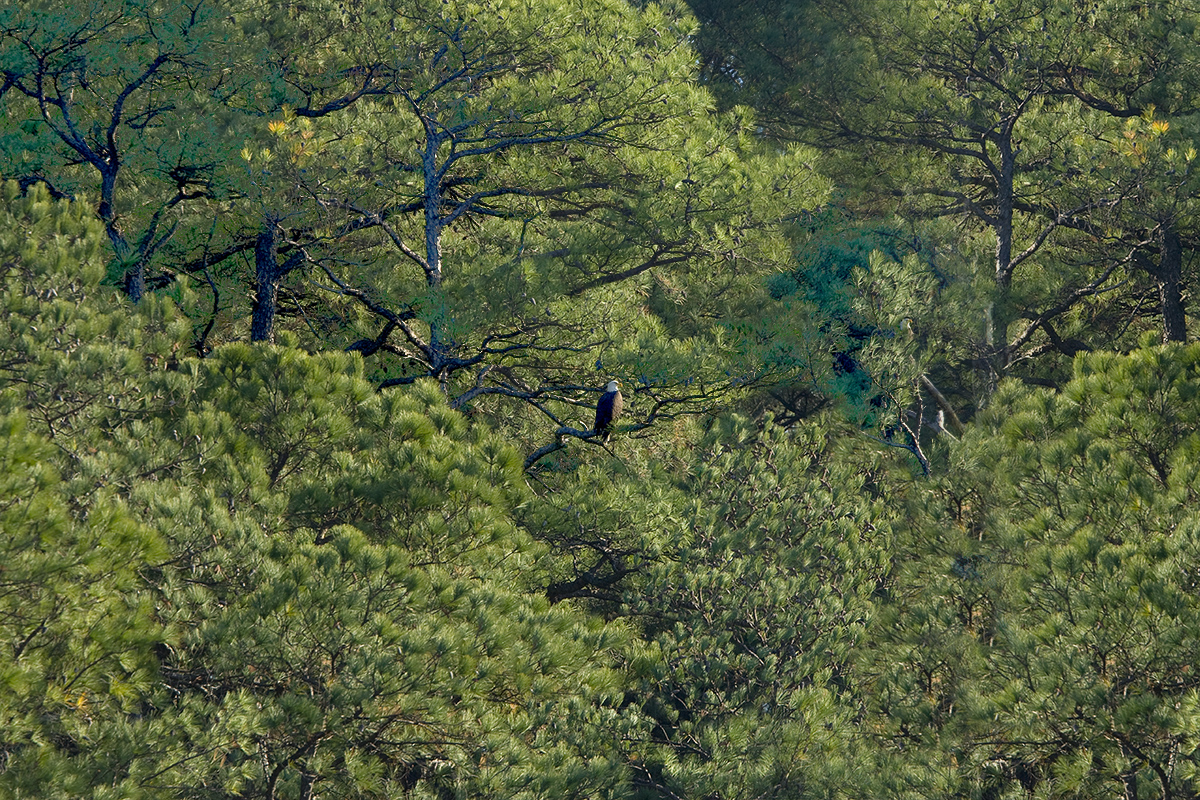
On a trip to Blackwater NWR we came upon this Bold Eagle far off in the distance in the trees. It seemed like an interesting background and looked interesting with all the trees surrounding the Bald Eagle. The Featured Image was a 2 image blend taken with 2 images to include more of the surrounding tree & leaves.

Multi-5 Image Faux InfraRed PanoramaS
Posted on December 29, 2022

I was working on images from a visit to Davidsons Mill Pond Park and thought I would make some Multi-Image Panoramas. As I was working on them I thought they would look interesting as B&W InfraRed Images. I have a couple of Photoshop actions & software to mimic Infrared Images so I gave it a try. These were done in Photoshop after I made the main 5 image Color Panorama. The Featured Image is the version I liked best.


Lake Mc_Cormack Multi-Image iphone Panoramas
Posted on October 19, 2022

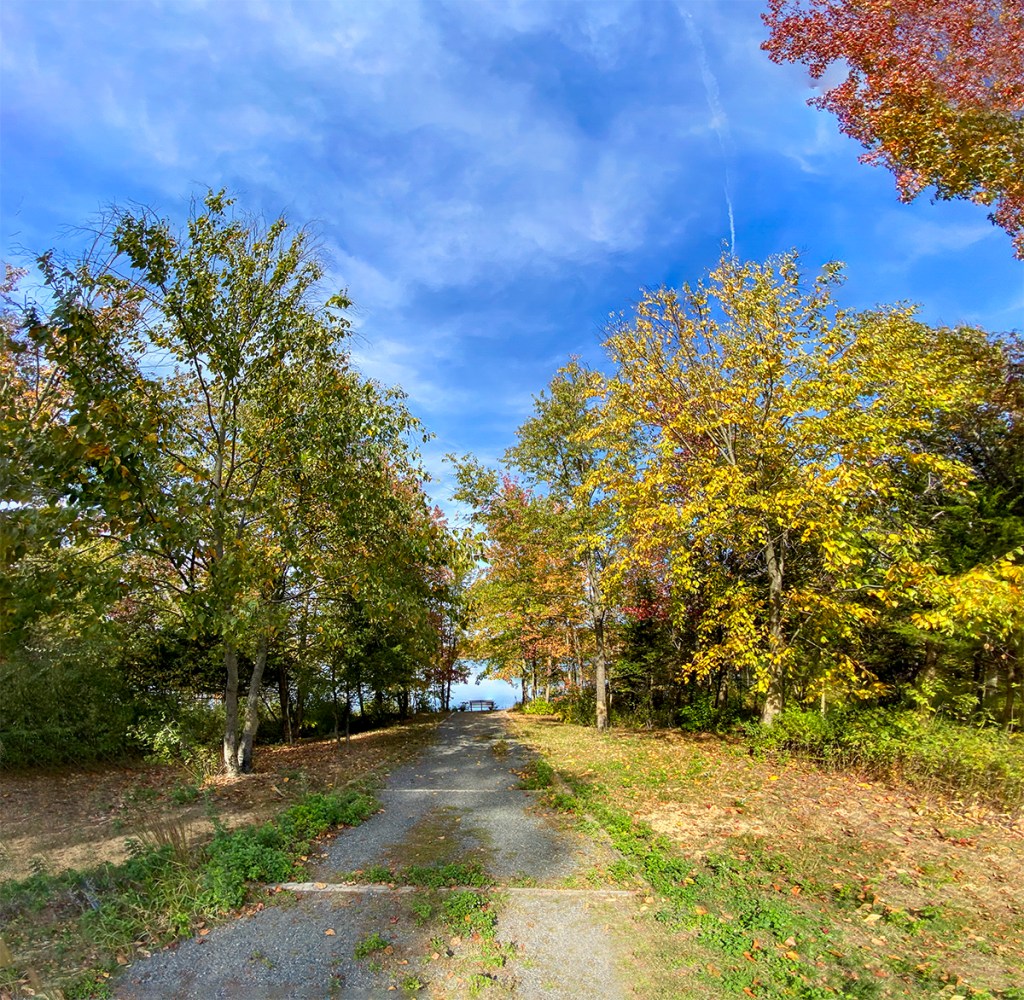
We went to the Plainsboro Preserve to get in a good walk so I did not take a camera with me. The Preserve had a lot of Fall Color, so I used my iP11 Pro to take a variety of multi-image panorama views during our walk. The Images here were mainly taken with the views going to the path to the Lake & the Lake itself. The Featured Image is a 21 Image panorama using the iP11’s 6mm lens and is 100.5 inches x 13.2 inches and is 340 megs. The iP11’s 6mm lens is equivalent to a ~52mm lens on a Full Frame Digital Camera.





Panoramas From Plainsboro Preserve
Posted on May 5, 2022

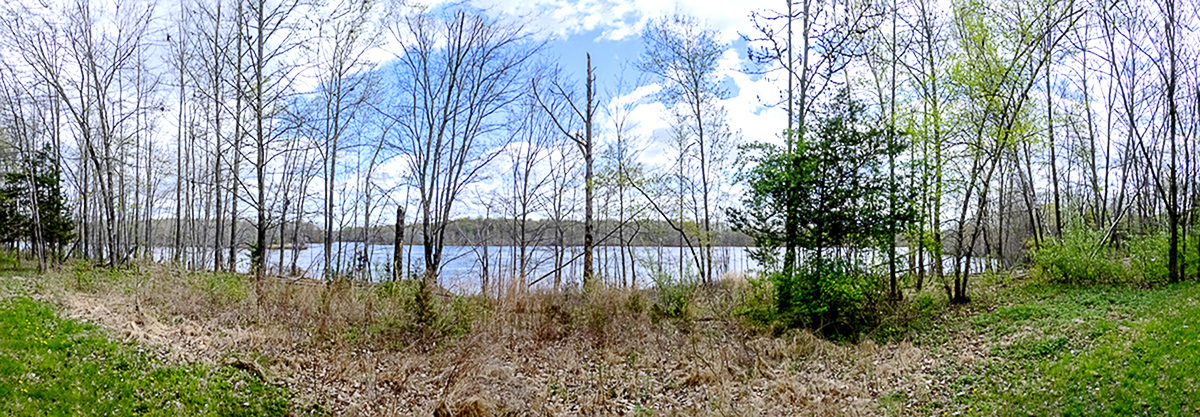
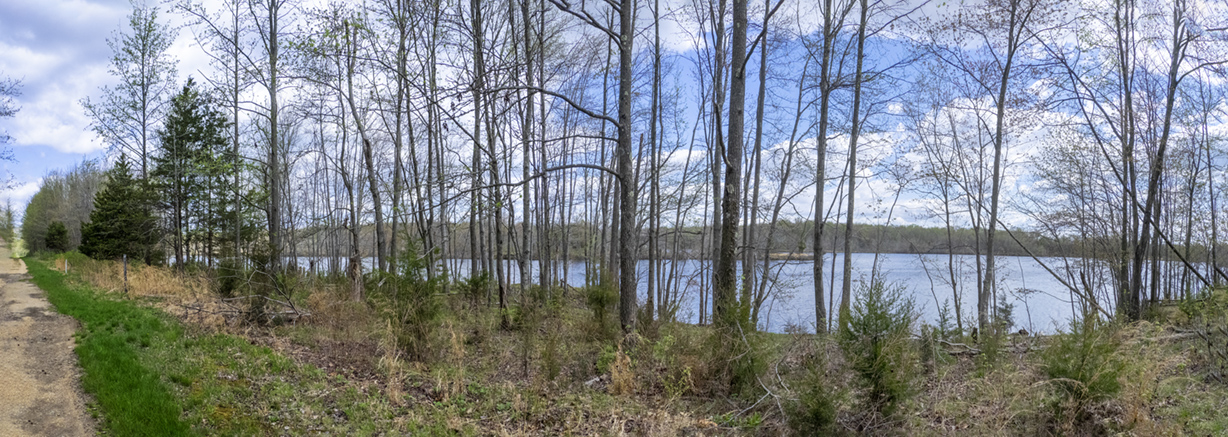
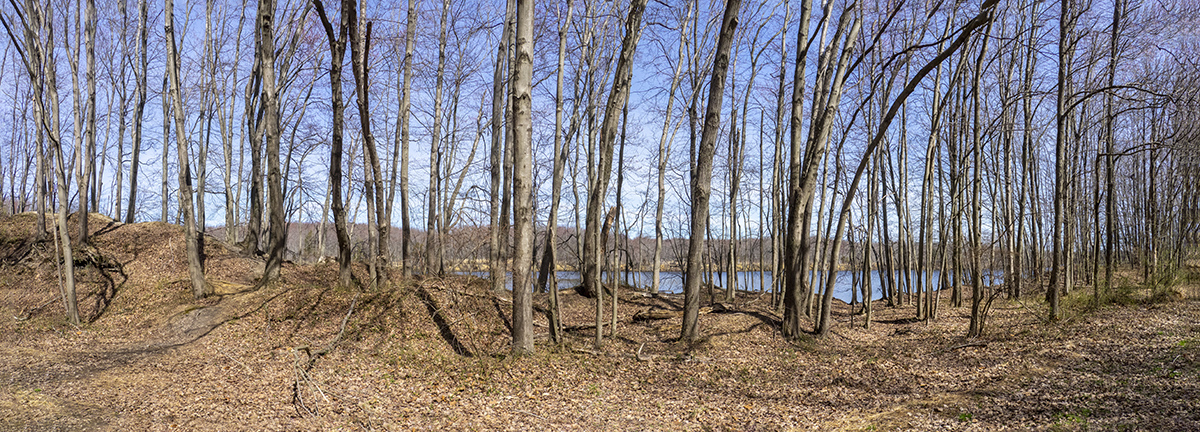
We went to the Plainsboro Preserve a few days ago to get a nice walk and to see if there were some interesting views of McCormack Lake or the Wooded Areas along the trail before the leaves come out and hide the views from the White Trail. I was traveling light with just my Olympus OM-D E-Mk1 with a Panasonic 14-140mm lens to photograph some handheld multi-image panoramas (assembled in Photoshop). Most of the panoramas were taken @ 14mm. The Featured Image is a 9 image panorama @ 14mm. This Post is mainly panorama views with Lake McCormack through the trees bordering Lake McCormack.


Meeting House Faux InfraRed B&W iPhone Images
Posted on March 29, 2022
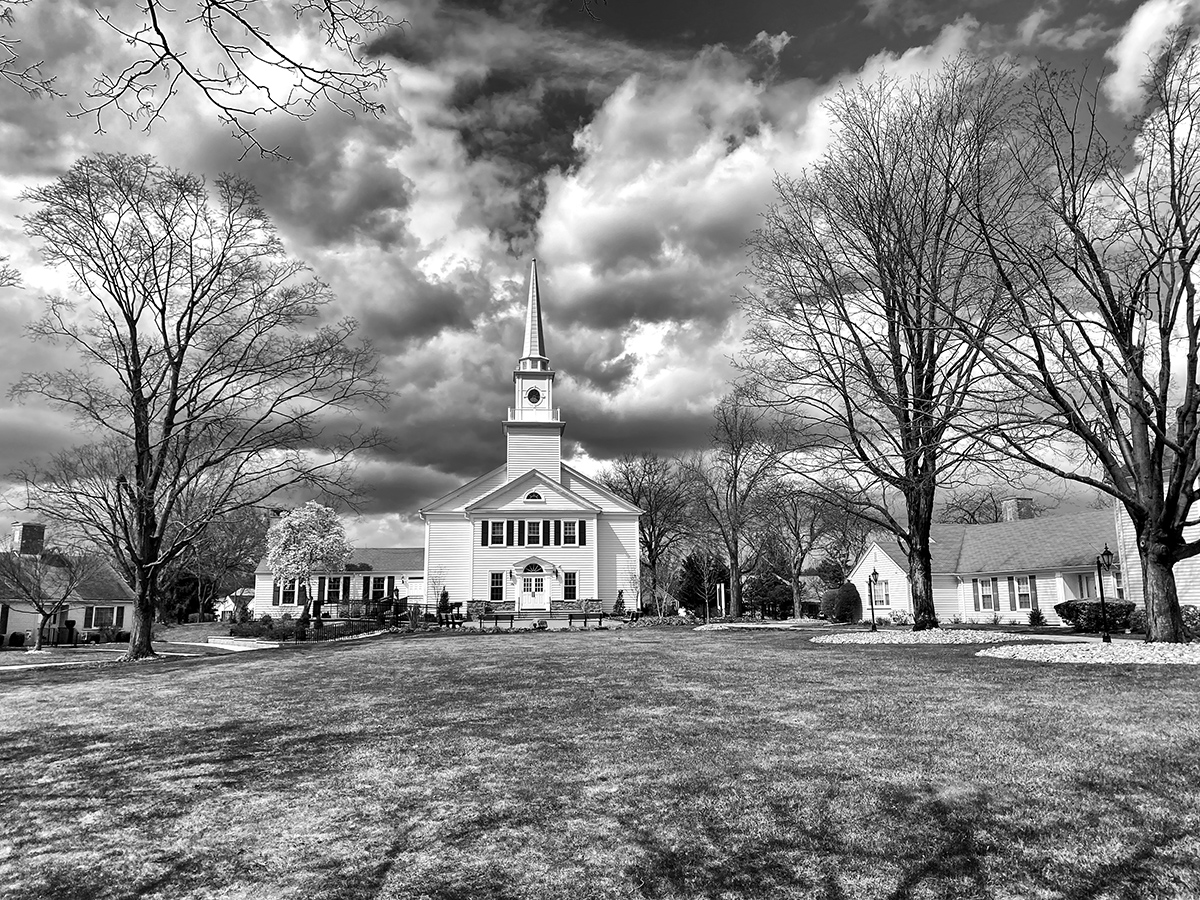
We were taking a walk in my community and I liked the clouds around our community Meeting House. I shot a few views with my iP11 Pro. The Featured Image is a 2 image stacked Panorama taken with the 4.3mm lens (FF Equivalent ~26mm). Then I ran a Photoshop action using my Faux Infrared Software (TLR Faux Software) for the final B&W image.
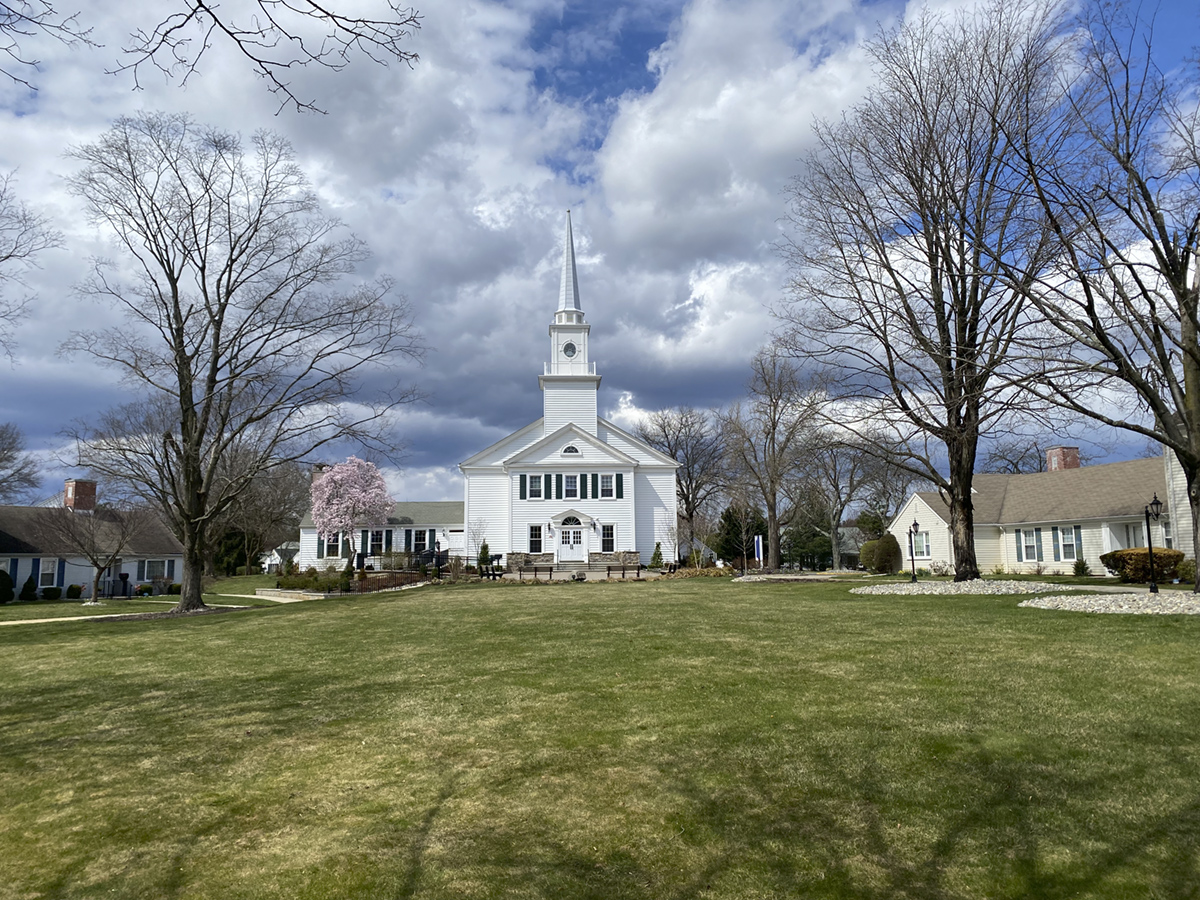
(Full Frame equiv. ~ 26mm)

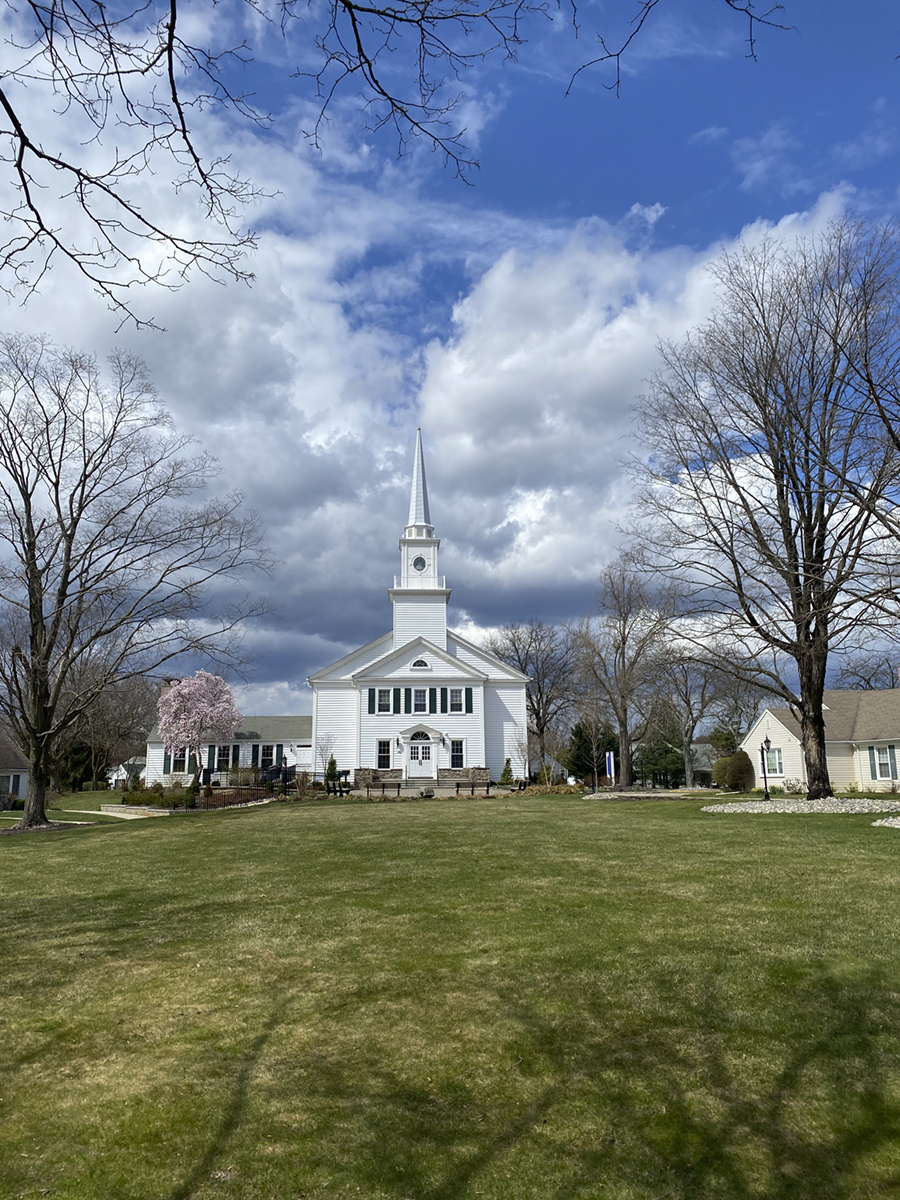
(Full Frame equiv. ~ 26mm)
Plainsboro Preserve White Trail Panoramas
Posted on March 27, 2022

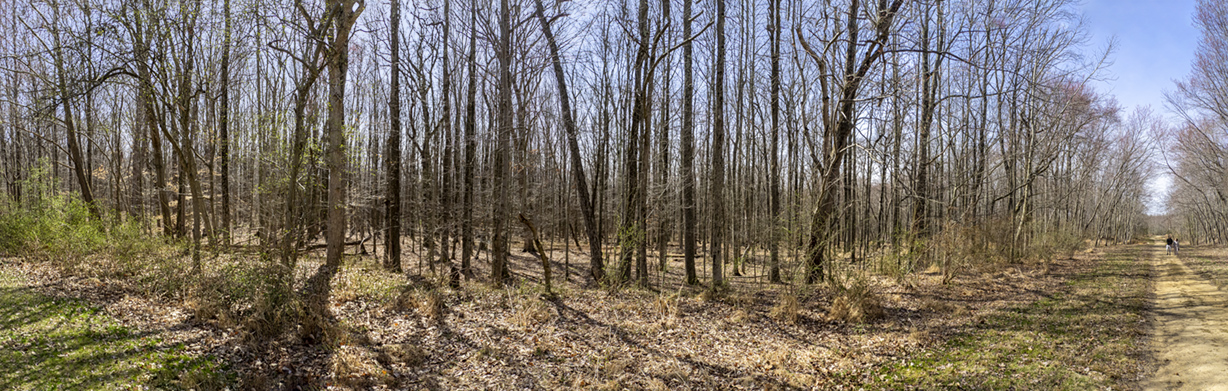
A few more larger panoramas from our walk at the Audubon Plainsboro Preserve White Trail. The Featured Vertical Pano Image is 10 horizontal images taken with a 14-140 mm lens @ 32mm with an Olympus OM-D 1.

Making Panoramas With Fisheye Lenses
Posted on February 12, 2022

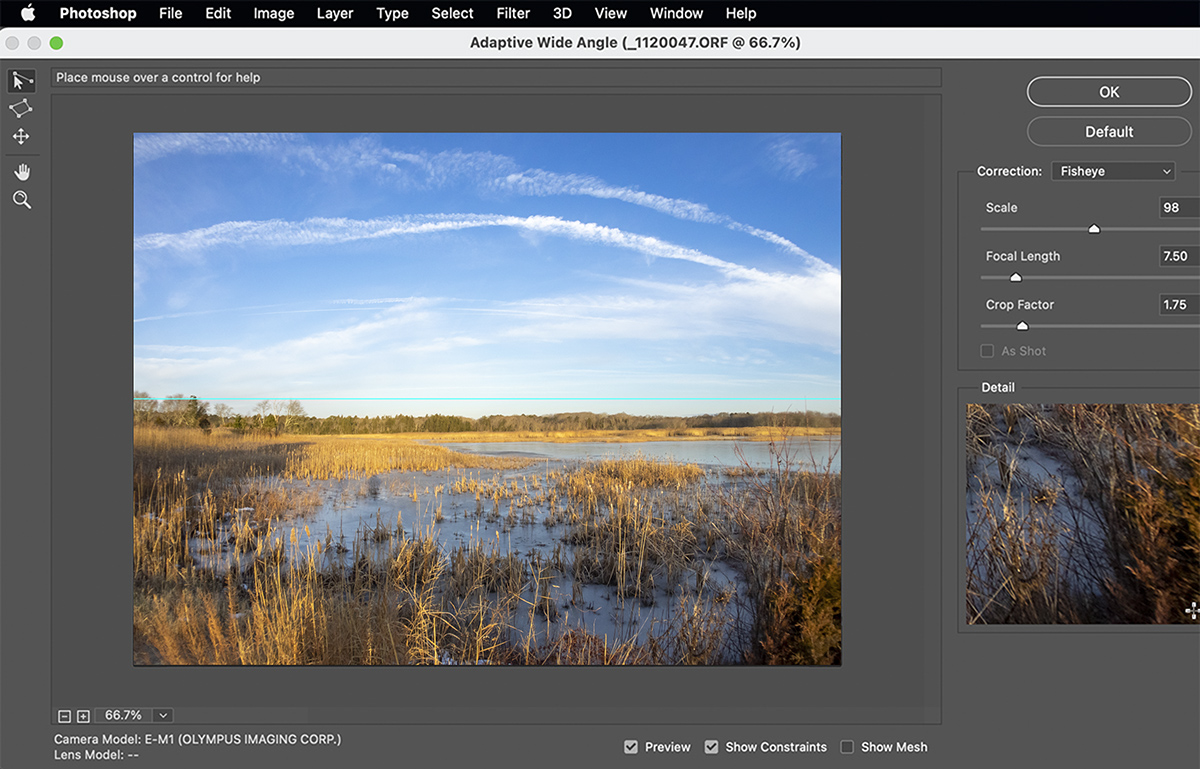
One of my favorite lenses for shooting images for panoramas is the 7 Artisans 7.5mm Fisheye lens for m43 cameras. It is supposed to have a 190 degree Field of View on a m43 camera but I believe it is a little less than that. But for shooting panoramas it really does not matter and is wide enough for my needs. But using a Fisheye lens for multi-image panoramas you have to de-fish the fisheye lens images before you blend the images for the final panorama. I do this in Photoshop using the Adaptive Wide Angle (Filter > Adaptive>Wide Angle.) All Images here were taken at the Brigantine Division of the Edwin B. Forsythe NWR in Oceanville NJ.
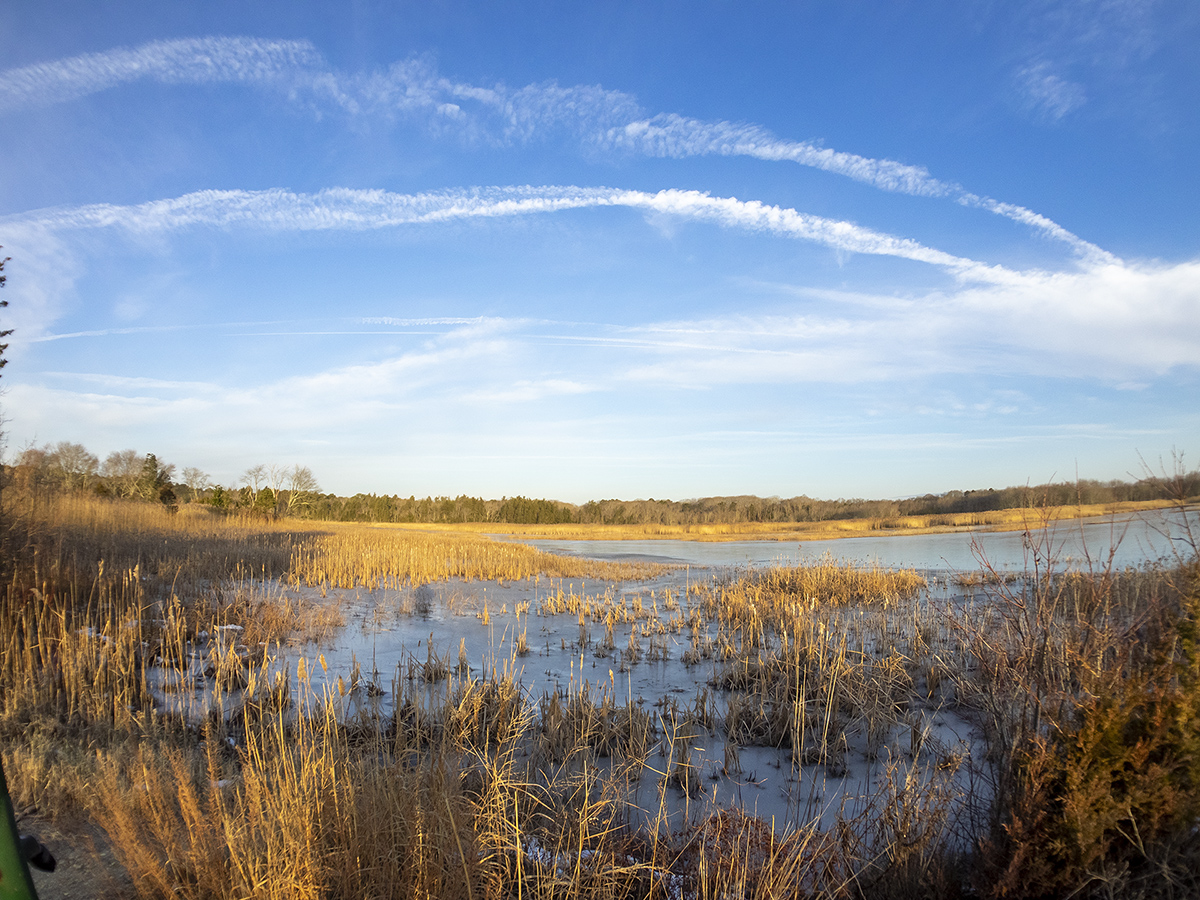
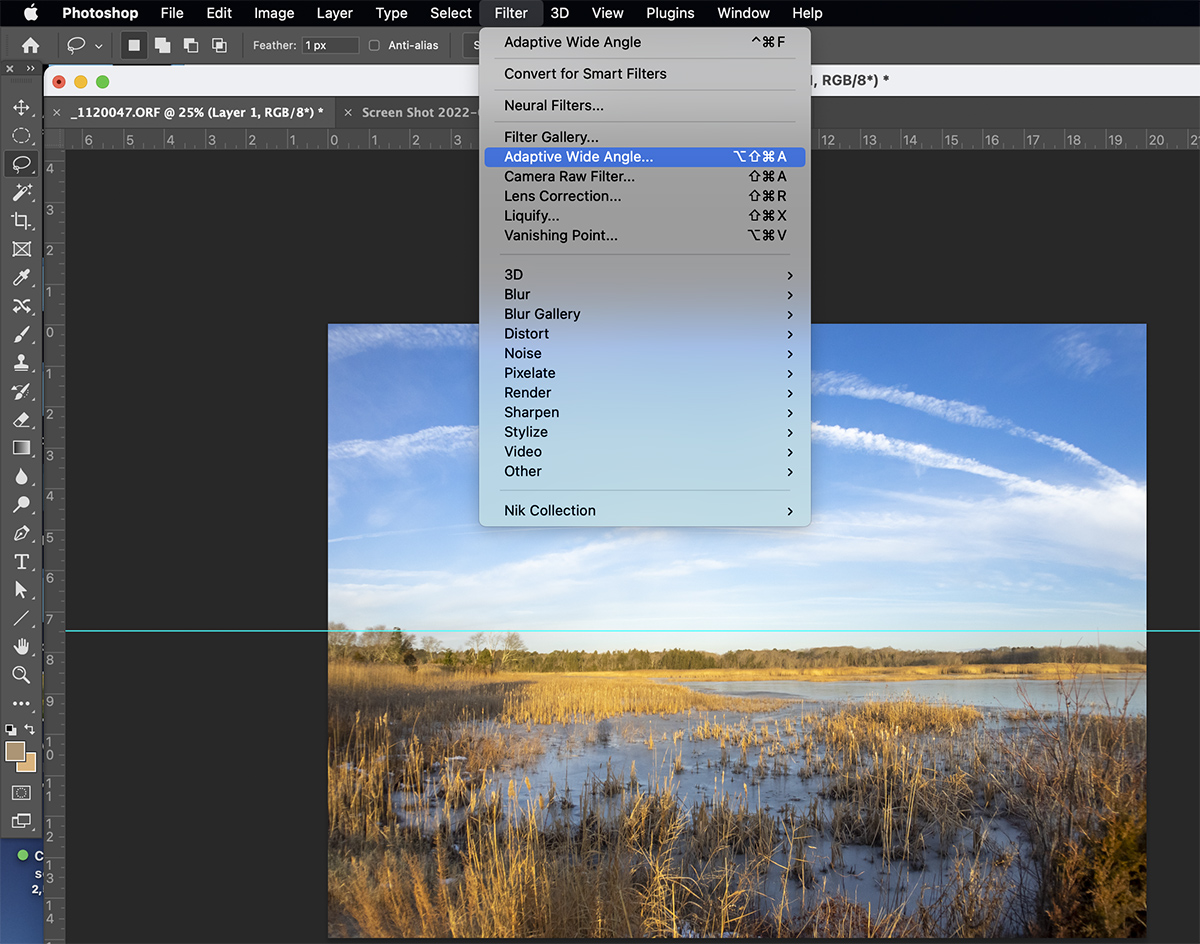
It might take a few tries before you get the “Feel” for using the Adaptive Wide Angle Filter for correcting the distortion in Fisheye lenses. Also it is pretty much setup for Full Frame Cameras so on m43 cameras (or any other format besides Full Frame you have to experiment on entering Focal length, etc. You would think Adobe would have a setting for Camera Format.

 photoartflight