 photoartflight
Panoramas From The Celery Farm Natural Area
Posted on November 26, 2016
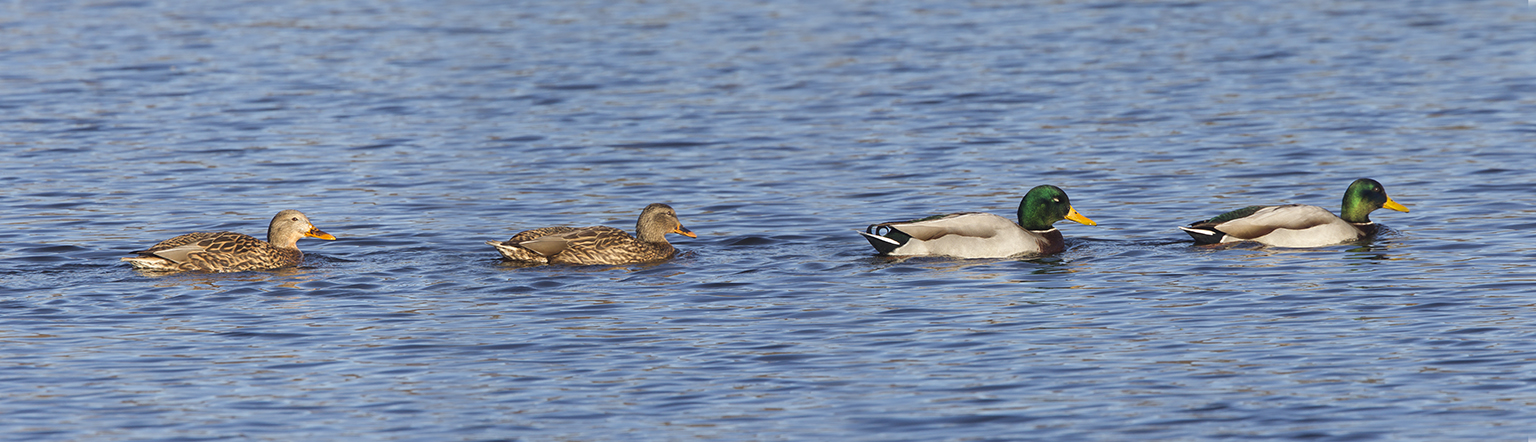
I went to one of the Nature Areas I used to go to frequently to see if there were any subjects to photograph. Usually at this time there are a number of different types of ducks. But this day there were mostly Mallards and way out in the distance were a pair of Dudy Ducks. Being bored, I thought, try some panoramas. So I tried shooting a few series of panoramas to try out assembling them in the new CC Photoshops I downloaded (CC2015.5 & CC2017). I have been a user of Photoshop since version 2 in 1991 and my CS6 version was getting outdated. I resented paying a monthly subscription for the CC version after paying Adobe for all the boxed suites and multiple versions my studio used, but finally had to subcome after all these years. All were images photographed with a 400mm f/4 DO lens on a Canon 1D MkIV. The featured 4 image pano was of 4 Mallards swimming by where I was setup. I had to shoot quickly as they were moving along. After some practice you can make panoramas of moving subjects, just needing a few Quick Masks to help in the blending.
Then I tried a 14 shot pano across the lake. The CC Photoshop versions, I feel did not work as well as the CS6 version. But it was tougher with the wind making different ripples in the water. The CC versions seem to distort & bow sections more than the CS6 Photoshop does. This I shot with more overlapping than usually I do. I could have worked on it more, but it was just a test and not all that interesting anyway. And I did get a gull in it off to the left that flew in as I was shooting the pano series.

My last series was a tree on the left side of the lake that had lost all its leaves by now, but there were leaves on trees higher and behind it. This one was 12 overlapping images and worked out much better. I was curious to see how much detail I would get in the branches and leaves. This worked well in the CC Photoshops. After the pano was assembled, I tried using the Macphun Luminar photo editor to add some detail. I usually use the Nik suite of Filters, but so far my CC Photoshop versions do not play well with them. So when there are no photo subjects, it is a good time to try different techniques and ways to photograph your subjects. You never know when it will come in handy and get you the image when you might not have gotten it otherwise.

More Views of Bombay Hook National Wildlife Refuge
Posted on November 11, 2015

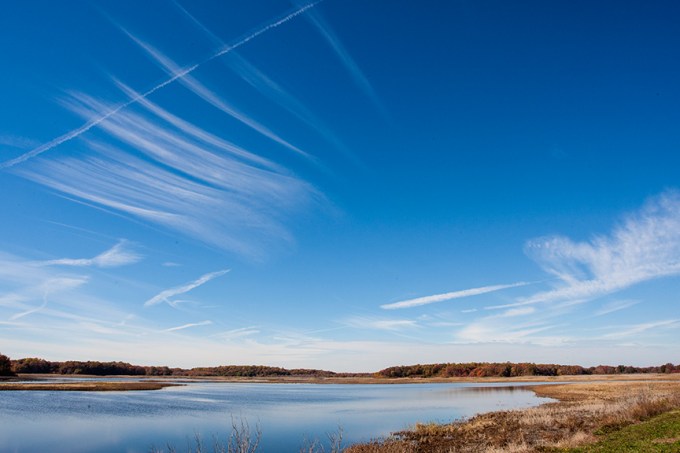
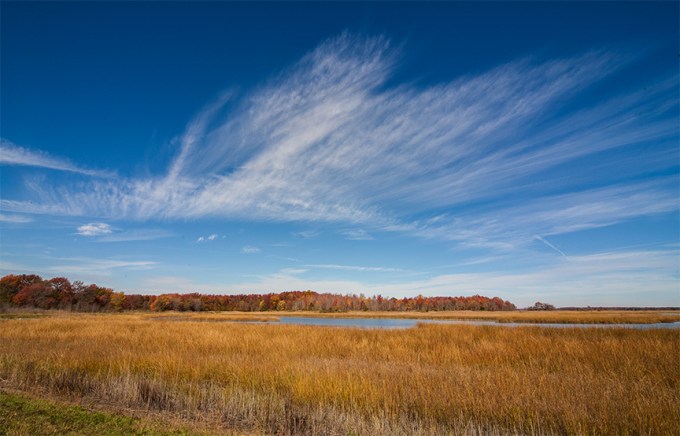
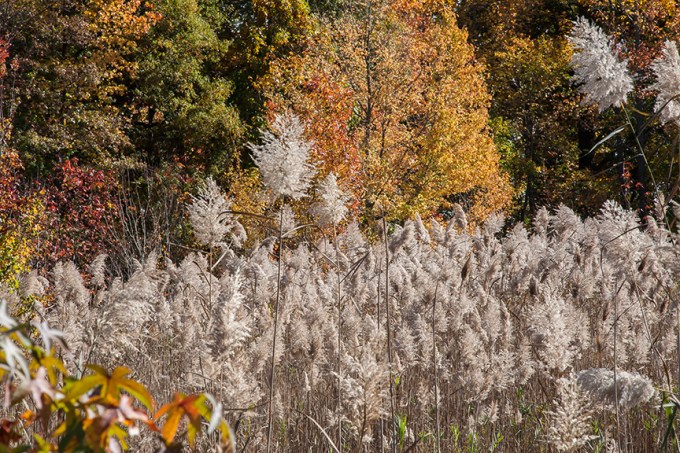
I am still going through my images from our day at the Bombay Hook National Wildlife Refuge. Lots of files to adjust and work on, so I am a little behind. Here are a few more.



Black Skimmer Panorama
Posted on June 1, 2014

Work has kept me away from posting new blogs lately, but I am back with a panorama made from 9 images taken at the Edwin B. Forsythe National Wildlife Refuge, Brigantine Division, in Oceanville NJ. We went down to look for Ospreys and Black Skimmers and we found both. The Ospreys were all over the refuge and quite active. We got quite a few photos, but we did not find the Black Skimmers until we got near the end of the Wildlife Drive. They were just resting there in a large group. We decided to keep an eye on them for later in the day and see if they would be fishing. When we first found them, I decided to shoot a series of handheld shots to make a long thin panorama showing the large group while they were still there in large numbers. Doing this is fairly easy, but change to manual exposure so the exposures are consistent and make sure if you are not using a tripod, to keep the images level and lined up with plenty of overlapping between images. I assembled the panorama manually in Photoshop, but you can also let Photoshop make them for you or use a program like PT Gui. I keep a couple of Terns and Black-headed Gulls in the shot to keep balance. I tried counting a few times, but I kept getting a different count each time, but there is about 75 in this group. I used a Canon EOS 1D MkIV, with a Canon 400mm f/4 DO IS lens, with a Canon 1.4X Series III Teleconverter, f/8 @ 1/1600 sec, ISO 400.
Red-Winged Blackbird Flocks at Blackwater NWR
Posted on December 11, 2013

In the colder months there are huge flocks of Red-winged Blackbirds flying through the Blackwater National Wildlife Refuge outside of Cambridge Maryland. The number of Bald Eagles increase also during the colder months to approximately 150. When the water freezes over the Eagles sometimes are seen taking Red-winged Blackbirds or Canada Geese for their meals. Here are some photos of the flocks of Red-winged Blackbirds flying through the refuge and also photos of Eagles guarding their lunch.
Canon 20D, Sigma 300-800 f/5.6 zoom @ 731mm (1170mm with 1.6 crop factor of 20D sensor), 1/2000 sec @ f/8, ISO 400, aperture priority, -0.33 exposure compensation.

Canon 7D, EF400mm f/4 DO IS USM +1.4x teleconverter, 560mm (896mm with 1.6 crop factor of 7D sensor), @ f/8, 1/2500 sec, ISO 400, Aperture Priority, -0.33 exposure compensation.


Eagle w/Red-winged blackbird, Canon EOS 7D, Sigma 300-800mm f/5.6 zoom @ 1023mm with 1.6X crop factor of 7D sensor), 1/2500 sec, f/8, ISO 400.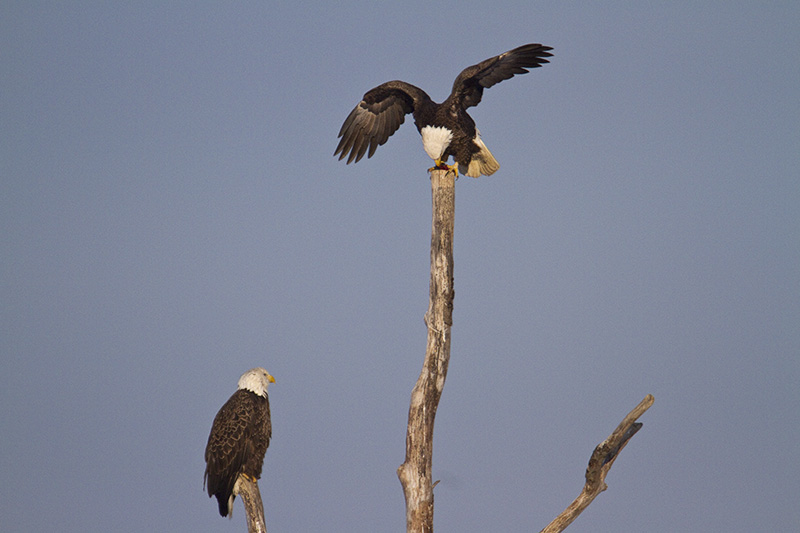


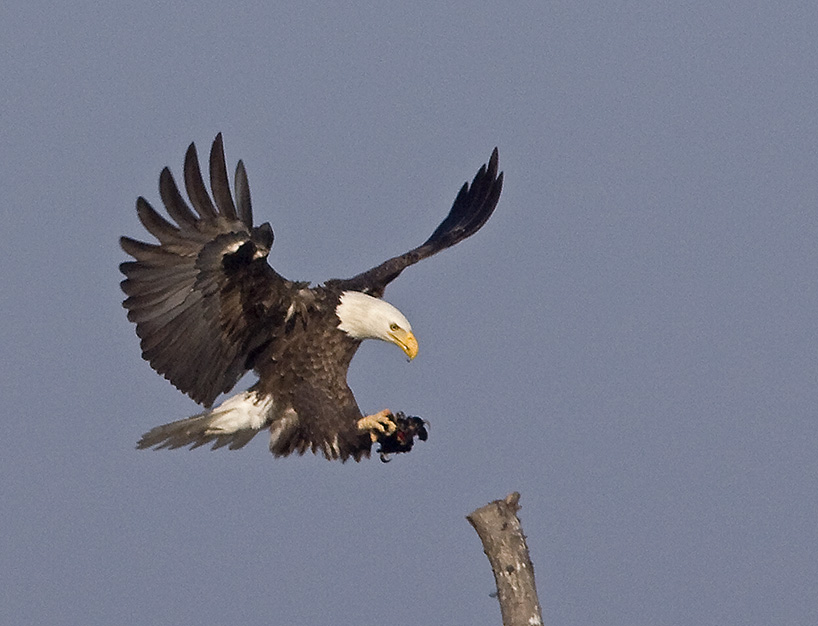
Red-winged blackbirds flying by the snag at sunset.
Red-winged Blackbirds scattering after Eagle swooped in for a meal.
Autumn Swan Taking Flight
Posted on November 23, 2013

I used this series of selected images from one Swan’s takeoff to make one art print. I liked this Swan’s takeoff against the colorful Fall background, showing changing wing positions and the splashing of it’s feet trying to get airborne. I started with more wing positions, but the print got too long so I limited it to six images. Even at 6 images the final print was 96″ x 14″. Placing it on a black background also made the images really stand out and I used a gradated grey text as a subtle title accent so it did not detract from the images.
Pocket Camera for Landscapes
Posted on October 18, 2013

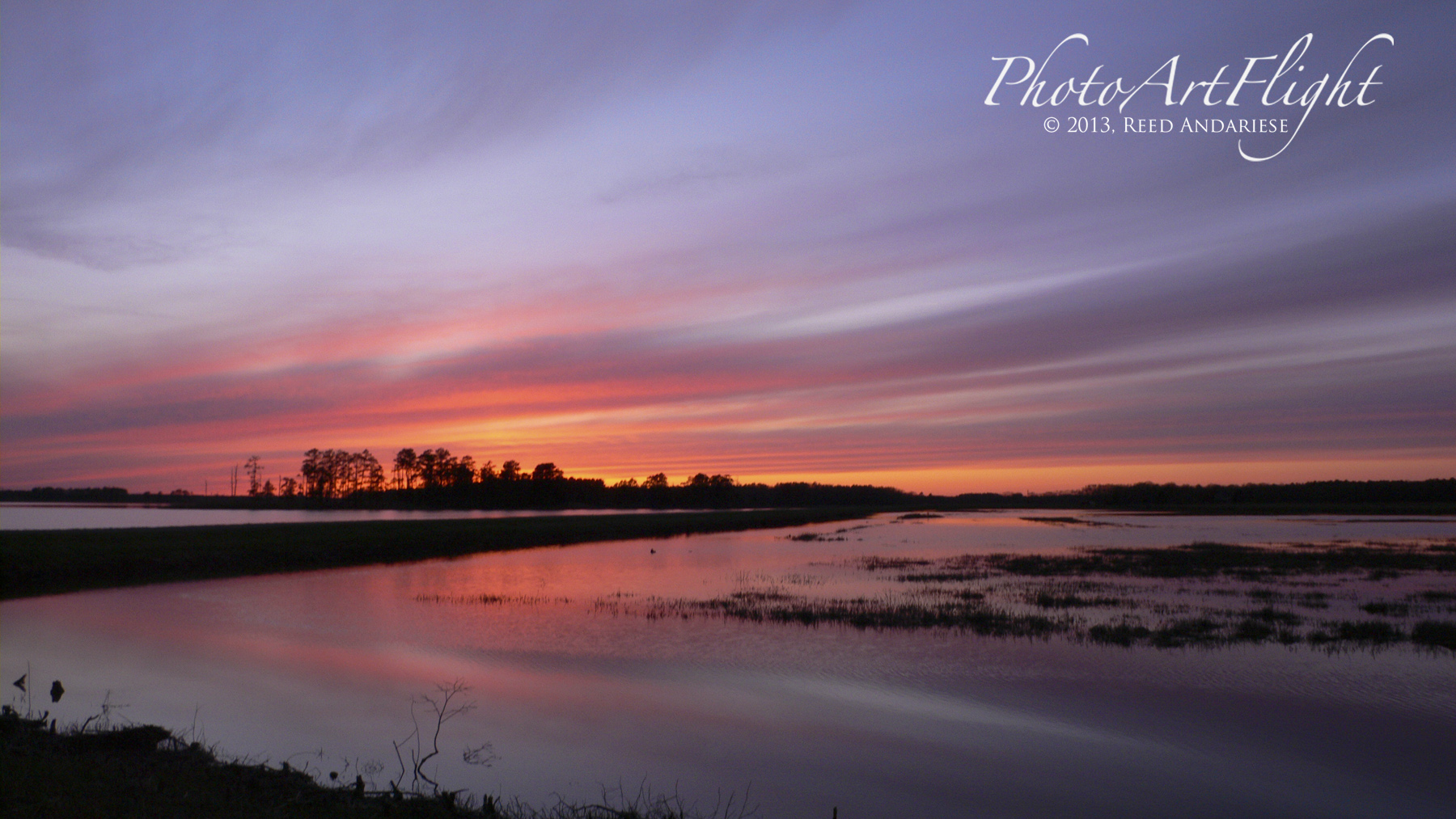
Many times while I am out in the field, I am carrying 400mm telephoto lens on a Canon 1 Series Body, which is large and after a while becomes heavy. So I usually do not carry a second body or second wider lens. But I do not want to miss opportunities if I come across a great shot that is not right for the 400mm. I usually have a Panasonic LX1 compact camera in my pocket for those instances where I want to take a few wide or detail shots while my main camera with long lenses. I have used the LX1 for years and it still works well even though it is getting a little dated in todays fast paced technology feature updates. It has the ability to shoot raw files which is important for my workflow and the images it produces are fine for prints up to 16×20 prints & even up to double page landscape spreads in my ebooks. Newer cameras like the Sony RX100 II & similar cameras are also excellent & handy backup cameras. Sometimes if I think I might need a wider zoom range I use a Panasonic GH2 m43 camera with a 14 – 140mm lens (equivalent to 28 -280mm on full frame cameras). Even though it is smaller than a DSLR and easier to carry, it still would not fit in a pocket and might get in the way. I have also tried images from my iPhone, but I do not think it is a viable option yet. All examples here are with the Panasonic LX1.


Bombay Hook NWR
Posted on October 6, 2013
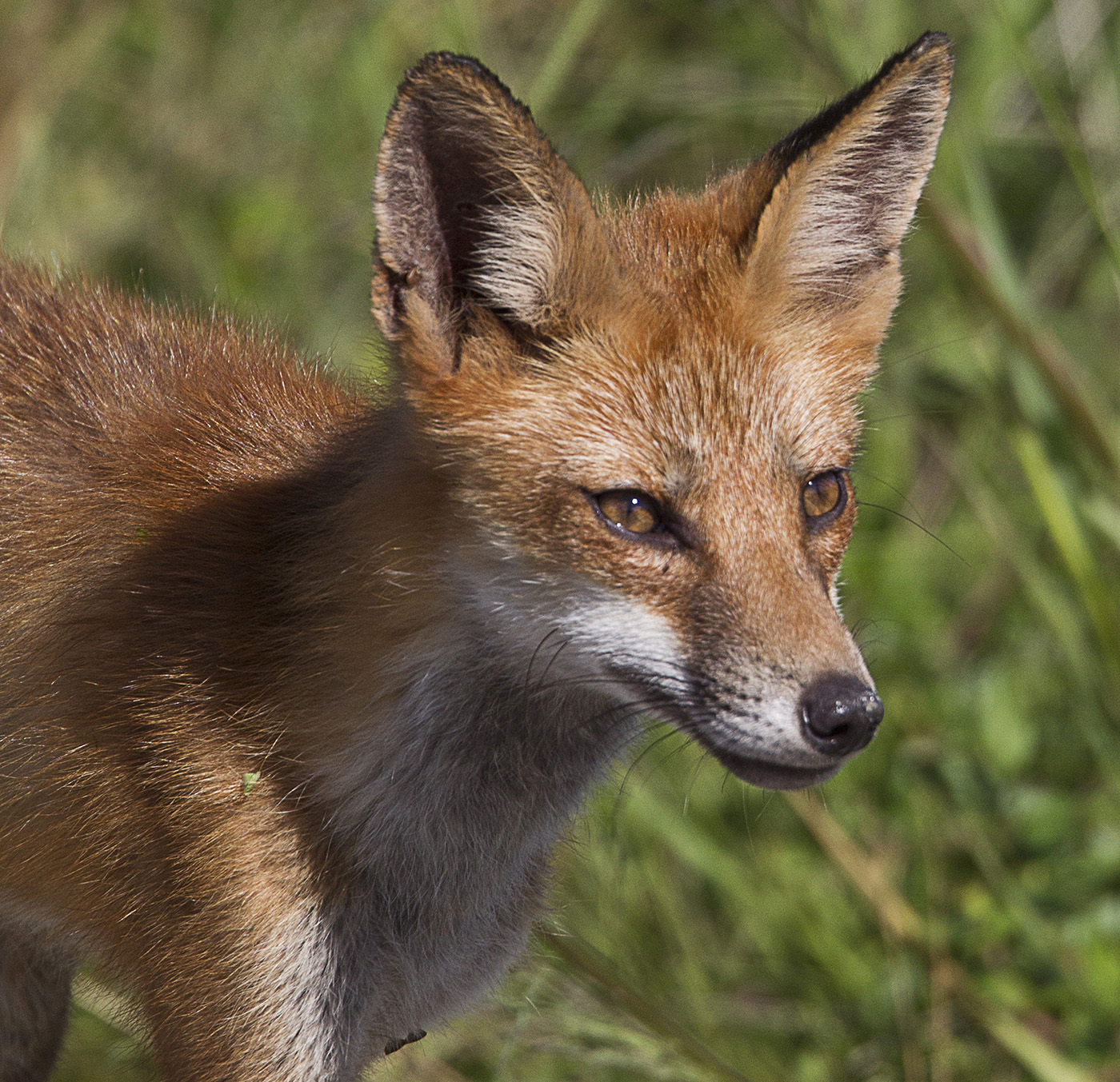
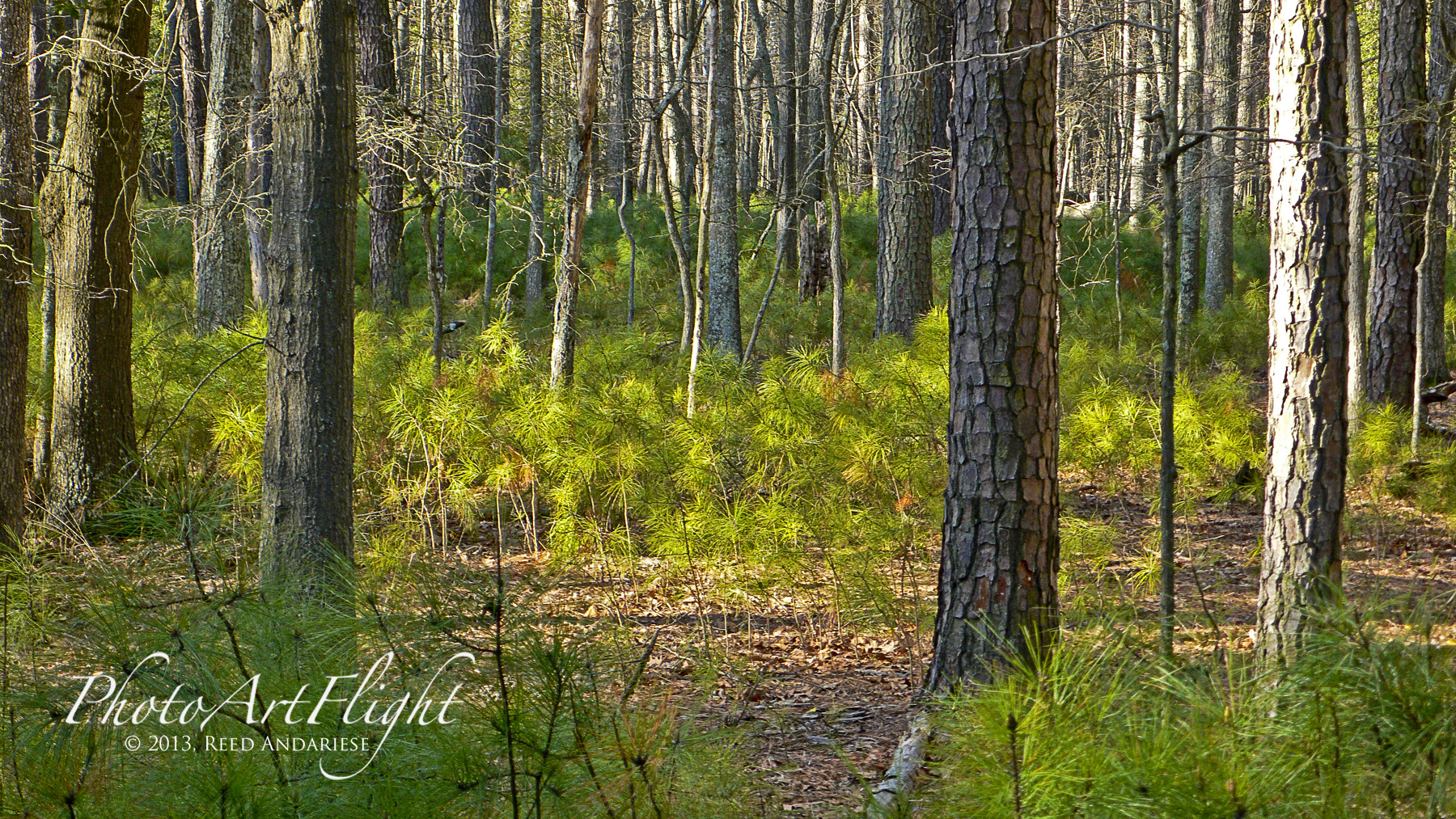
I was looking through some of my backed up files and found images from Bombay Hook, National Wildlife Refuge in Smyrna, Delaware. The refuge has a Wildlife Drive that is about eight miles long along the Delaware Bay and covers over 16,000 acres. You can find many subjects for your photography – Wildlife, Birds, Flowers, Landscapes. and macro subjects. There are also many trails and lookout towers. So depending on the day, you can find a wide variety of subjects for your vision. Usually we only drive through quickly on our way to Blackwater NWR in Maryland. We are planning to go back to spend the day and fully explore the refuge.


Different Kinds Of Panoramas
Posted on September 26, 2013

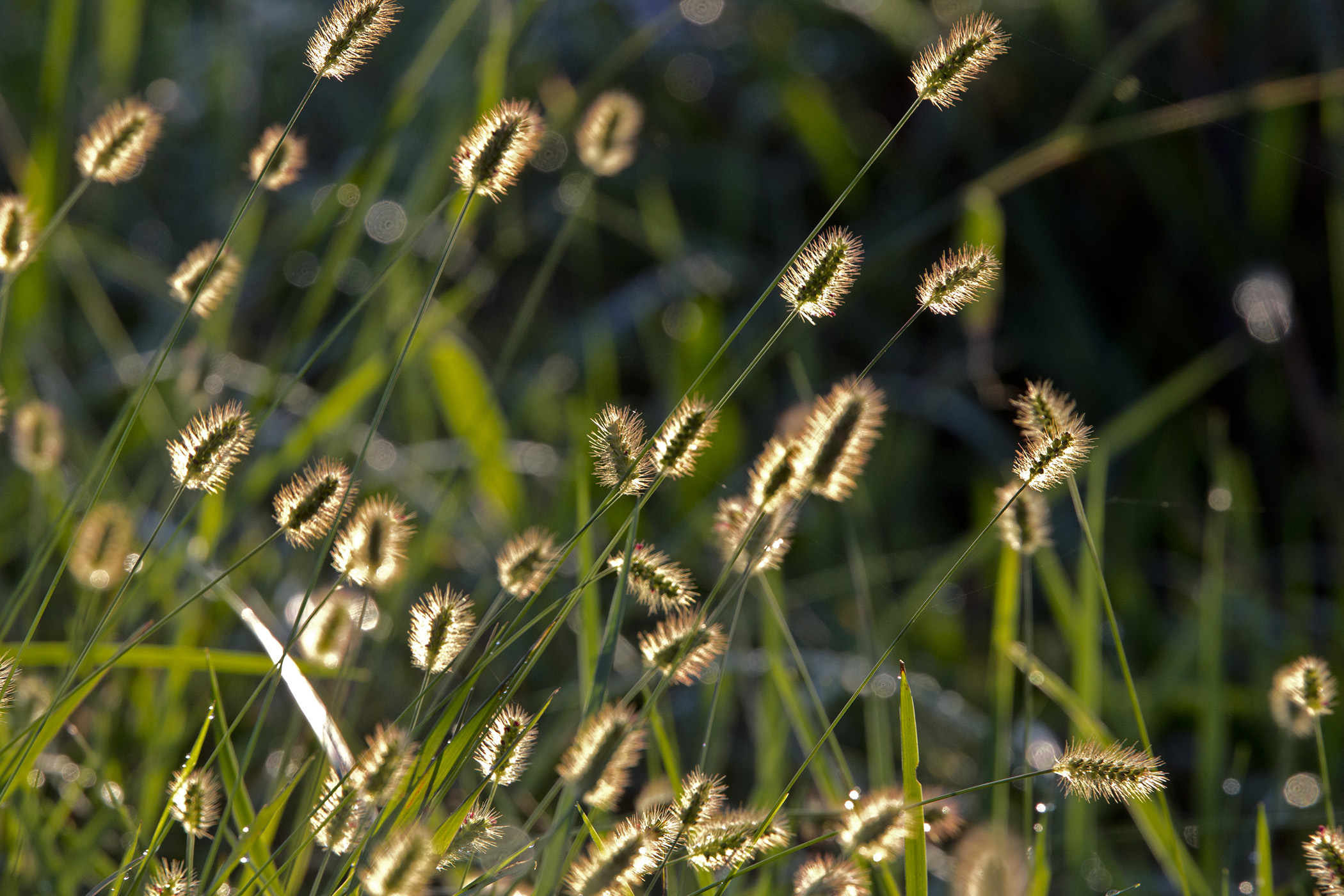
Panorama basically just means wide view, but for photographers panoramas can mean many things. Most use a wide to short telephoto to make panoramas with multiple images. Often when I am out in the field, I am only carrying a 400mm lens, usually with a 1.4X Teleconverter. But quite frequently I see a shot that is too wide for the equipment I am carrying. Even if I had a wider lens, I would not have time to switch and still get the shot I wanted. So I shoot a series of shots of my subject and manually stitch them together in Photoshop. You can also try automatically stitching them in Photoshop or PT Gui. For just a few shots I use auto exposure. But if I am shooting many shots for a long or tall panorama, I switch to manual exposure so the exposure does not change, this makes it easier to combine for the final image without exposure shifts from section to section. I have used this for everything from birds, turtles, birds on top of tall trees, to dragonflies and other interesting subjects. Or if see an image that is perfect for a panorama, but I envision a longer thin crop without a lot of extra image that detracts from what I want. I do not want to crop to my panorama from my regular file because I want a large image, either for a double page spread or maybe a large print, and want to hold the detail with all the added pixels. In another scenario, I see a large bird landing with a wide wingspan, but cannot fit it all in, so a quick series at 10 fps gives me a few images to work with. Or you see a Black-crowned Night-Heron sitting in a tree and you also want to show the bird in its habitat with a lot of detail. Give it a try, it is simple to do and comes in very handy.
Blackwater NWR, Cambridge MD


Ding Darling National Wildlife Refuge, Sanibel, Florida

Closeups with 400mm f/4 DO with, 1.4X teleconverter and extensions tubes


Okefenokee National Wildlife Refuge

Bombay Hook NWR, Smyrna, DE
Steamtown National Historic Site, Scranton, PA
Happy First Day of Fall
Posted on September 22, 2013

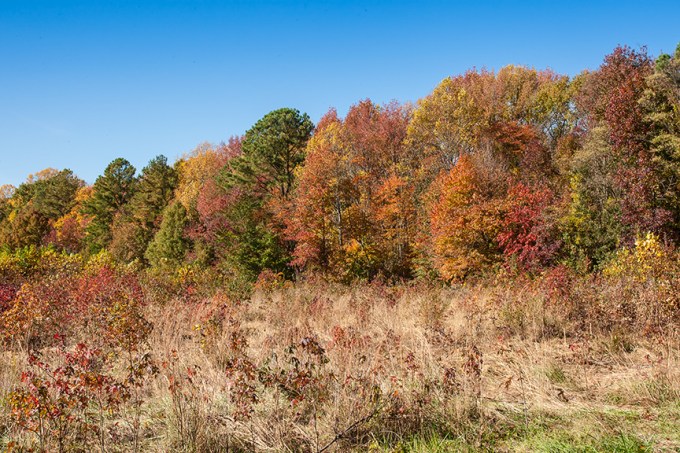
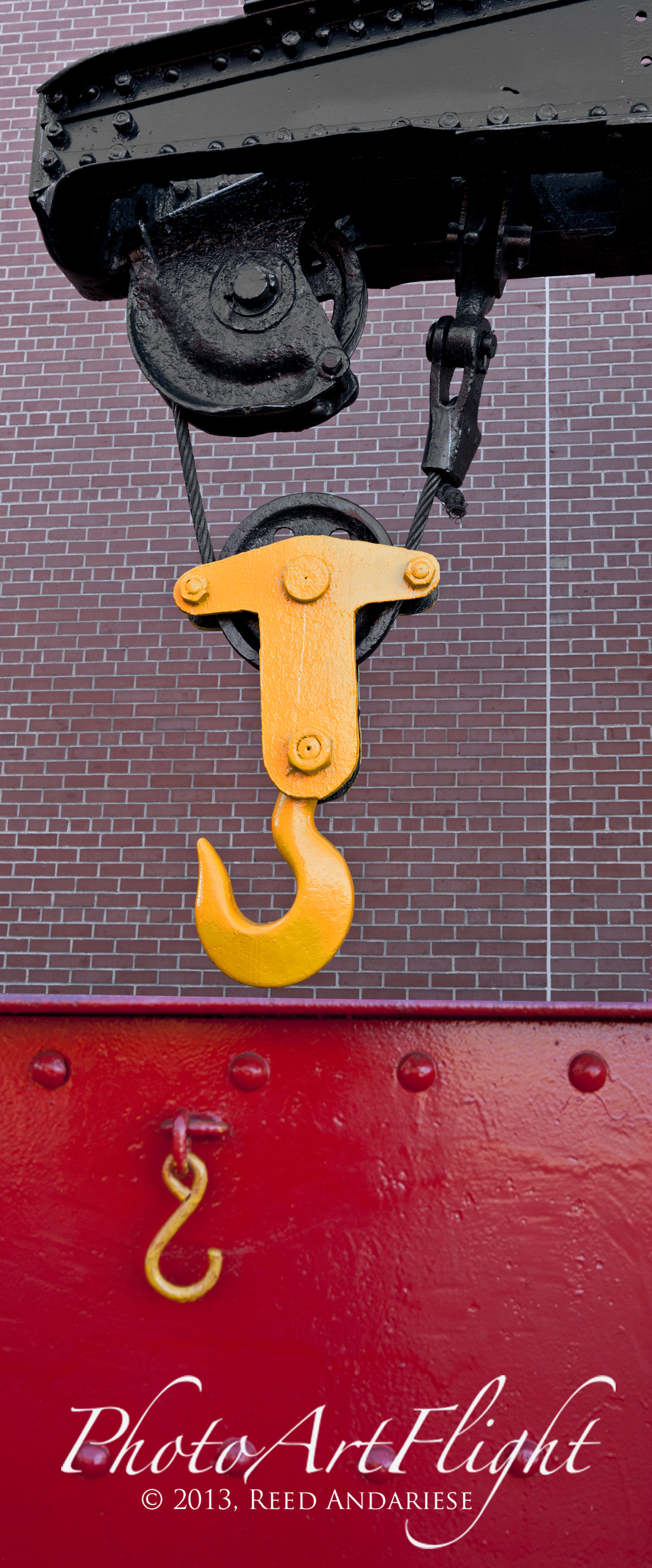
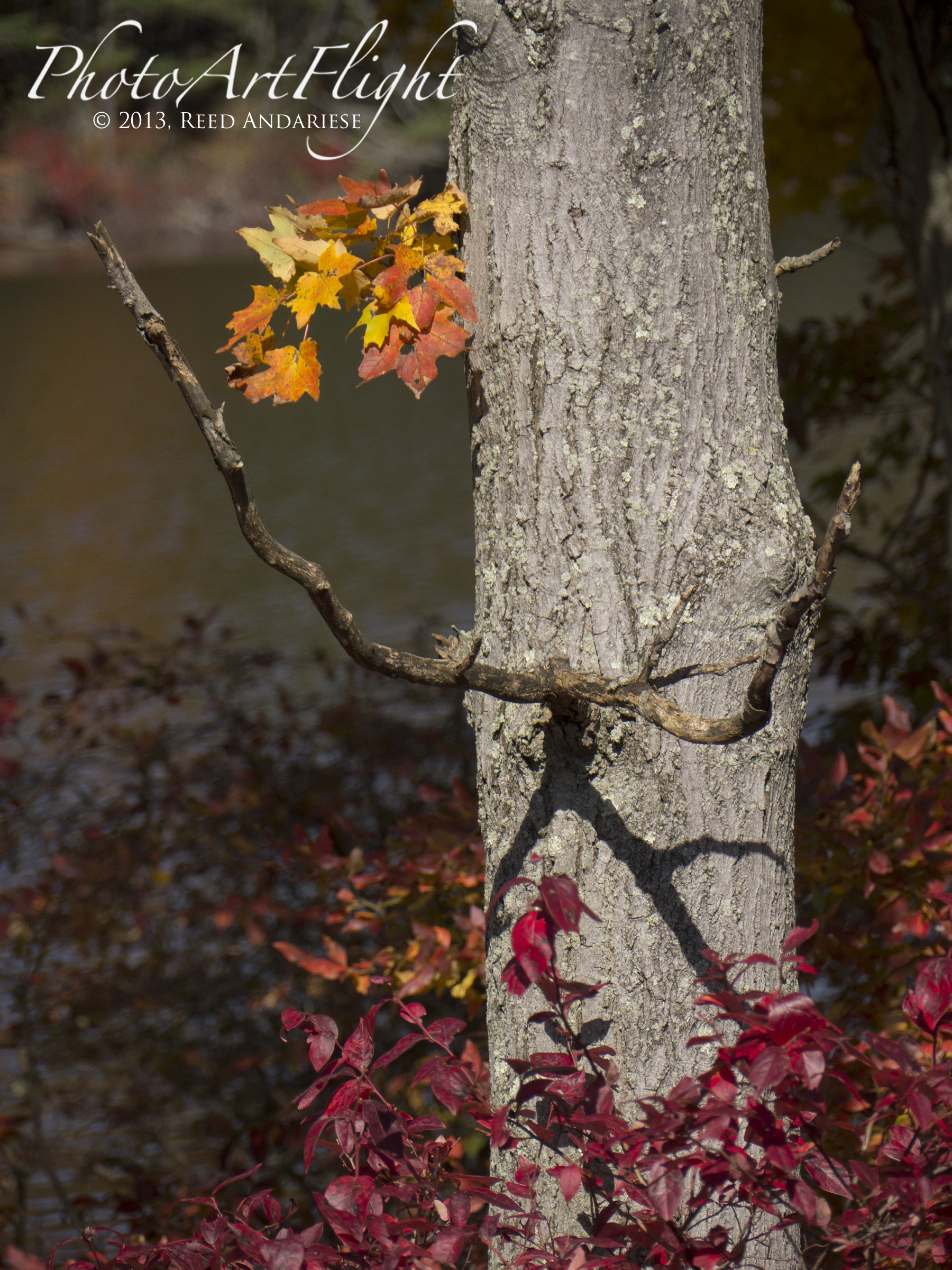
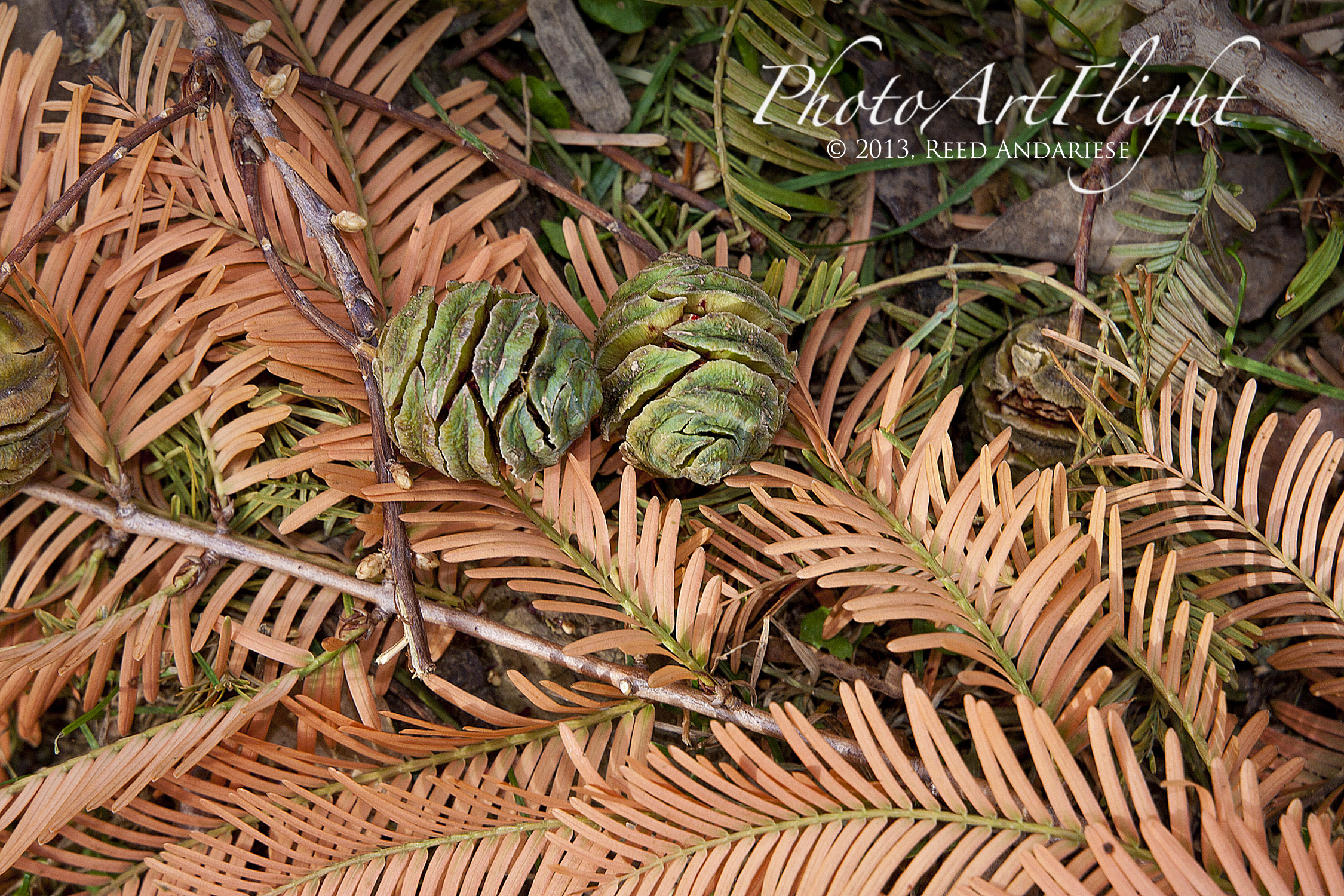
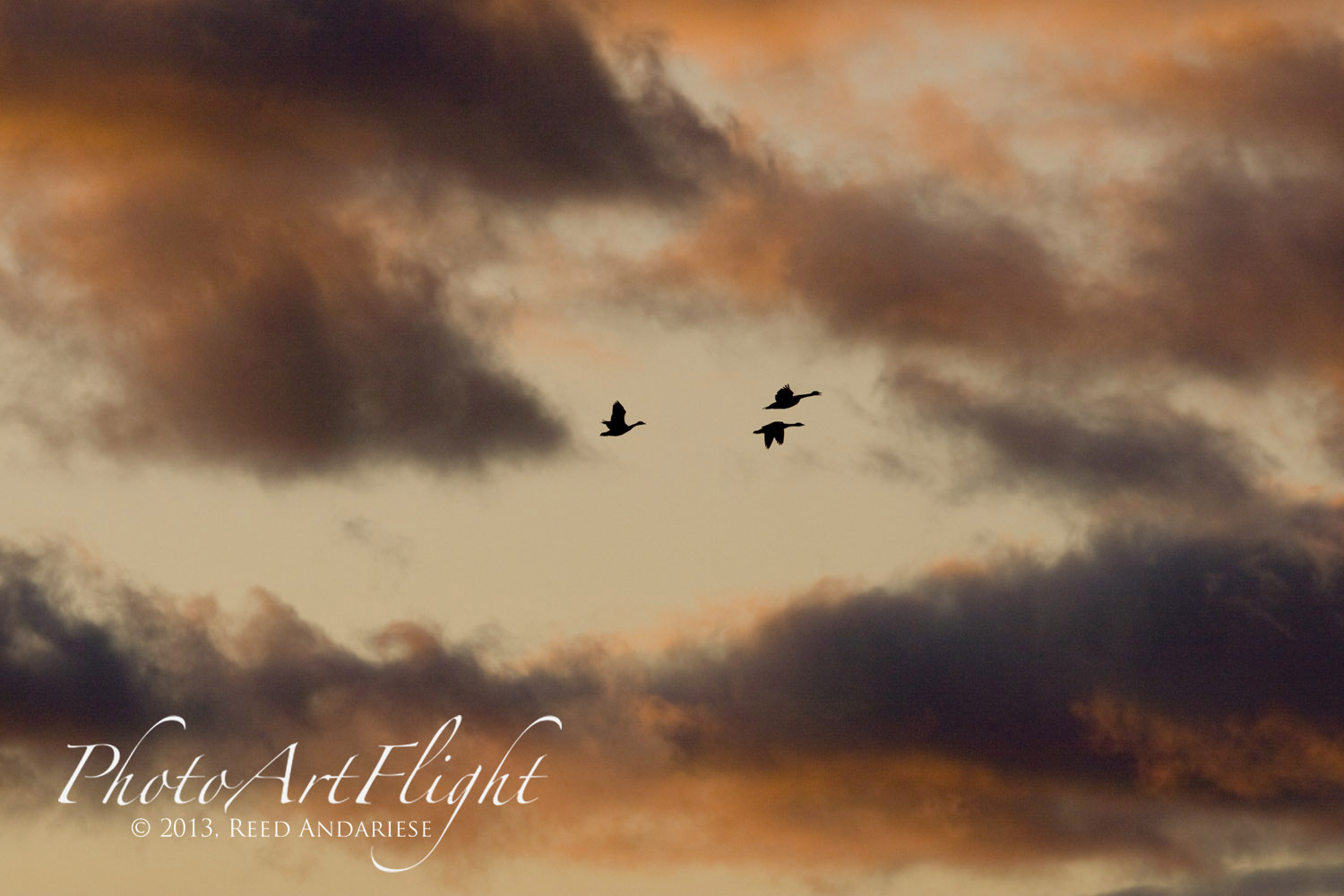
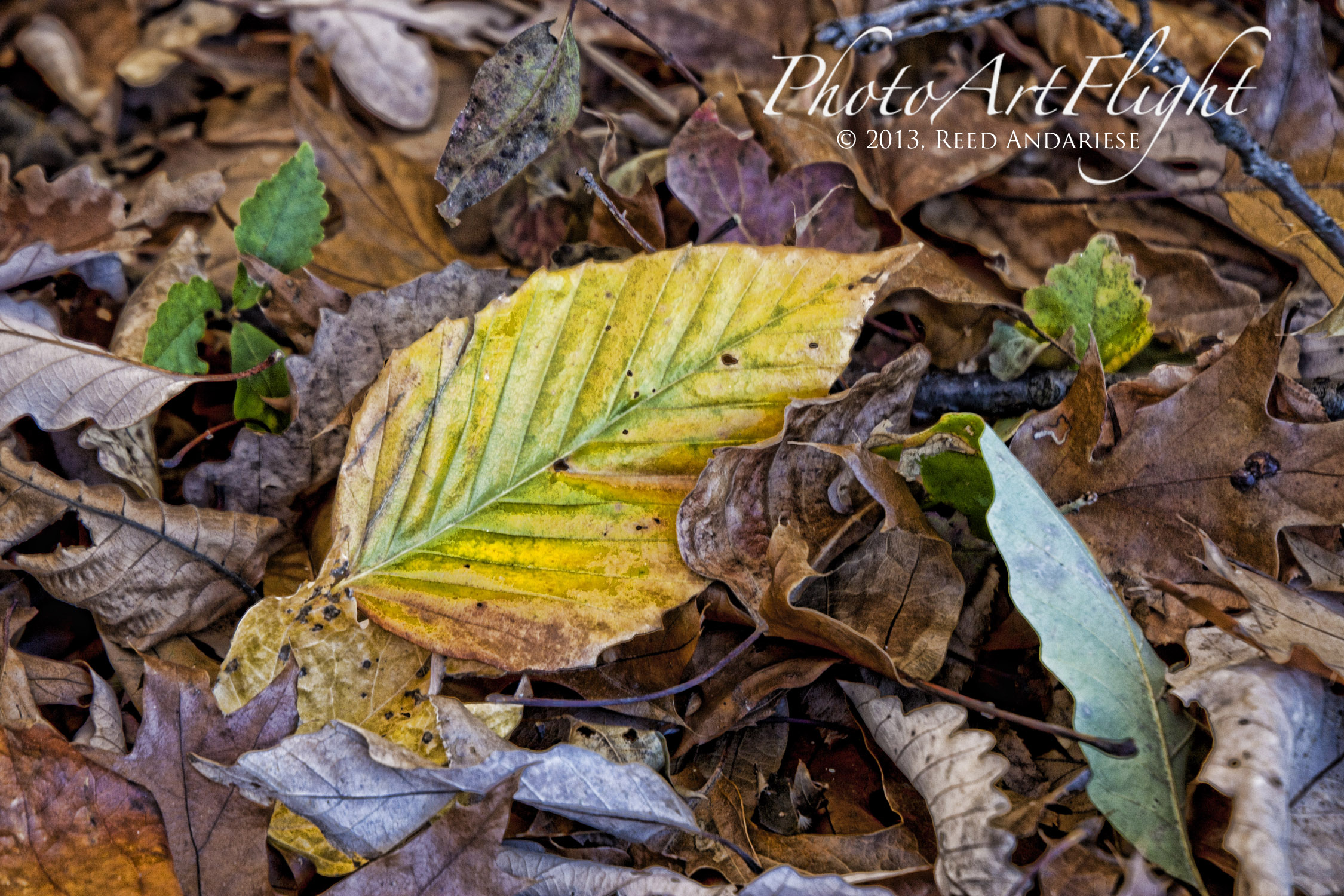
Happy First Day of Fall. Can’t believe another Fall Season has come upon us. Cooler Days, Colorful Leaves and Wonderful Photographic Opportunities are coming here in the Northeast. Take advantage of the Fall to stock up with colorful landscapes, panoramas (both horizontal & vertical), leaf macros & closeups and skyscapes before the dull winter months. This gives me a stock of images to work on during the Winter months. I like to look for interesting leaf color combinations, trying different crops or processing techniques on the same image. So get out and have some fun capturing Fall in all of its colors.
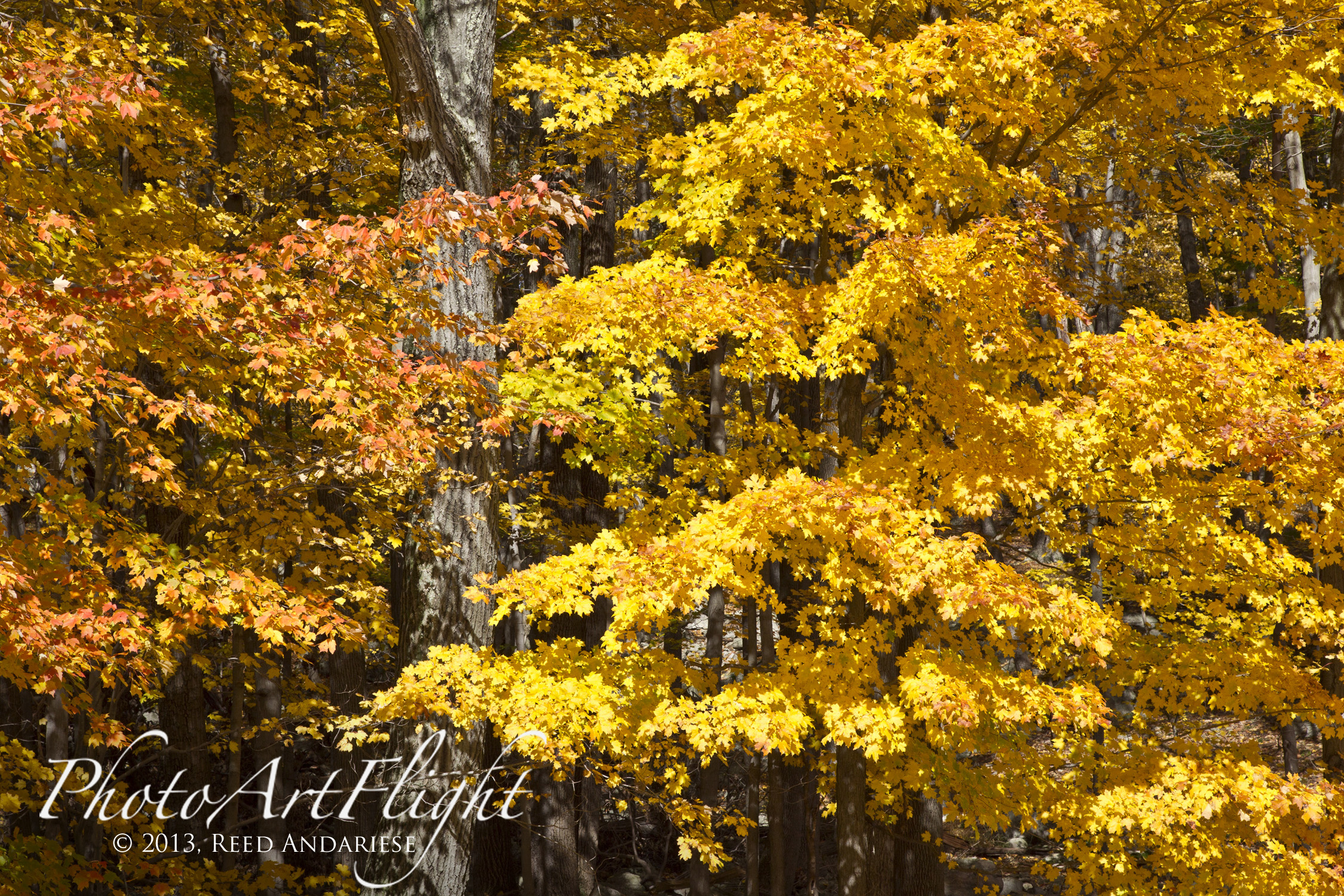
Try Capturing a series of images from the same subject, trying wide to closer up. You can use this to help tell a story or just to see what image you like better for next time.
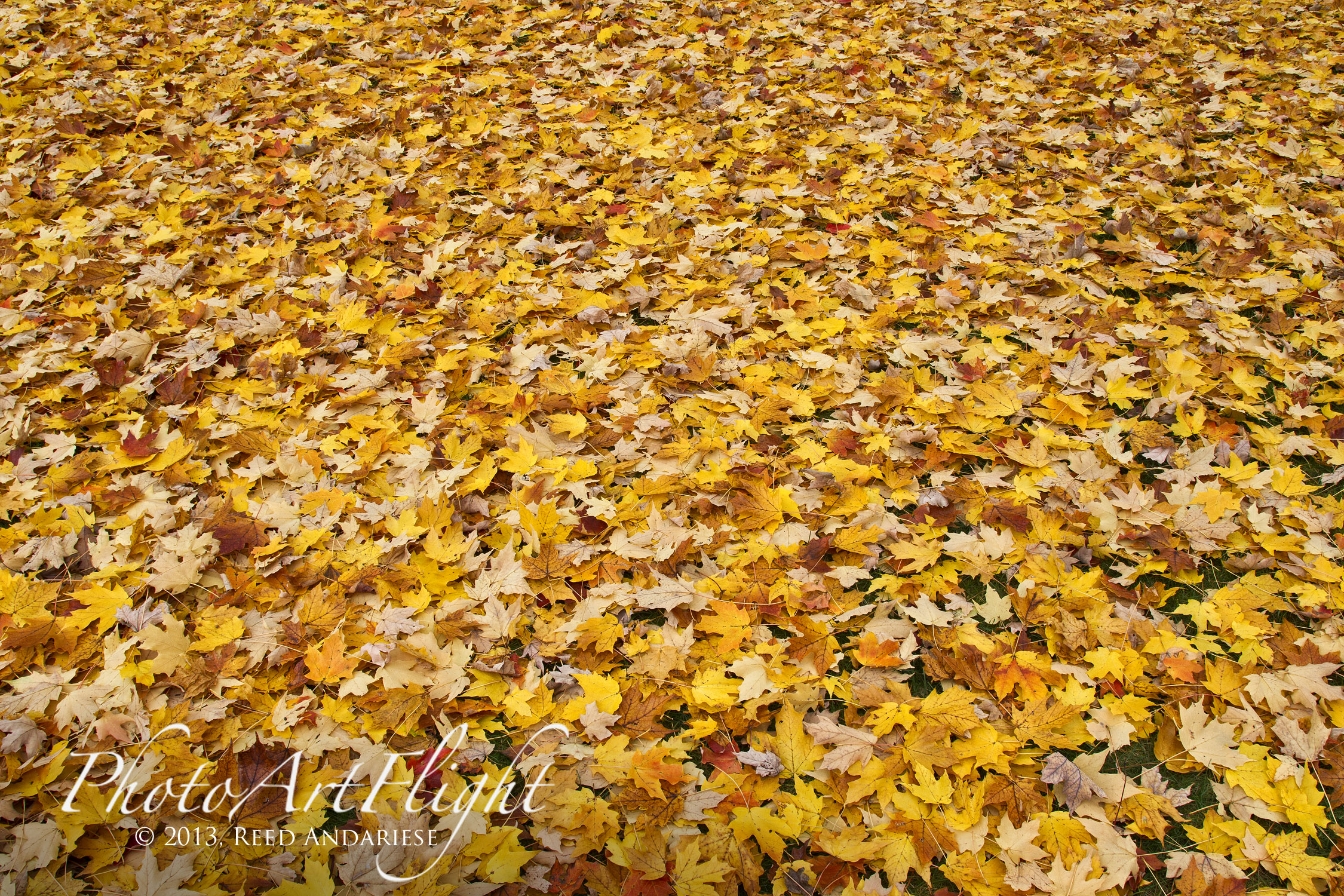

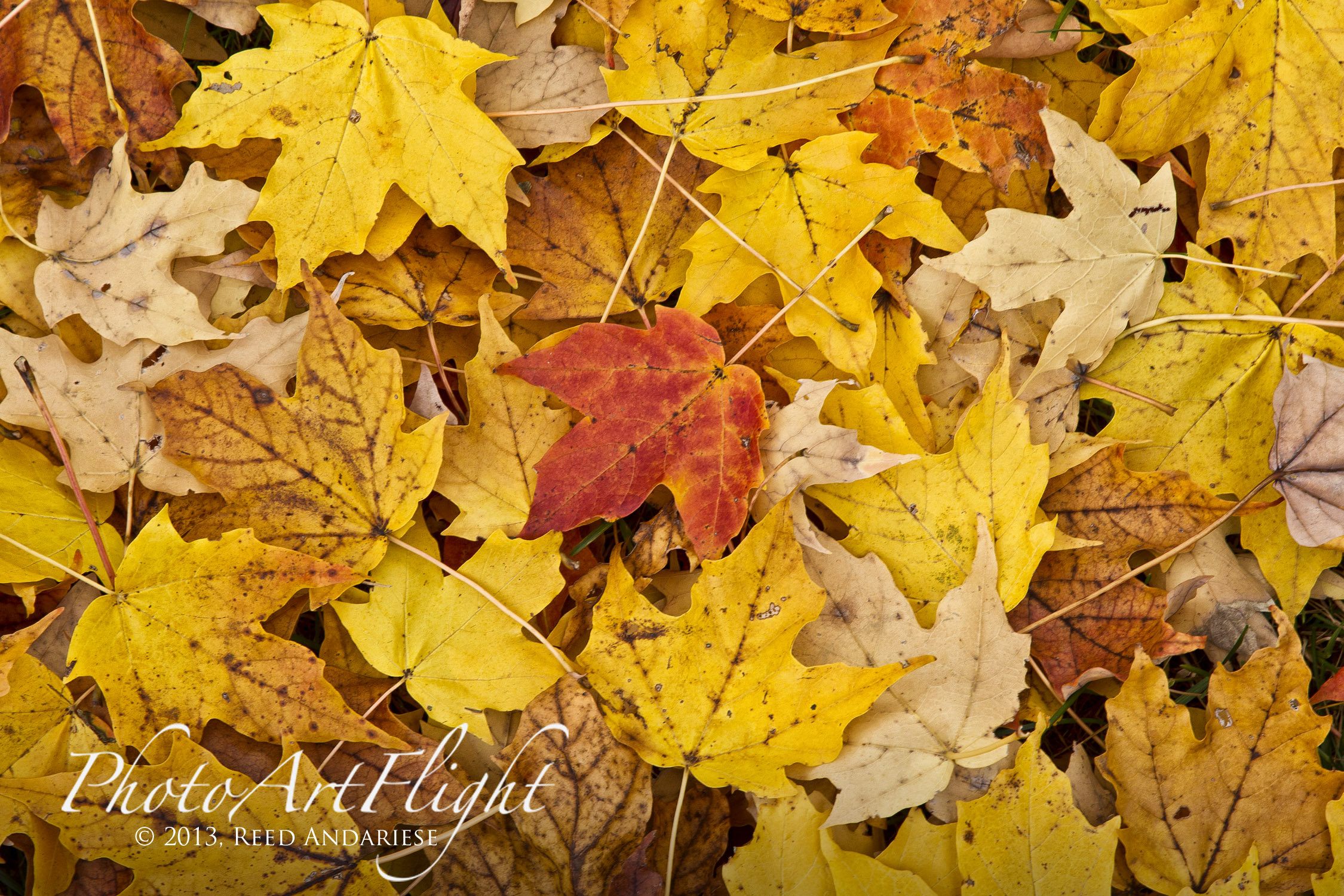

For landscapes intermix verticals in with horizontal formats. See what works best for what you are seeing in your minds eye. Also shoot a few different views or crops in the same area. Often a composition I liked best looking through the viewfinder, seems not to be the “best” once I am working on editing them on the computer.


Look for detail images when you are working on your landscapes. Helps show the area and what is happening in the landscapes.
Skyscapes
Posted on September 13, 2013
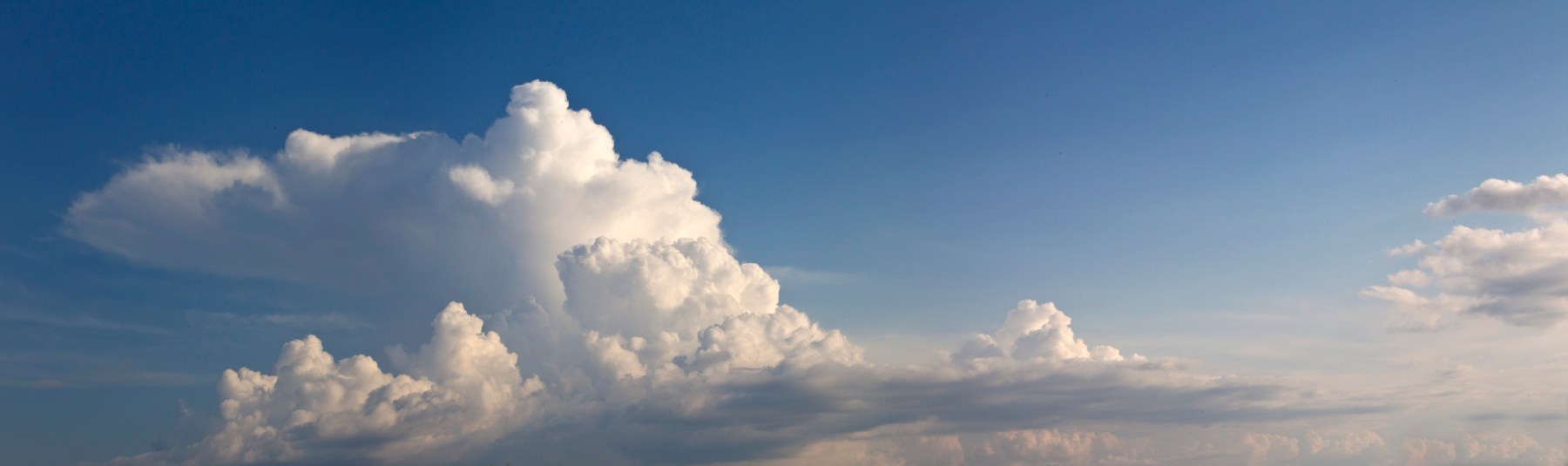
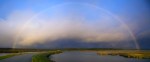
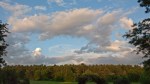
Often while I am out in the field, I notice great cloud formations. So instead of photographing landscapes, I go for Skyscapes. They can be very dramatic and more fun then the landscapes I was thinking of when I started out. Sometimes the sky is just so dramatic you cannot not photograph them. Any lens seems to work well for this, depending on the effect and composition you are thinking of and the amount of obstacles in your way. Sometimes I use just the single frame for my composition. At other times, I shoot a panoramic series to stitch together later. I usually manually make my own in Photoshop, but there are many programs you can use to automatically do this. Photoshop can do this also, some friends use PTgui, but there are many you can use and there are some free ones you can download. Many times when I am out with a long telephoto on my main camera, I carry a Panasonic point & shoot camera that can shoot raw files along with a panorama crop. This also works well for skies. The examples here were photographed with a 24 -105mm to 400mm. For a single capture, I sometimes crop to a panorama format. If I use a series of images for a panorama, I zoom out to 75mm – 105mm to limit some distortion when combining them. I zoom to the height I like, then shoot a series horizontally for the length I want. Also use manual exposure so the frames all have the same exposure so it is easier to combine and overlap without variances in density. Depending on the clouds, I have also done vertical panoramas, that also give a unique & different look. Also try different crops, wider to tighter to see which ones you like better. If printing them, the crop depends on how large you are printing them. The larger you go the different the crop looks. Skies and cloud images are also great to use as a background in ebooks or books to put other photos on top with text, makes it look more interesting than a white page . So if it is a slow day out in the field remember to look up.







 photoartflight