 photoartflight
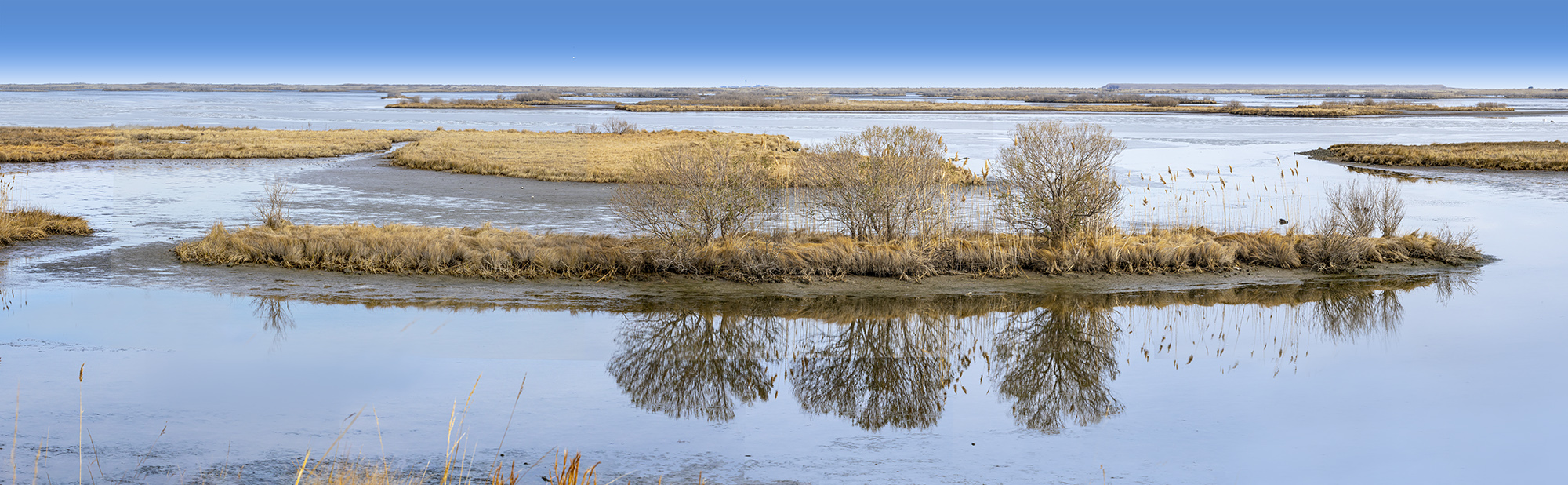
Brigantine Division 40 Image Panorama
Posted on January 30, 2022

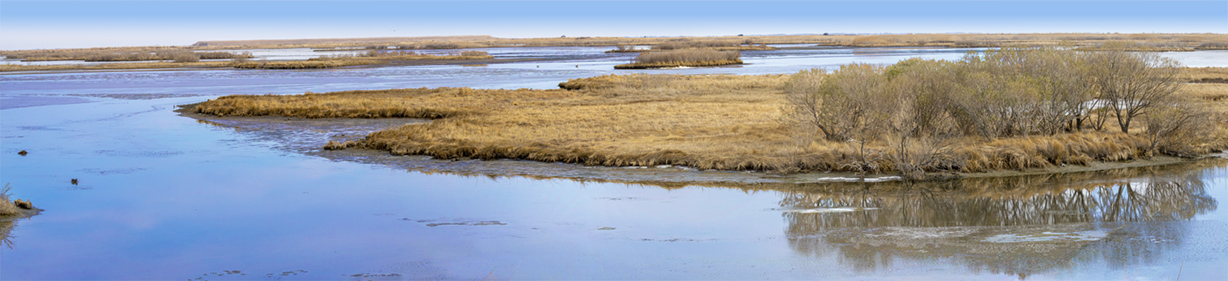
I am still going through images from our trip to the Brigantine Division of Edwin B. Forsythe National Wildlife Refuge near Oceanville NJ. Most of the wildlife was way off in the distance so I did a lot of multi-image panoramas of the landscapes & large flocks of birds in the Refuge as we were traveling around the Refuge on the Wildlife Drive. It was a fun photo day and I have a lot of images to go through and to assemble my images into the final panoramas. The Featured Panorama here is a 40 image handheld panorama taken with a Canon R with a 150-600mm lens @ 150mm at f/16. Final size of the Panorama is 126″ x 12.75″ high @300 ppi. When I am shooting multi-image handheld panoramas I tend to overlap the images a lot. If I do not need all I shot for the image, that is ok. But from experience it is better to have too many images than not enough. Also the panos seem to blend together better than spacing farther apart. It takes some practice but Photoshop does a Great job aligning & blending the images for the final Panorama.
Davidsons Mill Pond Multi-Image Panoramas
Posted on January 3, 2022

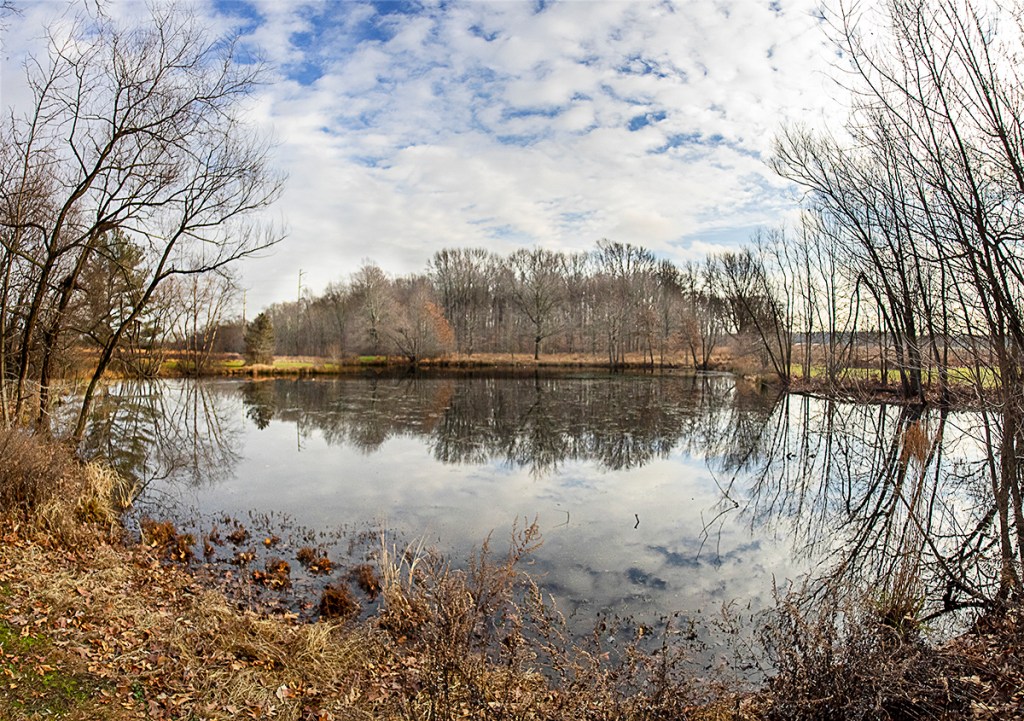
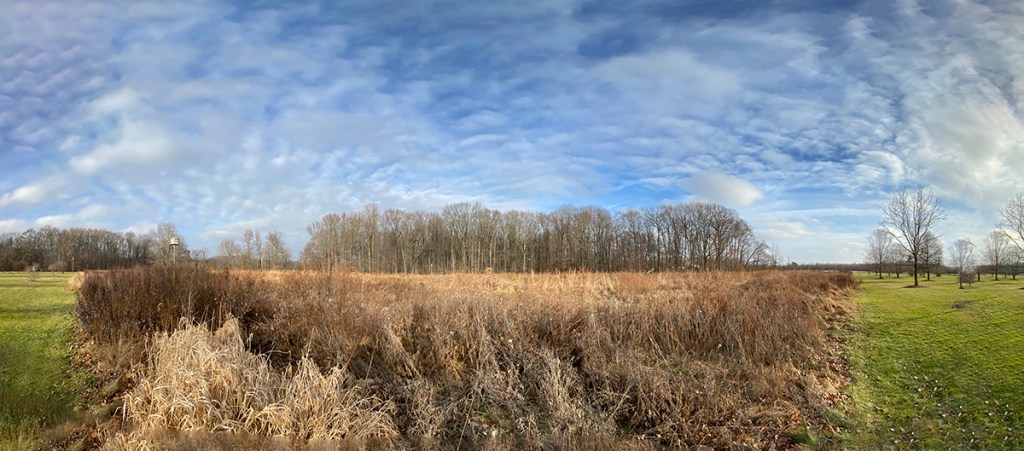
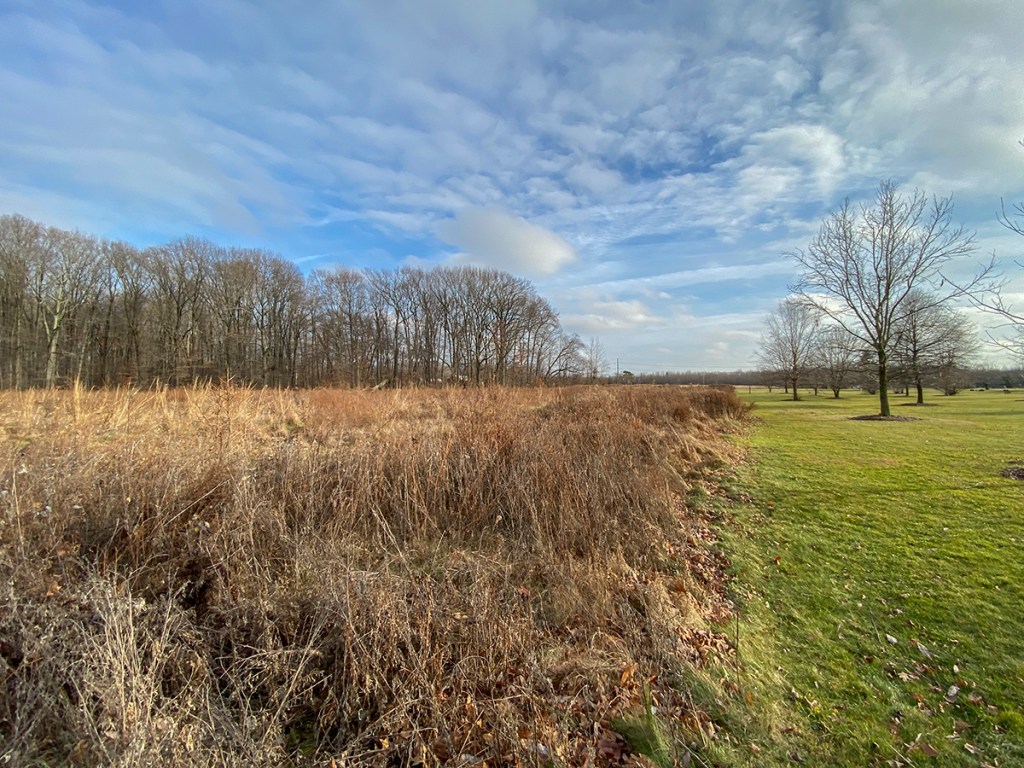
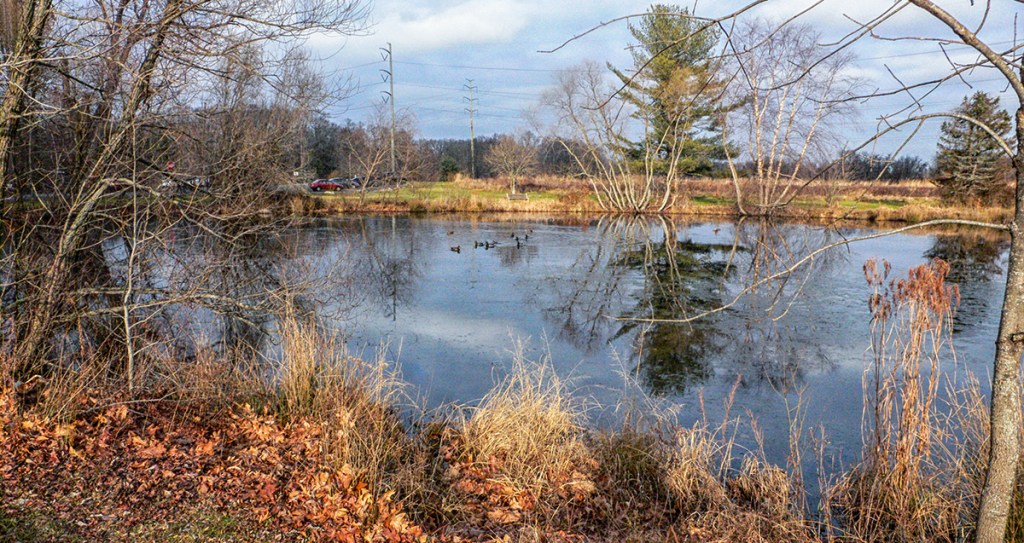
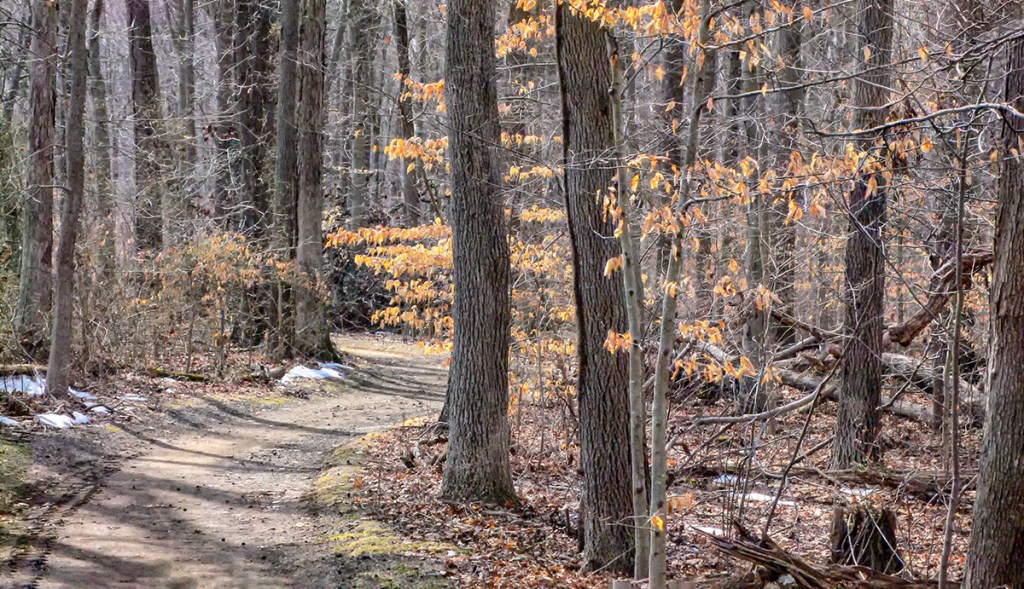
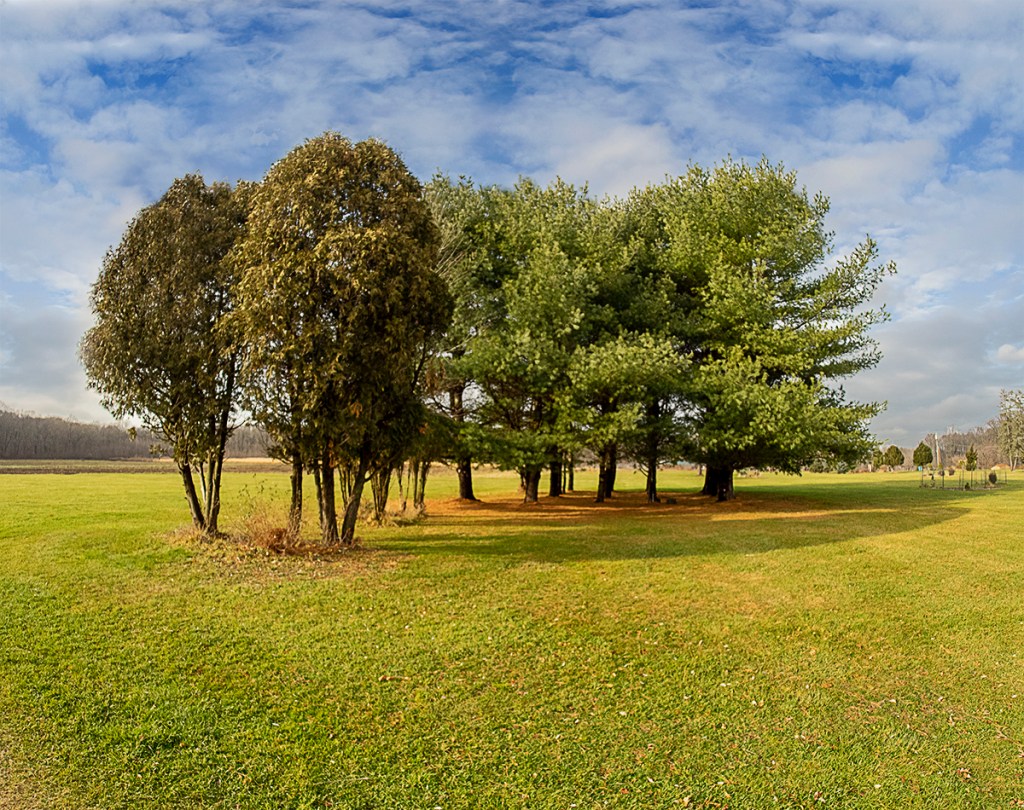
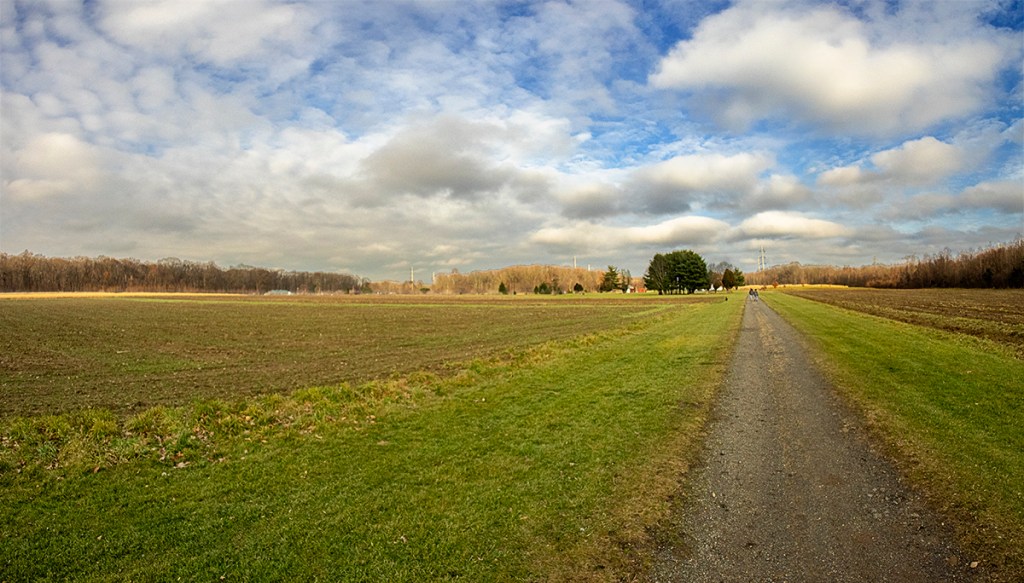
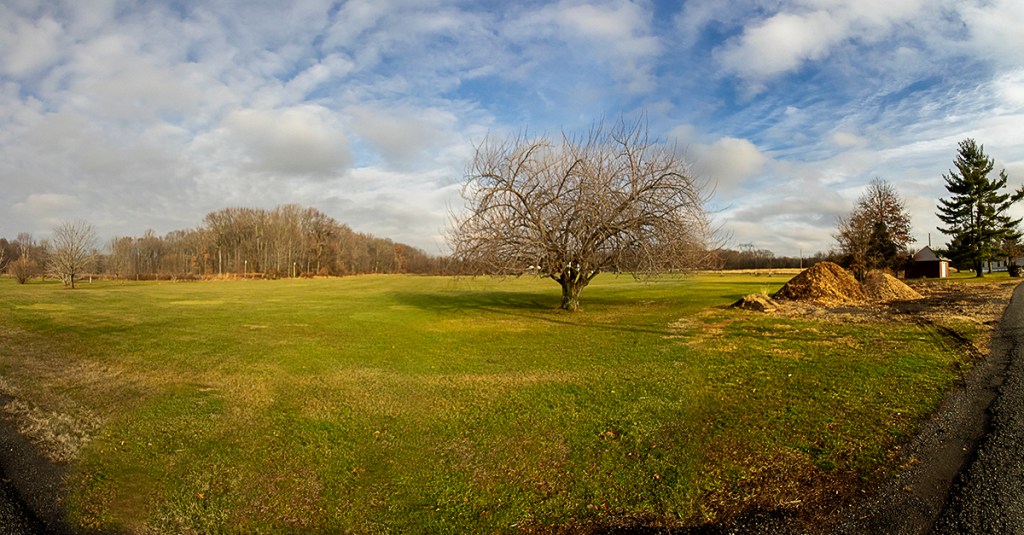
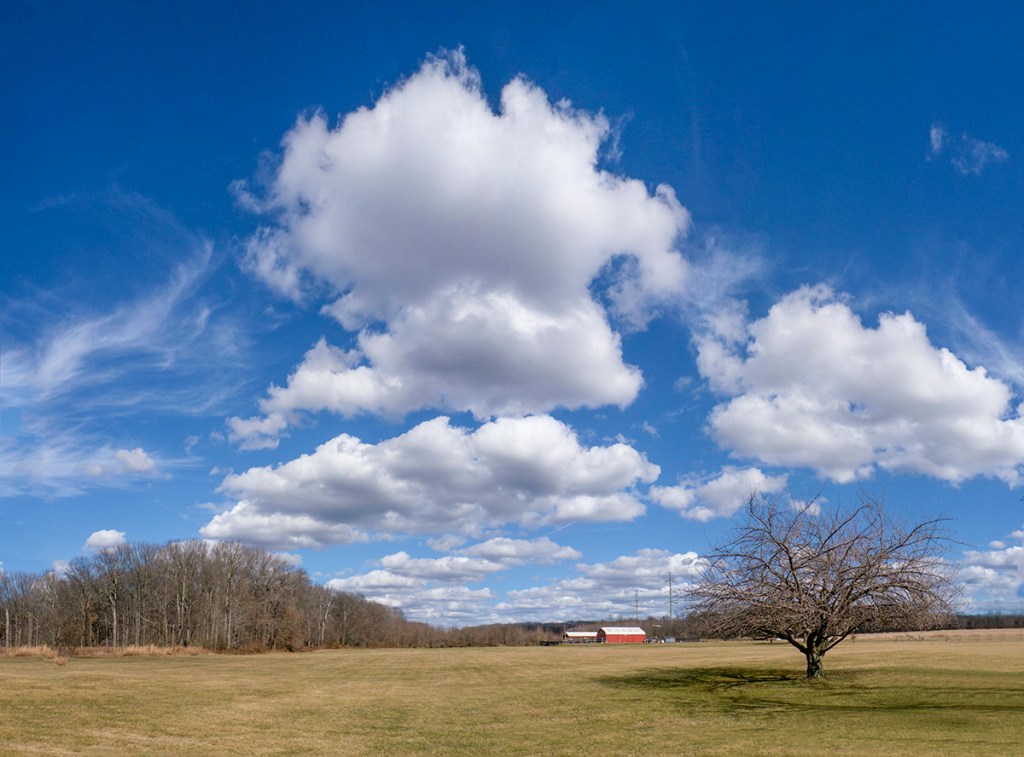
It was a nice day on Dec. 31st so we went to Davidsons Mill Pond Park to take a nice walk. I thought I would also shoot a series of Multi-image Landscape Panoramas, but I could not decide what Camera & Lens combo to take. So I decided to take a few choices to see which worked better for what I was trying to photograph. I previously had cleaned up & reorganized my camera & lens cabinet and found a charger for an old Panasonic LX-1 Pocket camera that I used to use for wide shots when I was mostly photographing with my larger Canon gear, so I took that along also to see how it stood up to the newer Digital Cameras. I also set the LX-1 to 16×9 format. My iPhones & adjusting the images in Adobe Camera Raw had replaced me using the Panasonic LX-1 Pocket Camera many years ago. It was a nice day to get out and photograph some landscapes with nice cloud formations. After working on my images I was surprised how well the Panasonic LX-1 images did when compared to the newer cameras. Opening the LX-1 images in Adobe Camera Raw did get more detail out of the images. So the following multi-image panorama images are from an Olympus OMD-1 with a 7.5mm fisheye lens (& then DeFished in Photoshop), the iP11 Pro using the 1.5mm lens (full Frame camera FOV equivalent ~13mm) and the Panasonic LX-1 using the lens equivalent to a Field of View to a 28mm lens on a Full Frame Digital camera.
The Featured Image is a handheld 4 Image Panorama taken with 7.5mm Fisheye Lens on an Olympus OMD-1 & De-Fished the Image in PhotoShop using the Adaptive Wide Angle Filter listed under the selections on the top “Filter” selections.






More Panoramas From 7 Lakes Drive
Posted on December 6, 2021

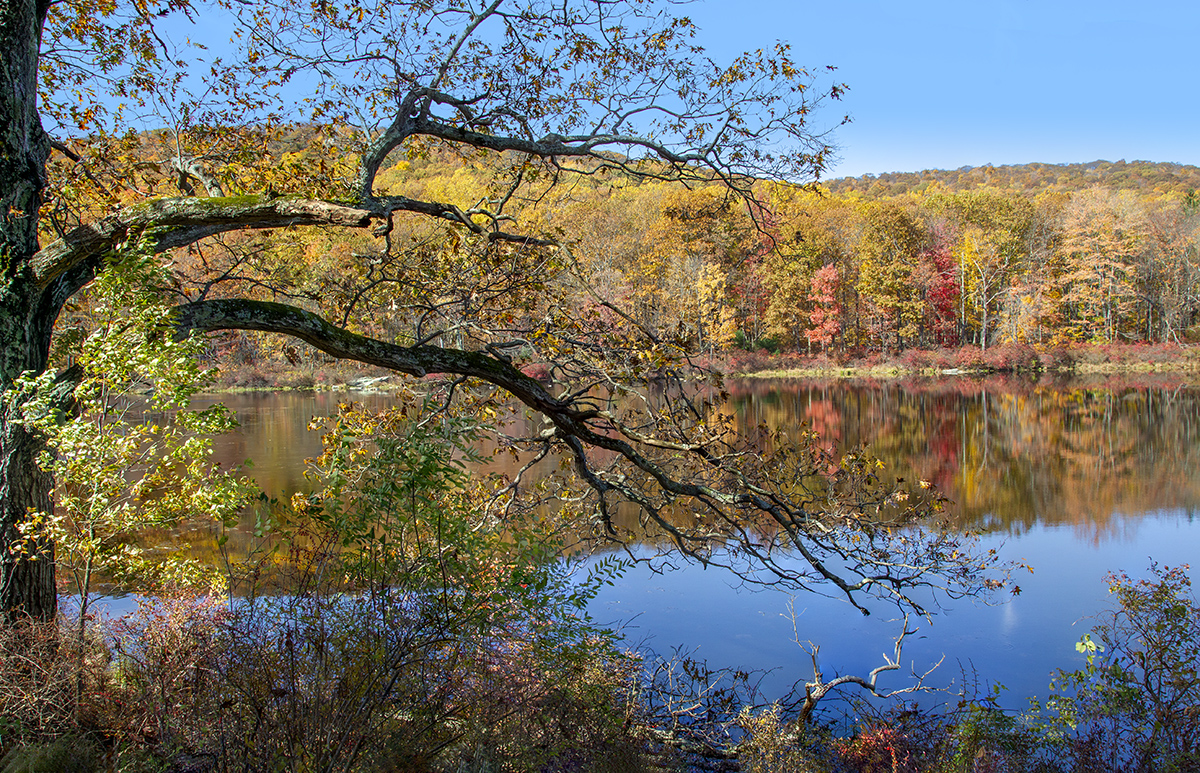
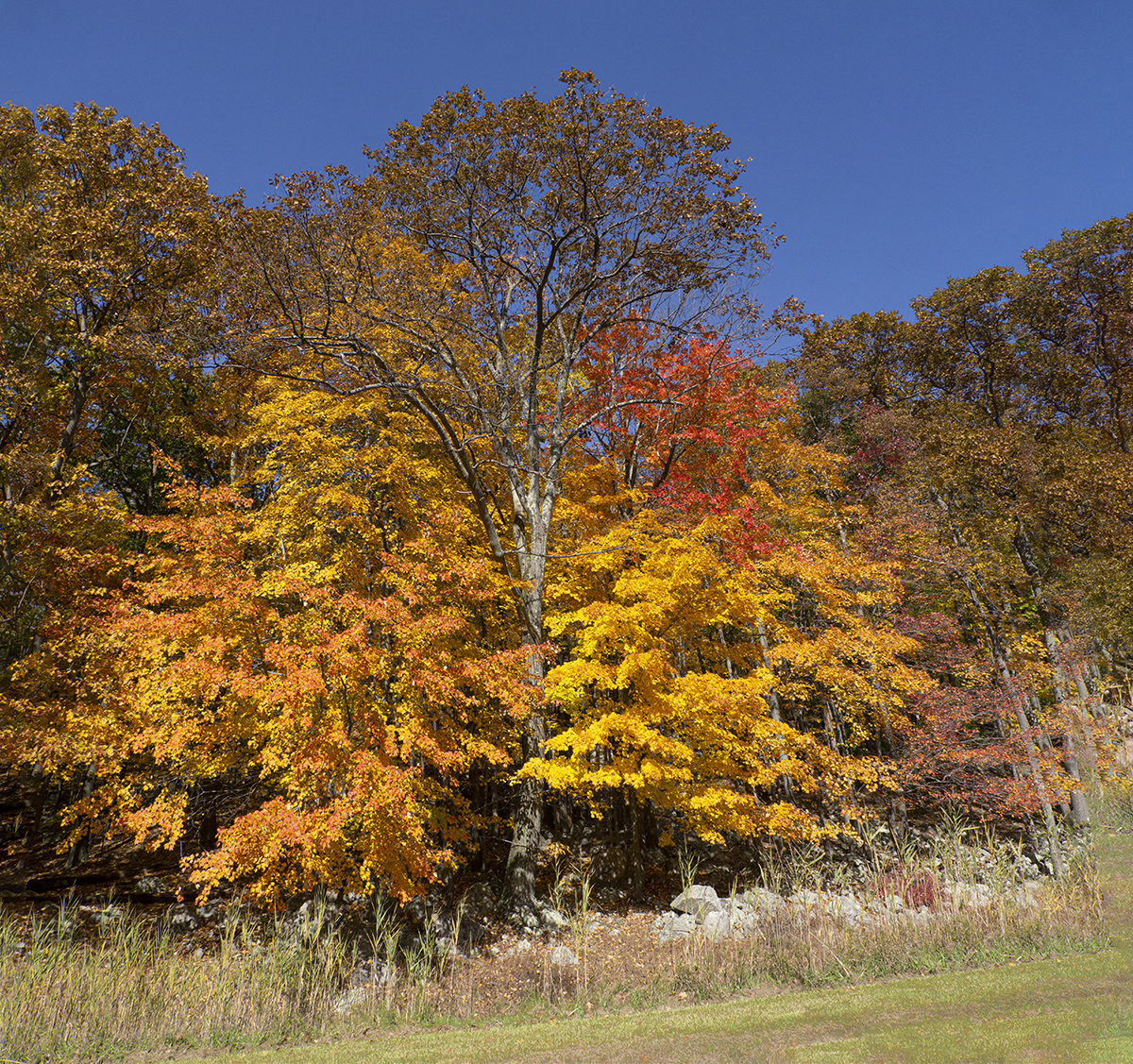
Additional Panorama Images from the 7 Lakes Drive in Harriman State Park. Most images were taken with a Canon 24-105mm lens with a Canon 1D mkIV. The last image was taken with a Panasonic GH2 m43 format camera with a 14-140mm lens. The Featured Image is made from 2- handheld 24mm horizontal images blended in Photoshop for a taller image to get a little more sky & foreground.


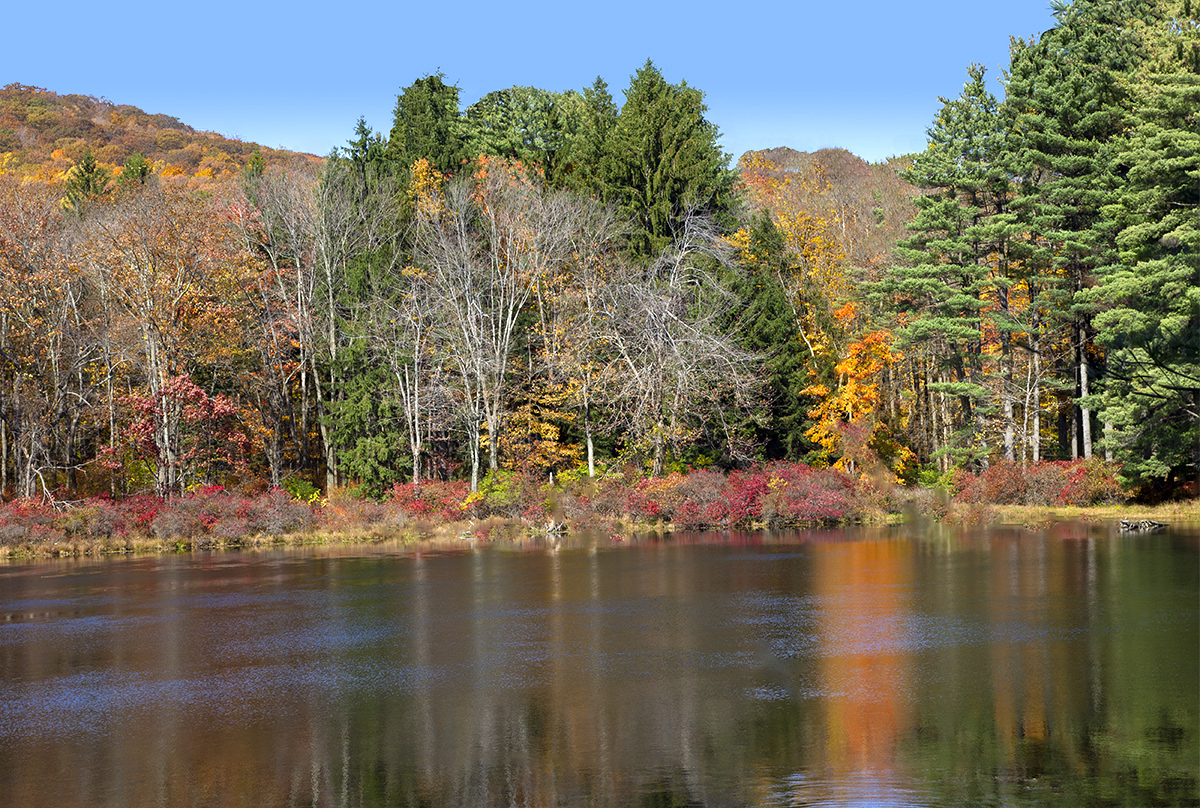
7 Lakes Drive, 5 Vertical Images Panorama, Overlapped Horizontally for a little more height, shot @ 60mm. Blended in Photoshop

Fall Panoramas From 7 Lakes Parkway
Posted on December 5, 2021

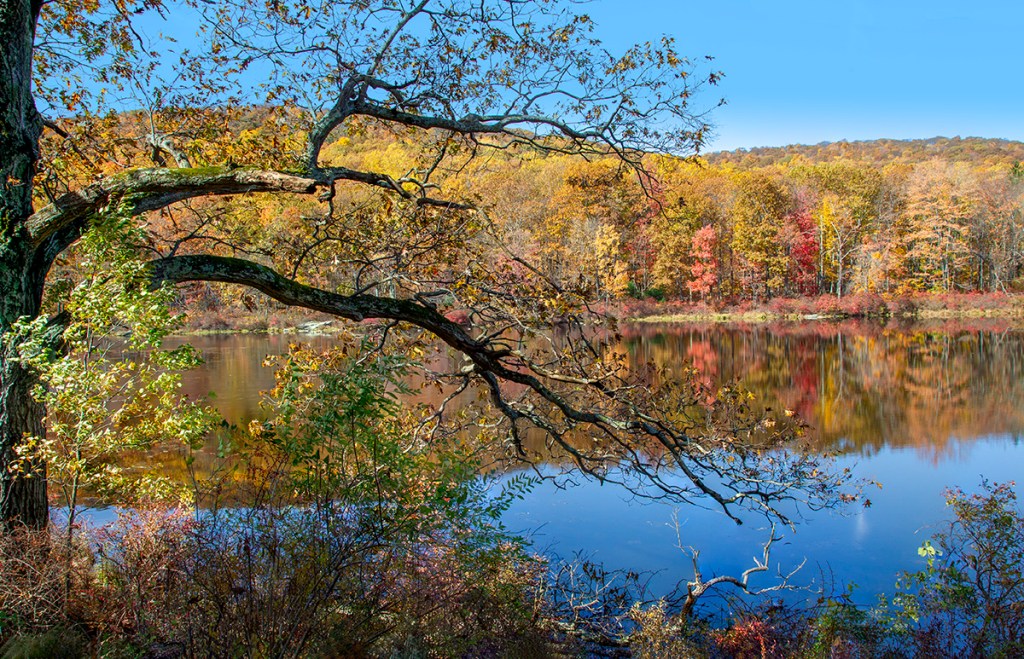
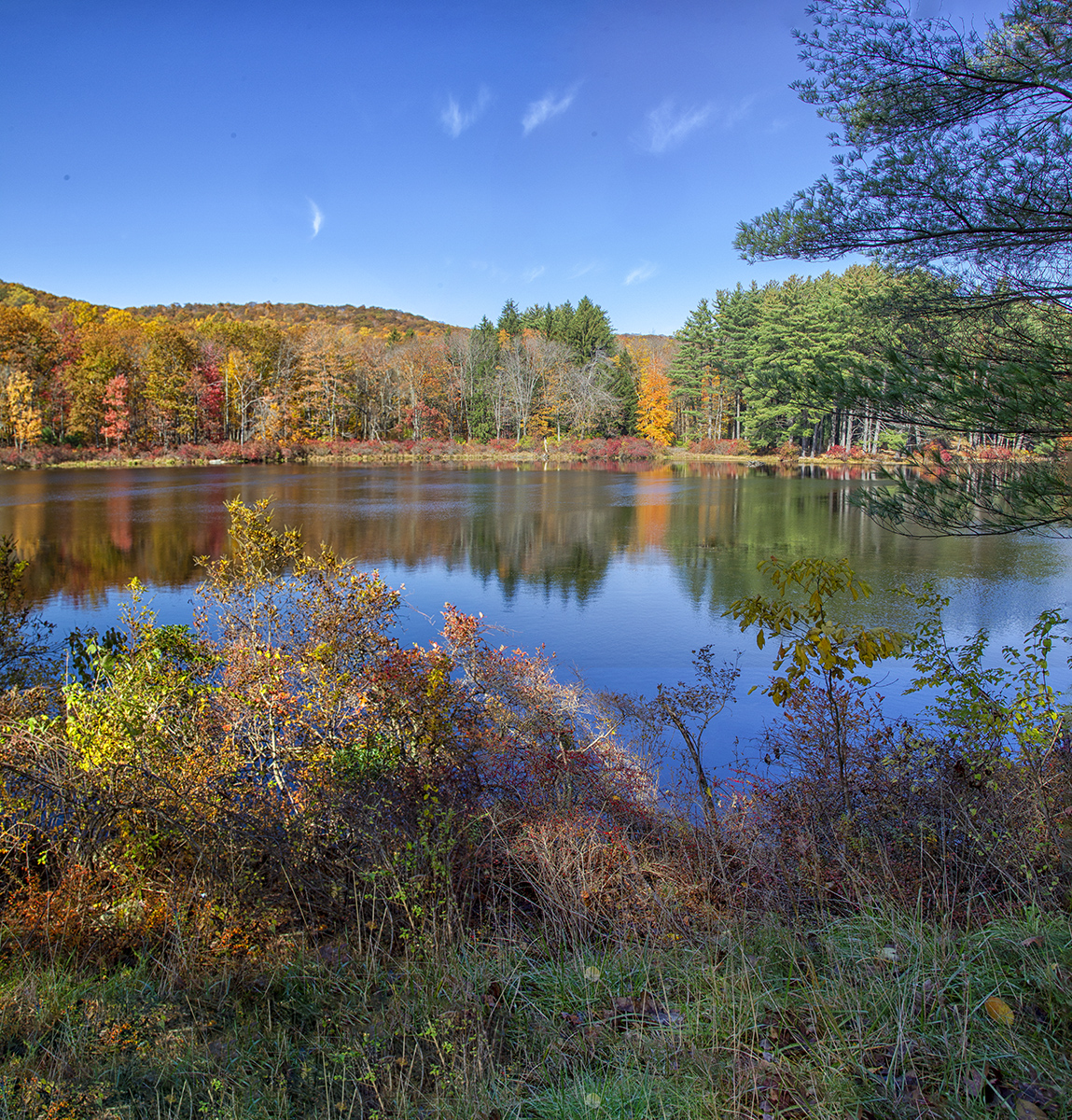
A series of multi-image panoramas taken at the 7 Lakes Parkway that runs through Harriman State Park to Bear Mountain in New York state. It is an excellent area for photographing Colorful Fall Landscapes with colorful leaves and colorful reflections in the Lakes. All images here were taken handheld with a Canon 1D mkIV with a Canon 24-105mm lens. The Featured Image is made from 3 landscape images taken @ 24mm.





Sunrise & Sunset At Blackwater NWR
Posted on November 23, 2021
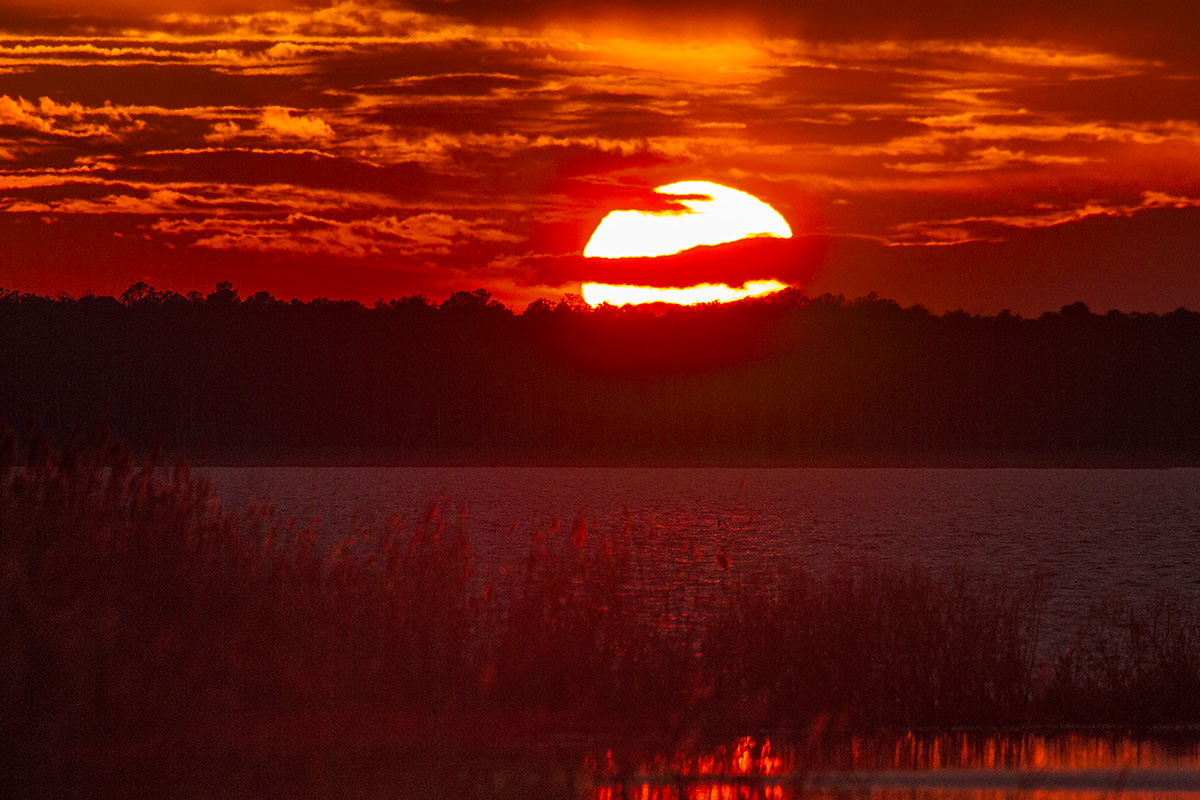
A series of sunrise and sunset images from a previous trip to Blackwater NWR near Cambridge, Maryland. The Featured Image was taken with a Canon 400mm DO lens with a 1.4X Teleconverter.
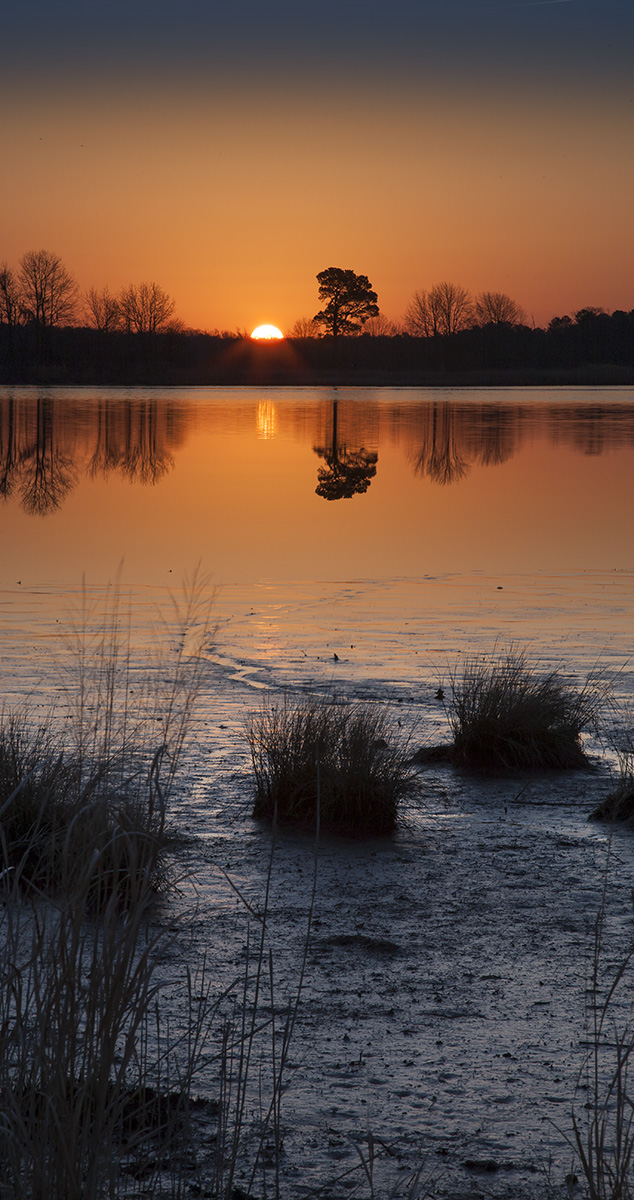
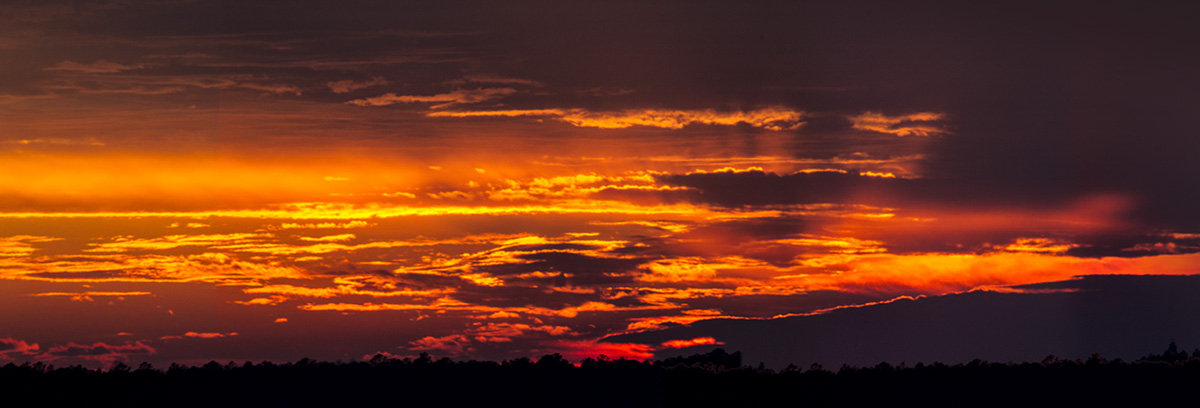
Lake McCormack Panoramas @ Audubon Plainsboro Preserve
Posted on November 23, 2021

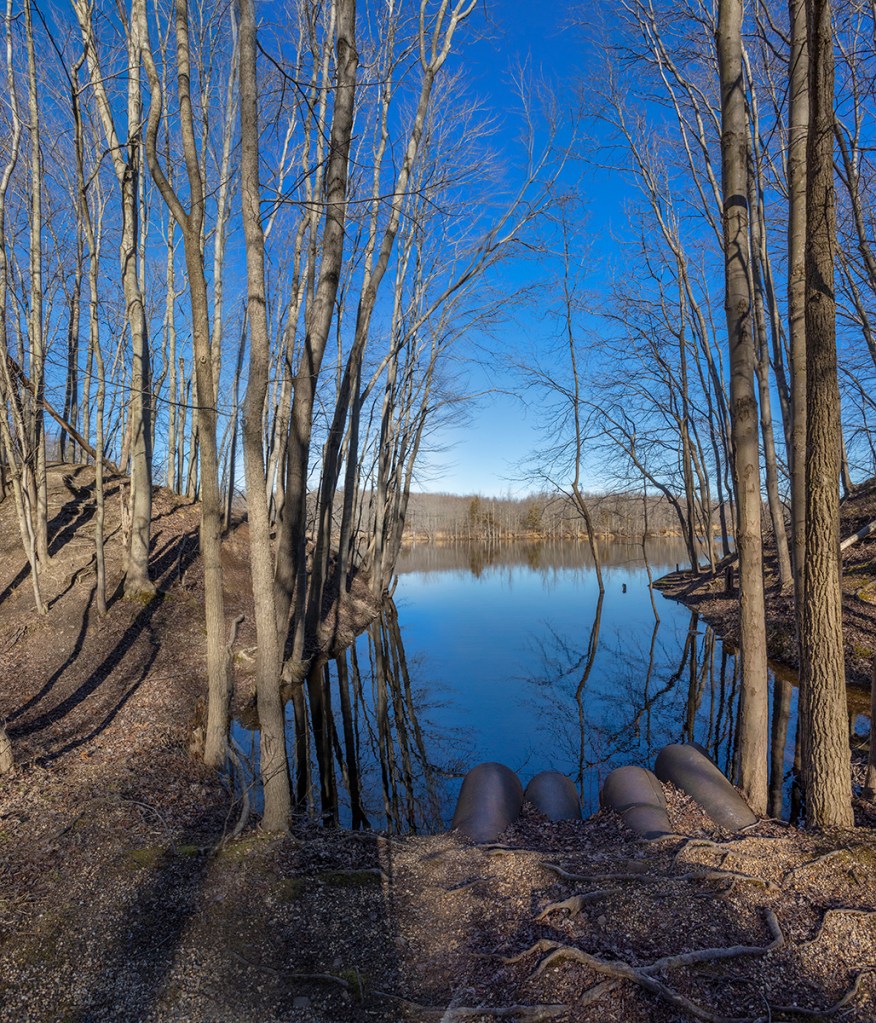
We went to the Audubon Plainsboro Preserve to photograph some more Fall landscapes and panoramas. This time I was using a 17-40mm lens on a Canon R. The six horizontal images for the Featured Image were taken @ 17mm. I loaded the six images into one Layered Photoshop file and let Photoshop automatically align & blend the layers for the final image. The vertical pano image below was also taken @ 17mm, but these were taken in a vertical format to have more height for the panorama. This pano is made from 3 images.
Plainsboro Preserve Lake McCormack Panoramas
Posted on November 11, 2021

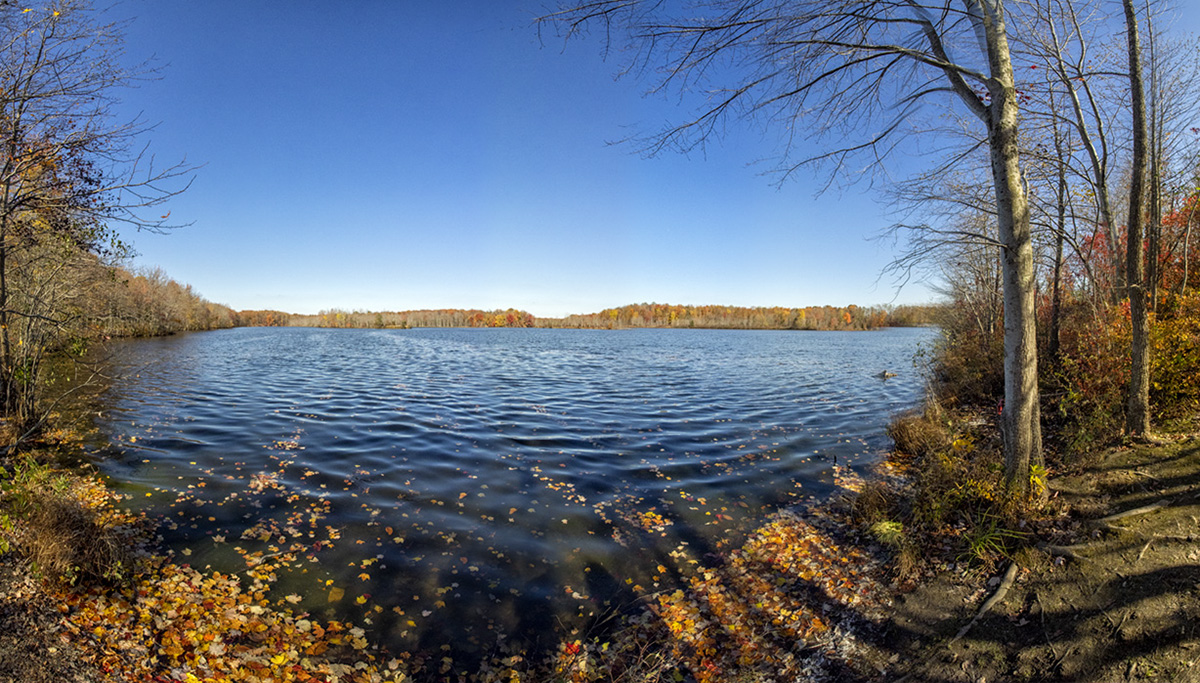
It was a nice day yesterday so we went to the Audubon Plainsboro Preserve to take a walk and get some fresh air. I was traveling light and only took my Olympus OM-D mkI with a 7.5mm Fisheye lens. There was hardly anyone there so I was shooting some landscape images along our walk. There was still a few colorful Fall trees but most of the trees were bare along the path. As we were passing a short trail that lead down to a nice view of Lake McCormack I decided to shoot a couple of multi-image panoramas of the Lake. The Featured Image is made from 12 handheld horizontal images. Then I shot 10 vertical images for a higher panorama view of Lake McCormack. I have found that when using a m43 camera you need to overlap the images more than a Full Frame Camera. When I got home I started to work on my images for the panoramas. First I had to De-Fisheye the look of all of the images before I could use them to blend in the Final Panoramas. I just made an action to run & de-fisheye each image in the series. In Photoshop going to the Filter command at the top, then choosing Adaptive Wide Angle Filter that will usually correct the Fisheye look of your images. You also have to enter the Focal length of your fisheye lens before you use the filter. But this filter is set-up for Full Frame Cameras. So I entered 15mm which is the equivalent Field of View of my 7.5 mm lens on the m43 Olympus, basically 2x with the Olympus. Then I loaded the de-fished images into a Layered Photoshop file and selected all the layers. Then on the top commands go to Layer and choose Align, then merge Layers to complete the blending of the images.
Davidsons Mill Pond Park Panoramas
Posted on October 24, 2021

Another handheld panorama from Davidsons Mill Pond Park. I liked the reflections of the clouds in the pond and on this visit the sky and clouds were great. It seemed to add more “depth” to the water in the foreground. This was a simple 2 horizontal images pano, shot with an Olympus OMD-1 with a 14-140mm lens @ 14mm. The 2 images were loaded into one layered Photoshop file. Then I used Photoshop to Align & then Blend the layers for the final panorama image. I usually keep the layered PSD file also in case I want to tweak something later. Then I flatten the image and rename it for the final Image version. I do not use some of the stand alone specialized Panorama programs since Photoshop does such a good job with panoramas, even Panoramas that are stacked rows of multi-images, such as 8 images wide x 10 images high (80 images). It might take a while for Photoshop to churn it out. But that depends on your computer and how much Ram it has.


Little Egret Panorama
Posted on October 13, 2021
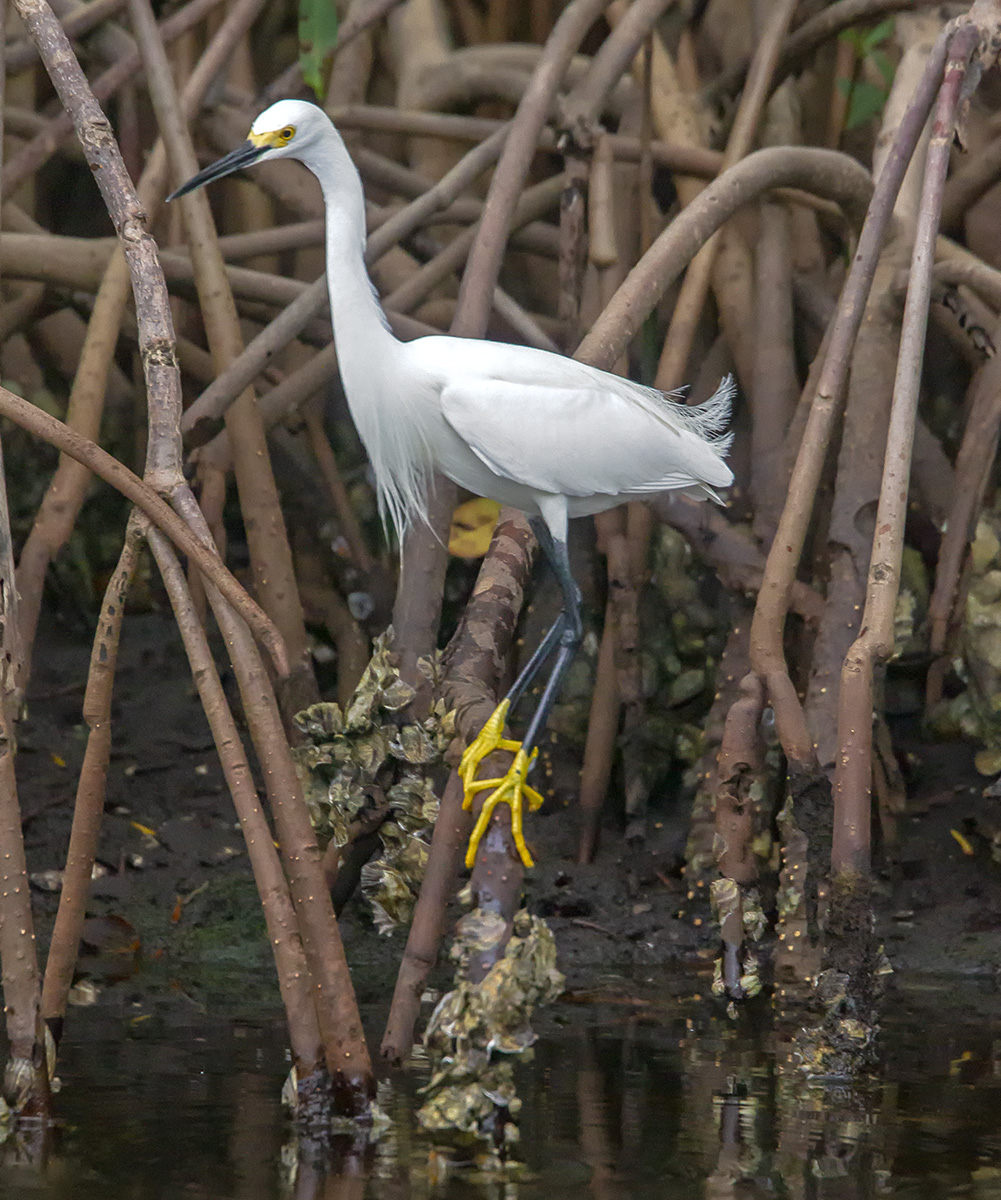
A Little Egret 2 image Panorama from a previous visit to J.N. Ding Darling NWR in Florida. The Featured Image is a cropped version to fit better in the Featured Image area. Below is the full 2 vertical images panorama showing the Egret & the Egret’s reflection in the water. Images taken handheld with a Canon 1D mkIV with a 400mm DO lens & 1.4x Teleconverter @ f/8, ISO 3200. I upped the ISO to 3200 because it was early in the morning and the Egret was in the shadows. So it was pretty dark under the trees and I was shooting handheld.

Brigantine Feeding Gulls Panorama
Posted on September 2, 2021

Quite often you will find large groups of Gulls, with a few other birds in the mix, feeding in the water channels along the Wildlife Drive. The Featured Image is a handheld 7 image panorama of a group of mainly Gulls with a couple of Snowy Egrets in the mix. Because they are actually moving along as they are feeding I shot my 7 images as fast as I could to help with the blending & to minimize their movements on the overlapping edges of the 7 images. I also upped my ISO to 1250 to get an even faster shutter speed (1/2000 sec) to minimize the fast movement of the camera’s swinging arc & also because of the moving Gulls. It also helps to shoot in the same direction the group is moving. I was using a Tamron 150-600mm @ 600mm @f/11 on a Canon R.

 photoartflight