 photoartflight
Lancet Clubtail Dragonflies – Mating Wheel Formation
Posted on May 26, 2021

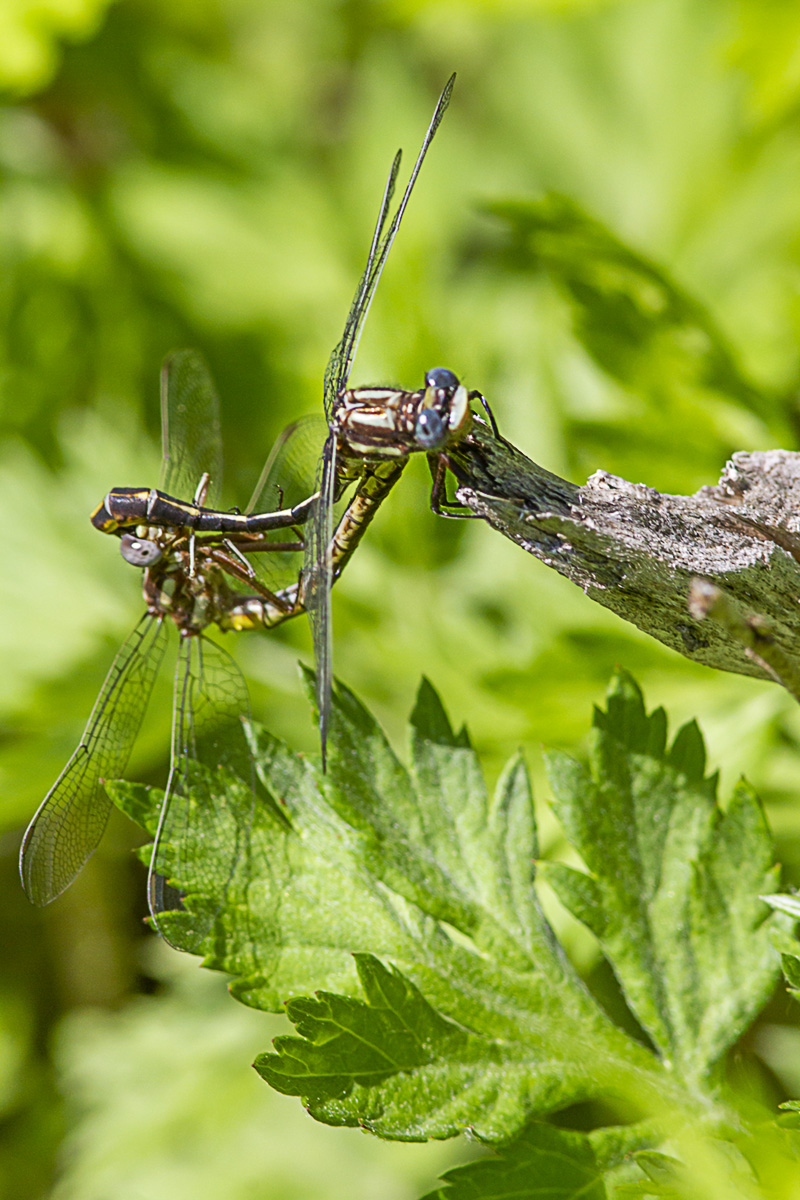
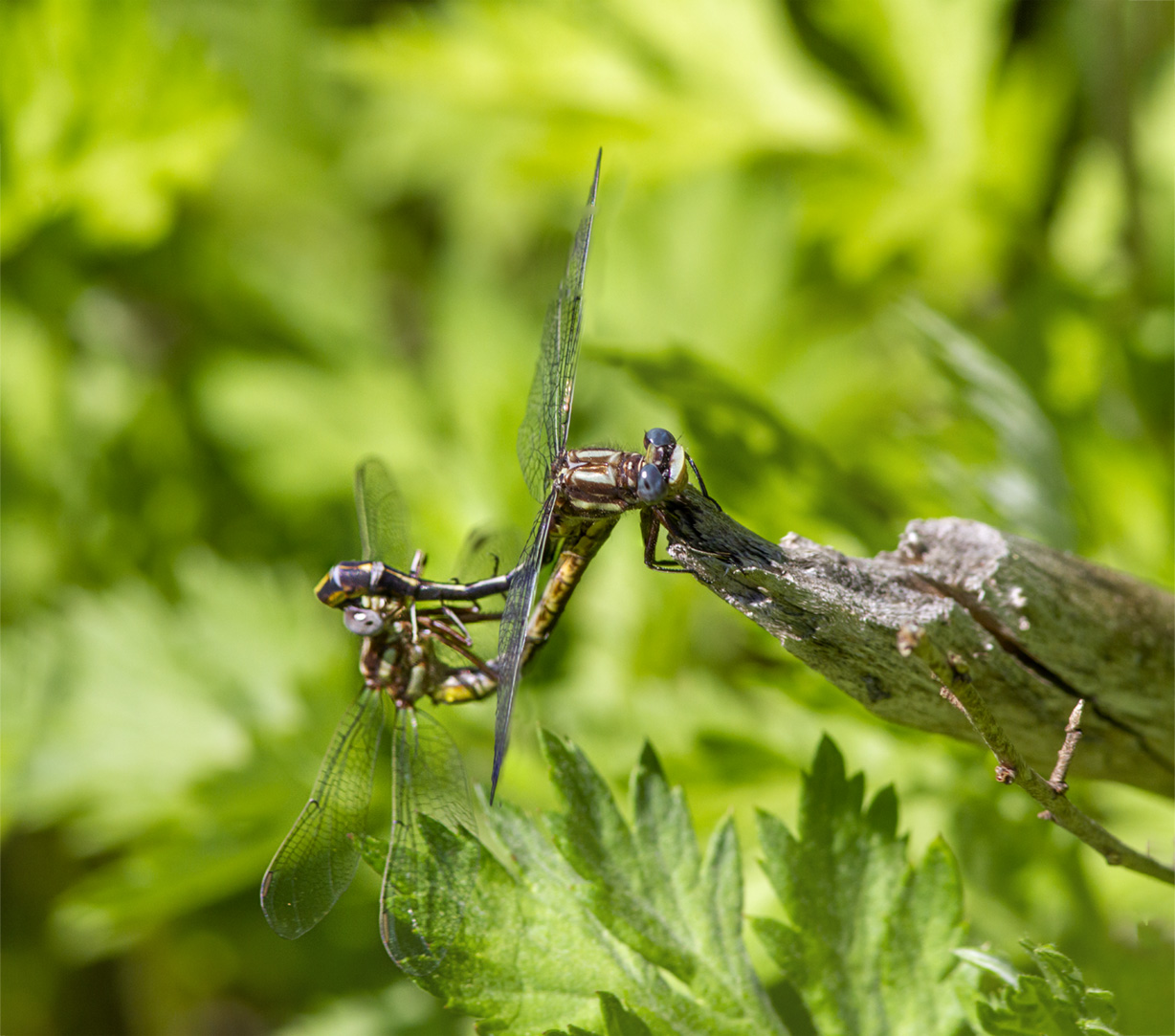
We were walking around Davidsons Mill Pond Park looking for Dragonflies to photograph. We did not see any by the small pond so we went down by the Lake. There the first ones I saw were a pair of Lancet Dragonflies mating. It was not in the usual “Heart” formation” but somewhat close. I was using a 300mm lens @ f/11 with a 1.4X Teleconverter on a Canon 7D. Using f/11 I got enough detail on my subjects but still had a smoother non-cluttered looking background. I also focused on each area of the Dragonflies I was shooting for the panorama instead of stopping down more for a cleaner looking background when the images are blended. The Featured Image is a 2 image Pano to get them both in the image.

Redbelly Turtle Panorama From Davidsons Mill Pond Park
Posted on May 8, 2021

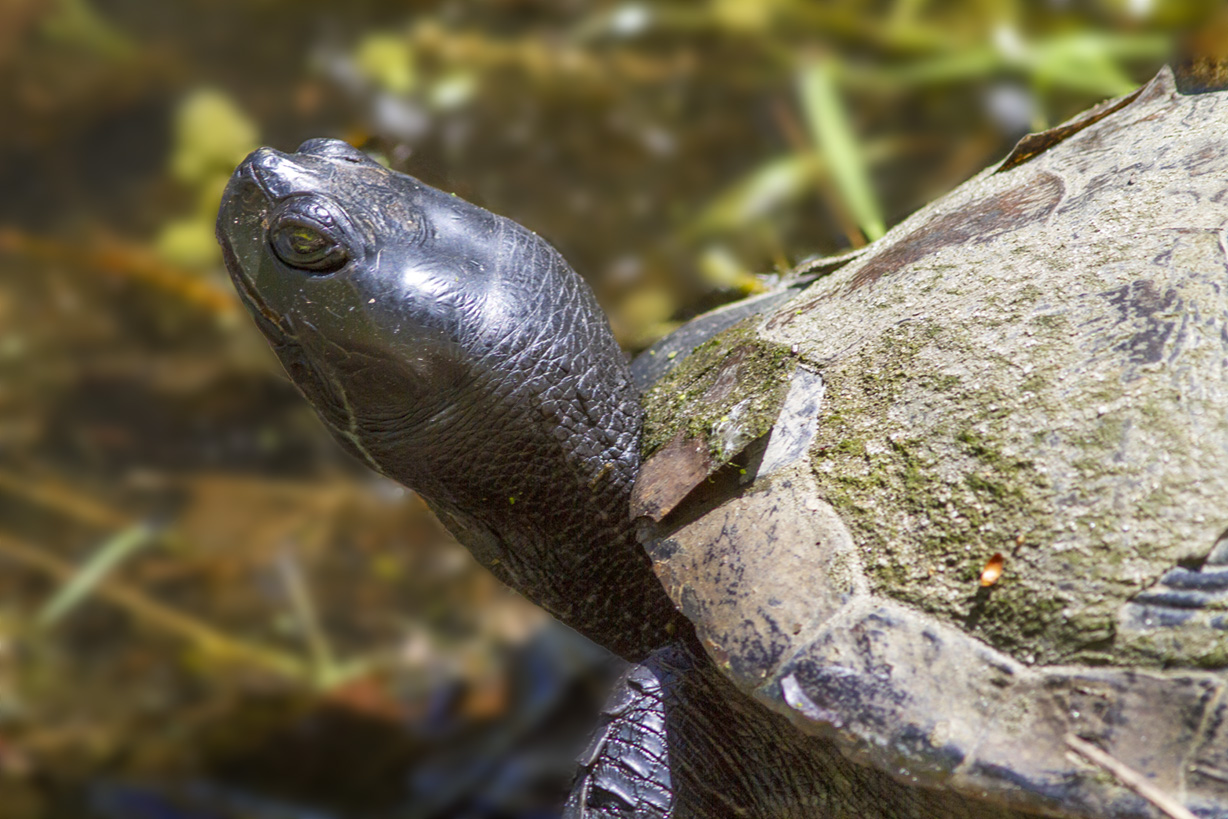
We went to Davidsons Mill Pond Park looking for Dragonflies, but I only saw a few off in the distance out in the water on some plants. But by the small pond near the entrance to the park I saw this Redbelly Turtle basking on the edge of the water. It was at the bottom of the incline with tall grasses before & around it. I was using a 300mm lens with a 1.4x teleconverter so if I backed up to get the whole turtle in the shot the grasses in front of it would be in the way. So I got very close and shot 15 images, 3 rows of 5 overlapping shots to get the whole Turtle in. Working on the files when I got back I loaded all 15 images into 1 layered Photoshop file. Then I used the Edit >Auto Align, then >Auto Blend to automatically align & blend the 15 images for the final layered image. After that I cropped the image because hand holding the camera I had uneven border edges around the image.
Blackwater NWR Sunrise Panoramas
Posted on February 20, 2021

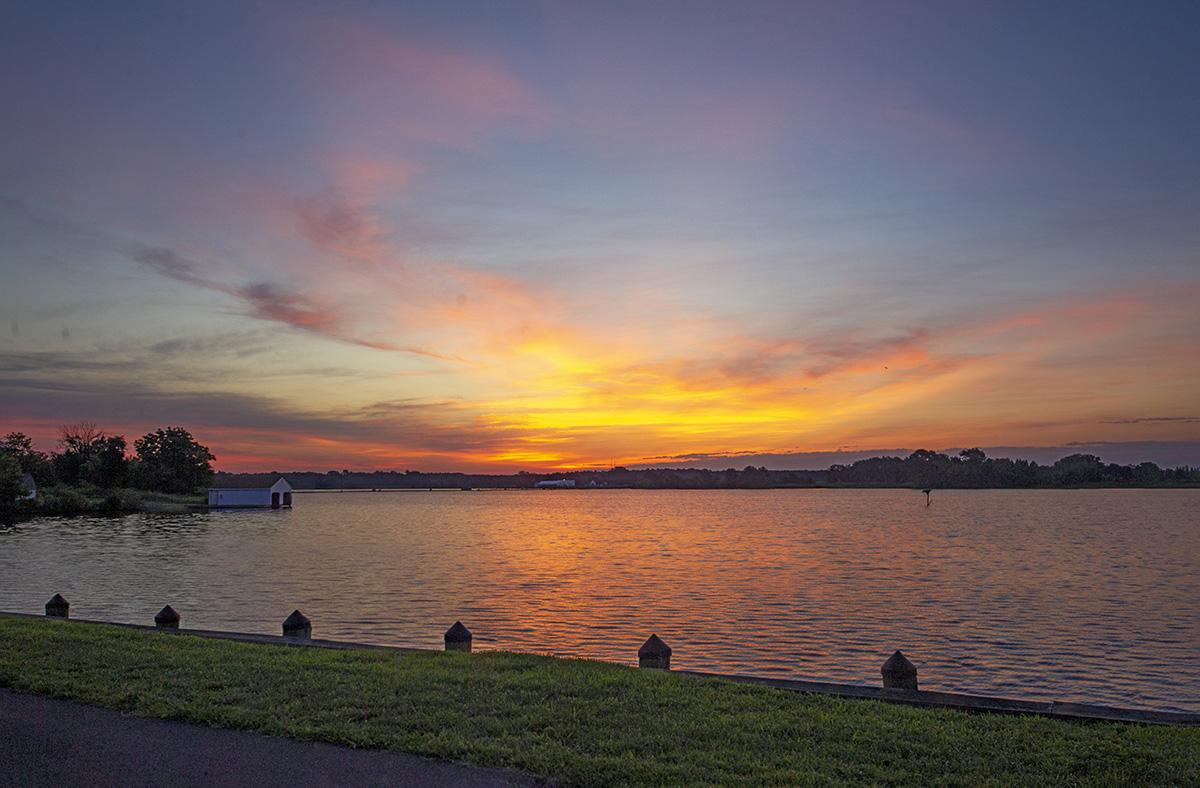
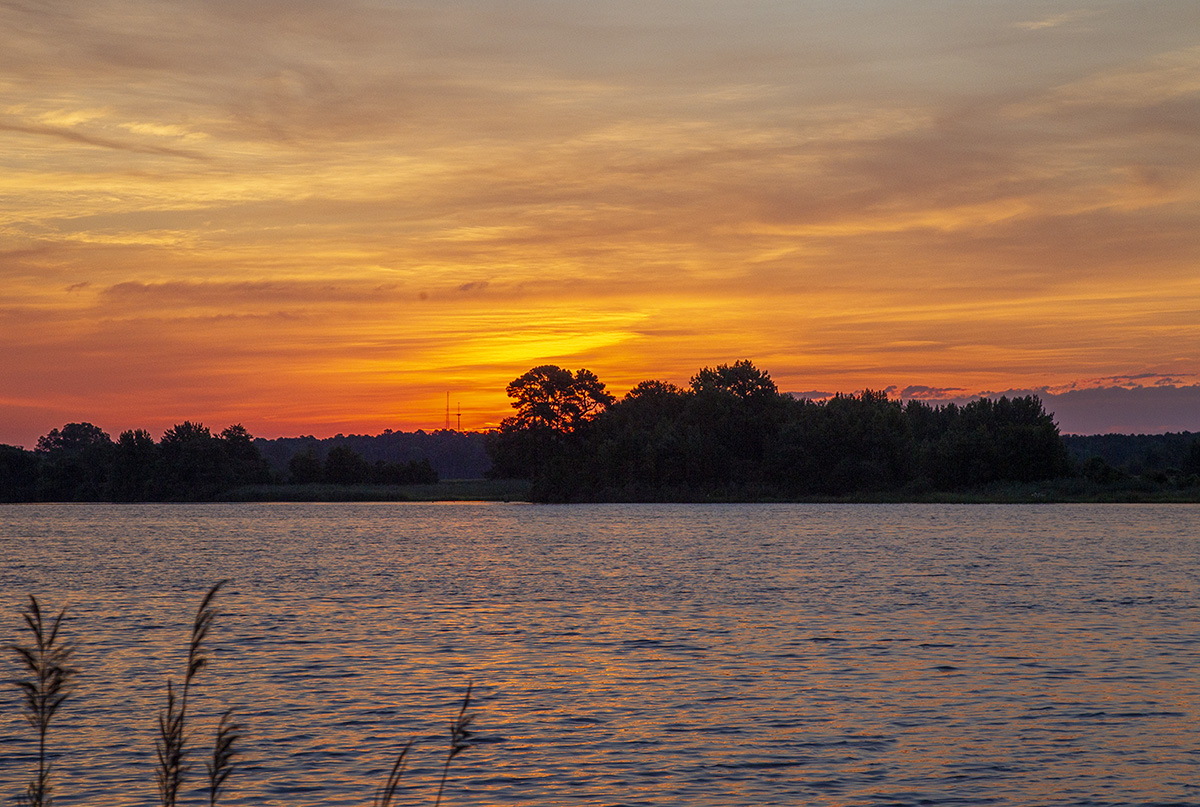
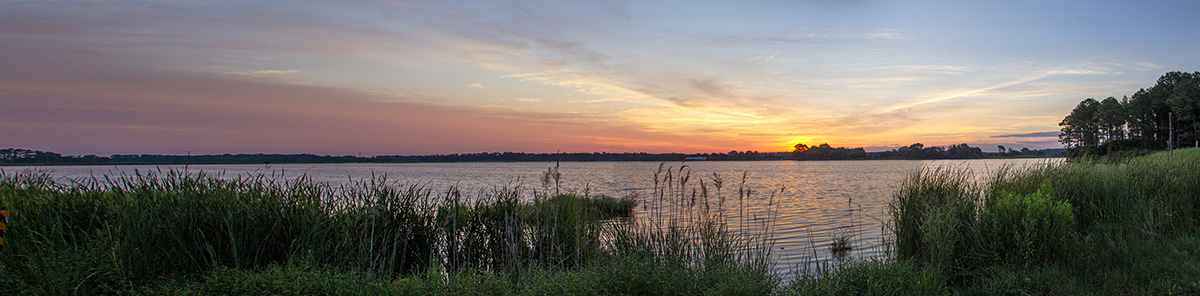
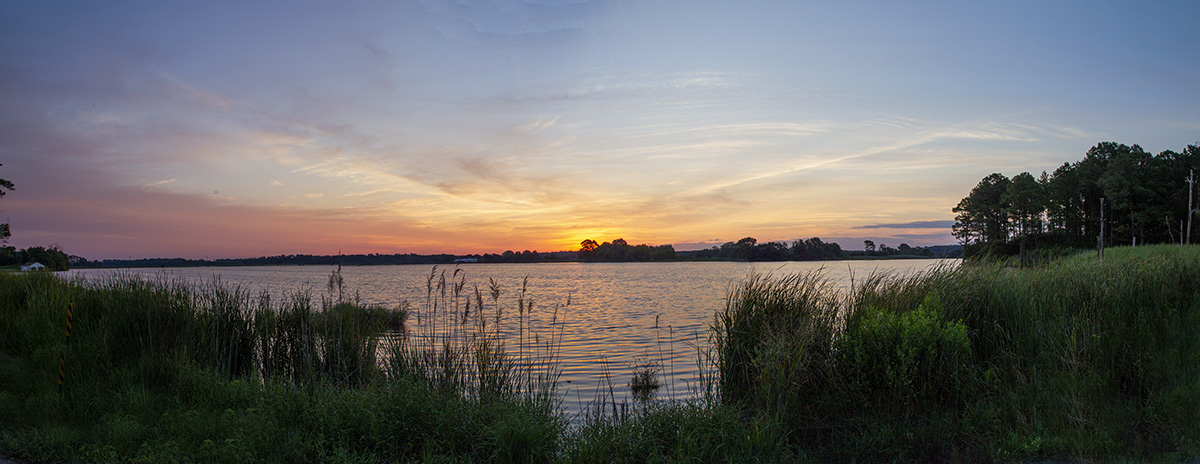
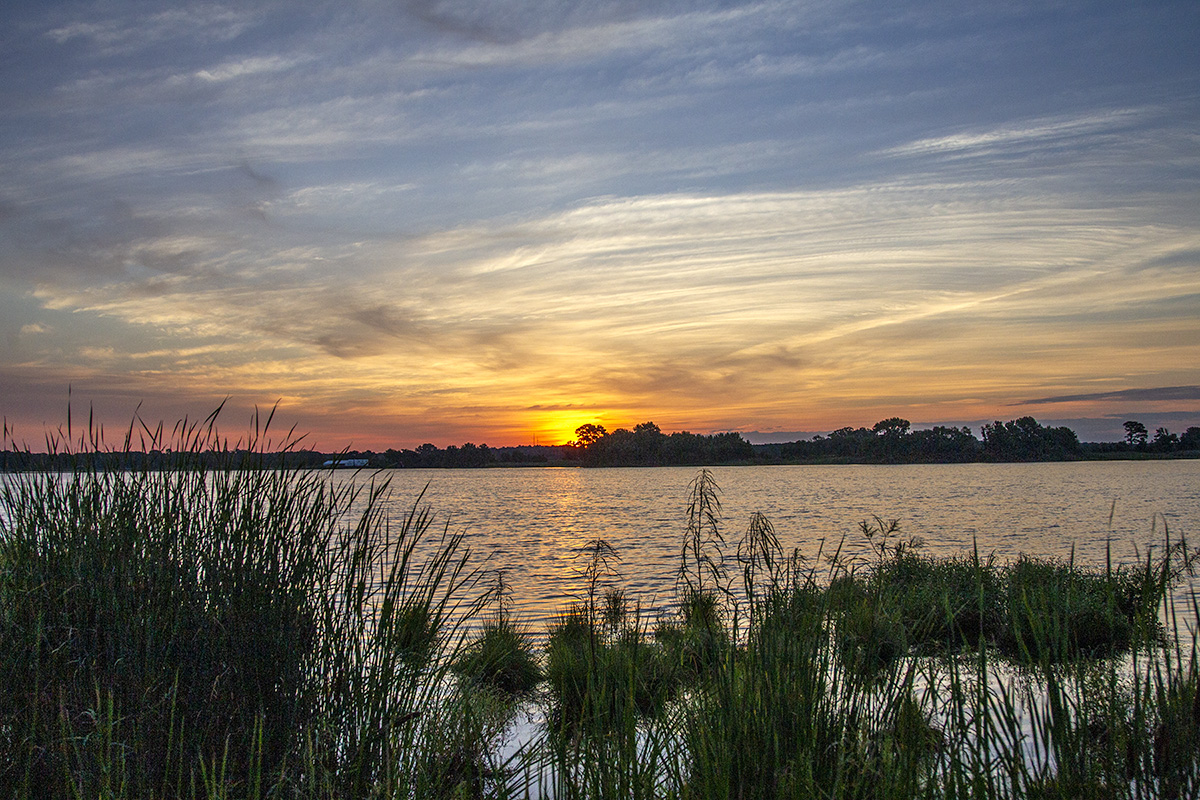
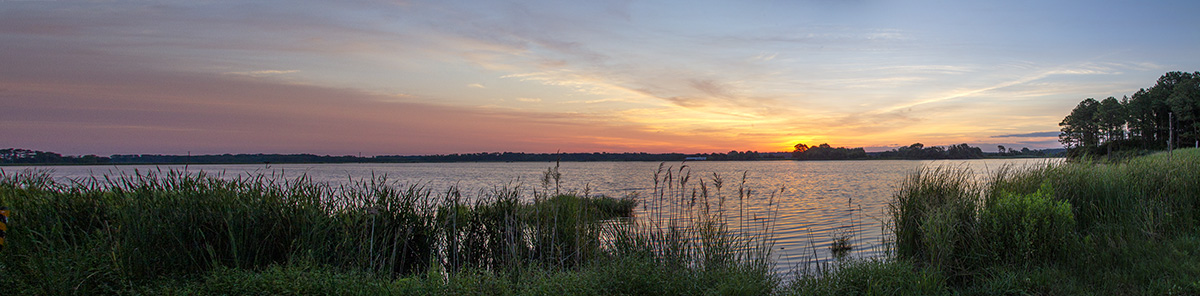
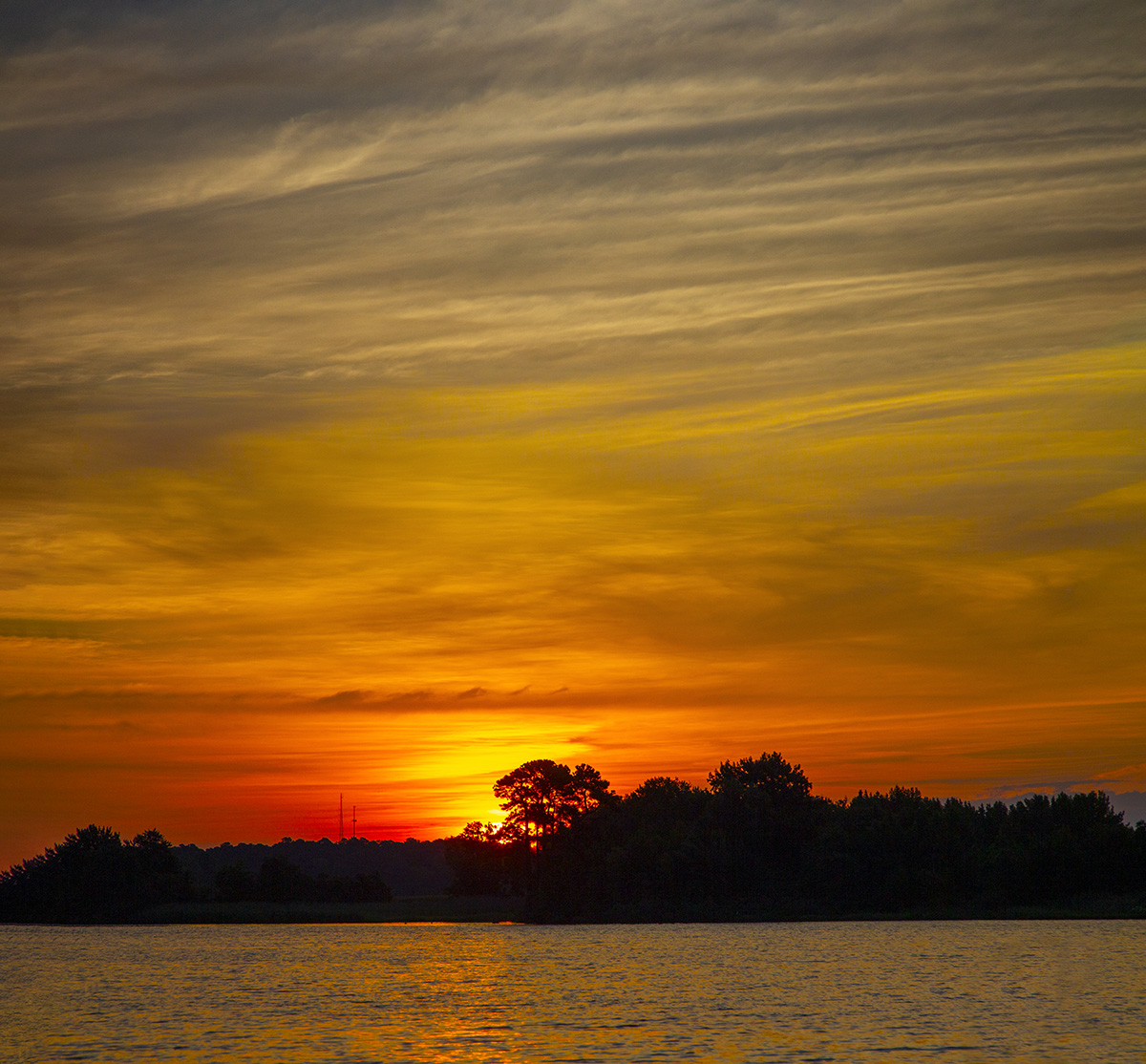
These images are a series of multi-image panoramas of a Blackwater NWR Sunrise on a visit there in July 2018. Blackwater NWR is a great place to visit for sunrise & sunsets. We were trying to get there for the sunrise and we just made it before the sunrise started. Most images were taken with a Canon 1D mkIV with a 24-105mm lens at various focal lengths. The featured image is made from 12 horizontal images taken @ 85mm to show less foreground and more height to the distant tree line. The full final size pano is 118″ long x ~20″ high.

Lake Mc_Cormack Panorama
Posted on January 17, 2021
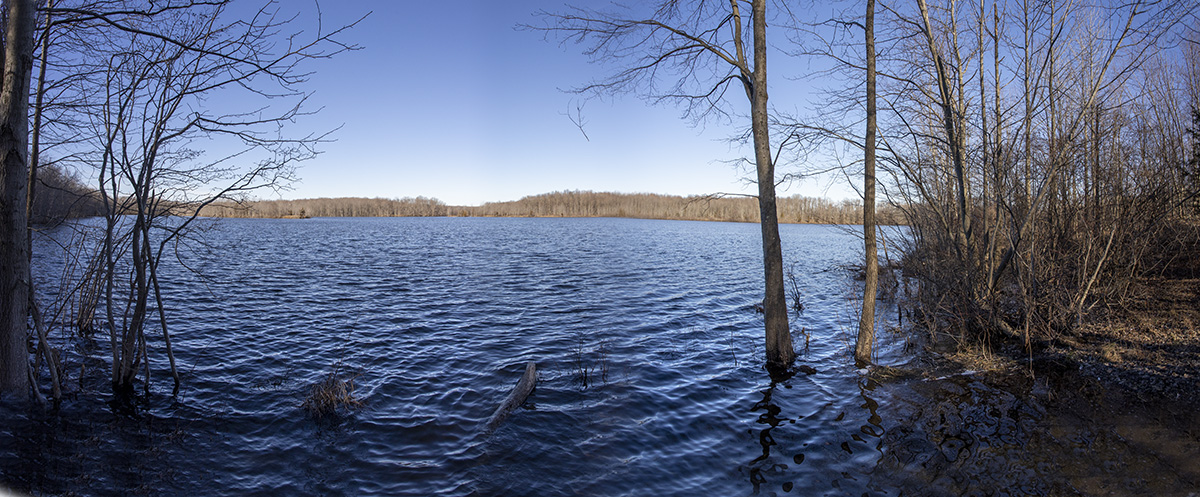
When we were photographing the trees with strong shadows at Plainsboro Preserve for the previous post, I also shot a series of 7 vertical images of Lake McCormack @17mm for a wide panorama. When shooting at wide @ 17mm, I overlap my series of images more than my usual overlapping if using a longer lens.

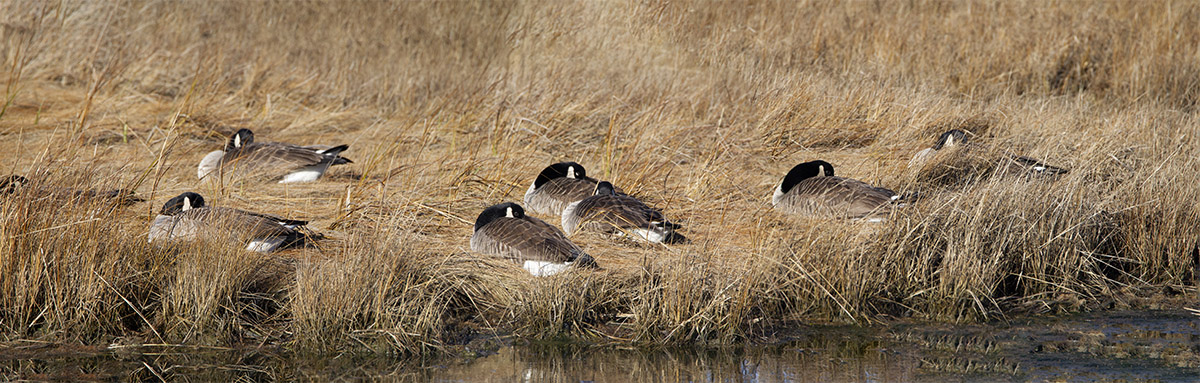
Canada Geese Panoramas Along Brigantine Wildlife Drive
Posted on January 9, 2021
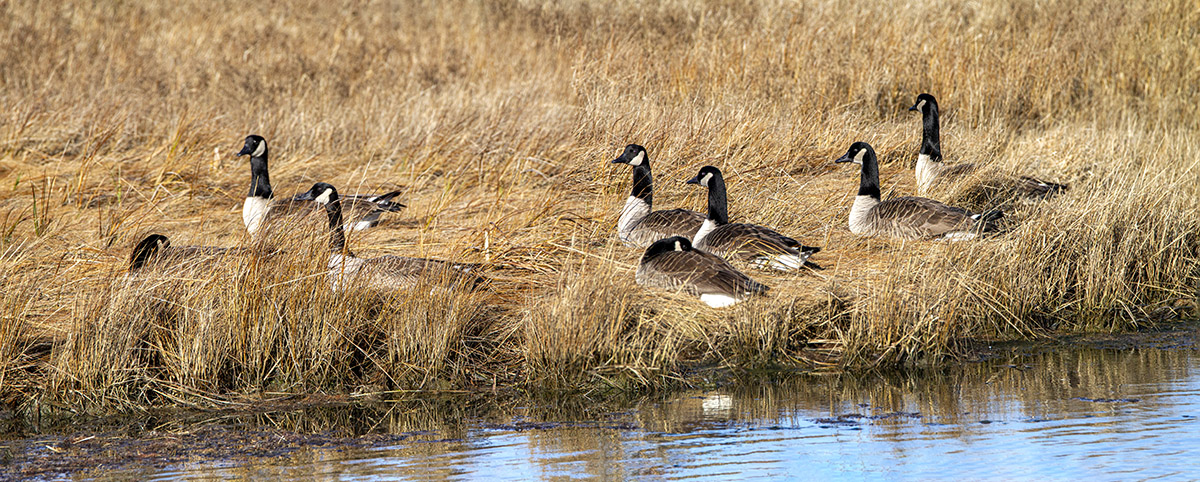
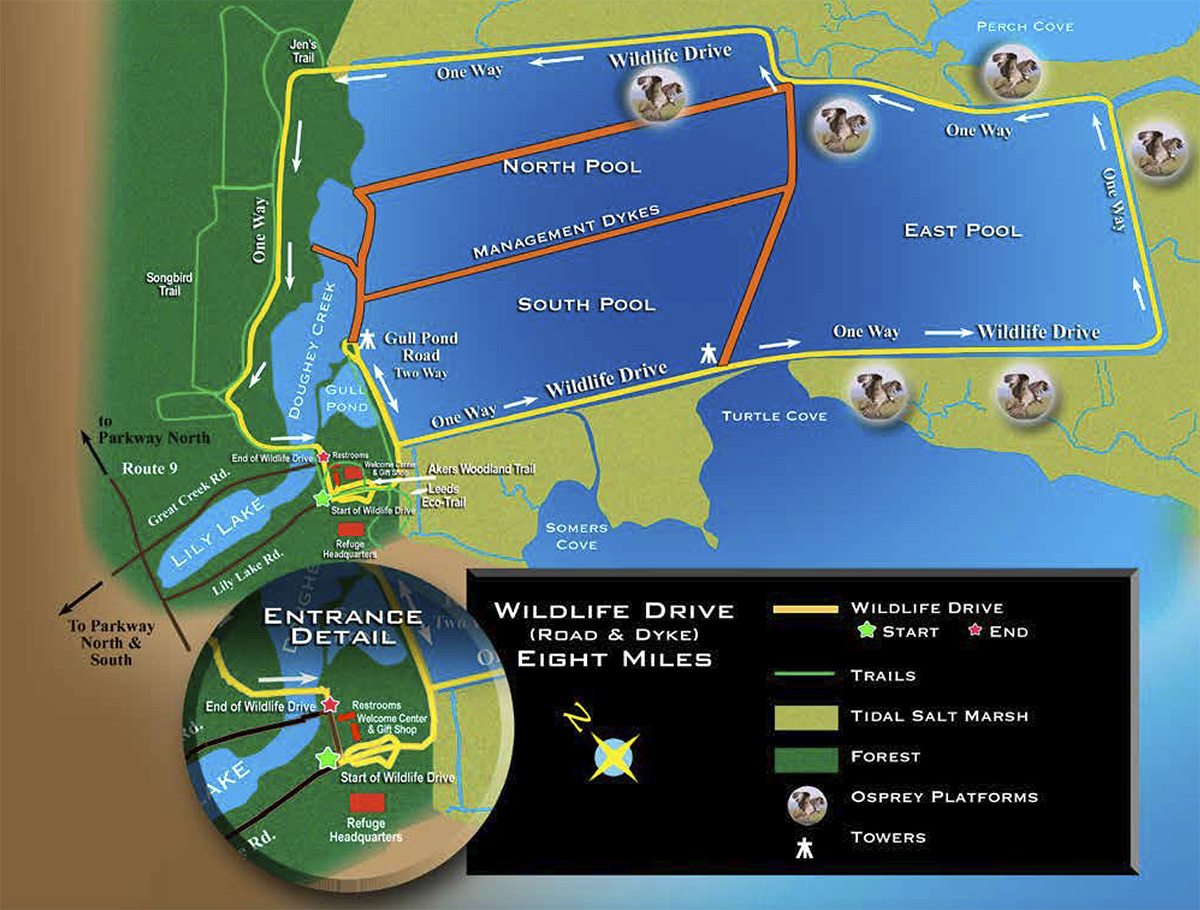
Some additional images from our trip to the Brigantine Division of the Edwin B. Forsythe National Wildlife Refuge in Oceanville NJ. The main attraction here is the Wildlife Drive that circles around the main visitor areas. It is about 8 miles long, one way, circling the main active viewing areas. In the early Spring there are multiple Osprey platforms along the Drive for watching Ospreys building nests and see them feeding their young. They also have multiple trails for exploring and a Visitor Center.


BRIGANTINE IPHONE MULTI-IMAGE PANORAMAS
Posted on January 8, 2021

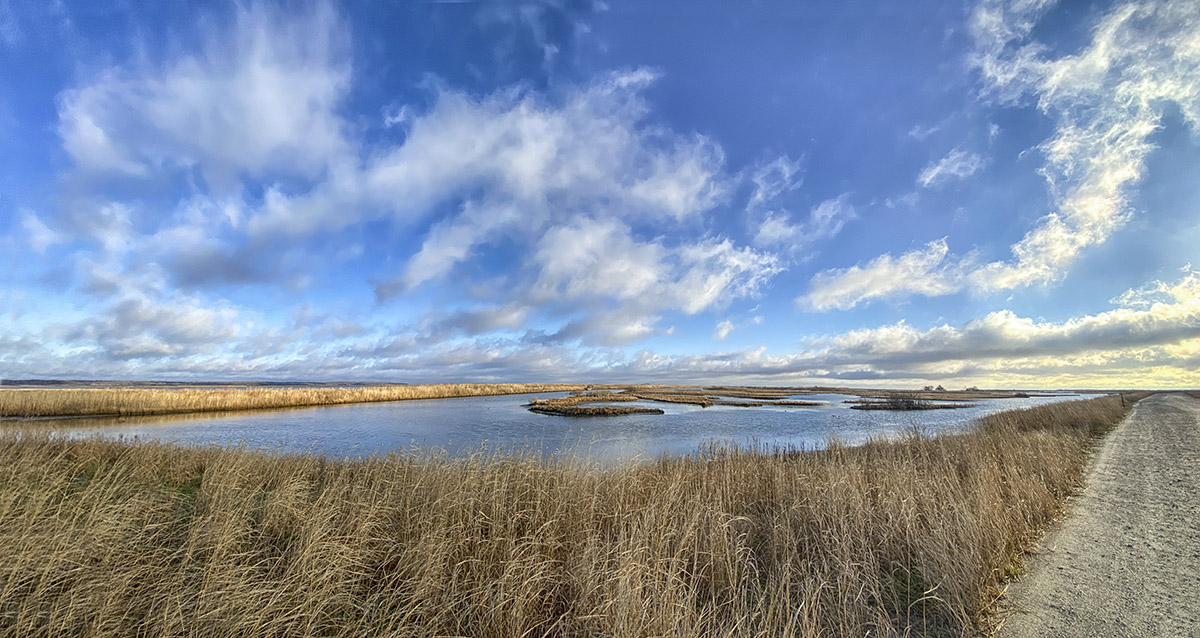
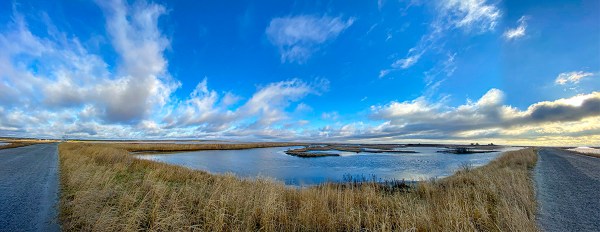
On our recent trip to the Brigantine Division of the Edwin B. Forsythe National Wildlife Refuge in Oceanville, NJ, I was traveling light. Mainly using a Tamron 150-600mm lens on a 1D mkIV, a 12-24mm zoom on a Canon R and my iPhone 11 Pro for multi-image landscapes & multi-image panoramas. The Canon R with the 12-24mm never made it out of the camera bag. I was having more fun shooting multi-image Panoramas on my iPhone 11 Pro. The featured image is 13 images shot in multiple images per row & then multiple rows with the iPhone 11 Pro & the 1.5mm lens.



131 Egrets In Trees
Posted on December 23, 2020
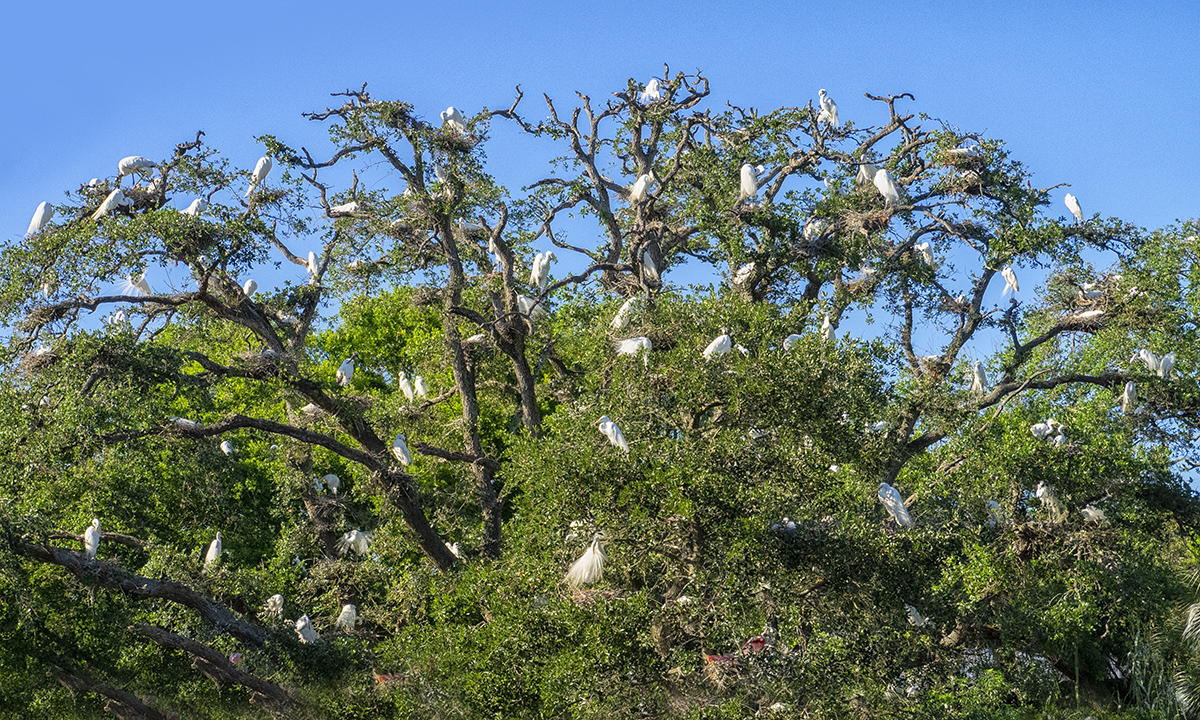
I am still working on images from past trips. Gives me something to do during these Covid times. This is a 3 image handheld panorama shot with a m43 Olympus OM D-1 with a 14-140mm lens @ 41mm (Full Frame equivalent ~82mm). Then aligned & blended in Photoshop. Just for fun or maybe boredom, I counted about 131 Egrets plus 5 Roseate Spoonbills & 6 Wood Storks. I probably missed a few and could not see what was on the reverse side of the trees. Below are a few cropped in sections.


Great Blue Heron Panorama
Posted on November 28, 2020
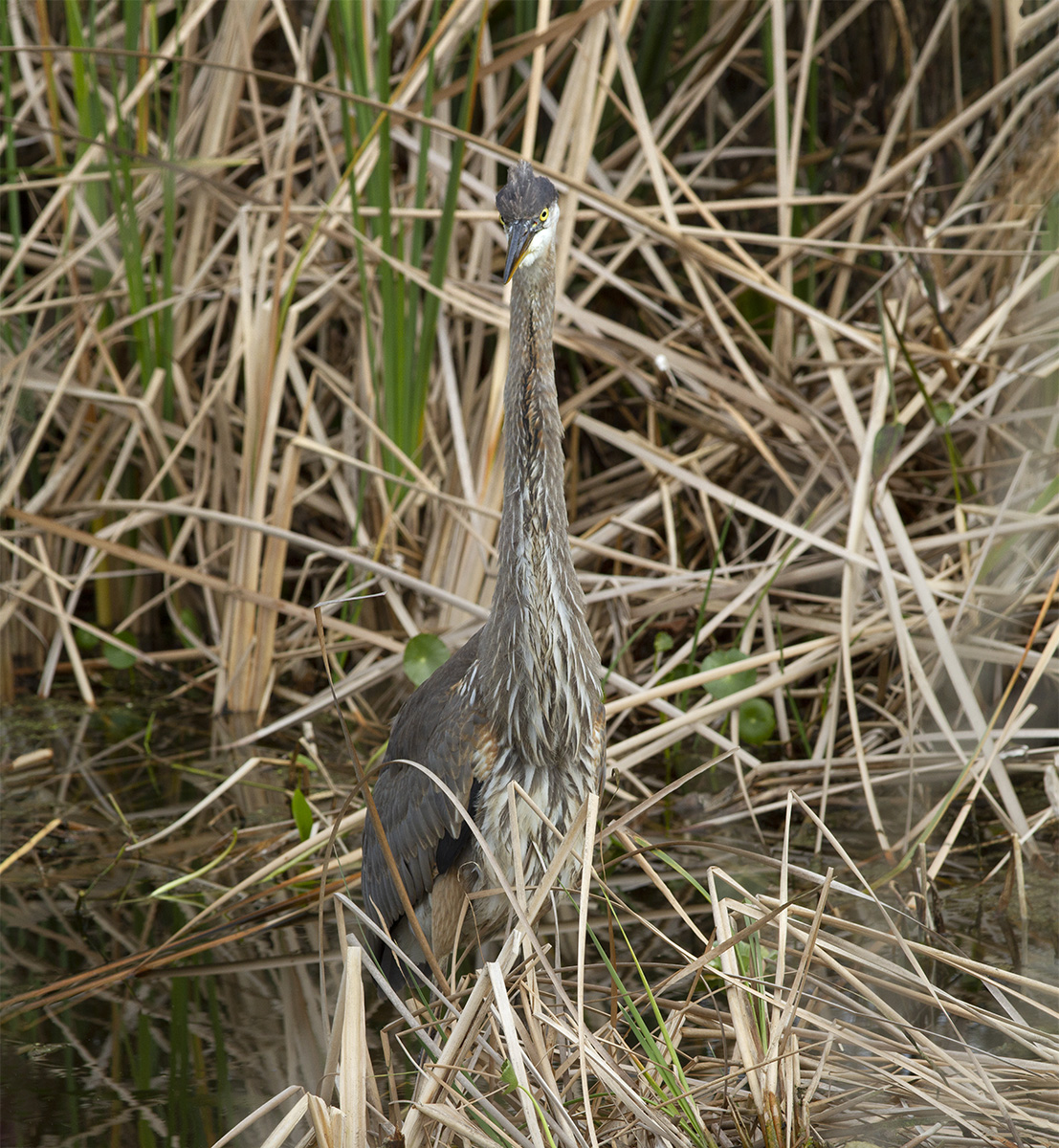
A three horizontal image panorama of a Great Blue Heron. There times when I am out walking at a Wildlife Refuge when I come upon a photo subject that is too close for the lens I am carrying. In this instance I was walking along the Wildlife Drive near the entrance and saw this Great Blue Heron standing in the water. I was too close for the lens I had with me so I shot three overlapping horizontal images to combine for a vertical panorama. It seems rare when you are too close to get the whole bird in. Usually you do not have enough focal length for what you see and want photograph. If you can shoot a series of images quickly before the bird moves you can make some interesting panorama images. The Featured Image is 3 horizontal images taken with a 300mm lens on a Canon 7D. Assembled & blended in Photoshop. I usually always photograph from the head down for the series or the head then to side for however many images you need.
Fall Panoramas From Davidsons Mill Pond Park
Posted on November 25, 2020
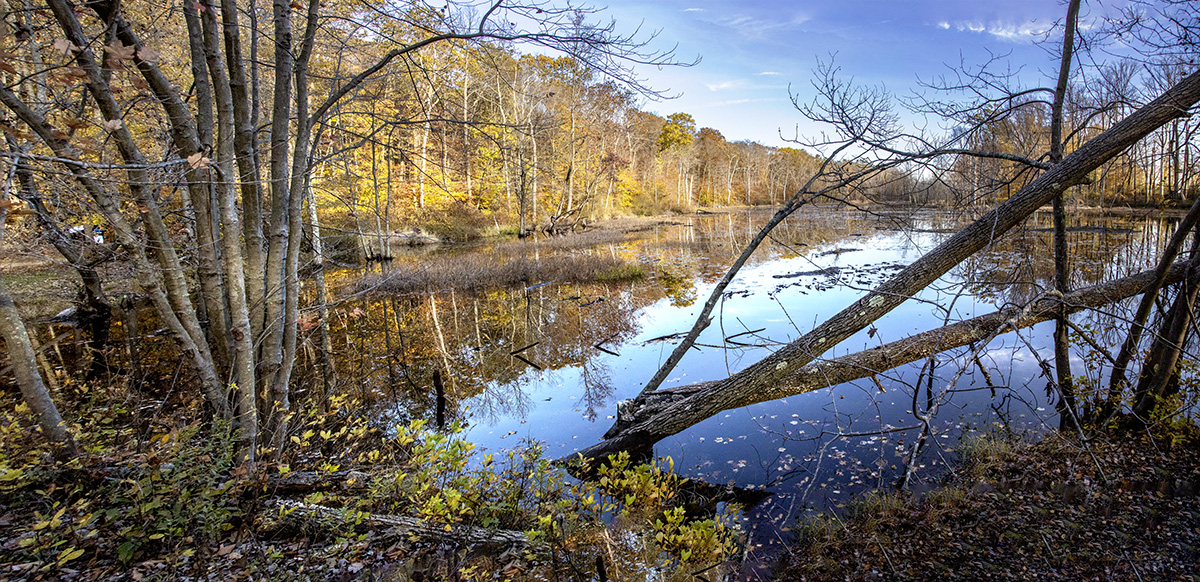
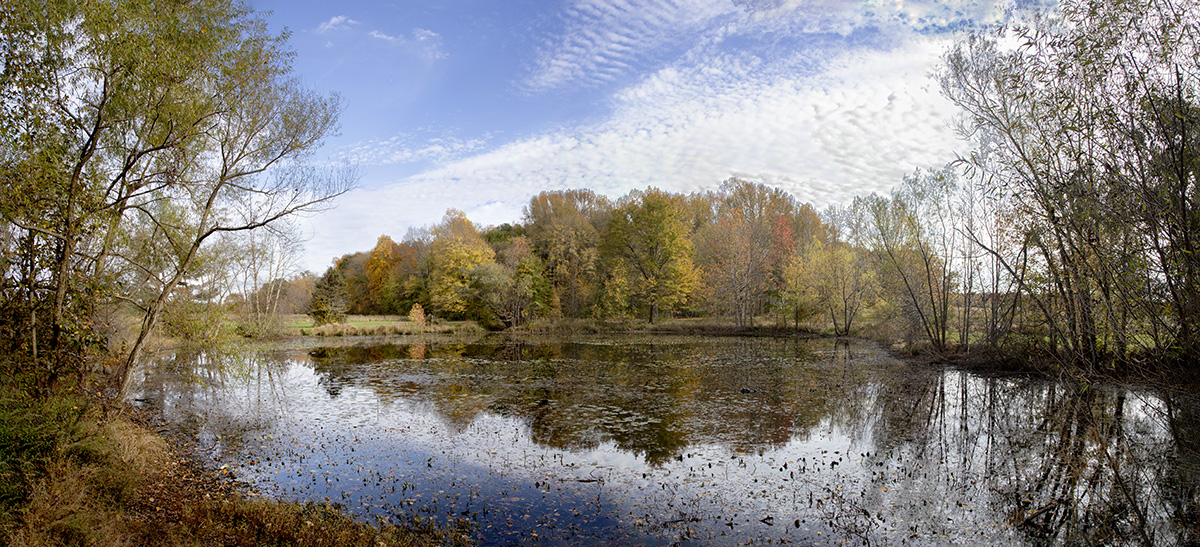
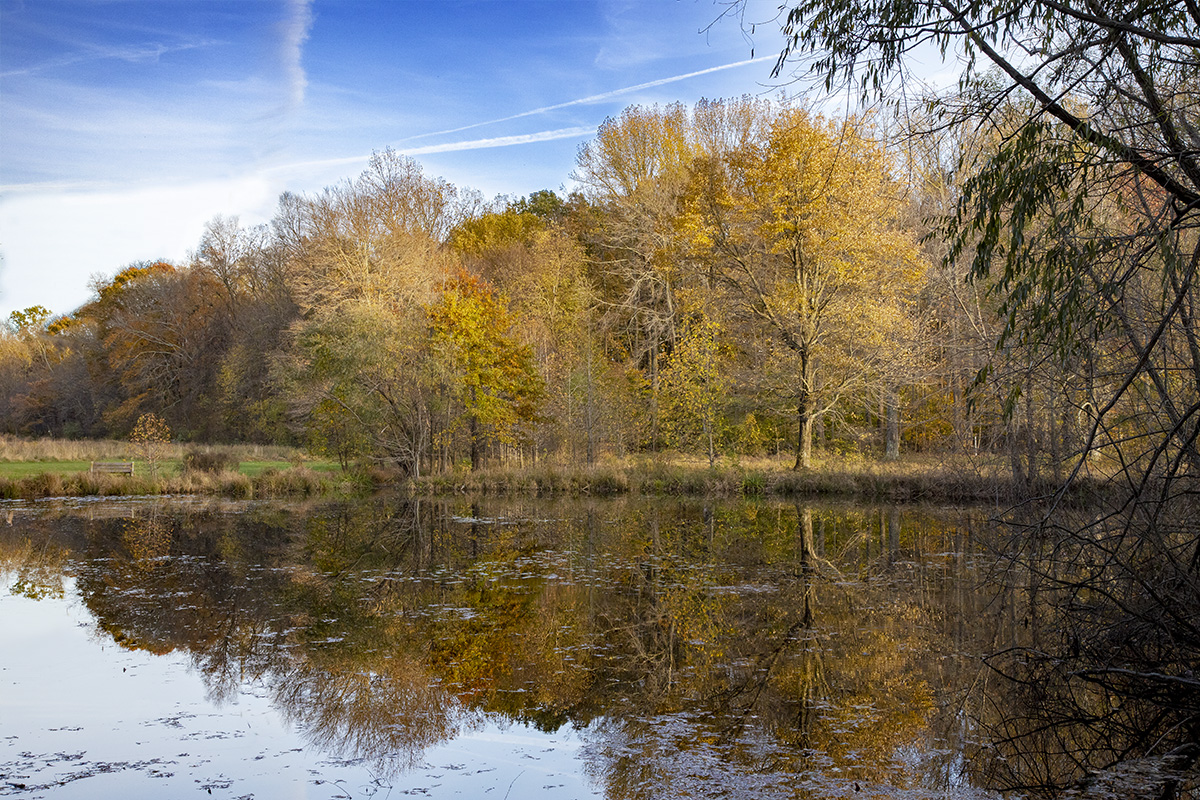
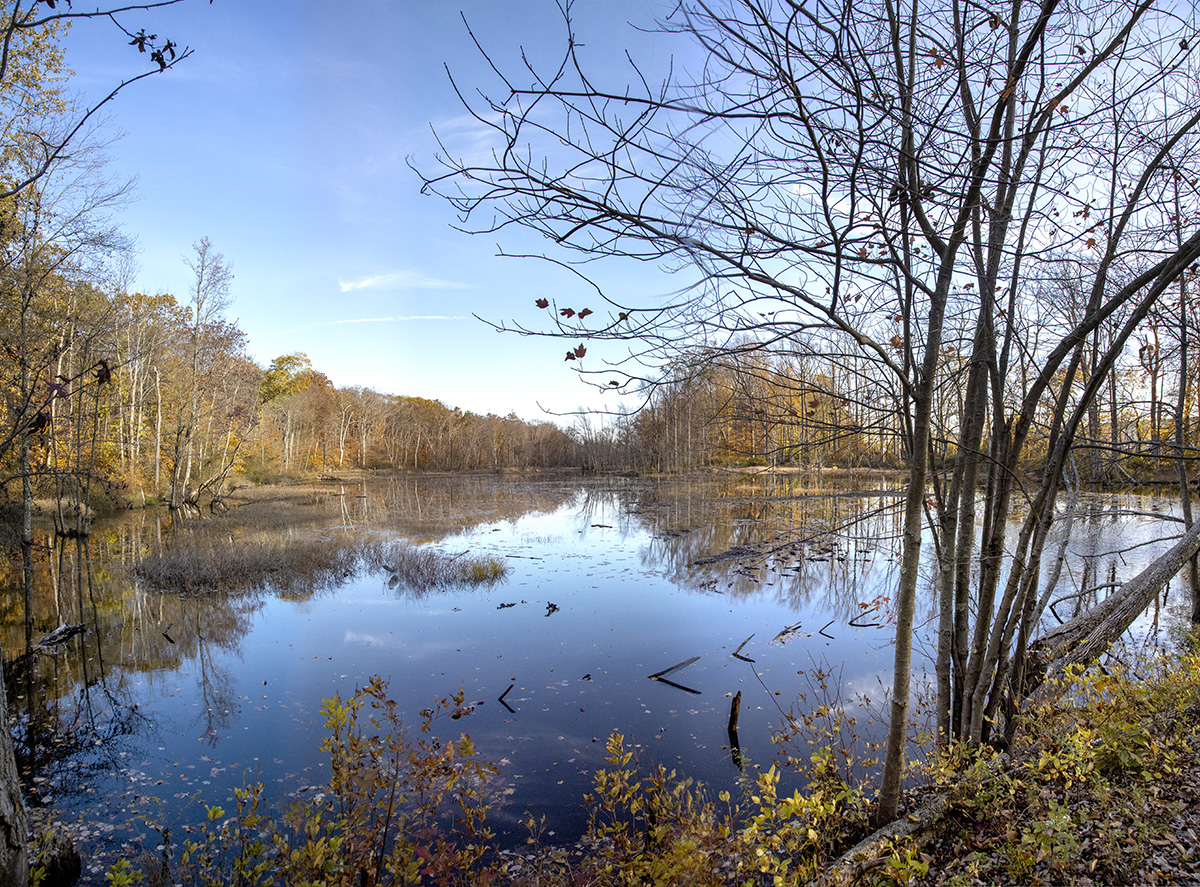
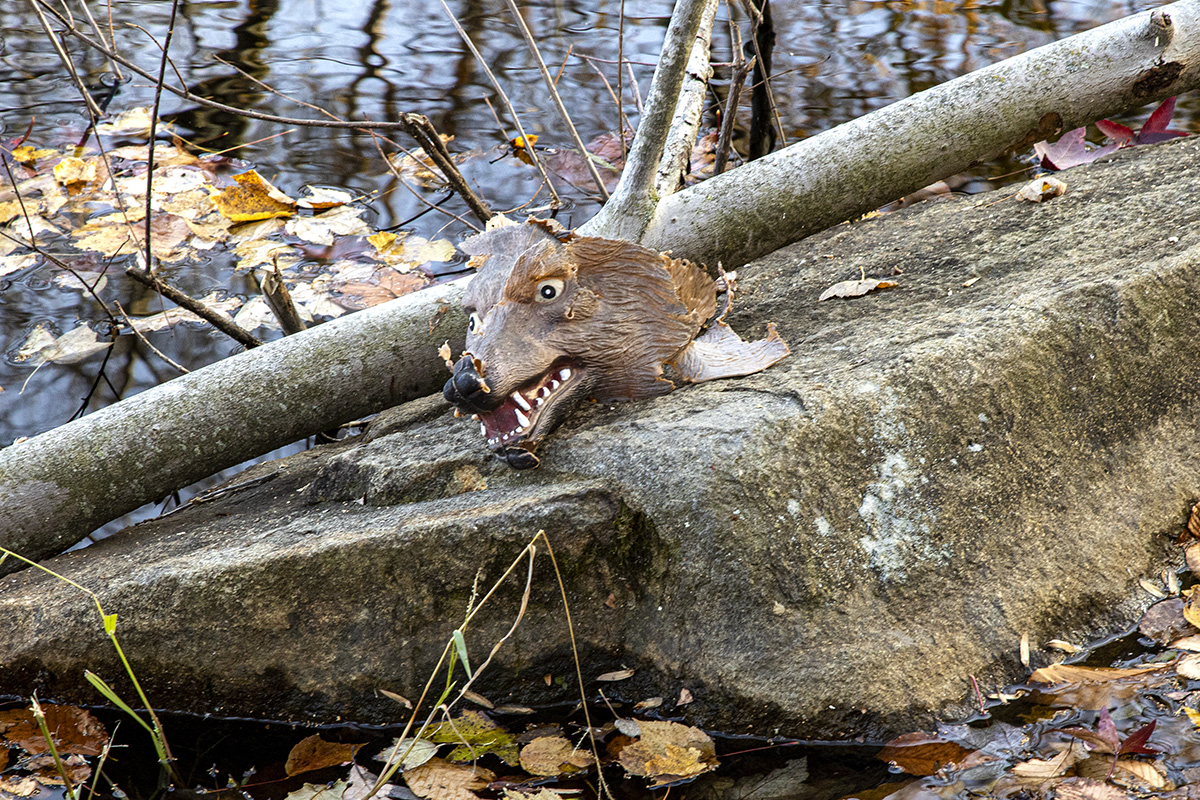
These panoramas are from a visit to Davidsons Mill Pond Park in early November. We went mainly for a walk through the wooded trail, but I brought a camera with a 24-105mm lens in case I saw something interesting. Usually on a walk I just use my iPhone, but I am glad I took a regular camera this time. I thought the Large Pond on the trail through the woods looked interesting. So I tried a few different panoramas from different locations by the Pond in the woods. The last image was sort of strange because it was just on top of a large rock about 10 to 12 feet out in the water from the shoreline.




Multi-Image iPhone Panoramas From Plainsboro Preserve
Posted on November 17, 2020

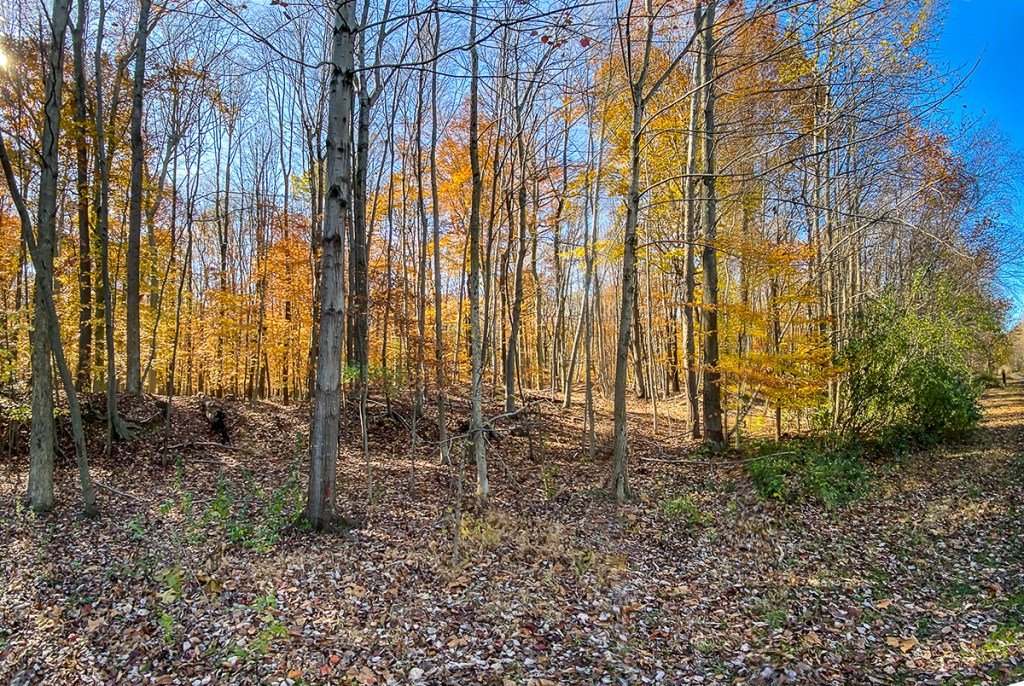
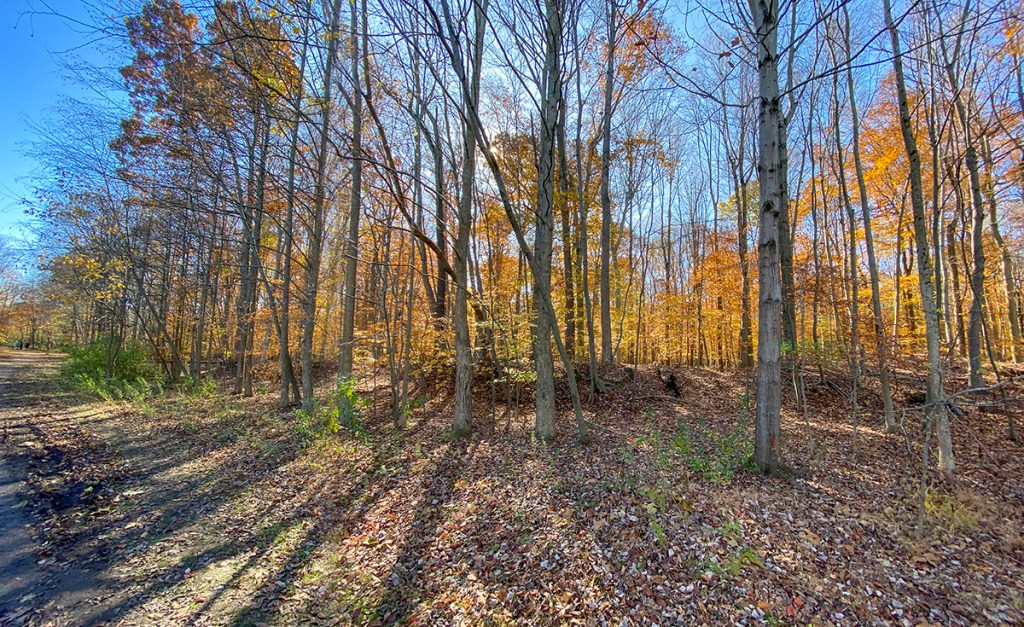
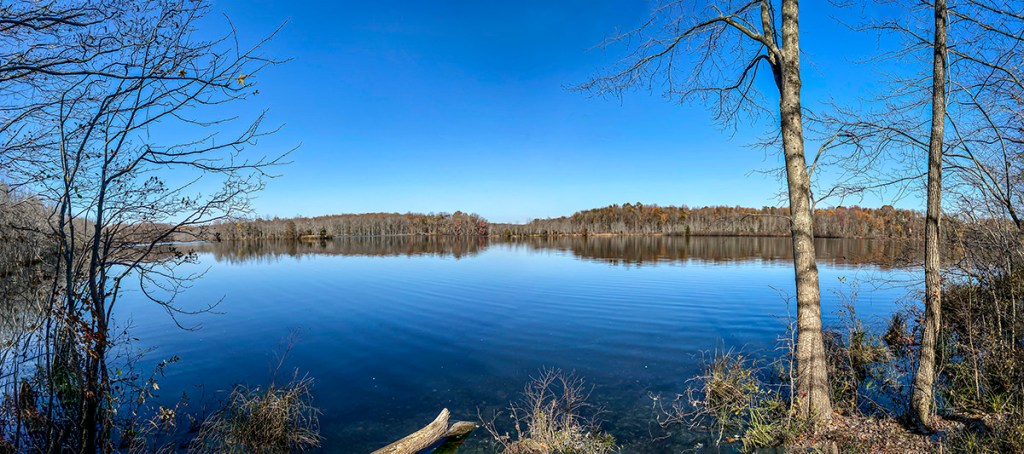
I like doing multi-image panoramas for my landscapes. But shooting with wider lenses on a Full Frame camera, I tend to get more sky & foreground in my images than the areas I want to have as the main subject. With an iPhone 11 Pro using the panorama feature you tend to get a distortion or a “bowing” effect in the middle of the image which to me looks strange or distorted. So for panoramas with the iPhone I shoot a series of overlapping horizontal or vertical iPhone images and “blend” them in Photoshop. Depends on the scene I am trying to capture as to iPhone orientation. If my subject is closer up I would use vertical images, if farther away I would use the iPhone horizontally. On the iPhone 11 Pro if I am using the 1.5mm lens (Field of View on a Full Frame Camera equivalent is ~13mm) I would shoot even more images for the panorama, with more overlapping on each of my images. If using the 4.3mm lens, I would overlap a little less. When using the 6mm lens I could use even less for the image I want to photograph. Basically you have to do a few and see what works best for you. Most of my Multi-Image iPhone panoramas are horizontal images. If doing a Vertical overlap the images more. The featured image is 10 overlapping vertical iPhone 11 images shot with the 1.5mm lens.
The iPhone Camera Lenses Field of View Equivalents:





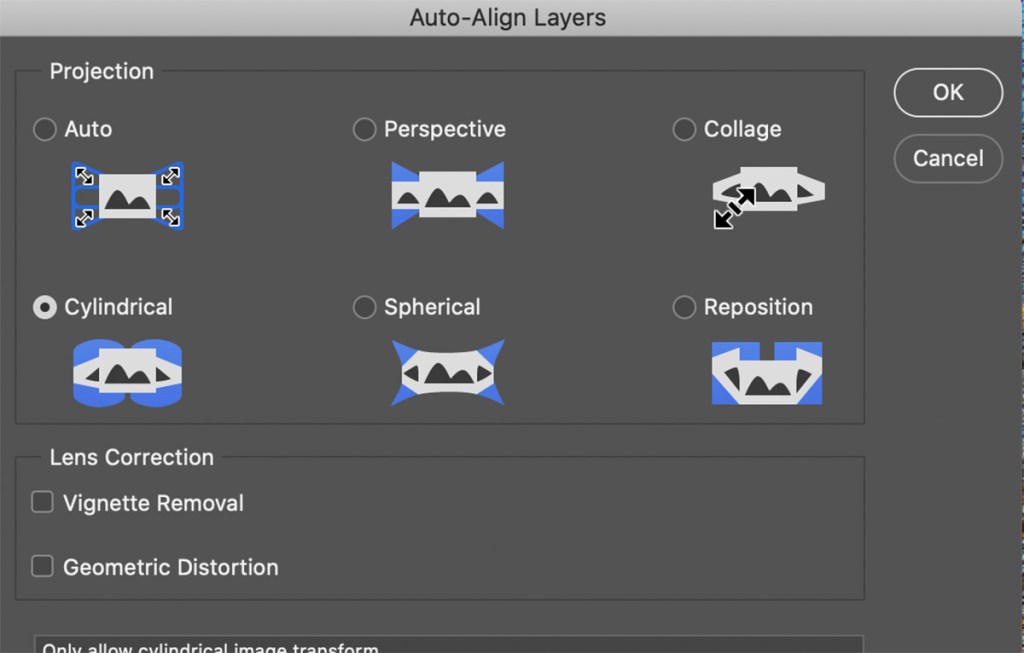
Photoshop Auto-Align Layers Window for Blending The Panoramas. Cylindrical seems to work well for iPhone 11 Pro multi-image panoramas, especially when using the 1.5mm lens.
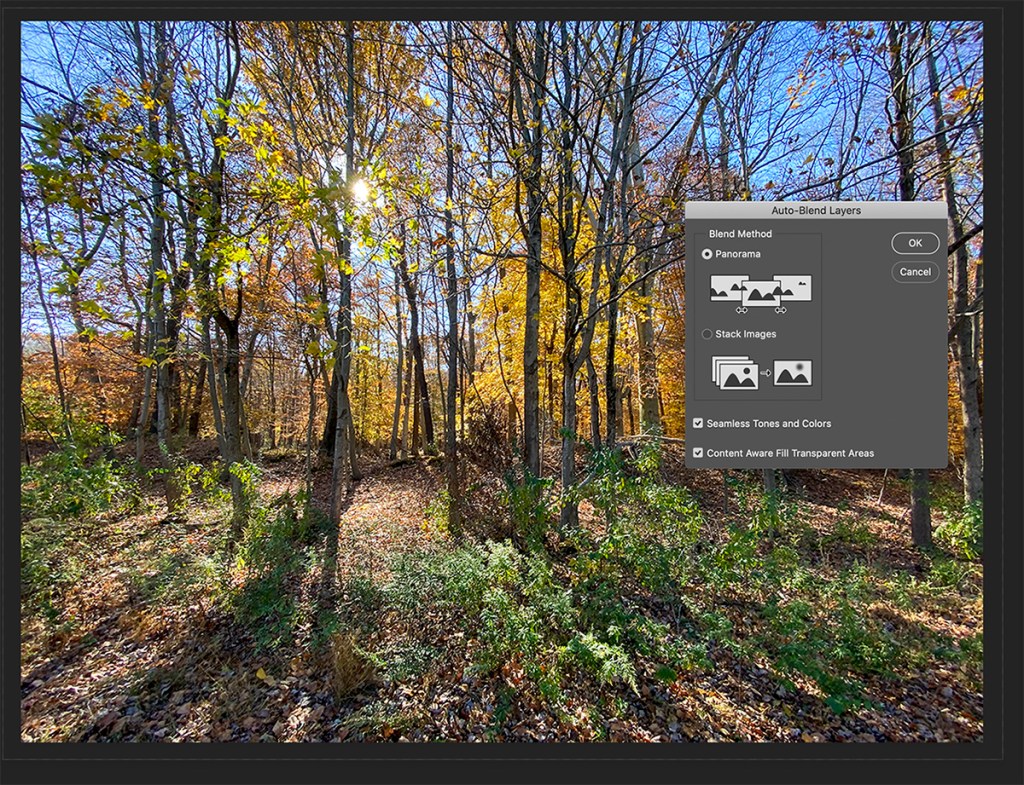
Once you load all the images into Layers you have to Align the layers before blending. With the small lenses in the iPhone 11 Pro, I tend to use the “Cylindrical” setting most often because of the small 1.5mm, 4.3mm or 6mm lenses. But you may have different outcomes. For larger sensor cameras I usually use the “Auto” setting. Also you will have some white or blank areas usually in corners. So while “blending” the layers you can check on “Content Aware Fill” to let Photoshop Fill In these Areas Automatically. If you try one setting and do not like the effect, just go back in History and try a different setting. For Full Frame Digital Camera images I usually use the “Auto” setting.
 photoartflight