 photoartflight
Final Series Of Chrome InfraRed Panoramas From Plainsboro Preserve
Posted on May 15, 2024
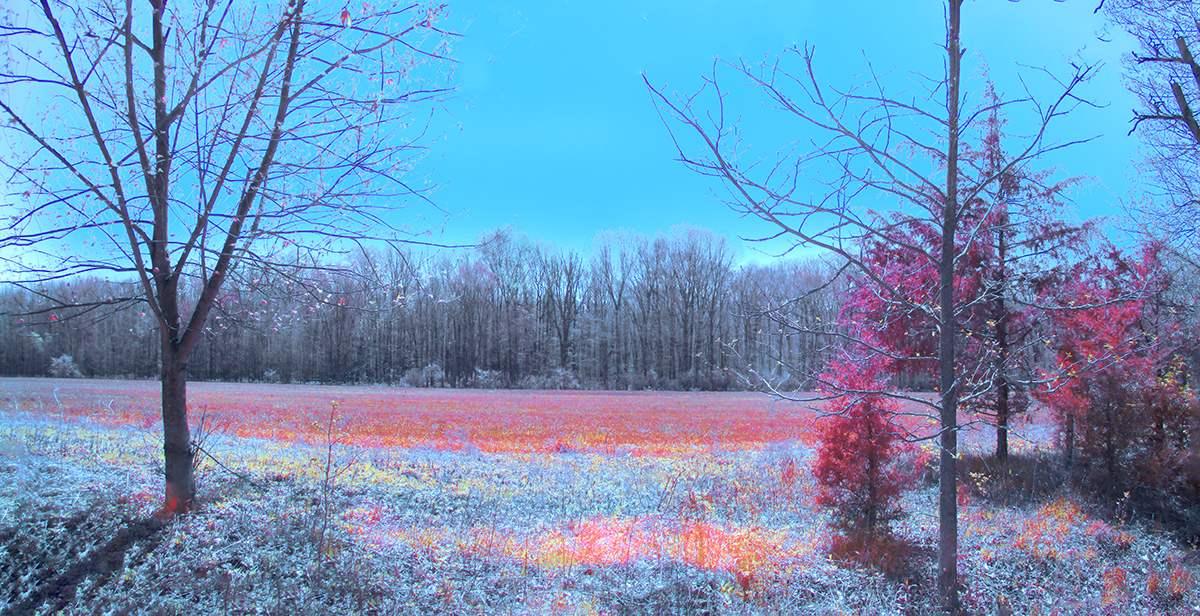
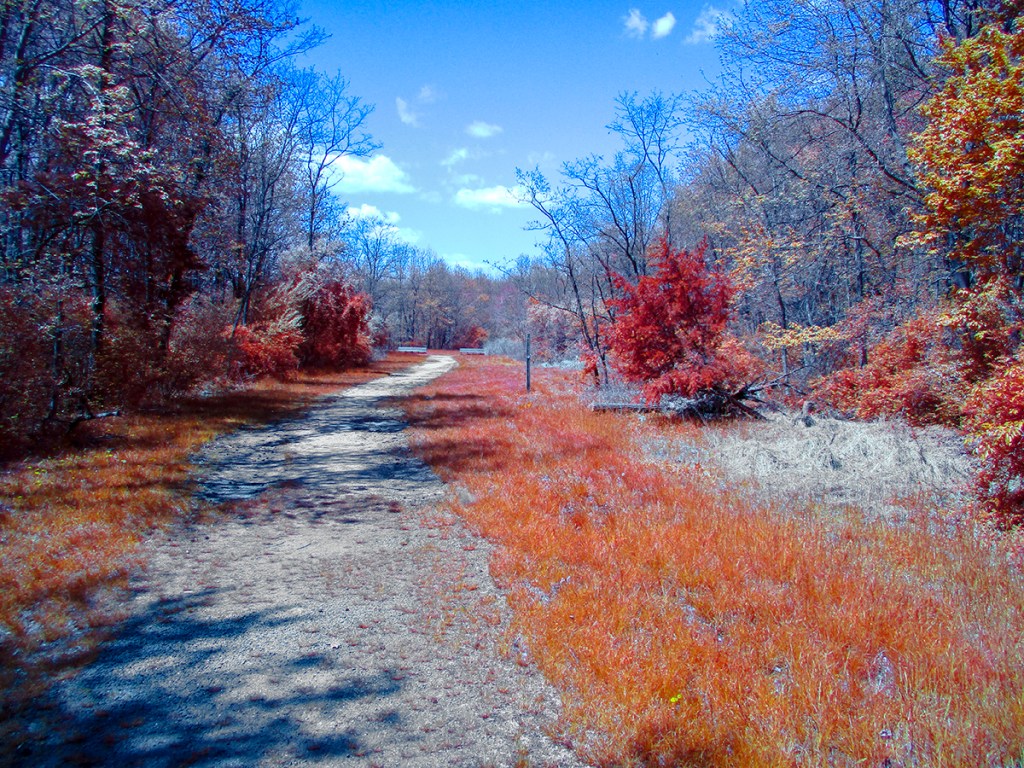
I finally got through adjusting all the images I photographed from our walk at the Plainsboro Preserve and will put more of my images I liked best from our visit in this post. Again all Images were taken with a modified Canon Elph to Infrared. For these images I was using the InfraRed Chrome Filter which accentuates the Red in the images. The Chrome InfraRed Filter mimics the look of the discontinued Kodak AeroChrome IR Film. Most of these were multi -image panoramas taken with the Elph lens set to 5mm. Full Frame Camera equivalent would be a 28mm Field of view.
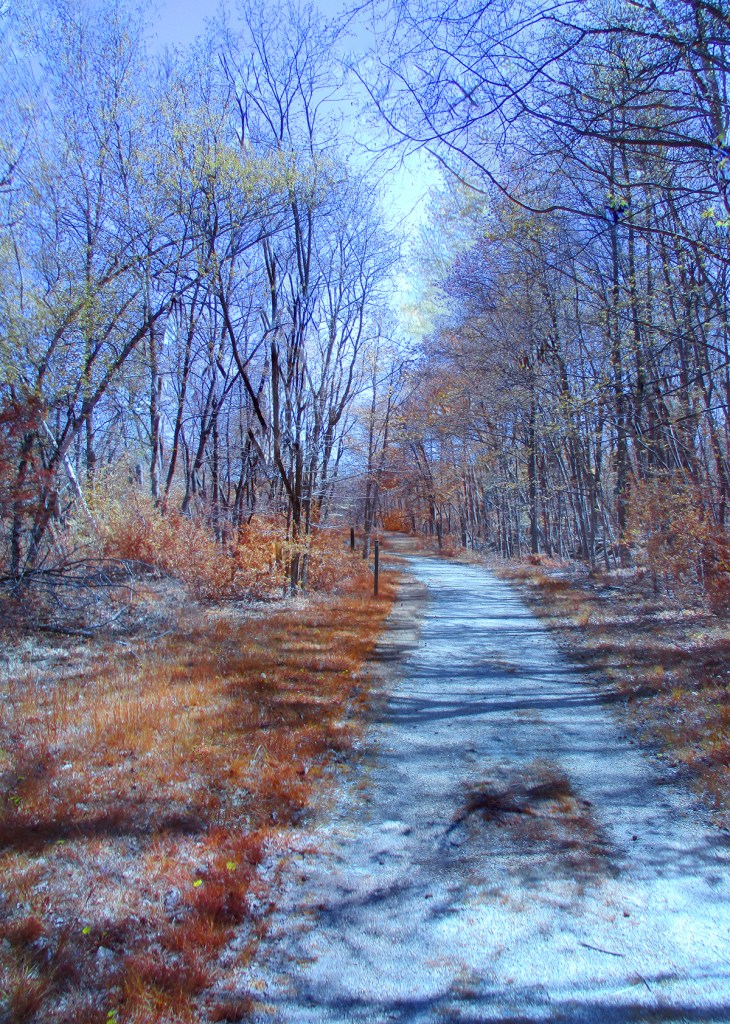

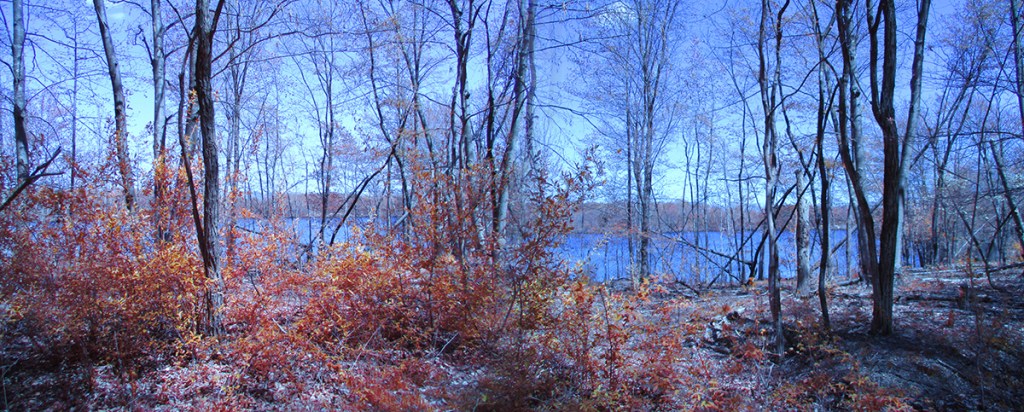
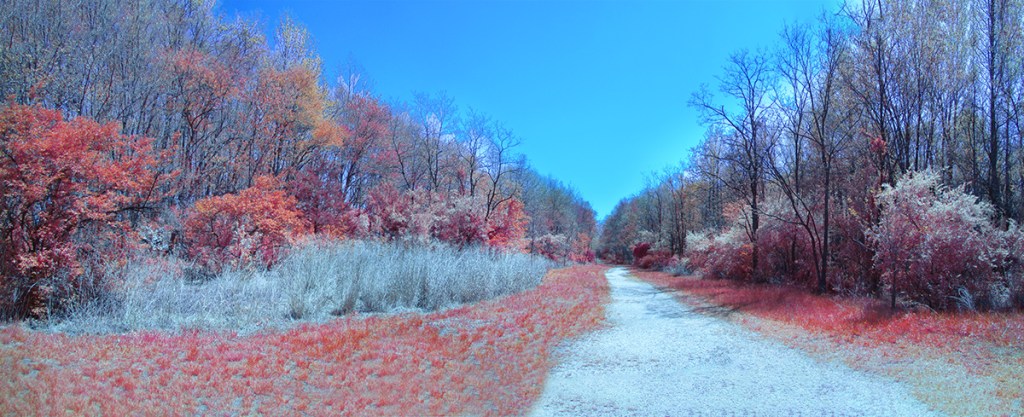
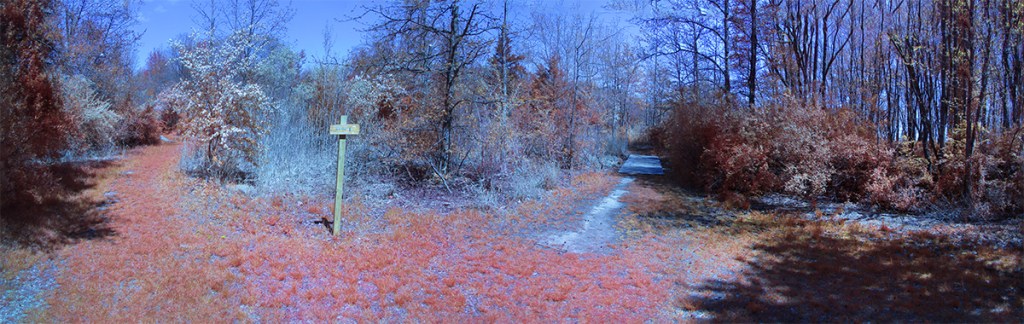
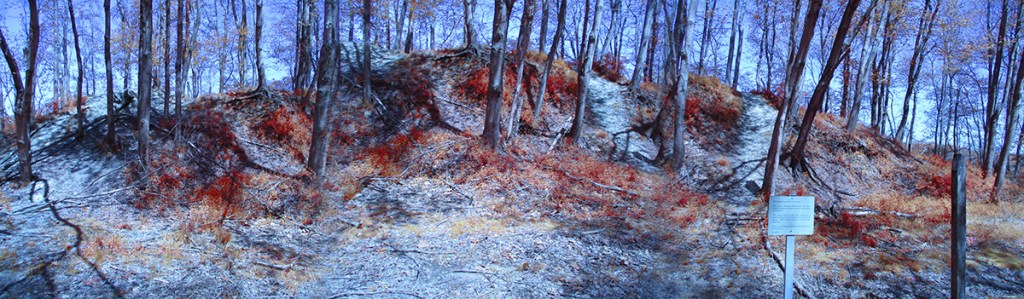


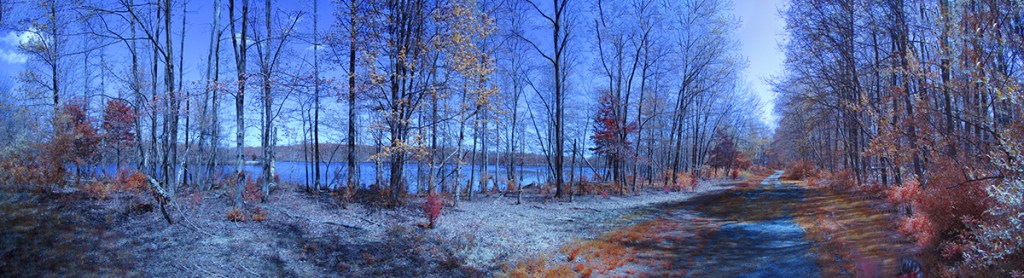
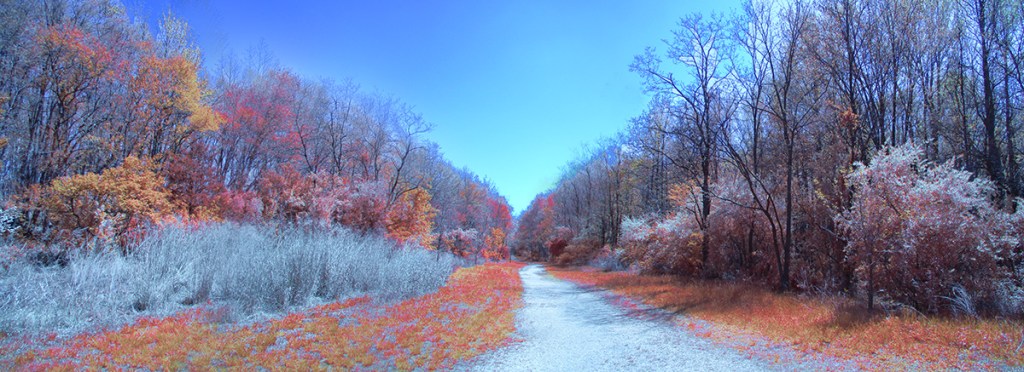


Plainsboro Preserve INFRARED Chrome Images
Posted on May 9, 2024

We went to the Plainsboro Preserve to take a nice walk and I decided to travel light and just took my converted IR Canon Elf 180 pocket camera. I decided to use the Chrome IR Filter on our walk. The Chrome IR filter has the “Look” of the old Kodak Aero Chrome IR film which is discontinued. The Chrome Images have a lot Red in the images. I photographed both single images and a variety of multi-image panoramas. The converted Elph 180 has a focal length of 5mm to 40mm but Full Frame focal length equivalent is 28mm to 224mm. The Featured Image is a 4 image pano taken @ 5mm and was near the start of our walk . I mostly photographed these images @ 5mm, especially for the Multi-Image Long Panoramas.




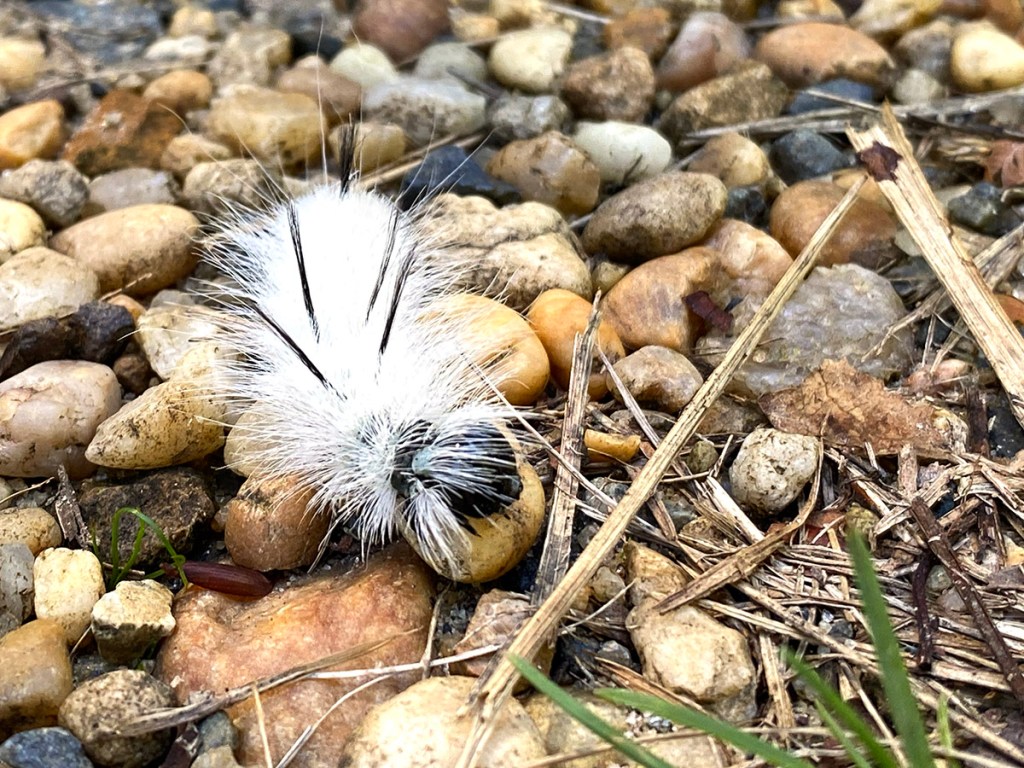
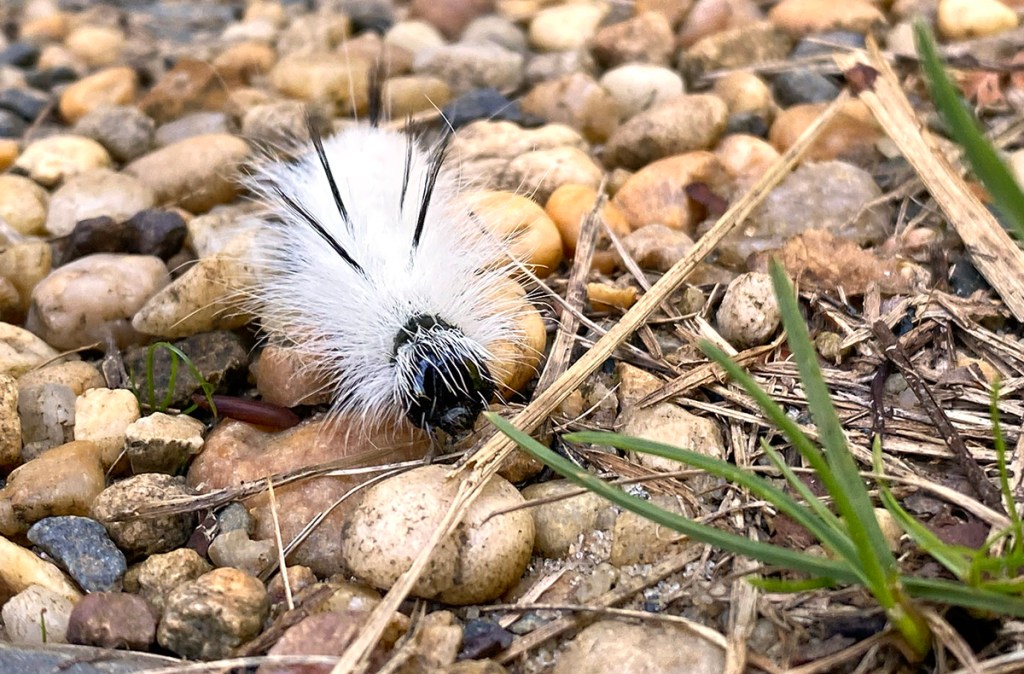
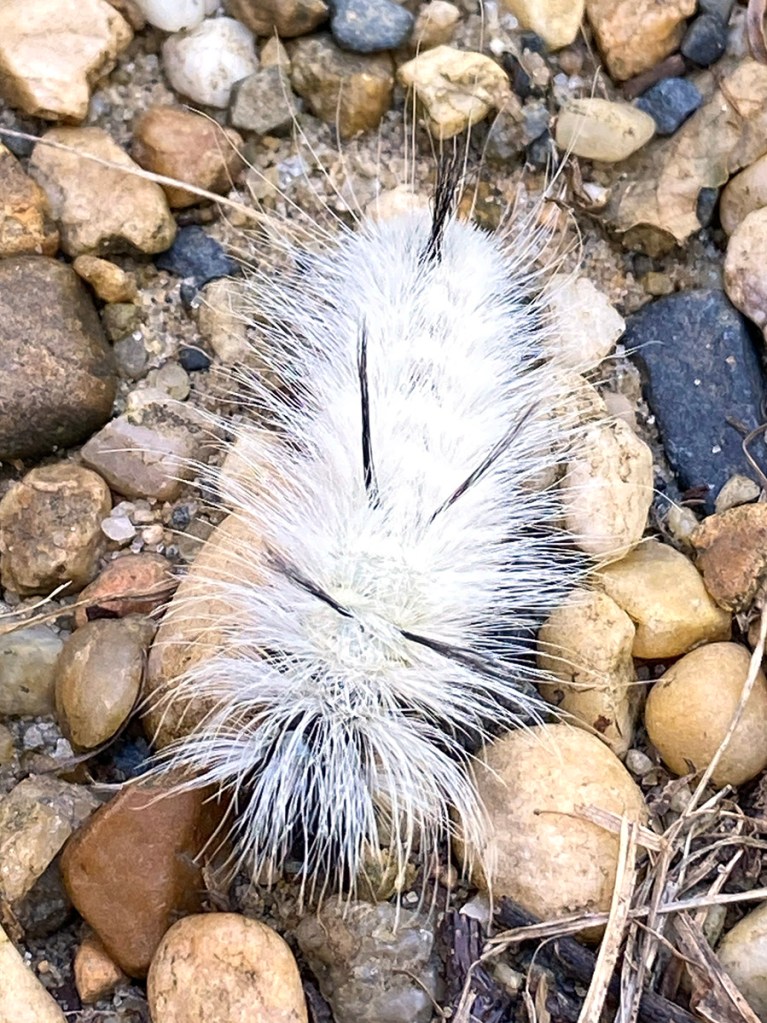
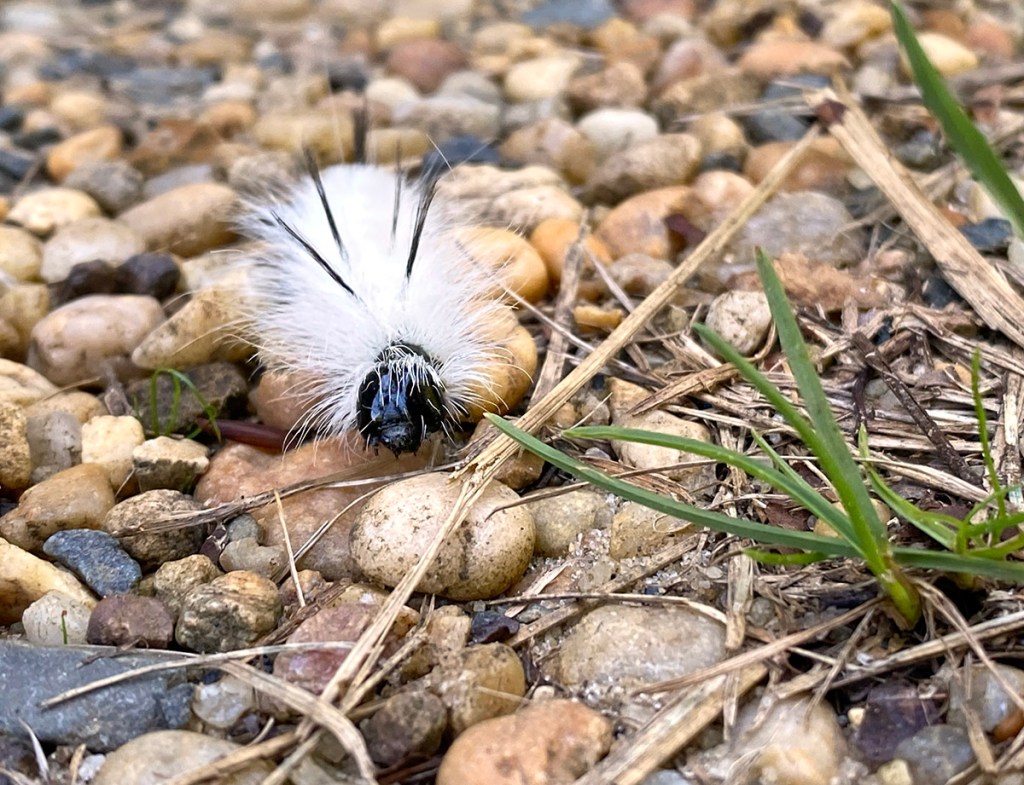
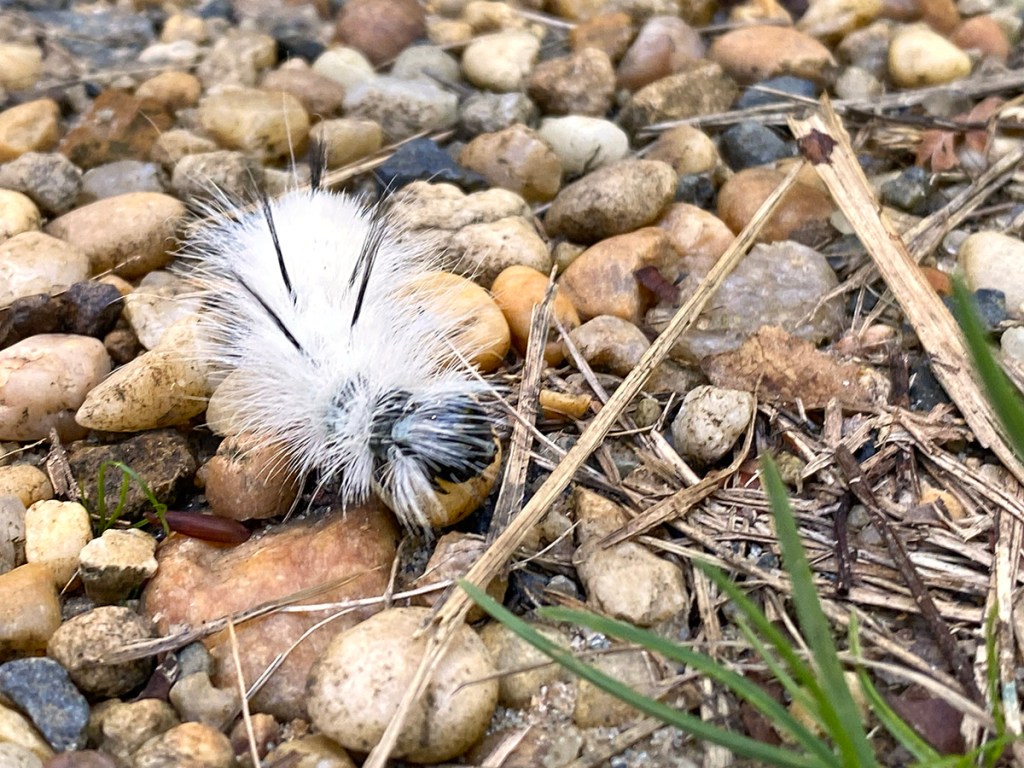
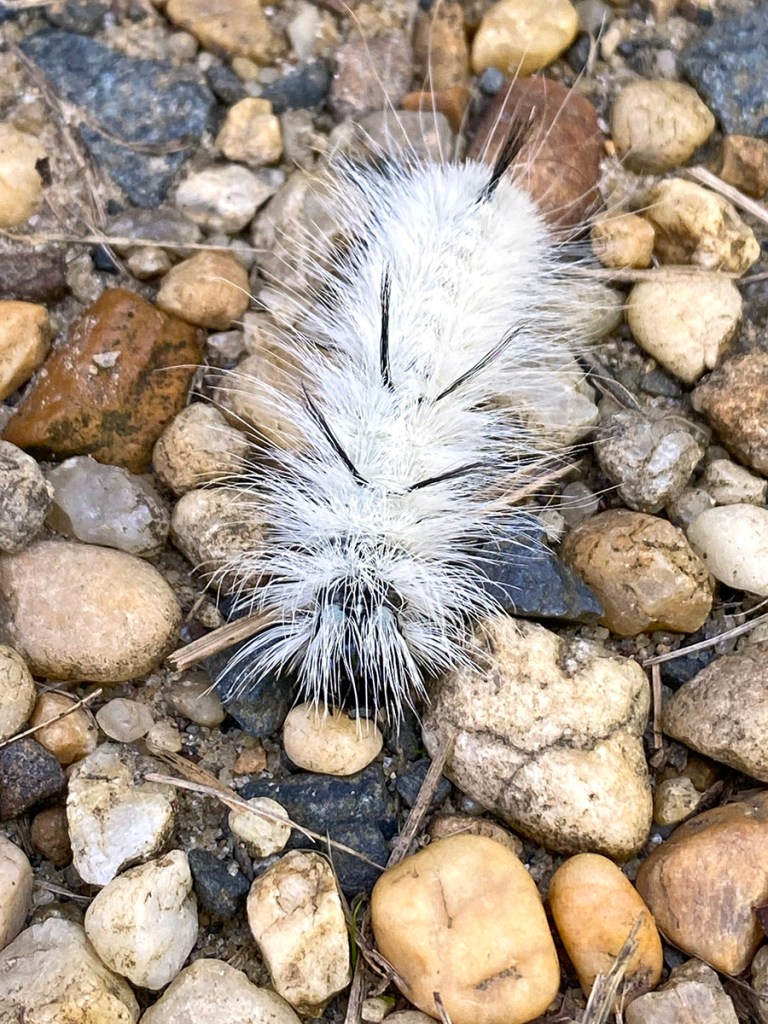
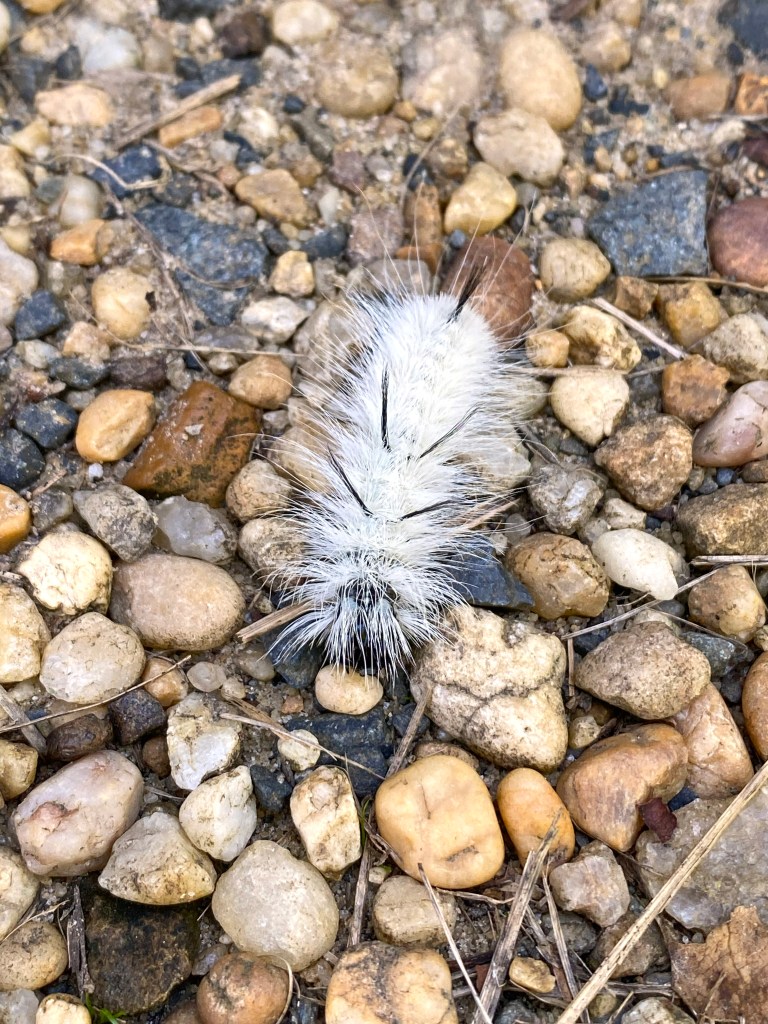
Hickory Tussock Moth Caterpillar
Posted on October 2, 2023
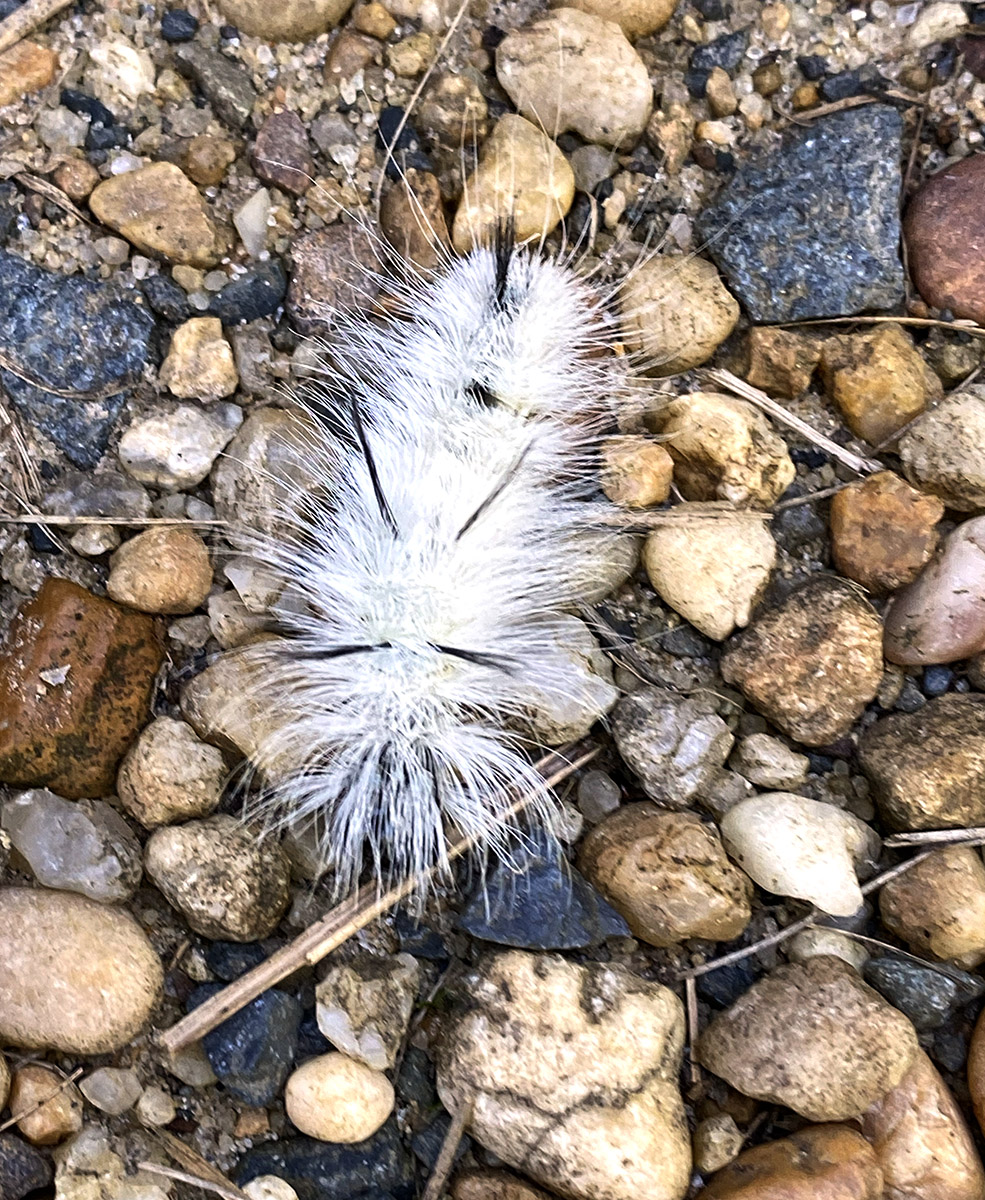
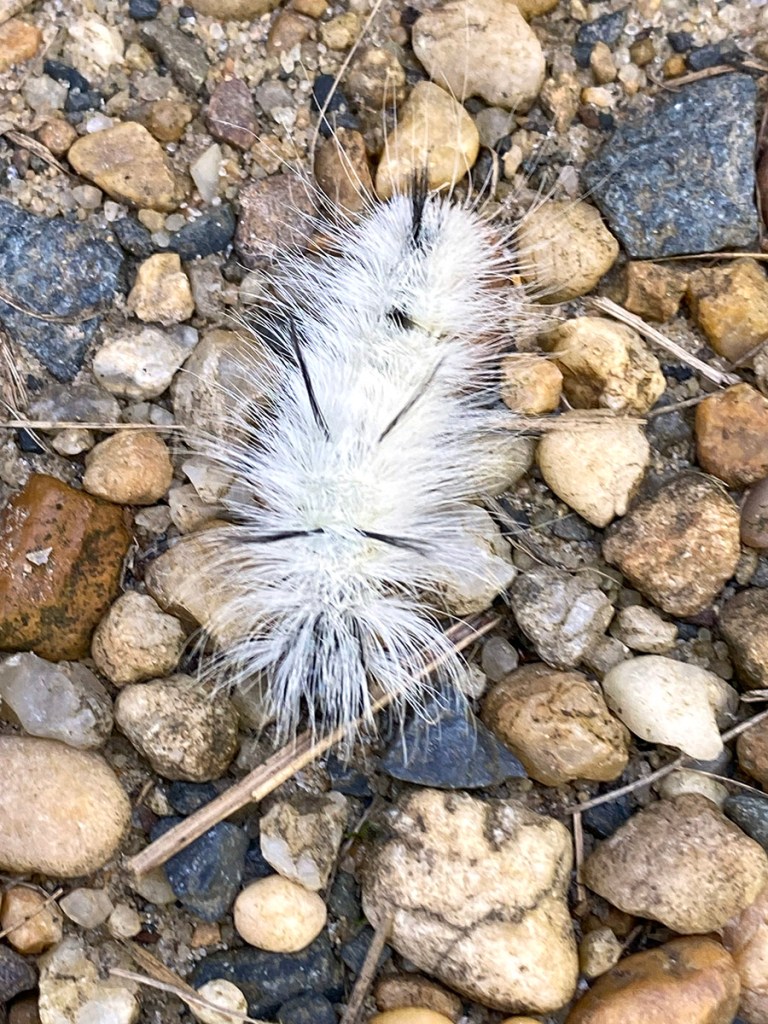
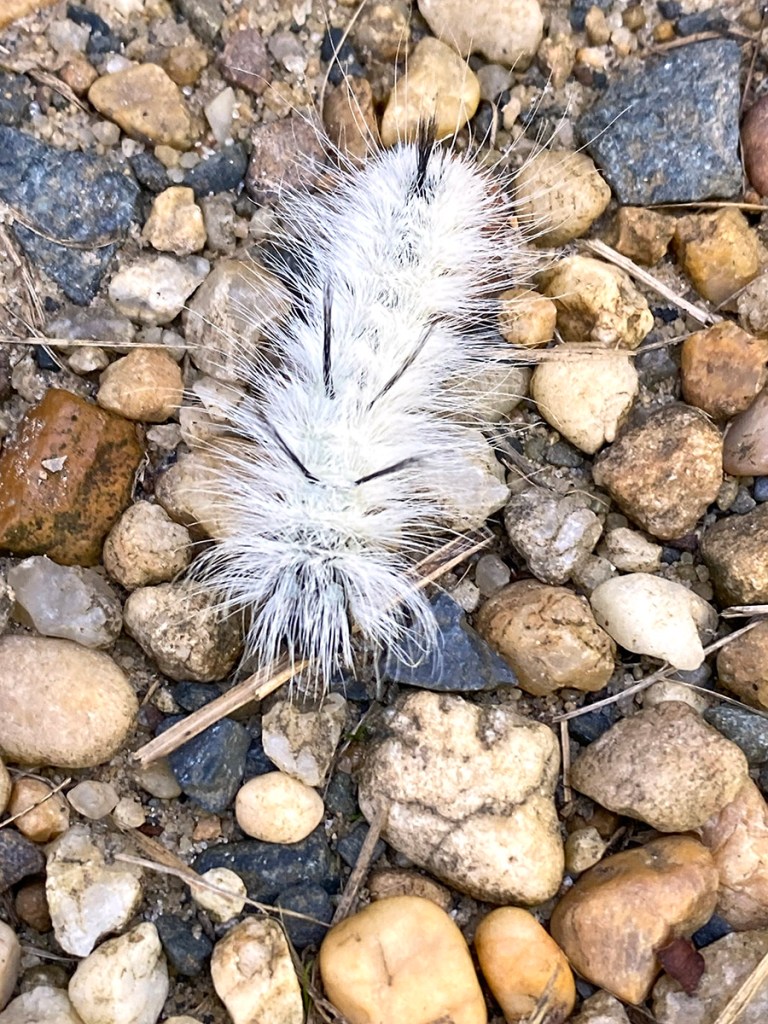
We were taking a walk at the Plainsboro Preserve just to get some exercise so I was only using my iPhone 11Pro for images. We came upon this interesting looking caterpillar on the path. I had never seen one of these caterpillars before. It had a very sharp spikey hairs on the body and looked like a very interesting photo subject. The hickory tussock is the caterpillar of the Hickory Tussock moth (Lophocampa Caryae) which lives in the Eastern half of North America. Eggs are usually laid in May and June on a variety of trees including hickory, walnut, ash, elm, maple and oak. By late summer and early fall the white hairy caterpillars are fairly easy to spot against green foliage. It is covered with white setae or hairs, and a line of black ones runs down its back. It also has four small clusters of longer black setae; two at the front and two at the back, called pencils. If you come upon one DO NOT TOUCH THEM! Touching them would be very painful! All images were taken with my iPhone 11 Pro with the 4.3mm lens & 195mm Digital zoom for a focal length 35mm equivalent of 51mm.
If you come upon one of these do not touch them! Touching them would be very painful!



Panoramas From Davidsons Mill Pond Park & Plainsboro Preserve
Posted on September 22, 2023

I have been upgrading computer systems and added a new amazing Mac laptop for a more mobile use. I was amazed that the panoramas in this post only took 6 to 10 seconds to align and blend for the Multi-Image panorama. I was using an Olympus OM-1 with a Panasonic 100-300mm lens @100mm and 300mm.. The Featured image is a 20 Image Pano.
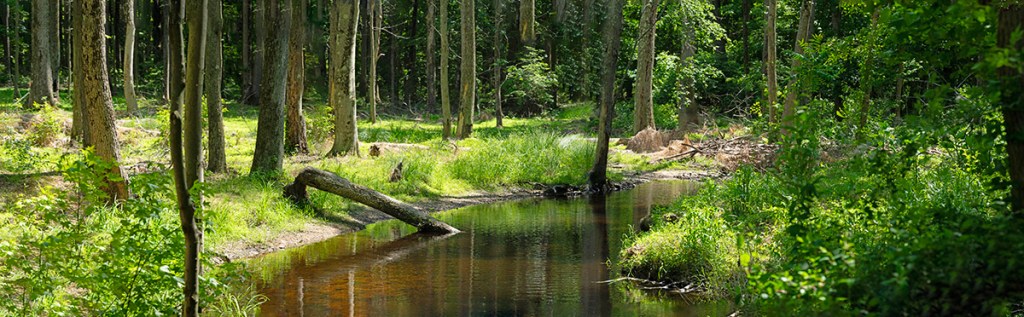
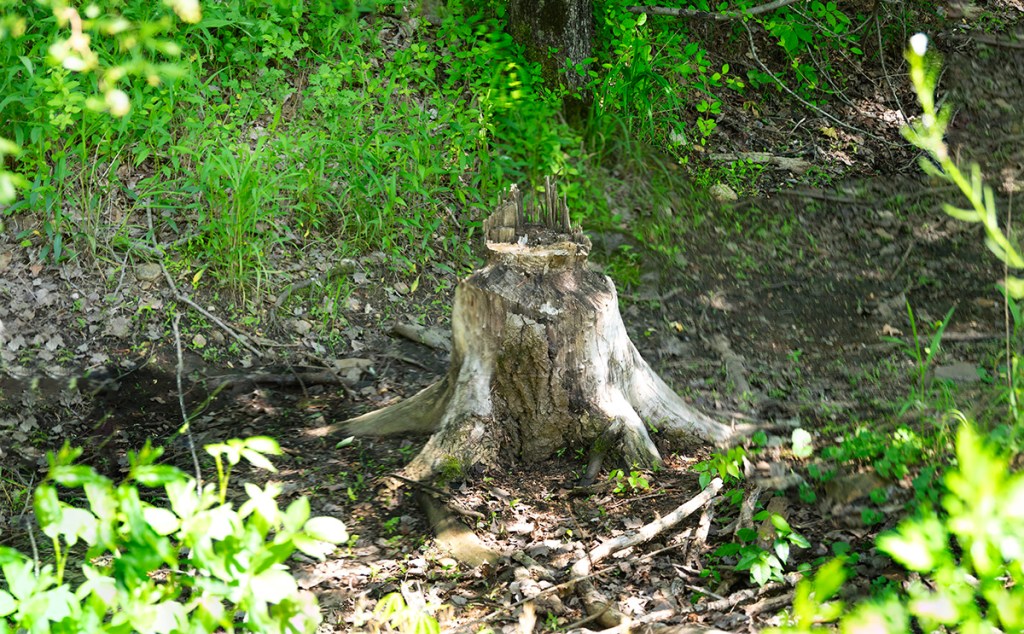

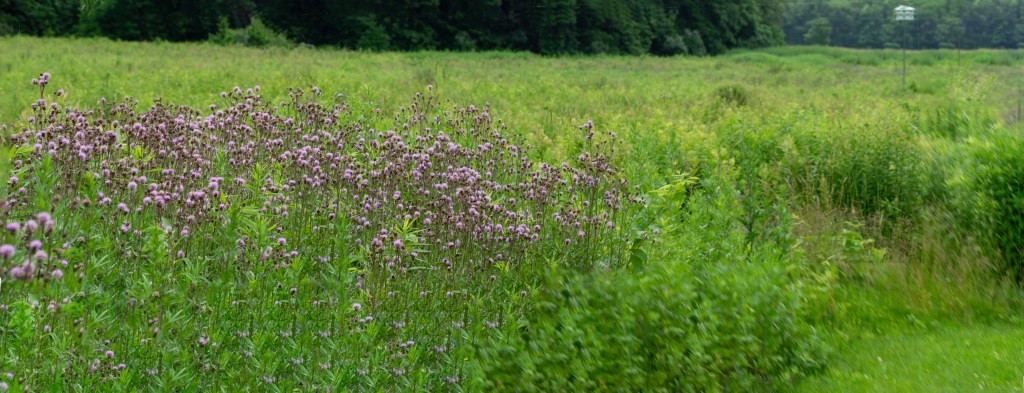
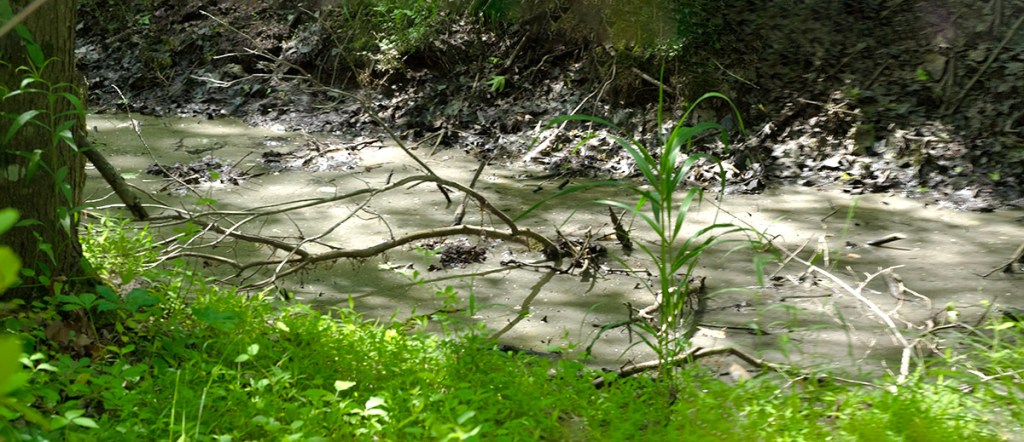
Lake Mc_Cormack Multi-Image iphone Panoramas
Posted on October 19, 2022

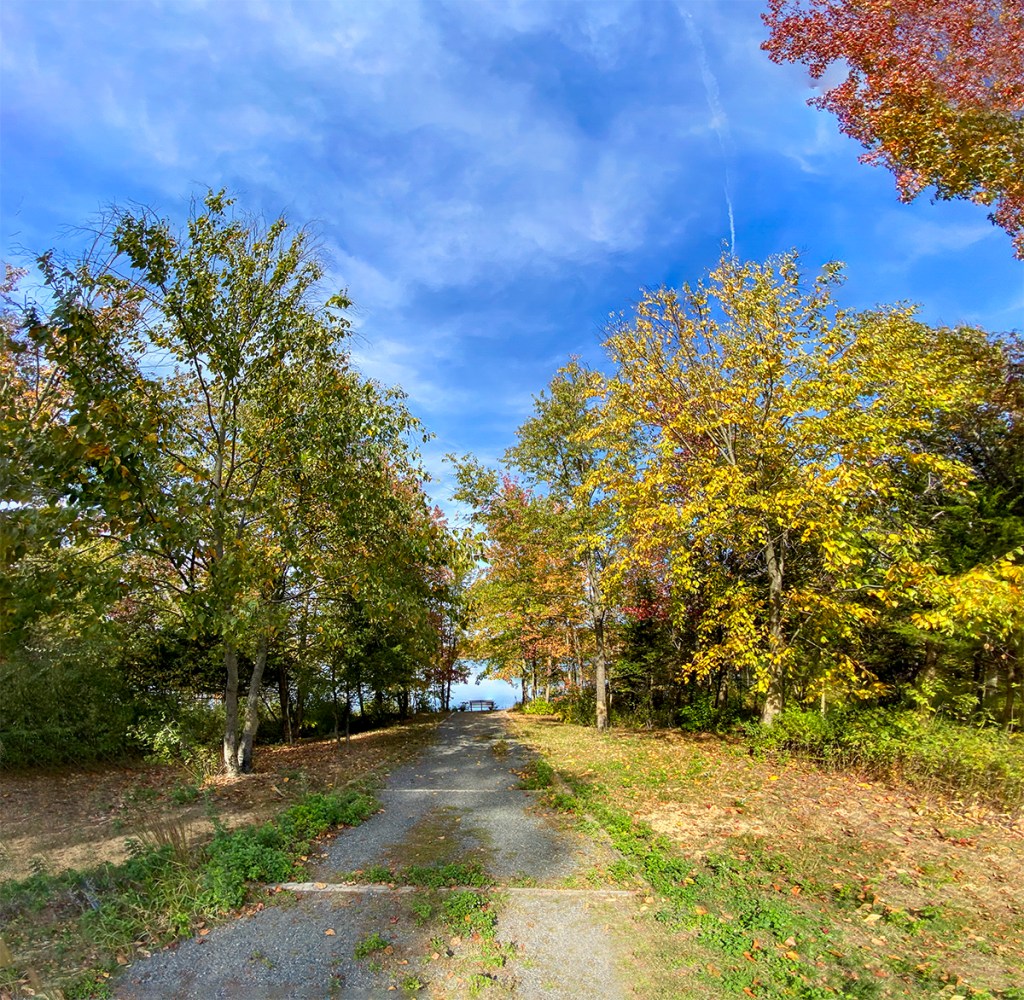
We went to the Plainsboro Preserve to get in a good walk so I did not take a camera with me. The Preserve had a lot of Fall Color, so I used my iP11 Pro to take a variety of multi-image panorama views during our walk. The Images here were mainly taken with the views going to the path to the Lake & the Lake itself. The Featured Image is a 21 Image panorama using the iP11’s 6mm lens and is 100.5 inches x 13.2 inches and is 340 megs. The iP11’s 6mm lens is equivalent to a ~52mm lens on a Full Frame Digital Camera.





Panoramas From Plainsboro Preserve
Posted on May 5, 2022

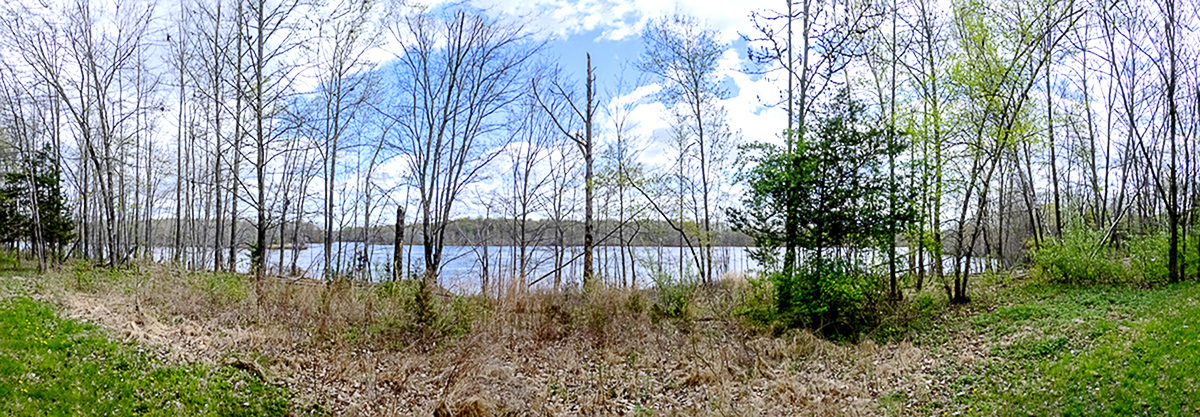
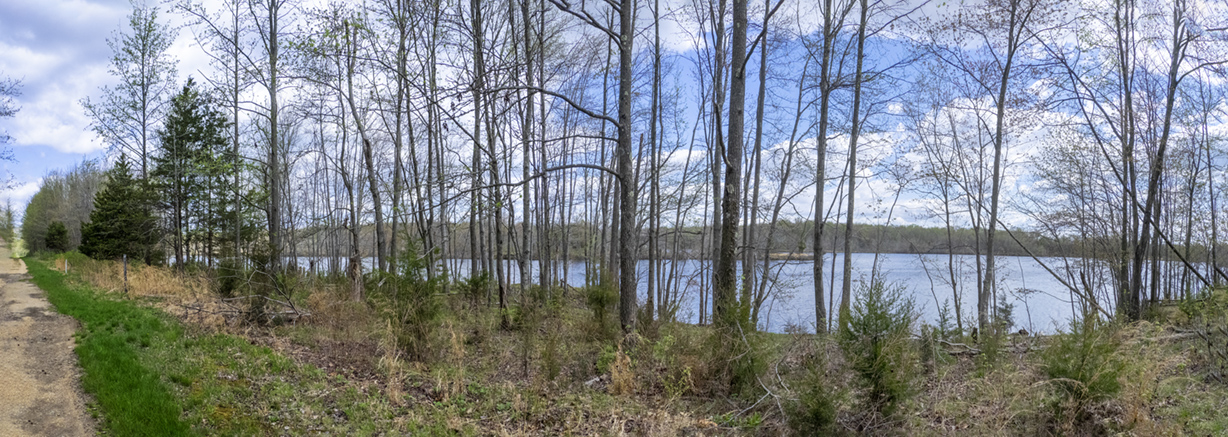
We went to the Plainsboro Preserve a few days ago to get a nice walk and to see if there were some interesting views of McCormack Lake or the Wooded Areas along the trail before the leaves come out and hide the views from the White Trail. I was traveling light with just my Olympus OM-D E-Mk1 with a Panasonic 14-140mm lens to photograph some handheld multi-image panoramas (assembled in Photoshop). Most of the panoramas were taken @ 14mm. The Featured Image is a 9 image panorama @ 14mm. This Post is mainly panorama views with Lake McCormack through the trees bordering Lake McCormack.


Plainsboro Preserve White Trail Panoramas
Posted on March 27, 2022

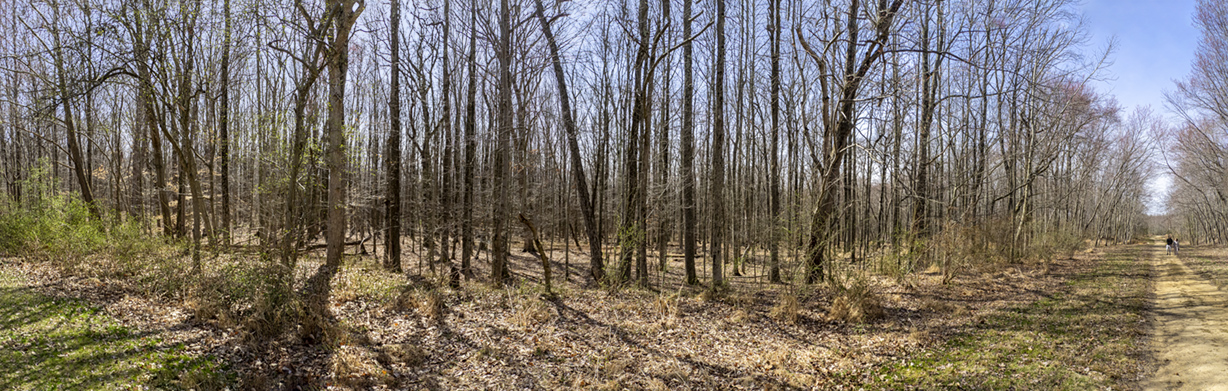
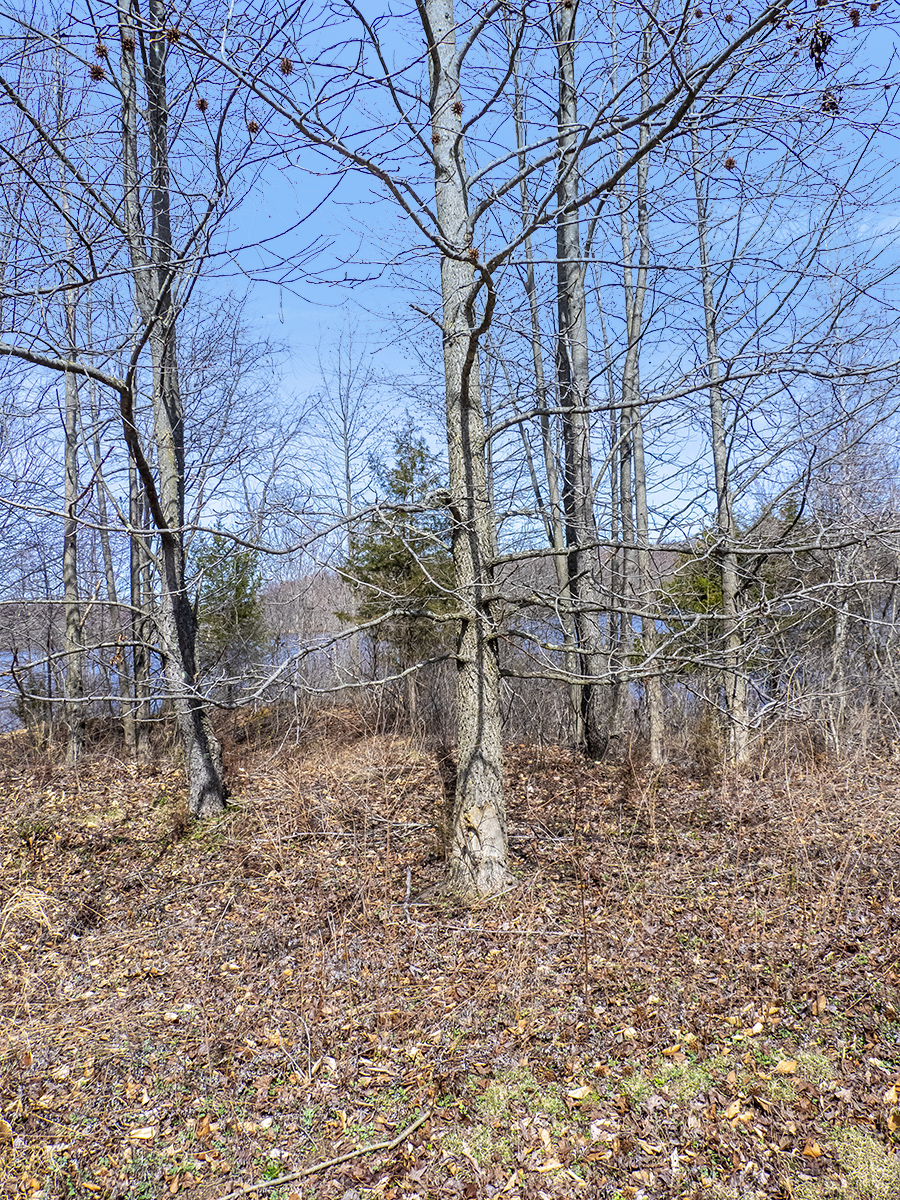
A few more larger panoramas from our walk at the Audubon Plainsboro Preserve White Trail. The Featured Vertical Pano Image is 10 horizontal images taken with a 14-140 mm lens @ 32mm with an Olympus OM-D 1.

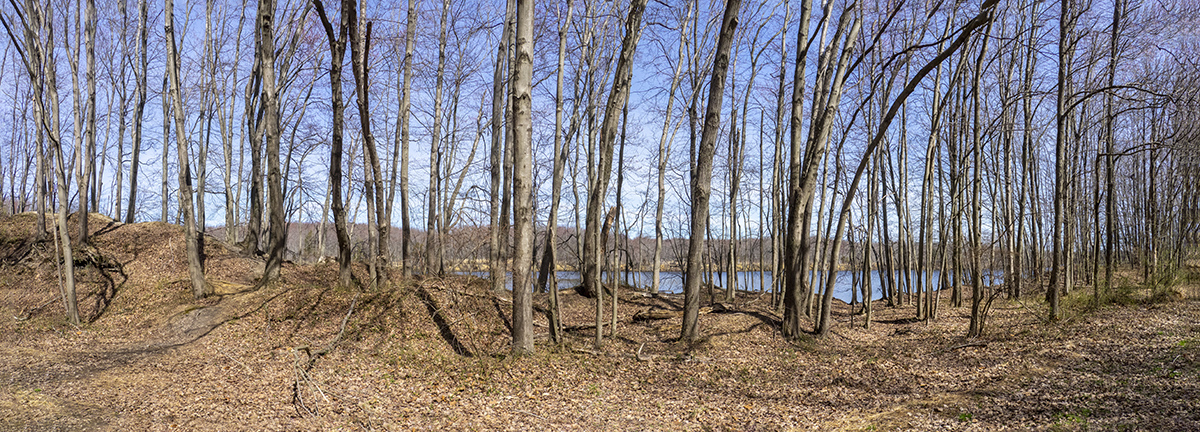
A Walk At Plainsboro Preserve
Posted on March 24, 2022
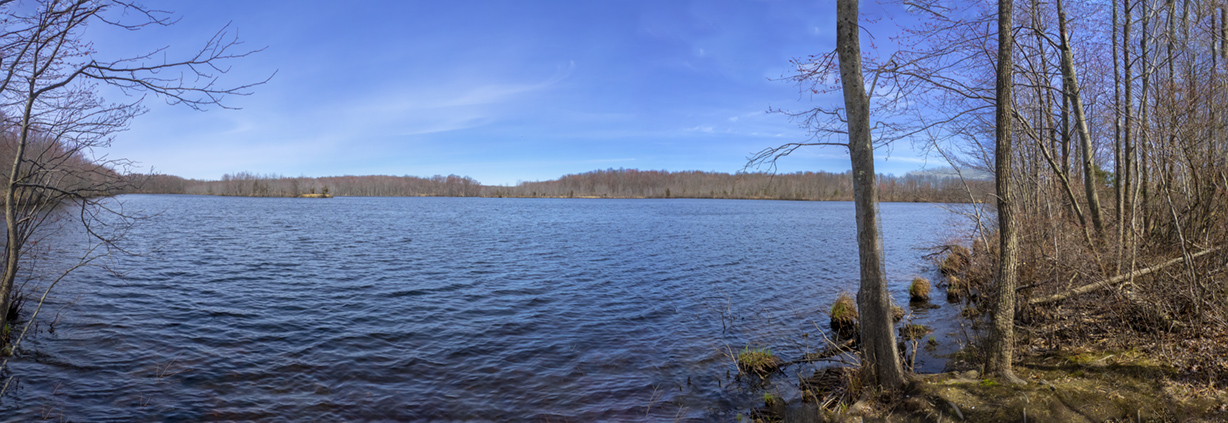
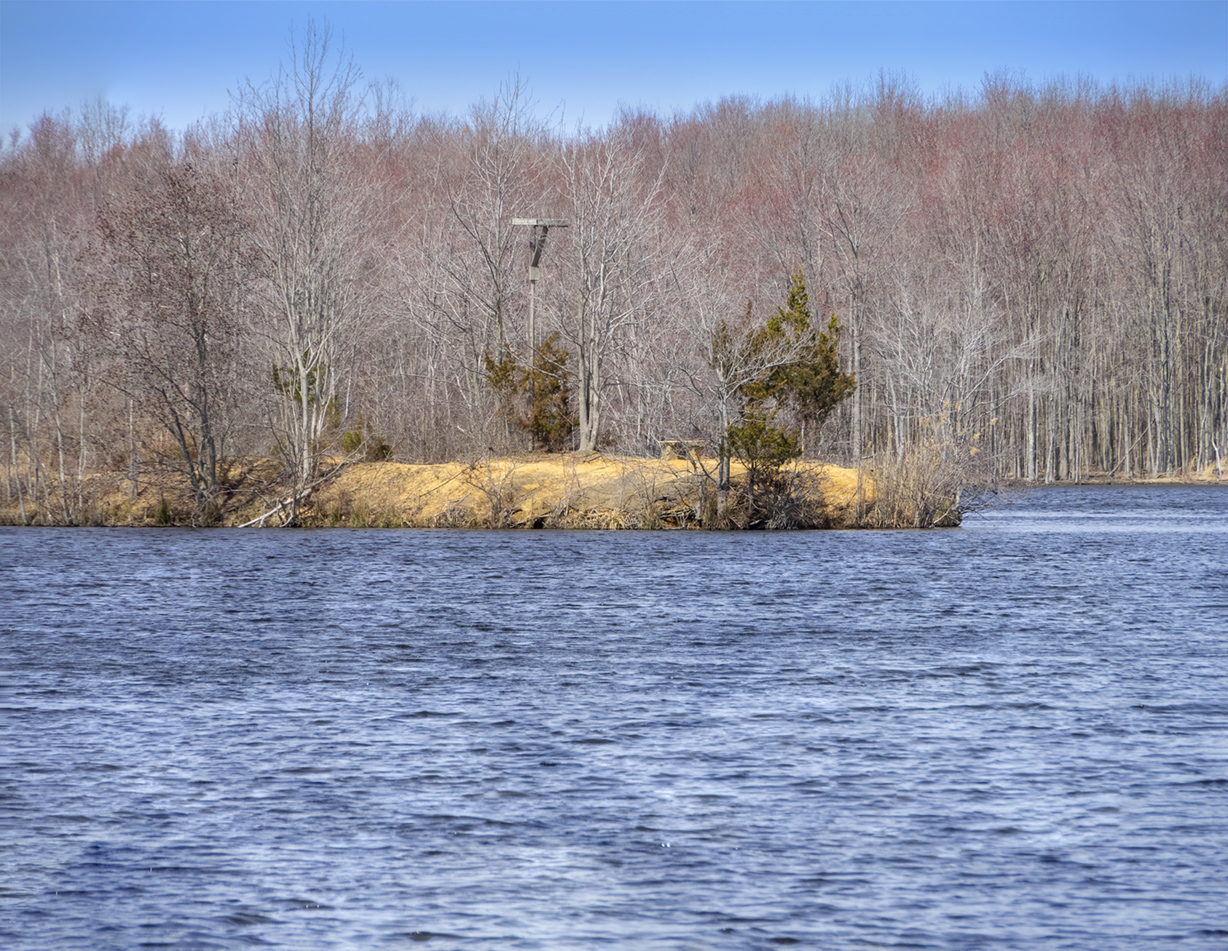
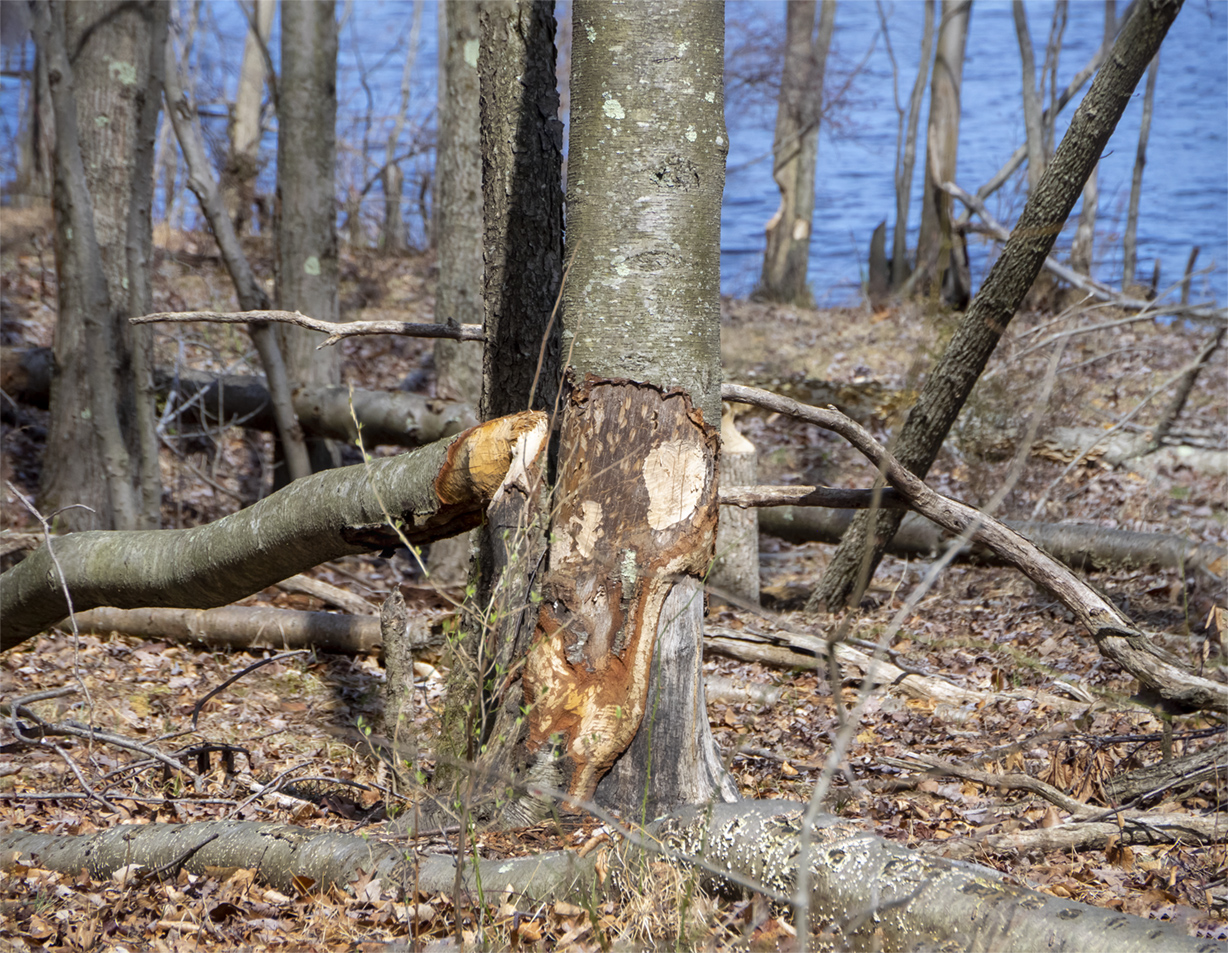
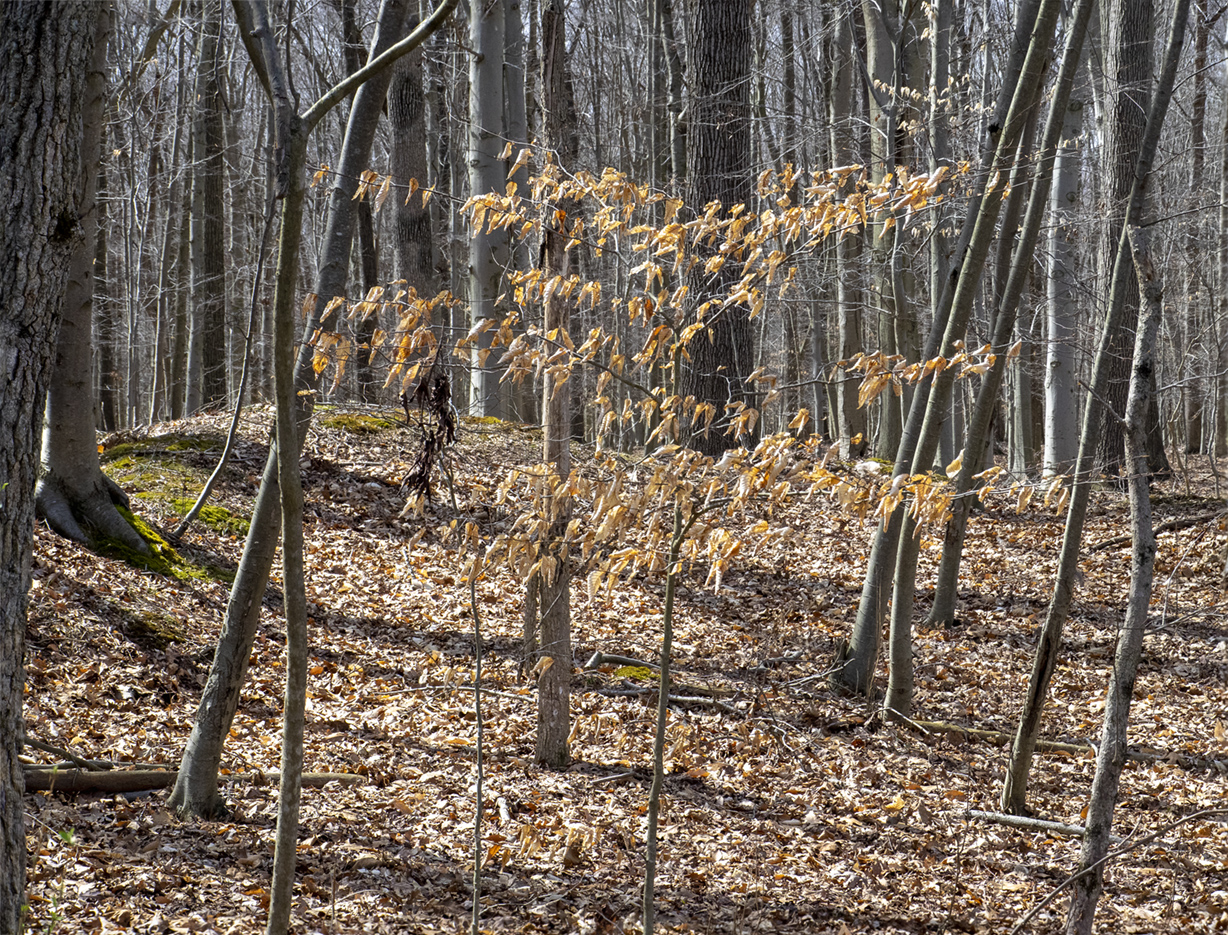
It was a nice sunny day yesterday so we ventured out to take a walk at the Audubon Plainsboro Preserve near us. It is 1,000 acres with with diverse habitats and wildlife & one of the largest lakes in the area, Lake McCormack. We concentrated walking on the White Trail straightaway because of the nest building of Canada Geese further down the path. We heard & saw the Canada Geese attacking walkers getting too close to their nesting areas. The Featured Image of Lake McCormack is a 12 image Panorama taken @ 14mm with an Olympus OMD & blended together in Photoshop.



Plainsboro Preserve Lake McCormack Panoramas
Posted on November 11, 2021

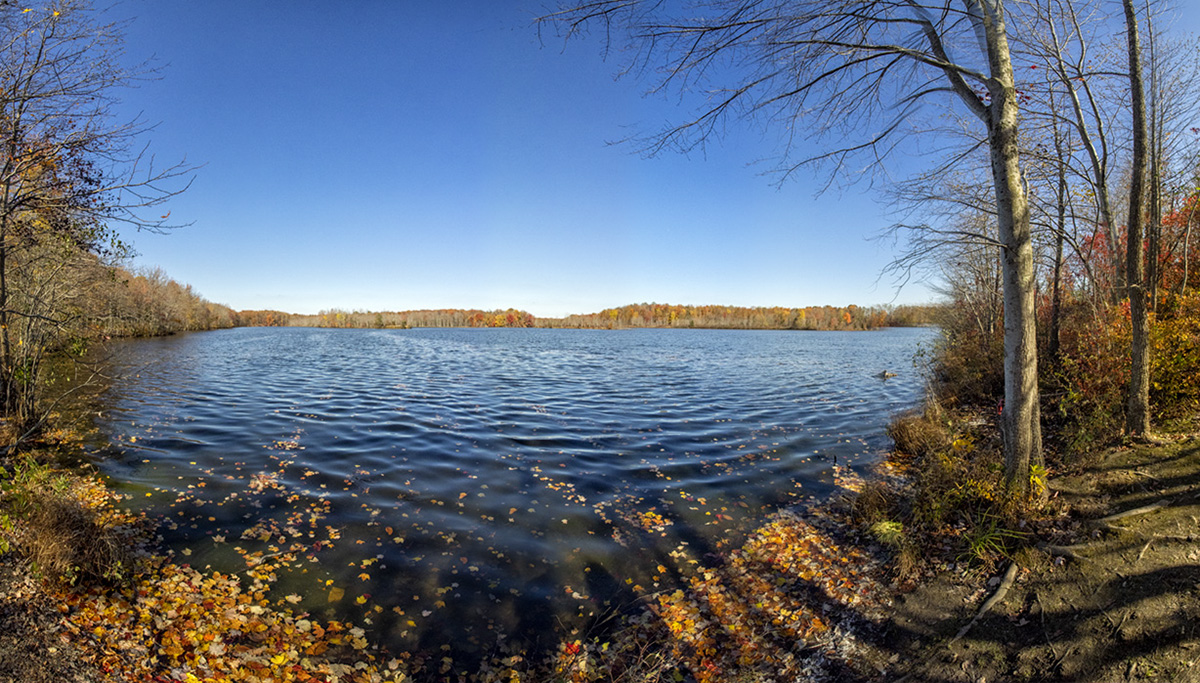
It was a nice day yesterday so we went to the Audubon Plainsboro Preserve to take a walk and get some fresh air. I was traveling light and only took my Olympus OM-D mkI with a 7.5mm Fisheye lens. There was hardly anyone there so I was shooting some landscape images along our walk. There was still a few colorful Fall trees but most of the trees were bare along the path. As we were passing a short trail that lead down to a nice view of Lake McCormack I decided to shoot a couple of multi-image panoramas of the Lake. The Featured Image is made from 12 handheld horizontal images. Then I shot 10 vertical images for a higher panorama view of Lake McCormack. I have found that when using a m43 camera you need to overlap the images more than a Full Frame Camera. When I got home I started to work on my images for the panoramas. First I had to De-Fisheye the look of all of the images before I could use them to blend in the Final Panoramas. I just made an action to run & de-fisheye each image in the series. In Photoshop going to the Filter command at the top, then choosing Adaptive Wide Angle Filter that will usually correct the Fisheye look of your images. You also have to enter the Focal length of your fisheye lens before you use the filter. But this filter is set-up for Full Frame Cameras. So I entered 15mm which is the equivalent Field of View of my 7.5 mm lens on the m43 Olympus, basically 2x with the Olympus. Then I loaded the de-fished images into a Layered Photoshop file and selected all the layers. Then on the top commands go to Layer and choose Align, then merge Layers to complete the blending of the images.
Male Calico Pennant Dragonfly
Posted on June 22, 2021

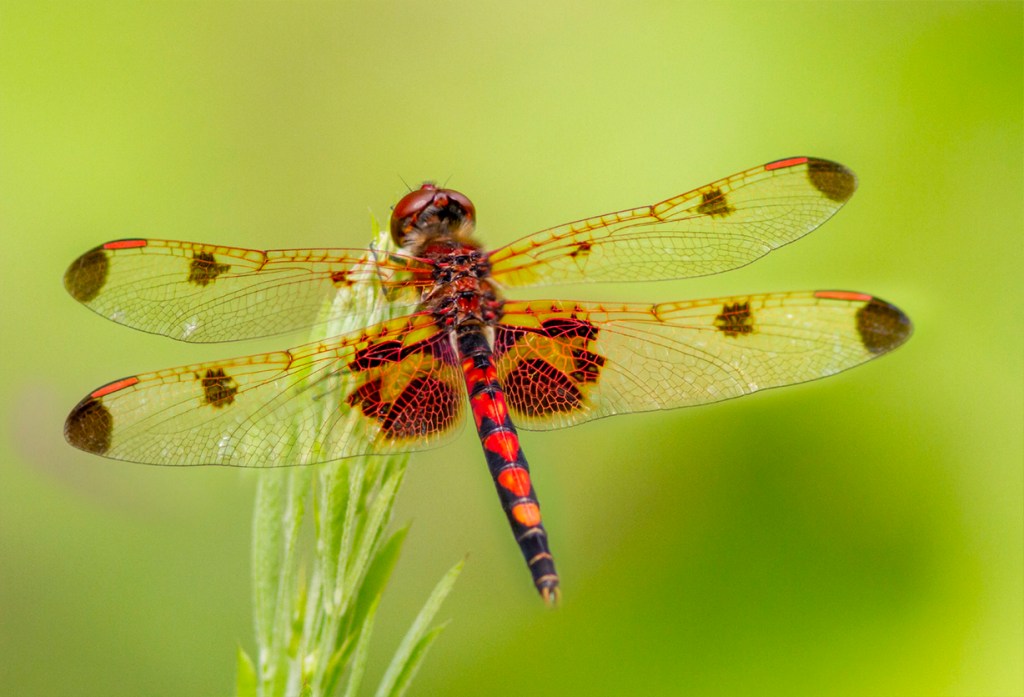
Another Dragonfly image from our walk at the Audubon Plainsboro Preserve. The featured image is made from 2 images shot with a 300mm lens with a 1.4X Teleconverter @ f/8. I usually shoot my series of images starting at the head and work my way back down the body. I would have shot 1 more image for the tail but it flew off before I could get that shot.
 photoartflight