 photoartflight
Common Whitetail Dragonflies From Davidsons Mill Pond Park
Posted on June 11, 2021
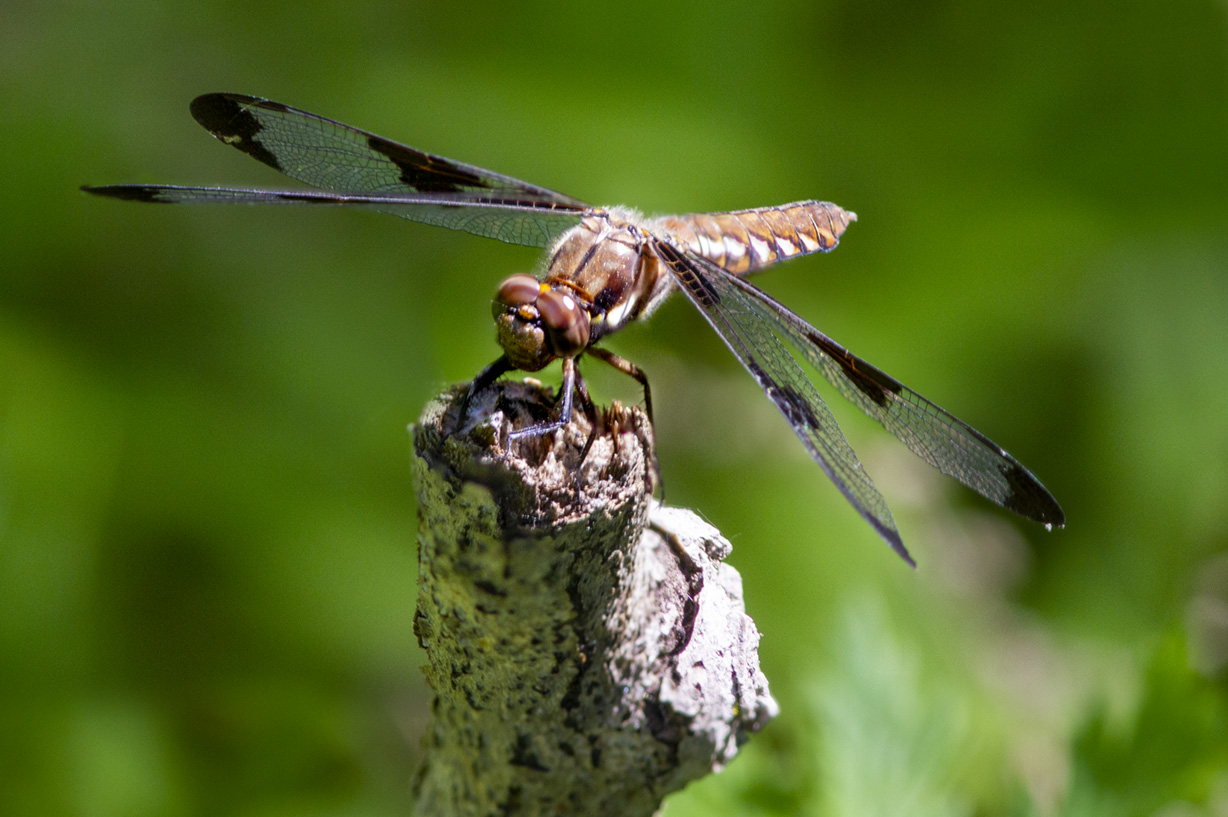
We went to the Audubon Plainsboro Preserve looking for dragonflies and any other interesting subjects we could find to photograph. We found a male & female Common Whitetail Dragonfly in 2 different locations along our walk. The Featured Image is a Female Common Whitetail Dragonfly 2 shot focus stack @ f/8. I focused first on the head & then focused on the tail. Then blended the 2 images in Photoshop for the final image. By shooting 2 images @ f/8 and combining the 2 images I had the depth of field to get the head & tail in focus and still have a somewhat smoother background I wanted without getting a more cluttered looking background. Usually I would use f/5.6 instead of f/8 but I only wanted to use 2 images in case the dragonfly flew off. All images in this post were taken with a Canon 7D with a 300mm f/4 lens & 1.4X Teleconverter.

Female Common Whitetail Dragonfly, f/ 5.6. Showing smoother uncluttered background but the tail sharpness is softer than the 2 image stacked image.
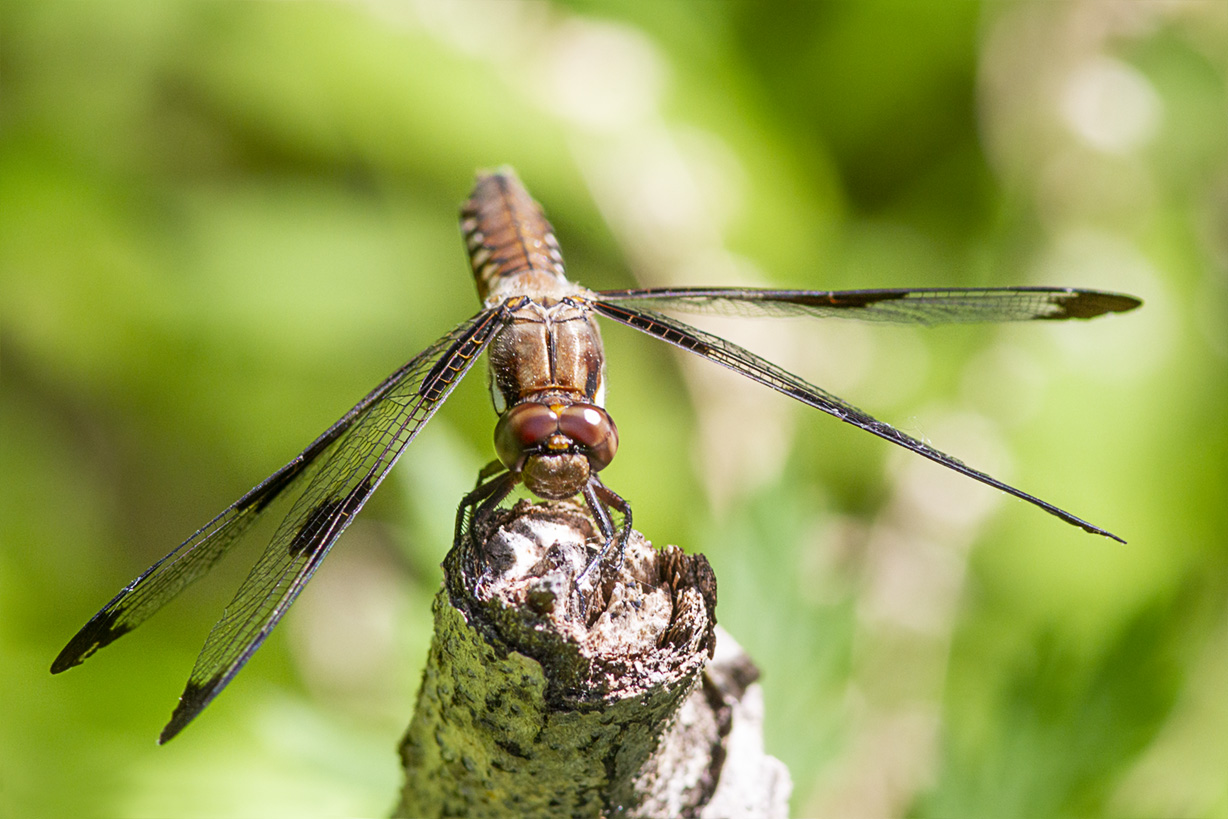
Female Common Whitetail Dragonfly @ f/11, 300mm, 1.4x teleconverter. Showing even at f/11 the tail sharpness is softer than the 2 image focus stacked image.
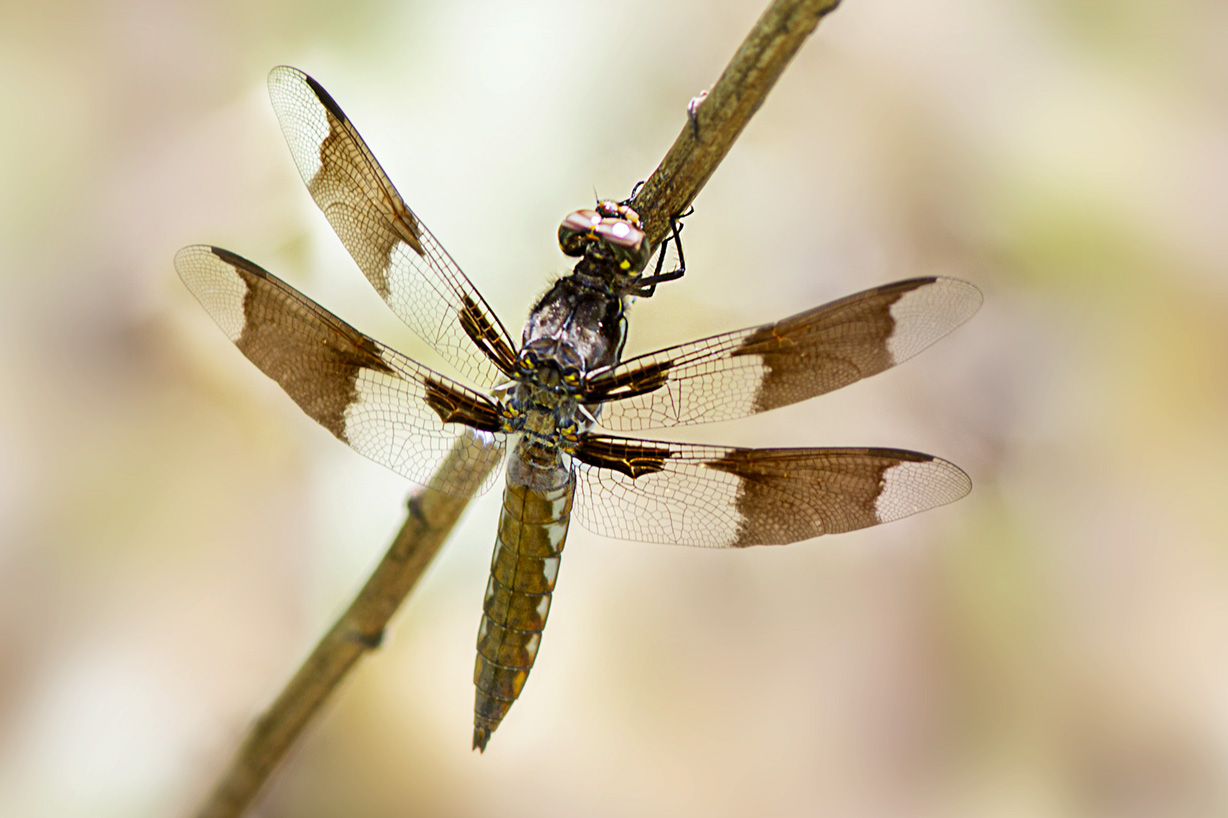
Immature Male Common Whitetail Dragonfly, 300mm, 1.4x teleconverter, @ f/8, Canon 7D, showing smoother, uncluttered background.
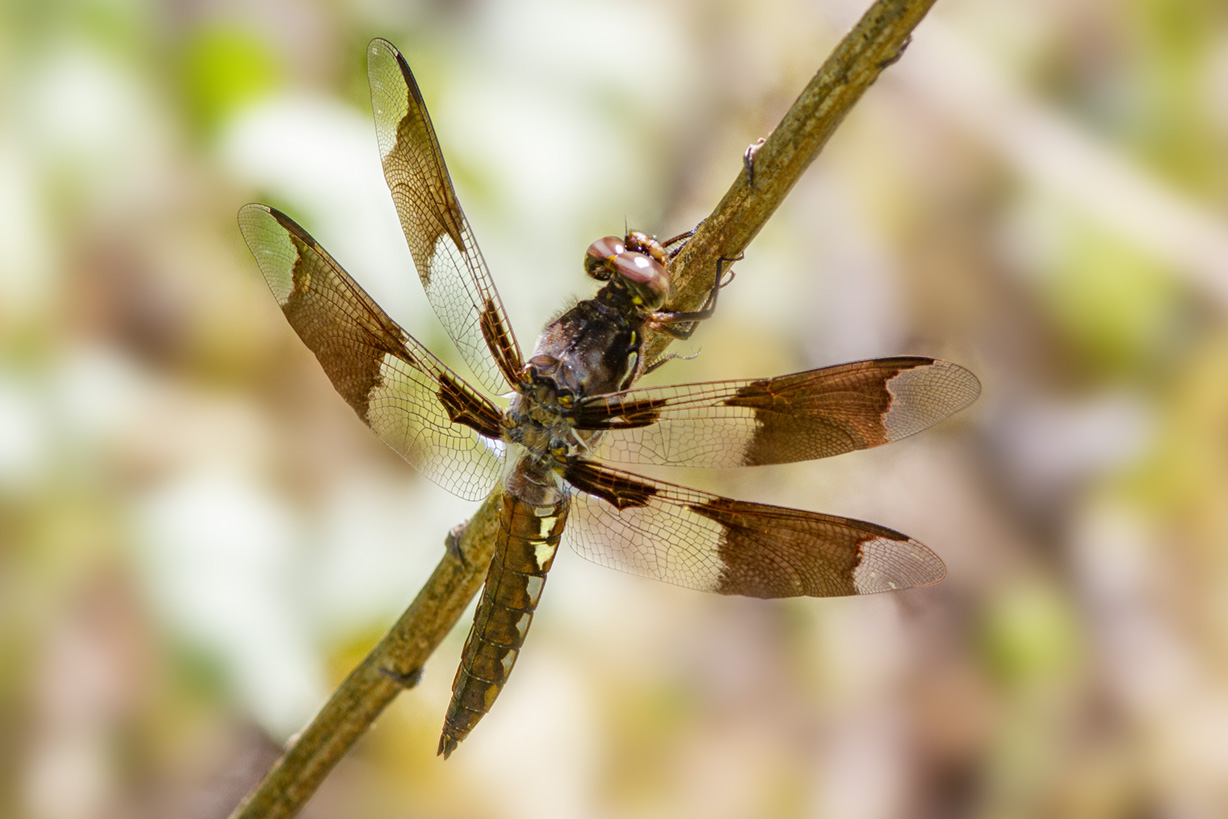
Immature Male Common Whitetail Dragonfly, 300mm, 1.4x teleconverter, @ f/16, Canon 7D, showing a more cluttered distracting background.
Cedar Waxwings From The Audubon Plainsboro Preserve
Posted on June 10, 2021
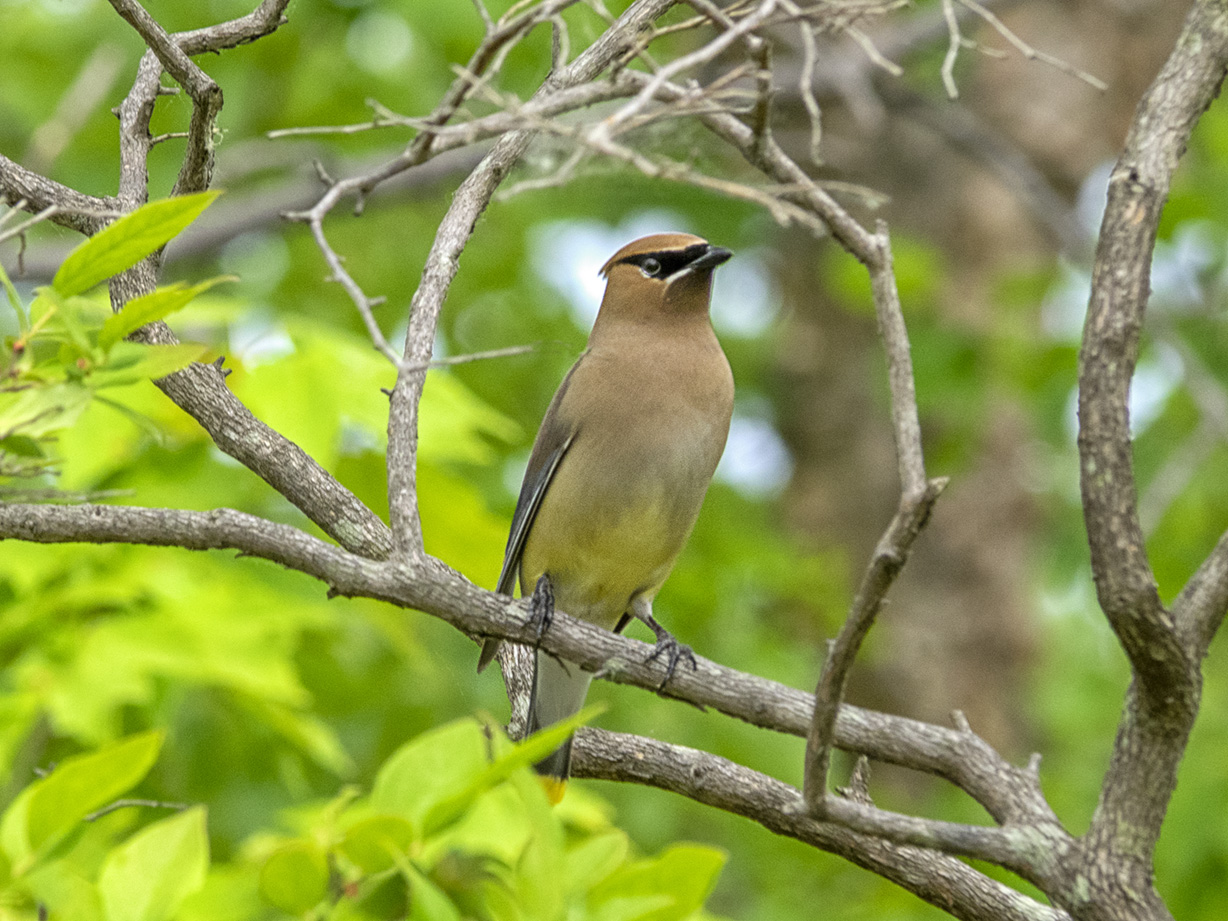
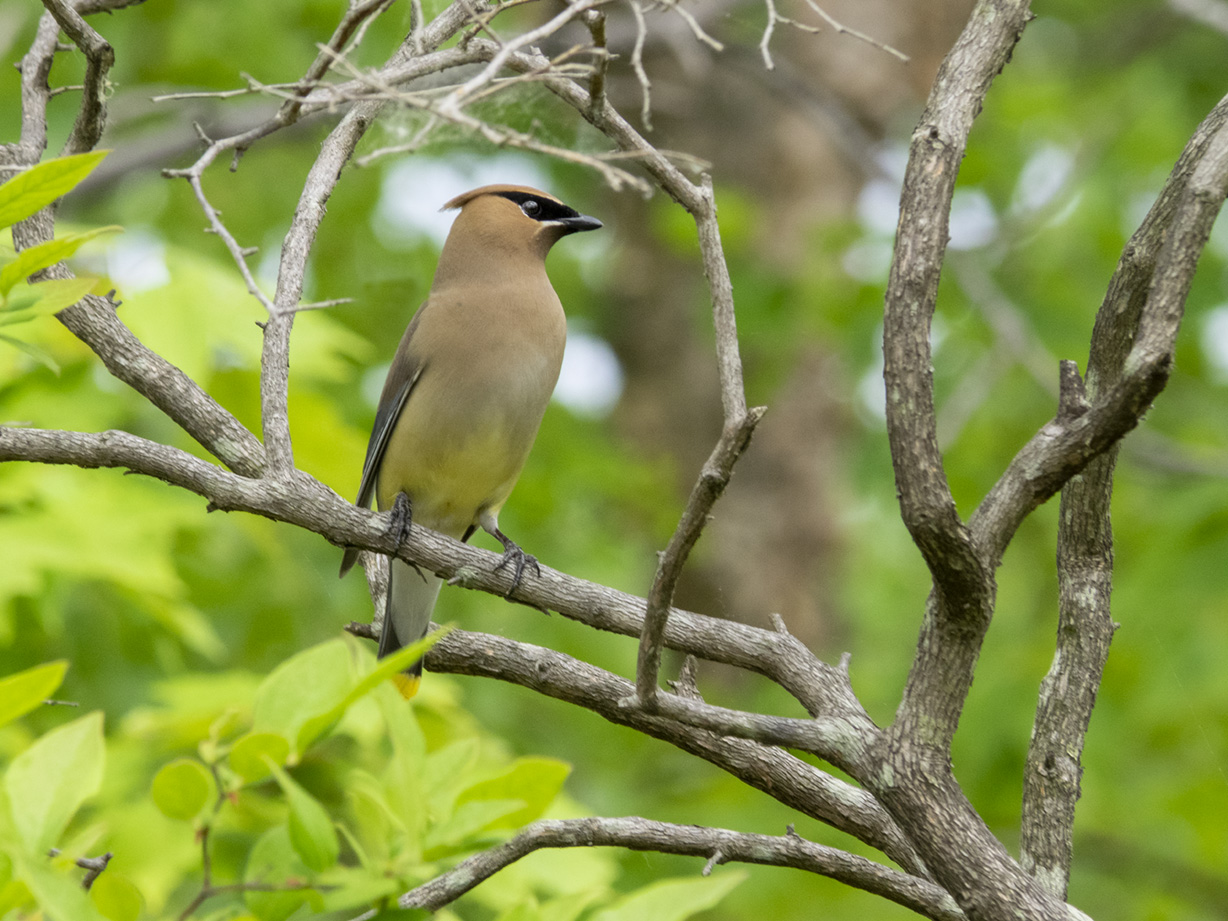
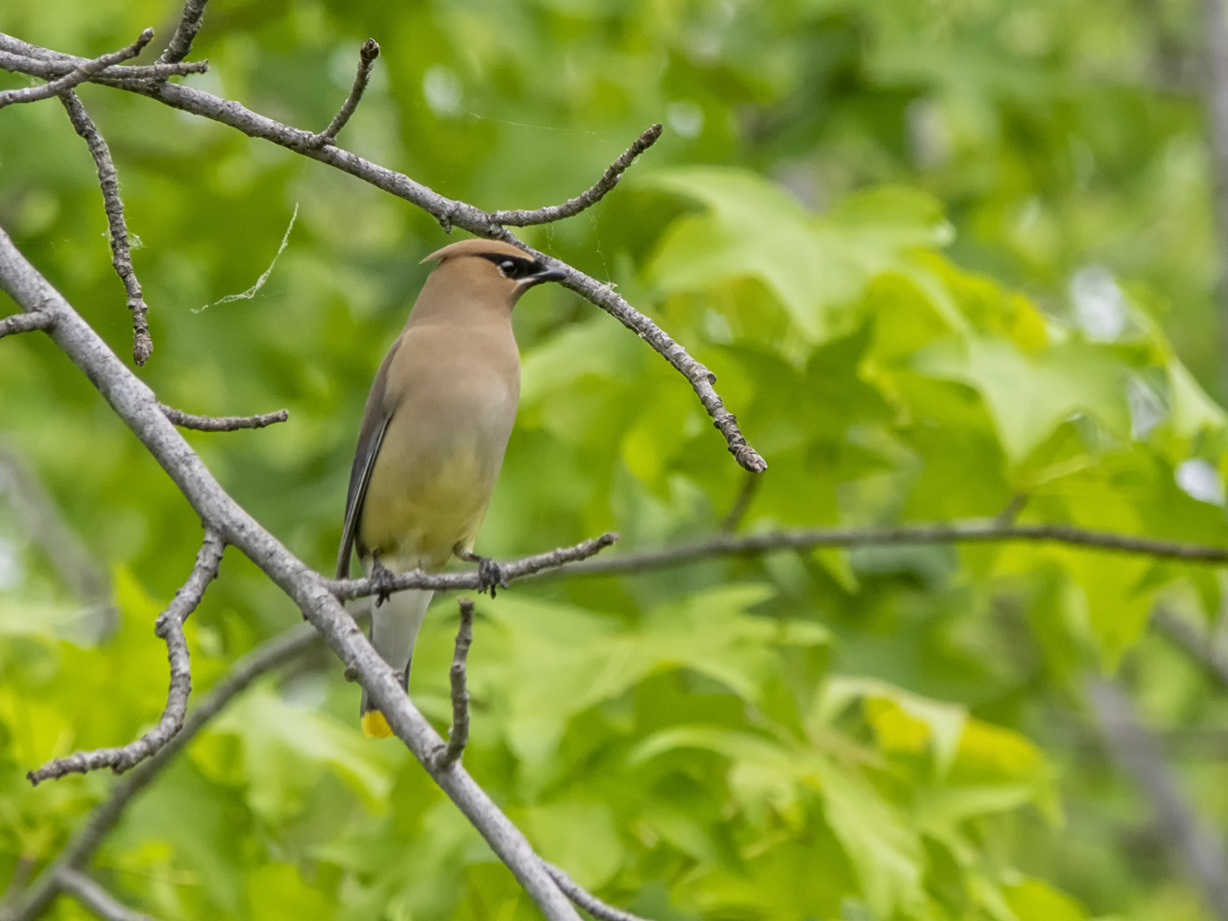
We went for a walk at the Audubon Plainsboro Preserve near our home looking for dragonflies. As we were walking down the path that extends out into Lake McCormick we were surprised to see a pair of Cedar Waxwings. One flew off to a higher branch behind the leaves but the other posed for us giving me an opportunity to get a few fairly close images. I shot a few images than moved a little closer hoping to get some closer shots before it flew off. I was using an Olympus OM-D -Mk1 camera with a Panasonic 100-300mm lens @300mm (Full Frame Camera Equivalent ~ 600mm.)

Raindrops At Plainsboro Preserve
Posted on April 23, 2021
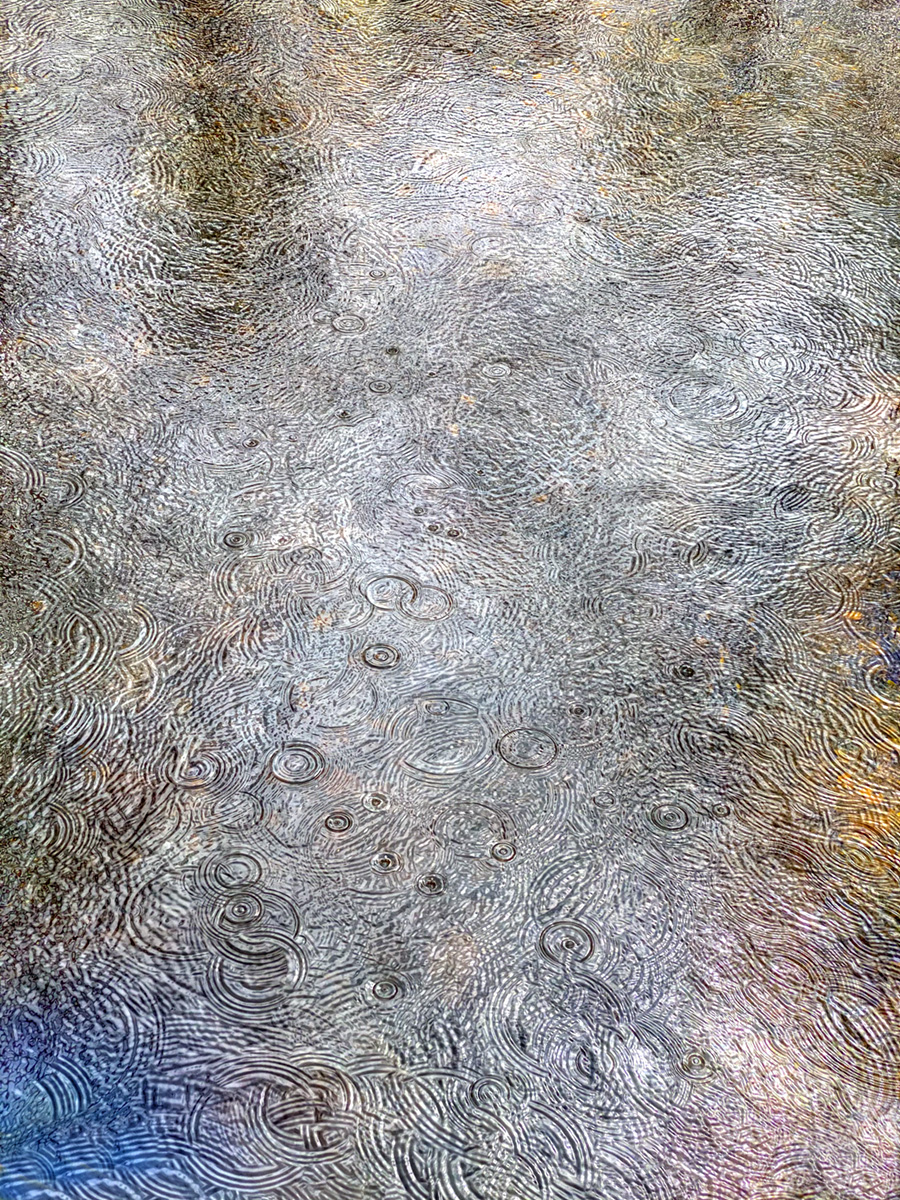
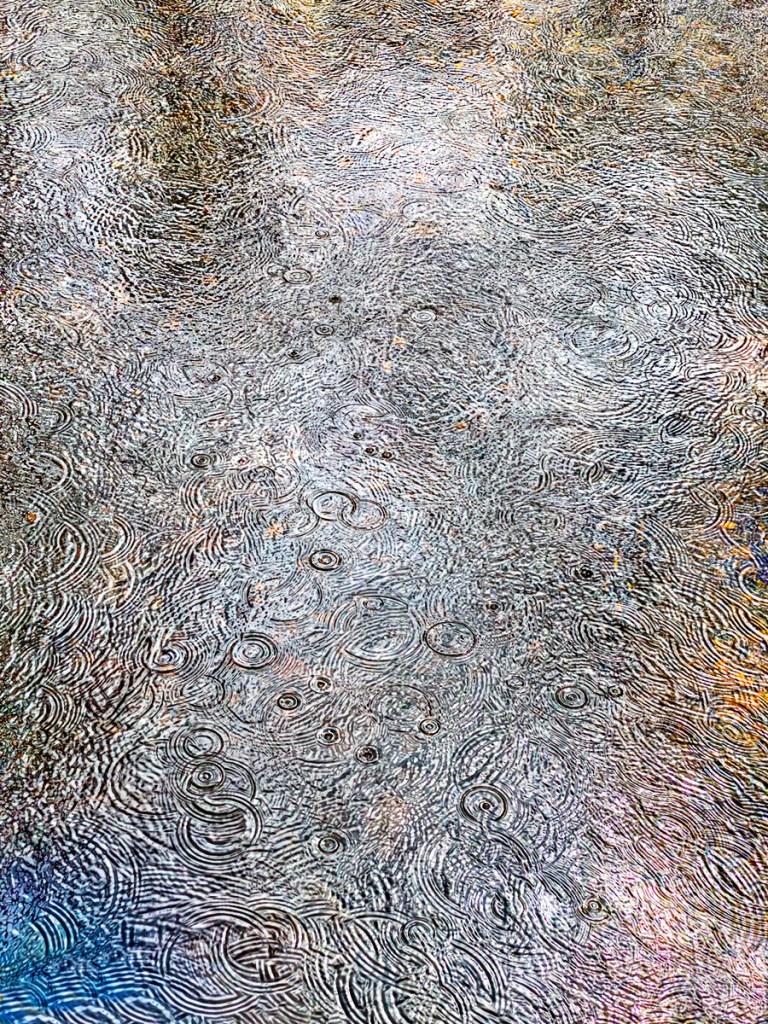
The other day we went to take a walk at the Audobon Plainsbore Preserve. It was a gray day but it is a nice location to walk, never knowing what you might see to photograph. It started to rain so we started heading back to the car. Along the way I noticed the raindrops looked interesting in the water along the path. I was using my iPhone iP11 Pro with the 6mm lens (Full Frame Equivalent Field of View ~ 52mm) since it was more weatherproof than my Olympus camera I had under my jacket. I quickly took 9 images thinking at least one might have interesting raindrop patterns in the water. As I was working on the images I thought why not use all 9 images to get even more raindrops & maybe a more interesting & colorful image. The Featured Image is 9 images, auto-blended in Photoshop. Blending the image allowed an assortment of colors from the sky in the water as the clouds were moving overhead. This gave an interesting blend of colors. The image below is just 1 of the images that make up the blended image. Which do you like?

Audubon Plainsboro Preserve “Walking” Panorama
Posted on March 17, 2021

We went for a walk at the Audubon Plainsboro Preserve to get in a nice walk. As we were walking down one of the long straight paths across from Lake McCormack I thought I would do a panorama of the woods. With the sun’s position it was casting long interesting shadows in the foreground. Usually I shoot a series of images from the left to the right, but shooting from a somewhat center position of the image I want to capture. Here I was near the start of the panorama I wanted to capture. I was using my iP 11 Pro with the 4.3mm lens (Full Frame FOV ~ 26mm). So I decided to shoot a series of images as I was walking down the path. This way I would not get as much of the “distortion” of the very small iPhone lens. If I was positioned about in the center of the image I wanted to capture I would get a very smaller distant distorted “view”on each end of the pano because of the iPhone’s small lenses. So it would look distorted with much smaller ends. So I went to where I wanted to start my panorama and a took an image. Then counted fifteen or so steps and took anther image. I did this down the entire length of the view I wanted to capture. In the end I had 16 images for my main panorama which is my featured image. The total length is 110 inches x 10 inches @ 300ppi. All images aligned & assembled in Photoshop.


Lake Mc_Cormack Panorama
Posted on January 17, 2021
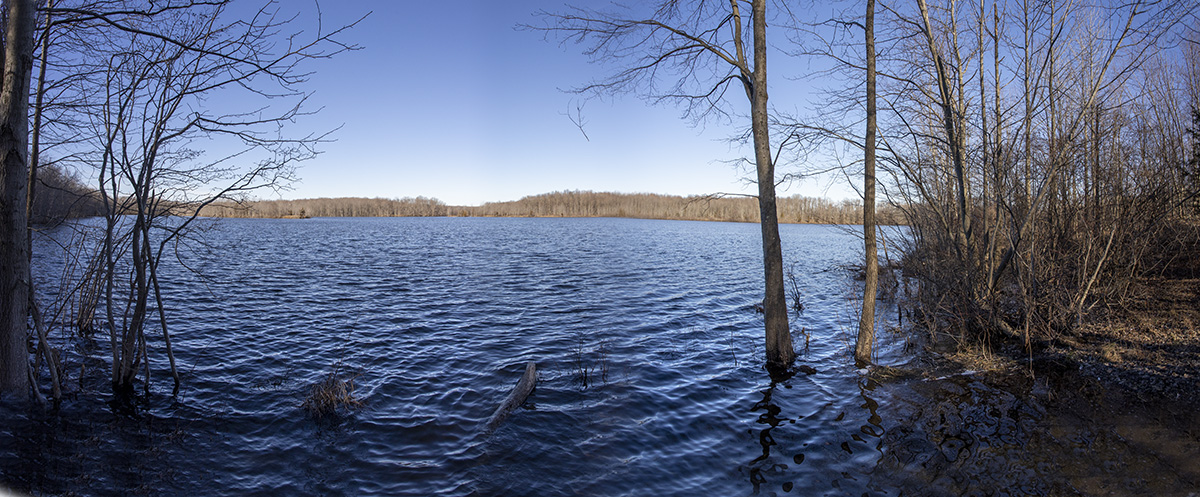
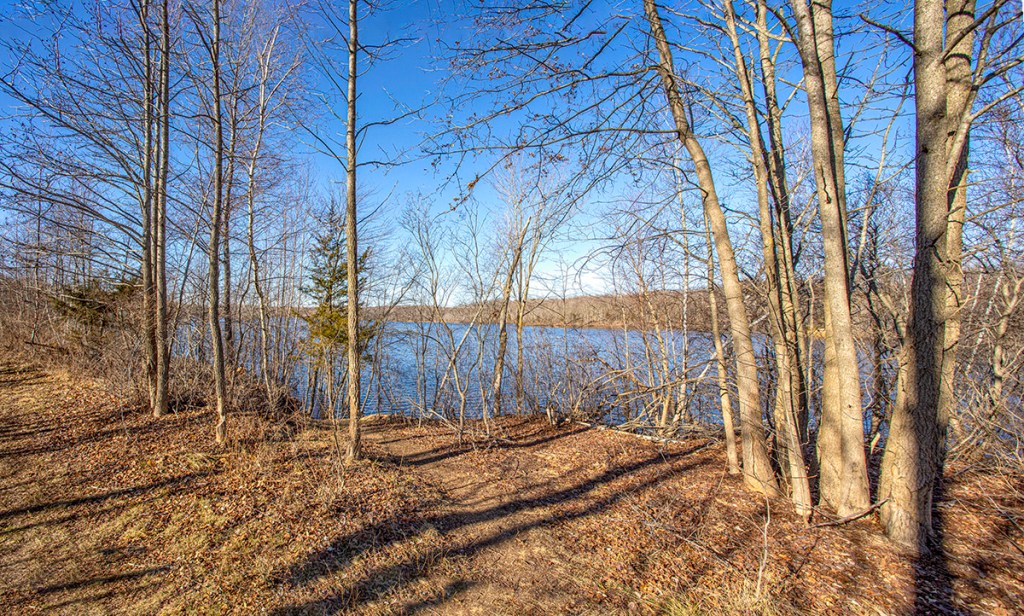
When we were photographing the trees with strong shadows at Plainsboro Preserve for the previous post, I also shot a series of 7 vertical images of Lake McCormack @17mm for a wide panorama. When shooting at wide @ 17mm, I overlap my series of images more than my usual overlapping if using a longer lens.

Audubon Plainsboro Preserve Winter Landscapes With Strong Shadows
Posted on January 13, 2021

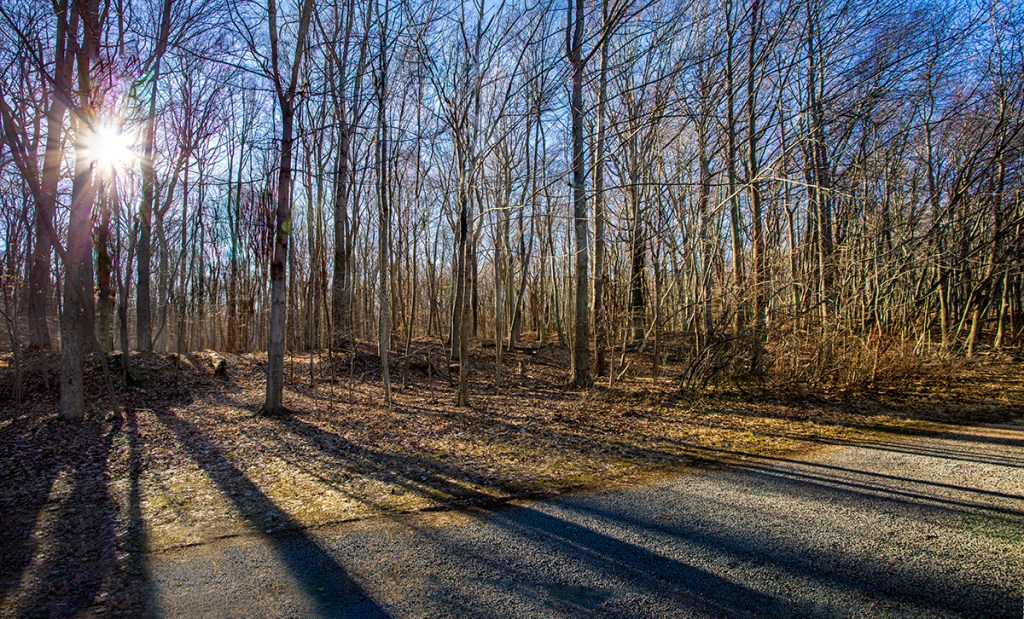
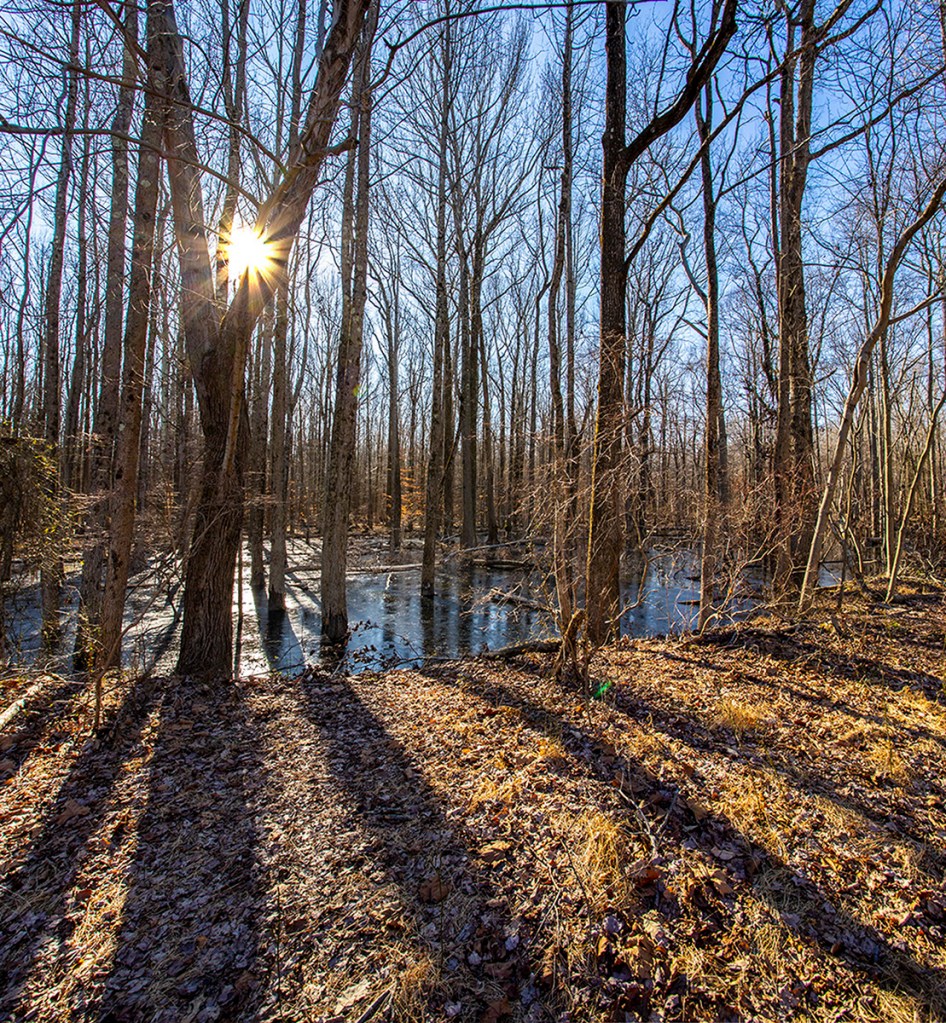
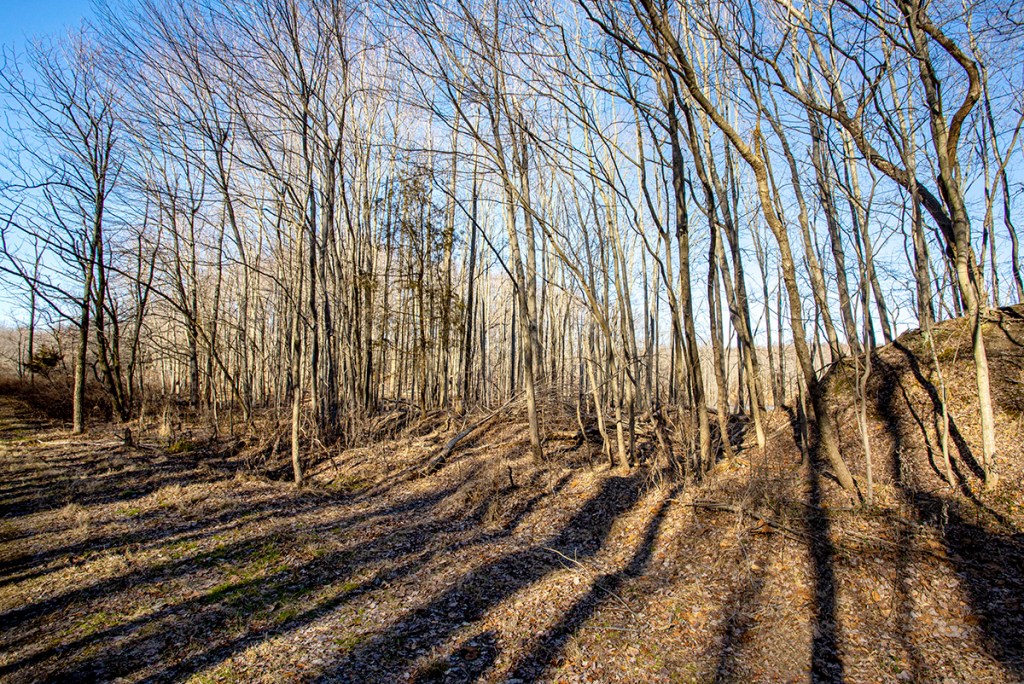
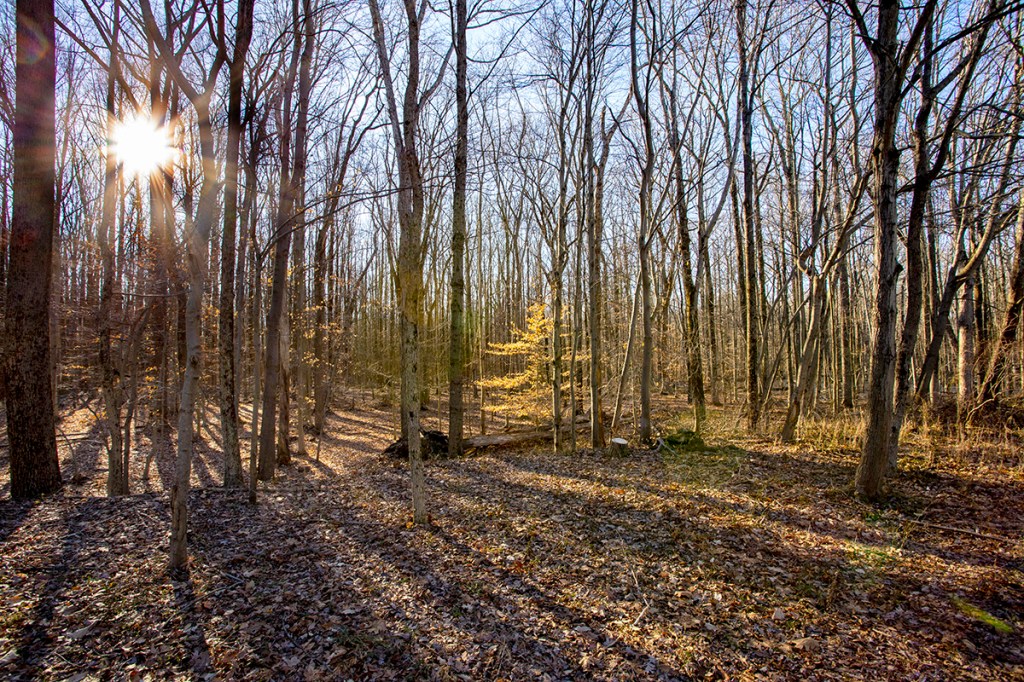
We decided to go for a walk at the Audubon Plainsboro Preserve and see what we could find to photograph. The sun was somewhat low but that made long shadows in the landscapes and great starbursts on the lower sun in the sky. I was using one of my lenses that I do not use much – the Canon 17-40 mm lens.


Multi-Image iPhone Panoramas From Plainsboro Preserve
Posted on November 17, 2020

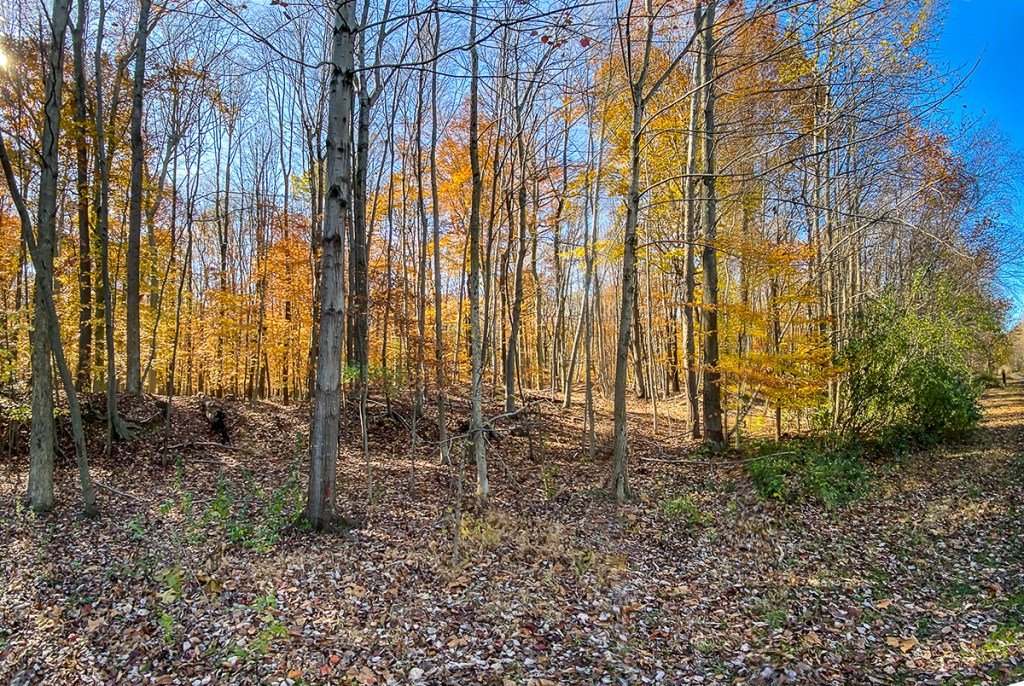
I like doing multi-image panoramas for my landscapes. But shooting with wider lenses on a Full Frame camera, I tend to get more sky & foreground in my images than the areas I want to have as the main subject. With an iPhone 11 Pro using the panorama feature you tend to get a distortion or a “bowing” effect in the middle of the image which to me looks strange or distorted. So for panoramas with the iPhone I shoot a series of overlapping horizontal or vertical iPhone images and “blend” them in Photoshop. Depends on the scene I am trying to capture as to iPhone orientation. If my subject is closer up I would use vertical images, if farther away I would use the iPhone horizontally. On the iPhone 11 Pro if I am using the 1.5mm lens (Field of View on a Full Frame Camera equivalent is ~13mm) I would shoot even more images for the panorama, with more overlapping on each of my images. If using the 4.3mm lens, I would overlap a little less. When using the 6mm lens I could use even less for the image I want to photograph. Basically you have to do a few and see what works best for you. Most of my Multi-Image iPhone panoramas are horizontal images. If doing a Vertical overlap the images more. The featured image is 10 overlapping vertical iPhone 11 images shot with the 1.5mm lens.
The iPhone Camera Lenses Field of View Equivalents:


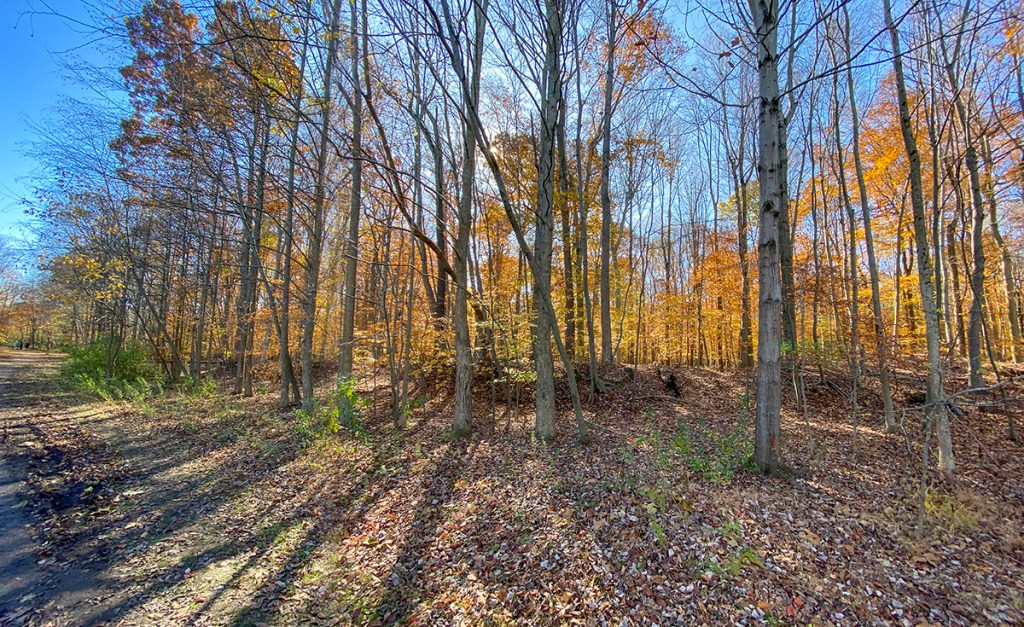


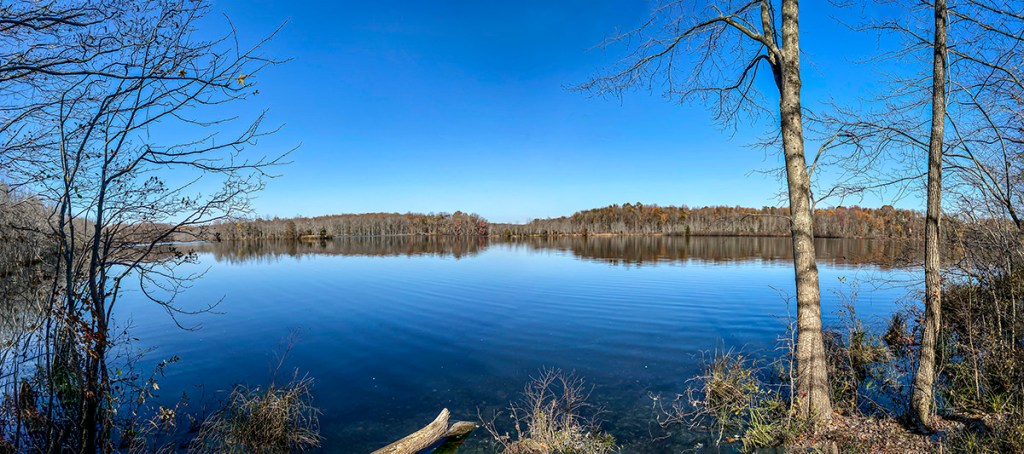

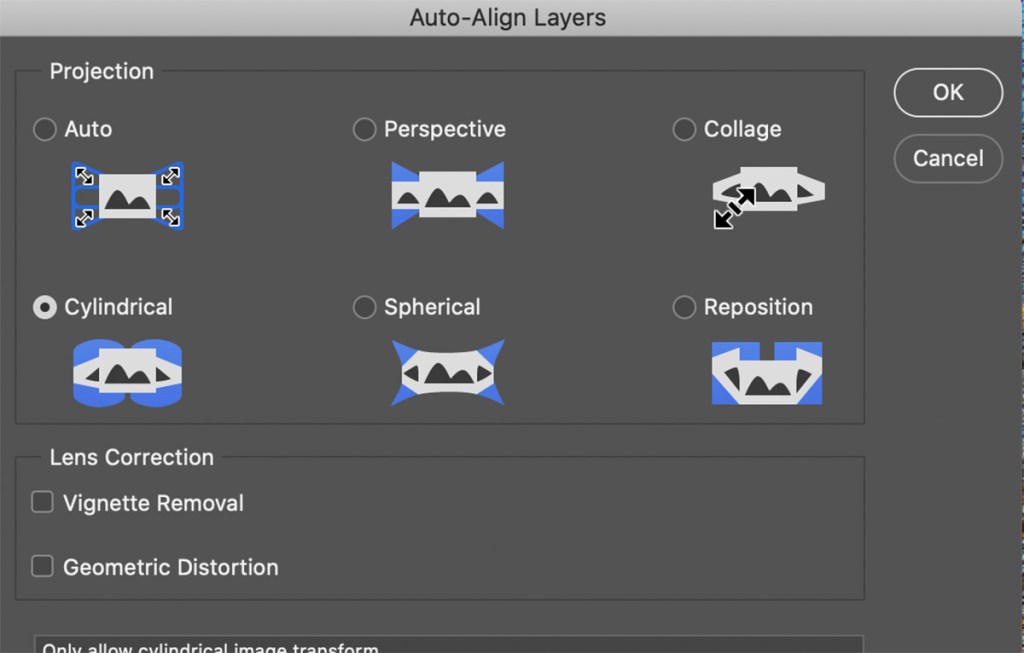
Photoshop Auto-Align Layers Window for Blending The Panoramas. Cylindrical seems to work well for iPhone 11 Pro multi-image panoramas, especially when using the 1.5mm lens.
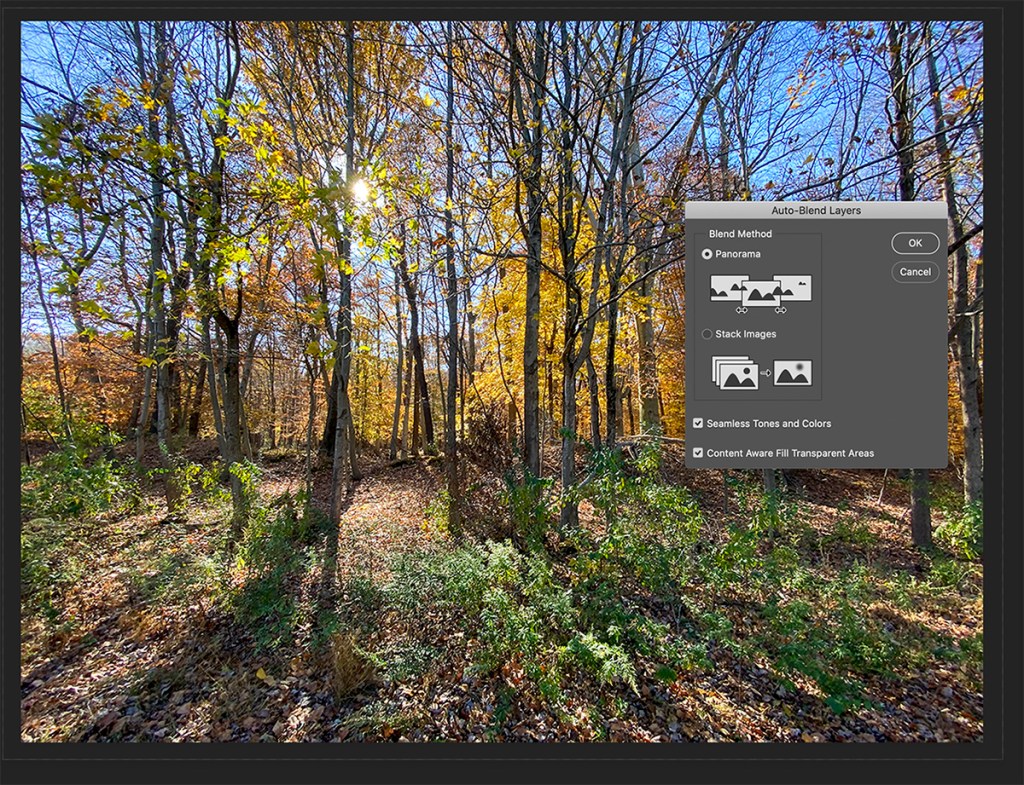
Once you load all the images into Layers you have to Align the layers before blending. With the small lenses in the iPhone 11 Pro, I tend to use the “Cylindrical” setting most often because of the small 1.5mm, 4.3mm or 6mm lenses. But you may have different outcomes. For larger sensor cameras I usually use the “Auto” setting. Also you will have some white or blank areas usually in corners. So while “blending” the layers you can check on “Content Aware Fill” to let Photoshop Fill In these Areas Automatically. If you try one setting and do not like the effect, just go back in History and try a different setting. For Full Frame Digital Camera images I usually use the “Auto” setting.
Plainsboro Preserve Landscapes @ 12mm & 24mm
Posted on October 29, 2020

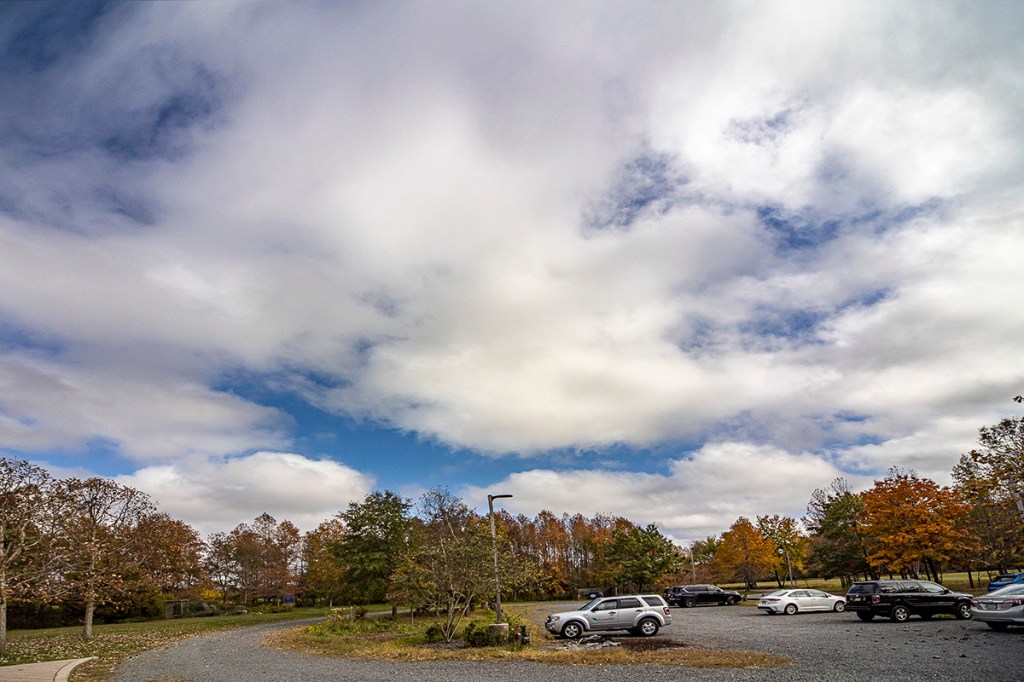
We went to Plainsboro Preserve to take a walk and to see what we could find to photograph. Looking outside before we left we saw the clouds were amazing. So I decided to travel light and only brought a 12-24mm lens on a Canon R, thinking I would concentrate on landscapes with the clouds. And if I saw something else interesting I also had my iPhone 11 Pro. The Plainsboro Preserve includes over 1,000 acres of undisturbed open space with nature trails and the 50-acre McCormack Lake. The New Jersey Audubon Society manages the preserve on behalf of Plainsboro and Middlesex County County, NJ.
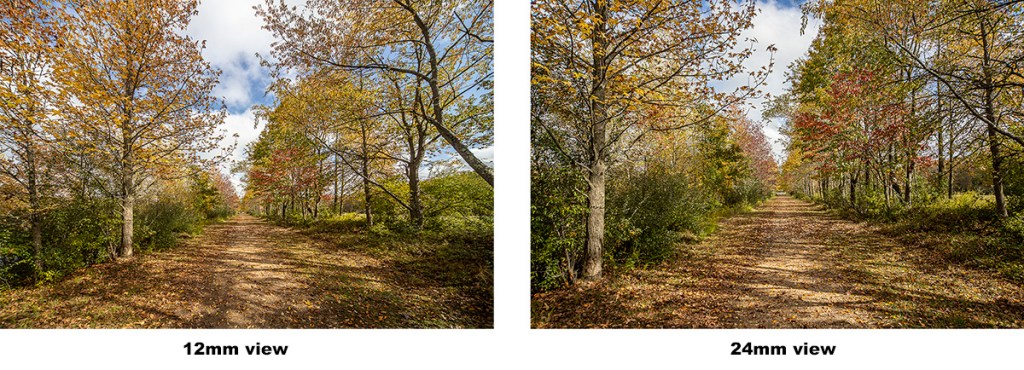

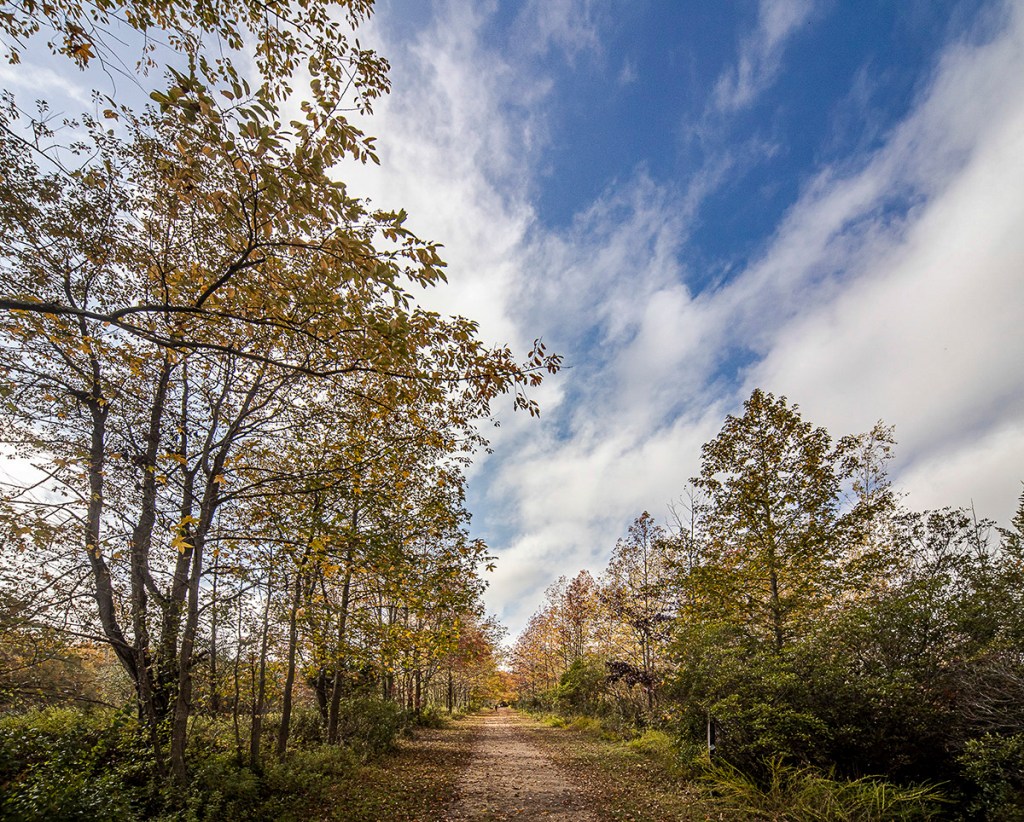


4 images @ 12mm, 2 overlapping images top half, 2 images overlapping bottom half, Canon R

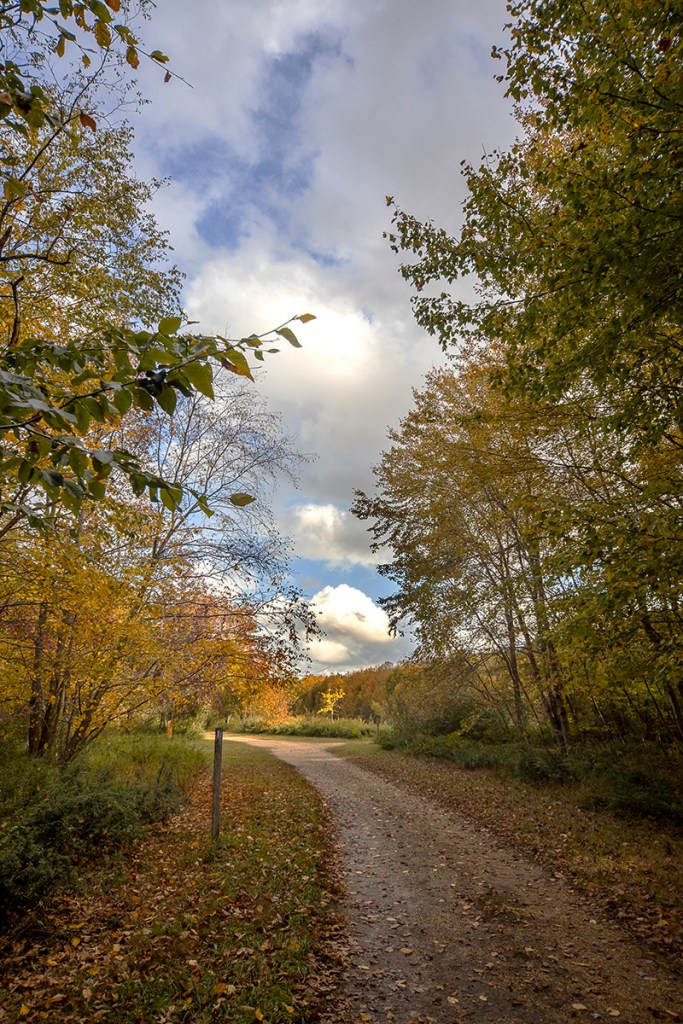

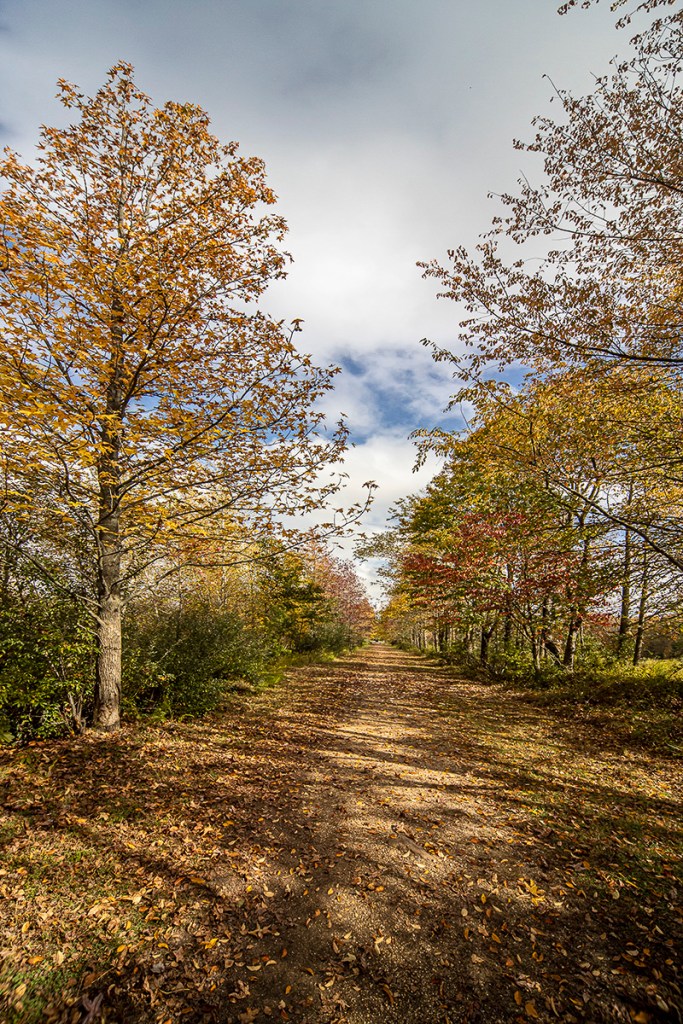
Mc Cormack Lake Multi-Image iPhone Panoramas
Posted on October 27, 2020

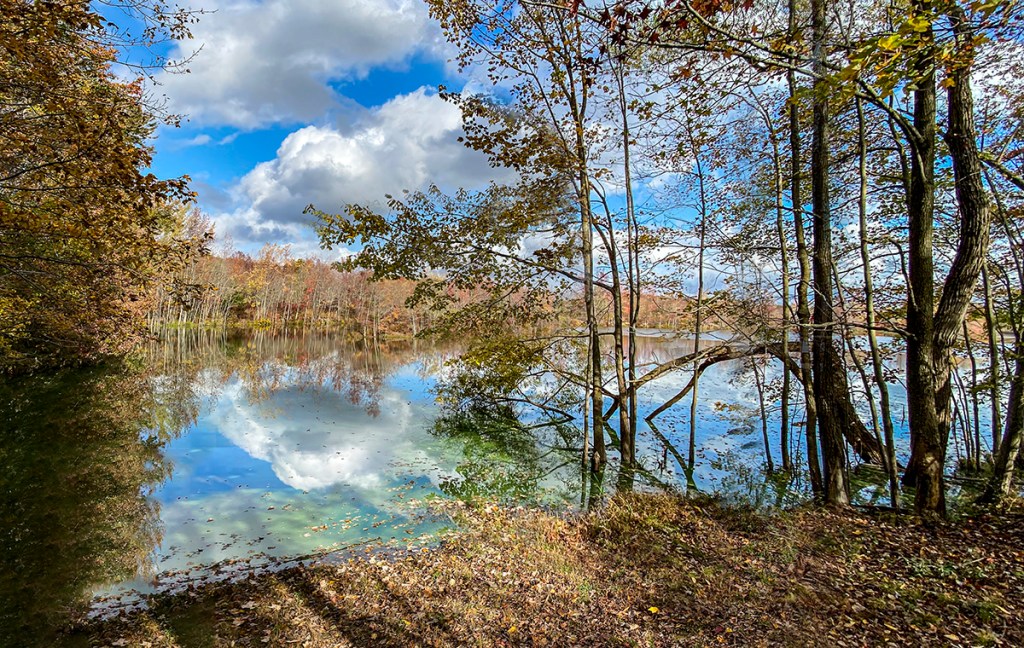
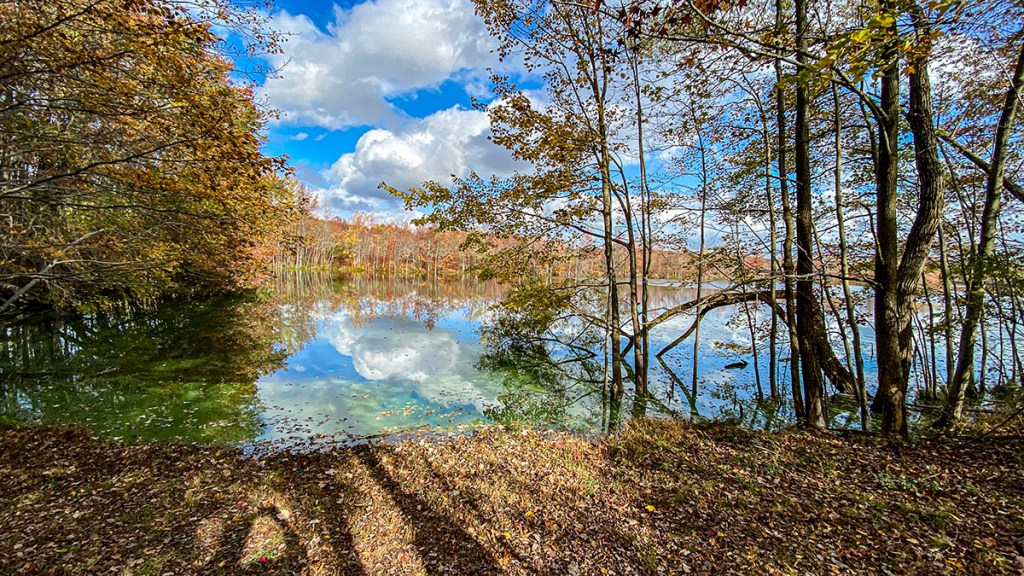
On our recent walk at Plainsboro Preserve, we took a different trail that took us to the farthest viewing point of McCormack Lake. We had never been at this spot in the woods before. There were many trees in the way, but I liked the view looking through the trees seeing the distant shoreline with the trees & clouds across the Lake. I was using a Canon R with a 12-24mm lens, but for this post I am only using the images I shot with my iPhone 11. Most of these iPhone images are multi-image shots to get wider views or a little taller views to get more foreground & more of the clouds. The featured image is 4- iPhone 11 Pro images with the 1.5mm lens to get more width and more sky & foreground. On a Full Frame camera this would be approximately equivalent to a 13mm lens field of view.


Female Common Whitetail Dragonfly
Posted on June 30, 2020

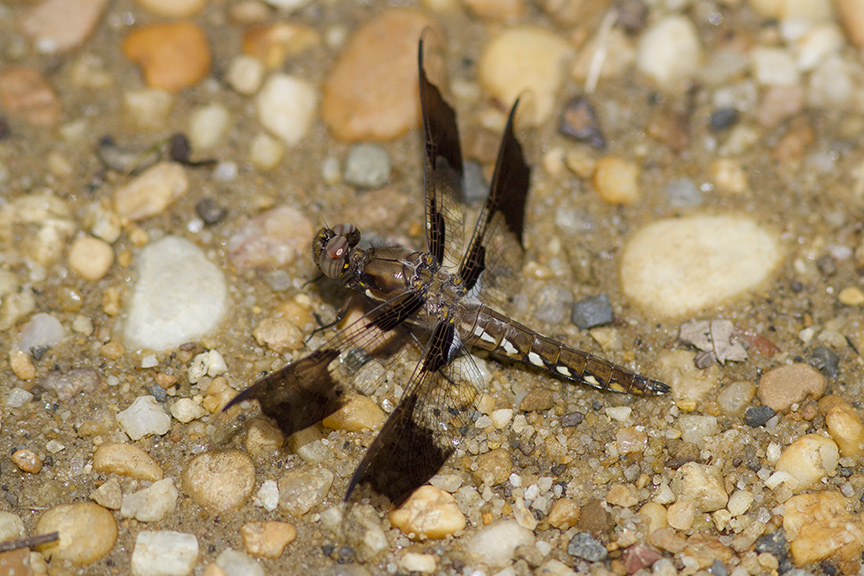
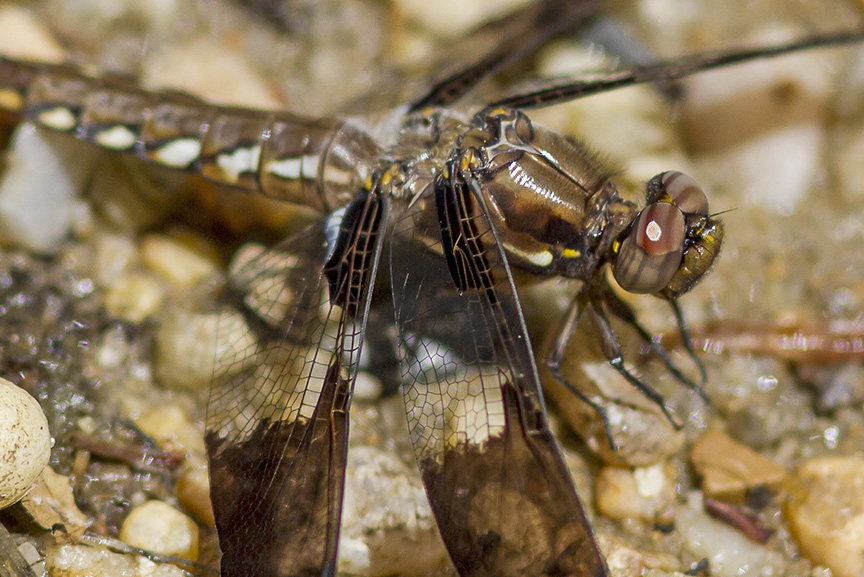
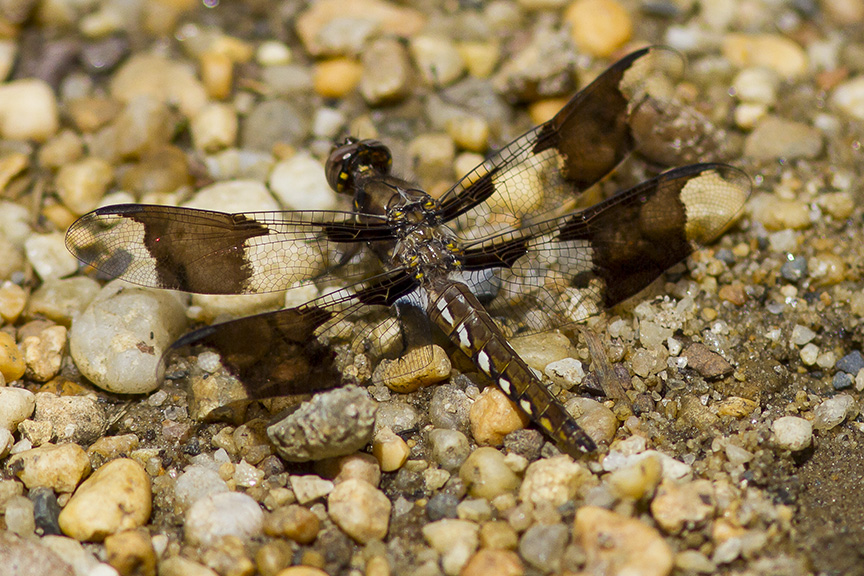
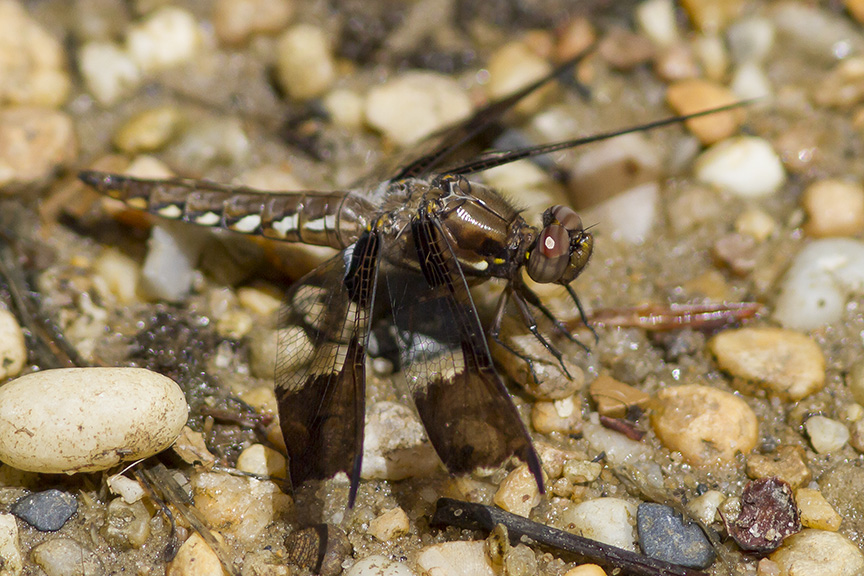
A few images of a female Common Whitetail Dragonfly taken along a walk at the Audubon Plainsboro Preserve in NJ. I was using a Canon 300mm f/4 lens on a Canon 7D, mainly because it was lighter to carry for a long walk. The background is a little busy with the sandy & pebble path. But it cooperated by not flying off!
 photoartflight