 photoartflight
Moving Wings – Female Eastern Forktail Damselfly
Posted on June 17, 2020
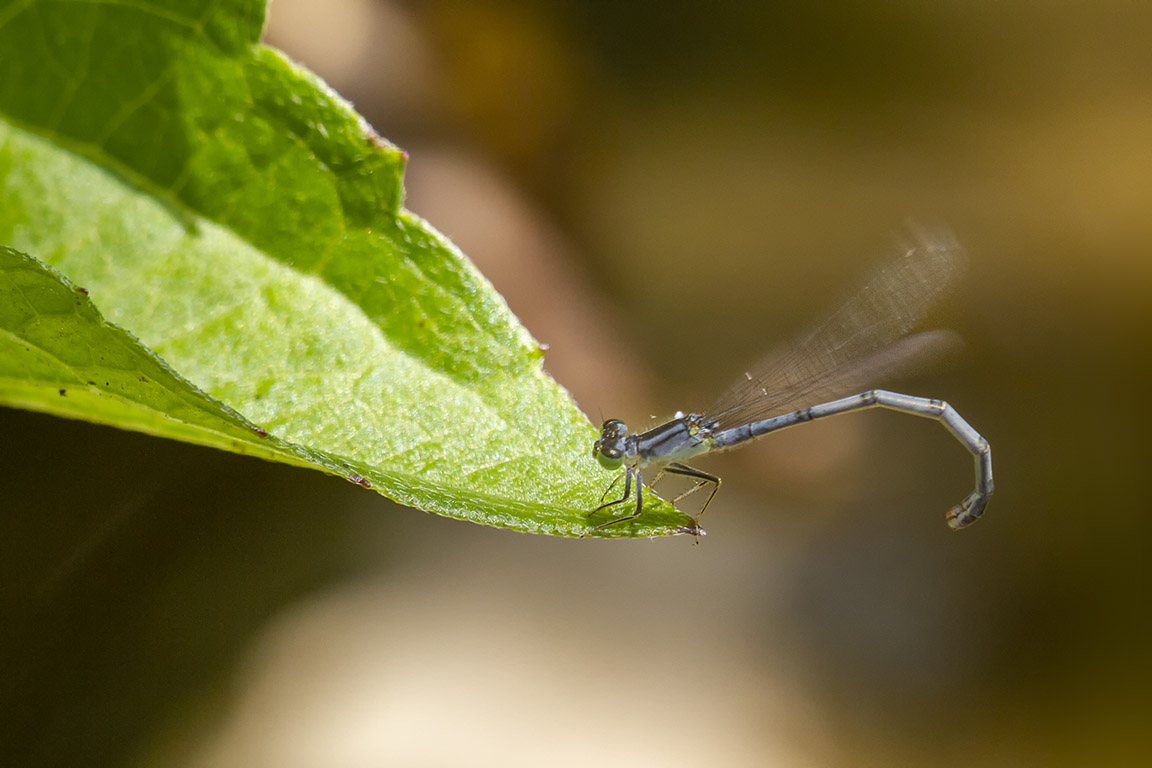
I noticed this Damselfly on the tip of a leaf that was hanging over the water’s edge. I believe it is a Female Eastern Forktail Damselfly. I was using a 150mm Sigma macro on a Canon 7D. So I could not get closer, but thought it was still interesting because of the moving wings. I was surprised the wings had that much motion blur because I was shooting @ 1/250 @ f/4 for a smoother background.
Damselfly 8 Image Focus Stack
Posted on June 11, 2020
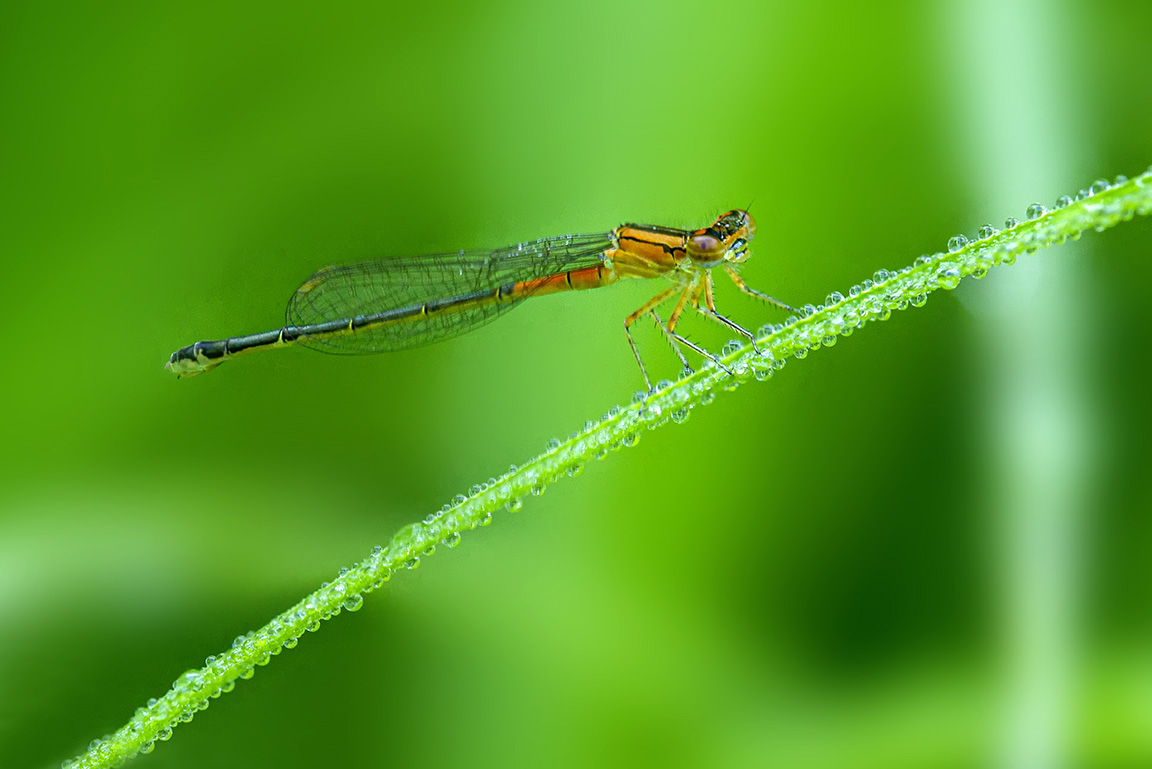
When I was photographing this Damselfly, I decided to shoot with the aperture wide open. I wanted a very smooth background to highlight the Damselfly and the water drops and keep a smooth background. So I shot a series of 8 images focusing on the Damselfly and the water drop covered stem. I shot a series focused on 8 different focus points, going from left to right. I was using a Sigma 150mm Macro with a 2x teleconverter. With the 2x teleconverter on my 150mm f/2.8 lens, my maximum (Aperture) f/stop was f/5.6 wide open. (With a 2x teleconverter you loose 2 stops). I loaded the 8 images into 1 Photoshop layered file and used Photoshop to automatically align the 8 layers in the file. Next I used Photoshop to automatically pick the the sharpest areas & soft background areas in each layer for the final image. I saved that file in case I need to make minor touch ups here or there. After that I flattened the layers for my final image.
Bleeding Heart Panorama & Focus-Stacking For Smoother Backgrounds
Posted on May 12, 2020

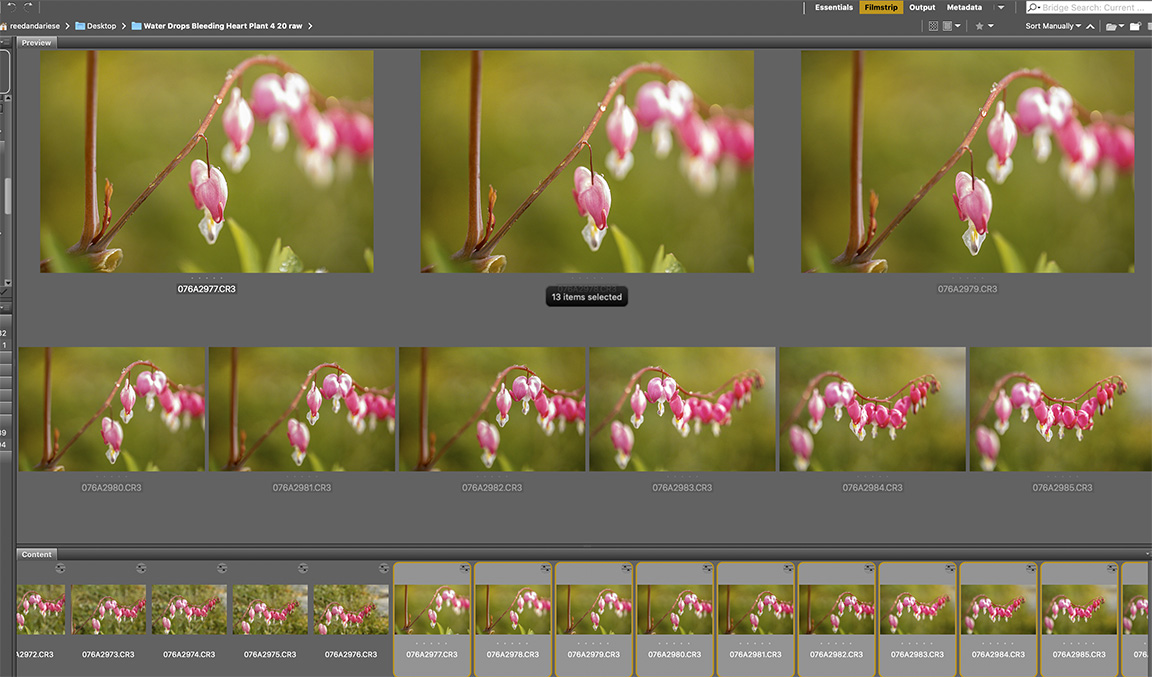
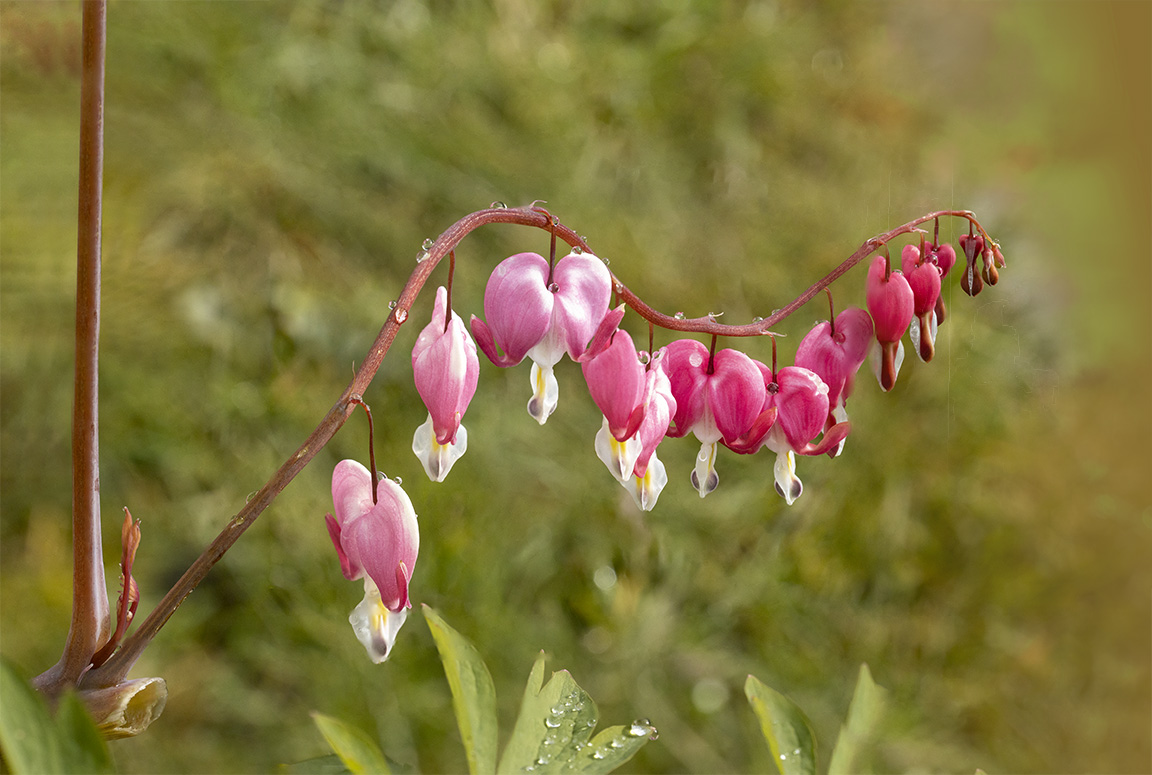
After a heavy rain the other day I went out to see if I could find some interesting subjects with water drops to photograph. I wanted to use Image Stacking for more detail in the water drops and main subjects, but still have softer backgrounds. This is one of the first subjects I came upon. I was using a Sigma 150mm f/2.8 macro lens on a Canon R. These are all handheld because it was difficult to get the view I wanted using a tripod. The featured image is 13 images shot from left to right @ f/2.8. Each image in the panorama series is manually focused for the area needed in focus as I shot along the subject to keep a softer cleaner looking background.
8 image handheld panorama focused stacked stopping down to f/11 – giving a much busier looking background
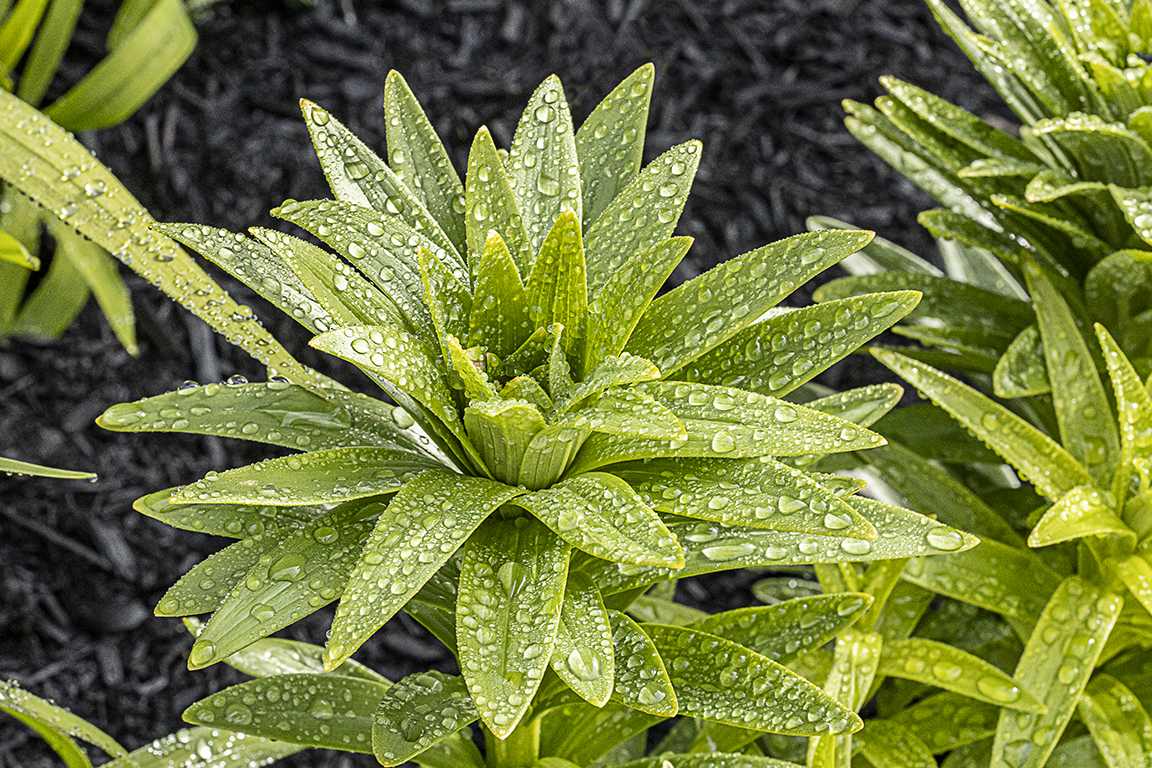
18 image stack @ f/8

8 image Focus Stack – f/16
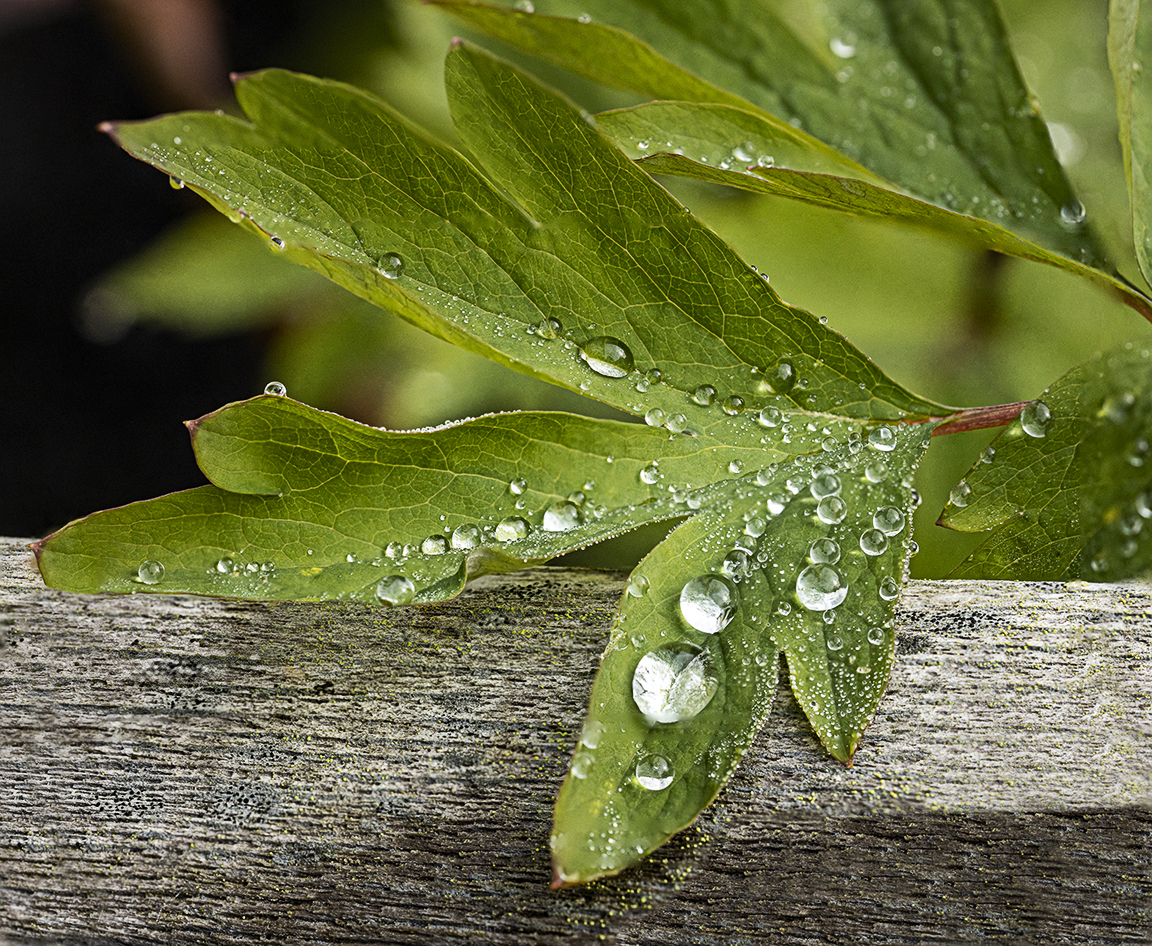
12 Image Focus Stack @ f/8
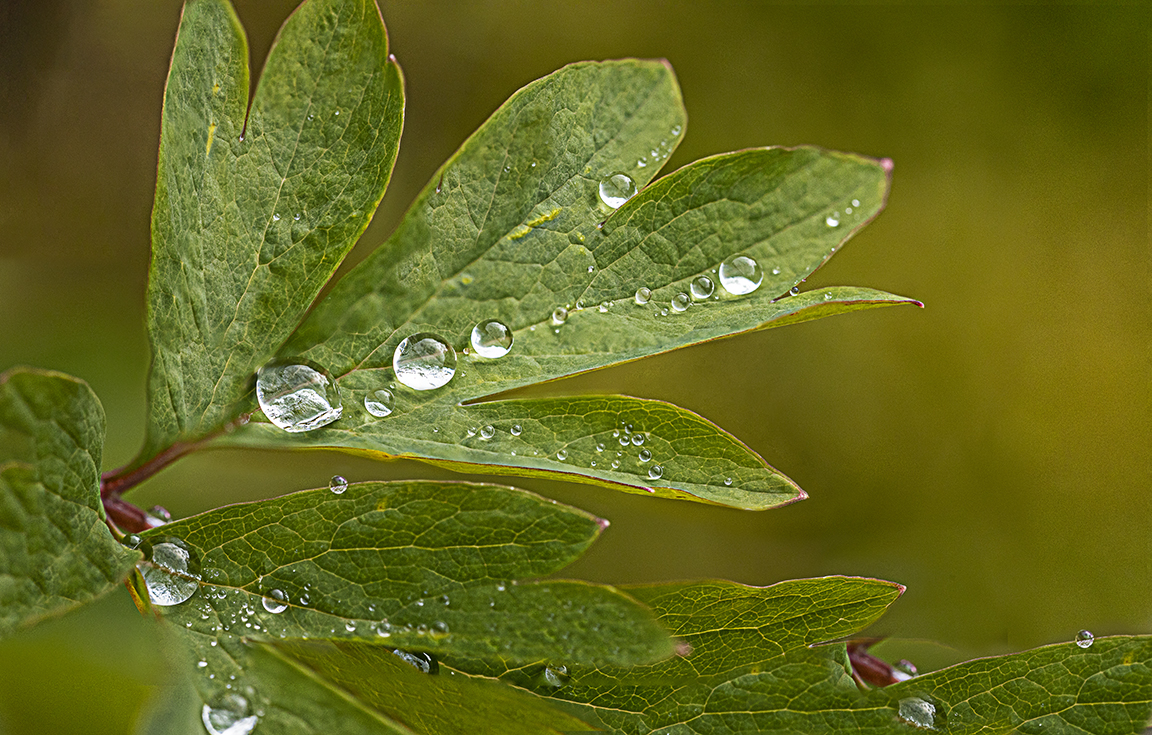
9 Image Focus Stack f/5.6

7 Image Stack @ f/8
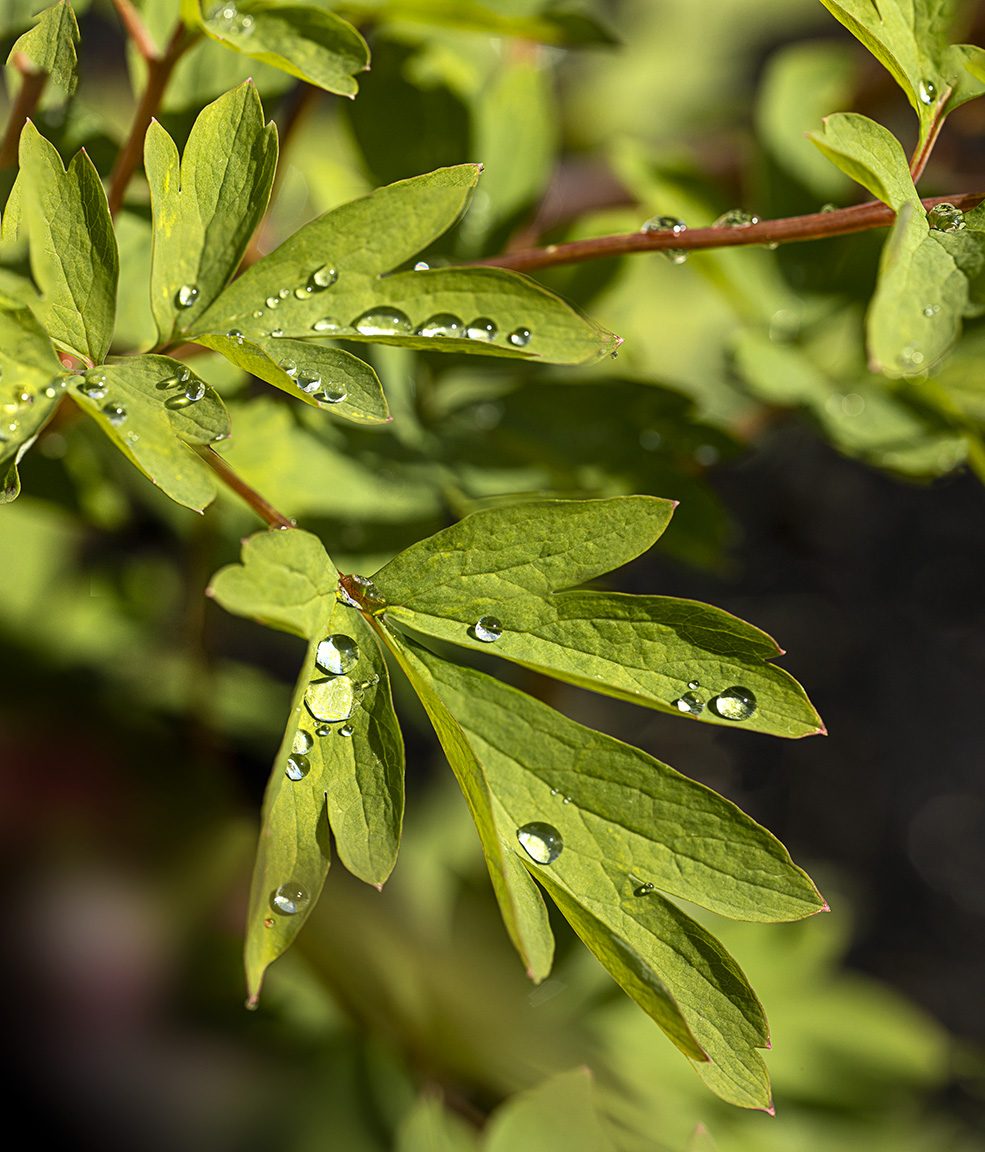
18 image stack @ f/8 for a much wider focus range.
Image Stacking For Detail With Soft Backgrounds
Posted on April 16, 2020

Quite often I use Image Stacking techniques for my macro images. This works best if you are using a longer macro lens for shallower depth of field & softer cleaner backgrounds. I shot with the lens wide open and take images starting from the closest area I want in focus & ending where I want the background to go softer. The image I chose for this blog is one I photographed years ago. It was photographed using a tripod with a Sigma 150mm Macro lens & 1.4x Canon Teleconverter. I also went a little overboard on layers, but because I was using a 150mm lens with a 1.4x Teleconverter I shot more focus points than usual. I ended up with 44 images in this stack. But shooting @ f/2.8 & adding the 1.4x teleconverter it was actually f/4 (Wide Open). I started from the bottom of the image & worked my way up to the top. You can also not use all the layers if you want to select where the softness ends or begins. Here I purposely ended where I wanted it to end. You can also use a smaller aperture / larger f/stop number to use less images for the stack but I like the smoother background.
I then load all the images into one Photoshop layered file and select all layers.
A) Under Edit – chose Auto Align Layers

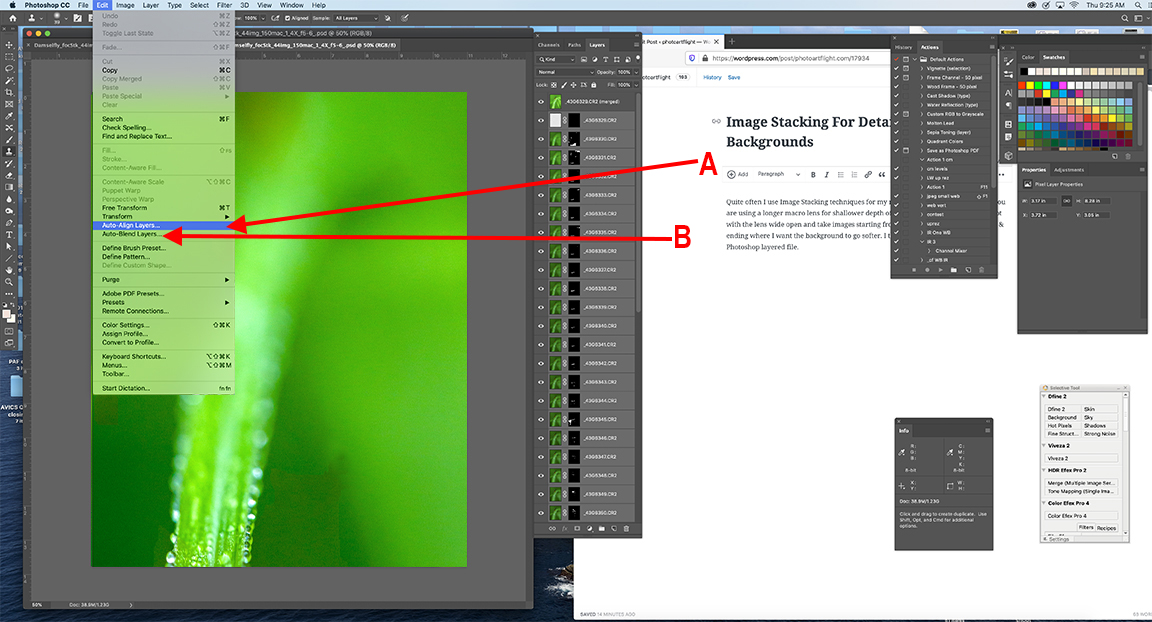
(B) then select Edit – Auto-Blend Layers – for final blending.
Below is Final Blended file on the top layer in Photoshop with all the sharpest sections of each Layer (masked) below the final layer.

I use this technique with my macro images mainly to get the greatest detail on my main subject and the softest backgrounds behind them. You can also control how much sharpness you have on your subject and where the softness starts. With practice the results get more reliable for what you are envisioning when you are photographing them. Also you can change your mind after you captured the series and have the detail or less detail where you want it while you are adjusting your files.
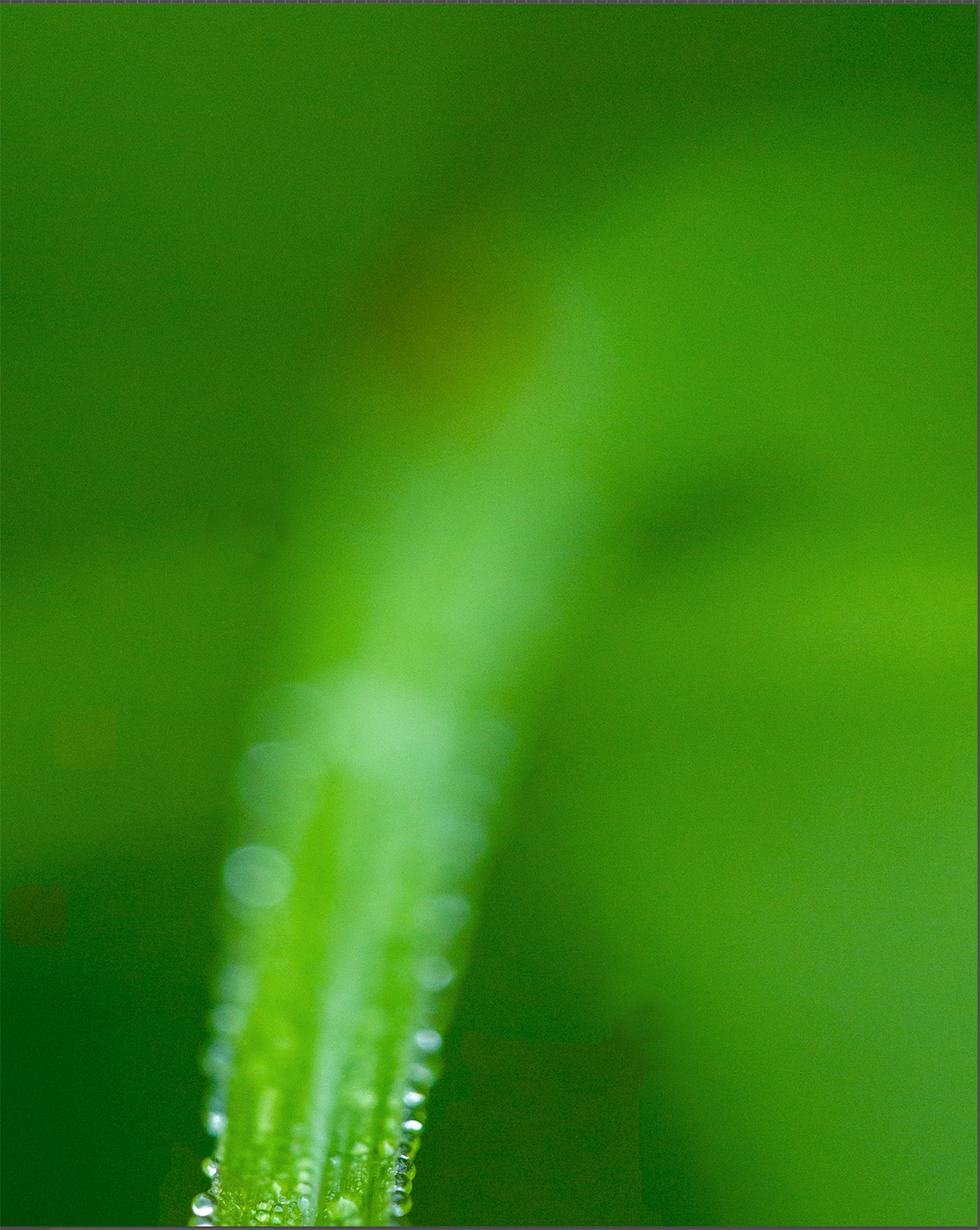
First Image in Series
Macro Sampler
Posted on April 11, 2020
WARNING _ LONG POST!!
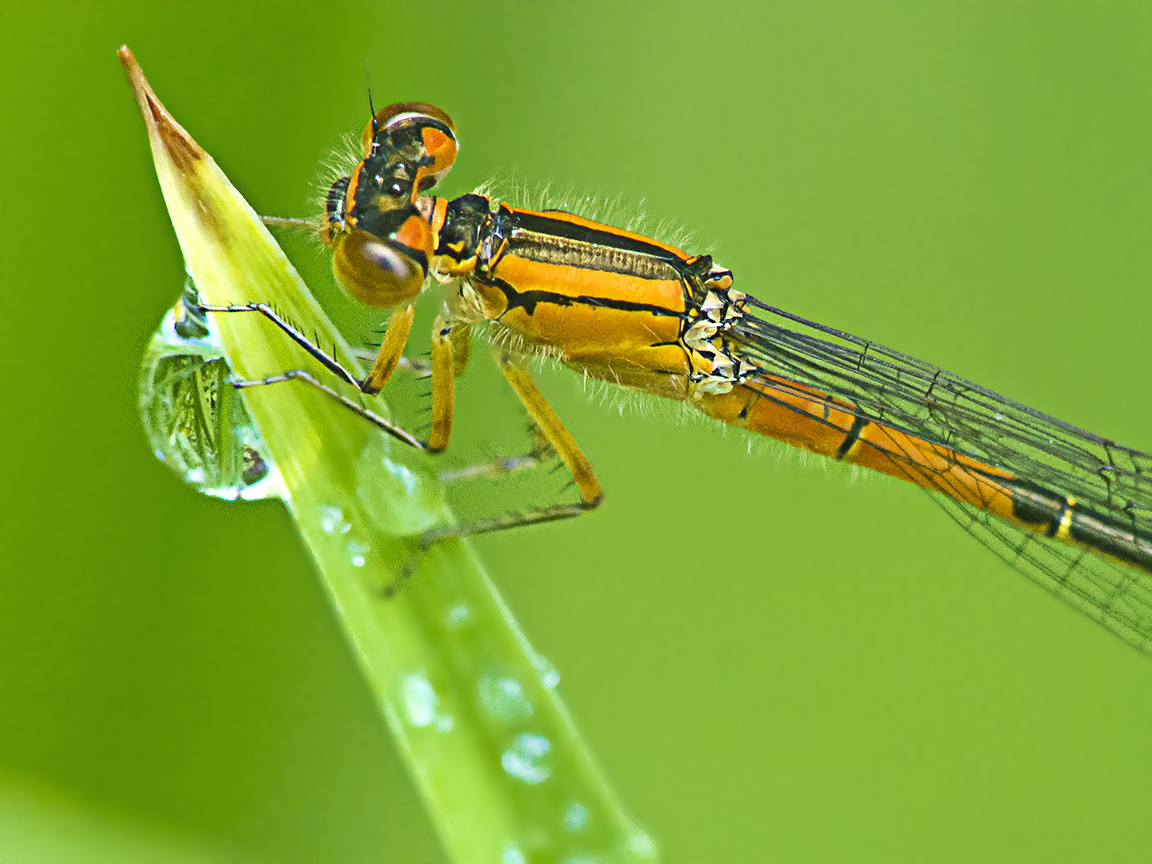
Being we are not supposed to be out and about, especially here in NJ, I thought these images would give some an inspiration to see what you can find interesting to photograph in their own yards or close to home. You can post yours so we can see what is happening in others areas. They closed all the Parks and other outdoor spaces here and limit travel basically only for food & essentials. They are even limiting the amount of people in the stores. So here are some macro images I have taken in my own yards over the years with different types of cameras and lenses. I tend to use a variety of cameras, lenses & different types of m43 and Canon Cameras. Many times for macro images I adapt older Canon FD manual focus lenses on my m43 Panasonic or Olympus Cameras. Doing this I get an approximate FOV of 2X on these manual focus lenses plus get a longer working distance to my subjects and with increased depth of field (in simple terms). It is fun to see what you can come up with. The featured Damselfly image is taken with a Canon FD 200mm f/4 macro lens on a m43 camera. My most used FD macro is the 200mm because it gives me a longer working distance to my subjects. The following sampler of macro images are with both m43 Cameras and Full Frame Canon Cameras for an interesting Macro Mix.
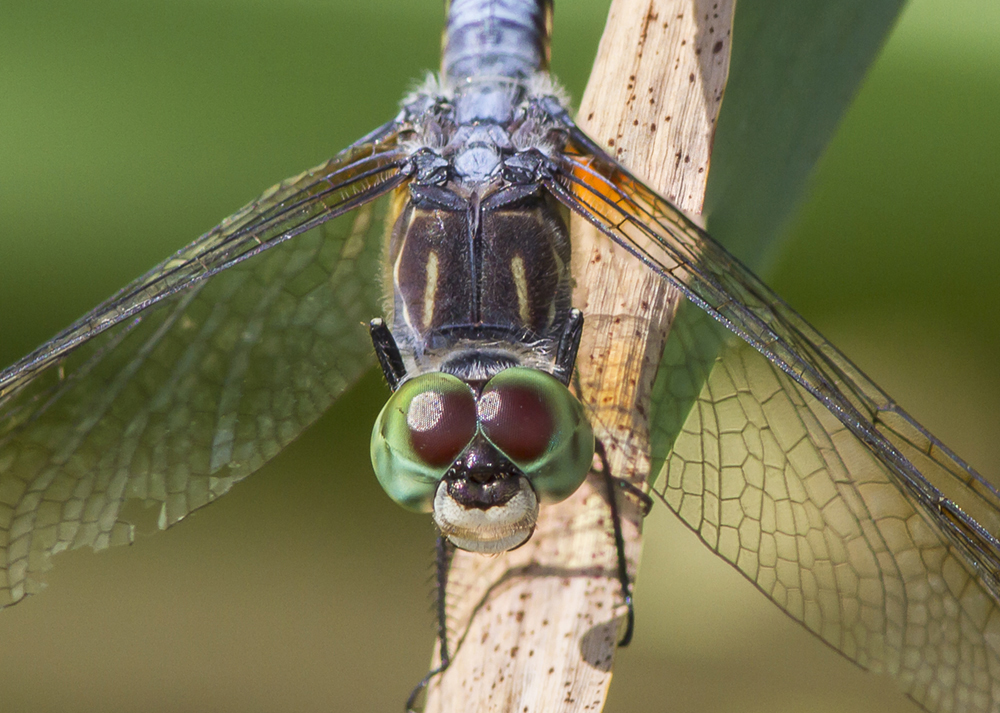
Blue Dasher Head Shot – 200mm Canon FD Macro on m43 Camera (Full Frame Equivalent View – FOV ~400mm)

Praying Mantis Portrait – 150mm Macro Canon R

Eastern Pondhawk – 200mm Canon FD lens on m43 Camera (Full Frame FOV ~400mm)
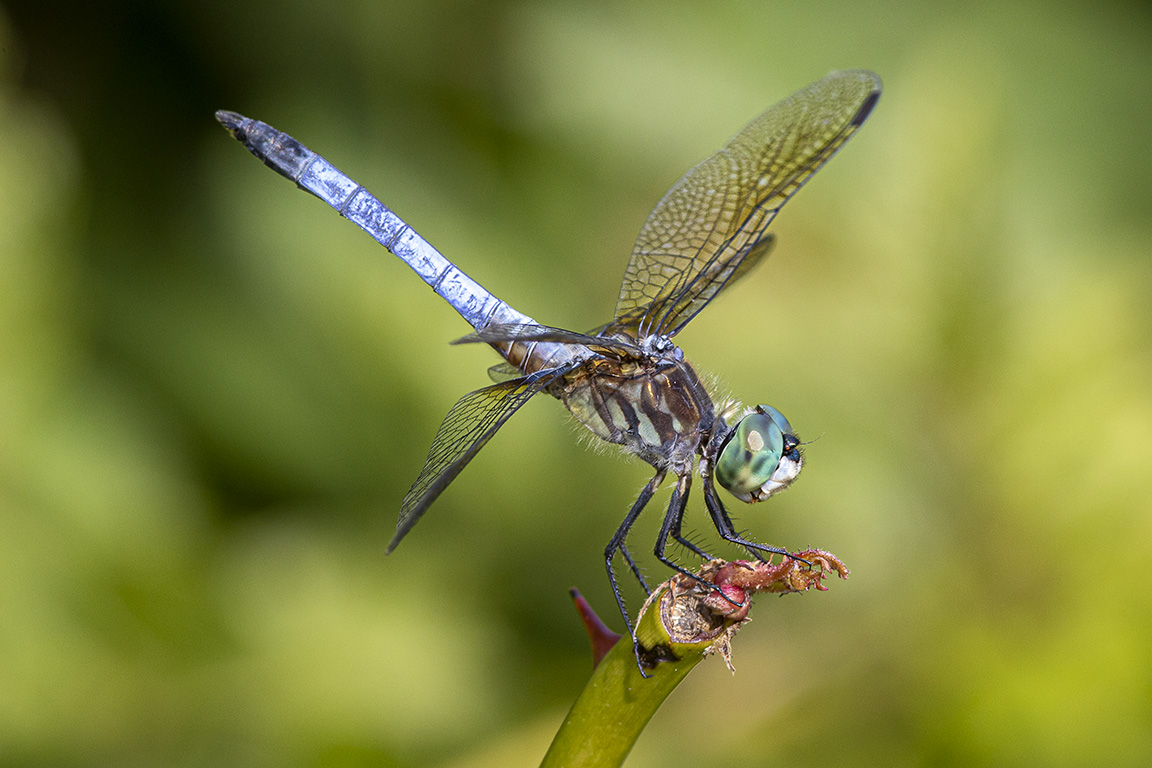
Blue Dasher, Male – 300mm Canon EF lens with 1.4X Teleconverter

Water Drop Panorama – 2 images, 200mm Canon f/4 FD Lens, m43 Camera

Water Drops After Rain – 3 image Panorama, 200mm Canon FD lens – Panasonic m43 body
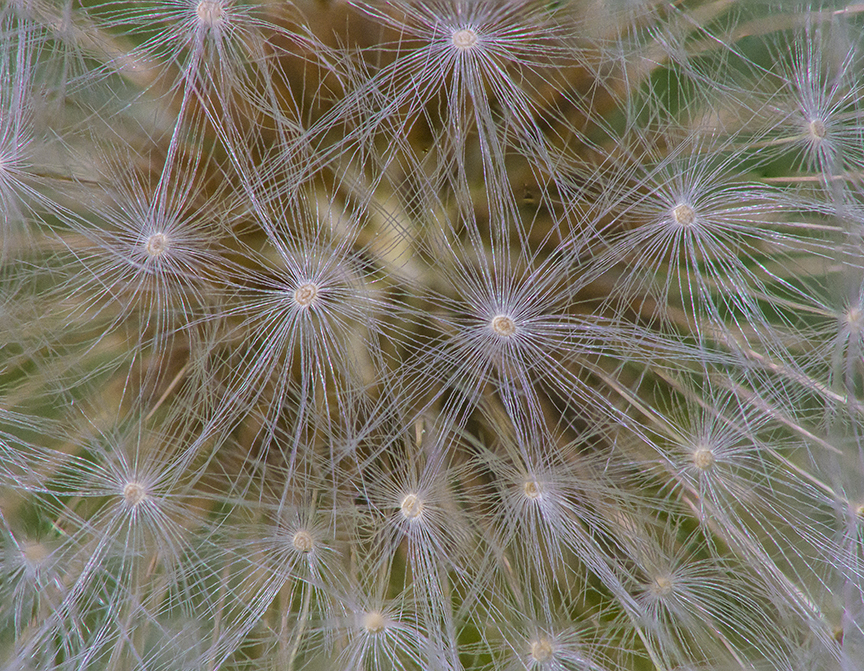
6 image Focus Stack & Pano – 200mm f/4 FD Canon Lens on Panasonic m43 Body

Dandelion 7 image Pano & Image Stack, 200mm Canon FD lens, Panasonic m43 body
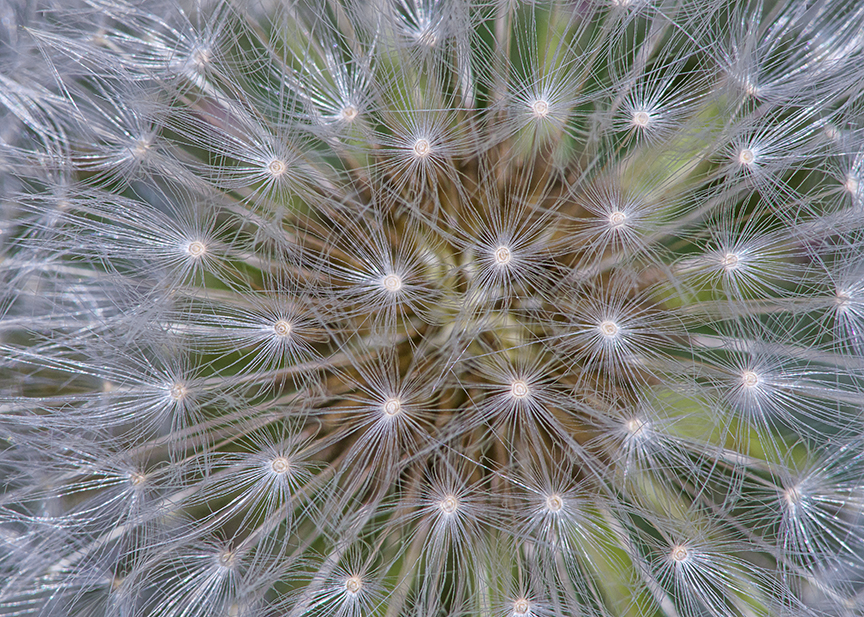
Dandelion 5 image Image Stack for more Depth of Field, 200mm Canon FD lens, Panasonic m43 body

6 image, 200mm Canon FD macro, Panasonic m43 Body

1 shot, Canon FD 200mm Macro, Water Drop, Panasonic m43 Body
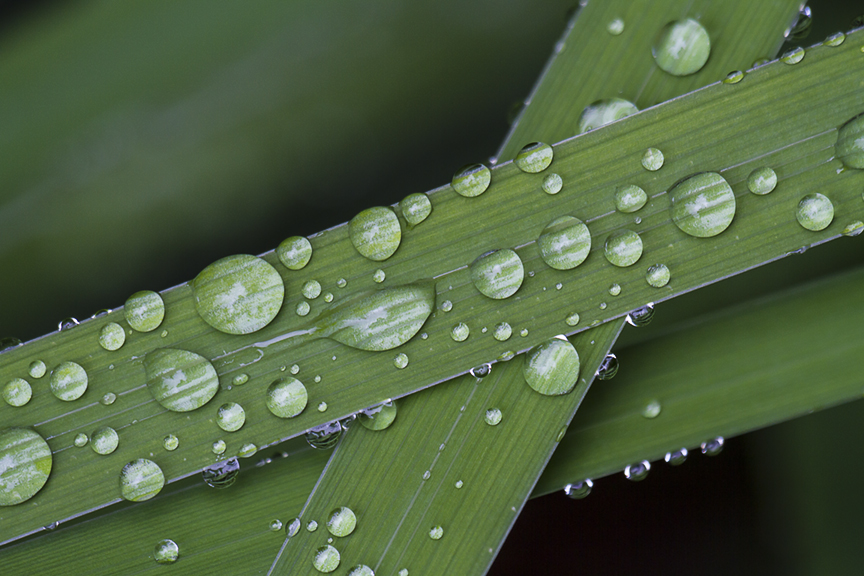
200mm, Single Image – Aligned camera so I was shooting straight in to subject eliminating the need for stacking multiple images.

Water Drops – Single Image

Female Blue Dasher Head Shot – 100mm Canon FD macro lens

Damselfly – 200mm FD Canon Macro lens

Flower detail – 200mm Macro lens, Panasonic m43 Camera
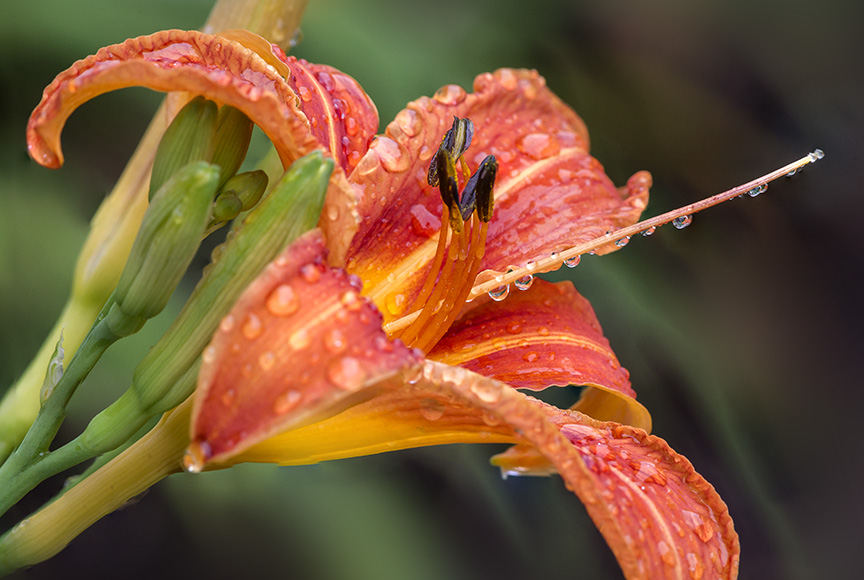
Day Lily After Rain – FD 200mm, m43 Camera
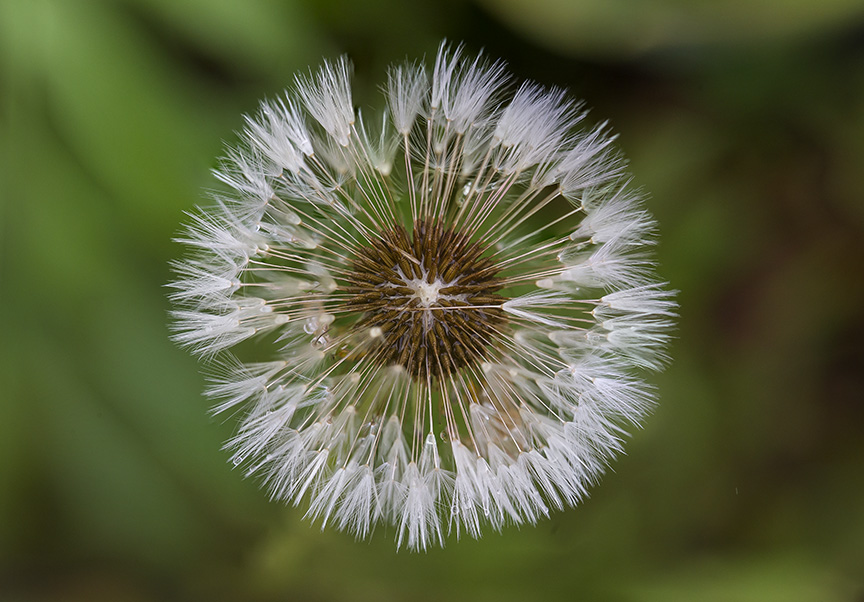
4-images stacked in CC Photoshop, 150mm macro @ f/8
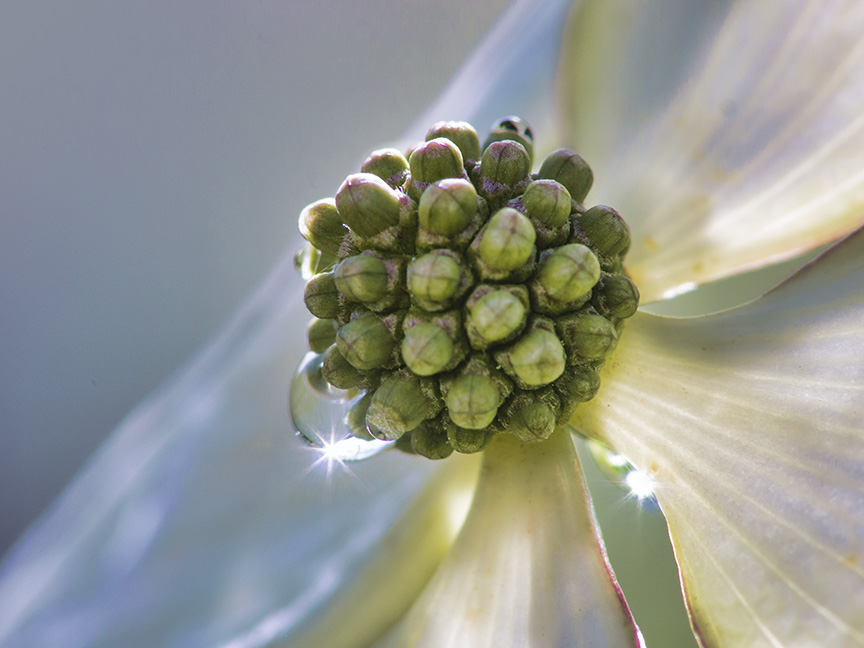
Starburst on bud, 200mm FD on m43 Panasonic Camera
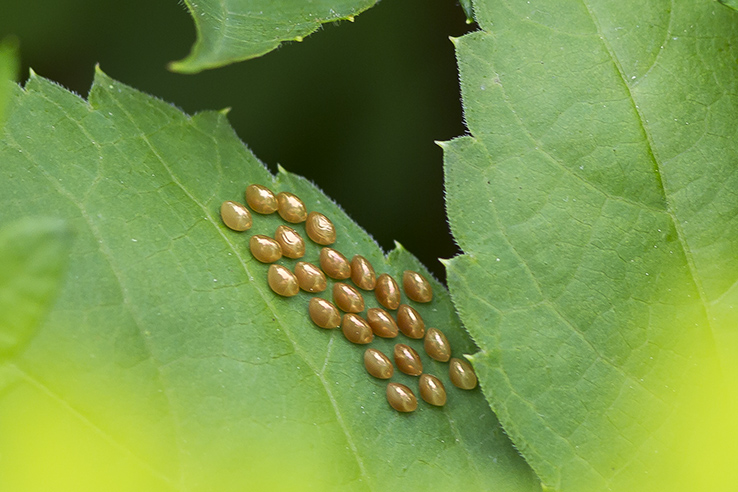
Milkweed bug eggs on leaf – Panasonic m43
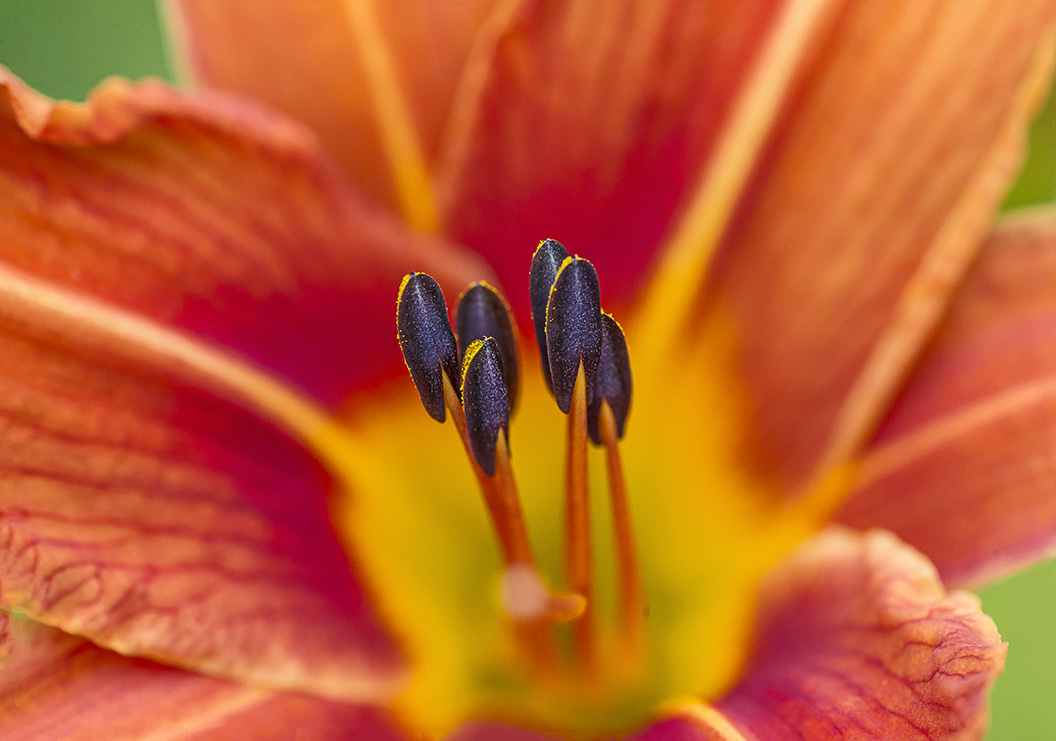
Day Lily Stamen v1 – Short Stack (2 images) for softer background
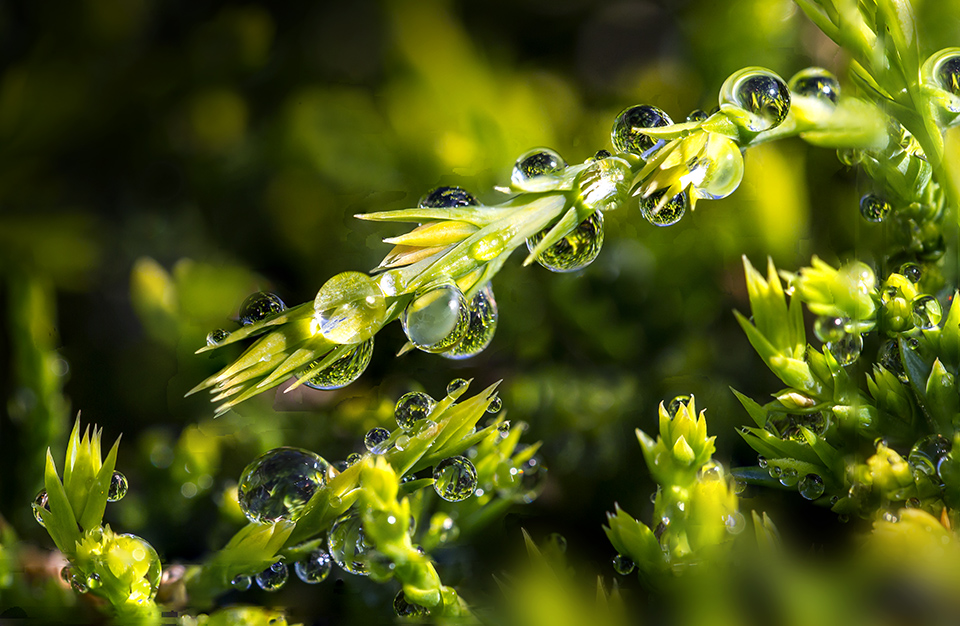
Water Drops after the Rain – 10 images @200mm m43 Olympus Camera

3 image Short Stack – @200mm m43 Olympus Camera
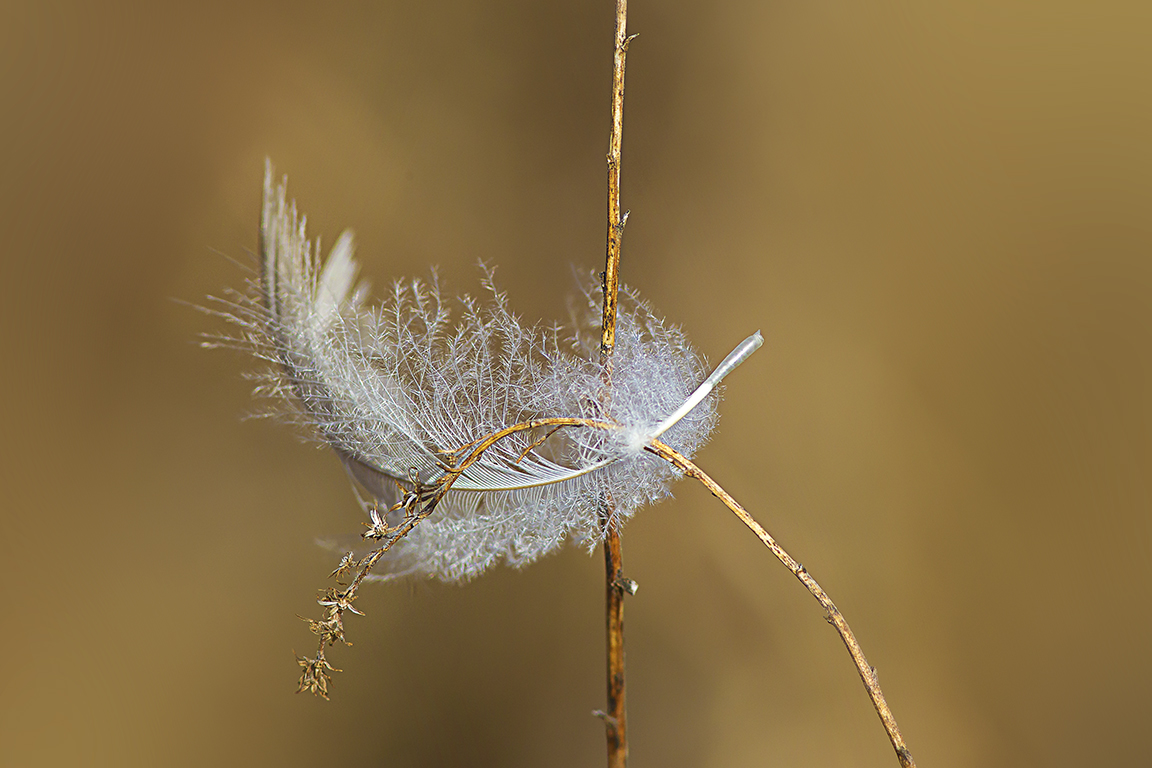
Single Shot – 200mm @ f/4 for Softer Background
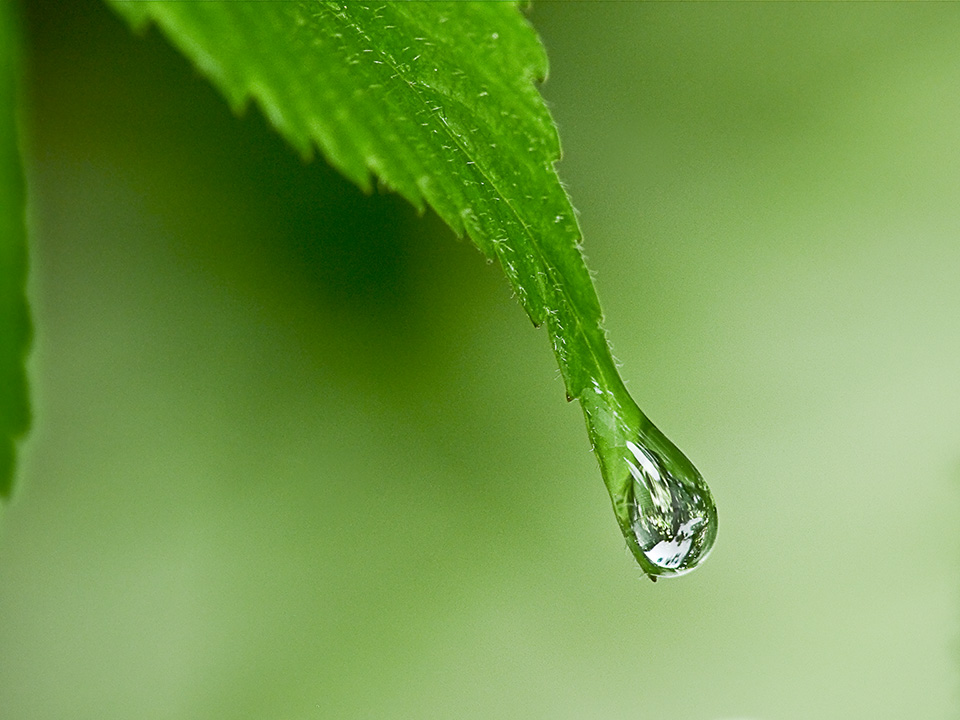
Water Drop On Leaf – 50mm, Panasonic m43 Camera


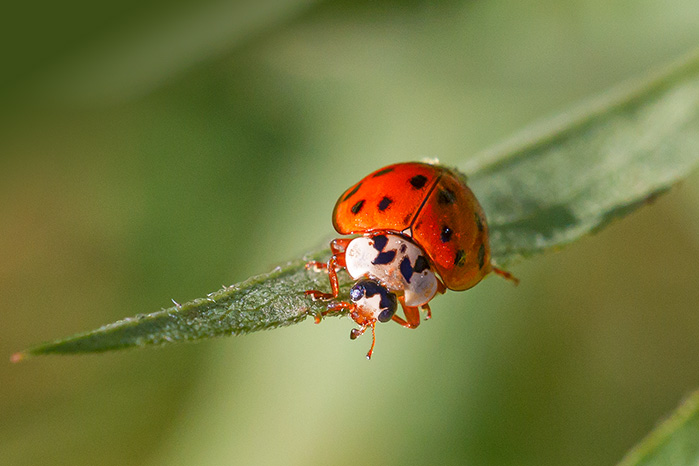
Lady Bug – 100mm macro

Echinacea Multi-image Pano, 200mm FD Macro lens, Panasonic m43 Camera
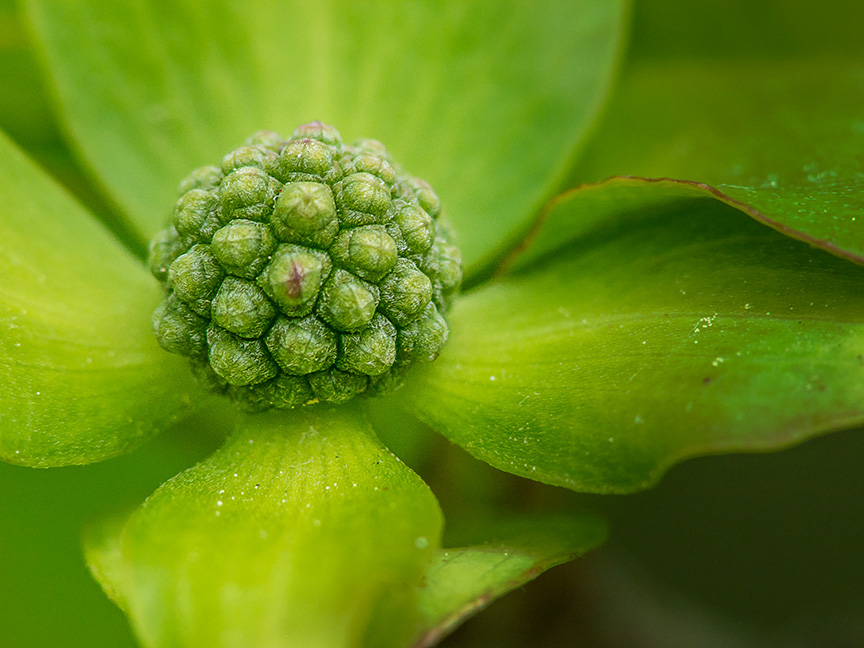
Korean Dogwood – 200mm, m43 Camera

TreeHopper (?) 200mm, Panasonic m43 Camera
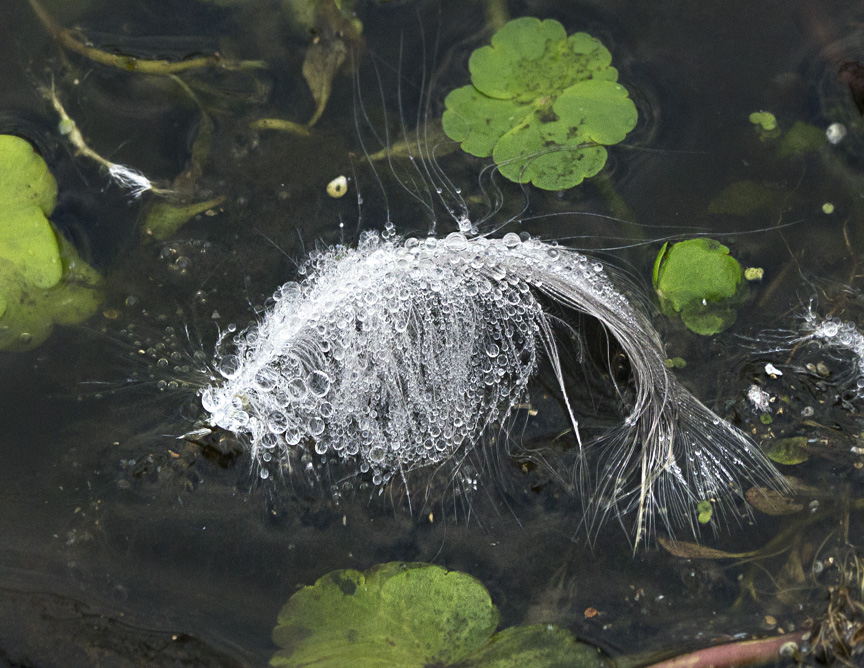
200mm macro, RainDrops on Feather (looks like a fish) Panasonic GH2

Multi-Image Zinnia Image, 200mm m43

Teneral Eastern Forktail Damselfly, 200mm Canon FD lens, Panasonic m43 Camera
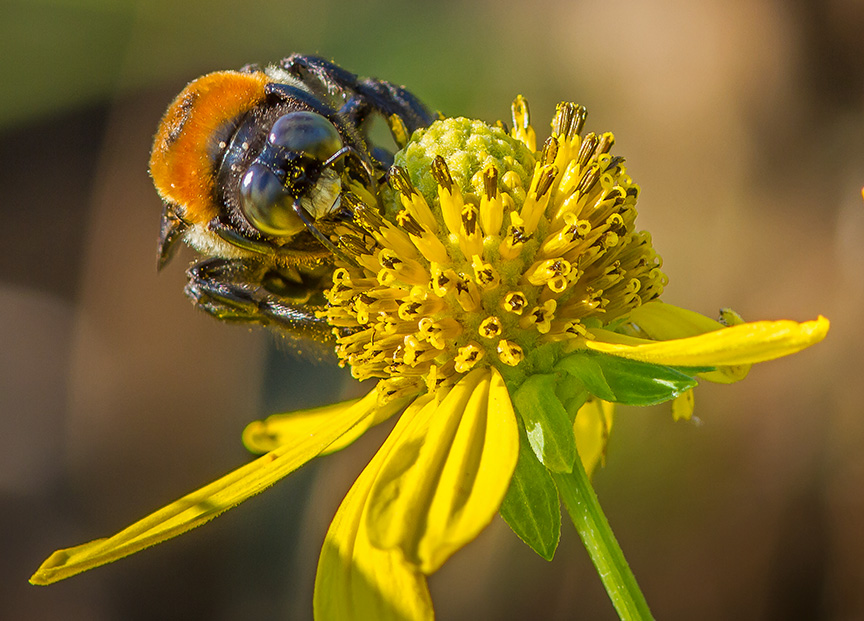
Eastern Carpenter Bee, 200mm FD Lens, Panasonic GH2

Jagged Ambush bug, 200mm FD lens on Panasonic GH2

Rain Drops, Multi-Image Stack, 100mm, Panasonic m43

Lichen on Wood, 200mm, Panasonic m43 Camera

Damselfly, 200mm FD Macro lens, Panasonic GH2
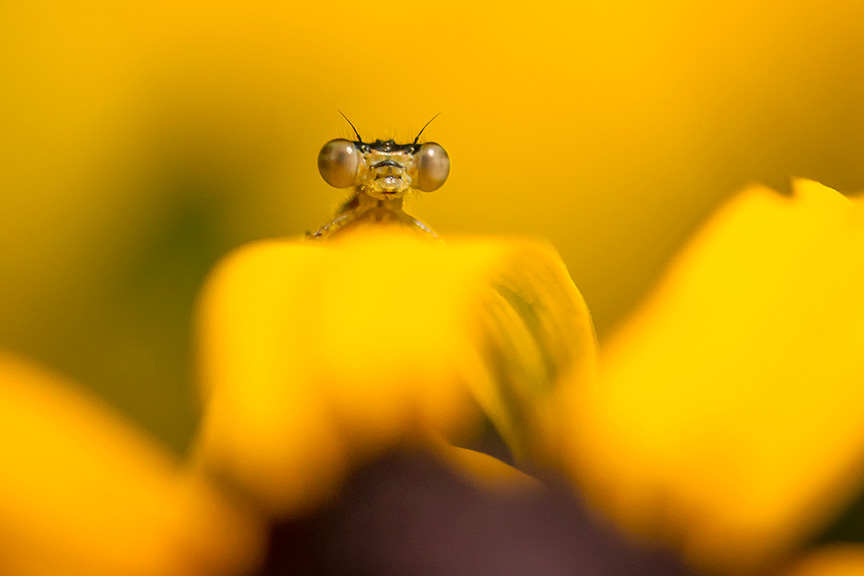
Closer View – Damselfly, 200mm Canon FD macro, Panasonic m43 body

Water Drops on Flower Stamen, 50mm FD macro, Panasonic m43
Panoramas Are Not Just For Landscapes
Posted on October 18, 2019
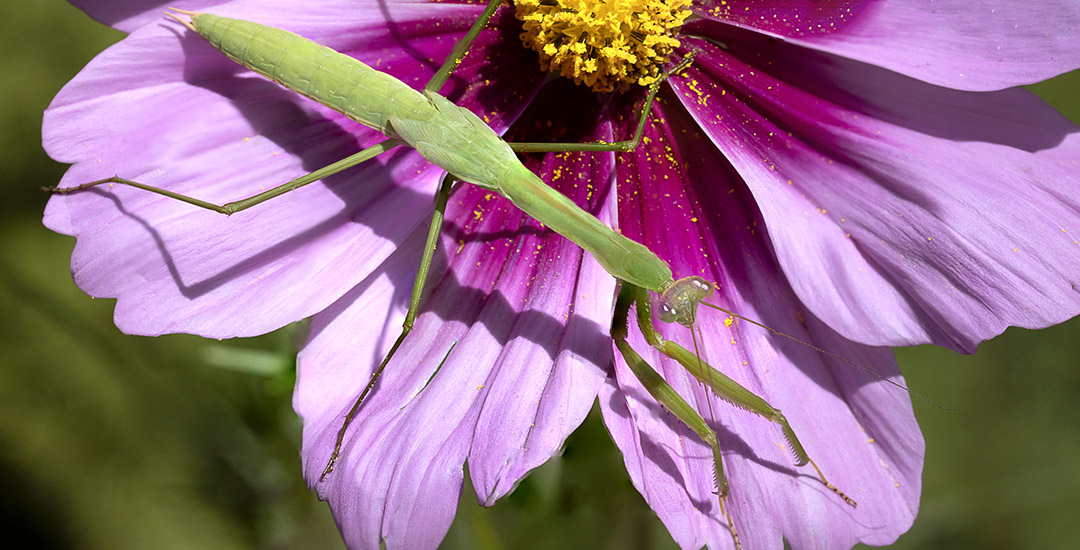
I am still going through images I photographed earlier in the Summer. The featured image is a panorama of a Praying Mantis in our garden at home. Using 3 images and assembled in Photoshop. It was a windy day so the flower it was on was blowing wildly in the wind. I had no way to stabilize the flower, so I was shooting bursts at a high shutter speed to hopefully get a sharp enough image and have the frames needed to blend together. I was shooting with a Sigma 150mm macro lens so the movement of the subject Mantis was all over in the frames. I was shooting bursts to hopefully get some in the frame and in focus and have enough to work with.
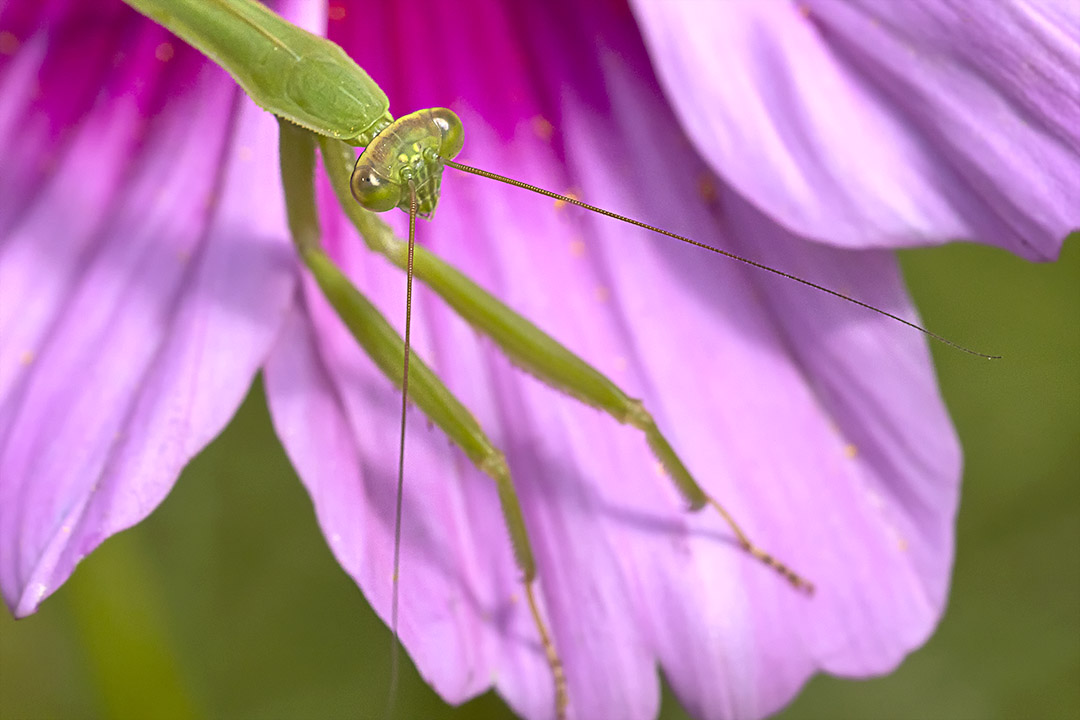
Single Image Closeup – 150mm Sigma Macro, Canon R, f/11, 1/400sec, 1600 ISO
RainDrops After The Storm
Posted on October 6, 2019

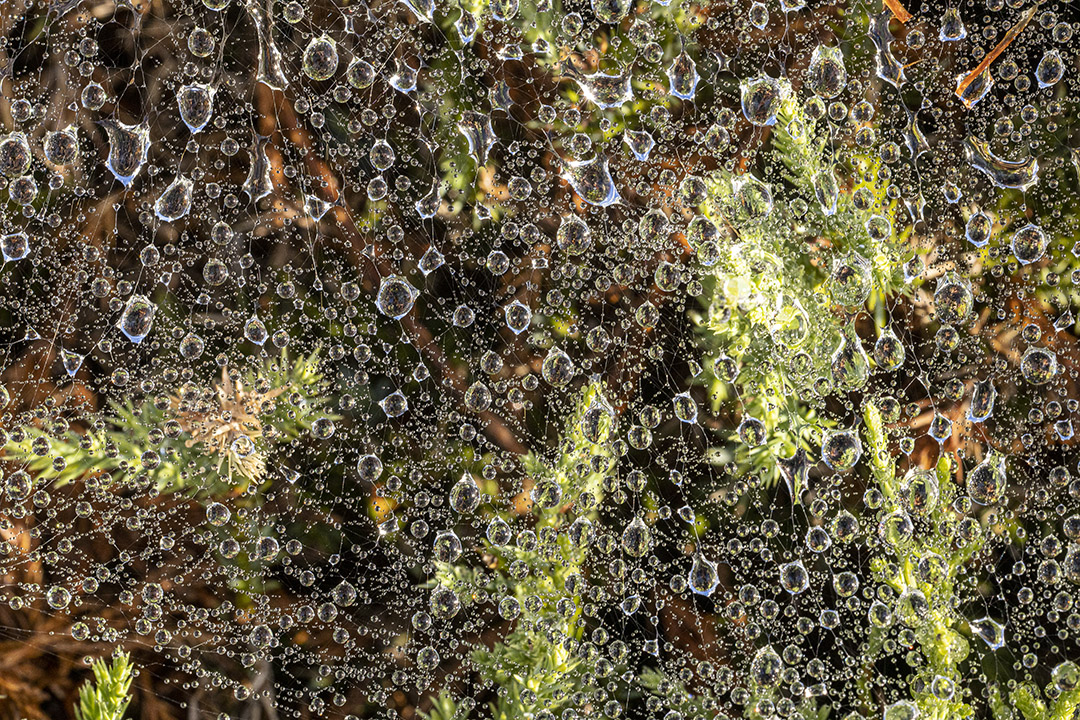
Sometimes it is fun to look for raindrops after a heavy rain storm. I tried during a light drizzle, but the camera was getting too wet. So I waited til the next morning after the heavy rain storm was over and the sun was out. I was using a Sigma 150mm macro lens for all images here. Also the images here are just single shots, except for two listed as a 2 image stacked panorama. It also helped there were webs in the bushes for the raindrops to land on.
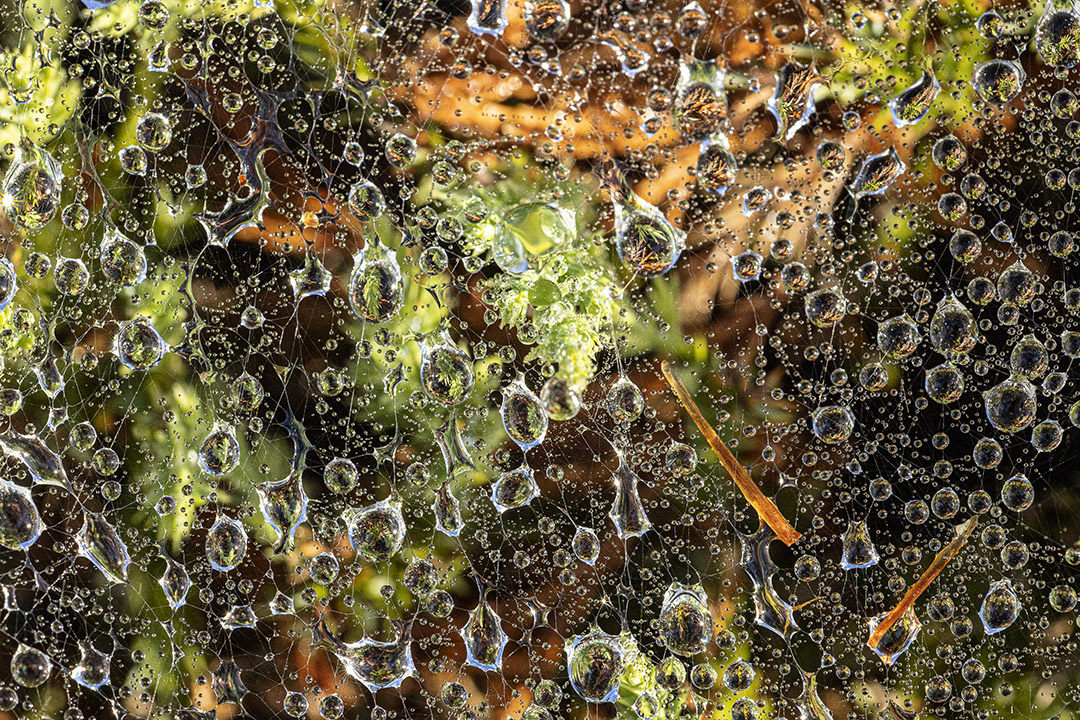
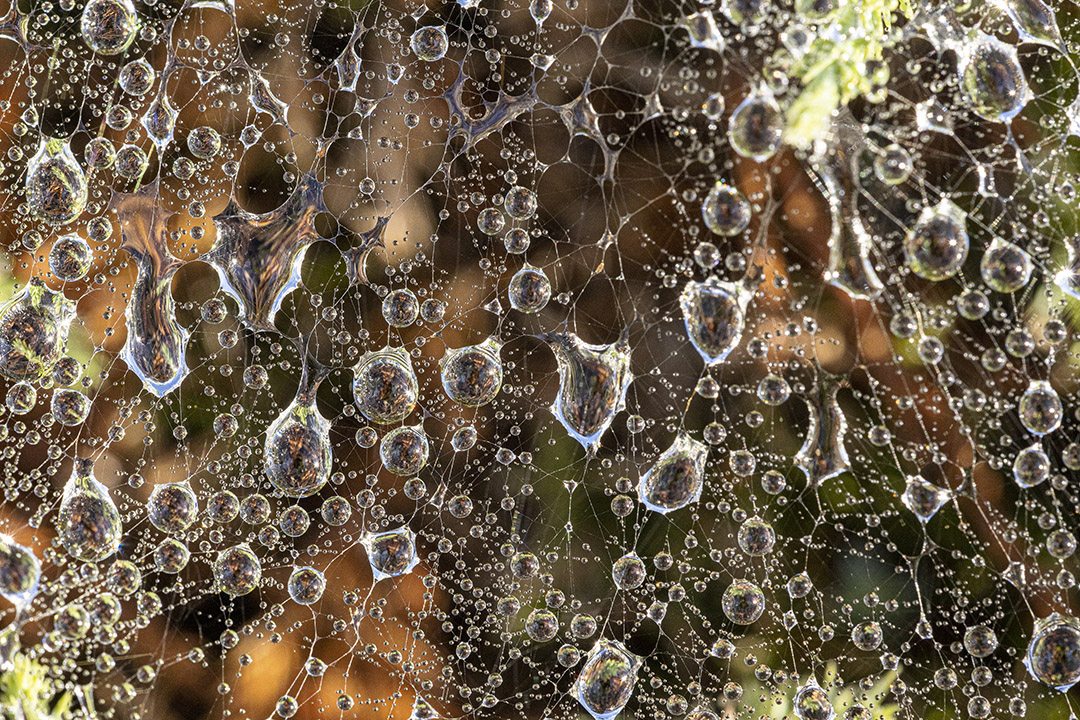


2 image stacked panorama


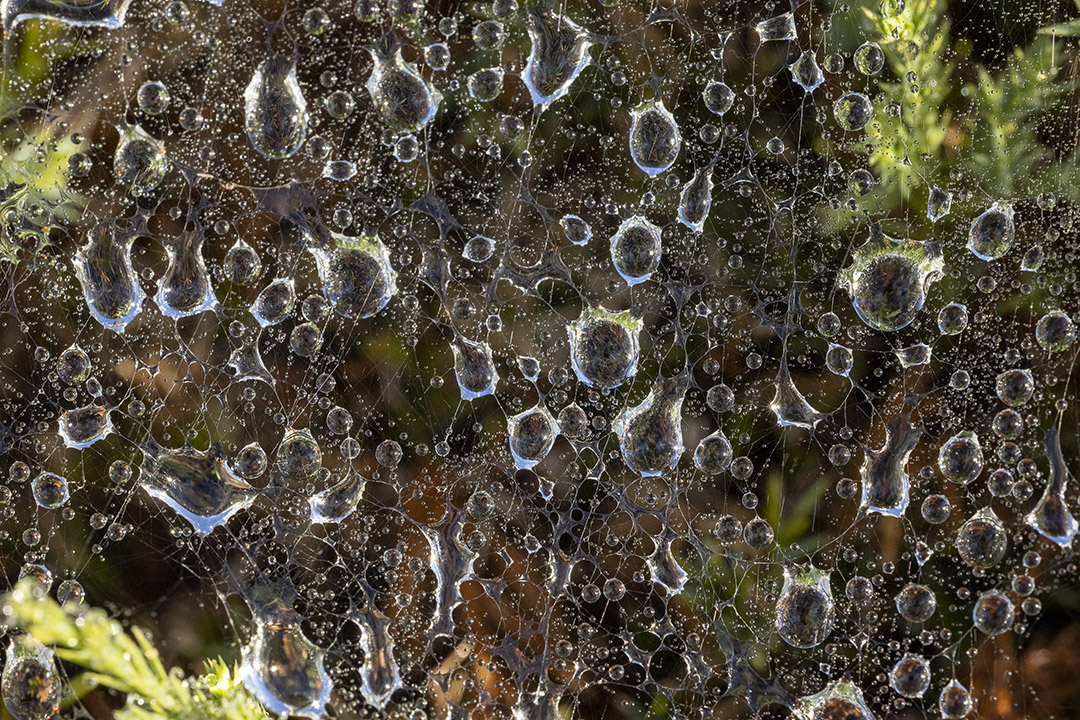

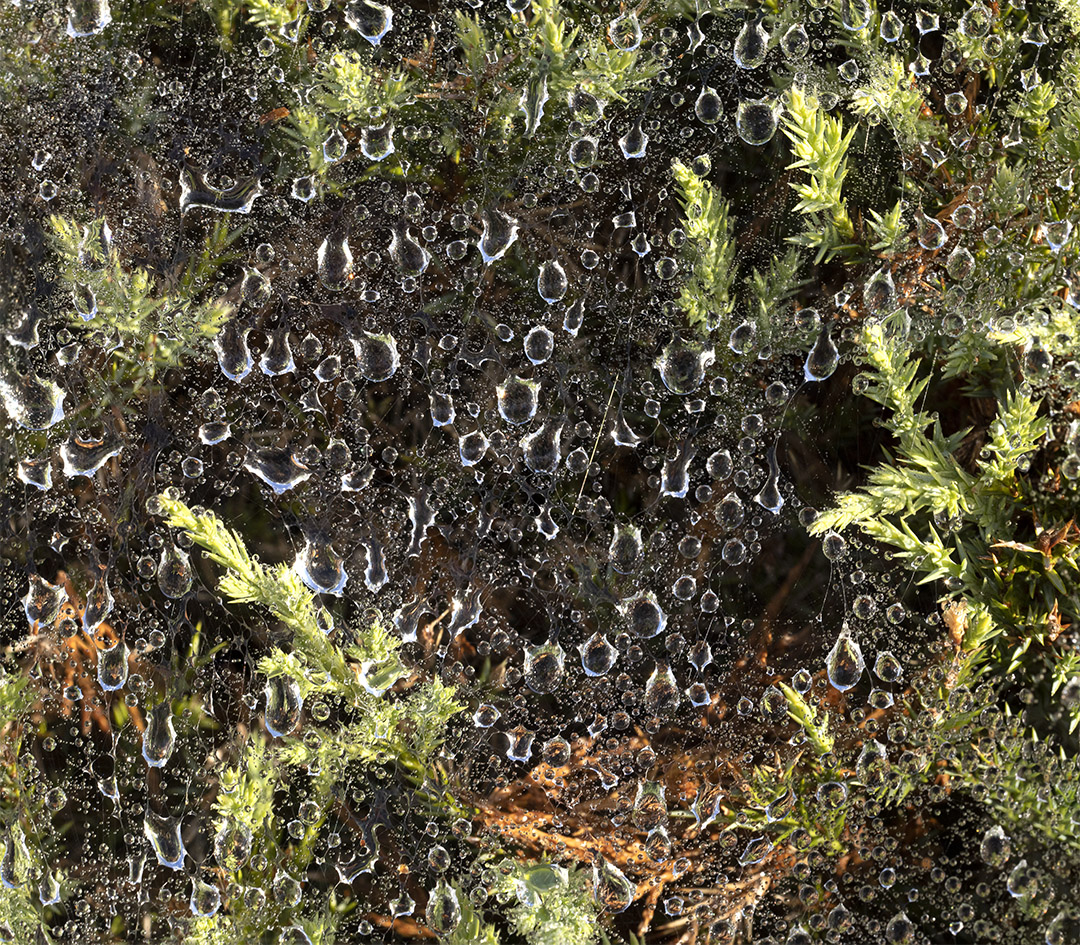
2 image panorama, 150mm

Praying Mantis Garden Close-ups
Posted on September 25, 2019
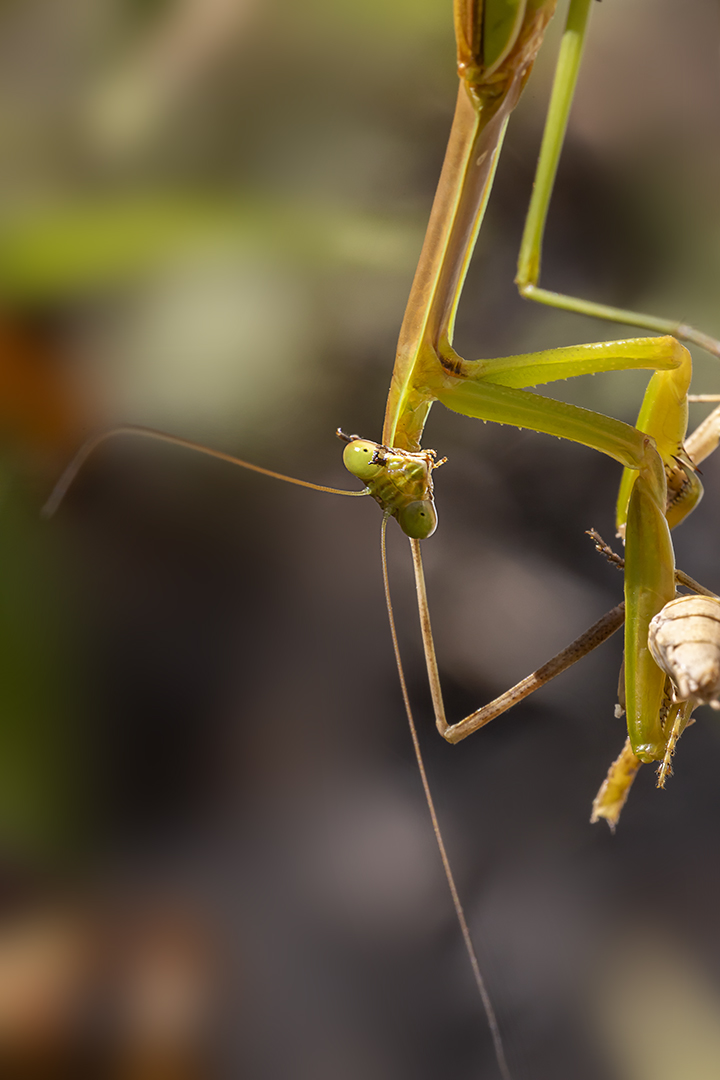
We seem to have had a lot of Praying Mantises in our Gardens this year. We also saw quite a few in local parks. This series shows some closeups shot with a 150mm Macro. Some I concentrated more on the head, others just overall shots. When you get really close it is interesting to see their eyes and you feel they are really looking at you as you photograph them. To keep softer non-distracting backgrounds I shot @ f/8 or f/11 and smoothed backgrounds as I was working on the files. I liked the Featured image best because it seemed to say “Who you looking at!”
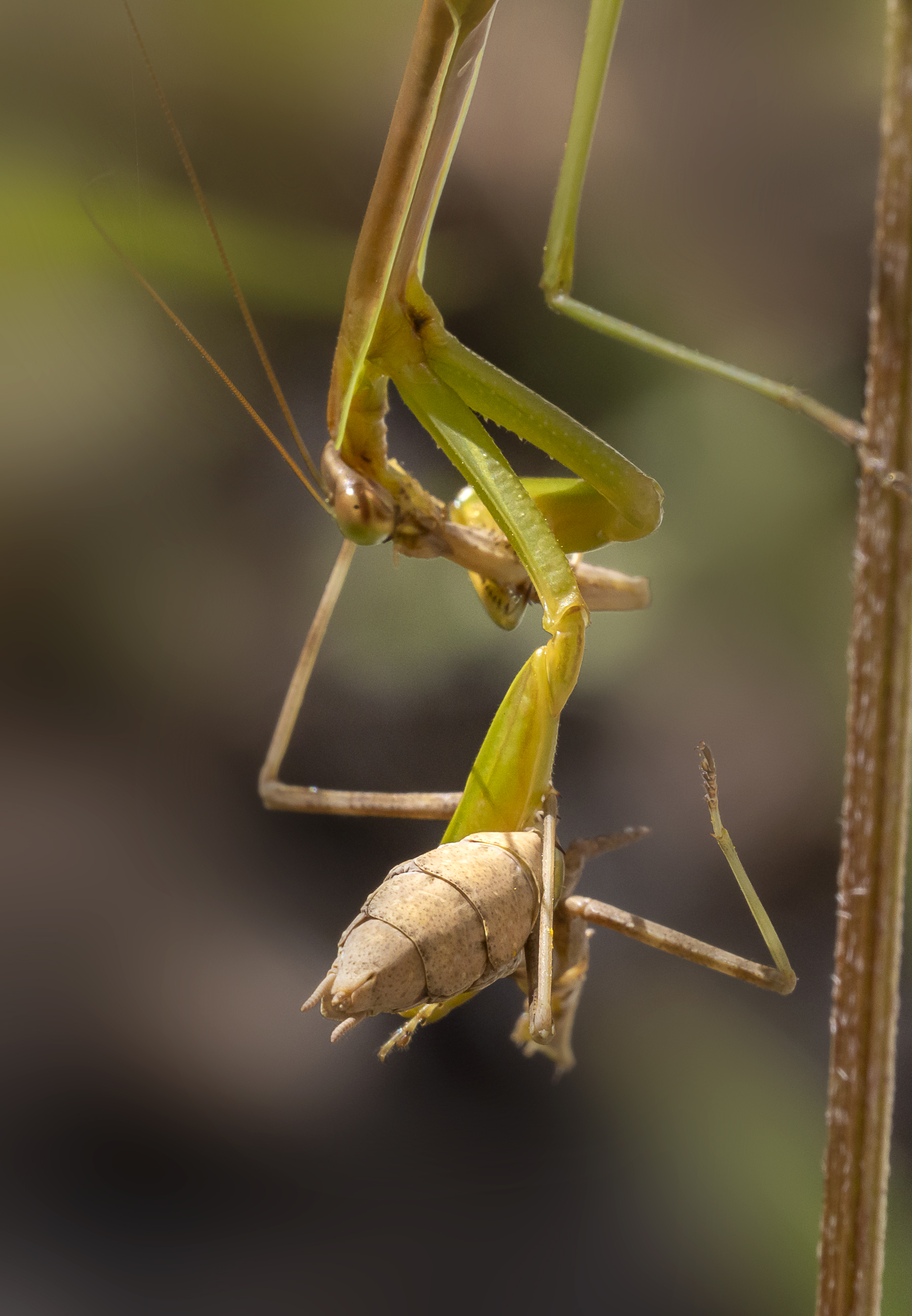
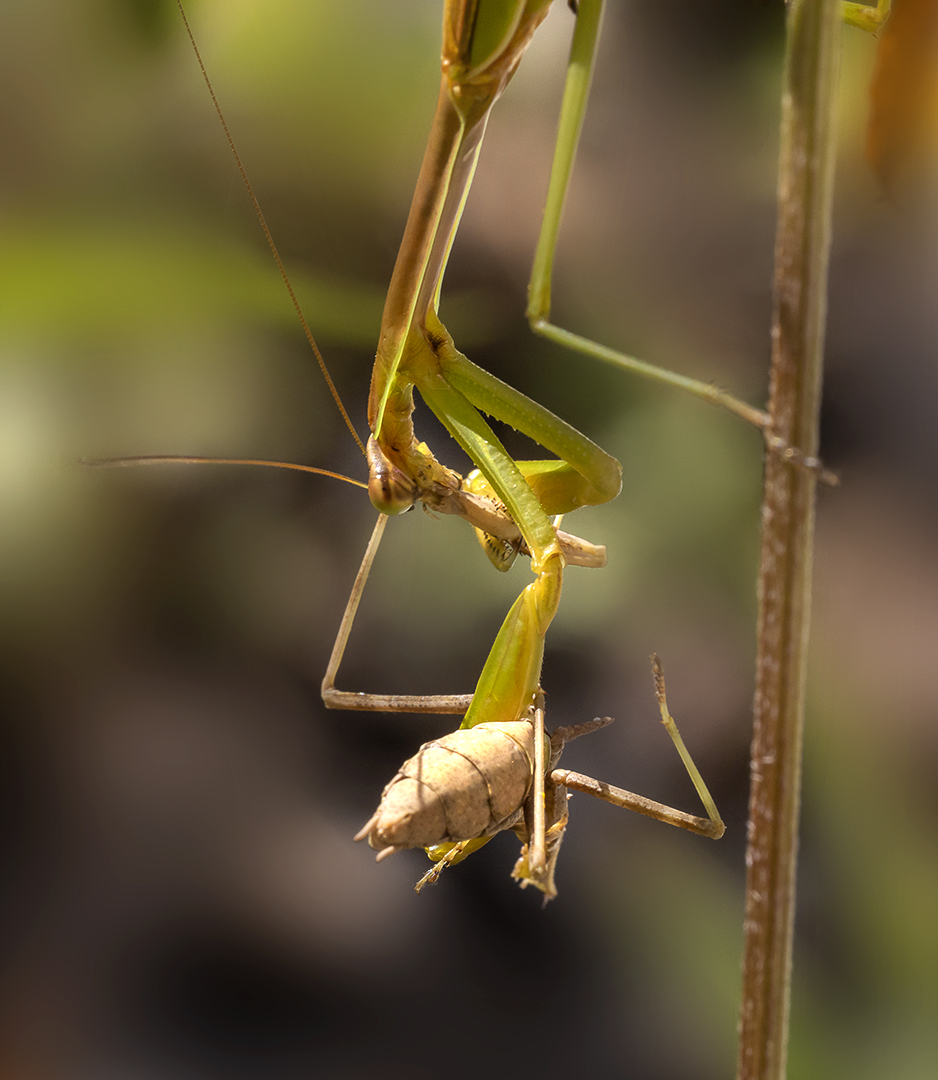
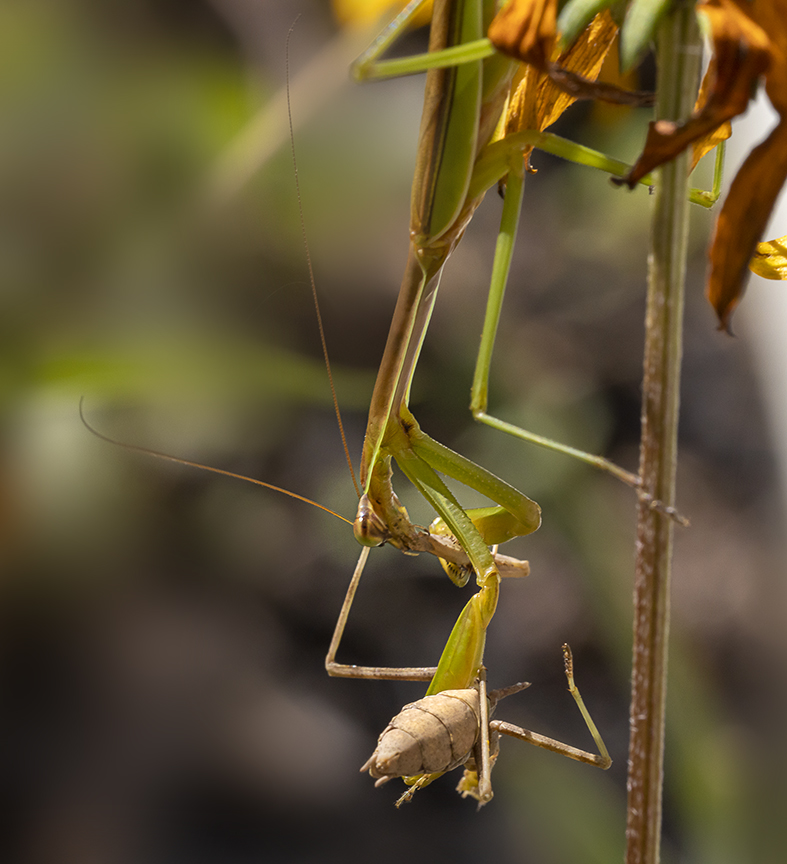
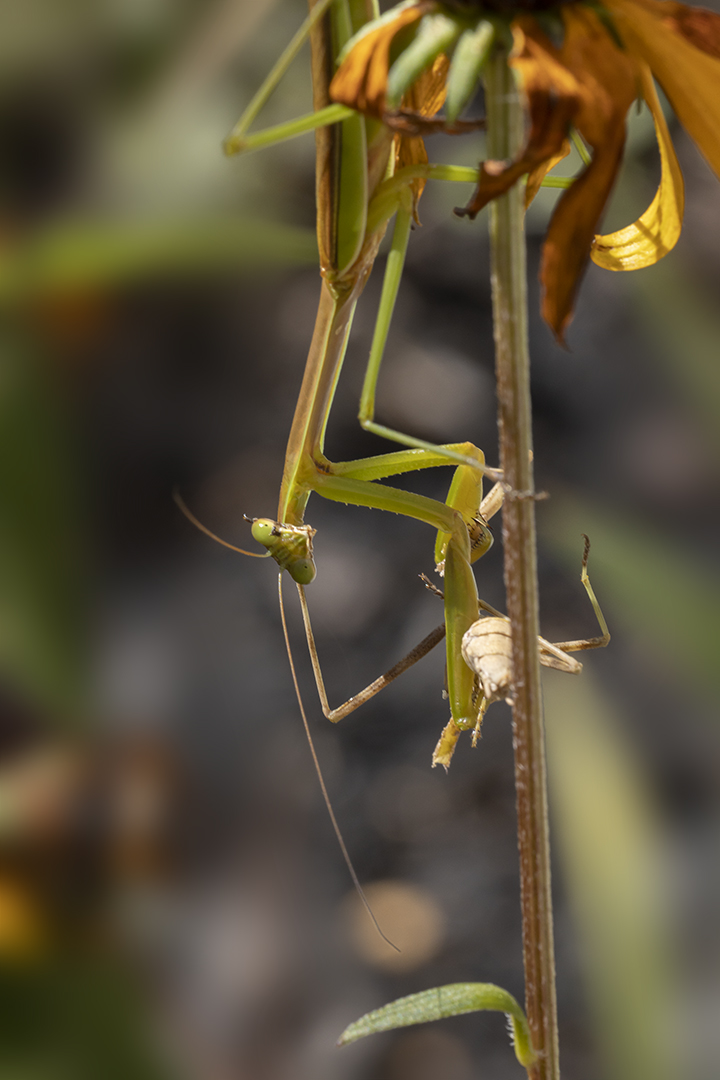

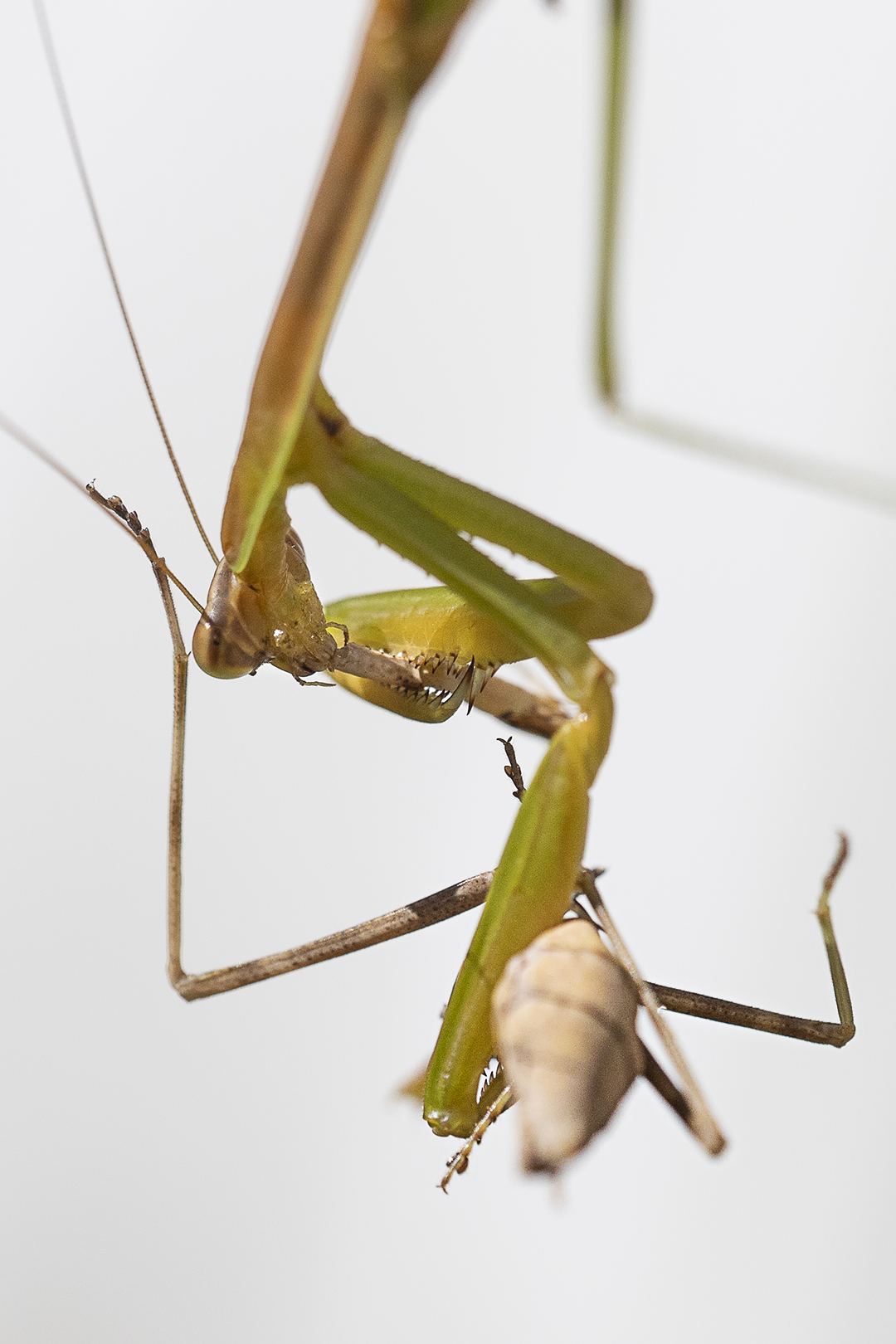
Same location, Different Angle for lighter background
Praying Mantis On Cosmos Flower
Posted on August 24, 2019
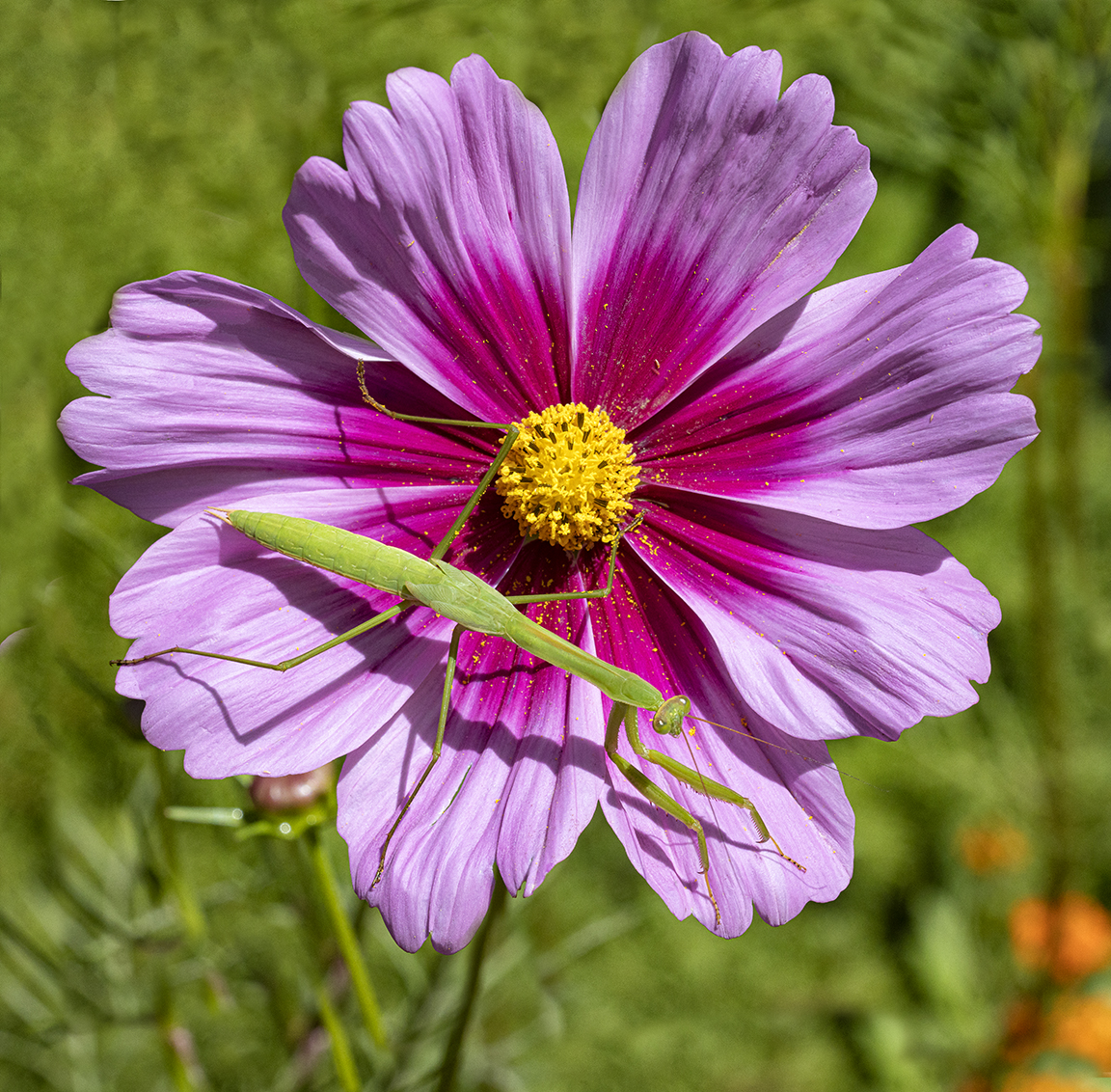
When we got home we noticed this Praying Mantis on a Cosmos Flower in our front gardens. I shot a few with my cell phone, then went and got my camera to get better images. I used a 150mm macro on a Canon R. I tried a few versions but the featured image is a 4 shot panorama assembled in Photoshop.

CloseUp Image of the Praying Mantis – 150mm
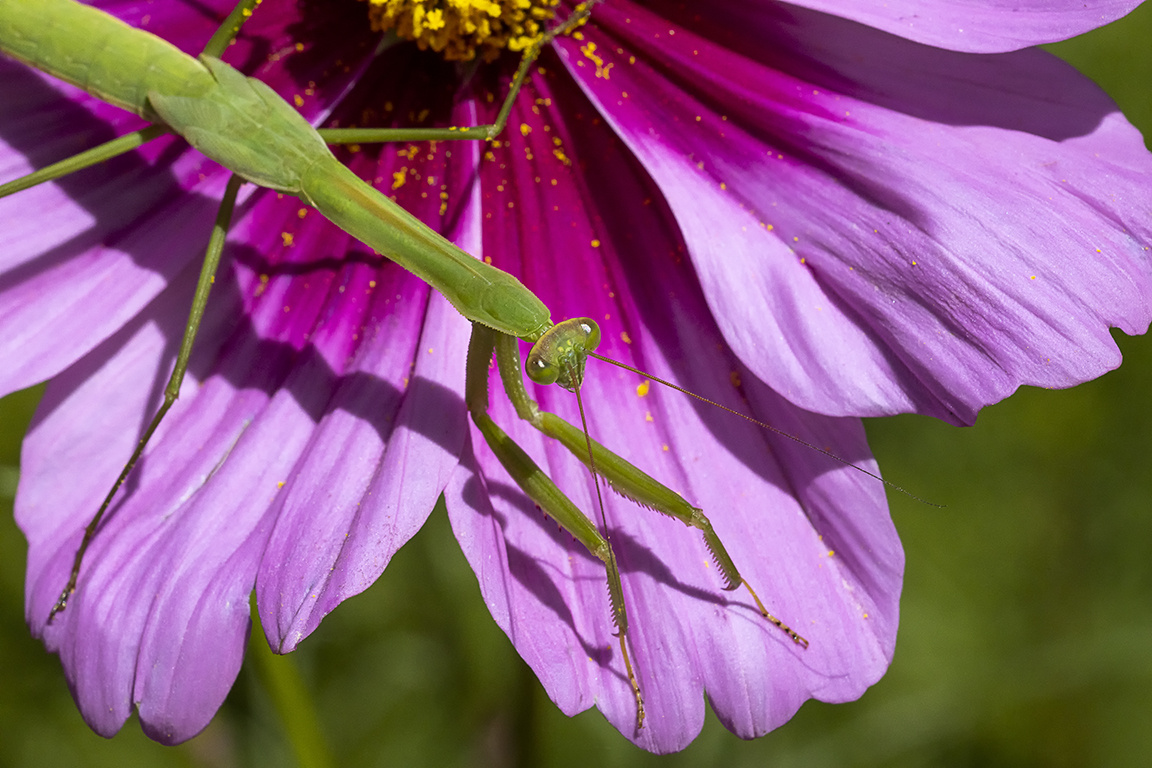
Even Closer – 150mm @ f/11
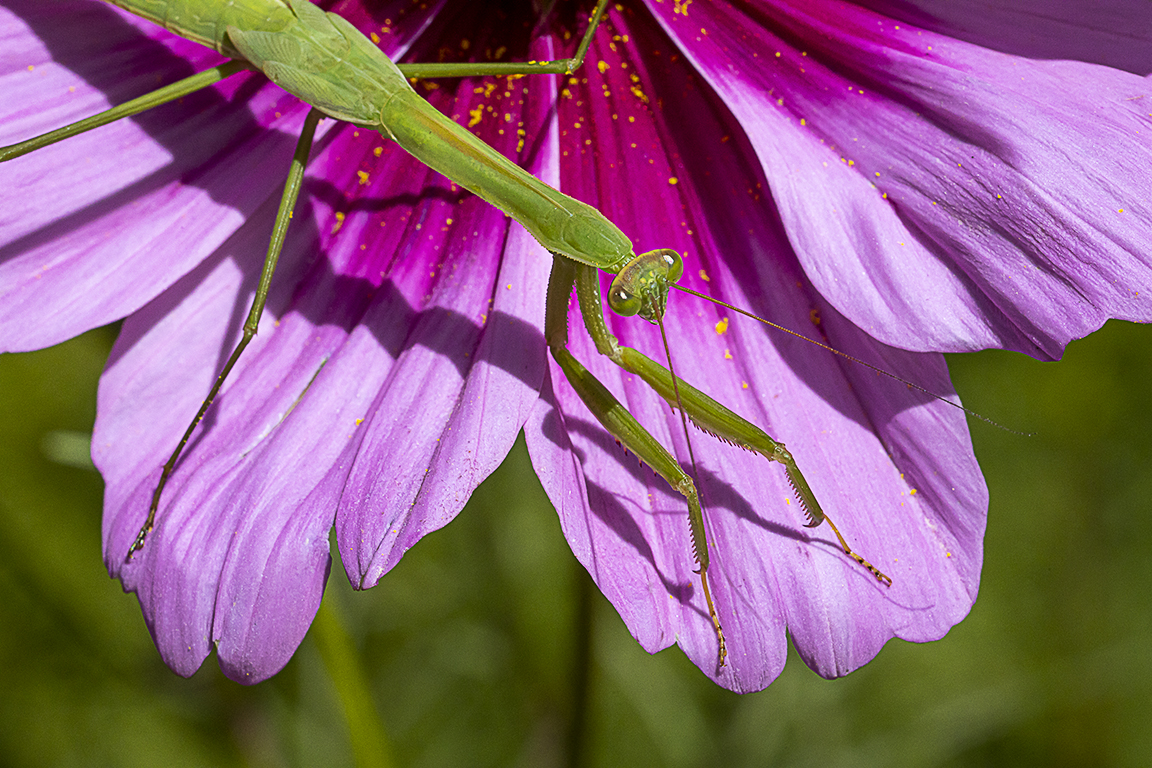
Praying Mantis Shot @ f/18 for more depth of field
Early Morning Hoar Frost
Posted on October 25, 2018

We went to a local park early in the morning because it was perfect conditions for Hoar Frost. Hoar Frost is a deposit of ice crystals on objects exposed to the free air, such as grass blades, tree branches, or leaves. It is formed by direct condensation of water vapour to ice at temperatures below freezing and occurs when air is brought to its frost point by cooling. We had to get there before the sun hit those areas with the frost which makes it more difficult to photograph because there is not much light, meaning much slower shutter speeds. I did not have a tripod so I raised my ISO higher than I usually use. I was using a 150mm Sigma macro lens so I was shooting bursts hoping 1 or 2 frames might be a little sharper than others. With some of the handheld series, I loaded them into a layered Photoshop file and aligned them. Then I let Photoshop merge the sharpest areas of each into one file. It was fun searching for subjects out in the fields and you never know what you will find. Once the sun melted the Hoar Frost I noticed there were some amazing cloud formations. Since I only had the 150mm macro lens with me, I switched to my iPhone to capture some cloud panoramas for a future blog.


 photoartflight