 photoartflight
Uprezzing Raw Images In Adobe Camera Raw
Posted on April 6, 2022
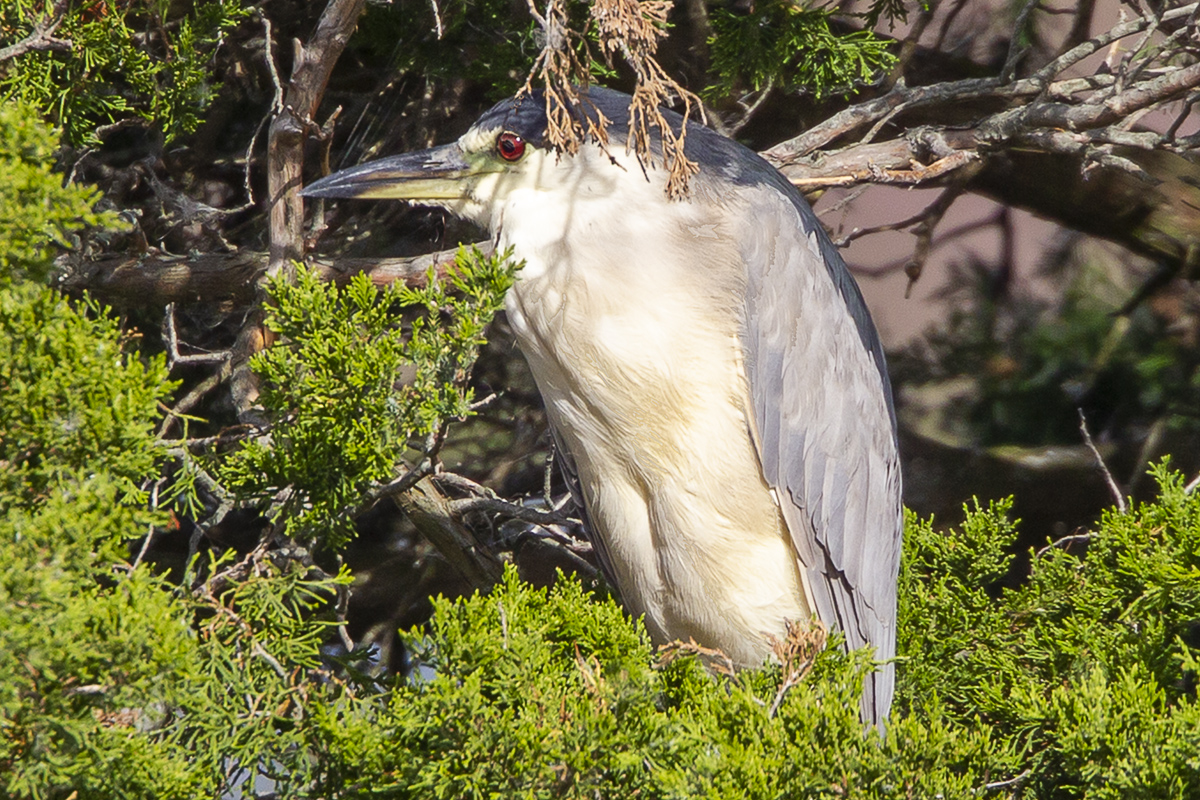
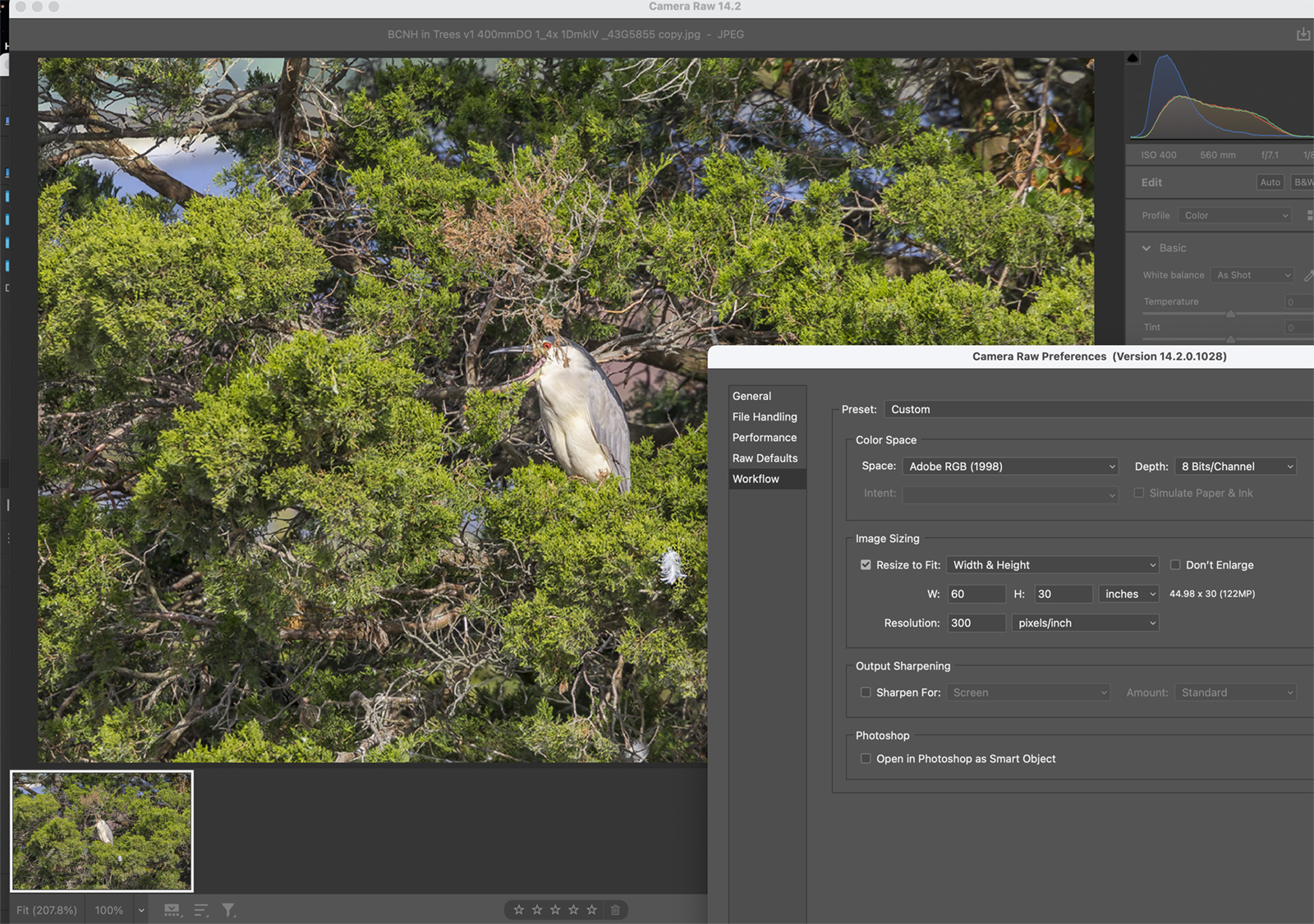
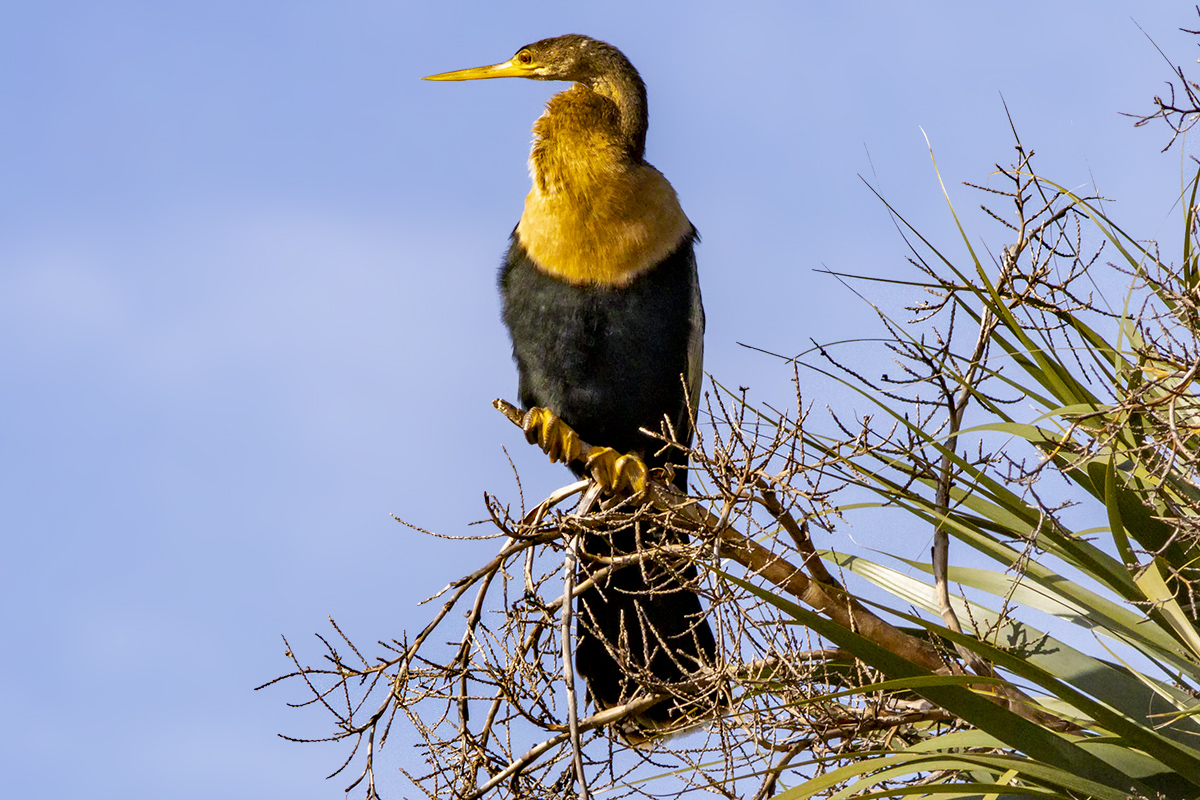
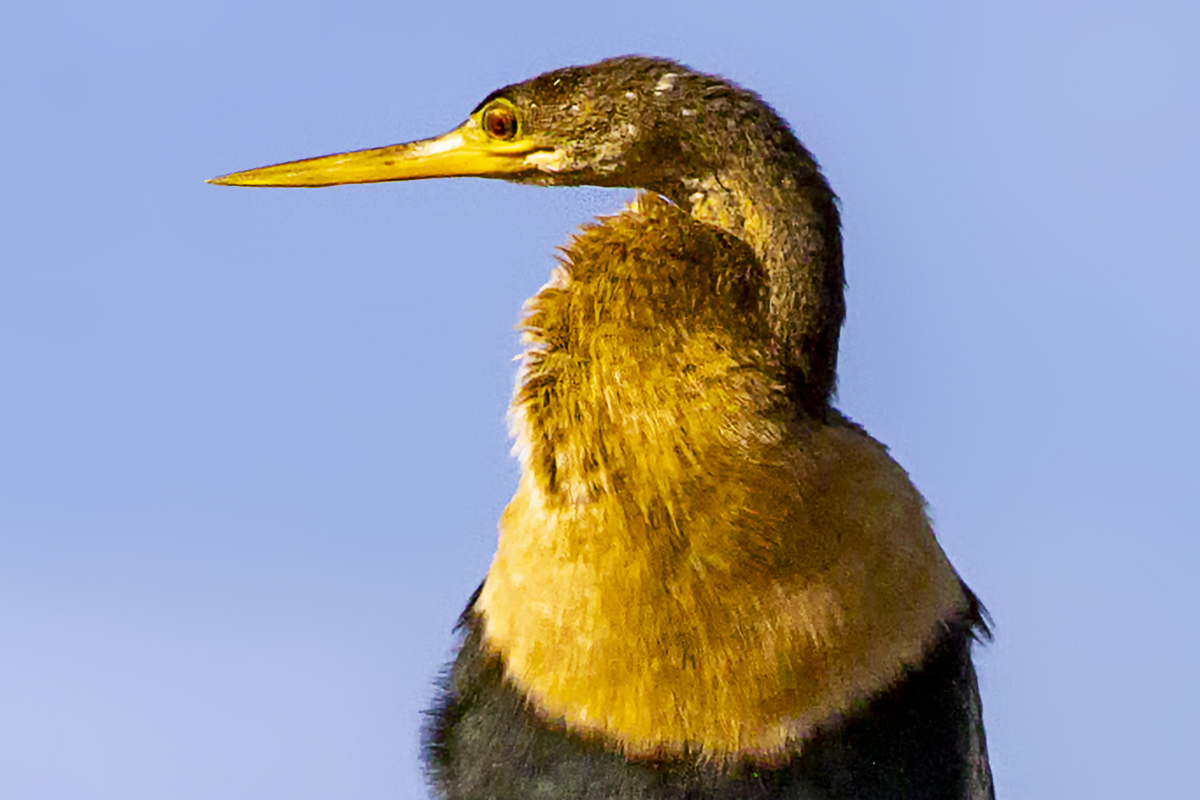
When we are at National Wildlife Refuges you often see interesting subjects way off in the distance, but too far away to get good images. Adobe has an “Enhance” feature now that you can “enhance” to Double the size of the image but it only works for certain “Raw”types. But many times I want more enlargement than “Enhance” gives you. I almost always shoot “Raw” images because I can get more detail & adjust them somewhat before opening them in Photoshop. Using Camera Raw I can also “UpRez” my images when using Adobe Camera Raw Data. This way of super uprezzing seems to work quite well most of the time. All you have to do is enter larger amounts in the Image sizing window in the Camera Raw Size Panel. Give it a try! You can also add a “High Pass” Sharpening Technique layer over the final image to enhance the sharpness more. Just adjust the opacity of the sharpness layer to what you like. I have found that when you adjust this lessen the amount a little more for better results. There are other ways to upRez but this is what I use quite often plus it is in your Adobe Photoshop already. So it easily works in my Image Workflow. Also the images here are downsized to 1200 pixel size for WordPress posting so the Full image has much more detail.

When You Can Not Get Close To Your Photo Subjects
Posted on March 17, 2022
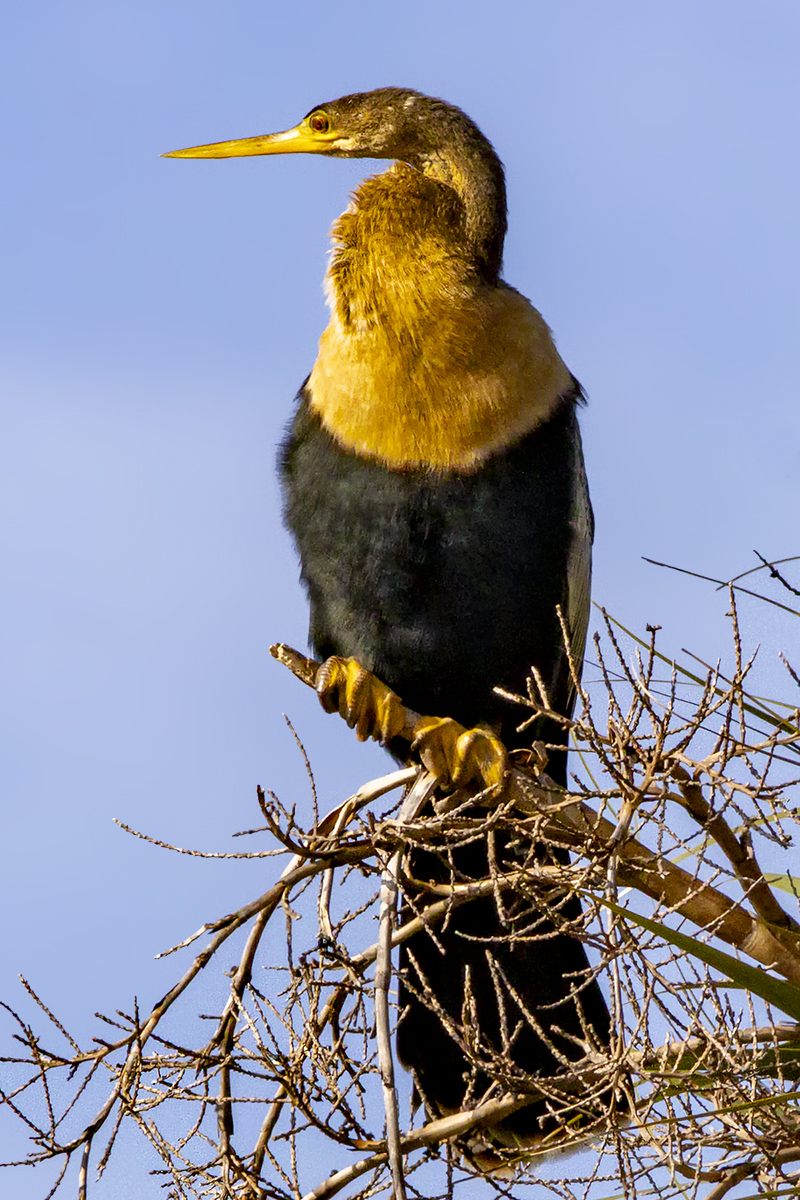
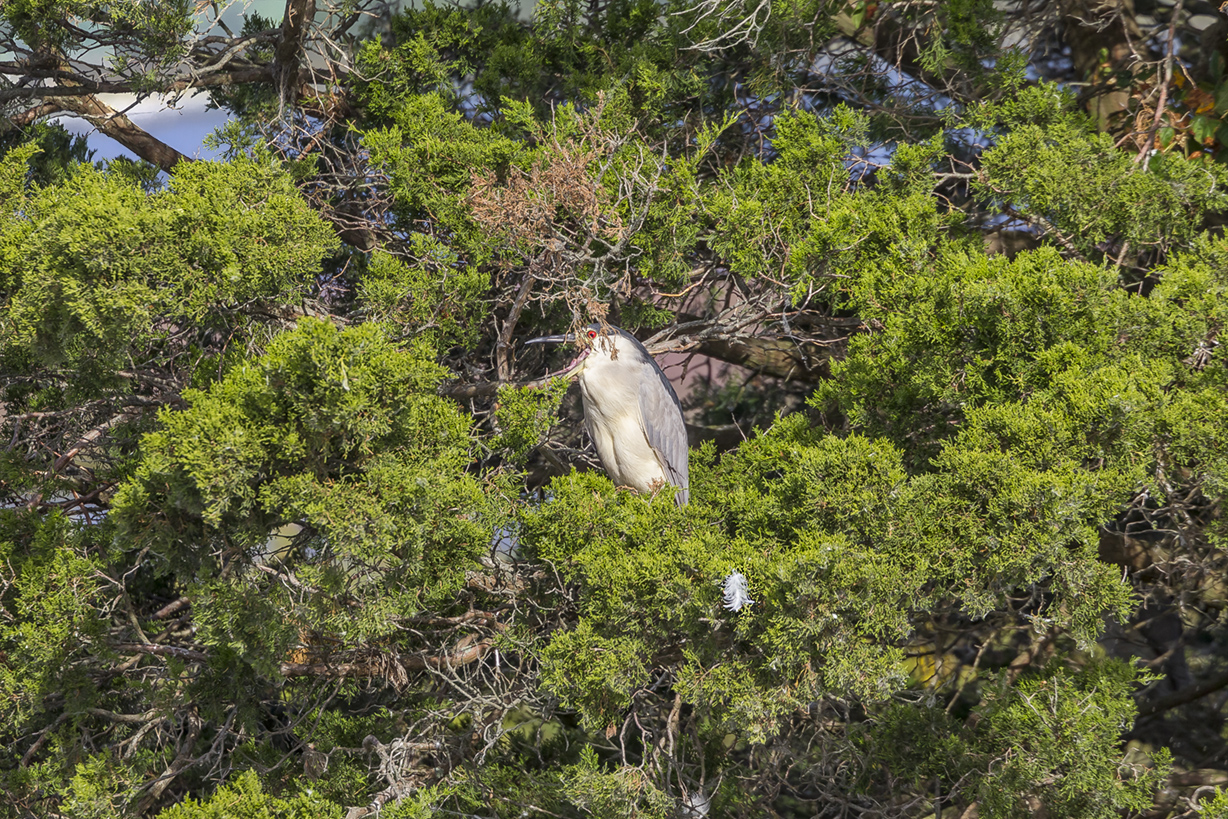
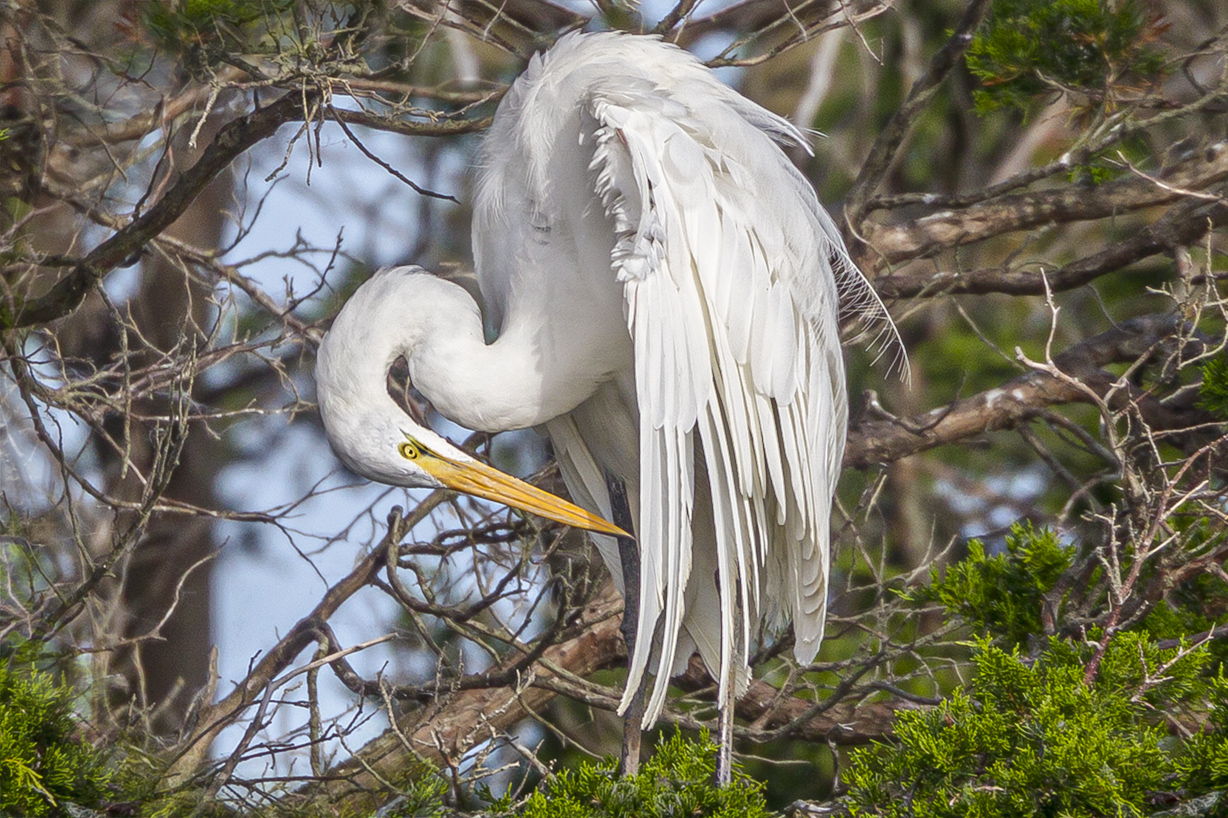
Many times when I am out walking in a Wildlife Refuge to photograph birds I either cannot get close because they are high up in the trees or there are other things in the way to get close. Or they are flying some what in the distance. So if you are shooting “RAW” camera files such as Canon CR3 Raw files you can use “Enhance” in Photoshop to nicely uprez your images for severe cropping. Or if you want to really Print Large images. Works well for both applications. It also helps to run a noise reducing software after uprezzing. I had made my own Photoshop actions to uprez images but using “Enhance” in Photoshop is easier to use. The Featured Image is severely cropped from my “Enhanced” File. Sometimes I also use Nik Define software to remove some “noise” in the image if I am using a high ISO.




 photoartflight