 photoartflight
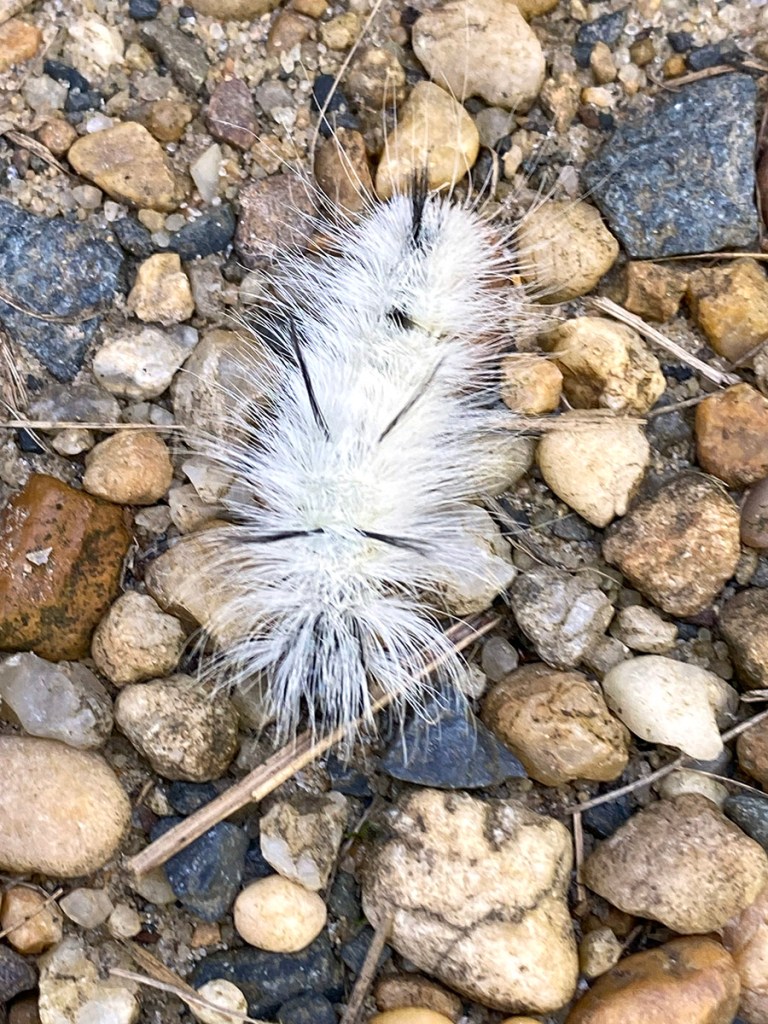
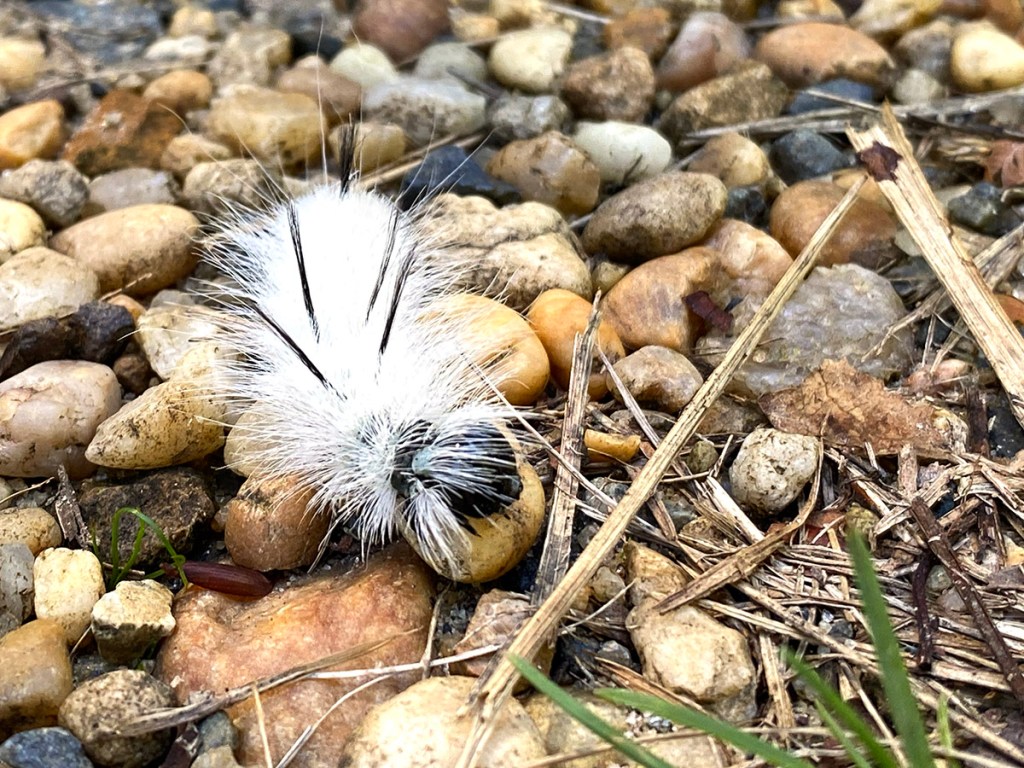
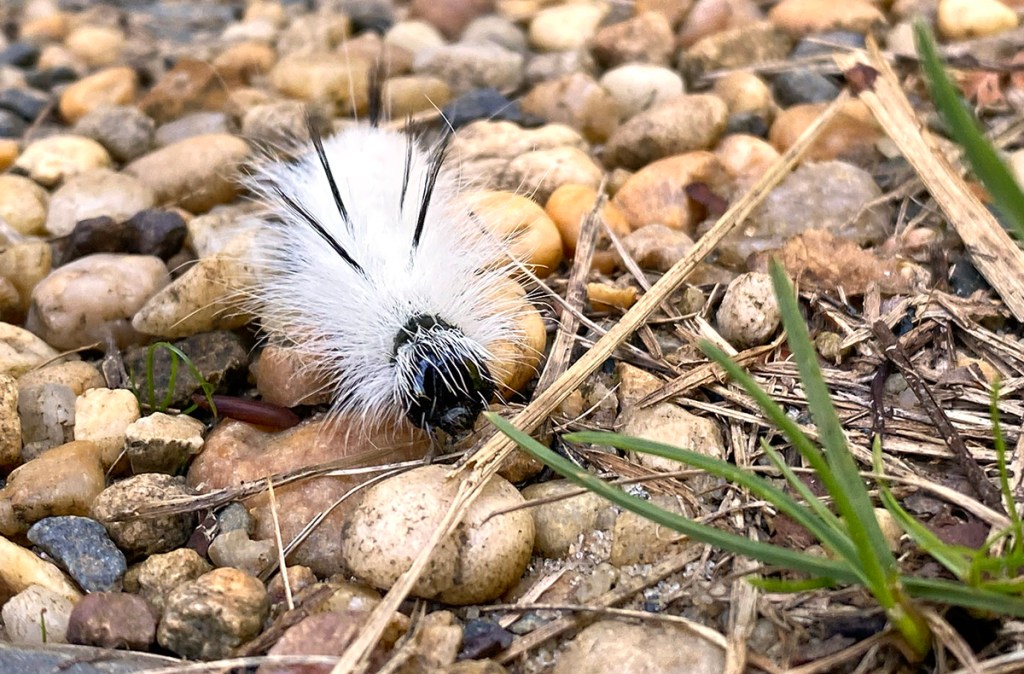
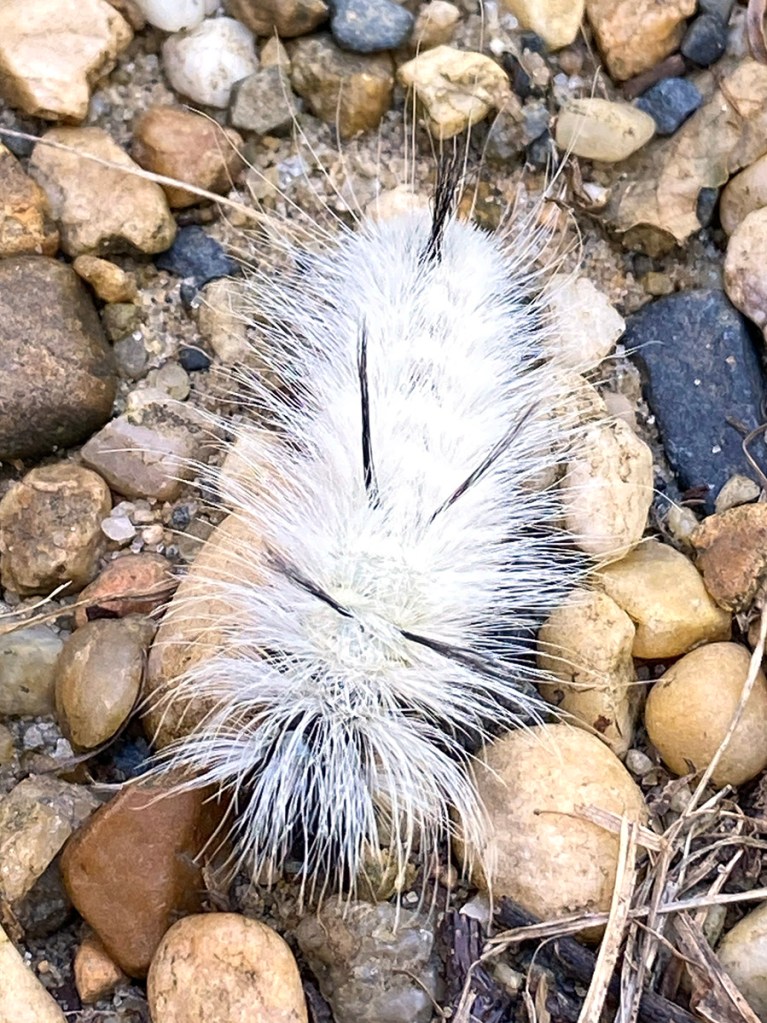
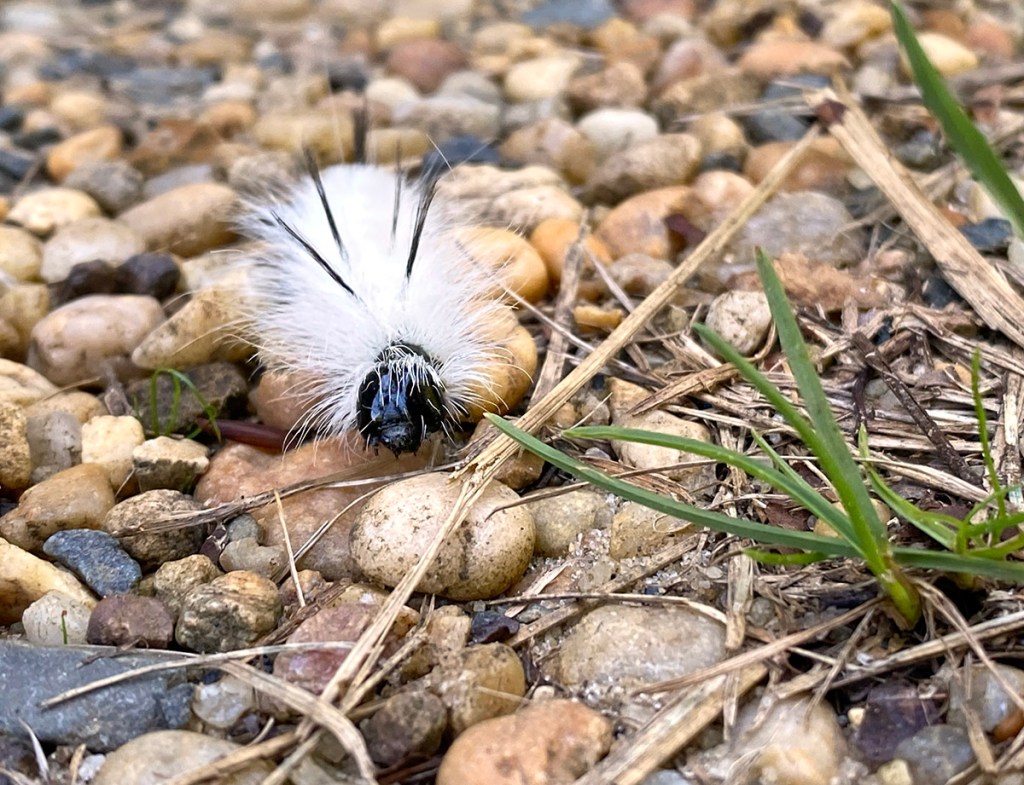
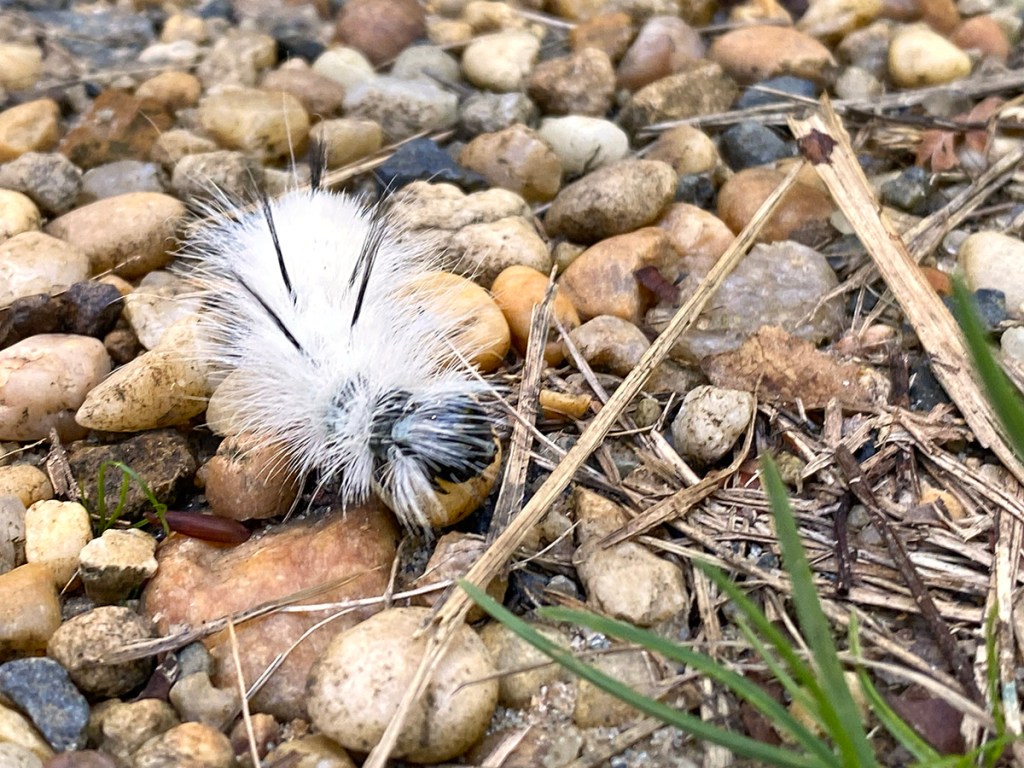
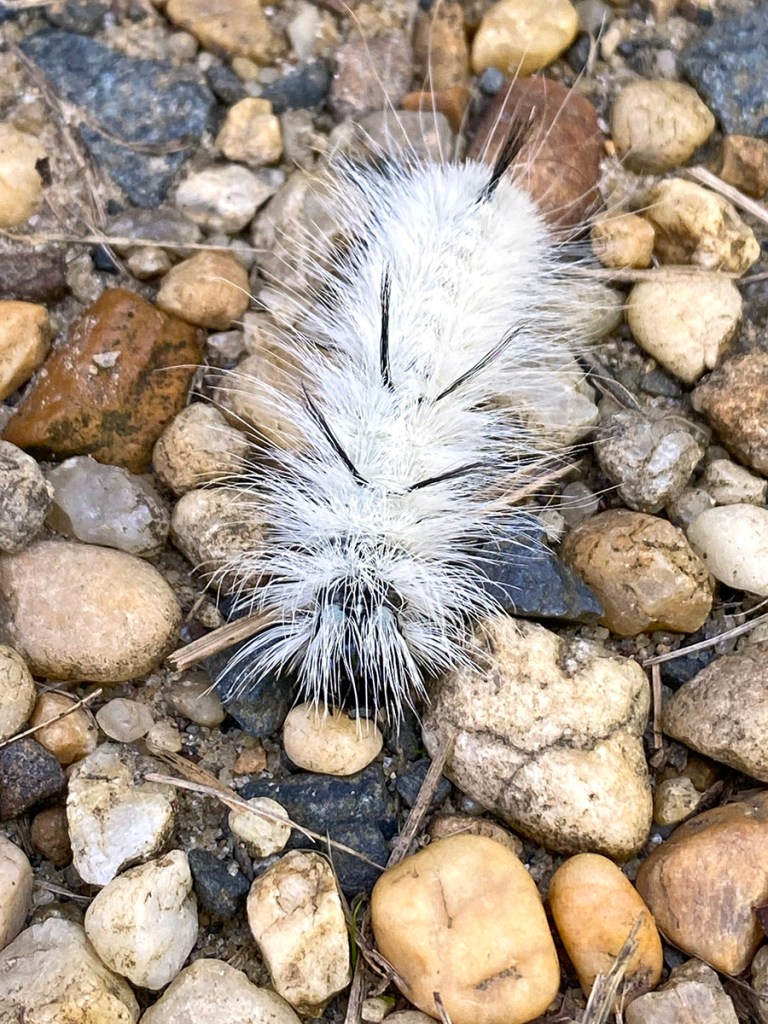
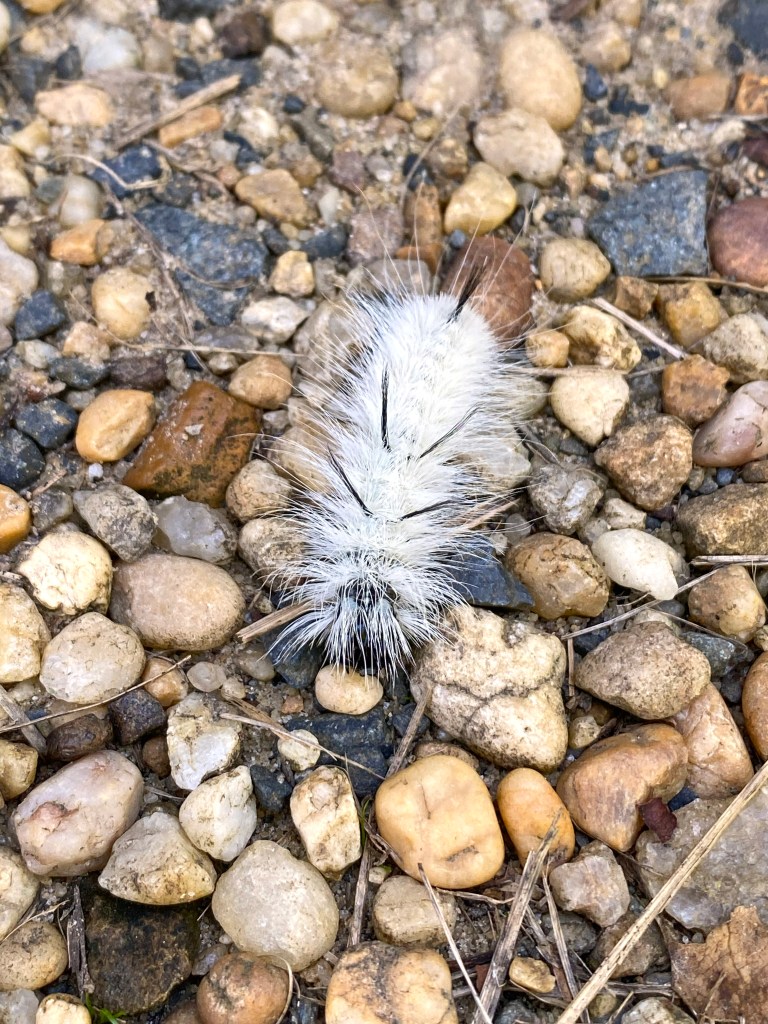
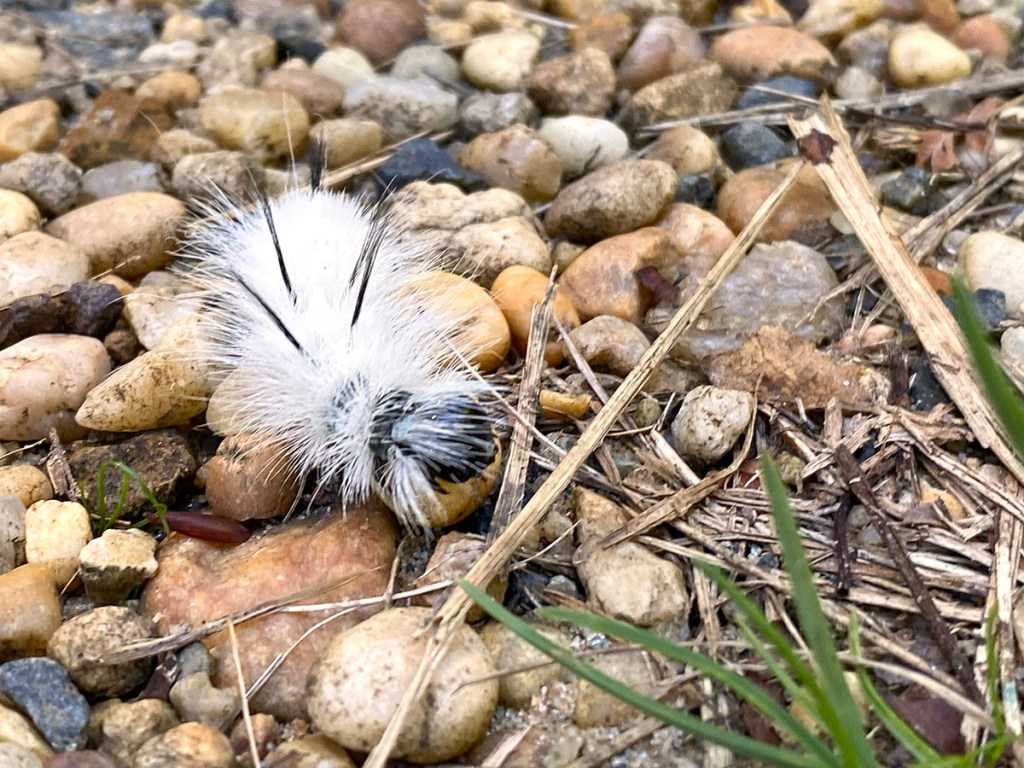
Hickory Tussock Moth Caterpillar
Posted on October 2, 2023

We were taking a walk at the Plainsboro Preserve just to get some exercise so I was only using my iPhone 11Pro for images. We came upon this interesting looking caterpillar on the path. I had never seen one of these caterpillars before. It had a very sharp spikey hairs on the body and looked like a very interesting photo subject. The hickory tussock is the caterpillar of the Hickory Tussock moth (Lophocampa Caryae) which lives in the Eastern half of North America. Eggs are usually laid in May and June on a variety of trees including hickory, walnut, ash, elm, maple and oak. By late summer and early fall the white hairy caterpillars are fairly easy to spot against green foliage. It is covered with white setae or hairs, and a line of black ones runs down its back. It also has four small clusters of longer black setae; two at the front and two at the back, called pencils. If you come upon one DO NOT TOUCH THEM! Touching them would be very painful! All images were taken with my iPhone 11 Pro with the 4.3mm lens & 195mm Digital zoom for a focal length 35mm equivalent of 51mm.
If you come upon one of these do not touch them! Touching them would be very painful!




iPhone Cloudscapes
Posted on August 26, 2020

While taking a walk in our community, we noticed very low huge cloud formations. They were quite impressive, so I shot a series of images with my iPhone 11 Pro. Most were panoramas shot with multiple images to be assembled in Photoshop for the final image. I do not usually use the pano feature in the iPhone because it distorts the left & right ends of the image giving a “bowing distortion” in the middle. Most images were shot with the 6mm lens with digital zoom added in the iPhone. I never really used the digital zoom feature much before, but it actually worked out quite well, especially for clouds.
The featured image is a single shot with the 6mm lens with 318% Digital Zoom added on the phone. I was photographing from a distance because if I got closer the trees blocked more of the bottom of the clouds and I only could photograph the small top cloud section.

Cloud Panorama, iPhone 11 Pro, 4.3mm lens, 195% Digital Zoom Added, 3 Image Blend in Photoshop

Cloud Panorama, iPhone 11 Pro, 6mm lens, 168% Digital Zoom Added, 4 image Panorama, Blended in Photoshop

Cloud Panorama, iPhone 11 Pro, 6mm lens with 260% Digital Zoom added, 3 image Panorama, Blended in Photoshop

Cloud Panorama, iPhone 11 Pro, 6mm lens with 318% Digital Zoom added, 3 image Panorama, Blended in Photoshop
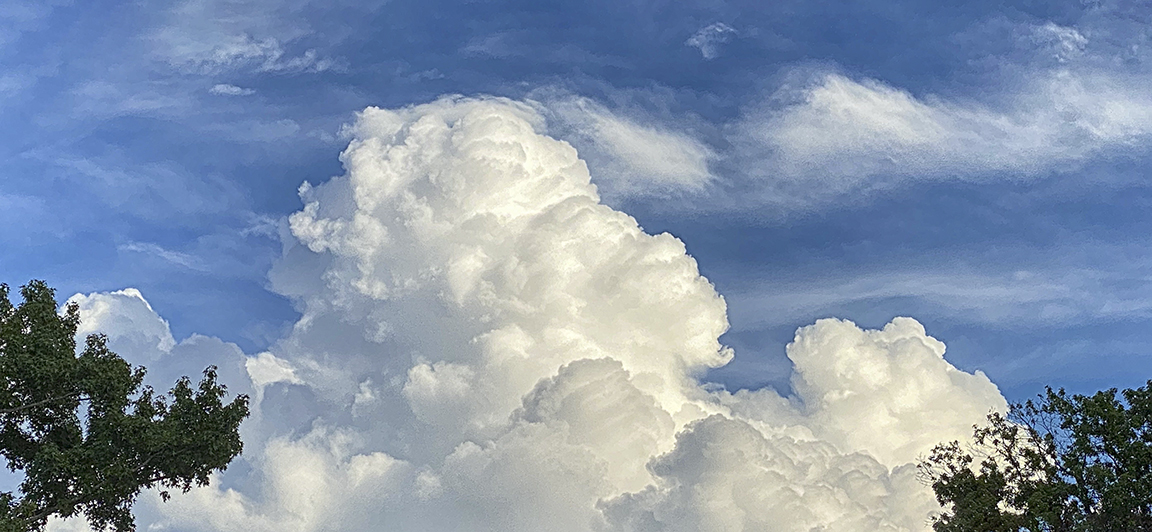
Cloud Panorama, iPhone 11 Pro, 6mm lens with 213% Digital Zoom added, 5 image Panorama, Blended in Photoshop
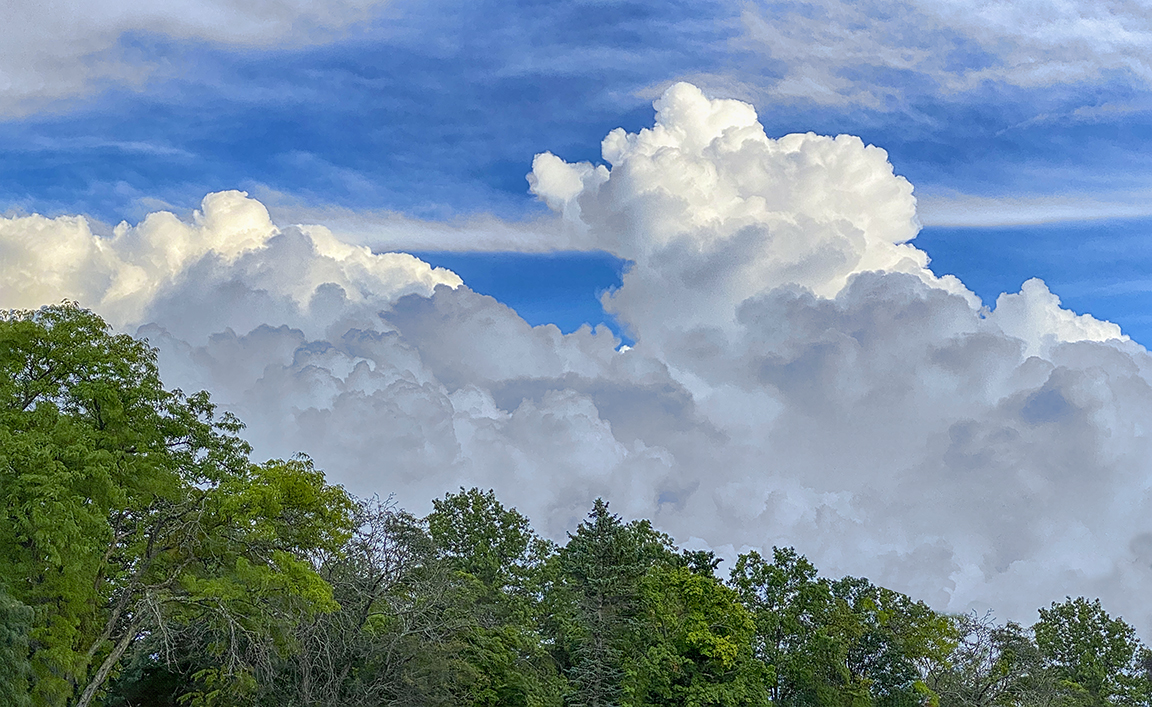
Cloud Panorama, iPhone 11 Pro, 6mm lens with 214% Digital Zoom added, 5 image Panorama, Blended in Photoshop
 photoartflight